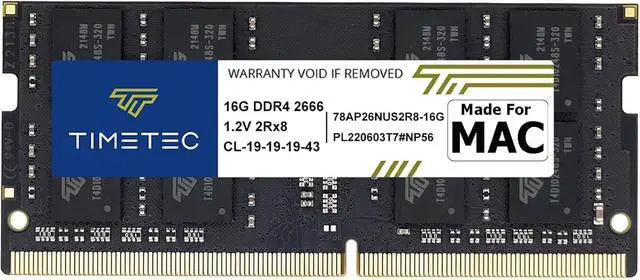
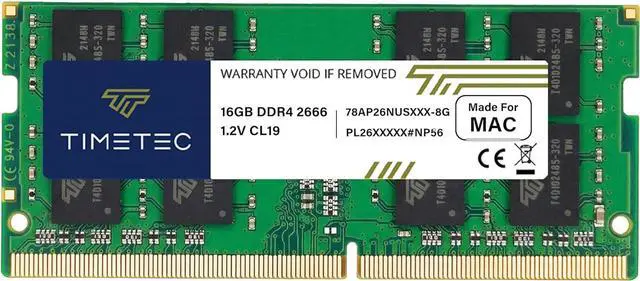
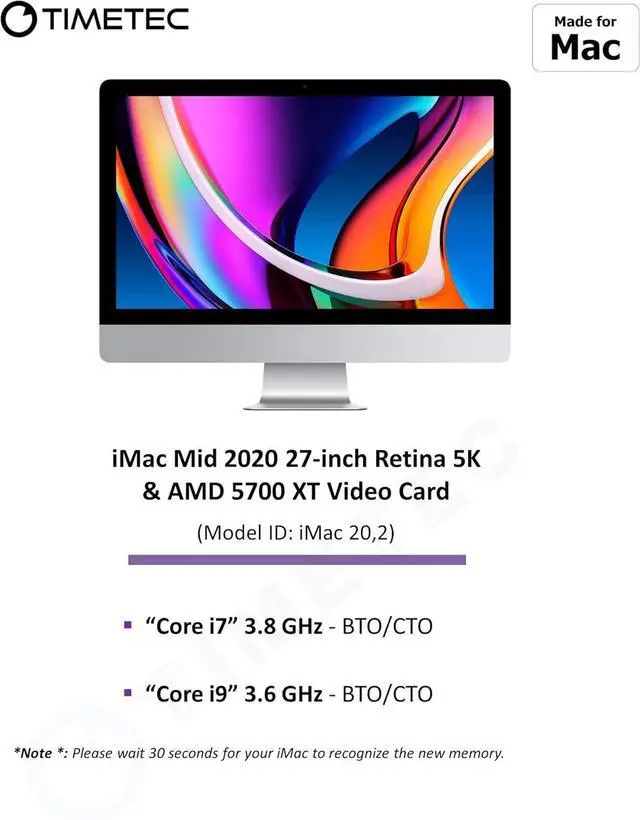
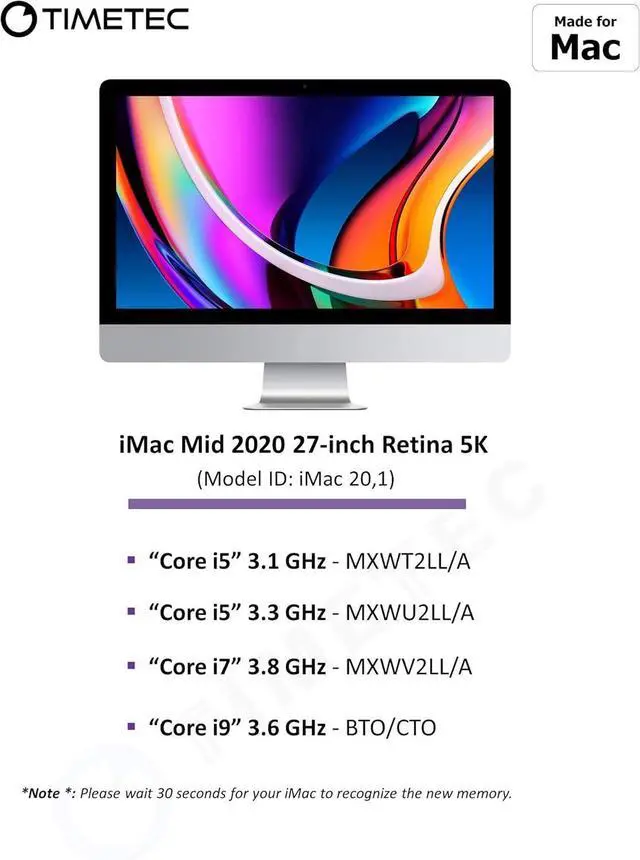
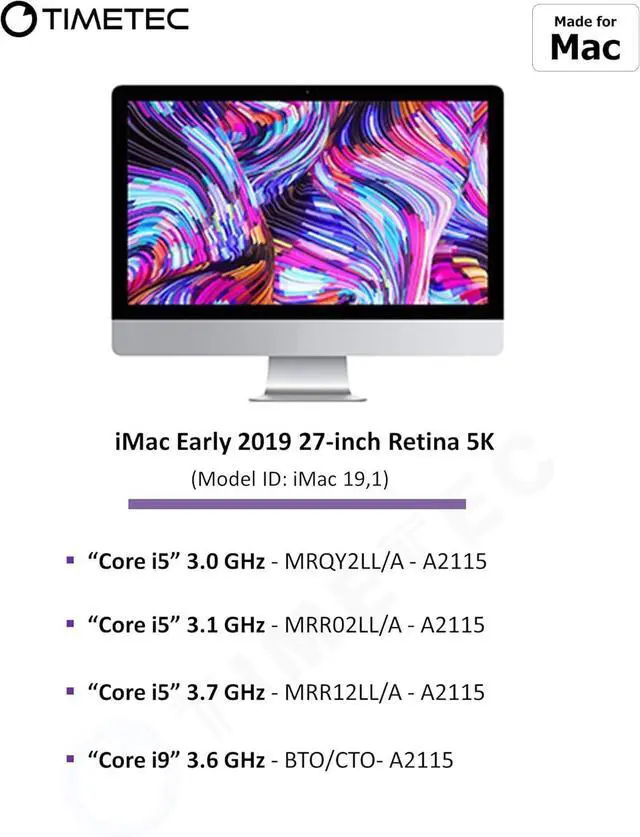
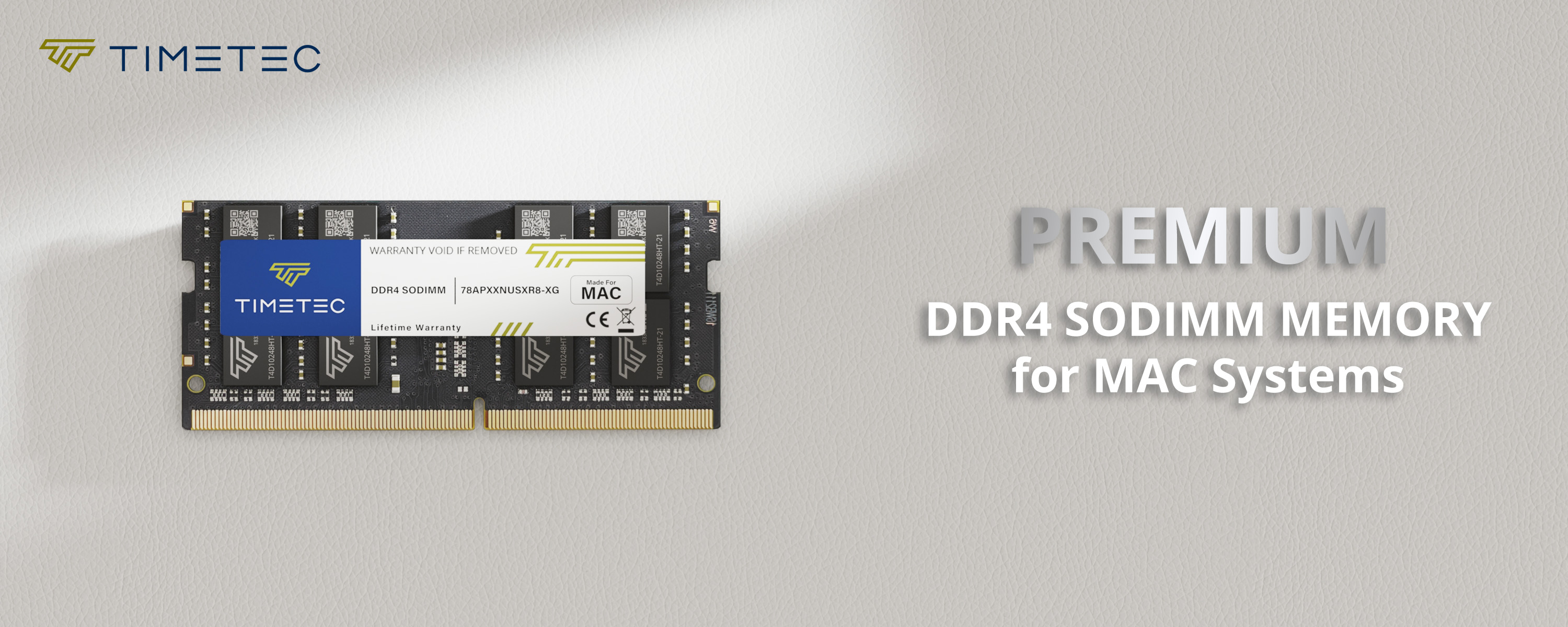
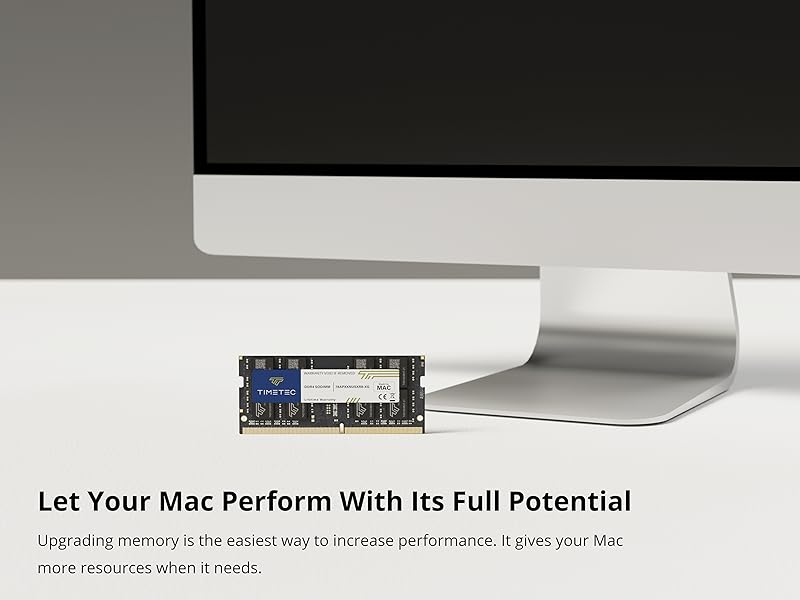
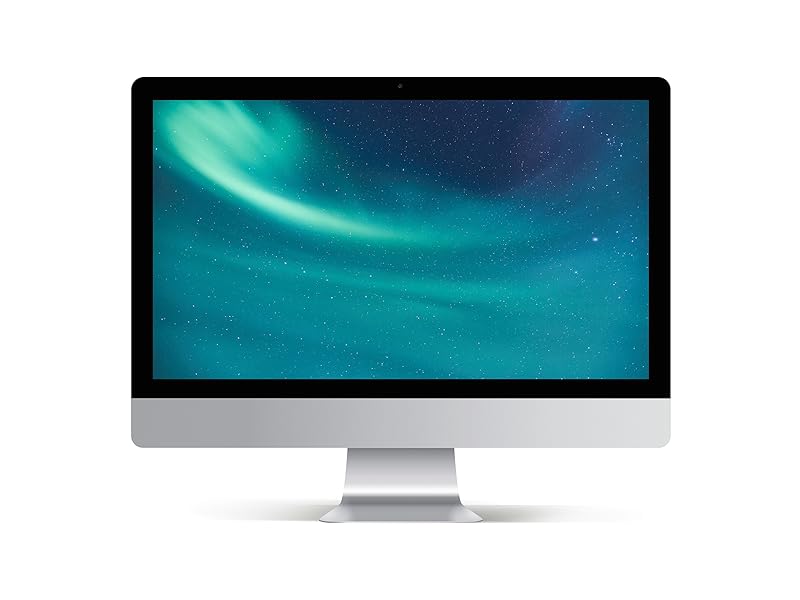
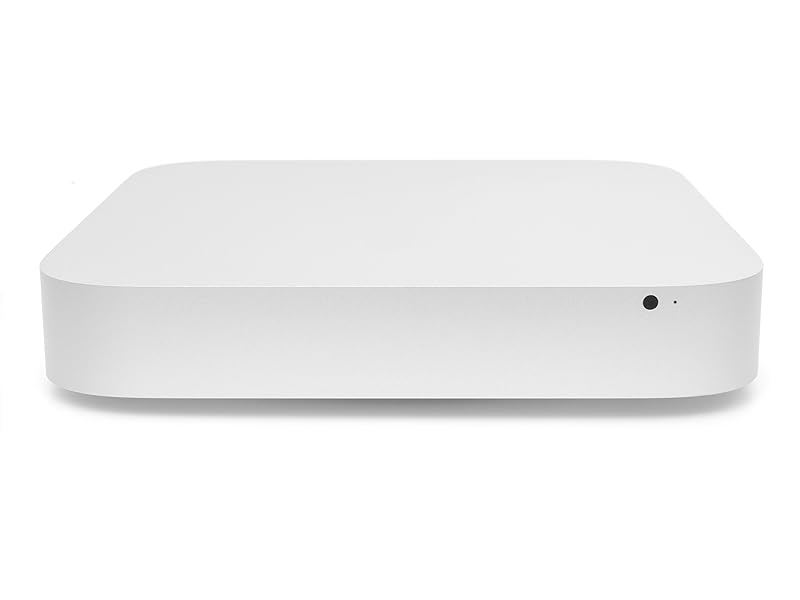
Timetec 16GB DDR4-2666 SO-DIMM memory is a RAM upgrade for the Mid 2020 iMac (20,1/20,2), 2019 27-inch iMac (19,1), and Late 2018 Mac mini (8,1), for users seeking compatible memory for those specific Apple models.
Recommended For
- Owners of the listed 2019 or 2020 27-inch 5K iMacs who edit photos in Lightroom or Photoshop and are running into memory pressure with large images, layered files, or several apps open. Photography-focused guidance identifies memory as a useful upgrade for these workloads, especially when moving from a low-memory configuration.
- Owners of a listed 27-inch iMac who edit video alongside photos or work with complex image projects and want more room for memory-intensive apps. Reviews and photography guidance distinguish these workloads from lighter photo editing, where adding RAM may make less difference.
- Owners of the listed Late 2018 Mac mini who keep many browser tabs or work apps open and see high memory pressure on their current setup. Mac mini users report upgrading memory to support heavier multitasking, though the benefit depends on whether memory is actually the bottleneck.
- Owners of the specified iMac or Mac mini models who have checked their exact model and memory configuration and want to add compatible DDR4-2666 SO-DIMM memory. Apple lists this memory type for the 2019 and 2020 27-inch iMac; Mac mini memory replacement is a service-provider job according to Apple.
Real-World Use Scenarios
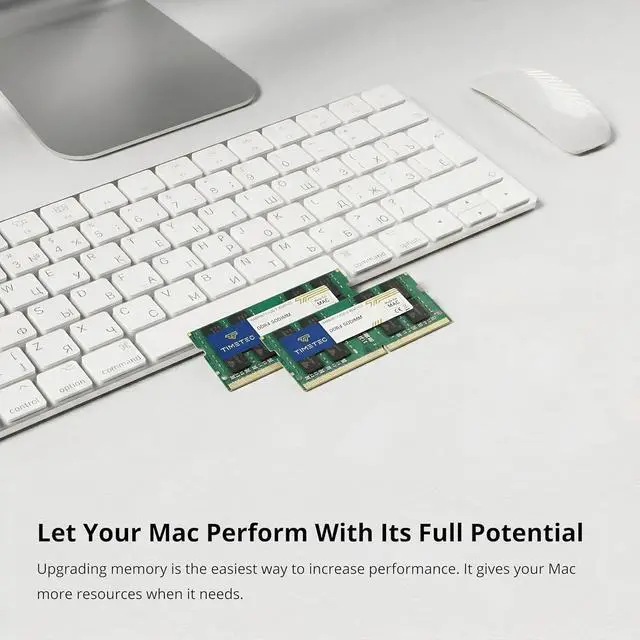
- When a browser-heavy workday involves many tabs alongside email, spreadsheets, and chat apps, adding memory can give the Mac more room to keep those apps open and help avoid slowdowns caused by memory pressure.
- When editing 4K video or working with long timelines, extra memory can provide more headroom for the editing app and other open tools; it does not, by itself, guarantee faster exports.
- When handling large photo projects or layered graphics while keeping reference material and other apps open, additional memory can help the Mac accommodate the active creative workload with fewer memory-related interruptions.
- On a Late 2018 Mac mini used as a daily desktop, upgrading memory can provide more breathing room when switching among apps and windows, particularly if the original memory capacity is limiting responsiveness.
- When running several memory-hungry creative or professional apps at once, extra memory can reduce the need for macOS to juggle active work between memory and storage—if the current setup is running short of RAM.




 here!