


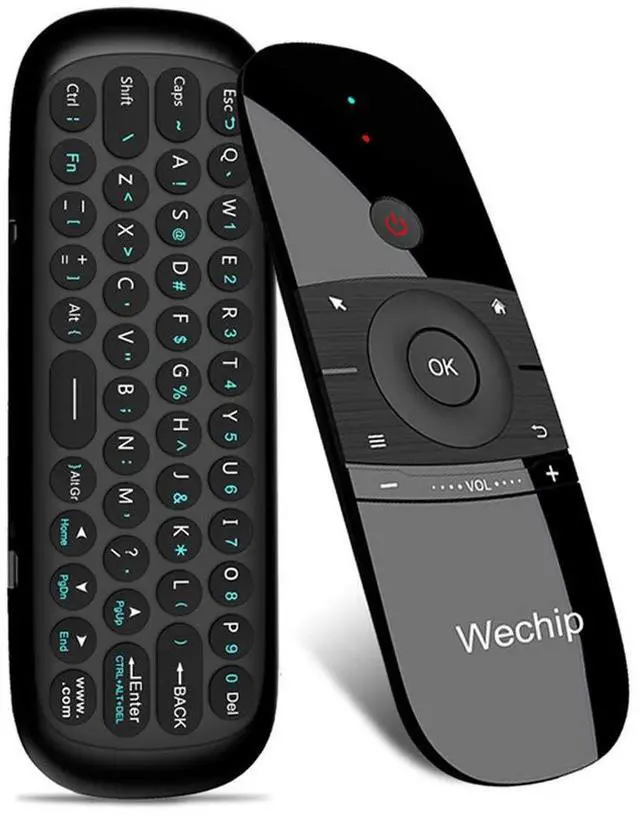
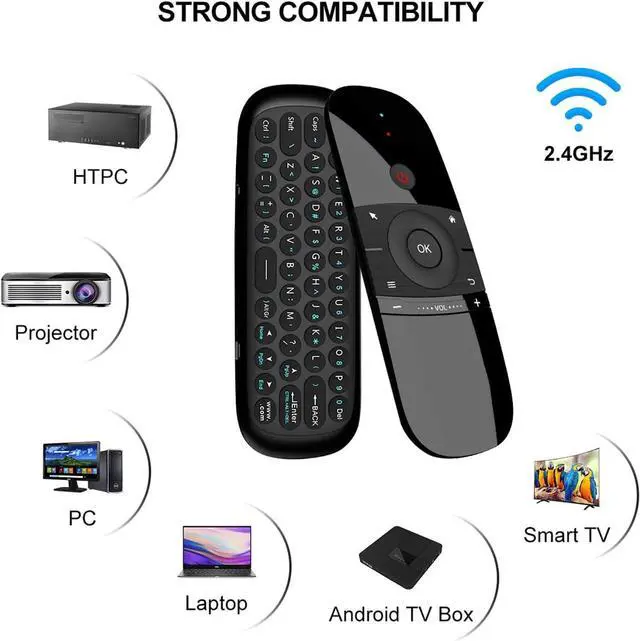


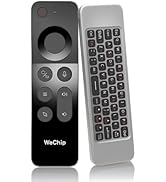
AS A REMOTE:
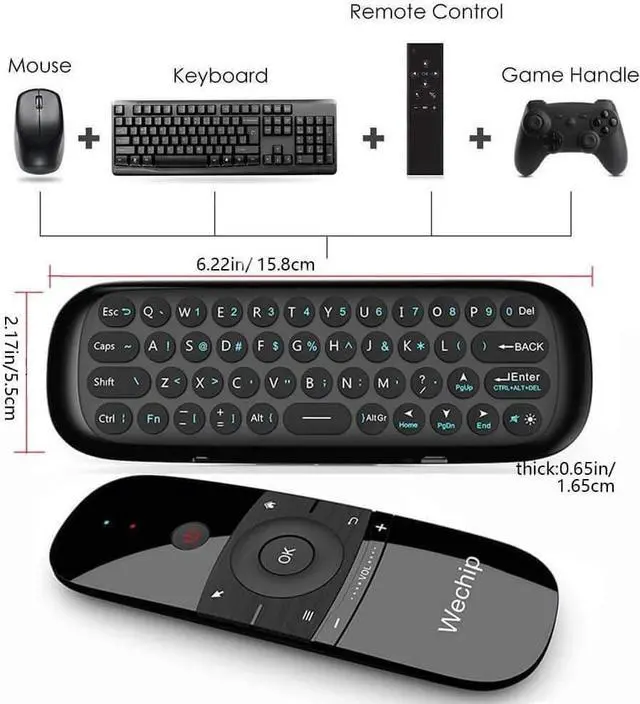
It will provide you with the smooth navigation and perfect control for all you needs!
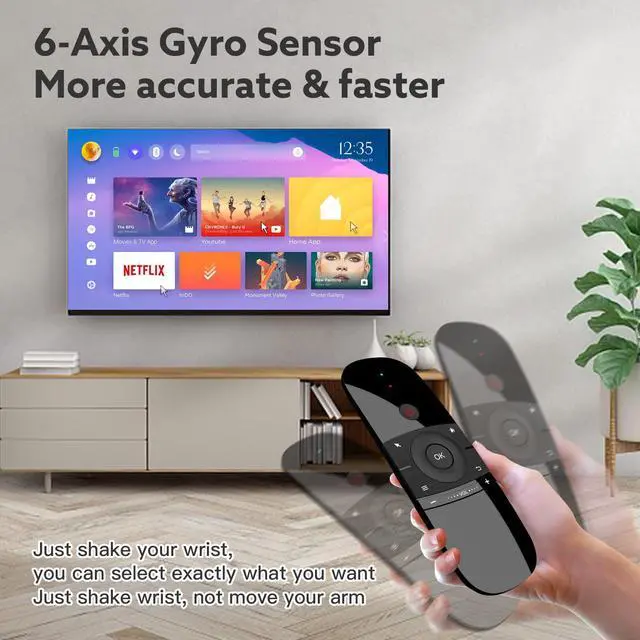
AS A MOUSE:
It converts your space movement in the air into an accurate displacement on the screen.
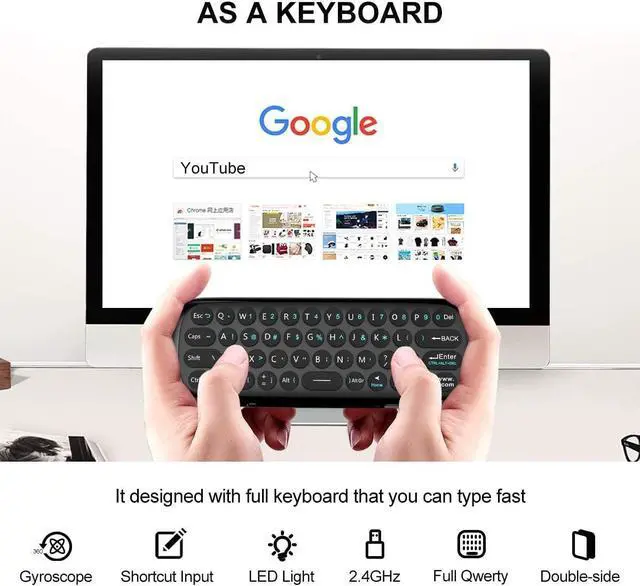
AS A KEYBOARD:
It designed with full keyboard that you can use it portable to replace your usb keyboard.


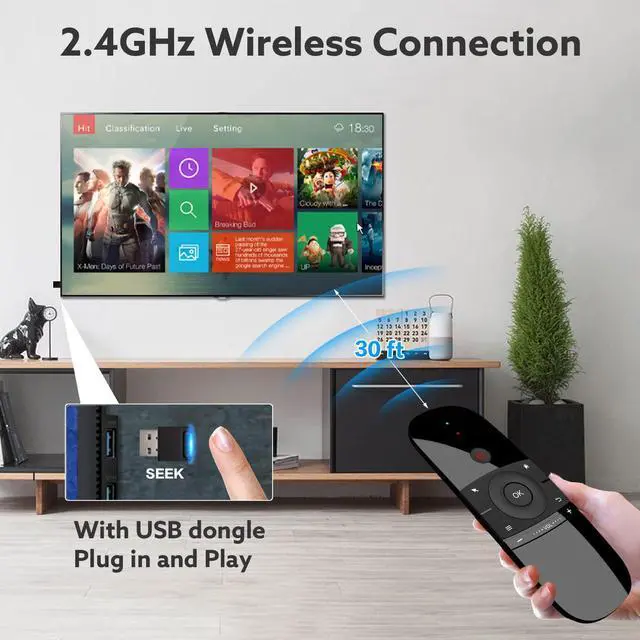
2.4G Wireless Transmission Distance Up to 10 Meters
It makes you enjoy unmatched comfort and absolute control of your smart devices without cable limitations!
Built-in 6-axis inertial sensor.
360 ° free space action recognition and sensing, it’s very convenient to operate in horizontal and vertical mode for game.

Horizontally align the IR lights of the two remote controls and keep the distance within 1 inch

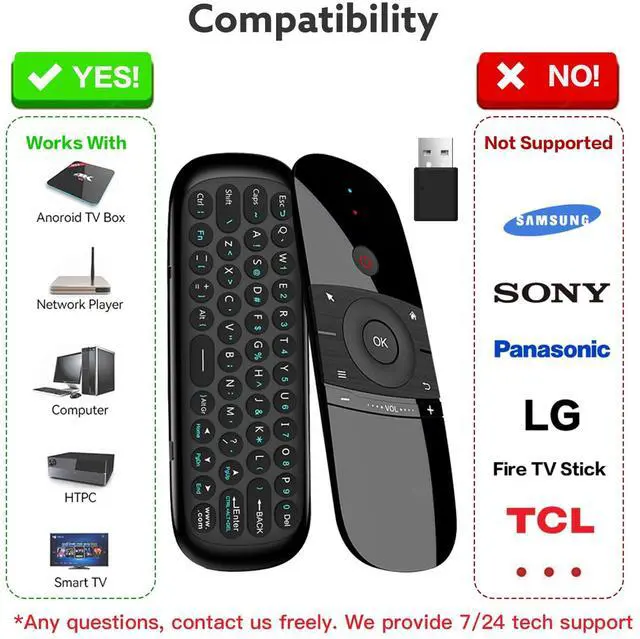
NOT COMPATIBLE WITH BELOW BRAND
- NOT FOR SAMGSUNG
- NOT FOR LG
- NOT FOR TCL
- NOT FOR SONY
- NOT FOR ROKU
- NOT FOR Panasonic
- NOT FOR Fire TV Stick
IR Learning Steps
NOTE: The power button can only be used after completing IR learning
Take the power key as an example to illustrate the learning method.
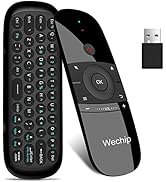
- Don't plug in the USB dongle first
- Long press the power key on w1, and the indicator will flash three times first, then enter the slow flashing state
- Then Press the power button of the old remote control once, and after the learning is successful, the indicator will flash for three times, then the code value will be automatically saved and the infrared learning mode will exit
- If you want to learn other keys, just follow steps 2-3
- About clearing learned IR values: Press "OK"+ "Left" button for about 5 seconds,and the indicator flashes for 3 times, indicating that the infrared code value is cleared.
- If you get stuck, check out the video tutorials in our listing. We provide 7/24 hrs one-to-one video guidance
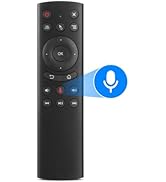
 G20 Air Mouse |  W3 Air Mouse |  W1 Air Mouse | |
|---|---|---|---|
| Customer Reviews | — | — | — |
| Price | — no data | — no data | — |
| Connection | 2.4GHZ+IR | 2.4GHZ+IR | 2.4GHZ+IR |
| Mouse Function | ? | ? | ? |
| Voice Function | ? | ? | no data |
| Keyboard Function | no data | ? | ? |
| IR learning function | ? | ? | ? |
| Rechargeable | no data | ? | ? |


AS A REMOTE:
It will provide you with the smooth navigation and perfect control for all you needs!
AS A MOUSE:
It converts your space movement in the air into an accurate displacement on the screen.
AS A KEYBOARD:
It designed with full keyboard that you can use it portable to replace your usb keyboard.
2.4G Wireless Transmission Distance Up to 10 Meters
It makes you enjoy unmatched comfort and absolute control of your smart devices without cable limitations!
Built-in 6-axis inertial sensor.
360 ° free space action recognition and sensing, it’s very convenient to operate in horizontal and vertical mode for game.
IR Learning Steps
NOT COMPATIBLE WITH BELOW BRAND
- NOT FOR SAMGSUNG
- NOT FOR LG
- NOT FOR TCL
- NOT FOR SONY
- NOT FOR ROKU
- NOT FOR Panasonic
- NOT FOR Fire TV Stick
Horizontally align the IR lights of the two remote controls and keep the distance within 1 inch
NOTE: The power button can only be used after completing IR learning
Take the power key as an example to illustrate the learning method.
- Don't plug in the USB dongle first
- Long press the power key on w1, and the indicator will flash three times first, then enter the slow flashing state
- Then Press the power button of the old remote control once, and after the learning is successful, the indicator will flash for three times, then the code value will be automatically saved and the infrared learning mode will exit
- If you want to learn other keys, just follow steps 2-3
- About clearing learned IR values: Press "OK"+ "Left" button for about 5 seconds,and the indicator flashes for 3 times, indicating that the infrared code value is cleared.
- If you get stuck, check out the video tutorials in our listing. We provide 7/24 hrs one-to-one video guidance
G20 Air Mouse | W3 Air Mouse | W1 Air Mouse | |
|---|---|---|---|
| Customer Reviews | — | — | — |
| Price | — no data | — no data | — |
| Connection | 2.4GHZ+IR | 2.4GHZ+IR | 2.4GHZ+IR |
| Mouse Function | ? | ? | ? |
| Voice Function | ? | ? | no data |
| Keyboard Function | no data | ? | ? |
| IR learning function | ? | ? | ? |
| Rechargeable | no data | ? | ? |
Air Mouse
test 02
test 03