• $16.99
  • $24.99
  • Save: $8.00 (32%)
  • Free 30-day Returns
  • Sold by Direct from manufacturerLenovo
    Hot Seller
    4.5 (1,125 seller ratings)

    Shipped by Direct from manufacturerLenovo

    Price alert

    Best Sellers

    Hot Seller
    4.5 (9,027 total ratings)
    • $28.62
    • + FREE SHIPPING
    Newegg
    • $32.99
    • + FREE SHIPPING
    Top Rated
    4.5 (5,783 total ratings)
    • $35.45
    Shop it at NeweggBusiness.

    Meet Your Seller

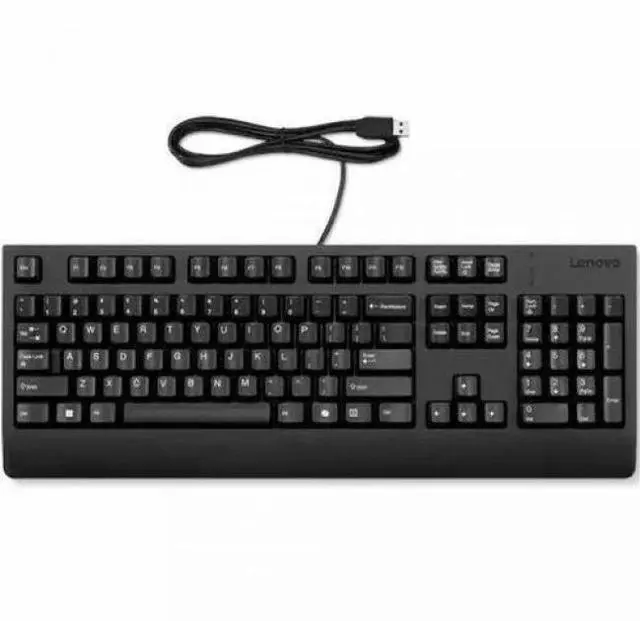
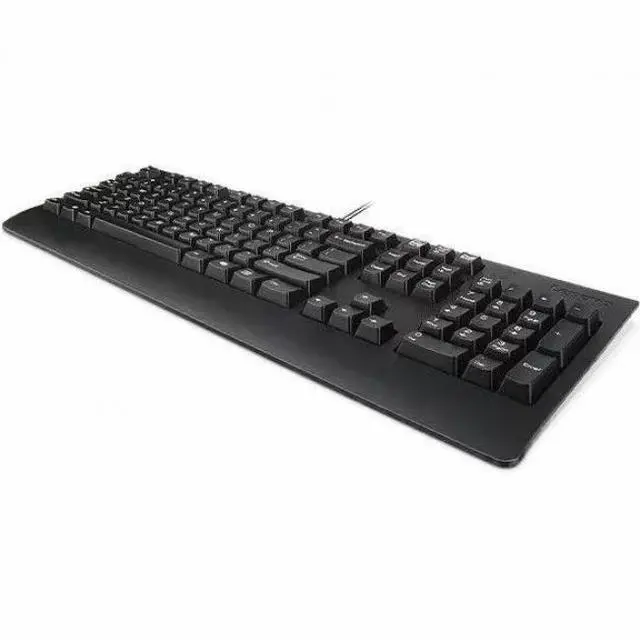
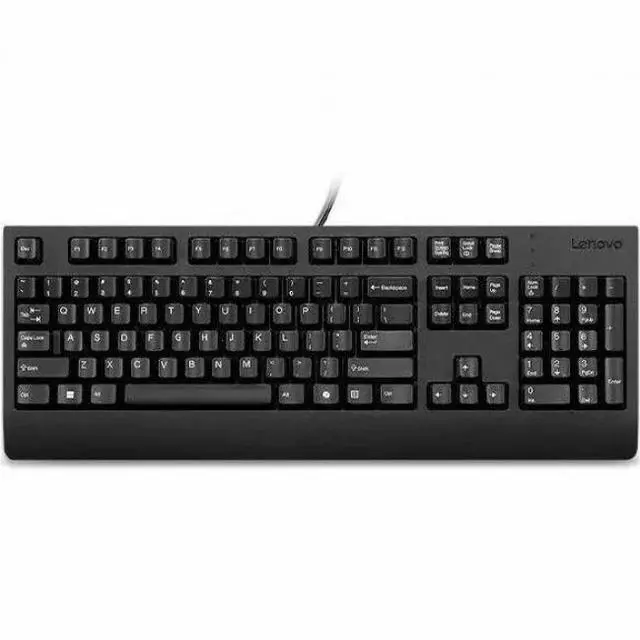
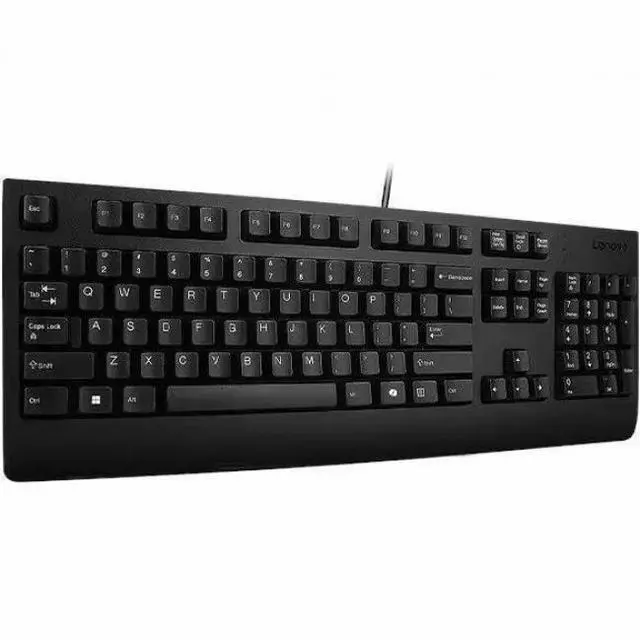
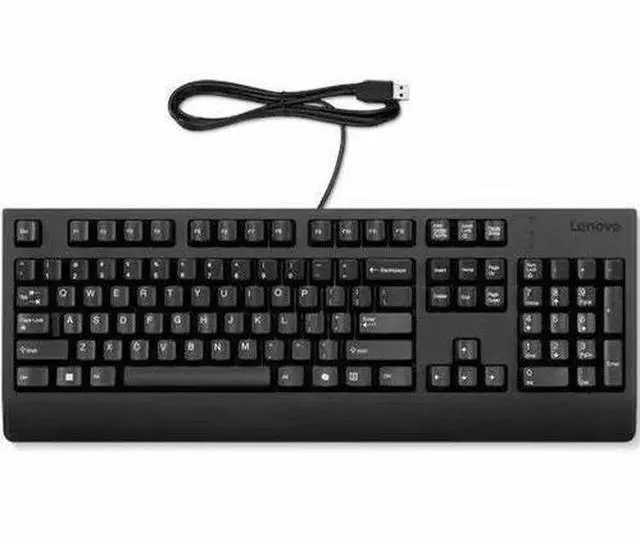
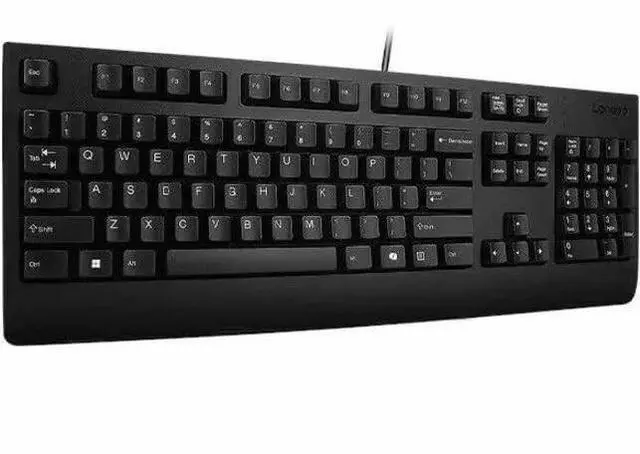
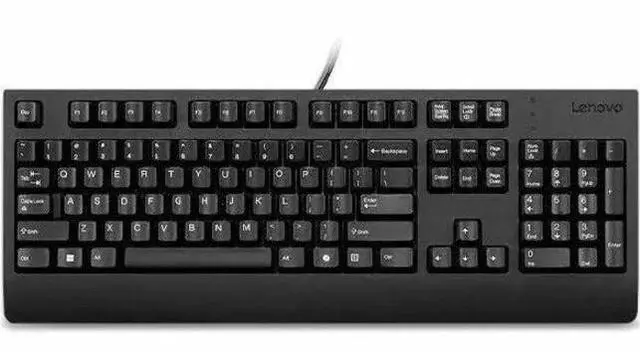
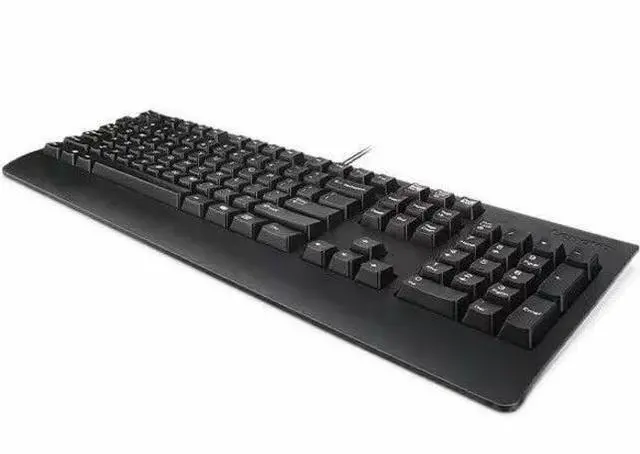
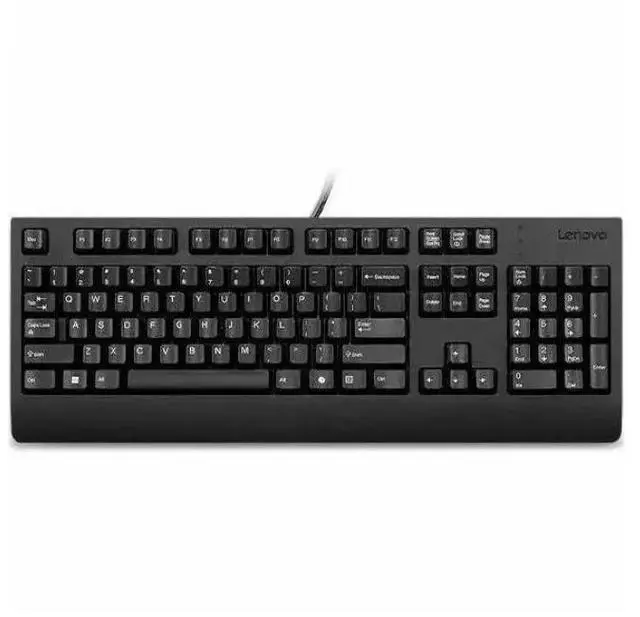
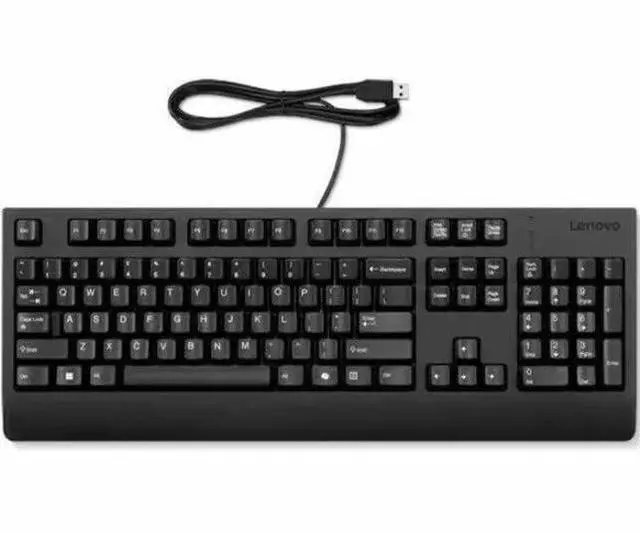
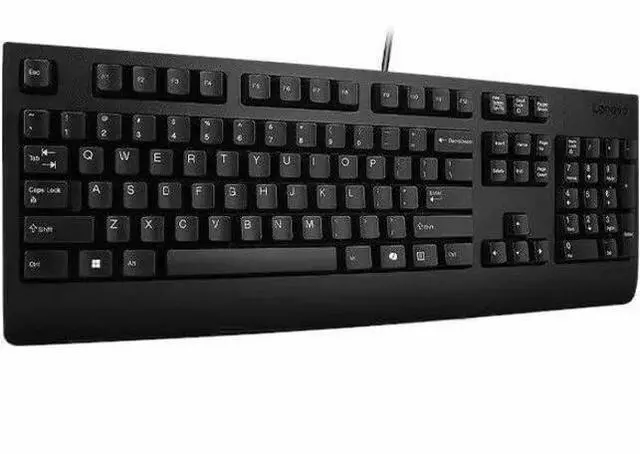
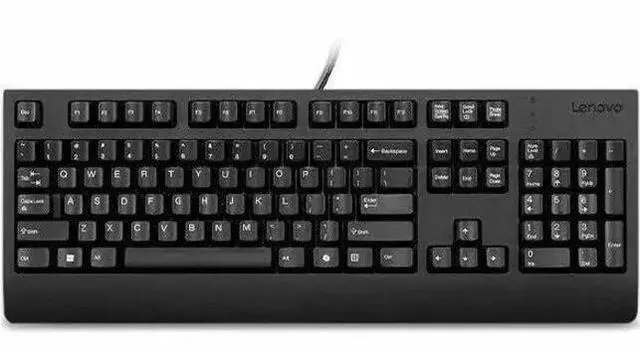
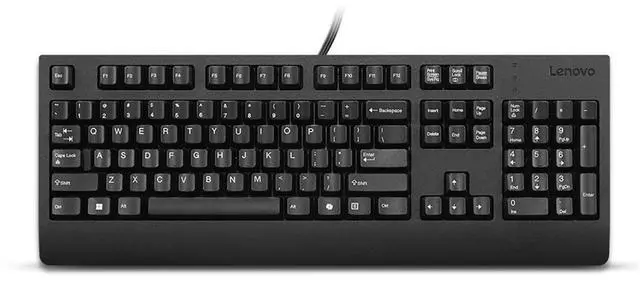
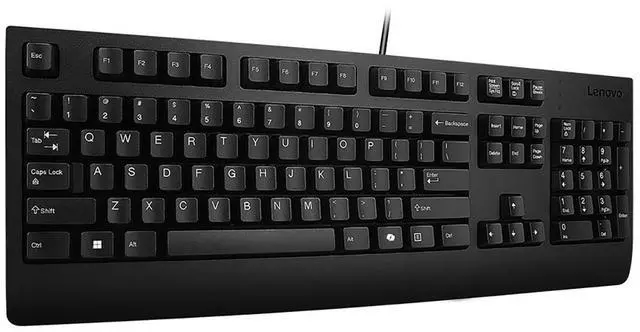
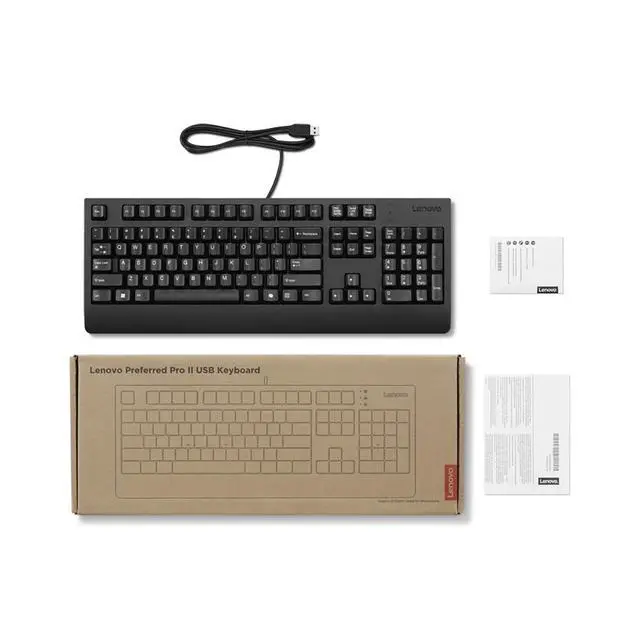
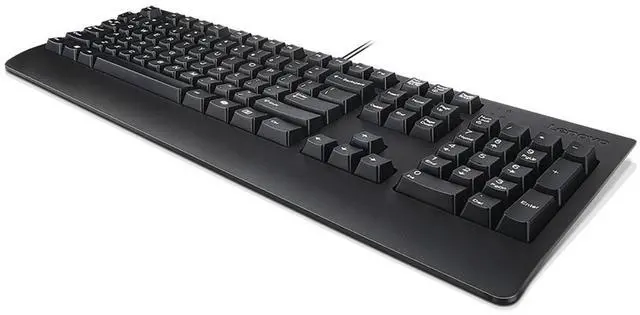
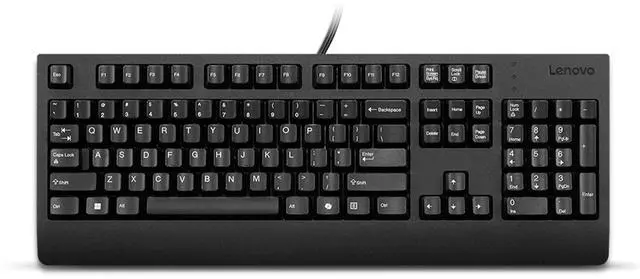
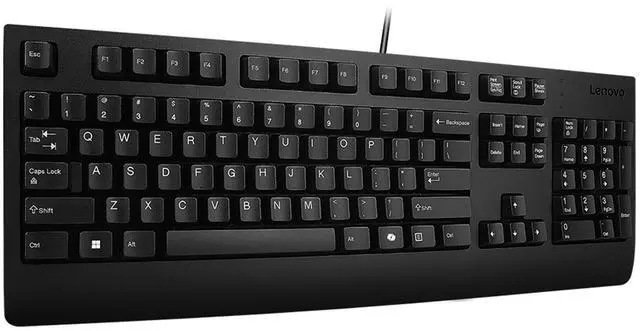
    Lenovo Preferred Pro II USB Keyboard AI - US English

    • Cable Connectivity
    • USB Type A Interface
    • 104 Key(s)
    • CoPilot Hot Key(s)
    • Windows 10, Windows 11
    • English (US)
    • Notebook, Desktop Computer, Workstation, Docking Station
    • PC
    • Plunger/Rubber Dome Keyswi
    +
    +
    Overview
    Specs
    Reviews
    See all Q & A

    Any questions? Ask CelesteSM will help you find out quickly.

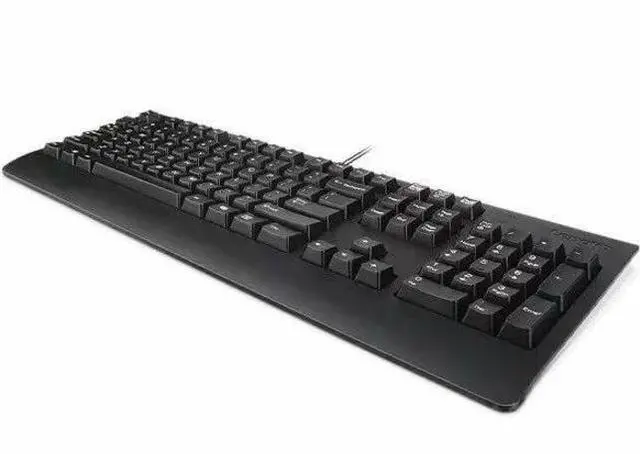
    The Think tradition of high-quality products continues with this general purpose USB keyboard. Durable and reliable, the Lenovo Preferred Pro II USB Keyboard is a perfect companion for your ThinkPad, ThinkCentre and ThinkStation PCs as well as docks. The sleek modern design is complemented with finger-friendly keys that can last up to 10 million clicks under normal operation. Improve your working efficiency with specialized Microsoft Copilot Key.

    Warranty & Returns

    Warranty, Returns, And Additional Information

    Warranty

    • Please contact the Seller directly for warranty information. Warranty information may also be found on the Manufacturer's website.
    • CONTACT

    Return Policies

    • Return for refund within: 30 days
    • Return for replacement within: 30 days
    • This item is covered by Lenovo Return Policy

    Manufacturer Contact Info

    LOADING...
    LOADING...

    The Lenovo Preferred Pro II USB Keyboard AI is a wired, 104-key US English keyboard with a USB-A connection and Copilot hot key, suited to Windows 10 or 11 users who want a full-size keyboard for a PC, workstation, or dock.

    Recommended For

    • Windows desktop users who want a straightforward full-size keyboard for everyday office typing, with a number pad and a wired USB-A connection.
    • People setting up a fixed workstation who prefer a conventional 104-key layout and do not need a wireless connection or backlighting.
    • Users who want a standard, non-mechanical keyboard for routine typing; a review of the Preferred Pro II describes it as a low-cost keyboard rather than a mechanical model.
    • Windows users who want a dedicated Copilot key alongside a familiar full-size layout.

    Real-World Use Scenarios

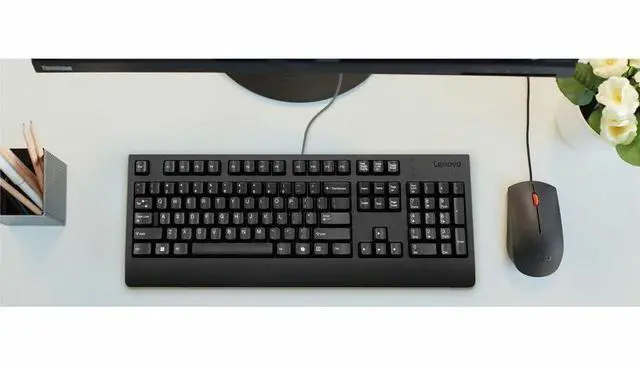
    • At a desktop office workstation, use the full-size layout for email, documents, and everyday navigation; it provides a familiar setup for routine keyboard work.
    • When entering figures in spreadsheets or forms, use the full-size keyboard’s numeric keypad to enter numbers without reaching for a separate keypad.
    • At a fixed desk, connect it to a compatible USB-A port on a desktop, workstation, or dock for wired typing without relying on a wireless pairing or keyboard battery.
    • On a Windows setup with Copilot available and the key configured for it, press the Copilot key to open Copilot instead of navigating to it with the mouse; behavior can vary with Windows settings and installed apps.
    • For a shared or replacement office setup, plug the keyboard into a compatible computer’s USB-A port and continue typing on a familiar full-size layout, without setting up a wireless connection.