







Who are we?
Since 1983, we’ve been a family-owned company that started by delivering grandfather clocks across the United States—but we’ve become so much more...
What do we do?
We create everything from decorative clocks to professional weather stations. Striving to combine elegance and technology, we design things we want to use and love sharing that expertise with you.
Why choose us?
We’re a world leader in atomic time and weather instruments. Designed in La Crosse, WI, our products have unmatched support, resources, and video tutorials backed by a USA-based support team—welcome to the family.
Wi-Fi Weather Stations
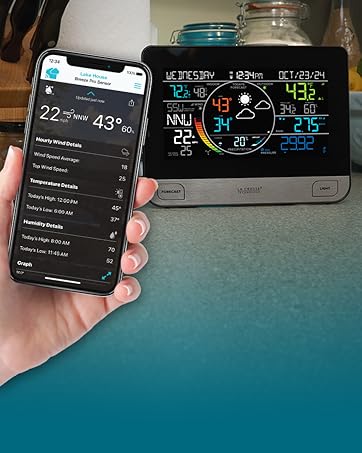
Connect to the Internet to receive AccuWeather forecasts and send data for remote monitoring in the La Crosse View mobile app.
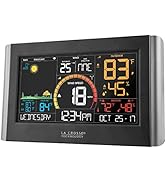
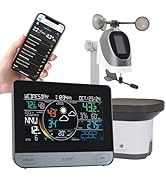
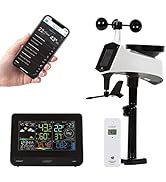
Wi-Fi Weather Stations
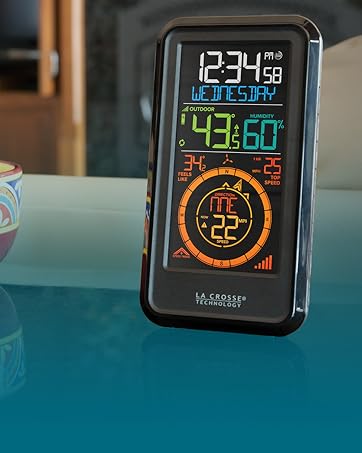
Weather Stations
Simple, easy-to-use solutions for monitoring home conditions inside and out.
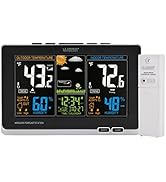
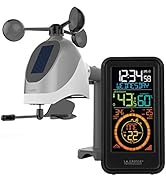
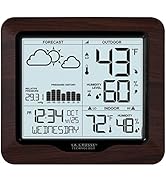
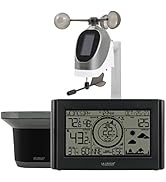
Weather Stations
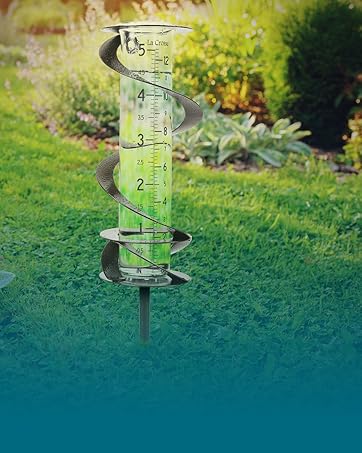
Traditional Instruments
Elegant and easy-to-use thermometers and rain gauges offer unique accents to your lawn or garden.

Traditional Instruments
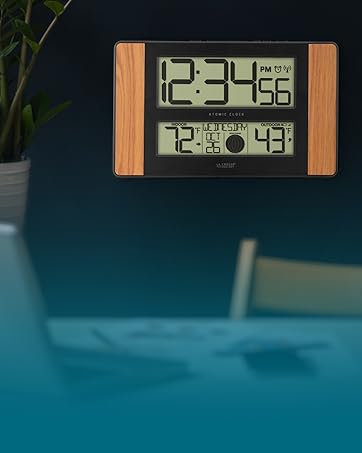
Digital Clocks
Digital wall clocks blend accuracy, convenience, and style and are an essential addition to any modern home or office.
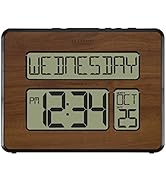
Digital Clocks
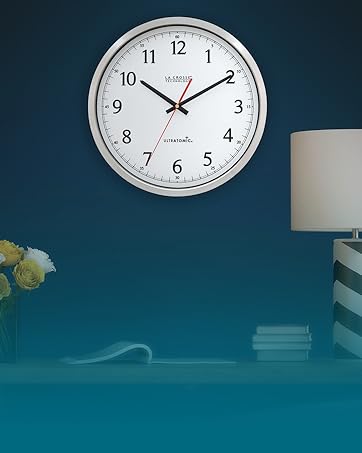
Analog Atomic Wall Clocks
Atomic clocks combine form and function by syncing with the WWVB radio signal for precise time and Daylight Saving Time changes.
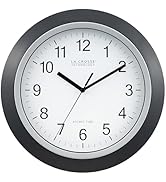
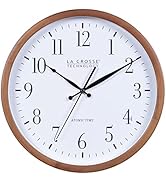
Analog Atomic Wall Clocks
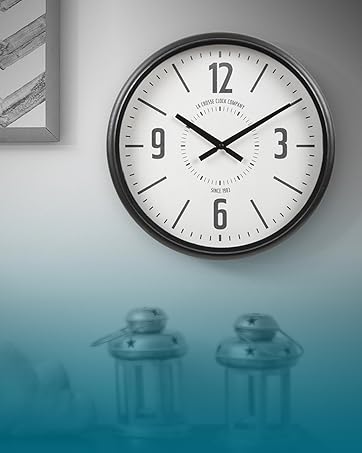
Decorative Clocks
Decorative clocks blend artistry and function, transforming a simple time-telling device into a focal point of any room's decor.
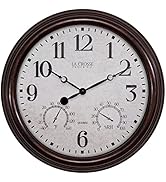
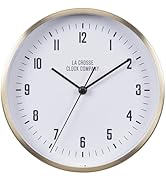
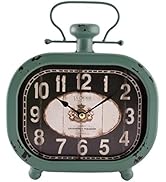
Decorative Clocks
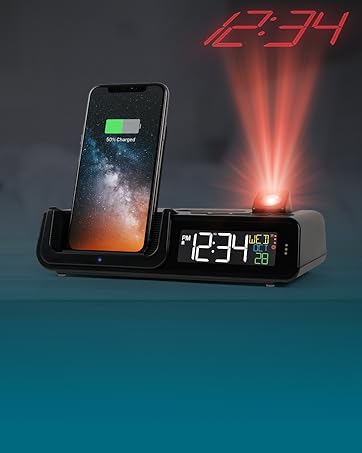
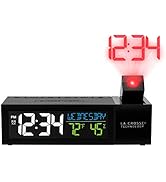
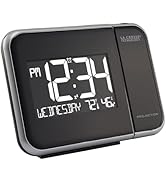
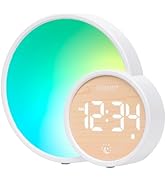
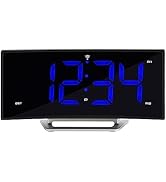
Advanced Alarm Clocks
Wake up in style with a modern alarm clock packed with features like time projection, wireless charging, LED lights, and more!
Advanced Alarm Clocks
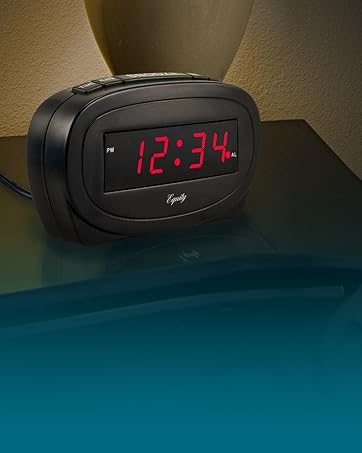
Basic Alarm Clocks
Our basic alarm clock collection emphasizes function and ease of use by providing large digits, loud sound alarms, and simple controls.
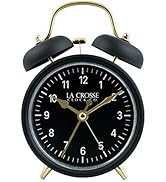
Basic Alarm Clocks


USA-Based Family owned Company
Tips!
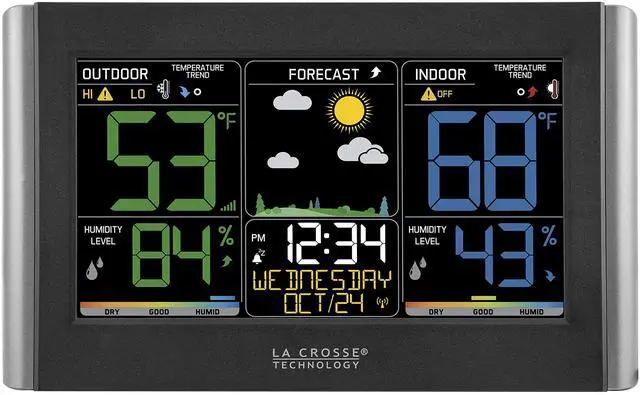
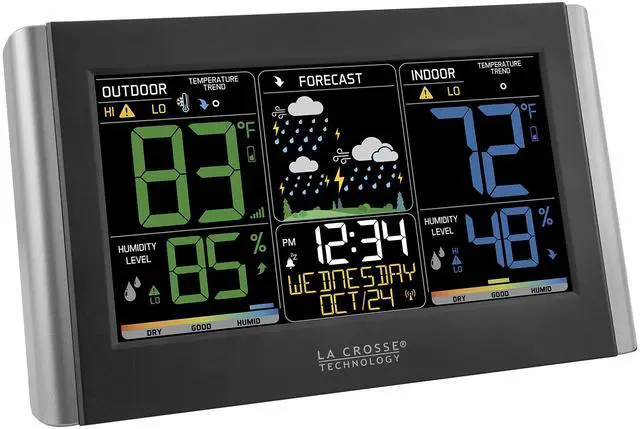
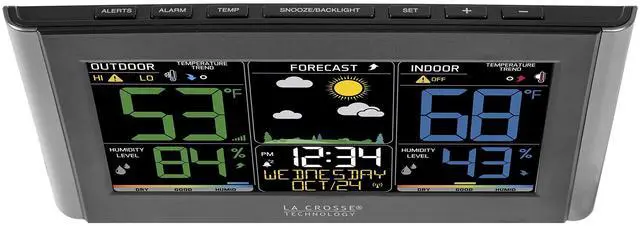
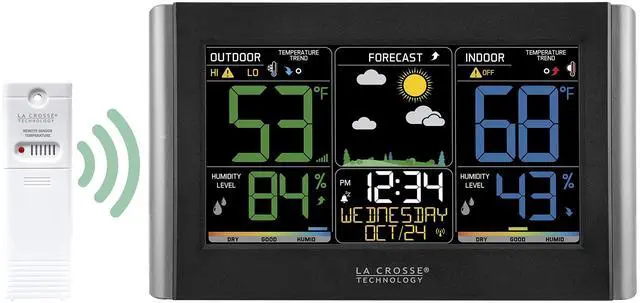
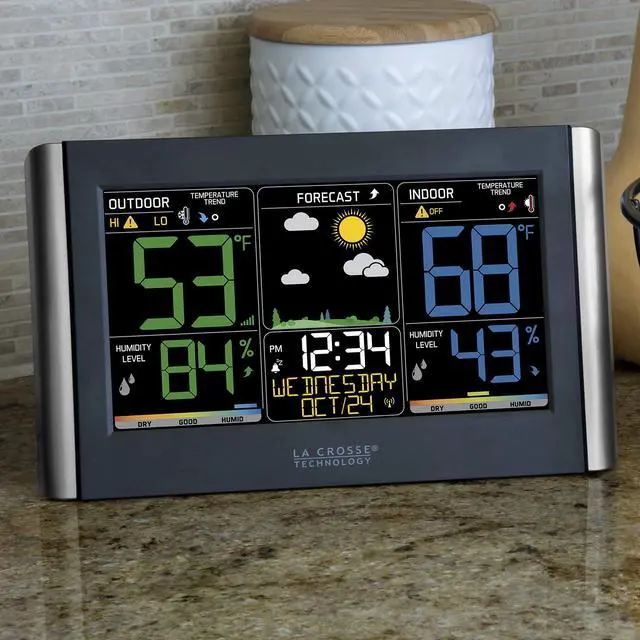
C85845 Display
*Primary power requires 5.0V power adapter, for adjustable brightness settings. Optional, use of 3 AA alkaline batteries (not included) provides backup for temporary power loss. If using on batteries-only: Backlight settings (HI/LOW/OFF) will not function and temporary illumination activates for several seconds, as this is a power-saving feature.
TX141TH-B wireless weather-resistant sensor
?*Recommend mounting sensor vertically, out-of-direct sunlight & well-ventilated sheltered location. Metal siding, stucco, and some types of glass can greatly reduce the signal's range.
Outdoor Temperature (reads dashed lines, or HH.H, or LL.L)
Quick Connect
Explanation: Use the quick connect for a weather station and outdoor sensor that have been working but lost connection due to interference or low batteries. This is not the same as a thorough factory reset.
1. Bring the outdoor sensor and weather station together inside and place the units 5-10 feet apart with nothing between them.
2. Hold TEMP button for 5 seconds. The outdoor temperature area will flash.
3. Remove battery cover from the outdoor sensor and press and release the TX button to send the signal.
4. Wait for 2 minutes for the outdoor temperature to appear on the weather station.
Factory Restart: If the above procedure does not work, please try the factory reset.
1. Remove all power (batteries and AC) from outdoor sensor and weather station.
2. Press one of the buttons on the weather station at least 20 times to clear all memory.
3. Verify that the weather station is blank before proceeding (there may be lines painted on the screen that will show when there is no power).
4. Leave both units without power for 15 minutes (very important).
5. Insert the AC power cord into the wall outlet then into the weather station.
6. Insert fresh batteries into the outdoor sensor.
7. Press the TX button on the outdoor sensor to transmit RF signal.
8. Keep the outdoor sensor 5-10 feet from the weather station.
9. When RF connection is established, the temperature will appear on the station. Allow the outdoor sensor and weather station to sit together for 15 minutes to establish a strong connection.
10. Do not press buttons for 15 minutes.
For optimum 433MHz transmission, place the outdoor sensor no more than 330 feet (100 meters, open air) from the weather station. See owner's instructional manual for distance/resistance/interference details for properly mounting the outdoor sensor.
A minimum voltage of 1.48V for each battery is necessary for proper performance.
Use batteries dated at least six years in advance of the current year. Batteries dated earlier than six years from now may still work, but may be unstable in performance.
Good name brand batteries make less noise, which reduces the chance of RF (radio frequency) interference from the battery compartment.
Who are we?
Since 1983, we’ve been a family-owned company that started by delivering grandfather clocks across the United States—but we’ve become so much more...
What do we do?
We create everything from decorative clocks to professional weather stations. Striving to combine elegance and technology, we design things we want to use and love sharing that expertise with you.
Why choose us?
We’re a world leader in atomic time and weather instruments. Designed in La Crosse, WI, our products have unmatched support, resources, and video tutorials backed by a USA-based support team—welcome to the family.
Wi-Fi Weather Stations
Connect to the Internet to receive AccuWeather forecasts and send data for remote monitoring in the La Crosse View mobile app.
Wi-Fi Weather Stations
Weather Stations
Simple, easy-to-use solutions for monitoring home conditions inside and out.
Weather Stations
Traditional Instruments
Elegant and easy-to-use thermometers and rain gauges offer unique accents to your lawn or garden.
Traditional Instruments
Digital Clocks
Digital wall clocks blend accuracy, convenience, and style and are an essential addition to any modern home or office.
Digital Clocks
Analog Atomic Wall Clocks
Atomic clocks combine form and function by syncing with the WWVB radio signal for precise time and Daylight Saving Time changes.
Analog Atomic Wall Clocks
Decorative Clocks
Decorative clocks blend artistry and function, transforming a simple time-telling device into a focal point of any room's decor.
Decorative Clocks
Advanced Alarm Clocks
Wake up in style with a modern alarm clock packed with features like time projection, wireless charging, LED lights, and more!
Advanced Alarm Clocks
Basic Alarm Clocks
Our basic alarm clock collection emphasizes function and ease of use by providing large digits, loud sound alarms, and simple controls.
Basic Alarm Clocks


USA-Based Family owned Company
Tips!
C85845 Display
*Primary power requires 5.0V power adapter, for adjustable brightness settings. Optional, use of 3 AA alkaline batteries (not included) provides backup for temporary power loss. If using on batteries-only: Backlight settings (HI/LOW/OFF) will not function and temporary illumination activates for several seconds, as this is a power-saving feature.
TX141TH-B wireless weather-resistant sensor
?*Recommend mounting sensor vertically, out-of-direct sunlight & well-ventilated sheltered location. Metal siding, stucco, and some types of glass can greatly reduce the signal's range.
Outdoor Temperature (reads dashed lines, or HH.H, or LL.L)
Quick Connect
Explanation: Use the quick connect for a weather station and outdoor sensor that have been working but lost connection due to interference or low batteries. This is not the same as a thorough factory reset.
1. Bring the outdoor sensor and weather station together inside and place the units 5-10 feet apart with nothing between them.
2. Hold TEMP button for 5 seconds. The outdoor temperature area will flash.
3. Remove battery cover from the outdoor sensor and press and release the TX button to send the signal.
4. Wait for 2 minutes for the outdoor temperature to appear on the weather station.
Factory Restart: If the above procedure does not work, please try the factory reset.
1. Remove all power (batteries and AC) from outdoor sensor and weather station.
2. Press one of the buttons on the weather station at least 20 times to clear all memory.
3. Verify that the weather station is blank before proceeding (there may be lines painted on the screen that will show when there is no power).
4. Leave both units without power for 15 minutes (very important).
5. Insert the AC power cord into the wall outlet then into the weather station.
6. Insert fresh batteries into the outdoor sensor.
7. Press the TX button on the outdoor sensor to transmit RF signal.
8. Keep the outdoor sensor 5-10 feet from the weather station.
9. When RF connection is established, the temperature will appear on the station. Allow the outdoor sensor and weather station to sit together for 15 minutes to establish a strong connection.
10. Do not press buttons for 15 minutes.
For optimum 433MHz transmission, place the outdoor sensor no more than 330 feet (100 meters, open air) from the weather station. See owner's instructional manual for distance/resistance/interference details for properly mounting the outdoor sensor.
A minimum voltage of 1.48V for each battery is necessary for proper performance.
Use batteries dated at least six years in advance of the current year. Batteries dated earlier than six years from now may still work, but may be unstable in performance.
Good name brand batteries make less noise, which reduces the chance of RF (radio frequency) interference from the battery compartment.