
Your Browsing History
- Sold by Newegg
- Make an Offer
- New
- Combo Deals

Any questions? Our AI beta will help you find out quickly.
Try me now

Quick View
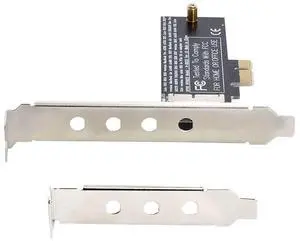
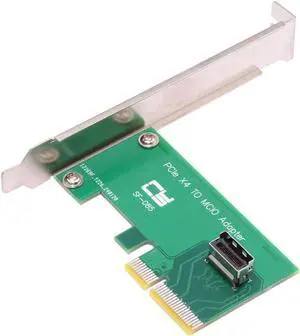
Card PCI-Express 5.0 4.0 4X to MCIO Mini Cool Edge IO Female Host Adapter for PCIe Nvme U.2 SSD
Limited time offer, ends 01/16
- Model #: 6908944620
- $29.98 –
- More options from $29.98
- Free Shipping
Quick View
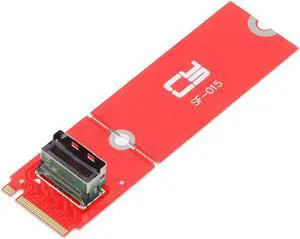
Card PCI-E 5.0 M.2 M-Key to MCIO Mini Cool Edge IO Female Host Adapter for PCIe Nvme SSD 2280 2230
Limited time offer, ends 01/16
- Model #: 6908944622
- $28.99 –
- More options from $28.99
- Free Shipping

Quick View
M5110 8-Port 6Gbps PCI-e IT Mode FW:P20 S2308 9207-8i+2*SFF8087 SATA
Limited time offer, ends 01/16
- Model #: 6908922370
- $45.98 –
- More options from $45.98
- Free Shipping
Quick View
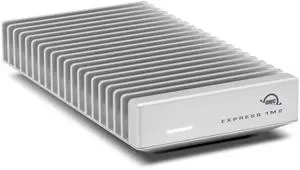
OWC Express 1M2 80Gb/s Portable NVMe SSD USB4 (Thunderbolt Compatible/USB-C) Ultra Fast External SSD Drive with Aluminum Heat Sink Enclosure (Enclosure Only)
- Model #: 680952066103
- $321.99 –
- $5.99 Shipping
Quick View
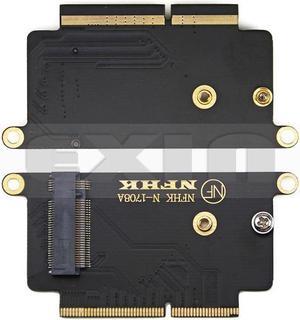
A1708 SSD Adapter NVMe PCI Express PCIE to NGFF M2 SSD Adapter Card M.2 SSD for Apple Macbook Pro Retina 13" A1708 2016 2017
Limited time offer, ends 01/29
- Changer Type: USB to DB9 (RS-232)
- Model #: HT-PciAdapter000470
- $25.79 –
- More options from $25.79 - $29.99
- Free Shipping
Quick View
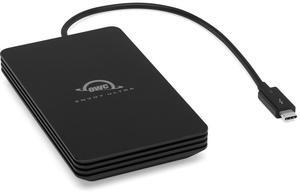
OWC 4TB Envoy Ultra Thunderbolt 5 (80Gb/s) Portable NVMe SSD - Over 6000MB/s - The First and Fastest Thunderbolt? 5 Portable SSD - Compatible With Thunderbolt 3/4 And USB4 - Weatherproof IP
- Parts: 3 Year
- Model #: OWCTB5ENVU04
- $942.99 –
- Free Shipping
Quick View
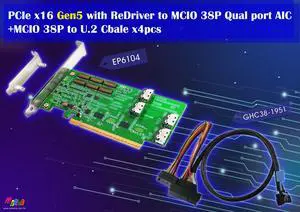
PCIe x16 Gen 5 with ReDriver to MCIO 74P Qual port AIC & MCIO to U.2, 50cm cable x4pcs
- Model #: EP6104+GHC38-1951x4pcs
- $684.00 –
- $30.00 Shipping
Quick View
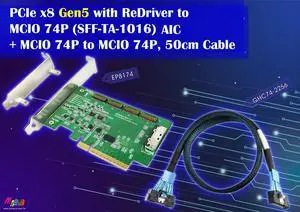
PCIe x8 Gen5 with ReDriver to MCIO 74P (SFF-TA-1016) AIC + MCIO 74P to MCIO 74P, 50cm Cable
- Model #: EP8174+GHC74-2256
- $275.00 –
- $30.00 Shipping
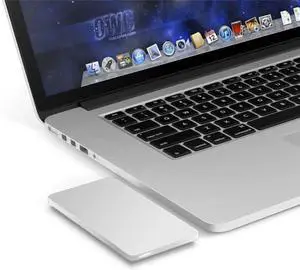
Quick View
OWC Envoy Pro USB3.0 Portable SSD Enclosure for 2012 MacBook Pro with Retina Display
- Model #: OWCMAU3ENVOYPRO
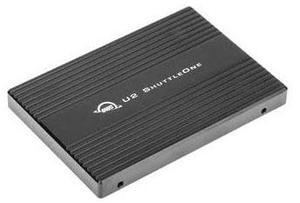
Quick View
OWC U2 Shuttleone NVMe M.2 to 2.5-inch U.2 SSD Adapter
- Color: Black
- Parts: OWC 3 Year Limited Warranty
- Model #: OWCU2SHTLONE
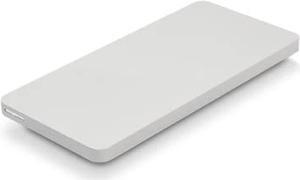
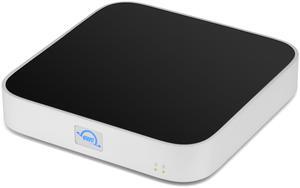
Quick View
OWC 6TB (4TB HDD 7200 RPM, 2TB NVMe m.2 SSD) miniStack STX Stackable Storage and Thunderbolt Hub Xpansion Solution
- RPM: 7200 RPM
- Cache: 256MB
- Thunderbolt 3: Yes
- Parts: OWC 3 Year Limited Warranty
- Model #: OWCT4MSSH04N02
Quick View
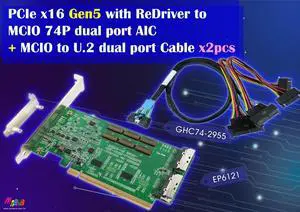
PCIe x16 Gen 5 with ReDriver to MCIO 74P Dual port+MCIO to U.2 dual port, 50cm cable x2pcs
- Model #: EP6121+GHC74-2955
- $492.00 –
- $30.00 Shipping
Quick View
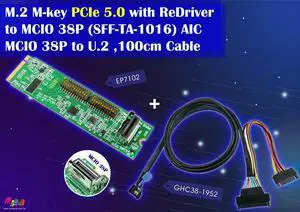
M.2 PCIe 5.0 with ReDriver to MCIO 38P + MCIO 38P (PCIe 5.0) to U.2 Cable, 100cm Kits
- Changer Type: PCIe Gen5
- Model #: EP7102+GHC38-1952
- $298.00 –
- $30.00 Shipping
Quick View
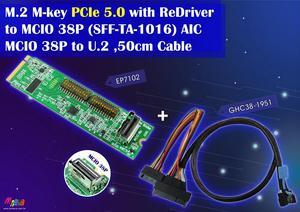
M.2 PCIe 5.0 with ReDriver to MCIO 38P + MCIO 38P (PCIe 5.0) to U.2 Cable, 50cm Kits
- Changer Type: PCIe Gen5
- Model #: EP7102+GHC38-1951
- $286.00 –
- $30.00 Shipping
Quick View
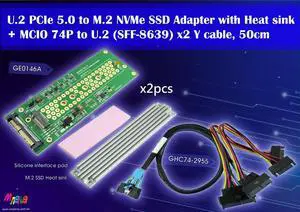
MCIO 74P (PCIe 5.0) to U.2 x2 Y Cable, 50cm & U.2 to M.2 Adapter x2pcs Kits
- Changer Type: PCIe Gen5
- Model #: GHC74-2955+GE0146Ax2pcs
- $359.00 –
- $30.00 Shipping
Quick View
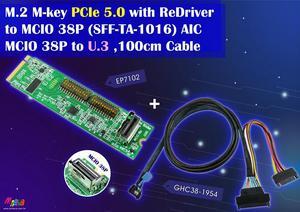
M.2 PCIe 5.0 with ReDriver to MCIO 38P + MCIO 38P (PCIe 5.0) to U.3 Cable, 100cm Kits
- Changer Type: PCIe Gen5
- Model #: EP7102+GHC38-1954
- $298.00 –
- $30.00 Shipping
Quick View
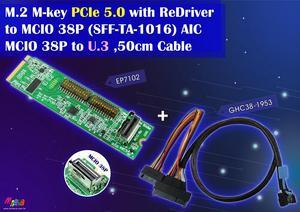
M.2 PCIe 5.0 with ReDriver to MCIO 38P + MCIO 38P (PCIe 5.0) to U.3 Cable, 50cm Kits
- Changer Type: PCIe Gen4
- Model #: EP7102+GHC38-1953
- $286.00 –
- $30.00 Shipping
Quick View

Limited time offer, ends 01/18
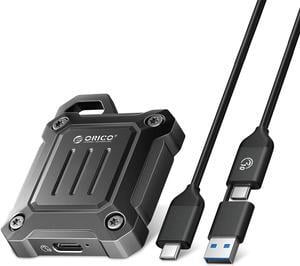
- Brand: Orico
- Color: Black
- Material: Zinc Alloy
- Type: Enclosure
- Model #: XAM2-G2-BK-BP
Quick View
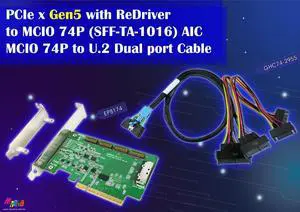
PCIe x8 Gen 5 with ReDriver to MCIO 74P (SFF-TA-1016) AIC + MCIO 74P to U.2 (SFF-8639)x2 Y Cable
- Changer Type: PCIe Gen5
- Model #: EP8174+GHC74-2955
- $322.00 –
- $30.00 Shipping

Quick View
M.2 NVMe SSD Convert Adapter Card for MacBook Air Pro Retina (Year 2013-2017), NVME/AHCI SSD Upgraded Kit for A1465 A1466 A1398 A1502
Limited time offer, ends 01/18
- Color: Black
- Specifications: Applications: 1. Make sure to move to High Sierra while still on your old drive, so that a newer firmware is installed that can handle NVMe. 2. Do a full backup to your TimeMachine. 3. Create a High Sierra Installer on a bootable USB stick. 4. Open the macbook and disconnect the battery while wsitching out the drive and make sure both adapter and new SSD sit snug. Finally reconnect the battery before closing the shell. 5. Insert the installer USB stick from step2, and press the option key while the machine starts. Once its up you can now go to the disk utils to format.
- Package Contents: 1x M.2 NVMe SSD Adapter Card for Upgrade of Macbook 2013-2017.
- Model #: NVMETMAC
- $11.95 –
- Free Shipping
Quick View
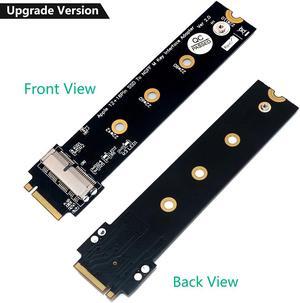
PCIe SSD to M.2 Key M Adapter Card for 2013 2014 2015 2016 2017 MacBook Air Pro Retina Hard Drive Converter to NGFF M2
- Internal Ports: N/A
- Package: N/A
- Chipset: N/A
- External Connectors: N/A
- Model #: 0111
- $18.88 –
- $1.99 Shipping
Quick View
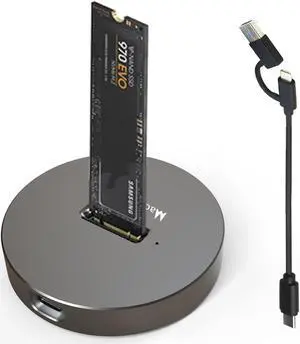
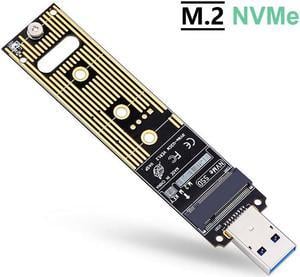
M.2 NVME USB 3.1 Adapter, M-Key M.2 NVME to USB Card Reader USB 3.1 Gen 2 Bridge Chip with 10 Gbps High Performance, Compatible with Samsung 950/960/970 Evo/Pro or Other M.2 SSDs with PCI-E Type
Limited time offer, ends 01/17
- Material: Plastic
- Model #: 3#Q1254_B
Quick View
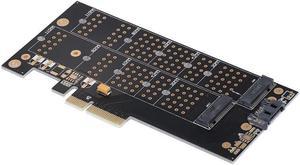
NVMe Protocol Adapter Card PCI-E X4 Port to M.2(PCI-E) SSD Converter SATA Port to M.2(SATA) SSD Adapter Card
- Model #: 000000054260
- $28.95 –
- More options from $26.10 - $28.95
- Free Shipping
Quick View

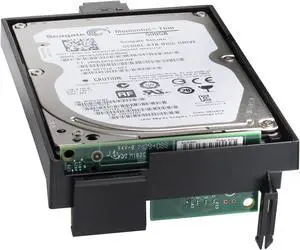
- Part Number: B5L29A
- Features: HP High-Performance Secure Hard Disk
- Usage: HP Color LaserJet Enterprise M553n B5L24A, HP Color LaserJet Enterprise M553dn B5L25A, HP Color LaserJet Enterprise M553x B5L26A, HP Color LaserJet Managed M553dnm B5L38A, HP Color LaserJet Managed M553xm B5L39A, HP LaserJet Enterprise M604n E6B67A, HP LaserJet Enterprise M604dn E6B68A, HP LaserJet Enterprise M605n E6B69A, HP LaserJet Enterprise M605dn E6B70A,
- Height (maximum): 1.4"
- Model #: B5L29A
- $600.99 –
- More options from $271.56 - $928.51
- Free Shipping
Quick View

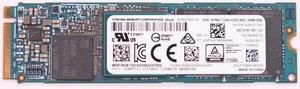
- Model #: 70KCW
- $77.00 –
- More options from $48.49 - $77.00
- Free Shipping