here!
I’m your shopping assistant for PC builds, upgrades, and everything tech.
Got questions? Ask away!
Start a conversation
here!
I’m your shopping assistant for PC builds, upgrades, and everything tech.
Got questions? Ask away!
Start a conversation




Any questions? Ask CelesteSM will help you find out quickly.


We want to ensure your holiday shopping this year is hassle-free. That’s why we’re automatically extending our return policies on almost every product! For purchases placed between November 1st, 2026 and December 31, 2026 you will have until January 31, 2027 to return your product.
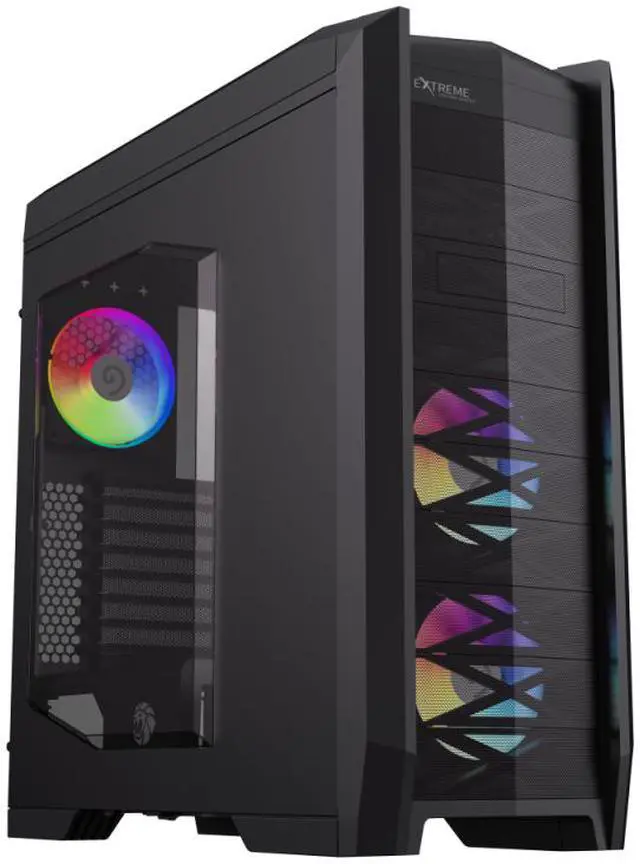
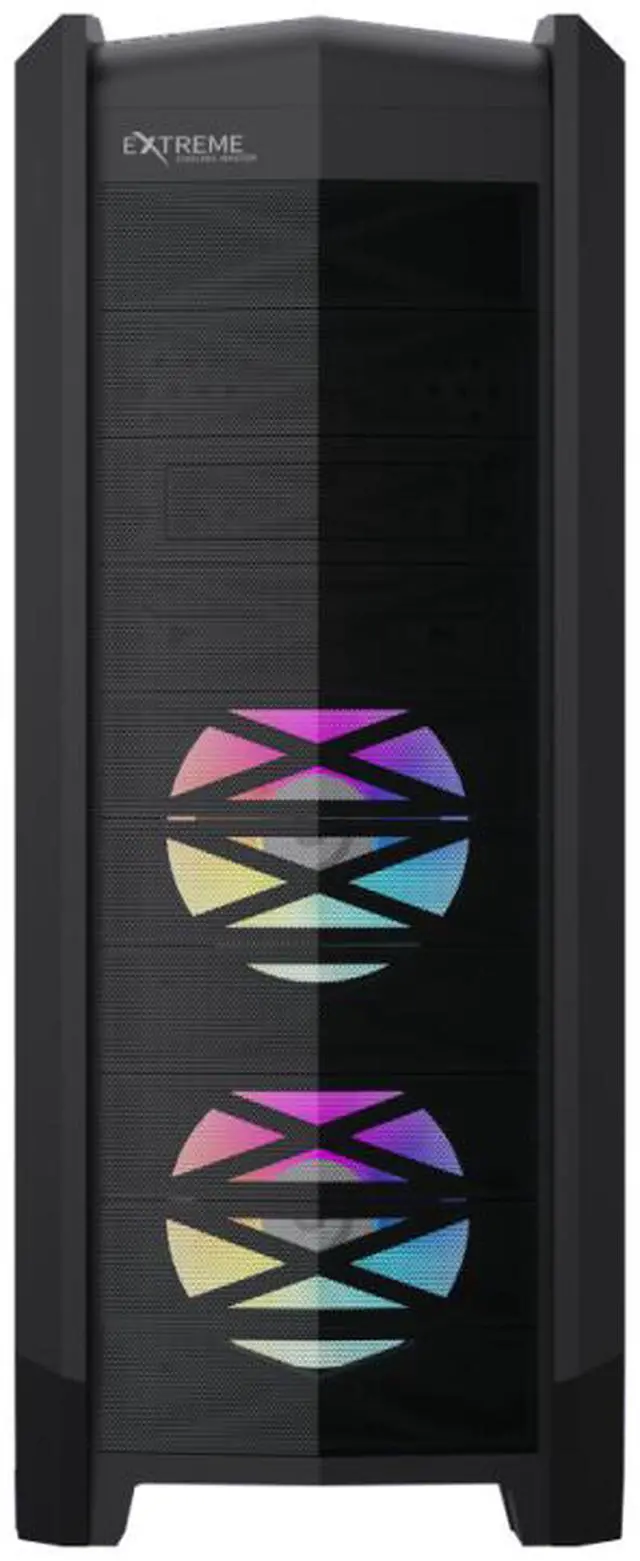
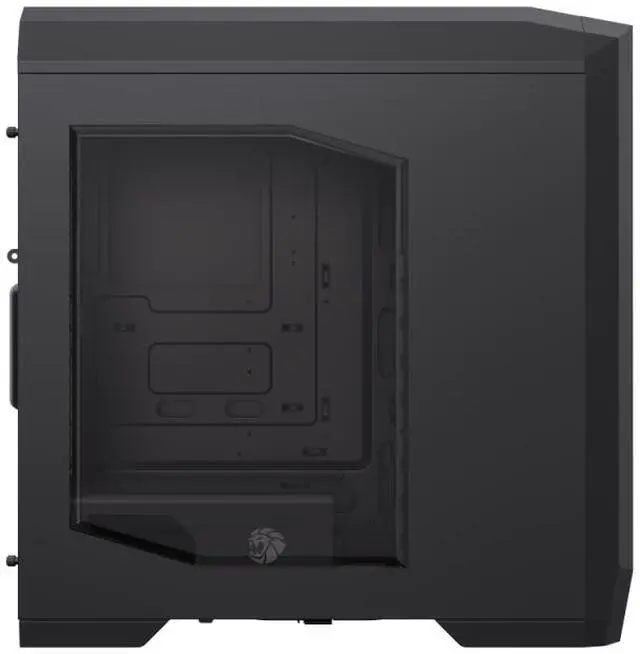
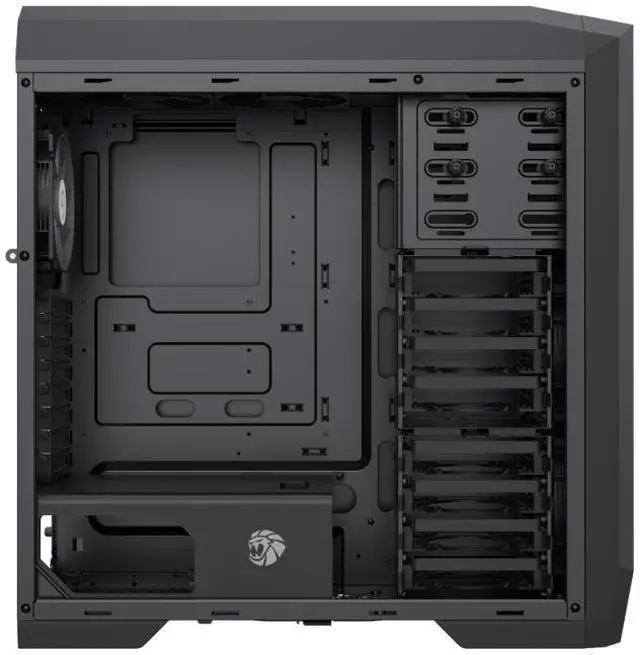
The GAMEMAX Dragon Knight 2 is a black ATX full-tower gaming case with five pre-installed ARGB fans, making it suitable for desktop builders who want included cooling, room for multiple drives, and a full-tower enclosure. It provides eight internal 3.5-inch bays, two internal 2.5-inch bays, and support for E-ATX, ATX, Micro-ATX, and ITX motherboards as listed in the product description.
Q: Dragon Knight 2 or Corsair 7000D Airflow for a custom water-cooling loop?
A: Choose the Corsair 7000D Airflow if your build needs large or multiple radiators: Corsair lists support for radiators up to 480 mm and multiple simultaneous radiator configurations, while the Dragon Knight 2 supports up to a 240 mm radiator at the top and 120 mm at the rear. Choose the Dragon Knight 2 instead if its eight 3.5-inch HDD bays, included five ARGB fans, HDD hot-swap bay, and card reader better match your priorities.
Q: Is the Dragon Knight 2 a worthwhile upgrade from the original Dragon Knight?
A: It is a targeted upgrade rather than a major capacity change: both models list eight 3.5-inch HDD bays and five included fans, and both support up to a 240 mm top radiator. Choose the Dragon Knight 2 if you specifically want its USB-C Gen 2 port or optional 140 mm top-fan support; if your original case meets your needs, the listed specifications show limited reason to replace it.
Q: Should I choose the Dragon Knight 2 or a standard mid-tower for a typical gaming PC?
A: Choose the Dragon Knight 2 if you need its full-tower layout, E-ATX support, eight HDD bays, or included five-fan setup. For a build that uses a standard ATX or smaller motherboard and does not need extensive drive storage, a mid-tower is the more space-conscious category; the Dragon Knight 2’s additional expansion and storage capacity may go unused.
Q: How many fans come pre-installed, and can I add more?
A: Five 120 mm ARGB fans are pre-installed: two front, two top, and one rear. The case also lists mounting options for up to six additional 120 mm fans, depending on placement.
Q: What motherboard sizes does this case support?
A: The product listing says it supports E-ATX, ATX, Micro-ATX, and Mini-ITX motherboards. Check the board’s dimensions and the case’s E-ATX clearance before buying, especially for a larger E-ATX board.
Q: How many drives can this case hold?
A: The listing specifies capacity for up to eight 3.5-inch hard drives and two 2.5-inch SSDs, or up to ten 2.5-inch SSDs in the alternative configuration. It also lists a built-in HDD hot-swap feature.
Q: What size radiator can I install?
A: The listed radiator options are up to 240 mm at the top or up to 120 mm at the rear. The product information does not list a front radiator mount.