Your Browsing History
- In Stock
- Sold by Newegg
- Make an Offer
- New

Any questions? Our AI beta will help you find out quickly.
Try me now
Quick View

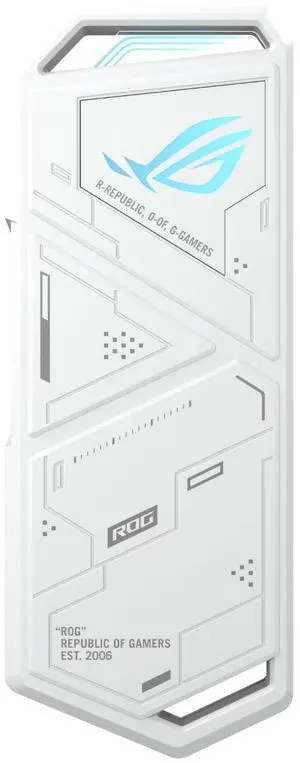
- Brand: ASUS
- Color: White
- Part Number: 90DD02N0-M02000
- Type: Enclosure
- Model #: ESD-S1C/WH
- $99.00 –
- More options from $98.78 - $110.65
- Free Shipping
Quick View
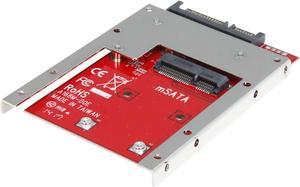
StarTech SAT32MSAT257 mSATA SSD to 2.5in SATA Adapter Converter
- Color: Red
- Conversion Tray: mSATA Drive to 2.5" Drive
- Compatible Products: 2.5"
- Specifications: Drive Installation: Fixed Drive Type: mSATA (Mini SATA) Interface : SATA Number of Drives: 1 Drive Connectors: 1 - mSATA (52 pin; Mini SATA) Receptacle Host Connectors: 1 - SATA Data & Power Combo (7+15 pin) Receptacle Maximum Data: Transfer Rate 6 Gbps Type and Rate: SATA III (6 Gbps)
- Model #: SAT32MSAT257
- $30.99 –
- More options from $22.12 - $36.99
- Free Shipping
Quick View
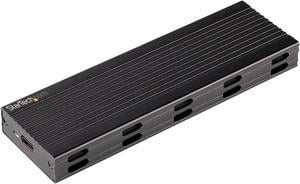
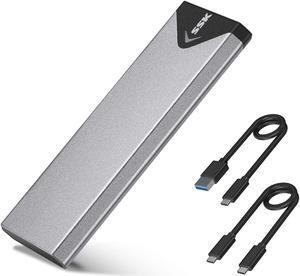
USB-C 10Gbps to M.2 NVMe or M.2 SATA SSD Enclosure, External M.2 PCIe/SATA NGFF SSD Enclosure, Portable Aluminum Case, USB Type-C & USB-A Host Cables, For 2230/2242/2260/2280 - Works w/ Thunderbolt 3
- Material: Aluminum / Plastic
- Dimensions: 0.60" x 1.60" x 5.10"
- Specifications: Connector(s): 1 - Drive Connectors: M.2 (PCIe, SATA, M-Key, NGFF) 1 - Host Connectors: USB 3.1 USB Type C (10 pin, Gen 2, 10 Gbps) Interface: USB 3.1 Gen 2 Bus Type: USB 3.2 Gen 2 10Gbps Number of Drives: 1 Drive Size: 22 mm - M.2 NVMe Compatible Drive Types: M.2 (PCIe, NVMe, M-Key, NGFF) Drive Installation: Fixed Compatible Drive Types: M.2 SATA (NGFF, B+M-Key) Supported Drive Height(s): 2230 2242 2260 2280 Chipset ID: Realtek - RTL9210B 1 - LED Indicators: Power & Activity Maximum Data Transfer Rate: 10 Gbps Type and Rate: USB 3.2 Gen 2 - 10 Gbit/s UASP Support: Yes TRIM Support: Yes 4Kn Support: Yes Type and Rate: NVMe (PCIe Gen 3) Insertion Rating: USB-C: 10,000 cycles M.2: 60 Cycles General Specifications: Fully compatible with M.2 SATA, AHCI and PCIe NVMe based drive...
- Model #: SM2E1BMU31C
- $91.99
- $74.99 –
- Save: $17.00 (18%)
- More options from $74.99 - $85.80
- $7.10 Shipping
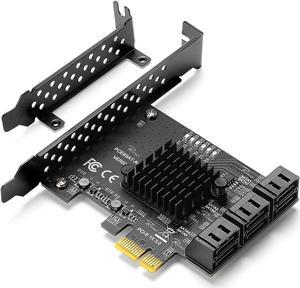
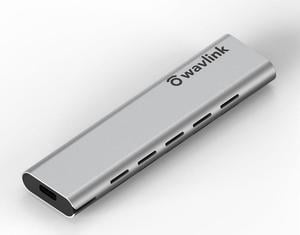
Quick View
Wavlink Aluminum M.2 NVMe SSD Enclosure, USB 3.1 Gen 2 (10 Gbps) to NVMe PCI-E M.2 SSD Case Support UASP for NVMe SSD Size 2230/2242/2260/2280 (up to 2TB) with Type-C OTG converter

Limited time offer, ends 02/17
- Type: SSD Enclosure
- Operating Systems Supported: Compatible with Windows, Mac OS, Linux, Chrome OS, PS4, PS3, Xbox, router, OTG Phones. Enable your M.2 SSD to be a mobile database between your devices.
- Model #: RCNE-ST338C
- $9.99 –
- Free Shipping
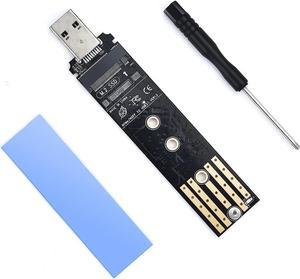

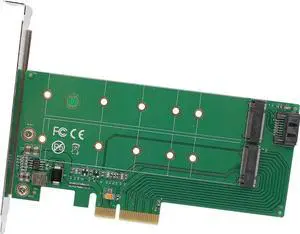
Quick View
M.2 M-Key SSD PCI-Express 2.0 x4 Adapter or M.2 B-Key SSD to SATA Interface Adapter Card
Limited time offer, ends 02/26
- Model #: 279848465
- $51.29 –
- Free Shipping
Quick View
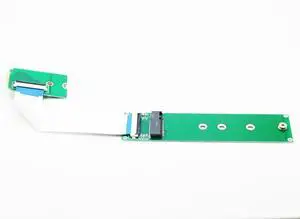
M.2 NVME 2242 to 2280 Extension Cable,NGFF M-Key PCIe SSD 2230 to 2280 Extender Card with Anti-electromagnetic Foiled Reversed Cable 10CMS
- Model #: C2AG-1218-C57
- $33.89 –
- Free Shipping
Quick View
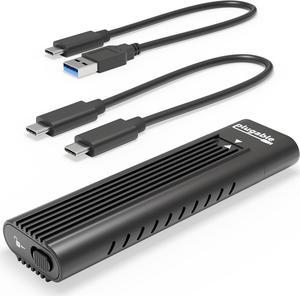
Plugable USB C to M.2 NVMe Tool-free Driverless Enclosure, USB C and Thunderbolt 3, Up to USB 3.1 Gen 2 Speeds (10Gbps). Includes USB-C and USB 3.0 Cables (Supports M.2 NVMe SSDs 2280 2260 2242)
- Material: Aluminum
- Type: Enclosure
- Thunderbolt 3: Yes
- Number of Bay: 1 Bay
- Model #: USBC-NVME
- $44.95
- See price in cart
- More options from $24.95 - $49.95
- Free Shipping
Quick View
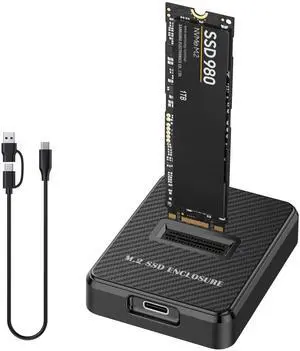
Hannord NVMe & SATA M.2 Reader/Writer, M.2 SSD to USB-A/C Reader Adapter Compatible with (M Key, B+M Key) NVMe and SATA NGFF SSD Dock, Size for 2280 2260 2242 2230 Portable Plastic Enclosure
- Brand: HANNORD
- Color: Black
- External Interface: USB 3.1 Type-C
- Thunderbolt 3: Yes
- Model #: P02017-S&N
Quick View
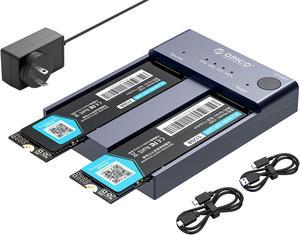
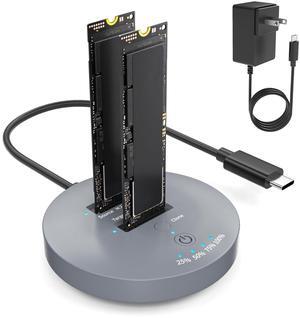
ORICO M.2 NVMe Cloner Dual-Bay NVMe Docking Station USB C to NVMe SSD Enclosure Aluminum M.2 Duplicator Offline Clone for PCIe M-Key SSDs Max 8TB Tool Free-M2P2

- AC Adapter: Yes
- Material: Aluminum
- Dimensions: 0.54" x 3.24" x 2.44"
- Type: Dock
- Model #: M2P2-C3-C-US-GY-BP
Quick View
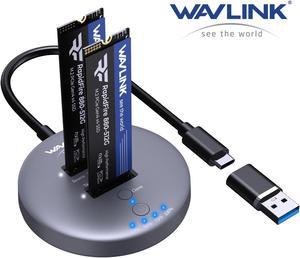
WAVLINK M.2 NVMe SSD Cloner, 10G Dual-Bay NVMe to USB-C/A Docking Station, Supports One-Click Offline-Clone, 2x8TB Capacity, UASP, Tool&Driver-Free, Design for SSDs in Size 2230/2242/2260/2280/22110
Limited time offer, ends 02/22
- Brand: Wavlink
- Size: M.2
- Color: Gray
- External Interface: NVME SATA-10Gbps - C to C/A
- Model #: WL-RapidFire S2
Quick View
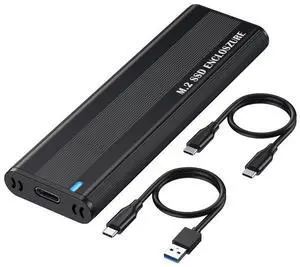
Hannord M.2 NVME SATA SSD Enclosure, Improved RTL9210B Chip USB 3.2 Gen 2 10Gbps to PCI-E NGFF Adapter, M-Key/B+M Key External Solid State Drive Enclosure Aluminum Support UASP Trim 2242/2260/2280
- Brand: HANNORD
- Color: Black
- External Interface: USB 3.1 Gen 2 Type-C
- Material: Aluminum
- Model #: P01874-ACCC
Quick View
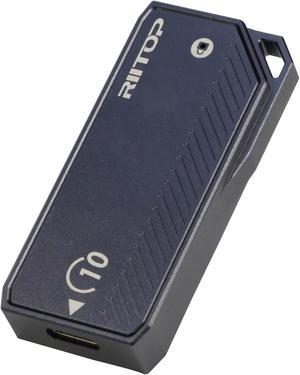
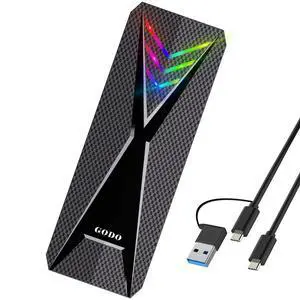
M.2 2230 Enclsoure 10Gbps, RIITOP Small M.2 NVMe to USB-C Reader with Aluminum Case for Both (M Key) NVMe and (B+M Key) SATA SSD only in Size 22x30mm
Limited time offer, ends 02/22
- Material: Aluminum
- Type: Enclosure
- Model #: M2BMC10
Quick View
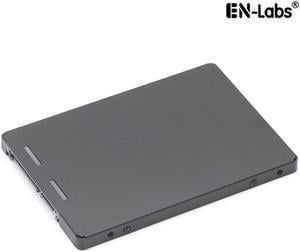
EnLabs ENM22SATA3 NGFF M.2 SSD to 2.5" SATA III Converter Adapter with 7mm Enclosure, Support NGFF SATA-bus M.2 2280 2260 2242 2230 SSD with Key B / Key B+M
Limited time offer, ends 02/28
- Material: Metal
- Type: Enclosure
- Model #: ENM22SATA3
Quick View
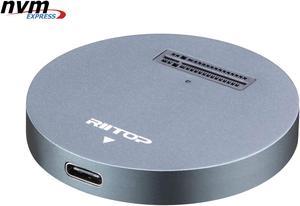
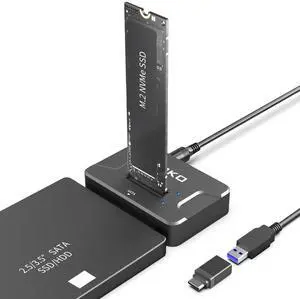
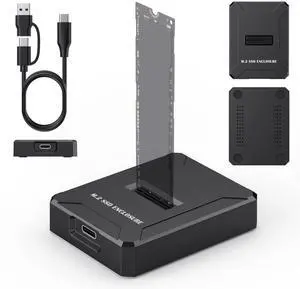
NVMe to USB Docking Station, RIITOP External M.2 PCI-e NVMe SSD to USB-C Reader Adapter for M.2 (M Key) NVMe SSD
Limited time offer, ends 02/22
- Material: Aluminum
- Dimensions: 2.16x2.16x0.31 in
- Specifications: Type: NVMe USB C Converter Adapter Docking Base. Input: M Key M.2 NMVe slot. Output: USB 3.1 Type C. (Come with USB Type C to C Cable, USB Type C to Type A Adapter Connector) Transfer Speed: Connect with USB 3.1 Port: 10Gbps; Connect with USB 3.0 Port: 5Gbps; Cable length: About 30cm / 12 in.
- Type: Dock
- Model #: NVMETC-DKGY
- $33.99 –
- Free Shipping
Quick View
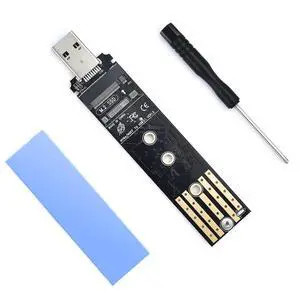
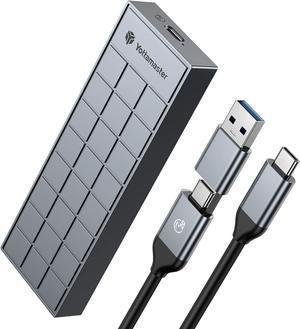
Yottamaster 20Gbps M.2 NVMe Enclosure with Heatsink, USB3.2 Gen2x2 Type C Aluminum External NVMe SSD Caddy for B-Key and B&M Key 2230/2242/2260/2280 NVMe SSD-Grey
- Part Number: 6954301129196
- Type: HDD/SSD
- Material: Aluminum / Plastic
- Thunderbolt 3: NO
- Model #: Yottamaster-HP7-C3-GY
Quick View
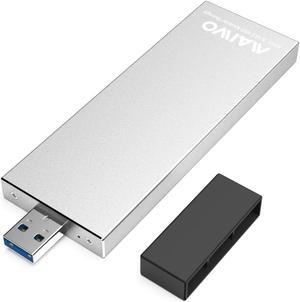
MAIWO USB 3.0 to M.2 SATA NGFF SSD Enclosure Reader for M+B Key SATA Hard Drive, Applicable to SSD Size 2230 / 2242 / 2260 / 2280

- Type: Enclosure
- Material: Aluminum
- HDD Count Supported: Single SSD
- Number of Bay: 1 Bay
- Model #: K17N-Silver
Quick View
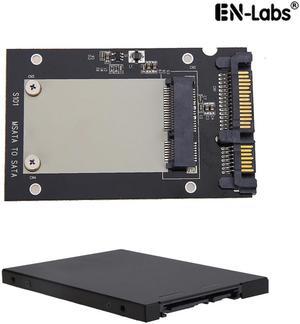
EnLabs mSATA to 2.5inch SATA Adapter Converter w/ 7mm Case Enclosure,2.5" SATA III to 3050 miniSATA Card with Metal Housing
Limited time offer, ends 02/28
- Material: Aluminum
- Number of Bay: 1
- Size: mSATA
- Model #: ENMSATA2SATA
Quick View
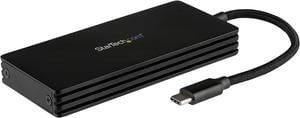
StarTech.com SM21BMU31CI3 M.2 SSD Enclosure for M.2 SATA Drives - USB 3.1 Gen 2 - USB-C - Portable M.2 External Enclosure (SM21BMU31CI3)
- Material: Aluminum
- Dimensions: 0.60" x 4.30" x 2.00"
- Specifications: Chipset ID: JMicron - JMS580 Drive Size: 22mm - M.2 SATA Supported Drive Height(s): 2242 / 2260 / 2280 Compatible Drive Types: M.2 (SATA, B-Key, NGFF) / M.2 SATA (NGFF, B+M-Key) Maximum Data Transfer Rate: 6 Gbps MTBF: 50,000 hours TRIM Support:Yes Type and Rate: USB 3.1 Gen 2 - 10 Gbit/s, SATA III (6 Gbps) UASP Support: Yes Drive Connectors: 1 - M.2 (SATA, B-Key, NGFF) Receptacle Host Connectors: 1 - USB Type-C (24 pin) USB 3.1 (10Gbps) Male Note: Not compatible with M.2 NVMe or AHCI PCI-Express SSDs Windows 7 and earlier Windows versions do not support TRIM with USB to SATA devices.
- Type: Enclosure
- Model #: SM21BMU31CI3
- $56.99
- $55.41 –
- More options from $51.03 - $55.41
Quick View
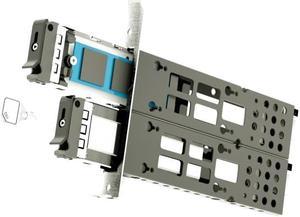
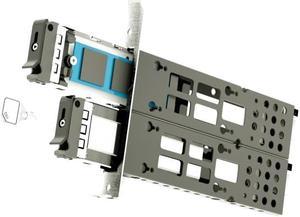
Athena Power SP-M22NVME9SPB, High-Speed M.2 NVMe PCIe Adapter Card with Full-Height Bracket and SlimSAS Connectivity
- Material: Metal
- Dimensions: 159mm x 120mm x 18.5mm
- Part Number: SP-M22NVME9SPB
- Type: Enclosure
- Model #: SP-M22NVME9SPB
Quick View
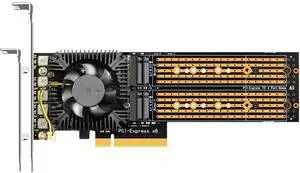
Athena Power SP-M22NVMEOSPB, Advanced M.2 NVMe PCIe Adapter Card with Full-Height Bracket and Oculink Connectivity
Limited time offer, ends 02/19
- Material: Metal
- Dimensions: 159mm x 120mm x 18.5mm
- Part Number: SP-M22NVMEOSPB
- Type: Enclosure
- Model #: SP-M22NVMEOSPB
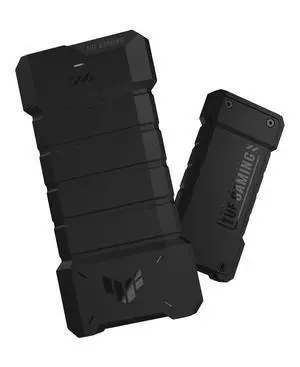
Quick View
in 30 days
- Brand: ASUS
- Series: TUF Gaming A2/20 Gbps
- Color: Black
- External Interface: USB 3.2 GEN
- Model #: 90DD02X0-B08000
- $57.99
- $49.99 –
- Save: $8.00 (13%)
- More options from $49.99 - $89.00
- Free Shipping

Quick View
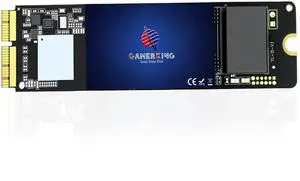
M.2 NVMe SSD Convert Adapter Card for MacBook Air Pro Retina (Year 2013-2017), NVME/AHCI SSD Upgraded Kit for A1465 A1466 A1398 A1502
Limited time offer, ends 02/22
- Color: Black
- Specifications: Applications: 1. Make sure to move to High Sierra while still on your old drive, so that a newer firmware is installed that can handle NVMe. 2. Do a full backup to your TimeMachine. 3. Create a High Sierra Installer on a bootable USB stick. 4. Open the macbook and disconnect the battery while wsitching out the drive and make sure both adapter and new SSD sit snug. Finally reconnect the battery before closing the shell. 5. Insert the installer USB stick from step2, and press the option key while the machine starts. Once its up you can now go to the disk utils to format.
- Package Contents: 1x M.2 NVMe SSD Adapter Card for Upgrade of Macbook 2013-2017.
- Model #: NVMETMAC
- $11.95 –
- Free Shipping

Quick View
EN-Labs M.2NVMe & NGFF Duplicator Cloner Docking Station Dual-Bay 20Gbps USB C to PCIe M Key / SATA-based B+M Key NGFF SSD Dock Enclosure,Supports 22110 / 2280 / 2260 / 2242 / 2230
Limited time offer, ends 02/28
- Model #: 11-001-099