
Your Browsing History
- In Stock
- Sold by Newegg
- Make an Offer
- New

Any questions? Our AI beta will help you find out quickly.
Try me now
Quick View
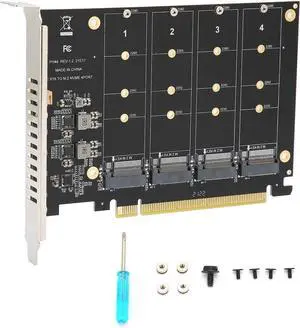
M.2 PCIE Adapter Card, 4 Port M.2 NVMe SSD to PCIE X16 M Key Hard Drive Converter Reader Expansion Card PC Internal Expansion Card Pcie Nvme Adapter
Limited time offer, ends 03/20
- Model #: DZ-ZHT-273

Quick View
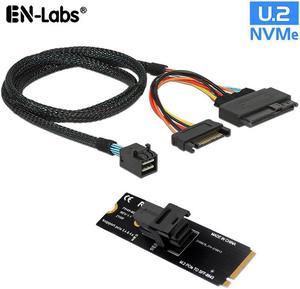
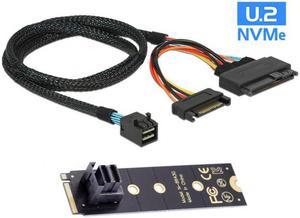
EN-Labs U.2 to M.2 NVMe M-Key NVMe Adapter,M2 to Mini SAS SFF-8643 Expansion Card w/ SFF8643 to SFF-8639 PCIe SSD Adapter Cable for Mainboard Intel SSD 750 p3600 p3700 - 1.64FT
Limited time offer, ends 03/31
- Type: SSD ADAPTER
- Model #: M2NVMETOU250CM
Quick View
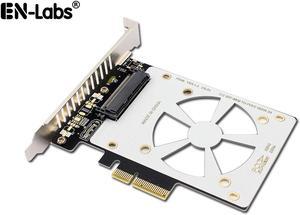
U.2 to PCIe 4.0/3.0 X4 Adapter for 2.5" U.2 Nvme SSD, SFF-8639 PCIe Card,PCI Express 3.0 4X to SFF8639 Full Speed Expansion Card with Full-Profile Slot Cover Bracket
Limited time offer, ends 03/31
- Type: PCI Express Controller Card
- Model #: 11-001-080
Quick View
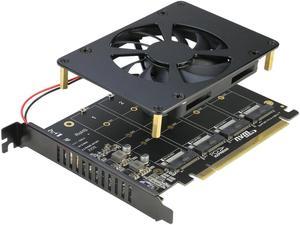
RIITOP Quad M.2 NVME SSD to PCI-E 4.0 X16 Adapter Card, High Speed 4x32Gbps Soft Raid Card with Individual LED Indicator Support 2230 2242 2260 2280 M Key M.2 NVME SSD ((PCI-e Bifurcation Required))
Limited time offer, ends 03/23
- Type: Controller Card
- Model #: 4P-NVTPCE16X2
Quick View
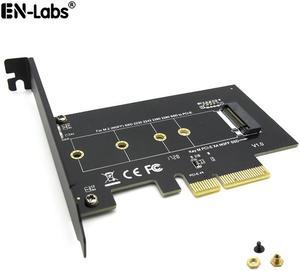
EnLabs M.2 NGFF SSD M Key NVME PCIe Card Adapter - PCIe X4 to PCIe/NVME Based M.2 Add On Card w/ Full-profile Bracket - Supports M.2 PCIe 2230, 2242, 2260 and 2280
Limited time offer, ends 03/31
- Model #: PCIEM2NVME

Quick View
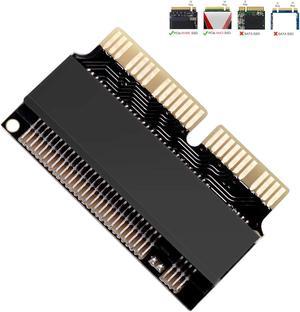
M.2 NVMe SSD Convert Adapter Card for MacBook Air Pro Retina (Year 2013-2017), NVME/AHCI SSD Upgraded Kit for A1465 A1466 A1398 A1502
Limited time offer, ends 03/23
- Color: Black
- Specifications: Applications: 1. Make sure to move to High Sierra while still on your old drive, so that a newer firmware is installed that can handle NVMe. 2. Do a full backup to your TimeMachine. 3. Create a High Sierra Installer on a bootable USB stick. 4. Open the macbook and disconnect the battery while wsitching out the drive and make sure both adapter and new SSD sit snug. Finally reconnect the battery before closing the shell. 5. Insert the installer USB stick from step2, and press the option key while the machine starts. Once its up you can now go to the disk utils to format.
- Package Contents: 1x M.2 NVMe SSD Adapter Card for Upgrade of Macbook 2013-2017.
- Model #: NVMETMAC
- $11.95 –
- Free Shipping
Quick View
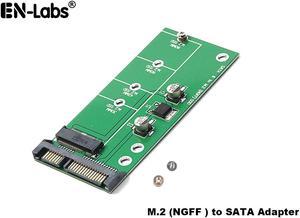
NGFF M.2 to SATA3 Adapter Card,SATA III 6Gbps to M2 SSD Converter Adapter Card Compatible with 2230/2242/2260/2280mm B-key & B+M Key SATA Bus M2 SSD
Limited time offer, ends 03/31
- Model #: SATA3TONGFFAD
Quick View
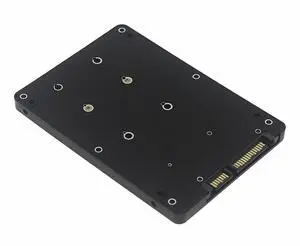
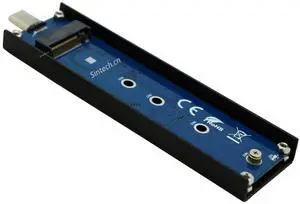
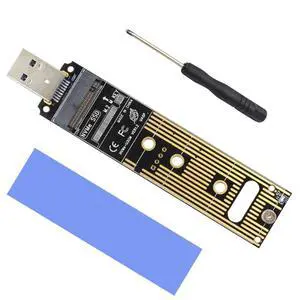
Vszerda nVME to USB Type C Adapter,USB 3.1 M-Key M.2(NGFF) SSD External Card Enclusure(Fit for Samsung 960/970 EVO WD Black NVME SSD)
Limited time offer, ends 04/02
- Model #: ST-M2U31AA
- $23.99 –
- Free Shipping
Quick View
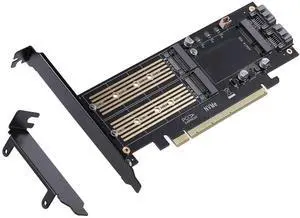
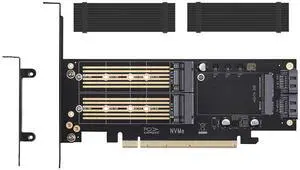
3 in 1 M.2 and mSATA SSD Adapter Card for NVME to PCIE, SATA III, and mSATA (With 2 Aluminum Heatsink)
- Model #: AOE-1216
- $38.99 –
- Free Shipping
Quick View
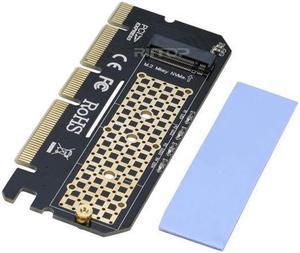
NVMe PCIe Adapter Card, RIITOP PCIe M.2 SSD NVMe AHCI to PCIe Gen 3.0 x4 x8 x16 Full Speed Converter Card for Desktop PC, Support (M Key) M.2 SSD 2280/2260/2242/2230 mm
Limited time offer, ends 03/23
- Type: PCI Express to M.2 Card
- External USB Ports: PCI Express
- Compatibility: Apply to 2280 / 2260 / 2242 / 2230mm PCI-e m.2 NVMe SSD (NOT supported B/B+M Key M.2 NGFF SSD)
- Specifications: Compatibility with: Apply to 2280/2260/2242 / 2230mm M.2 PCI-e NVMe SSD (Not supported SATA-based M.2 SSD). PCIe NVMe/AHCI SSD (Incomplete List): Samsung XP941, SM951 (NVMe), 950 Pro Series SSDs, PM961, 960EVO, SM961, PM951, 960EVO. INTEL 600P. Liteon T10. Kingston HyperX Predator M.2. Plextor M6e Series M.2 SSD.
- Model #: M2T16X-BD
- $13.99 –
- Free Shipping
Quick View
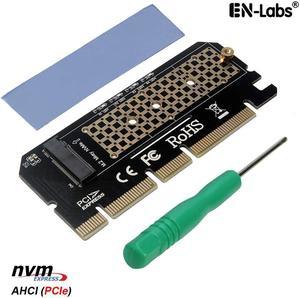
EnLabs PCIEX16TONVME M Key M.2 PCIe NVMe SSD to PCI-e Express 3.0 x4 x8 x16 Adapter Card Converter w/ Thermal Pad, Support PCIe Channel NVMe AHCI SSD 2230 2242 2260 2280
Limited time offer, ends 03/31
- Model #: PCIEX16TONVME
Quick View
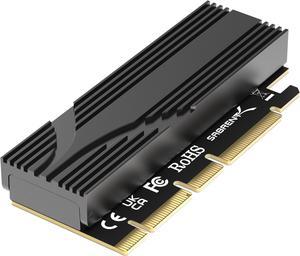
SABRENT M.2 NVMe SSD to PCIe x16 Tool-Free Add-In Card (AIC) with Aluminum Heatsink, M.2 PCIe Adapter for Gen5 SSDs PCIe 5.0, Backwards Compatible with Previous PCIe Generations (EC-TFPE)
- Color: Black
- Parts: 1 Year
- Labor: 1 Year
- Model #: EC-TFPE
Quick View
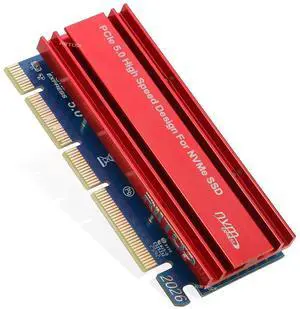
M.2 NVMe to PCIE 5.0 4x 8x 16x Adapter Card, For M Key 2230 2242 2260 2280 mm Size PCIe M.2 SSD Full Speed
Limited time offer, ends 03/23
- Brand: RIITOP
- Model: M2TPCE16X (PCIe M.2 NVMe AHCI SSD to PCIE 5.0 16x Adapter Card for Key M 2230/2242/2260/2280 mm Size M.2 SSD Full Speed 16GB/s)
- Type: PCI Express Controller Card
- External USB Ports: PCI Express
- Model #: M2TPCE16X
- $15.99 –
- Free Shipping
Quick View
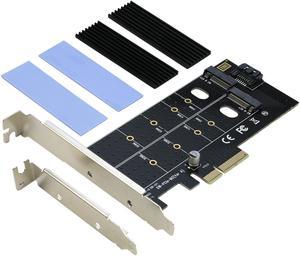
Dual M.2 PCIe 4x Adapter for SATA or PCIe NVMe SSD with Heatsink, RIITOP M.2 SSD NVME (M Key) and SATA (B Key) 22110 2280 2260 2242 2230 to PCI-e x 4 Host Controller Expansion Card
Limited time offer, ends 03/23
- Type: PCI Express Controller Card
- Compatibility: M Key PCIe M.2 NMVe, B Key SATA M.2 NGFF SSD (2230/2242/2260/2280/22110mm)
- Specifications: 1.Connects one B key & one M key NGFF SSD at the same time to PCI-E 4X motherboard. 2.Compliant with PCI Express M.2 specification 1.0. 3.Compliant with SATA 3.0 specification for B key. 4.Compliant with PCI-E 4X 3.0 specification for M key.
- Dimensions: 5.52x4.73x0.79 inch.
- Model #: DUL-M2T4X+SR
- $18.90 –
- Free Shipping
Quick View
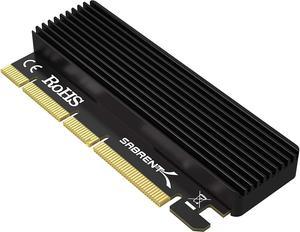
SABRENT NVMe M.2 SSD to PCIe X16/X8/X4 Card with Aluminum Heat Sink (EC-PCIE)
- Type: M.2 port (M key) into one PCIe x4
- External Ports: M.2 (NGFF)
- Internal Ports: PCI Express x 4 via full size x 16 pinout
- Operating Systems Supported: • A computer and BIOS (usually set to AHCI) compatible with NVMe SSD over PCIe lanes. • Windows 7 with Microsoft’s Hotfixes for NVMe SSD. • Windows 8 and above. • Linux. • If after installation you get a yellow exclamation mark under the Device Manager, you may need to get an additional driver
- Model #: EC-PCIE
Quick View
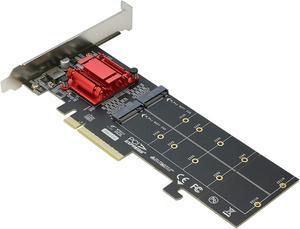
Dual NVMe PCIe Adapter, RIITOP M.2 NVMe SSD to PCI-e 3.1 x8/x16 Card Support M.2 (M Key) NVMe SSD 22110/2280/2260/2242/2230
Limited time offer, ends 03/23
- Type: PCI Express Controller Card
- External Ports: PCI Express 3.0 x8
- Internal Ports: Dual M.2 NVMe Slot
- Compatibility: Supports PCIe M.2 SSD (NVMe/AHCI, Key-M), PCIE 3.0 x8 32 Gbps bandwidth. Not supported SATA-based M.2 SSD. Apply to 2280/2260/2242 / 2230mm M.2 SSD
- Model #: DUL-NVTPCE8X
Quick View
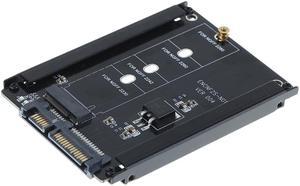
EnLabs M.2 SATA-Bus NGFF SSD to 2.5 SATA 3.0 6Gb Adapter Convert Card w/ Metal Mounting Bracket,B+M Key NGFF SSD to SATAIII 6Gbps Adapter For 2230/2242/2260/2280mm
Limited time offer, ends 03/31
- Model #: M2NGFF25SATABR
Quick View
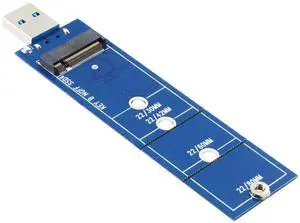
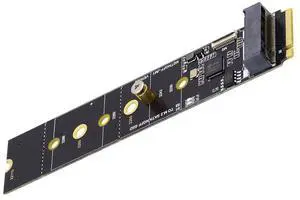
Cablecc SATA NGFF Key B+M SSD to NVME M-Key Motherboard Desktop Adapter Converter SSD Card JMB582 2280
- Model #: 677658685158
- $50.99 –
- $5.99 Shipping
Quick View
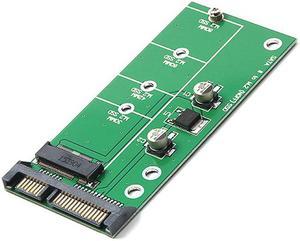
EnLabs NGFF ( M2 ) B Key & B+M Key SATA Based SSD to 2.5" SATA Adapter,SATA-Bus M.2 NGFF SSD to SATAIII 6Gbps Convert Card For 2230/2242/2260/2280mm
Limited time offer, ends 03/31
- Changer Type: M.2 SATA
- Model #: M2NGFF25SATA
Quick View
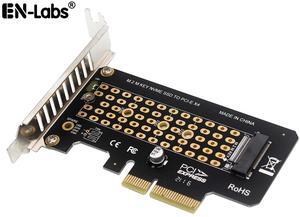
EnLabs PCIE4X2NVMEBR M.2 NVME SSD to PCIe x4 Card Converter,2230,2242,2260,2280 NVM Express PCI-e Adapter request x4,x8,x16 Slot w/PCI Cover Mounting Bracket
Limited time offer, ends 03/31
- Package Contents: NVME to PCIe Card,PCI slot cover,screws & screw driver
- Model #: PCIE4X2NVMEBR
Quick View
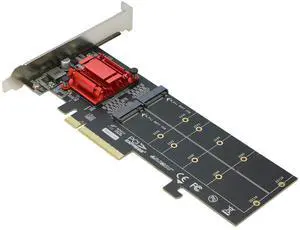
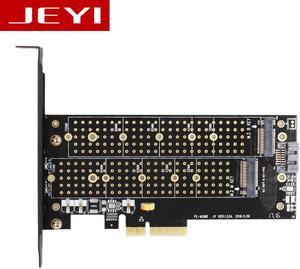
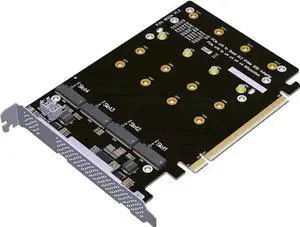
PCIe 4.0 16x to 4X M.2 NVME SSD Adapter Card PCIe 4.0 GEN4 Full Speed Bifurcation Four-Bay Board Expansion Card 1 to 4 M.2 NVMe SSD Adapter Support 2242 2260 2280 22110 (No Heatsink)
Limited time offer, ends 03/22
- Model #: BZ59-1107-10
- $42.81 –
- Free Shipping
Quick View
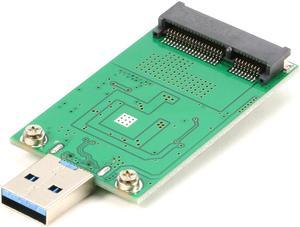
mSATA SSD to USB Converter Adapter Card External USB 3.0 to mSATA SSD Mini SATA SSD Reader (No need cable) Module Board UASP ASM1153E Chpset Hi Speed 5Gb
Limited time offer, ends 03/23
- Color: Green
- Changer Type: mSATA
- Specifications: For 5x3cm mSATA SSD, Support UASP SATA 6G, ASMedia 1153E Chipset
- Connector A: mSATA SSD Slot.
- Model #: 23-010-014
- $15.99 –
- Free Shipping
Quick View
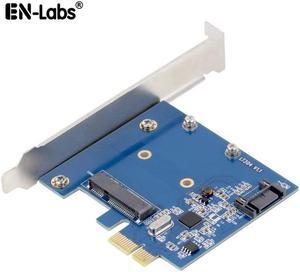
EnLabs PCIe X1 To MSATA SSD & SATA3.0 Combo Expansion Card, ASM1061 Chipset PCI Express Controller Mini SATA SSD Adapter for PC Desktop w/ Standard Profile Bracket
Limited time offer, ends 03/31
- Specifications: PCIe - PCIe-X1,support PCIE X2,X4,X8,X16 Output interface - mSATA + SATA III OS - Windows10/8/7(32/64?)/ Vista(32/64?)/ XP/2003/2008/linux
- Package Contents: 1 x PCIe to mSATA + SATA card,1 x Driver CD
- Model #: PCIEMSATA
Quick View
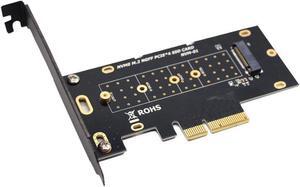
M.2 NVME SSD to PCIe x4 Card Converter,2230,2242,2260,2280 NVM Express PCI-e Adapter request x4,x8,x16 Slot w/PCI Cover Mounting Bracket
Limited time offer, ends 03/27
- Model #: 279846527
- $15.89 –
- Free Shipping