

Your Browsing History
- In Stock
- Sold by Newegg
- Make an Offer
- New

Any questions? Our AI mode will help you find out quickly.
Try me now
Quick View
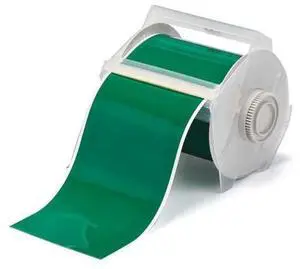
Brady 113123 GlobalMark 100' Length x 4" Width, B-595 Vinyl, Green Indoor/Outdoor Tape
- Model #: HANWB00595JMGO
- $126.99 –
- Free Shipping
Quick View
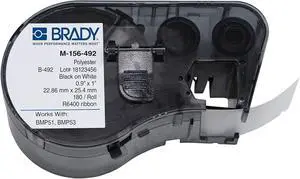
Brady M-156-492 Polyester B-492 Black on White Label Maker Cartridge, 1" Width x 57/64" Height, for BMP51/BMP53 Printers
- Model #: HANWB007ZJL35A
- $191.99 –
- Free Shipping
Quick View
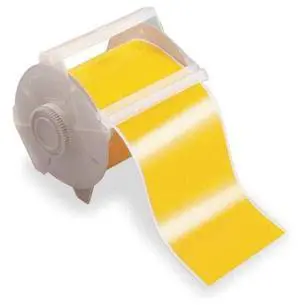
Brady 113117 GlobalMark 100' Length x 1.125" Width, B-595 Vinyl, Yellow Indoor/Outdoor Tape
- Model #: ENGEB00595JJRG
- $175.99 –
- Free Shipping
Quick View
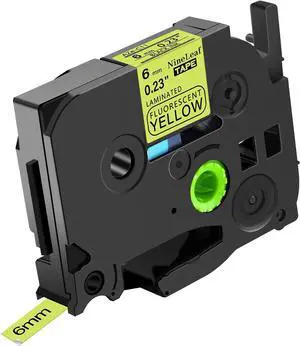
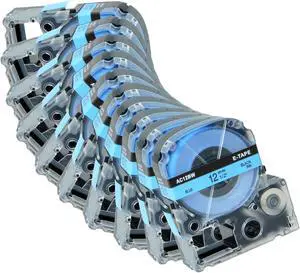
10 Pack AC12BW 12" Tape Compatible for LK-4LBP LC-4LBP SC12BW 12mm Black on Blue LK Label Cartridges for LabelWorks LW-300 LW-400 LW-500 LW-600P LW-K200PX Label Maker
- Model #: ENGEB0F18TPKM5
- $71.99 –
- Free Shipping
Quick View
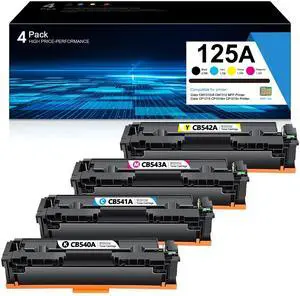
125A Toner Cartridge Set: CB540A CB541A CB542A CB543A Replacement for HP 125A High Yield Toner Cartridge for Color MFP CM1312 CM1312nfi Pro CP1215 CP1518ni CP1515n Series Printer Ink (4-Pack, B/C/Y/M)
Limited time offer, ends 08/27
- Model #: 179246323539
- $193.49 –
- Free Shipping
Quick View
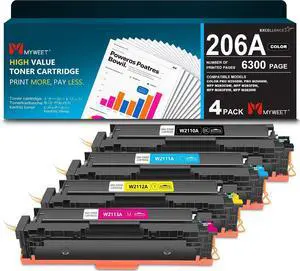
206A High Yield Toner Cartridge Set 4-Pack Replacement for HP 206A
- Model #: HANWB0G5PR86TW
- $305.99 –
- Free Shipping
Quick View
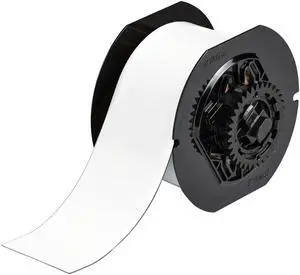
Brady B30C-2500-509-WT 25 feet Length x 2.5" Width, B-509 Polyester, White BBP31 Magnetic Supply
- Model #: HANWB0058V7QL2
- $274.99 –
- Free Shipping
Quick View
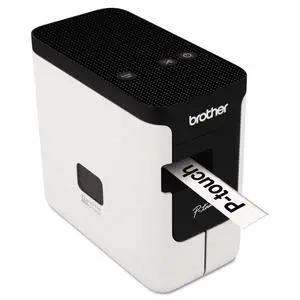
P-Touch PC Connectable Label Maker (PT-P700),White
- Brand: Brother
- Series: PT-P700, 700
- Part Number: BRTPTP700
- Print Technology: No Ink
- Model #: 621897876955
- $144.99 –
- Free Shipping
Quick View
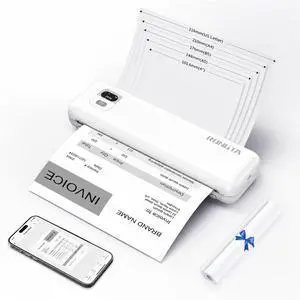
Portable Printer Wireless for Travel, F82 Inkless Bluetooth Thermal Printers, Compatible with iOS, Android, Laptop, Support 8.5"x11" US Letter&A4 for Office, Home, Car (White)
- Brand: Rongta
- Series: F82
- Print Technology: Thermal
- Printer Type: Small
- Model #: 122103097060
- $74.98 –
- Free Shipping
Quick View
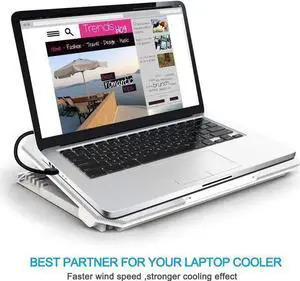
USB Printer Cable 2-PACK, USB-A Male to USB-B 3.0 Male USB 3.0 Type B Upstream Cord Label Scanner Printer Cable for Docking Station, External Hard Drivers, Scanner, Printer and More - 6FT
Limited time offer, ends 08/16
- Model #: WJM-260625.510
- $21.99 –
- Free Shipping
Quick View
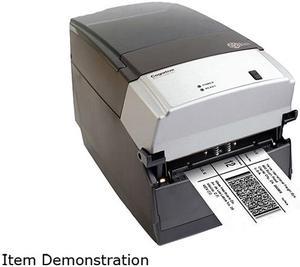
Used - Good Cognitive TPG CXD4-1300 Direct Thermal Desktop Label Printer, 300 dpi, 8 ips, 4.2" 2-Line LCD Display, Serial, Parallel, USB A/B, Ethernet
- Printer Type: Desktop
- Memory: RAM - 16 MB, Flash - 8 MB
- Fonts Included: Bitmapped: 7 styles with up to 10x10 magnification, variable boldness and spacing International: Sans serif font in 7 pt. sizes, up to 4x4 magnification, variable boldness and spacing Scalable Smooth Fonts: 3 Ultra Font styles for smooth characters in any size and boldness Rotations: 0, 90, 180, 270 degrees Optional: Kanji, Korean, and OCR fonts available
- Barcode Type: Add2, Add5, Codabar, Code39, Code93, Code 128A/B/C, D2of5, I2of5, S20f5, EAN8, EAN13, EAN128, MSI/I1, Plessey, Postnet, UPCA/A+/E/E1
- Model #: CXD4-1300
- $199.00 –
- More options from $199.00 - $711.25
- Free Shipping
Quick View
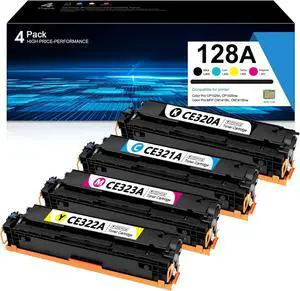
128A Toner Cartridges 4 Pack Compatible for Color Pro MFP CM1415fn
- Model #: HANWB0F6Y52GDZ
- $305.99 –
- Free Shipping
Quick View
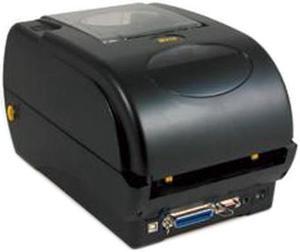
Wasp 633808402006 WPL305 Desktop Thermal Barcode Printer
- Printer Type: Desktop
- Memory: 8 MB SDRAM, 4 MB Flash
- Fonts Included: Resident fonts: Eight alphanumeric bitmap fonts, one Monotype Imaging CG Triumvirate Bold Condensed scalable font, built-in Monotype True Type Font engine Font rotation: 0°, 90°, 180°, 270°
- Barcode Type: 1D Barcodes: Code 39, Code 93, Code 128 UCC, Code 128 subset A., B., C., Codabar, Interleave 2 of 5, EAN-8, EAN-13, EAN-128, UPC-A, UPC-E, EAN and UPC 2 (5) digits add-on, MSI, PLESSEY, POSTNET, RSS-Stacked, GS1 DataBar, Code 11
- Model #: 633808402006
- $524.99 –
- $2.99 Shipping
Quick View
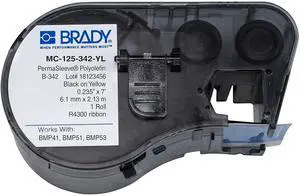
Brady MC-125-342-YL Polyolefin B-342 Black on Yellow Label Maker Cartridge, 7' Width x 15/64" Height, For BMP51/BMP53 Printers
- Model #: CHIDB007ZJMH50
- $162.99 –
- Free Shipping
Quick View
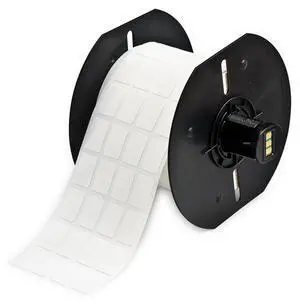
Brady B33-68-490 Freezerbondz Polyester Labels, 0.75" H X 0.5" W, Roll of 2500 Labels, White Compatible with BBP33, BradyPrinter i3300 Label Printers
- Model #: CHIDB009NK0B7A
- $322.99 –
- Free Shipping
Quick View
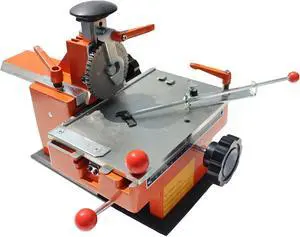
Manual Nameplate Metal Label Stamping Printer Machine Semi-Automatic Sheet Embosser with Fixture 4mm
- Model #: CHIDB0C6X3F37C
- $396.99 –
- Free Shipping
Quick View
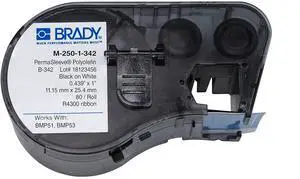
Brady - 143228 M-250-1-342 Polyolefin B-342 Black on White Label Maker Cartridge, 7/16" Width x 1-1/64" Height, For BMP51/BMP53 Printers
- Model #: CHIDB007XILON4
- $150.99 –
- Free Shipping
Quick View
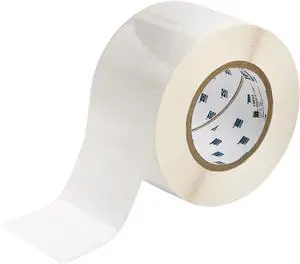
Brady THT-19-483-1 3" Width x 2" Height, B-483 Ultra Aggressive Polyester, Gloss Finish White Thermal Transfer Printable Label (1000 per Roll)
- Model #: CHIDB0057JZNC4
- $376.99 –
- Free Shipping
Quick View
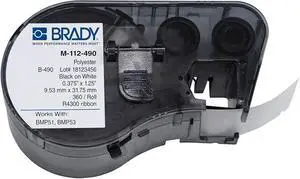
Brady M-112-490 Polyester B-490 Black on White Label Maker Cartridge, 3/8" Width x 1-1/4" Height, For BMP51/BMP53 Printers
- Model #: CHIDB007ZJKQWG
- $169.99 –
- Free Shipping
Quick View
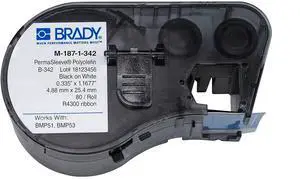
Brady M-187-1-342 Polyolefin B-342 Black on White Label Maker Cartridge, 21/64" Width x 1-1/64" Height, For BMP51/BMP53 Printers,80
- Model #: CHIDB007ZJM9GM
- $153.99 –
- Free Shipping
Quick View
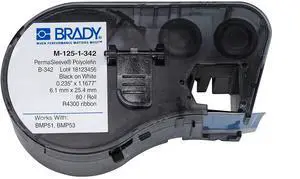
Brady M-125-1-342 Polyolefin B-342 Black on White Label Maker Cartridge, 15/64" Width x 1-1/64" Height, For BMP51/BMP53 Printers
- Model #: CHIDB007ZJM5UM
- $133.99 –
- Free Shipping
Quick View
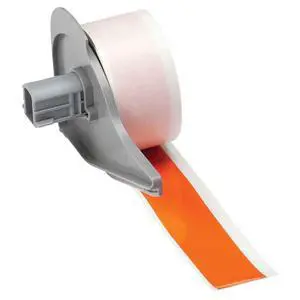
Brady M71C-1000-595-OR BMP71 Tape B-595 Indoor/Outdoor Vinyl Film Size: 1" x 50'OR 1/Each - Orange
- Model #: CHIDB005VUISGM
- $237.99 –
- Free Shipping
Quick View
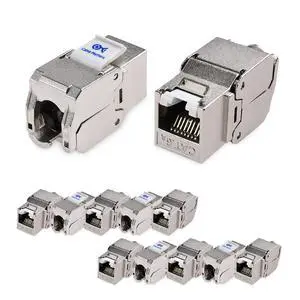
Cable Matters UL Listed 10Gbps 12-Pack RJ45 Shielded Cat6A / Cat6 Keystone Jack with Integrated Shutter
- Model #: GENXB0BT8GQ9DV
- $81.99 –
- Free Shipping
Quick View
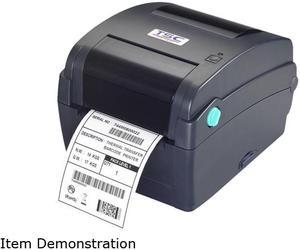
TSC TTP-345 Thermal Transfer Barcode Label Printer - 300 dpi - 7ips speed (99-127A027-0001)
- Brand: TSC
- Part Number: 99-127A027-0001
- Print Technology: Thermal
- Print Speed: 7 ips
- Model #: 99-127A027-0001
- $598.00 –
- Free Shipping
Quick View
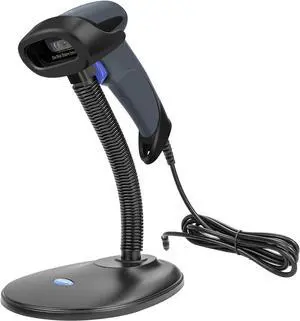
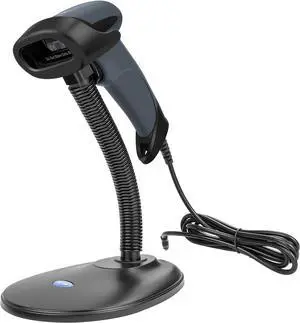
NETUM USB Barcode Scanner with Stand Wired Handheld Bar Code Reader 1D CCD Scanner Gun for Supermarket, Convenience Store, Warehouse -M3S
- Model #: BE NETUM M3S
- $49.99 –
- Free Shipping
Quick View
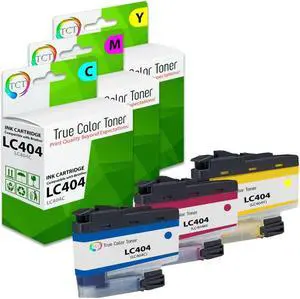
TCT LC404 Color Ink Cartridge 3 Pack - Premium Compatible Replacement for Brother LC404 LC404C LC404M LC404Y Works With Brother MFC-J1205 J1215
- Brand: TCT
- Model: LC404C, LC404M, LC404Y
- Cartridge Quantity: 3 Pack
- Cartridge Color: 3 Colors
- Model #: BR-LC404-CL3PK


Quick View
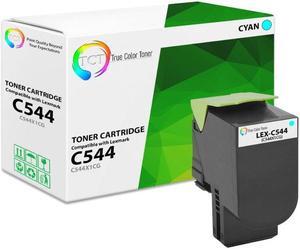
True Color Toner Premium Compatible Toner Cartridge Replacement for Lexmark C544 C544X1CG Cyan Works With Lexmark C544DN C544DTN C544DW X544DN X544DTN
- Brand: True Color Toner
- Model: C544X1CG
- Cartridge Quantity: Single Pack
- Cartridge Color: Cyan
- Model #: TCT-C544-C
Quick View
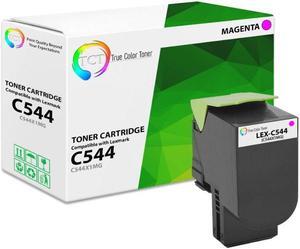
True Color Toner Premium Compatible Toner Cartridge Replacement for Lexmark C544 C544X1MG Magenta Works With Lexmark C544DN C544DTN C544DW X544DN X544DTN
- Brand: True Color Toner
- Model: C544X1MG
- Cartridge Quantity: Single Pack
- Cartridge Color: Magenta
- Model #: TCT-C544-M
Quick View
Brady M71-37-483 BradyBondz 3" Width x 1.9" Height White Color B-483 Ultra Aggressive Polyester Labels With Gloss Finish For BMP71 Label Printer (100 Per Roll)
- Model #: CHIDB0049191RE
- $79.99 –
- Free Shipping
Choosing the Right Printer for Your Office Needs
When it comes to office solutions, printers and scanners are essential tools for any business. Whether you need to print important documents, scan invoices, or create professional-quality marketing materials, having the right equipment is crucial. In this article, we will explore the different types of printers and scanners available in the market and provide tips on how to choose the best one for your office.
All-in-One Printers: Versatility and Convenience
all-in-one printers, also known as multifunction printers, are a popular choice for offices. These devices combine the functionality of a printer, scanner, copier, and sometimes even a fax machine into a single unit. They offer versatility and convenience, allowing you to perform multiple tasks without the need for separate devices. All-in-one printers are available in both inkjet and laser options, catering to different printing needs and budgets.
Specialized Printers for Specific Tasks
In addition to all-in-one printers, there are specialized printers designed for specific tasks. For example, 3D printers are ideal for creating prototypes or intricate models, while barcode and label printers are perfect for businesses that require efficient inventory management. laser printers are known for their fast printing speeds and high-quality output, making them suitable for offices with high-volume printing needs. inkjet printers, on the other hand, are more cost-effective and can produce vibrant color prints.
Choosing the Right Supplies
Once you have selected the right printer for your office, it is important to choose the right supplies to ensure optimal performance and longevity. When it comes to inkjet printers, using high-quality ink cartridges is essential to achieve the best print quality and prevent clogging. For laser printers, it is important to choose the right type of toner cartridges that are compatible with your printer model. Additionally, investing in high-quality paper can make a significant difference in the final print results.
FAQs: Common Questions about Printers and Scanners
| Q: How often should I replace the ink cartridges? | A: The frequency of replacing ink cartridges depends on your printing volume. However, it is recommended to replace them when the print quality starts to degrade. |
|---|---|
| Q: Can I use third-party ink cartridges with my printer? | A: While it is possible to use third-party ink cartridges, it is important to ensure compatibility with your printer model. Using incompatible cartridges may result in poor print quality or damage to the printer. |
| Q: How do I clean the scanner glass? | A: To clean the scanner glass, use a soft, lint-free cloth slightly dampened with glass cleaner. Gently wipe the glass surface to remove any smudges or debris. |
| Q: What is the difference between optical and interpolated resolution in scanners? | A: Optical resolution refers to the actual hardware resolution of the scanner, while interpolated resolution is achieved through software enhancements. Optical resolution provides more accurate and detailed scans. |
| Q: How can I improve the scanning speed? | A: To improve scanning speed, reduce the scanning resolution, use black and white mode instead of color, and ensure that the scanner is connected to a high-speed USB port. |