
Your Browsing History
- Sold by Newegg
- Make an Offer

Any questions? Our AI beta will help you find out quickly.
Try me now

Quick View
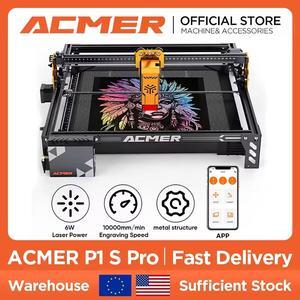
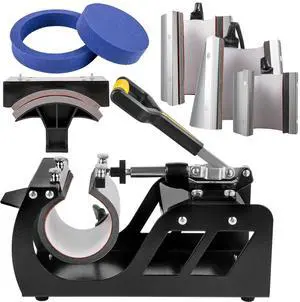
Enhanced Heat Press Device, ETL Safety Certified, 12x15 inch, 8-in-1 Energy Efficient Combo, Versatile Sublimation with 360° Swivel
- Type: Other Appliances
- Model #:
- $203.29 –
- Free Shipping
Quick View
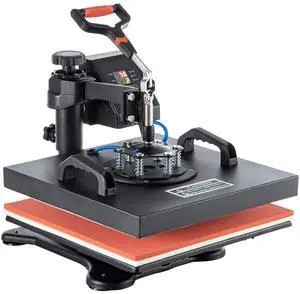
Heat Press, 5 in 1 15 x 15 Inch Heat Press Machine, Dual LED Display Heat Press Machine, Multifunctional Sublimation, for T-Shirts, Swing Away Design
- Type: Other Appliances
- Model #:
- $171.97 –
- Free Shipping
Quick View
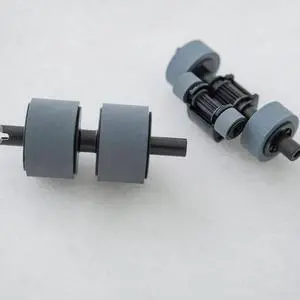
Brother PRK-A3001 scanner roller replacement kit PRKA3001
- Product Type: Roller
- Model #: PRKA3001
- $54.95 –
- More options from $44.94 - $66.00
- Free Shipping
Quick View
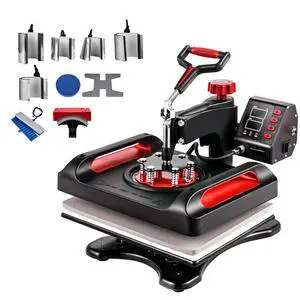
11 in 1 Heat Press, 12 x 15 Inch, Multifunctional Clamshell Printer, Digital Dual-Tube Heat Press Transfer Machine, Swing Away Sublimation Machine for T-Shirt Hat Cap Mug Plate Pen Shoes Black
- Type: Other Appliances
- Model #:
- $215.90 –
- Free Shipping
Quick View
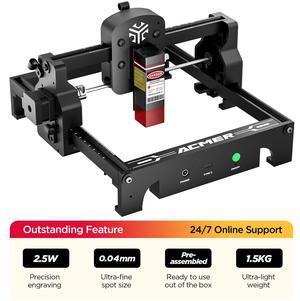
ACMER S1 Portable Laser Engraver for Beginner Wood Engraving Mini Machine for DIY Crafting Glass, Leather, Engraving Area 5.1"x5.1",Laser Class 4 (S1 6W)
- Series: S1
- Type: Laser Engraver
- Body Material: Aluminum Alloy
- Build Material: Wood, glass, metal nameplate, etc.
- Model #: S1-6W
- $199.00 –
- Free Shipping
Quick View
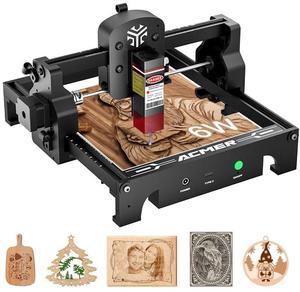
ACMER S1 Laser Engraver, Laser Engraving Machine for Beginner, 6W Mini Engraving Tool for Wool, Portable, Laser Class 4 (S1 6000mW) For engraving leather, nameplates, metal, logos, etc.
- Series: 6W
- Type: Laser Engraver
- Body Material: Aluminum Alloy
- Chassis Material: Wood, glass, metal nameplate, etc.
- Model #: ACMER-S1-6W
Quick View
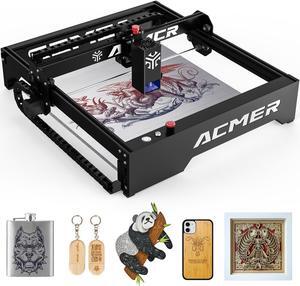
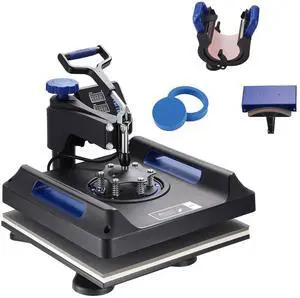
Heat Press, 15x15in Swing Away 5 in 1 Heat Press Machine, Digital Control Multifunctional Device, Quick Heating with Safety Features, Ideal for T-shirts, Hats, Caps, Mugs, Plates
- Type: Other Appliances
- Model #:
- $197.90 –
- Free Shipping
Quick View
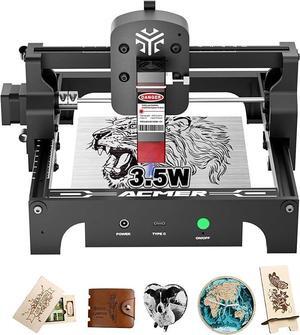
Acmer S1 Laser Engraver, 3.5W Output Laser Cutting Machine, Engraving Wood and Metal, 130 * 130mm Maximum Working Size,Only 2kg Easy to Carry Anywhere, Laser Class 4
- Series: 3.5W
- Type: Laser Engraver
- Body Material: Aluminum Alloy
- Chassis Material: Wood, glass, metal nameplate, etc.
- Model #: ACMER-S1-3.5W
Quick View
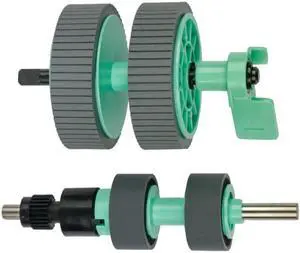
BROTHER INT L (SUPPLIES) PRKA2001 PRKA2001 ROLLER REPLACEMENT KIT
- Product Type: Roller
- Model #: PRKA2001
Quick View
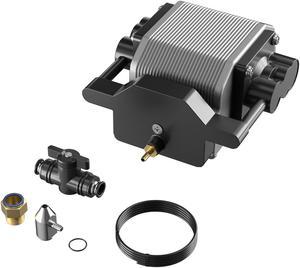
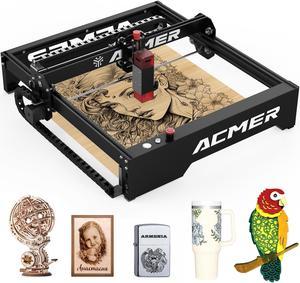
Longer Ray5 Engraver, Cutting Engraving Machine Air Assist Kit with Air Pump, Remove Smoke and Dust
Limited time offer, ends 03/31
- Model #: Air Assist Kit
Quick View
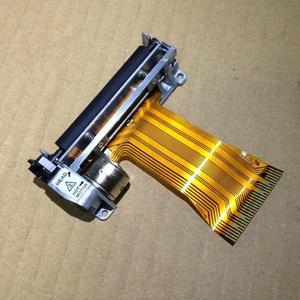
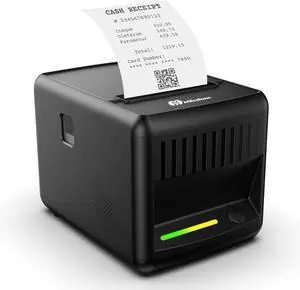
POS machine K370 K320 S58 P58 P80 E330 printer mecanism movement print head
- Product Type: Printhead
- Model #: ZW-dyt-124
- $62.79 –
- More options from $62.79 - $66.99
- Free Shipping
Quick View
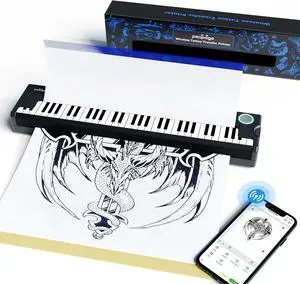
PeriPage Pino Wireless Tattoo Stencil Printer - Portable Thermal Transfer Machine for Pro & Beginner Tattooists, Compatible with Phone, Pad & PC
- Model #: CHIDB0DCBVB15M
- $119.99 –
- Free Shipping

Quick View
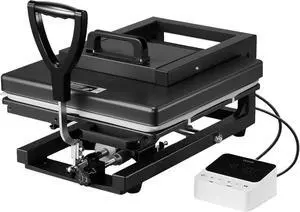
VEVOR Hybrid Heat Press, 15 x 15 inch, 5-in-1 Multifunction, Heat Up Fast and Even, All-New Patented Design, Easy to Control, Sublimation Press Machine for T-Shirts/Mugs/Tumblers/Caps/Plates, Black
Limited time offer, ends 03/12
- Model #: WC40E-0115.70
- $398.99 –
- Free Shipping
Quick View
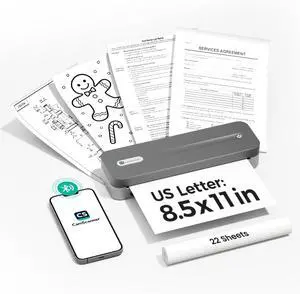
P1 Pro Thermal Printer, Large Format Portable Bluetooth Inkless Printer with 1 Roll Paper 8.5x11 Inch, Compatible with iPhone Computer,Home Office Essentials
- Model #: DARKB0FJLVLP4S
- $216.99 –
- Free Shipping
Quick View
POS machine K370 K320 S58 P58 P80 E330 printer mecanism movement print head
- Product Type: Printhead
- Model #: ZW-d5234-124
- $100.49 –
- More options from $100.49
- Free Shipping
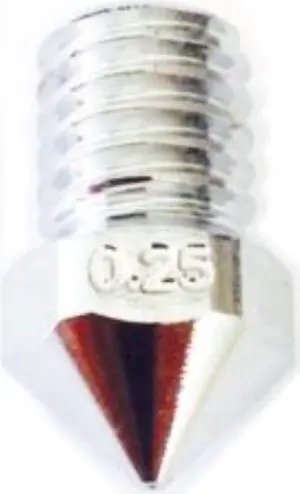
Quick View
3D Solex UM2 Matchless Nozzle - 2.85mm x 0.25mm
- Model #: 7072482000765
- $19.80 –
- Free Shipping
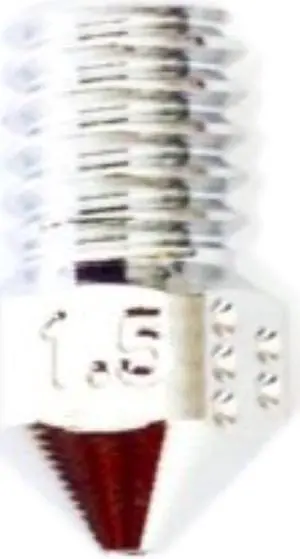
Quick View
3D Solex UM2 Matchless Nozzle - 1.75mm x 1.5mm
- Model #: 7072482000925
- $23.22 –
- Free Shipping
Quick View
3D Solex UM2 Matchless Nozzle - 1.75mm x 0.25mm
- Model #: 7072482000864
- $19.80 –
- Free Shipping
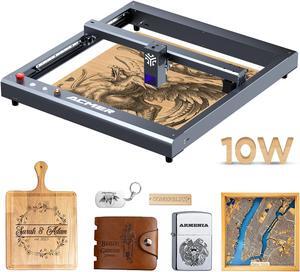

Quick View
ORTUR Laser Master 2 Pro-S2-LU2-10A Laser Engraver, 10W Output Power Laser Cutter and Engraver Machine with 0.05 * 0.1mm Compressed Spot for Wood and Metal(400x400mm, with Air Assist Nozzle)
- Type: Laser Engraver & Cutter
- Model #: OLM2PS-LU2-10A
- $529.99 –
- Free Shipping
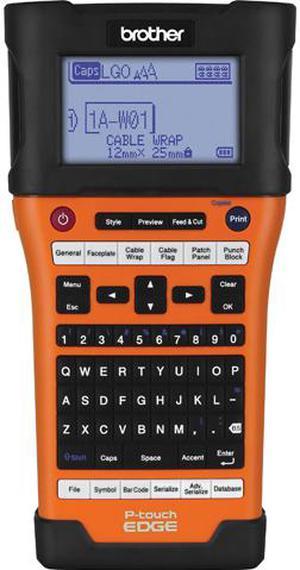
Quick View
BROTHER PT E500 Portable Label Printer, P-Touch EDGE Series, Single Color
- Printer Type: Industrial Handheld
- Cutter: Auto-Cutter
- Interface: USB
- Windows Compatible: Windows 8 / 7
- Model #: PTE500
- $223.07 –
- More options from $167.94 - $223.07
- Free Shipping
Quick View
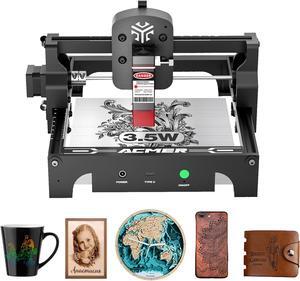
Acmer S1 Laser Engraver Machine, 3.5W(3500mW) High Precision DIY Laser Cutter and Engraving Machine, 130x130mm Working Area for Wood and Metal ( S1 3.5W)
- Series: S1
- Type: Laser Engraver
- Body Material: Aluminum Alloy
- Build Material: Wood, glass, metal nameplate, etc.
- Model #: S1-3.5W
- $139.00 –
- Free Shipping
Quick View
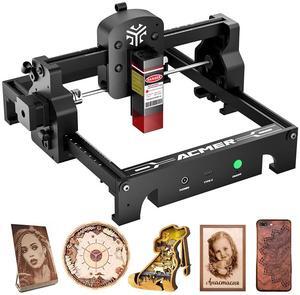
ACMER S1 Laser Engraver Mini Machine for Crafting Beginner-Friendly Wood Laser Engraving for DIY Jewelry Wood Glass Leather, Engraving Area 5.1"x5.1" (S1 2.5W)
- Series: S1
- Type: Laser Engraver
- Body Material: Aluminum Alloy
- Build Material: Wood, glass, metal nameplate, etc.
- Model #: S1-2.5W
- $129.00 –
- Free Shipping
Quick View
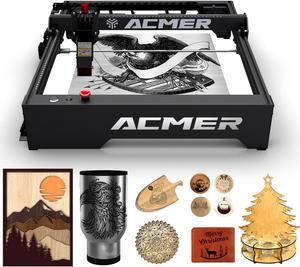
ACMER-P1 10w Engraver machine, Engraving & Cutting Machine for Wood and Metal, Paper, Fabric, Acrylic
- Series: ACMER-P1
- Type: Laser Engraver & Cutter
- Body Material: Aluminum profile frame + structured cabling, solid structure, smooth operation, attractive appearance. Z-axis slide with fixed-focus column, which can be fixed and fine-tuned.
- Printer Dimensions: 23.91 x 23.01 x 7.80 Inches
- Model #: ACMER-P1
Quick View
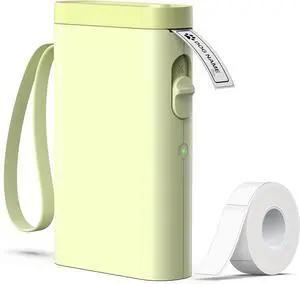
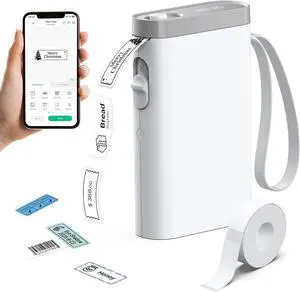
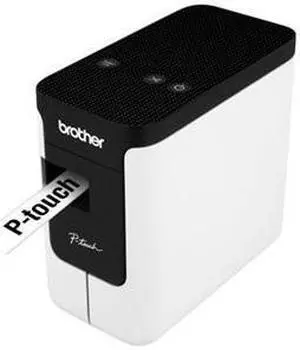
Brother P-touch PT-P700 Electronic Label Maker
- Weight: 3.05
- Model #: PTP700_
- $89.99 –
- More options from $89.99 - $97.99
- Free Shipping
Quick View
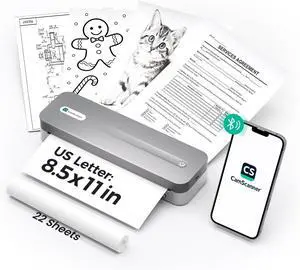
P1 Pro Ink-Free Thermal Printer, Portable US Letter Size Bluetooth Printer with 1 Roll Paper, for iPhone Android Computer, Home Office Use
- Model #: DARKB0FWCLCDGG
- $234.99 –
- Free Shipping
Quick View
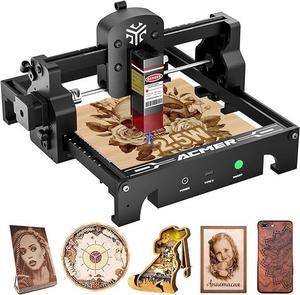
ACMER S1 Portable Laser Engraver 2.5W Output Mini Laser Cutting Machine for Wood and Metal with 130x130mm Working Area, Lightweight 2kg Design, Class 4 Laser Technology
- Series: 2.5W
- Body Material: Aluminum Alloy
- Chassis Material: Wood, glass, metal nameplate, etc.
- Features: Mini and portable
- Model #: ACMER-S1
Quick View
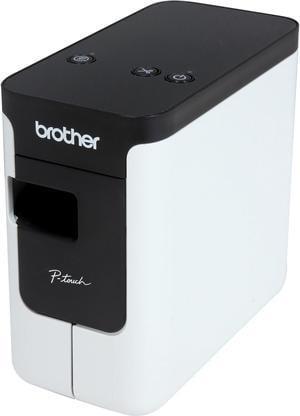
Brother P-touch PT-P700 PC-Connectable Label Printer for PC and Mac, Thermal Transfer, 180 x 360 dpi, 30mm./sec, Up to 4 Print Lines, Auto Cutter, Barcode Printing, USB
- Printer Type: Desktop
- Fonts Included: Fonts: TrueType Font Sizes: Scalable
- Barcode Type: CODE39, UPC-A, UPC-E, ITF (1-2/5), EAN-8, EAN-13, GS1-128 (UCC/EAN-128), CODE128, CODABAR, POSTNET, GS1 DataBar (RSS), QR Code, PDF417, Data Matrix, Laser Bar Code, ISBN-2 (EAN13 AddOn2), ISBN-5 (EAN13 AddOn5), Micro QR Code, MaxiCode, GS-1 Composite, AztecCode
- Cutter: Auto-Cutter
- Model #: PTP700
Choosing the Right Printer for Your Office Needs
When it comes to office solutions, printers and scanners are essential tools for any business. Whether you need to print important documents, scan invoices, or create professional-quality marketing materials, having the right equipment is crucial. In this article, we will explore the different types of printers and scanners available in the market and provide tips on how to choose the best one for your office.
All-in-One Printers: Versatility and Convenience
all-in-one printers, also known as multifunction printers, are a popular choice for offices. These devices combine the functionality of a printer, scanner, copier, and sometimes even a fax machine into a single unit. They offer versatility and convenience, allowing you to perform multiple tasks without the need for separate devices. All-in-one printers are available in both inkjet and laser options, catering to different printing needs and budgets.
Specialized Printers for Specific Tasks
In addition to all-in-one printers, there are specialized printers designed for specific tasks. For example, 3D printers are ideal for creating prototypes or intricate models, while barcode and label printers are perfect for businesses that require efficient inventory management. laser printers are known for their fast printing speeds and high-quality output, making them suitable for offices with high-volume printing needs. inkjet printers, on the other hand, are more cost-effective and can produce vibrant color prints.
Choosing the Right Supplies
Once you have selected the right printer for your office, it is important to choose the right supplies to ensure optimal performance and longevity. When it comes to inkjet printers, using high-quality ink cartridges is essential to achieve the best print quality and prevent clogging. For laser printers, it is important to choose the right type of toner cartridges that are compatible with your printer model. Additionally, investing in high-quality paper can make a significant difference in the final print results.
FAQs: Common Questions about Printers and Scanners
| Q: How often should I replace the ink cartridges? | A: The frequency of replacing ink cartridges depends on your printing volume. However, it is recommended to replace them when the print quality starts to degrade. |
|---|---|
| Q: Can I use third-party ink cartridges with my printer? | A: While it is possible to use third-party ink cartridges, it is important to ensure compatibility with your printer model. Using incompatible cartridges may result in poor print quality or damage to the printer. |
| Q: How do I clean the scanner glass? | A: To clean the scanner glass, use a soft, lint-free cloth slightly dampened with glass cleaner. Gently wipe the glass surface to remove any smudges or debris. |
| Q: What is the difference between optical and interpolated resolution in scanners? | A: Optical resolution refers to the actual hardware resolution of the scanner, while interpolated resolution is achieved through software enhancements. Optical resolution provides more accurate and detailed scans. |
| Q: How can I improve the scanning speed? | A: To improve scanning speed, reduce the scanning resolution, use black and white mode instead of color, and ensure that the scanner is connected to a high-speed USB port. |