

Your Browsing History
- Sold by Newegg
- New

Any questions? Our AI mode will help you find out quickly.
Try me now
Quick View
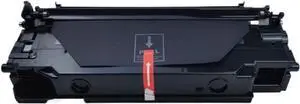
Drum Unit 1PCS DK1150 DK-1150 302RV93010 Compatible with P2040 P2235 P2335 M2040 M2540 M2135 M2635 M2640 M2735 M2835
- Model #: ENGEB0GMD7PKB1
- $155.99 –
- Free Shipping

Quick View
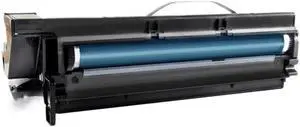
Drum Unit 1PCS 1015 Replacement for 1015 1018 1018D 1113 1115 1801 2000 2011 2012 2015 2016 2018 Compatible with
- Model #: ENGEB0GL2VKRDT
- $851.99 –
- Free Shipping
Quick View
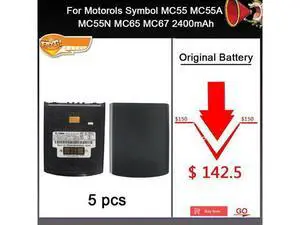
HOW-MARK 5pcs1lot 82-107172-02 Battery for Motorols MC55 MC55A MC55N MC65 MC67 2400mAh
- Model #: barcod4879
- $597.00 –
- $15.00 Shipping
Quick View
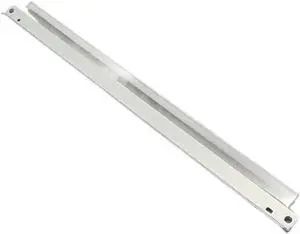
Drum Cleaning Unit Compatible with 10X DK-1150 DK1150 302RV93010 for M2040 M2135 M2540 M2635 M2640 M2735 P2040 P2235 M2040dn M2135dn
- Model #: ENGEB0GR4XRS8R
- $184.99 –
- Free Shipping
Quick View
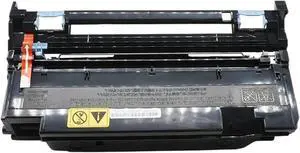
Compatible for Kyocera DK-1150 Drum Unit Replacement for P2040 P2235 P2335 M2040 M2540 M2135 M2635 M2640 M2735 M2835 Printer
- Model #: ENGEB0GTPLT2SB
- $191.99 –
- Free Shipping
Quick View
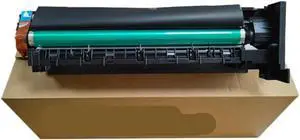
Drum Unit 1PCS Compatible with 164 184 185 206 246 195 295 235
- Model #: ENGEB0GMT286VY
- $846.99 –
- Free Shipping
Quick View
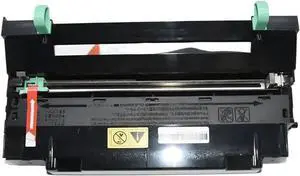
Drum Unit 1PCS DK-170 DK-150 DK-130 DK-110 DK-1105 Compatible with FS 1035 1030 1120 1128 M2035 M2535 P2135 1110 1024 1124 820 920
- Model #: ENGEB0GHZB85TT
- $108.99 –
- Free Shipping
Quick View
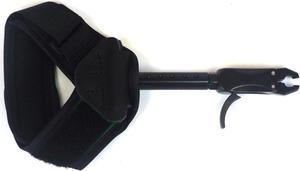
RIGHT HAND TRIGGER - ADJUSTABLE
- Weight: 2.0000
- Model #: HT5-HS7600KR
- $199.99 –
- More options from $199.99 - $239.62
- $10.99 Shipping
Quick View
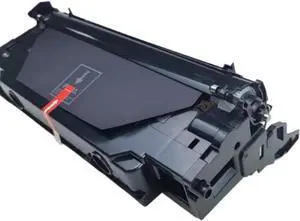
Drum Unit 1PCS DK1150 DK-1150 302RV93010 Compatible with P2040 P2235 P2335 M2040 M2540 M2135 M2635 M2640 M2735 M2835
- Model #: ENGEB0GNKHYCKY
- $176.99 –
- Free Shipping
Quick View
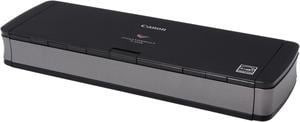
Canon imageFORMULA P-215II (9705B007AA) Contact Image Sensor (CMOS) 600 dpi Sheet Fed Document Scanner
- Brand: Canon
- Series: imageFORMULA
- Type: Sheet Fed
- Element Type: Contact Image Sensor (CMOS)
- Model #: P-215II
- $299.00
- $279.00 –
- Save: $20.00 (6%)
- Free Shipping
Quick View
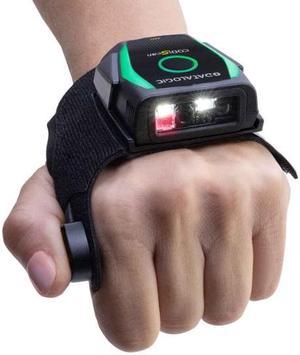
LEFT HAND TRIGGER - ADJUSTABLE
- Color: Black
- Weight: 2.0000
- Model #: HT5-HS7600KL
- $210.99 –
- More options from $210.99 - $323.76
- $10.99 Shipping
Quick View
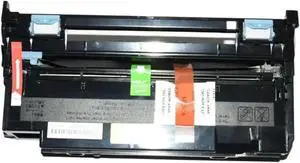
Drum Unit 1PCS DK1150 DK-1150 302RV93010 Compatible with - P2040 P2235 P2335 M2040 M2540 M2135 M2635 M2640 M2735 M2835 P2040dn
- Model #: ENGEB0GG61NBH3
- $99.99 –
- Free Shipping
Quick View
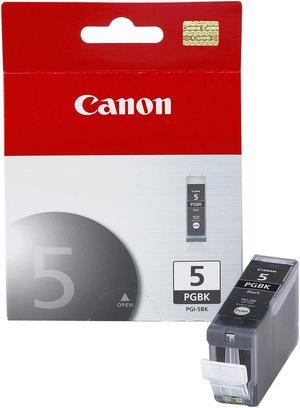
Canon PGI-5 Ink Cartridge - Pigmented Black
- Part Number: 0628B002
- Cartridge Quantity: Single Pack
- Compatible Products: PIXMA MP600, PIXMA MP970, PIXMA iP3500, PIXMA iP3300, PIXMA MP500, PIXMA MP830, PIXMA MP960, PIXMA MP800R, PIXMA MP810, PIXMA MX850, PIXMA MP520, PIXMA iP4500, PIXMA iP4300, PIXMA MP950, PIXMA iP5200, PIXMA MP800, PIXMA MX700, PIXMA iP5200R, PIXMA MP610, PIXMA iP4200, PIXMA MP530
- Capacity: 25 ml
- Model #: 0628B002
- $27.99 –
- Free Shipping
Quick View
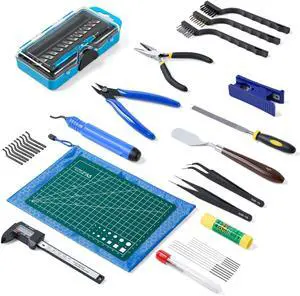
45 Pcs 3D Printer Tool Kit, Cleaning, Finishing, Measuring, Support Removal
- Model #: 491477491154ASDFA2382291
Quick View
45 Pcs 3D Printer Tool Kit, Cleaning, Finishing, Measuring, Support Removal
- Model #: VINIUSIKI427228635836NIU
Quick View
45 Pcs 3D Printer Tool Kit, Cleaning, Finishing, Measuring, Support Removal
- Model #: TUKO413346150160all
- $50.68 –
- Free Shipping
Quick View
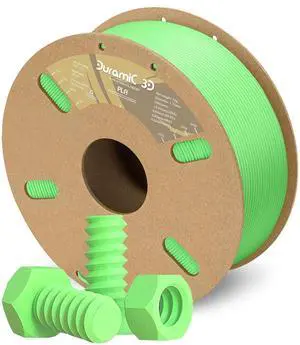
DURAMIC 3D PLA Filament 1.75mm 1kg Spool, Jam-Free High Stifness 3D Printing Filament with Cardboard Spool, No-Tangling No-Clogging Dimensional Accuracy 99% +/- 0.03 mm PLA Neon Green 1 Pack
- Material: PLA
- Model #: 433330055561ComputerzoneGANG
- $37.89 –
- Free Shipping
Quick View
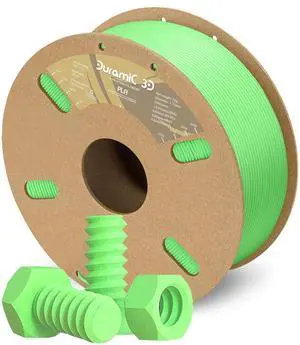
DURAMIC 3D PLA Filament 1.75mm 1kg Spool, Jam-Free High Stifness 3D Printing Filament with Cardboard Spool, No-Tangling No-Clogging Dimensional Accuracy 99% +/- 0.03 mm PLA Neon Green 1 Pack
- Model #: STARWELL426253766218Lan
- $37.98 –
- Free Shipping

Quick View
- $63.99 –
- $15.00 Shipping
Quick View
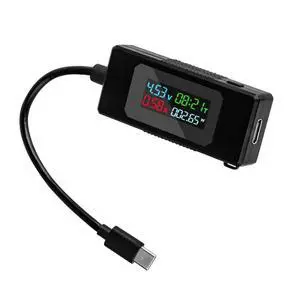
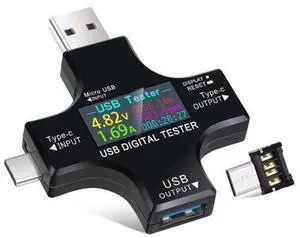
2 in 1 Type C USB Tester Color Screen LCD Digital Multimeter, USB C Voltage Current Voltmeter Amp Volt Ammeter Detector USB Cable Charger Indicator DC3.6-30V/0-5.1A
Limited time offer, ends 10/15
- Model #: YLJGZMC7AZ-0801-149
- $28.98 –
- Free Shipping
Quick View
- $159.99 –
- $15.00 Shipping
Quick View
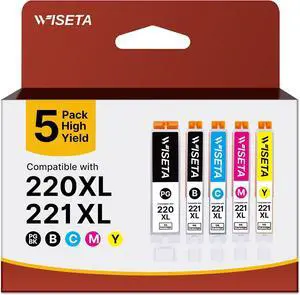
220 Ink Cartridges Compatible Replacement for Canon 220 221 PGI-220 CLI-221
- Model #: HANWB09W5SGVXV
- $72.99 –
- More options from $72.19
- Free Shipping
Quick View
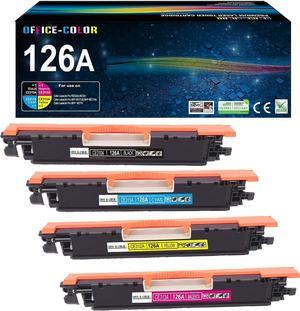
126A Toner Cartridges Replacement for HP 126A Toner M175nw,CP1025nw,cp1025
- Model #: HANWB09TNKT43R
- $123.99 –
- More options from $123.19
- Free Shipping
Quick View
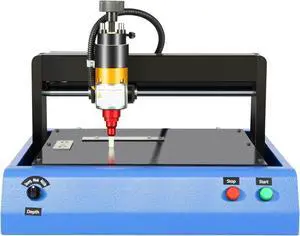
Electric Metal Marking Machine 400W - 7.9x5.9" Marking Area, 2in/s Speed, 96HRA Needle - for VIN, Serial Numbers on Aluminum, Steel, Copper (200x150mm)
- Model #: HANZB0FQ2JPVG1
- $810.99 –
- Free Shipping
Quick View
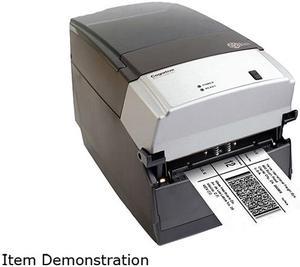
Cognitive TPG CXD4-1300 Direct Thermal Desktop Label Printer, 300 dpi, 8 ips, 4.2" 2-Line LCD Display, Serial, Parallel, USB A/B, Ethernet
- Printer Type: Desktop
- Memory: RAM - 16 MB, Flash - 8 MB
- Fonts Included: Bitmapped: 7 styles with up to 10x10 magnification, variable boldness and spacing International: Sans serif font in 7 pt. sizes, up to 4x4 magnification, variable boldness and spacing Scalable Smooth Fonts: 3 Ultra Font styles for smooth characters in any size and boldness Rotations: 0, 90, 180, 270 degrees Optional: Kanji, Korean, and OCR fonts available
- Barcode Type: Add2, Add5, Codabar, Code39, Code93, Code 128A/B/C, D2of5, I2of5, S20f5, EAN8, EAN13, EAN128, MSI/I1, Plessey, Postnet, UPCA/A+/E/E1
- Model #: CXD4-1300
- $978.96 –
- More options from $199.00 - $978.96
- Free Shipping
Quick View
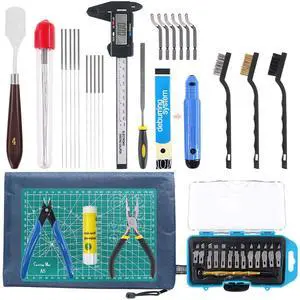
42 Piece 3D Print Tool Kit Includes Debur Tool, Cleaning and Removal Tool with Storage Bag, 3D Printer Tool Set for Cleaning, Finishing and Printing 3D Prints
- Model #: EQWER462277172413
- $47.49 –
- Free Shipping
Quick View
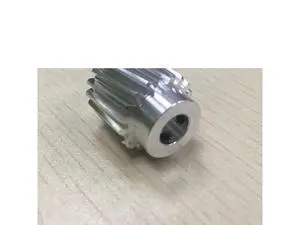
5Pcs Compatible Registration Motor Gear 19T for Xerox DC4110 4127 4590 4595 900 1100 4112 Register Motor Gear
Limited time offer, ends 10/15
- Model #: WLC78S.0814.Coll0151
- $87.50 –
- More options from $86.90
- Free Shipping
Quick View
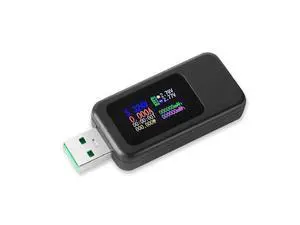
USB Tester Multimeter Digital 4-30V 0-6.5A, QC 3.0 Power Meter Voltage and Current Tester Detector, Volmeter Ammeter Power Bank Capacity Tester with IPS Color Display
Limited time offer, ends 10/15
- Model #: YLJGZMC7AZ-0801-028
- $18.96 –
- Free Shipping
Quick View
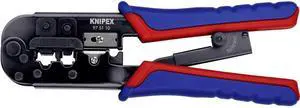
Knipex 97 51 10 Crimping Pliers for Western plugs RJ 11/12
- Model #: TOLKB000NI2RH8
- $90.99 –
- Free Shipping
Quick View
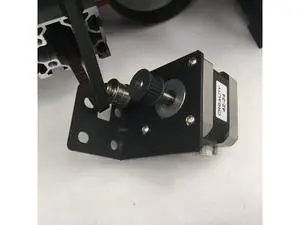
Funssor 1pcs Ender 3Pro Y axis stepper motor mount y tension
Limited time offer, ends 10/15
- Model #: WLC78S.0729.Pallet1600
- $39.88 –
- Free Shipping
Quick View
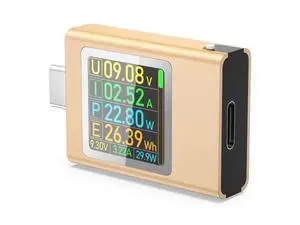
USB C Power Meter Testers, BUCIER PD3.1 Digital Multimeter, USB C Voltage Current Voltmeter Amp Volt Ammeter Detector USB C Cable Charger Indicator DC4.5-50V/0-12APD2.0/PD3.0/PPS/QC2.0/QC3.0/FCP
Limited time offer, ends 10/15
- Model #: YLJGZMC7AZ-0801-735
- $24.98 –
- Free Shipping
Choosing the Right Printer for Your Office Needs
When it comes to office solutions, printers and scanners are essential tools for any business. Whether you need to print important documents, scan invoices, or create professional-quality marketing materials, having the right equipment is crucial. In this article, we will explore the different types of printers and scanners available in the market and provide tips on how to choose the best one for your office.
All-in-One Printers: Versatility and Convenience
all-in-one printers, also known as multifunction printers, are a popular choice for offices. These devices combine the functionality of a printer, scanner, copier, and sometimes even a fax machine into a single unit. They offer versatility and convenience, allowing you to perform multiple tasks without the need for separate devices. All-in-one printers are available in both inkjet and laser options, catering to different printing needs and budgets.
Specialized Printers for Specific Tasks
In addition to all-in-one printers, there are specialized printers designed for specific tasks. For example, 3D printers are ideal for creating prototypes or intricate models, while barcode and label printers are perfect for businesses that require efficient inventory management. laser printers are known for their fast printing speeds and high-quality output, making them suitable for offices with high-volume printing needs. inkjet printers, on the other hand, are more cost-effective and can produce vibrant color prints.
Choosing the Right Supplies
Once you have selected the right printer for your office, it is important to choose the right supplies to ensure optimal performance and longevity. When it comes to inkjet printers, using high-quality ink cartridges is essential to achieve the best print quality and prevent clogging. For laser printers, it is important to choose the right type of toner cartridges that are compatible with your printer model. Additionally, investing in high-quality paper can make a significant difference in the final print results.
FAQs: Common Questions about Printers and Scanners
| Q: How often should I replace the ink cartridges? | A: The frequency of replacing ink cartridges depends on your printing volume. However, it is recommended to replace them when the print quality starts to degrade. |
|---|---|
| Q: Can I use third-party ink cartridges with my printer? | A: While it is possible to use third-party ink cartridges, it is important to ensure compatibility with your printer model. Using incompatible cartridges may result in poor print quality or damage to the printer. |
| Q: How do I clean the scanner glass? | A: To clean the scanner glass, use a soft, lint-free cloth slightly dampened with glass cleaner. Gently wipe the glass surface to remove any smudges or debris. |
| Q: What is the difference between optical and interpolated resolution in scanners? | A: Optical resolution refers to the actual hardware resolution of the scanner, while interpolated resolution is achieved through software enhancements. Optical resolution provides more accurate and detailed scans. |
| Q: How can I improve the scanning speed? | A: To improve scanning speed, reduce the scanning resolution, use black and white mode instead of color, and ensure that the scanner is connected to a high-speed USB port. |