
Your Browsing History
- In Stock
- Sold by Newegg
- Make an Offer
- New
Quick View
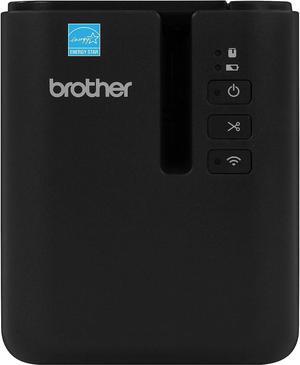
Brother P-Touch PT-P950NW Industrial Network Laminate Label Printer, Up to 36 mm Labels, Standard USB 2.0 and Serial, Ethernet, Built-in Wi-Fi, Optional Bluetooth
- Model #: BEPT-P950NW
- $759.00 –
- Free Shipping
Quick View
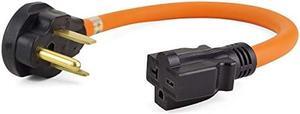
1.5 FT NEMA 6-50P to 6-20R Welder Adapter Cord,Electric Vehicle Charging Adapter,50 to 30 Amp,250V,STW 12AWG*3C Cable and The Cable UL Certification,Orange
- Connector Type: type
- Model #: 6039045791523
- $42.53 –
- Free Shipping
Quick View
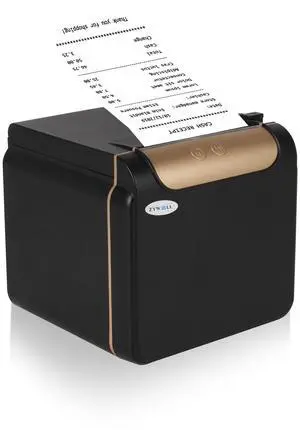
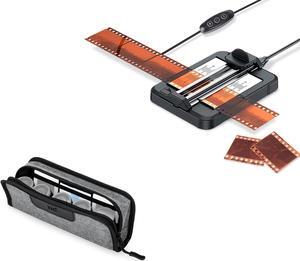
Negative Slide Film Cutter with Polyester Film Pouch for 35mm 135 Film
- Model #: 9158154841008
- $84.99 –
- $5.99 Shipping
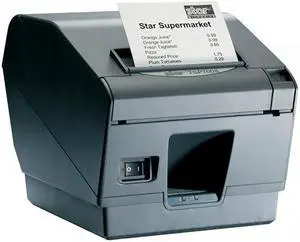
Quick View
Star Micronics 39442511 TSP743IIU GRAY USB THERMAL CUTTER CABLE AND EXT PS SEPARATE
- Model #: 9442511-109019679686
- $482.00 –
- Free Shipping
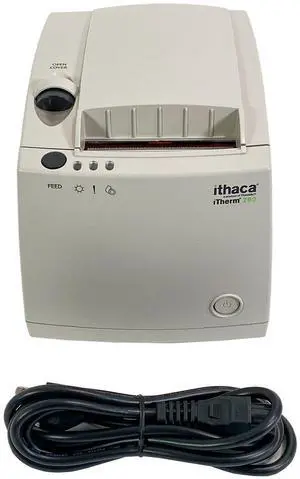
Quick View
TransAct Ithaca iTherm 280 Thermal POS Receipt Printer USB Cutter 203 DPI
- Printer Type: Kiosk
- Interface: USB
- Model #: 306059439129
- $89.50
- Request Price
- More options from $89.45
- Free Shipping
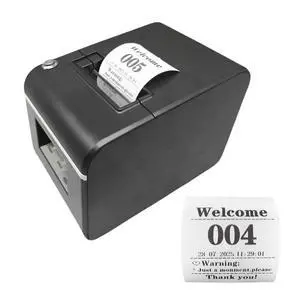
Quick View
KOQICALL Auto-Cutter Ticket Printer Take a Number Dispenser 57mm Receipt Ticket Thermal Printer Can Edit Text via PC Show 3-Digits Waiting Number for Queue
Limited time offer, ends 02/24
- Model #: 147923882365
- $209.98 –
- More options from $209.98 - $214.99
- Free Shipping
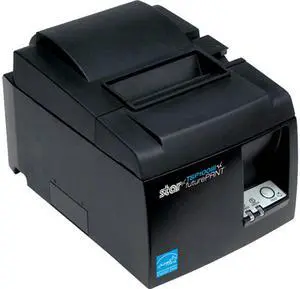
Quick View
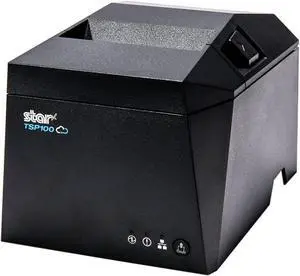
TSP100III, Thermal, Auto-cutter, Bluetooth iOS, Android and Windows, Gray, Int PS
- Color: Black
- Printer Type: Desktop
- Fonts Included: Font size: 12 x 24
- Barcode Type: Extended barcode functionality - 9 versions / PDF 417, Maxicode Option
- Model #: 39472110
- $399.99 –
- More options from $398.99
Quick View
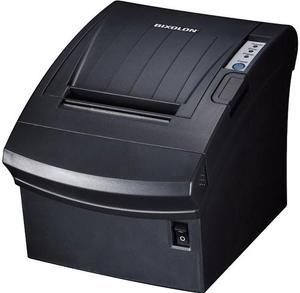
Bixolon SRP-350plusIII 3" Direct Thermal Receipt Printer, USB, Serial Interface Card, Ethernet, Auto Cutter, Black - SRP-350PLUSIIICOSG
- Color: Black
- Memory: 64 Mbit SDRAM, 32 Mbit FlashROM
- Fonts Included: Character Size: Font A: 12 x 24 Font B: 9 x 17 Font C: 9 x 24 KOR, CHN, JPN: 24 x 24 Characters Per Line: Font A: 42 Font B, C: 56 KOR, CHN, JPN: 21 Character Sets: Alphanumeric: 95 Extended Graphics: 128 x 37 page International: 32
- Cutter: 1.8 Million Cuts
- Model #: SRP-350PLUSIIICOSG
- $249.99 –
- Free Shipping
Quick View
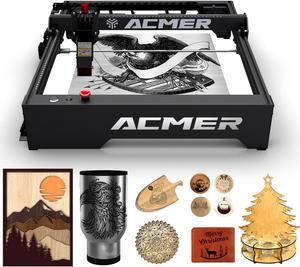
ACMER-P1 10w Engraver machine, Engraving & Cutting Machine for Wood and Metal, Paper, Fabric, Acrylic
- Series: ACMER-P1
- Type: Laser Engraver & Cutter
- Body Material: Aluminum profile frame + structured cabling, solid structure, smooth operation, attractive appearance. Z-axis slide with fixed-focus column, which can be fixed and fine-tuned.
- Printer Dimensions: 23.91 x 23.01 x 7.80 Inches
- Model #: ACMER-P1

Quick View
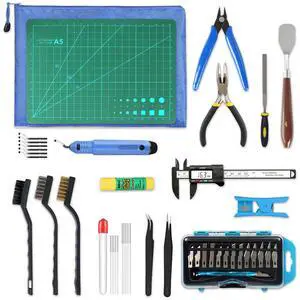
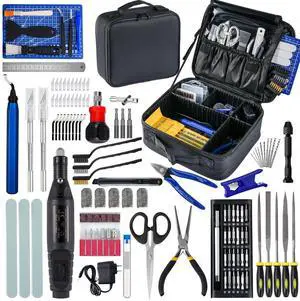
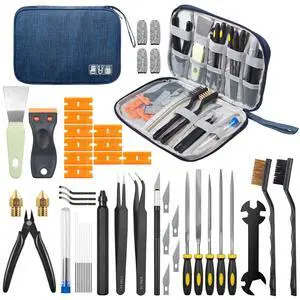
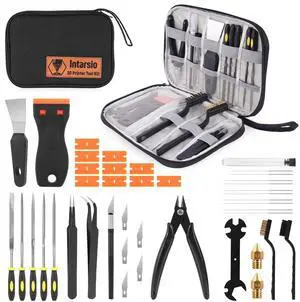
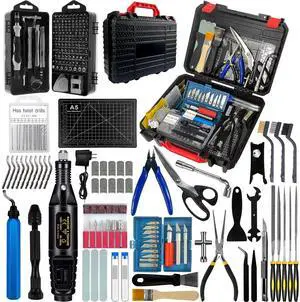
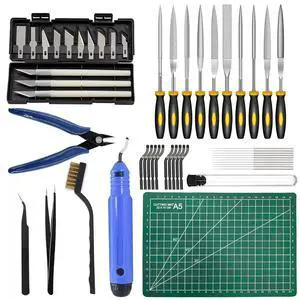
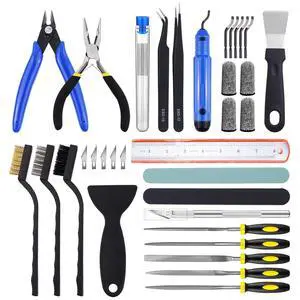
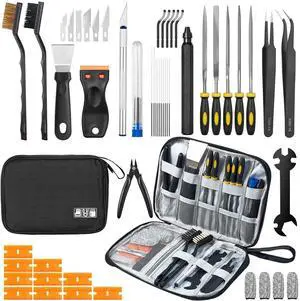
221Pcs 3D Printer Tool Kit, 3D Printer Accessories Bring Tool Box Includes Deburring Tool, Suitable for 3D Printing Disassembly, Cleaning and Precision Machining Toolboxes
- Model #: DARJB0FJ2PJLDX
- $117.99 –
- Free Shipping
Quick View
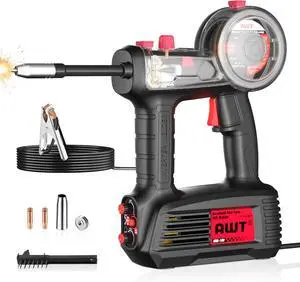
AWT 100A Handheld MIG Welder Machine,110V Flux Core MIG Welder Machine,Portable Gasless MIG Welding Machine,Hand Held Inverter Wire Feed Welder
Limited time offer, ends 02/24
- Model #: WC40E-0115.98
- $268.99 –
- Free Shipping
Quick View
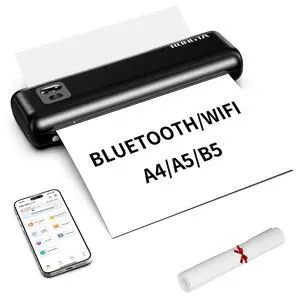
Portable Printer Wireless for Travel, F82 Inkless Bluetooth Thermal Printers, Compatible with iOS, Android, Laptop, Support 8.5"x11" US Letter&A4 for Office, Home, Car, Black
- Brand: Rongta
- Series: F82
- Print Technology: Thermal
- Printer Type: Small
- Model #: 216630969052
- $79.99 –
- Free Shipping
Quick View
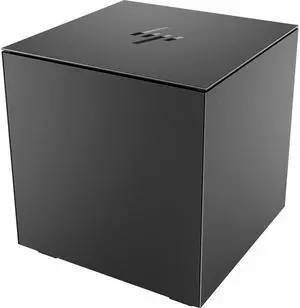
HP Engage PUSB Thermal Receipt Printer (Black Ebony) 299V0AA

- Part Number: 299V0AA
- Memory: 8MB Flash
- Cutter: Auto-Cutter
- Interface: PUSB 24V USB 2.0 Type A 24V cash drawer support with RJ12 interface
- Model #: 299V0AA
- $631.05 –
- More options from $159.99 - $699.55
- Free Shipping
Quick View
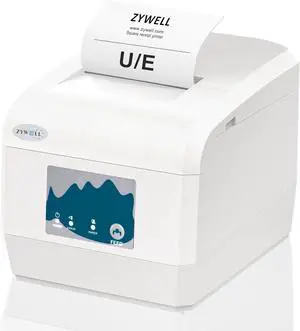
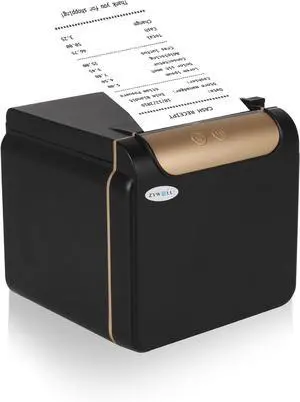
ZYWELL ZY908 Thermal Receipt Printer Works with Android/Linux/Win, Auto-Cutter 80mm USB LAN POS Printer Use for Small Business/Restaurant (Not Support iOS)
- Model #: DARKB0DHNQD2PV
- $162.99 –
- Free Shipping
Quick View
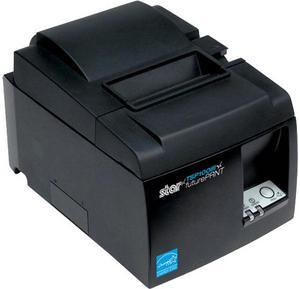
TSP143IIIW GY THERMAL
- Color: Gray
- Printer Type: Desktop
- Fonts Included: Font Size: 12 x 24
- Barcode Type: Extended barcode functionality - 9 versions / PDF 417, Maxicode Option
- Model #: 39464710
- $399.00
- Request Price
- More options from $313.99 - $408.31
- Free Shipping
Quick View
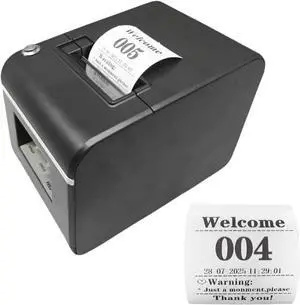
Auto-Cutter Ticket Printer Take a Number Dispenser 57mm Receipt Ticket Thermal Printer Can Edit Text via PC Show 3-Digits Waiting Number for Queue
- Model #: DARKB0FK58H13N
- $239.99 –
- Free Shipping
Quick View
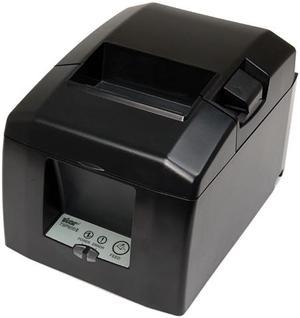
Star Micronics 39449470 TSP650II Series Direct Thermal Receipt Printer - Gray - TSP654IIC-24 GRY US
- Color: Gray
- Cutter: Auto-Cutter
- Media sizes supported: Paper Width: 80mm / 58mm Paper Thickness: 0.053 - 0.085mm
- Interface: Parallel
- Model #: 39449470
- $214.69 –
- More options from $214.69
- Free Shipping
Quick View
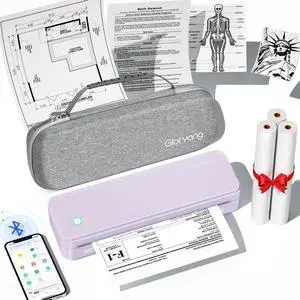
Inkless Portable Printer for Travel, Wireless Thermal Printer Supports 8.5 x 11 Inch US Letter Size, Bluetooth Machine Includes Carry Case and 3 Rolls of Thermal Paper Kit, Purple
Limited time offer, ends 02/28
- Brand: Gloryang
- Series: PD-A4
- Print Technology: Thermal
- Printer Type: 8.5X11 inch
- Model #: 665027310293
- $101.99 –
- Free Shipping
Quick View
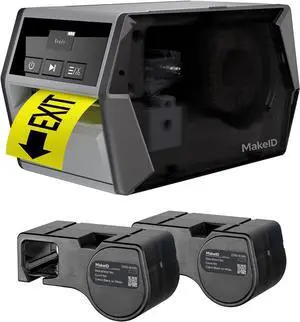
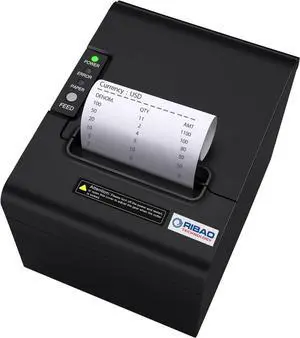
RIBAO Thermal 80mm POS Printer Receipt Printer Connect Cash Registers Cash Drawer, BC-55 BC-40 BCS-160 Mixed Bill Money Counter RS232 Cashbox InterfaceWindows/Mac/Linux
- Model #: DARKB0D9XYV65G
- $180.99 –
- Free Shipping
Quick View
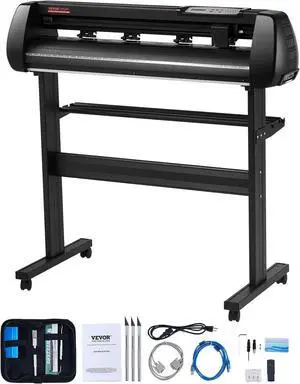
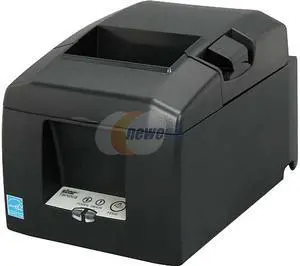
Star Micronics TSP654IIBI2-24 Thermal Cutter
- Color: Gray
- Printer Type: Desktop
- Barcode Type: 9 versions / PDF 417 Option
- Cutter: Reliable Guillotine Cutter
- Model #: 39481270
- $920.30 –
- More options from $914.20 - $968.35
- Free Shipping

Any questions? Our AI beta will help you find out quickly.
Try me now
Choosing the Right Printer for Your Office Needs
When it comes to office solutions, printers and scanners are essential tools for any business. Whether you need to print important documents, scan invoices, or create professional-quality marketing materials, having the right equipment is crucial. In this article, we will explore the different types of printers and scanners available in the market and provide tips on how to choose the best one for your office.
All-in-One Printers: Versatility and Convenience
all-in-one printers, also known as multifunction printers, are a popular choice for offices. These devices combine the functionality of a printer, scanner, copier, and sometimes even a fax machine into a single unit. They offer versatility and convenience, allowing you to perform multiple tasks without the need for separate devices. All-in-one printers are available in both inkjet and laser options, catering to different printing needs and budgets.
Specialized Printers for Specific Tasks
In addition to all-in-one printers, there are specialized printers designed for specific tasks. For example, 3D printers are ideal for creating prototypes or intricate models, while barcode and label printers are perfect for businesses that require efficient inventory management. laser printers are known for their fast printing speeds and high-quality output, making them suitable for offices with high-volume printing needs. inkjet printers, on the other hand, are more cost-effective and can produce vibrant color prints.
Choosing the Right Supplies
Once you have selected the right printer for your office, it is important to choose the right supplies to ensure optimal performance and longevity. When it comes to inkjet printers, using high-quality ink cartridges is essential to achieve the best print quality and prevent clogging. For laser printers, it is important to choose the right type of toner cartridges that are compatible with your printer model. Additionally, investing in high-quality paper can make a significant difference in the final print results.
FAQs: Common Questions about Printers and Scanners
| Q: How often should I replace the ink cartridges? | A: The frequency of replacing ink cartridges depends on your printing volume. However, it is recommended to replace them when the print quality starts to degrade. |
|---|---|
| Q: Can I use third-party ink cartridges with my printer? | A: While it is possible to use third-party ink cartridges, it is important to ensure compatibility with your printer model. Using incompatible cartridges may result in poor print quality or damage to the printer. |
| Q: How do I clean the scanner glass? | A: To clean the scanner glass, use a soft, lint-free cloth slightly dampened with glass cleaner. Gently wipe the glass surface to remove any smudges or debris. |
| Q: What is the difference between optical and interpolated resolution in scanners? | A: Optical resolution refers to the actual hardware resolution of the scanner, while interpolated resolution is achieved through software enhancements. Optical resolution provides more accurate and detailed scans. |
| Q: How can I improve the scanning speed? | A: To improve scanning speed, reduce the scanning resolution, use black and white mode instead of color, and ensure that the scanner is connected to a high-speed USB port. |