
Your Browsing History
- In Stock
- Sold by Newegg
- Make an Offer
- New
- Combo Deals

Any questions? Our AI beta will help you find out quickly.
Try me now

Quick View
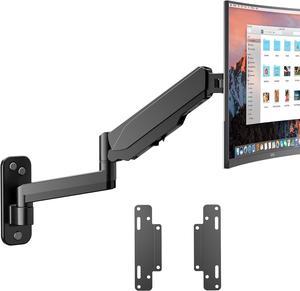
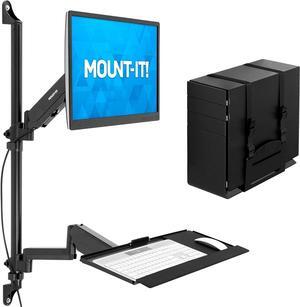
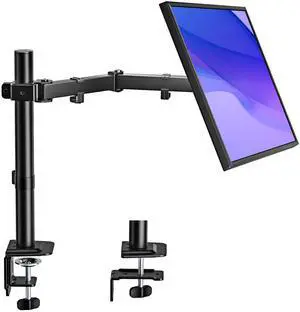
Mount-It! Wall Mount Workstation with Single Monitor Mount, Keyboard Tray and CPU Holder, Height Adjustable Full Motion Arms, Fits One 32 Inch Computer Screens
- Model #: STARWELL273534252089Lan
- $329.98 –
- Free Shipping

Quick View
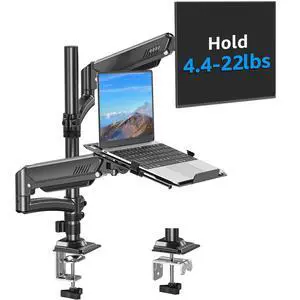
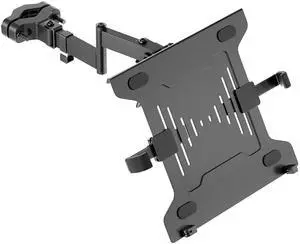
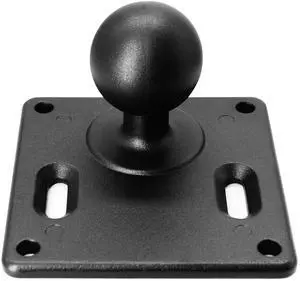
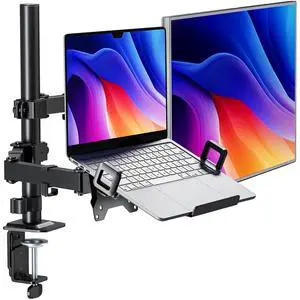
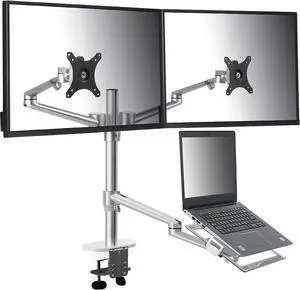
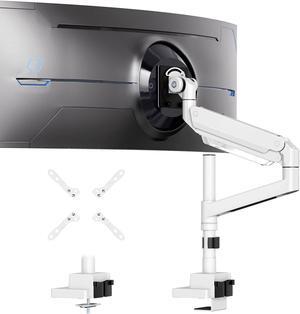
Height Adjustable 3 in 1 Mount Compatible with 13 to 17.3 inch Laptop, Hold 2 Monitors 11 to 27 inch with Vesa, Monitor Desk Stand arm Riser Mount Stand Workstation (Silver)
- Model #: 9359014228278
- $125.99 –
- $5.99 Shipping

Quick View
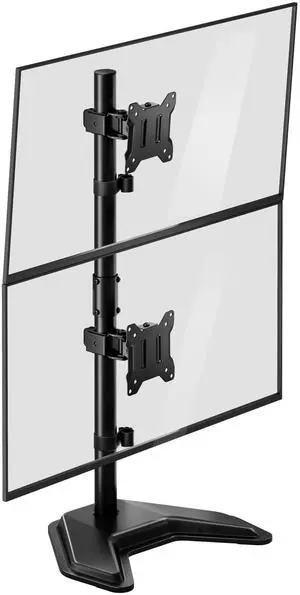
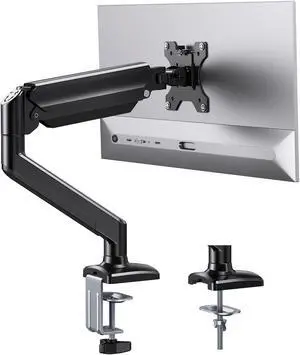
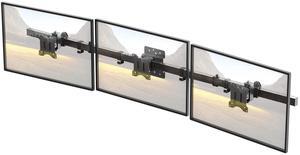
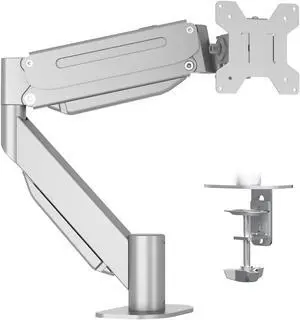
Quad Monitor Stand, 4 monitor Mount for 17 to 32 inch Computer Screens,Hold up to 19.8lbs Each,Fully Adjustable Stacked 4 monitor desk Mount,Black
- Model #: ANICORN001
- $115.99 –
- Free Shipping
Quick View
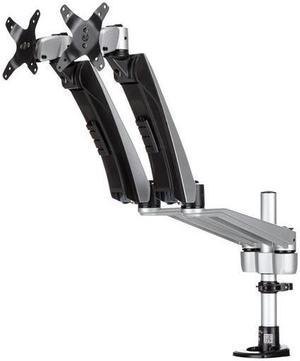
StarTech.com Desk Mount Dual Monitor Arm - Full Motion Articulating Arms - Premium Dual Monitor Stand - For up to 30" (1
- Color: Black
- Changer Type: Computer Accessories
- Model #: ARMDUAL30
- $332.47 –
- More options from $26.80 - $397.08
Quick View
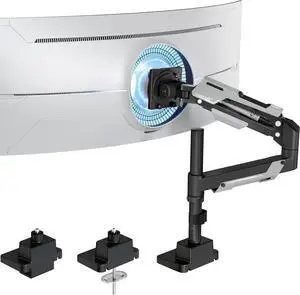
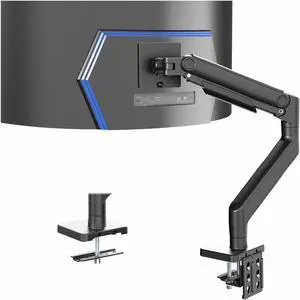
VIVO Black Pneumatic Arm Computer Monitor Desk Mount, Fits Ultrawides up to 49"
- Type: Mount
- Model #: STAND-V101V
Quick View
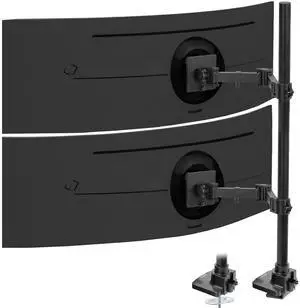
VIVO Dual Ultrawide Monitor Extra Tall Desk Mount for Computer Screens to 49"
- Brand: VIVO
- Type: Mount
- Model #: STAND-V120T
Quick View
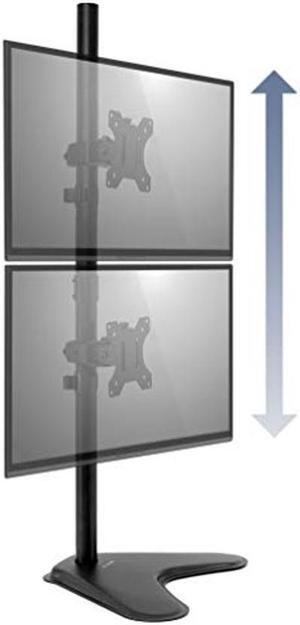
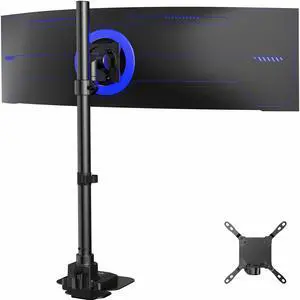
VIVO Single Ultrawide Monitor Tall Desk Mount, Fits Computer Screens up to 57"
- Brand: VIVO
- Type: Mount
- Model #: STAND-V157R
Quick View
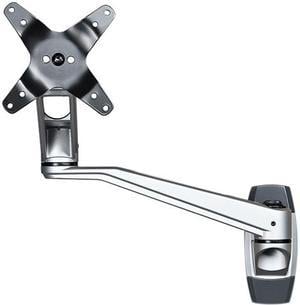
StarTech.com ARMWALLDSLP Wall Mount Monitor Dual-Swivel Arm for up to 30" Monitors
- Type: Monitor Arm
- Color: Silver
- Specifications: # of Displays Supported: 1 Articulating: No Cable Management: Yes Mounting Options: Wall-Mount VESA Hole Pattern(s): 75x75 mm / 100x100 mm Display Pan: +180° / -180° Display Rotation: 360° Display Tilt: +90° / -15° Height Adjustment: No Maximum Arm Extension: 20.5 in [520 mm] Maximum Display Size: 30in Minimum Display Size: 13" Weight Capacity (Per Display): 30.9 lb [14 kg] Swivel / Pivot: +180°/-180° at the wall 360° at the shoulder 360° at the elbow Included in Package: 1 x Wall Mount 2 x Swivel Arms 1 x Monitor Mount 4 x Thumb Screws 1 x M3 Hex Key 2 x Wall Plugs 2 x Mounting Screws 1 x User Manual
- Dimensions (H x W x D): 13.00" x 5.10" x 6.90"
- Model #: ARMWALLDSLP
- $133.07 –
- More options from $133.07 - $152.57
Quick View
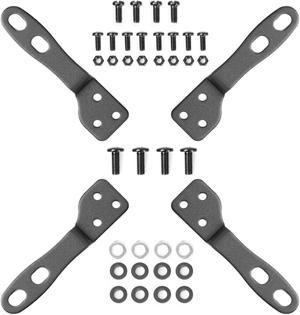
Mount-It! VESA Mount Adapter Kit | TV Wall Mount Bracket Adapter Converts 75x75 and 100x100 mm Patterns to 200x100 and 200x200 mm
- Type: Mount
- Parts: 5 Years
- Labor: 5 Years
- Model #: MI-788
Quick View
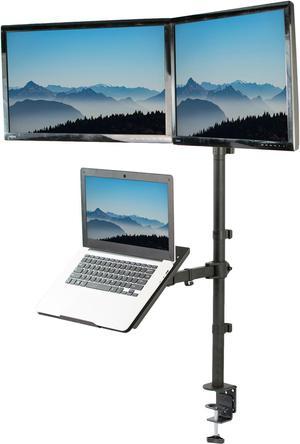
VIVO Dual 13" to 27" Monitor Mount with Laptop Holder, Tall Adjustable Stand
- Type: Multi-Monitor Stand
- Color: Black
- Model #: STAND-V012L
Quick View
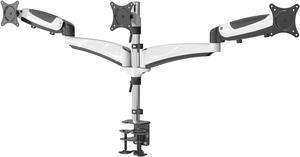
Amer Mounts Triple Articulating Monitor Mount. Supports 3 monitors 15 to 28" each. Spring Loaded arms provide flexibility in movement and monitor orientation.
- Type: Monitor Arm
- Color: White
- Model #: HYDRA3
Quick View
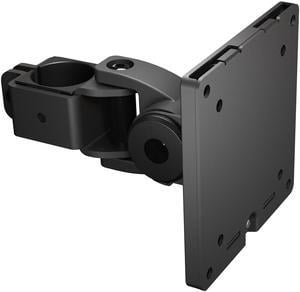
VIVO Ultrawide Monitor VESA Bracket Pole Mount, Fits Up to 49" Computer Screens
- Type: Mount
- Model #: MOUNT-POLE49U
Quick View
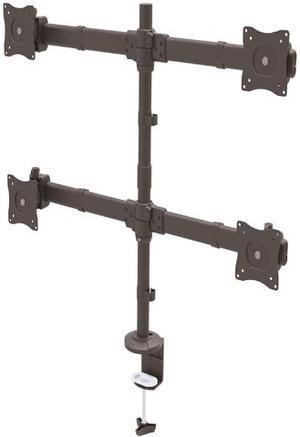
StarTech ARMQUAD Quad Monitor Mount - Articulating - Clamp or Grommet Mount - Monitors up to 27" - VESA Mount - 4 Monitor Setup
- Type: Monitor Arm
- Color: Black
- Specifications: # of Displays Supported: 4 Articulating: No Mounting Options: Desk & Grommet Clamp VESA Hole Pattern(s): 75 x 75 mm, 100 x 100 mm Wallmountable: No Display Rotation: 360 Degree Maximum Display Size: 27" Maximum Height: 28.5" Minimum Display Size: 13" Mounting Surface Thickness: Desk Clamp: 0.39" - 3.14" (10 - 80mm), Grommet Clamp: 0.39" - 3.74" (10 - 95mm) Swivel / Pivot: +30 / -30 Degree Tilt: + 30 / - 30 Degree Weight Capacity: 17.7 lbs. [8 kg]
- Dimensions (H x W x D): 18.58" x 15.31" x 4.65"
- Model #: ARMQUAD
- $268.76 –
- More options from $31.30 - $332.26

Quick View
VIVO Black Fully Adjustable Dual Computer Monitor Arm for Desk Mount Stand
- Type: Mount
- Model #: PT-SD-AM02A
Quick View
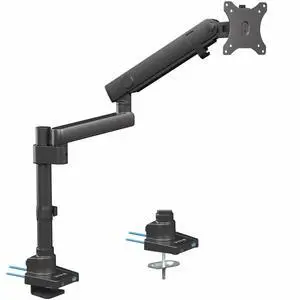
VIVO Premium Aluminum Single Monitor Arm Desk Mount Stand with USB Ports
- Type: Single-Monitor Stand
- Color: Black
- Model #: STAND-V101BDU

Quick View
Ergotron 45-234-200 200 Series Wall Mount Arm, 2 Extensions
- Type: Wall Mount Arm
- Specifications: LCD Size: = 24" Weight Capacity: <= 25 lbs(= 11.3 kg) Tilt: 180° Pan: 360° Rotation: 360° P/L VESA: MIS-D Includes 200 wall mount pivot, wall mount bracket, 2 extensions, VESA mounting screws If mounting a laptop, also order the LX Notebook Tray (50-193-200) Weight Capacity: 25 lbs (11.3 kg) Monitor depth greater than 3" (7.5 cm) may diminish capacity Mounting Standards: VESA FDMI, MIS-D, 75/100, C (hole patterns = 100 x 100 mm and 75 x 75 mm) Extends up to 23.8" (60.5 cm) from the wall and retracts to within 5.8" (14.8 cm), excluding depth of monitor Durable, easy-to-clean powder-coated painted steel exterior Mounting Options: Mounts to sturdy vertical surfaces. Where applicable, attach to wood stud
- Parts: 5 years limited
- Labor: 5 years limited
- Model #: 45-234-200
- $269.00 –
- More options from $269.00 - $459.03
- Free Shipping
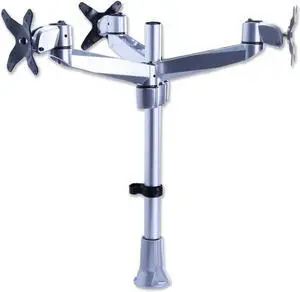
Quick View
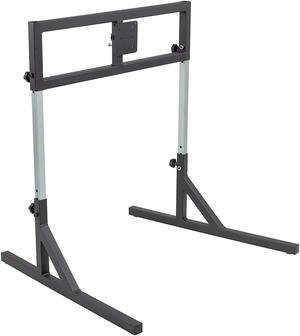
Mount-It! Triple Monitor Mount | Fits 17'-27" Computer Screens
- Type: Mount
- Color: Black
- Parts: 5 Years
- Labor: 5 Years
- Model #: MI-52111
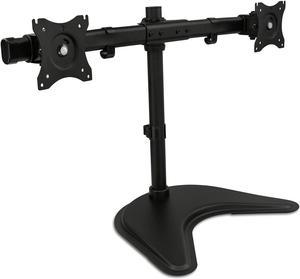
Quick View
Mount-It! Dual Monitor Stand | Height Adjustable Fits Up to 32" Screens
- Type: Mount
- Color: Black
- Option: Desk Mount
- Model #: MI-1781
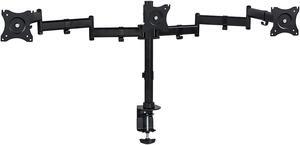
Quick View
Mount-It! Triple Monitor Desk Mount | Fits 13"-27" Screens Full Motion Adjustment
- Type: Mount
- Color: Black
- Option: Desk Mount
- Model #: MI-1753
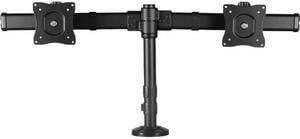
Quick View
StarTech.com ARMBARDUOG Deskmount Dual-Monitor Arm - For up to 27" Monitors - Low-Profile Design - Desk-Clamp or Grommet-Hole Monitor Mount
OUT OF STOCK
- Brand: StarTech.com
- Type: Monitor Arm
- Specifications: Cable Management: Yes Mounting Options: Desk & Grommet Clamp VESA Hole Pattern(s): 75x75 mm / 100x100 mm Display Rotation: 360° Display Tilt: + 30° / - 30° Dual-Arm Span: 32.87" (835 mm) Height Adjustment: Yes Maximum Display Size: 27in Maximum Height: 14.3 in [364 mm] Minimum Display Size: 13" Pole Height: 14.2" (360 mm) Swivel / Pivot: +30°/ -30°
- Features: Save space by mounting two monitors 13" to 27" onto a single low-profile base with this desk-mount dual monitor arm Desk-clamp or grommet-hole monitor mount Double monitor mount with adjustable height along the pole Adjust for optimum viewing with +/- 30° tilt and +/- 30° swivel Micro-adjustment feature lets you perfectly align your monitors Place monitors close to a wall or cubicle wall with a low-profile design Dual screen mount su...
- Model #: ARMBARDUOG
- $124.99 –
- More options from $124.99 - $183.69
- $4.99 Shipping