
Your Browsing History
- In Stock
- Sold by Newegg
- Make an Offer
- New
- Combo Deals Only

Any questions? Our AI beta will help you find out quickly.
Try me now
Quick View
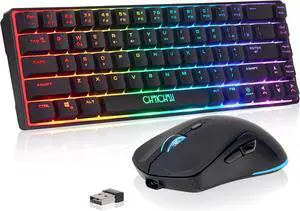
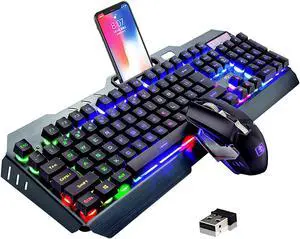
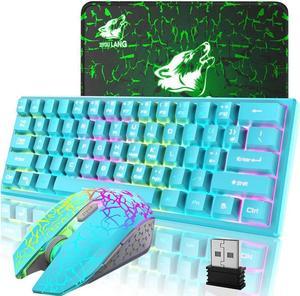
CHONCHOW 60% Wireless Gaming Keyboard and Mouse Combo, RGB Backlit Rechargeable LED Light Up Keyboards,Wireless Gaming Mouse and Keyboard for Xbox PS4 PS5 PC Laptop -Black
- Model #: 2024492128129976
- $59.38 –
- Free Shipping
Quick View
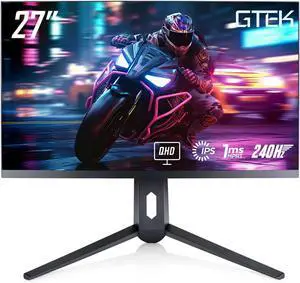
GTek 240Hz 2K Gaming Computer Monitor, 27 Inch Display Full WQHD 2560 x 1440P, Extreme Low Motion Blur, Fast IPS 1ms MPRT, DisplayPort/HDMI, VESA - Q2740P
- Screen Size: 27"
- Refresh Rate: 240Hz
- Resolution: 2560 x 1440 (2K)
- Response Time: 1 ms
- Model #: Q2740P

Quick View
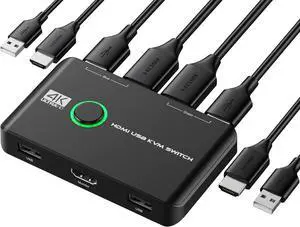
4K KVM Switch HDMI 2 Port Box, USB HDMI KVM Switches for 2 Computers Share Keyboard Mouse Printer and one HD Monitor, Support UHD 4K@60Hz, with 2 USB Cables and 2 HDMI Cables
- Brand: Jancane
- Type: Push Button
- Monitor Connections: KVM switch
- PC Selection: Push Button
- Model #: 724163901925
- $35.69 –
- More options from $34.99
- Free Shipping

Quick View
WAVLINK USB C 4K Laptop Docking Station Triple Display With 100W PD3.0 Charging (65W for PC), Dual HDMI, 1 Displayport, 4xUSB-A 3.0 , Gigabit Ethernet, SD&TF Card Slot Audio Jack For Windows, Mac

Limited time offer, ends 05/10
- Compatibility: Installation Before using this dock, please make sure that the latest PC/laptop drivers are installed (including USB, graphics card etc) because the network port needs specific drivers. For Windows 10, the system detects and automatically installs them after the dock is connected to the network. If drivers cannot be automatically installed, the network port can’t perform properly. Please install them manually. For MAC OS system, you need to install the network port driver manually, please visit www.wavlink.com > Support > Driver > PC peripherals > USB Docking. 1. The dock is driver free, therefore you don’t need to install any driver before using it. 2. Plug the power adapter of the dock in a power outlet. 3. Connect the USB-C connector of the dock to your host laptop/PC, the LED light on the dock will turn blue. 4. Connect your monitor(s) to video ports of ...
- Model #: WL-UMD05
Quick View
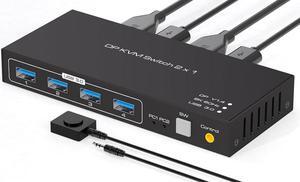
USB 3.0 KVM Switch DisplayPort 1.4 for 2 Computers with 8K@60Hz / 4K@120Hz / 4K@144Hz Display Port Video & 4x 5Gbps USB Ports, FreeSync, G-SYNC and HDR Support - Wired Controller
Limited time offer, ends 05/23
- Type: DisplayPort, USB
- Computer Connections: 2 Port DisplayPort
- Monitor Connections: 2 Ports
- Video Resolution: 8K 60Hz
- Model #: E-SW204N-DP-3
- $61.99 –
- Free Shipping
Quick View
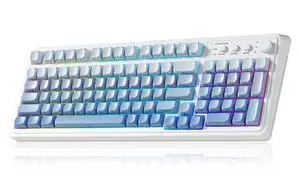
Vszerda S99 Gaming Keyboard, Wireless Computer Keyboards, Tri-Mode Bluetooth Creamy Custom Keyboard with Number Pad, RGB Backlit Media Knob Cute Programmable Keyboard for PC Gamer - Gradient Blue
- Brand: AULA
- Name: S99
- Part Number: S99
- Design Style: Contemporary
- Model #: S99E3
- $95.99 –
- Free Shipping
Quick View

Limited time offer, ends 05/10
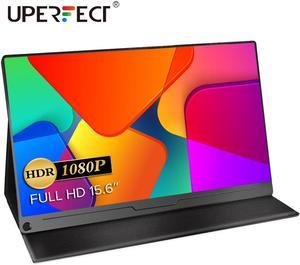
- Resolution: 1080 x 1920
- Refresh Rate: 60Hz
- Display Colors: 16.7 Million
- Brand: Uperfect
- Model #: M156A08W
Quick View
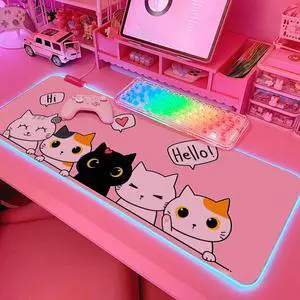
Pink Kawaii Cat RGB Gaming Mouse Pad 31.5x12 Inch PC XL Large Extended Glowing Led Light Up Cool Mouse pad Desk Pad Non-Slip Rubber Computer Mouse Pad Cute Mousepad Mat 31.5x12 Inch
- Brand: JMIYAV
- Part Number: P003-6
- Dimensions: 80.01 in x 30.48 in x 0.03 in
- Surface: Rubber
- Model #: 308507058877
- $42.99 –
- More options from $42.99 - $63.98
- Free Shipping
Quick View
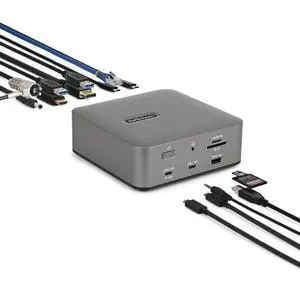
StarTech Thunderbolt 5 Docking Station - DP/HDMI - Triple Monitor Dock up to 4K 144Hz or Dual 8K 60Hz - 5x USB Ports -140W Laptop Charging 215N-TB5USB4DOCK
- Brand: StarTech
- Model: 215N-TB5USB4DOCK
- Part Number: 215N-TB5USB4DOCK
- Compatibility: Desktop PC Notebook Mobile Device Monitor Smartphone Tablet Computer
- Model #: 215N-TB5USB4DOCK
- $305.44
- $288.04 –
- Save: $17.40 (5%)
- More options from $288.04 - $297.99
Quick View
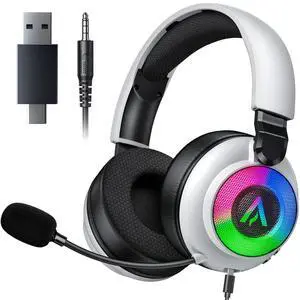
Wireless Gaming Headset for Ps5 Ps4 - 2.4GHz, Bluetooth, Wired, 7.1 Surround Sound, Noise Cancelling Mic, RGB Lights, 40H+ Battery, Lossless Audio, Comfy Over Ear Headphones for PC, Switch, Xbox, Mac
- Brand: Buwnia
- Series: 1
- Part Number: 2.4GHz Wireless Gaming Headset OW610
- Color: White
- Model #: 635376722935
- $36.99 –
- Free Shipping
Quick View
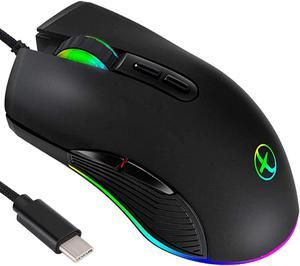
Wired Gaming Mouse Type C, USB C Cable Game Mice RGB gaming mouse Ergonomic mouse Compatible with Mac, Matebook, Chromebook, HP OMEN, Windows PC and other USB type C devices Office Home
Limited time offer, ends 05/16
- Resolution (DPI): 3200 dpi
- Model #: A2#Q0733_B
- $19.99 –
- Free Shipping
Quick View
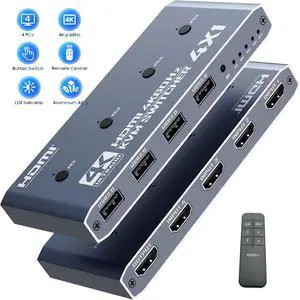
AUTYUE HDMI KVM Switch 4 Computer, 4 Ports HDMI USB Switch for 4 Computer Share a 4K@60Hz Monitor and 4 USB Devices, Keyboard, Mouse, Printer, Includes 4 KVM Cables & Remote Controller (no Batteries)
Limited time offer, ends 05/16
- Type: HDMI KVM Switch 4 in 1 Out
- Computer Connections: 4 Ports
- Monitor Connections: 1 Port
- Video Resolution: Support Ultra HD 4K@60Hz
- Model #: Q3112_GR
Quick View
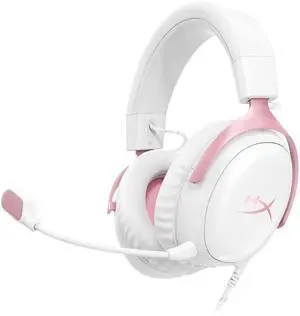
Cloud III Wired Gaming Headset, PC, PS5, Xbox Series X|S, Angled 53mm Drivers, DTS, Memory Foam, Durable Frame, Ultra-Clear 10mm Mic, USB-C, USB-A, 3.5mm Pink
- Brand: HyperX
- Series: 3
- Connector: 3.5 mm Jack
- Ear Coupling: Over Ear
- Model #: 917838764410
- $98.99 –
- Free Shipping
Quick View
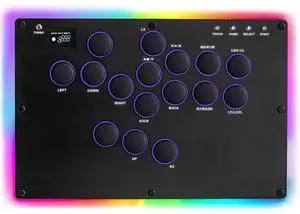
WERLEO MS1 Leverless Controller - Matte Black Panel Anti-Sweat Fighting Game Arcade Stick - 16-Key All-Button, Low-Profile Switches, RGB Turbo - PC/PS4/PS3/Switch/Steam
- Color: Black
- Model #: 298Y1000G-244
- $208.99
- See price in cart
- Free Shipping
Quick View
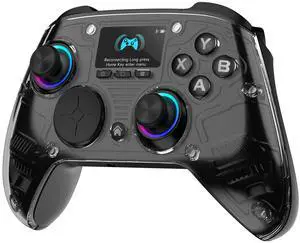
PC Controller Interactive Screen Wireless Controller Compatible with PC/Switch/Switch 2/iOS/Android, Hall Effect Joystick & Triggers, RGB Lighting, Adjustable Vibration/Turbo, Battery(Black)
- Brand: AOC
- Part Number: GC310
- Part: GC310
- Color: Black
- Model #: 828028680378
- $81.99 –
- More options from $81.99 - $100.78
- Free Shipping
Quick View
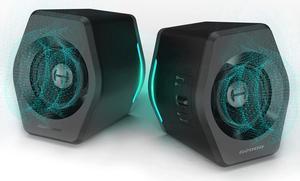
Edifier G2000 32W PC Gaming Computer Speakers for Laptop Mac Desktop Computer Woofer Speakers Bluetooth USB 3.5mm AUX Inputs RGB Lights Multimedia Speakers Black
- Type: Wired with Bluetooth Wireless
- Color: Black
- Model #: Edifier G2000-Black-A
- $94.08 –
- More options from $94.08 - $189.99
- Free Shipping
Quick View
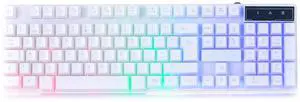
Orzly White Gaming Keyboard RGB USB Wired Rainbow Keyboard Designed for PC Gamers, PS4, PS5, Laptop, Xbox, Nintendo Switch, RX-250 Hornet Edition
- Brand: Orzly
- Name: RX250-K
- Material: Acrylonitrile Butadiene Styrene
- Keyboard Interface: USB
- Model #: RX250-K
- $45.66 –
- More options from $44.99
- Free Shipping
Quick View
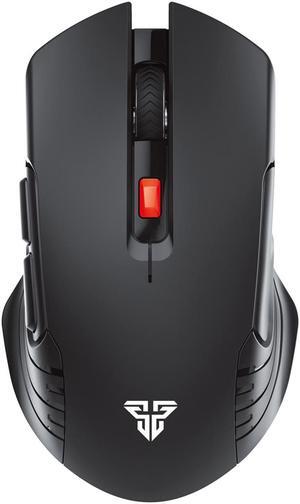
FANTECH Wireless Gaming Mouse,Medium-size ,Ergonomic Hand Grips,2.4 GHz wreless Fast charge,RGB Gamer Desk Laptop PC Gaming Mouse, for Windows 7/8/10/11/XP Vista Linux MacOs, Black
- Hand Orientation: Both Hands
- Resolution (DPI): 2000
- Power Supply: 1 x AA Battery
- Operating Time: 40 hours
- Model #: 019 RAIGOR III WG12 Black
- $19.99 –
- Free Shipping
Quick View
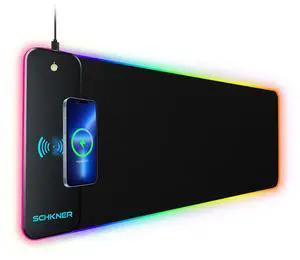
KEHIPI RGB Gaming Mouse Pad with Wireless Charging 15W, Large Desk Mat 800x300x4mm, 10 Light Modes Keyboard Pad with Non-Slip Rubber Base, Waterproof Mousepad for Gaming PC MacBook Laptop
- Brand: Schkner
- Dimensions: 31.5 in x 11.8 in x 0.1 in
- Surface: Rubber
- Color: Black
- Model #: nghj54456

Quick View
ESTONE 8K USB-C KVM Switch with Audio,RJ45, 2 in 1 Out,for 2PC Share 1 Monitor and One Keyboard Mouse and 5 USB devices, 8K@60Hz 100w PD for computers, laptops, game consoles
Limited time offer, ends 05/23
- Type: USB C
- Computer Connections: 2 Ports
- Monitor Connections: 1 Port
- Video Resolution: 7680*4320
- Model #: E-OZK8-1
- $81.99 –
- Free Shipping
Quick View
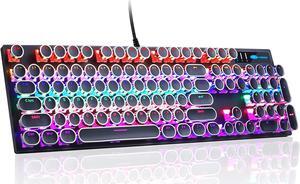
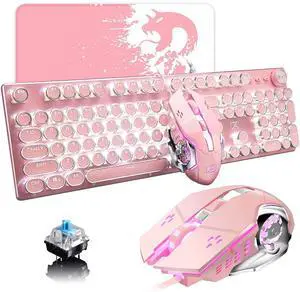
Pink Typewriter Keyboard and Mouse,Retro Vintage Mechanical Gaming Keyboard with White LED Backlit,104 Keys Anti-Ghosting Blue Switch Wired Cute Keyboard,Round Keycaps for Desktop PC/Laptop Mac
- Brand: LexonElec
- Material: Plastic, Metal
- Keyboard Interface: USB
- Palm Rest: Backlit
- Model #: 426633384810
- $88.85 –
- More options from $88.85 - $93.99
- Free Shipping
Quick View
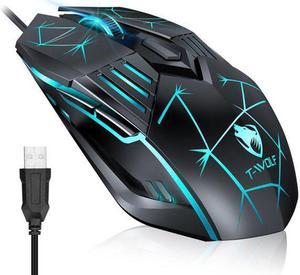
USB Wired Gaming Mouse, Ergonomic Optical Computer Gaming Mice with 4 Color LED Light, Up to 3600DPI, 6 Buttons Fit for Computer, Laptop, PC, Desktop (Star Black)
Limited time offer, ends 05/16
- Resolution (DPI): 3600 dpi
- Model #: G560
- $11.99 –
- Free Shipping
Quick View
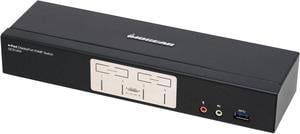
IOGEAR GCS1934 4-Port DisplayPort 1.2 KVMP Switch with USB 3.1 Gen1 Hub and Audio (TAA Compliant)
- Type: USB, DisplayPort
- PC Selection: Pushbutton, Hotkeys, Mouse (mouse port switching only works with 3-key USB mouse wheel in emulation mode)
- PC Connectors: Monitor: 4 x DisplayPort Keyboard & Mouse: 4 x USB 3.1 Gen1 Type B Audio: 4 x 3.5mm Mini Stereo Jack Microphone: 4 x 3.5mm Mini Stereo Jack
- Console Connectors: Monitor: 1 x DisplayPort Keyboard: 1 x USB Type A Mouse: 1 x USB Type A Audio: 2 x 3.5mm Mini Stereo Jack (Front and Rear) Microphone: 2 x 3.5mm Mini Stereo Jack (Front and Rear)
- Model #: GCS1934