

Your Browsing History

Any questions? Our AI mode will help you find out quickly.
Try me now
Quick View
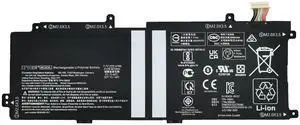
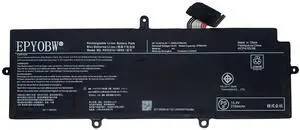
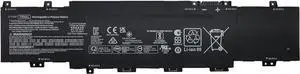
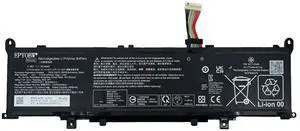
EPYOBW MC02XL Laptop Battery 47Wh Compatible with HP Elite X2 G4 / Elite X2 G8 Series MR02XL HSTNN-DB9E TPN-DB0G L46601-005
- Model #: 477915916939
- $103.00 –
- Free Shipping
Quick View

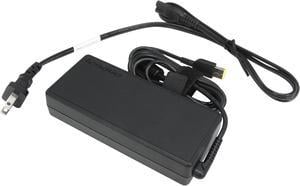
- Brand: ThinkPad
- Model: 4X20E50558
- Part Number: 4X20E50558
- Color: Black
- Model #: 4X20E50558
- $78.50
- $69.00 –
- Save: $9.50 (12%)
- More options from $69.00 - $151.47
- Free Shipping
Quick View
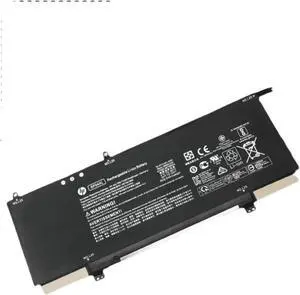
SP04XL SP04061XL Laptop Battery 61.4Wh Replacement for HP Spectre X360 Convertible 13-ap000 13t-ap000 13-ap0xxx 13-ap0013dx 13-ap0023dx 13-ap0033dx 13-ap0053dx 13-ap0030tu L28764-005 TPN-Q185 TPN-Q203
Limited time offer, ends 09/14
- Model #: 683491607776
- $65.99
- See price in cart
- More options from $49.49 - $64.99
- Free Shipping
Quick View
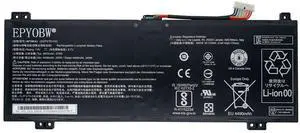
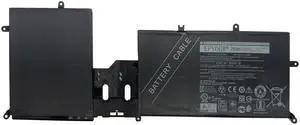
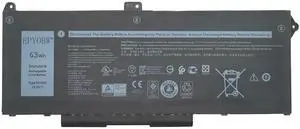
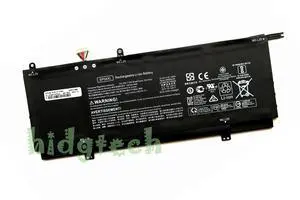
Genuine SP04XL Battery for HP Spectre x360 13-ap 13-ap0082tu 13-ap0154tu SP0406
- Battery Type: Lithium-Ion
- Model #: 963321
- $49.91 –
- More options from $49.91 - $52.36
- Free Shipping
Quick View
NEW SP04XL Battery for Spectre X360 13-AP 13-AP000 13-AP0000NA 13T-AP000 13-AP0053DX Series HSTNN-IB8R L28538-AC1 L28764-005
- Part Number: HSTNN-IB8R, HSTNN-OB1B
- Color: Black
- Type: Battery
- Compatibility: for Spectre X360 13-AP 13-AP000 13-AP0000NA 13T-AP000 13-AP0053DX Series
- Model #: SP04XL
- $68.11 –
- Free Shipping
Quick View
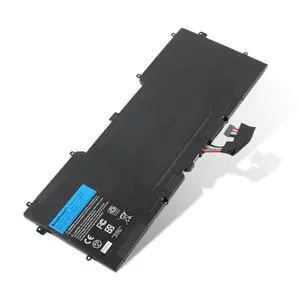
Kingsener C4K9V Laptop Battery 55WH For DELL Y9N00 XPS13-L321X L322X XPS12-L221X 9Q23 9Q33 9333 3H76R 489XN PKH18 7.4V
- Brand: KingSener
- Part Number: Y9N00 C4K9V PKH18 489XN 3H76R
- Battery Voltage: 7.4V
- Battery Capacity: 55WH
- Model #: Dell-C4K9V-7.4V-55WH-KSE

Quick View
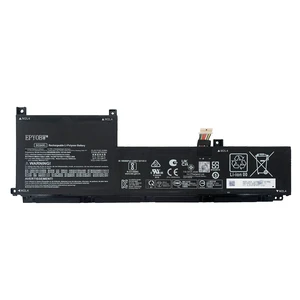
EPYOBW SC04XL Laptop Battery 63.32Wh HSTNN-IB9R M07392-005 M08254-1C1
- Model #: 916268424154
- $111.99 –
- $17.00 Shipping
Quick View
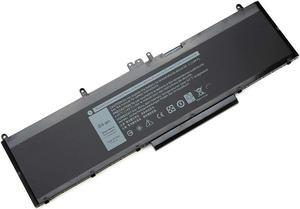
YXKC New WJ5R2 Replacement Laptop Battery Compatible with Dell Precision 3510 4F5YV Series - 11.4V 84Wh
- Model #: 9391048826150
- $75.10 –
- More options from $75.10
- Free Shipping
Quick View
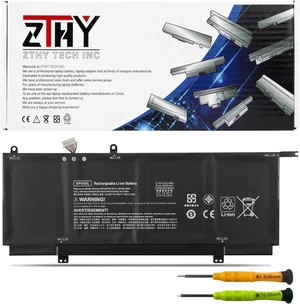
SP04XL SP04061XL Laptop Battery for HP Spectre X360 Convertible 13-ap000
- Model #: 880395158544
- $60.99 –
- $11.00 Shipping
Quick View
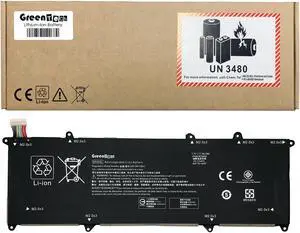
GREENTECH EP04XL L52581-005 BATTERY FOR HP DRAGONFLY G2 7.7V 56.2WHR HSTNN-DB9J
- Color: Black
- Type: Battery
- Compatibility: HP DRAGONFLY G2, HP DRAGONFLY MAX
- Battery Type: 4 Cell Lithium-Ion
- Model #: GTS-EP04XL
- $74.30 –
- More options from $74.11
- Free Shipping
Quick View
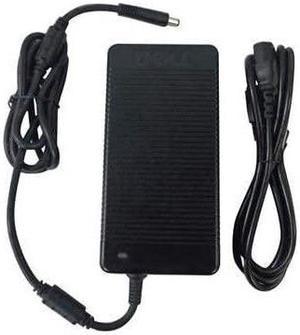
AC/DC Adapter Compatible with Lenovo EMC2 PX4-400D PX4-4000 32064400 70CM9001NA NAS Storage PX4400D Lenovo-EMC IdeaPad Y570-0862-68U Chicony Clevo N857HK1 N857HJ N855HC MOSO MSA-Z5130CS19.5-120A-E PSU
- Battery Type: N/A
- Model #: 4741640623162
- $32.68 –
- $6.99 Shipping
Quick View
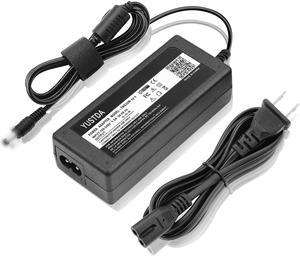
Yustda AC/DC Adapter for Lenovo EMC2 PX4-400D 32064400 70CM9001NA NAS Storage PX4400D Lenovo-EMC IdeaPad Y570-0862-68U Chicony Clevo N857HK1 MOSO MSA-Z5130CS19.5-120A-E Power Supply Charger Mains PSU
- Battery Type: N/A
- Model #: 4741640568784
- $37.98 –
- $6.99 Shipping
Quick View
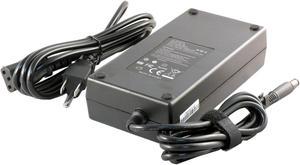
240WT21 AC Adapter for Dell PP06XA P31E P34E FHMD4 0FHMD4 FWCRC 0FWCRC J211H 0J211H C3MFM 0C3MFM U896K 0U896K 6RTJT 06RTJT Y044M 331-9053 330-7843, EVGA SC15 15.6" 516-34-1833-T1 E008-00-000073
- Type: AC Adapter
- Battery Type: Lithium-Ion
- AC Adapter Voltage: 19.5V
- AC Adapter Current: 12.3A
- Model #: Asus.AC090W.N11
Quick View
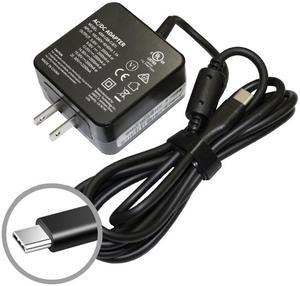
REPLACEMENT 4X20E75131 45W USB-C ADAPTER FOR LENOVO C213SA, C223NA, C302CA, C425TA, C434TA, C523NA, MIIX 720, MIIX 720-12IKB 80VV, T470, T470S, T570, THINKPAD E570PM, THINKPAD T470, THINKPAD T470S
Limited time offer, ends 09/14
- Color: Black
- Type: AC Adapter
- Compatibility: LENOVO C213SA, C223NA, C302CA, C425TA, C434TA, C523NA, MIIX 720, MIIX 720-12IKB 80VV, T470, T470S, T570, THINKPAD E570PM, THINKPAD T470, THINKPAD T470S, THINKPAD T570, THINKPAD X1 CARBON 5TH GEN, THINKPAD X1 TABLET 2ND GEN, THINKPAD X1 YOGA 2ND GEN, THINKPAD X270, THINKPAD YOGA 370, X1 CARBON 5TH GEN, X1 TABLET 2ND GEN, X1 YOGA 2ND GEN, YOGA 5, YOGA 720-13IKB 80X6, YOGA 910-13IKB
- Battery Type: N/A
- Model #: 45WC-4X20E75131
- $26.80 –
- Free Shipping
Quick View
12V AC/DC Adapter Compatible with Clover Mini C300 C400 Series Wi-Fi Credit Card Reader PWR-YJ3PWR-PK FSP040-RHBN2 A Flex Cradle K400 Starter Kit K400U Charging Base Power Supply Cord Charger
- Battery Type: N/A
- Model #: 4741640641432
- $15.79 –
- $6.99 Shipping
Quick View
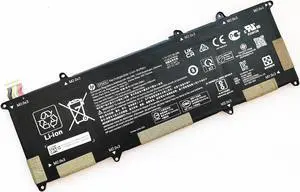
56.2WH EP04XL battery for HP Elite Dragonfly G1 2019 G2 2020
- Model #: D-EP04XL
- $63.91 –
- Free Shipping
Quick View
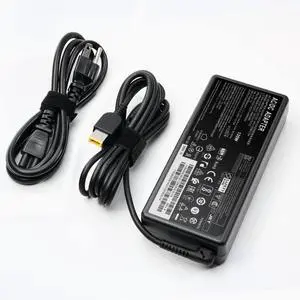
135W Laptop Charger for Lenovo Thinkpad 135W AC Adapter Slim Tip 4X20E50558
- Model #: 521984065781
- $63.99 –
- $5.00 Shipping
Quick View
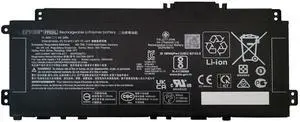
EPYOBW TI04XL Laptop Battery 55.67Wh 15.12V 4-Cell Compatible with HP Envy 17-CH 17-CH0000NB 17-CH0000NC / Envy 17M-CH 17M-CH0013DX 17M-CH1013DX Series HSTNN-IB9T M24420-1D1 M24420-1C1 M24563-005
- Battery Type: Lithium Polymer
- Model #: FB0CCDV65GN
- $118.89 –
- More options from $118.89 - $129.99
- Free Shipping
Quick View
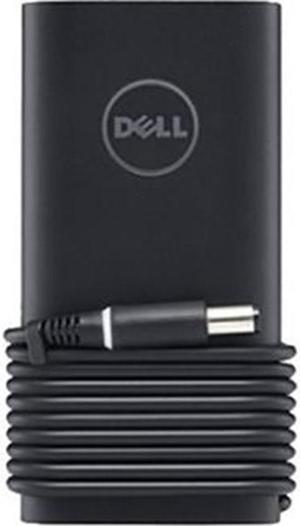
Dell Slim Power Adapter - 90 Watt

- Type: AC Adapter
- Battery Type: N/A
- AC Adapter Voltage: 19.5 V DC
- AC Adapter Current: 4.62 A
- Model #: 332-1833
- $49.91 –
- More options from $49.91 - $63.00
- Free Shipping
Quick View
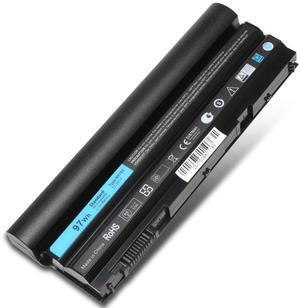
Yustda 19V 135W AC/DC Adapter Replacement for Gigabyte BRIX GB-BXA8-5557 GB-BXA8G-8890 GB-BXi5-5575 GB-BXi7-5775 GB-BXi5-4570R GB-BXi7-4770R Ultra Compact Mini PC FSP FSP135-RSEBN2 Power Supply
- Battery Type: N/A
- Model #: 4741640431767
- $44.98 –
- $6.99 Shipping
Quick View


- $57.99 –
- Free Shipping
Quick View
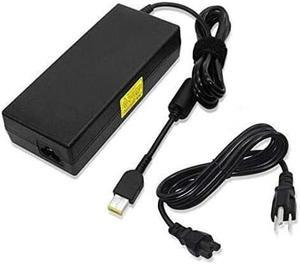
Yustda AC/DC Adapter Replacement for Lenovo 135W Slim Tip AC Adapter (4x20e50558) Power Supply Cord Cable PS Battery Charger Mains PSU
- Battery Type: N/A
- Model #: 4741640633796
- $69.98 –
- $6.99 Shipping
| Buying an AMD EPYC 4005 | |
|---|---|
Understanding the AMD EPYC 4005The AMD EPYC 4005 is part of AMD’s EPYC 4000 series, designed for entry-level servers and edge applications. Built on a 7 nm process, the EPYC 4005 features 8 cores and 16 threads, with a base clock of 2.0 GHz and a maximum boost of 3.0 GHz. Its single-socket design offers up to 64 lanes of PCIe 4.0 connectivity, enabling high-bandwidth networking and storage options. With a 120 W TDP, this processor balances performance and power efficiency for tasks such as virtualization, web hosting, and lightweight database workloads. Key technical details include 64 MB of L3 cache, DDR4-3200 support in dual-channel mode (up to 3200 MT/s), and integrated Infinity Fabric for coherent memory access across chiplets. When selecting a compatible motherboard, look for server boards with SP3 sockets, support for ECC memory, and robust VRM designs to ensure stability under sustained loads. Popular board partners include Supermicro , ASRock , which offer a range of options for 1U, 2U, and tower chassis. Before purchasing, verify compatibility with your chassis—many EPYC 4005 motherboards require specific rear I/O layouts and cooling profiles. Standard air-cooled heatsinks supporting SP3 sockets are widely available. If you plan to deploy the EPYC 4005 in a dense rack , consider passive heatsink solutions with direct-to-chassis airflow. For current listings, visit Newegg’s AMD EPYC 4005 category. Filter by seller ratings and review counts to find models with reliable shipping and support. Once you receive your shipment, follow the manufacturer’s installation guide to seat the CPU , install compatible ECC DDR4 DIMMs, and configure the BIOS. |
Getting the Most Out of Your EPYC 4005After installing the EPYC 4005, update your BIOS/UEFI to the latest version provided by the motherboard manufacturer. This ensures full support for memory speed and power management features. Enable “Secure Boot” and verify that your operating system—whether it’s a Linux distribution or Windows Server—recognizes the processor and all installed memory. For Linux deployments, confirm that you’re using a kernel version that supports EPYC 4000-series optimizations. To optimize performance, configure BIOS settings for NUMA mode and PCIe bifurcation if you’re using NVMe RAID or high-port network adapters. Adjust power profiles to “Performance” for maximum throughput in virtualization or database tasks. Monitor core temperatures with IPMI utilities or motherboard-provided software; if you notice sustained high temperatures, improve chassis airflow or switch to higher-capacity fans. FAQs about the AMD EPYC 4005
|