

Your Browsing History
Quick View
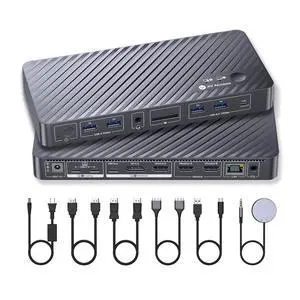
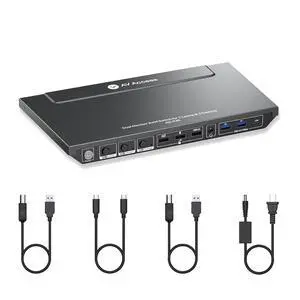
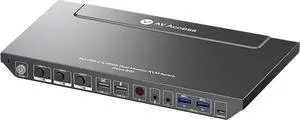
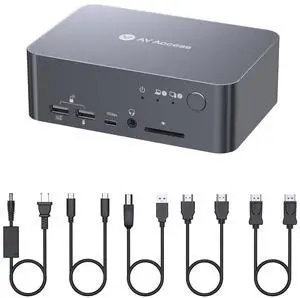
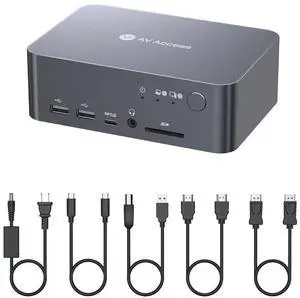
AV Access KVM Switch Docking Station for MacBook, USB C KVM Switch 2 Monitors 2 Computers, 4K Dual HDMI Displays, 1 Laptop+1 Desktop Switching, Ethernet, 100W Power Delivery, EDID Emulation(iDock M10)
- Brand: v AV Access
- Model: iDock M10
- Ports Spec: 2 × HDMI video outputs; 2 × USB 3.2 Gen 2 (10Gbps) Type-A ports; 1 × USB 3.2 Gen 2 (10Gbps) Type-C port; 2 × USB 3.2 Gen 1 (5Gbps) Type-A ports; 1 × SD card slot; 1 × Gigabit Ethernet port; 1 × 3.5mm headset jack.
- Model #: iDock M10

Quick View
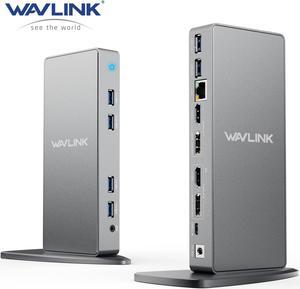
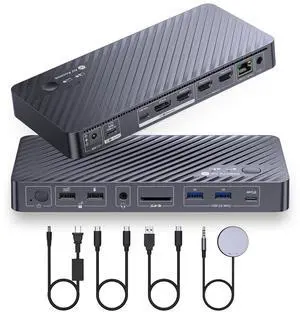
WAVLINK USB C Dual 5K/4K@60Hz Laptop Docking Station With 2 HDMI, 2 DisplayPort, Gigabit Ethernet, 6 USB 3.0, Audio, Mic, for Thunderbolt 4/3,New MacBook Neo, Windows, MacOS, Chrome, Ubuntu 20.04,22.0

Limited time offer, ends 09/13
- Part Number: 6 x USB-A 2 x DisplayPort 2 x HDMI 1 x 4-Pole Phone Jack 1 x Type-C ( Connect to laptop ) 1 x RJ45 Gigabit Ethernet 1 x DC Power Jack Port
- Compatibility: Compatible with Apple M1/M2 and Intel Macs (with macOS 10.14 or later) . Support Windows 11, 10, 8.x, and 7, ChromeOS 100+.Not supported Surface RT, Linux/Unix (see Display Link website for more details).Dock does not charge host PC. Not Compatible : Windows XP (64-bit) and Surface RT, Linux, Unix, Mac OS X
- Ports Spec: Our universal docking stations compatible USB 3.0/USB-C/Thunderbolt 3 Laptop, provides dual HDMI or DisplayPort video outputs, wired Gigabit Ethernet, 3.5mm Audio out and Mic in jack, and six USB 3.0 ports. Come with both USB 3.0 and USB-C cables for flexible host connectivity.
- Dimension: 5.91" x 7.87" x 3.15"...
- Model #: WL-UG69DK7-A-SL-US
Quick View
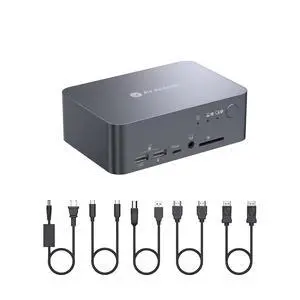
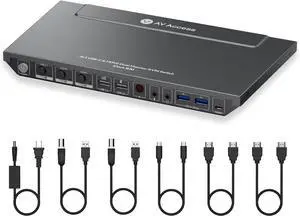
v AV Access Dual Monitor KVM Switch Docking Station 4K@60Hz Dual Monitor for Laptop & Desktop with USB C, USB 3.0, Ethernet, HDMI Output(iDock-C10)
- Brand: v AV Access
- Model: iDock C10
- Thunderbolt 3: Yes
- Function: Notebook
- Model #: iDock C10
Quick View
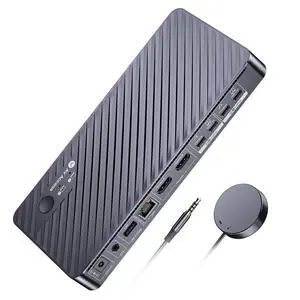
AV Access Docking Station KVM Switch 2 Monitors 2 Laptops, 4K KVM Switch Dual Monitor, 100W PD for Each PC, 1G Ethernet, EDID Emulation, Ideal for Home Office & Gaming(KD-E20)
- Brand: v AV Access
- Series: KVM switch docking station
- Model: KD-E20
- Part Number: KD-E20
- Model #: KD-E20
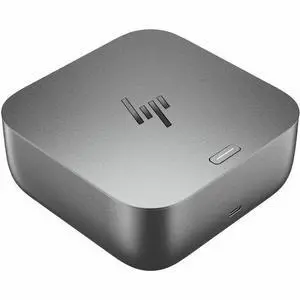
Quick View

- Brand: HP
- Model: G6
- Part Number: 9X472UT#ABA
- Ports Spec: 5
- Model #: 9X472UT#ABA
- $245.99 –
- More options from $139.99 - $343.00
- Free Shipping
Quick View
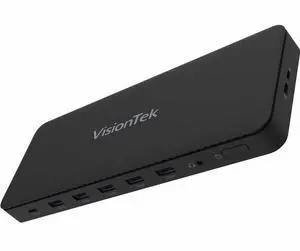
Kensington SD5910T Docking Station - for Desktop PC/Notebook/Tablet/Smartphone/Monitor/Memory Card Reader/Solid State Drive/Smartwatch - Charging Capability - Memory Card Reader - SD, microSD - 149.10
- Brand: Kensington
- Series: K35233NA
- Part Number: K35233NA
- Color: Black
- Model #: K35233NA
- $312.49
- $288.99 –
- Save: $23.50 (7%)
- More options from $288.99 - $396.00
- Free Shipping
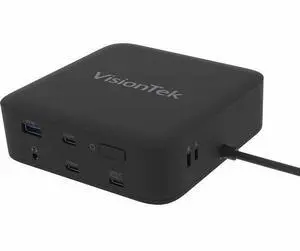
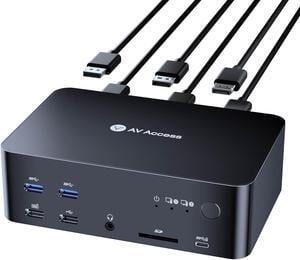
Quick View
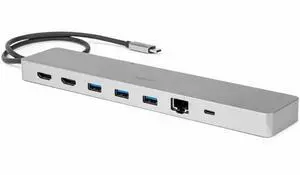
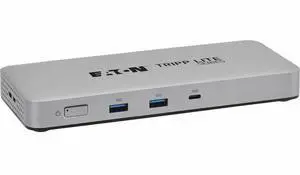
Tripp Lite series U442-DOCK25 Docking Station - for Notebook, Tablet PC, Smartphone, Desktop PC, Headphone, Monitor, HDTV, Printer, Projector, Workstation, MacBook, ... - Charging Capability - 134.40
- Parts: 3 Year
- Model #: U442-DOCK25
- $167.99 –
- More options from $167.99 - $183.87
- Free Shipping
Quick View
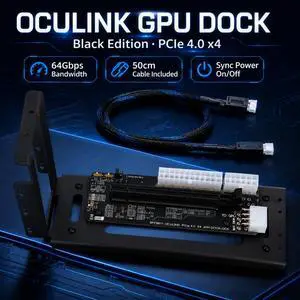
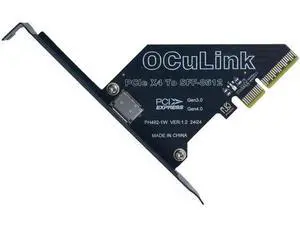
PCIe 4.0 x4 to OCuLink SFF-8612 External Adapter Card for Mini PC eGPU Dock
Limited time offer, ends 09/13
- Model #: C745-LUOYIMAN-Lsy817-2066
- $33.79 –
- Free Shipping
Quick View
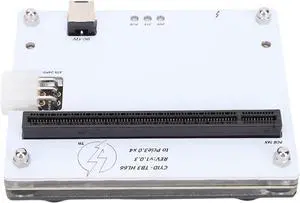
USB4 External GPU Dock, PCIe 16X Enclosure for Graphics Card Expansion, Desktop Docking Station with USB4 Ports
- Model #: TOLJB0FG7GDSZF
- $226.99 –
- Free Shipping
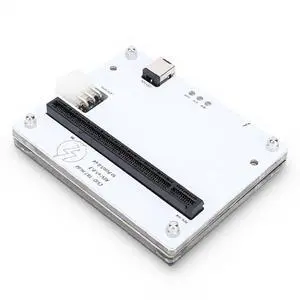
Quick View
Heayzoki External Graphics Card Dock, USB4.0 External GPU Docking Station with 1m Data Cable, for PCIe 16X Slot Laptop PC Handheld Device
- Model #: TOLJB0FWJGS8DK
- $242.99 –
- Free Shipping
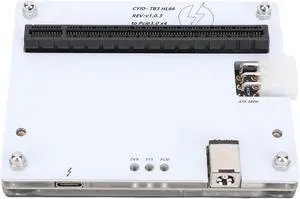
Quick View
External GPU Dock, USB4.0 Graphics Card Docking Station with PCIe 16X Slot for Laptop Desktop Gaming GPU
- Model #: TOLJB0FG3J97LG
- $246.99 –
- Free Shipping
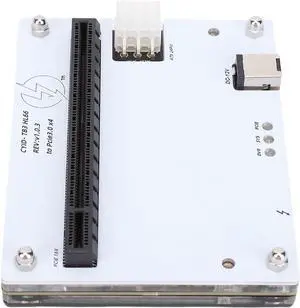
Quick View
Fabater External Graphics Card Dock, USB4.0 External GPU Docking Station PCIe 16X Slot Compatible with 1m Data Cable for Laptop Small PC Handheld Device
- Model #: TOLJB0GRK2CF43
- $245.99 –
- Free Shipping
Quick View
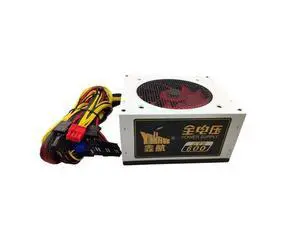
600W Power Supply PSU PFC Silent Fan ATX 24pin 12V PC Computer SATA Gaming PC Power Supply For Intel AMD Computer 110V 220V
Limited time offer, ends 09/13
- Model #: HYH-20260701-C7CC-233
- $93.93 –
- Free Shipping
Quick View
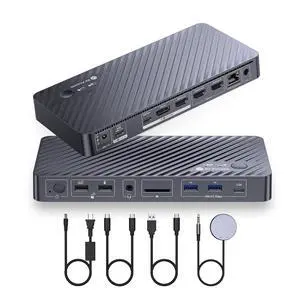
AV Access iDock P10 KVM Docking Station 2 Monitors 2 PCs, GbE, EDID, 5xUSB-A, 65W PD, USB C Hub, 4K@60Hz HDMI & DisplayPort USB C KVM Switch Dual Monitor Laptop & Desktop, Audio, SD, Remote Switch
Limited time offer, ends 09/14
- Model #: 542580718475
- $399.99
- See price in cart
- Free Shipping
Quick View
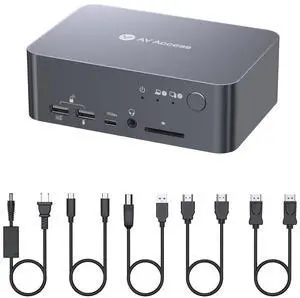
AV Access KVM Switch, GbE, EDID, 4K60Hz, 5xUSB 3.0 Hub, Audio, SD, USB C Docking Station Dual Monitors for 2 Computers (Laptop & Desktop), 60W Charging for Dell, HP, Lenovo Laptop, for Home Office
Limited time offer, ends 09/14
- Model #: 861653951428
- $499.99
- See price in cart
- Free Shipping
Quick View
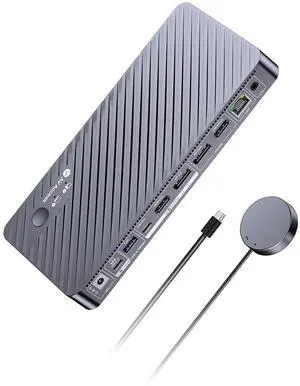
AV Access 8K KVM Switch 2 Monitors 2 Computers for Laptop & Desktop, 100W PD, GbE, 4xUSB 3.2 10Gbps USB C Hub, KVM Docking Station Dual Monitor 8K@60Hz/4K@165Hz, Audio, SD, Remote Switch
Limited time offer, ends 09/14
- Model #: 861653951435
- $559.99
- See price in cart
- Free Shipping
Quick View
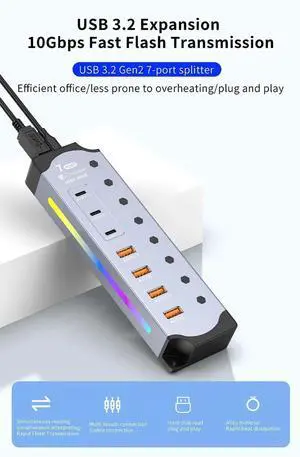
RGB USB 3.2 Gen2 Hub 10Gbps, 4 USB-A + 3 USB-C Ports, Powered Hub with 12V/3A Adapter, Aluminum RGB Splitter for PC Gaming & External Drives, US Plug
- Model #: C5PY-C03010-4
- $58.89 –
- Free Shipping
Quick View
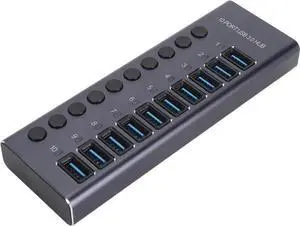
Powered USB 3.0 Data Hub,10 USB 3.0 Data Ports with Individual Switch,USB Data Hub Splitter with 60W Power Adapter for Laptop PC 100240V (US Plug)
Limited time offer, ends 09/13
- Model #: C5JS-C0307-66
- $55.05 –
- Free Shipping
Quick View
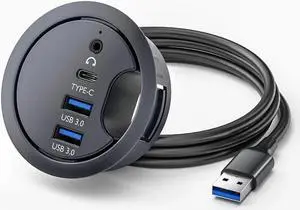
Desk Grommet USB 3.0 Hub with 2x Type-A (USB 3.0), 1x Type-C Port, 1x 3.5mm Audio Jack, 4.9Ft Long Cord for Diameter 60mm Hole, Desktop Cable Organizer, Home Office PC Accessories
Limited time offer, ends 09/13
- Model #: C5JS-C0307-43
- $27.37 –
- Free Shipping
Quick View
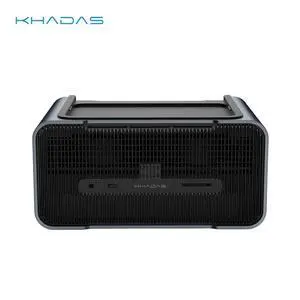
Khadas Graphics 2, External GPU, Docking Station with NV RTX 5060 Ti GDDR7 16GB, Desktop GPU with Speaker/Mic/HDMI 2.1b/Fingerprint/Thunderbolt 4/Mind Link, support 128 GT/s Transfer, 8K Display
- Brand: Khadas
- Color: Silver
- Compatibility: Khadas Mind 1/2/2s/Mind Pro
- Thunderbolt 3: Yes
- Model #: KG-56T-US

Quick View
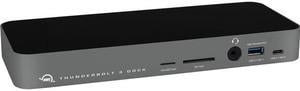
OWC 14-Port Thunderbolt 3 Dock with Cable, Compatible with Windows PC and Mac, Space Gray
- Ports Spec: 1 x Micro SD Card Port 1 x SD Card Port 5 x USB 3.1 Gen 1 1 x USB 3.1 Gen 2 2 x Thunderbolt 3 1 x Ethernet Port 1 x Audio Port 1 x Mini Displayport 1 x Digital audio output
- Weight: 1.6200
- Model #: OWCTB3DK14PSG
- $198.99
- $188.99 –
- Save: $10.00 (5%)
- Free Shipping
Quick View
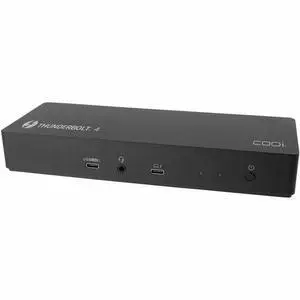
CODi CentroT4 10-in-1 Thunderbolt 4 Docking Station - for Notebook, Workstation, Monitor, Headset, Tablet PC, Smartphone - Charging Capability - Thunderbolt 4 - 2 Displays Supported - DSTB410-2
- Brand: Codi
- Part Number: DSTB410-2
- Parts: 1 Year
- Model #: DSTB410-2
- $289.99 –
- More options from $289.99 - $329.90
- Free Shipping
Related searches

Any questions? Our AI mode will help you find out quickly.
Try me now
| Learn about Gaming PCs | |
|---|---|
Buying a Gaming Desktop PCA gaming computer delivers the high frame rates and crisp visuals needed for modern titles. When selecting a Gaming PC, start by identifying your primary use: competitive esports, open-world RPGs, or VR experiences. Each PC games demands different hardware—so matching a Gaming PC's components to your gaming style is crucial for optimal performance. Next, decide whether to purchase a prebuilt Gaming PC or custom Gaming PC. A prebuilt Gaming PC arrives fully assembled, tested, and backed by a warranty for plug-and-play convenience. Building your own custom Gaming PC gives you full control over the CPU, GPU, RAM, storage, and cooling to optimize cost and future-proof your rig. For deeper research, compare Intel vs AMD for Gaming PCs in 2025, see RTX 5070 vs RTX 5080 for GPU guidance, decide between a Gaming PC vs Gaming Laptop, and check our budget buying guide. Key Components for Your Gaming PC
In addition to core components, selecting the right motherboard, cooling system, power supply, and case is critical. While building a gaming PC can seem daunting, Newegg simplifies the process by letting you filter and compare prebuilt systems based on key specifications, performance tiers, and budget. Explore Newegg's curated selection of gaming desktops to find the ideal balance of cutting-edge power and value—whether you prioritize flagship performance for 4K gaming or cost-effective setups for competitive titles. Our catalog spans top brands and configurations, with transparent comparisons of hardware, design, and pricing to streamline your decision. |
Types of Gaming PCsGaming PCs come in multiple form factors and performance tiers, each suited to different user needs. Below is an overview to help you decide which type of gaming desktop fits your setup and budget. Form Factor Options
Must-Have Accessories
Need Expert Guidance Choosing Your Perfect Gaming PC? We're Here to Help
|
Last Updated: 2026| Newegg Content team: Newegg Gaming PC Buying Guide