here!
here!
I’m your shopping assistant for PC builds, upgrades, and everything tech.
Got questions? Ask away!
Start a conversation
here!
I’m your shopping assistant for PC builds, upgrades, and everything tech.
Got questions? Ask away!
Start a conversation



Any questions? Ask CelesteSM will help you find out quickly.

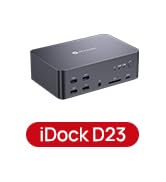
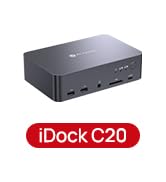
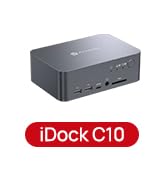
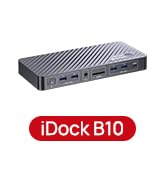
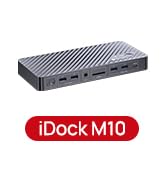
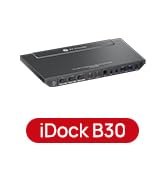
 iDock C10 | 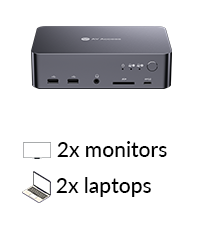 iDock C20 |  iDock P10 | 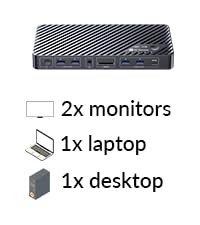 iDock B10 (8K KVM) |  iDock M10 (for MacBook) | 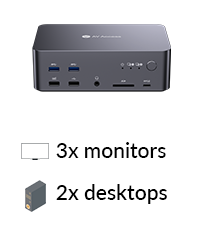 iDock D23 | 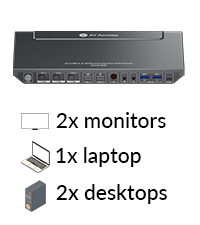 iDock B30 | |
|---|---|---|---|---|---|---|---|
Customer Reviews | — | — | — | — | — | — | — |
Price | — | — | — | — | — | — | — |
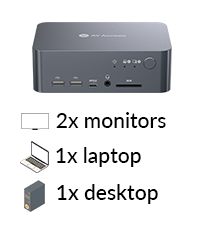
Computers | 1 Laptop + 1 Desktop | 2 Laptops | 1 Laptop + 1 Desktop | 1 Laptop + 1 Desktop | 1 MacBook + 1 Desktop | 2 Desktop (NOT for laptop) | 1 Laptop + 2 Desktops |
Monitors | Dual Monitor | Dual Monitor | Dual Monitor | Dual Monitor | Dual Monitor | Triple Monitor | Dual Monitor |
Video Interface | Type-C, DP, HDMI | Type-C, HDMI | Type-C, DP, HDMI | Type-C, DP, HDMI | Type-C, DP, HDMI | DP | Type-C, HDMI |
Control | Panel Button | Panel Button/Remote Button | Panel Button/Remote Button | Panel Button/Remote Controller | Panel Button/Remote Controller | Panel Button/Hotkey | Panel Button/IR Remote/Hotkey |
Remote Switch Button | × | v(not included) | v(included) | v(included) | v(included) | v(not included) | × |
Video Resolution | 4K@60Hz 2K@144Hz 1080P@240Hz | 4K@60Hz 2K@144Hz 1080P@240Hz | 4K@60Hz 3440x1440@60Hz | 8K@60Hz, 4K@165Hz | 4K@60Hz 2K@144Hz 1080P@240Hz | 8K@60Hz 4K@165Hz 1080P@144Hz | 4K@60Hz 2K@144Hz 1080P@240Hz |
Power Delivery | v | v | v | v | v | × | v (Laptop only) |
EDID Emulation | v | v | v | × | v | × | v |
Ethernet Connection | v (Laptop only) | v | v (Laptop only) | v (for Laptop and Desktop) | v (for Mac and Desktop) | v | v (Laptop only) |
USB Peripherals | 1*USB-C3.0,2*USB2.0,3*USB3.0 | 1*USB-C 3.0,4*USB 2.0,2*USB3.0 | 1*USB-C3.0,2*USB2.0,2*USB3.0 | 1*USB-C3.2,2*USB 3.0,3*USB 3.2 | 1*USB-C3.2, 2*USB3.0, 2*USB3.2 | 1*USB1.1,1*USB2.0,4*USB3.0 | 1*USB 1.1,1*USB 2.0,3*USB 3.0 |
SD Card | v | v | v | v | v | v | × |
Cables included | 1*USB B-A,1*DP,1*HDMI,1* USB-C | 2*USB-C | USB-A to C, USB-C | USB-A,USB-C 3.2,HDMI 2.1,DP1.4 | USB-A to C,Dual-USB-C ,HDMI,DP | 2*USB B-A,6*DP | 2*USB B-A,2*HDMI,1* Type-C |
Can both computers share the same keyboard, mouse, webcam, and USB devices?
Yes. All connected USB devices—including keyboard, mouse, webcam, USB storage, printer, and headset—can be shared and automatically switch with the selected computer.
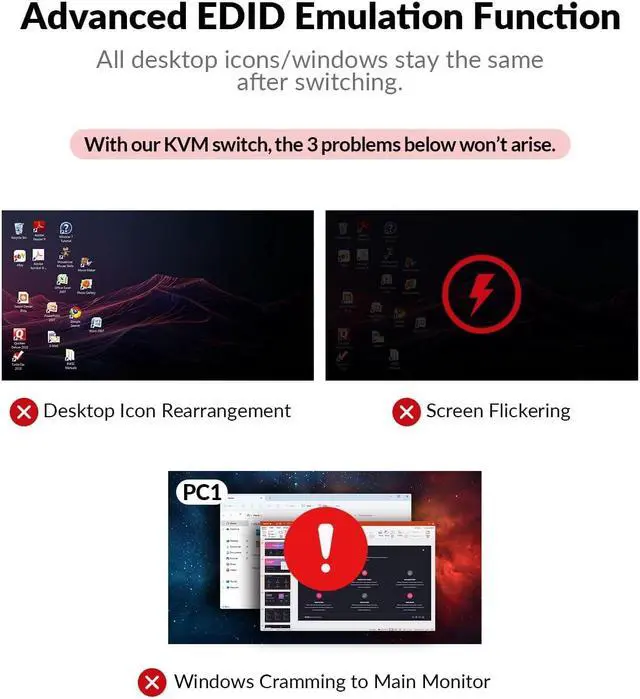
Will my monitors flicker or rearrange windows when switching computers?
No. The built-in EDID emulation keeps your monitors continuously recognized, preventing screen flicker, black screens, or window rearrangement during switching.
Can this docking station charge my laptop while connected?
Yes. The USB-C input provides up to 60W power delivery, allowing your laptop to charge while using monitors, USB devices, and Ethernet.
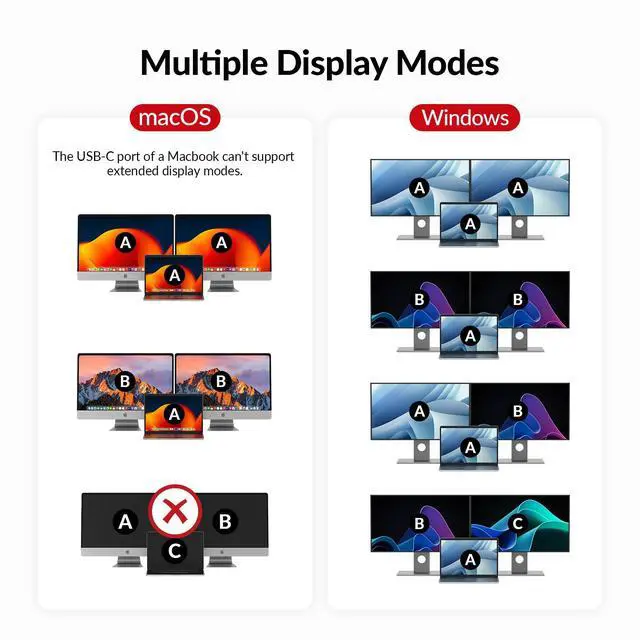
Does this work with MacBooks?
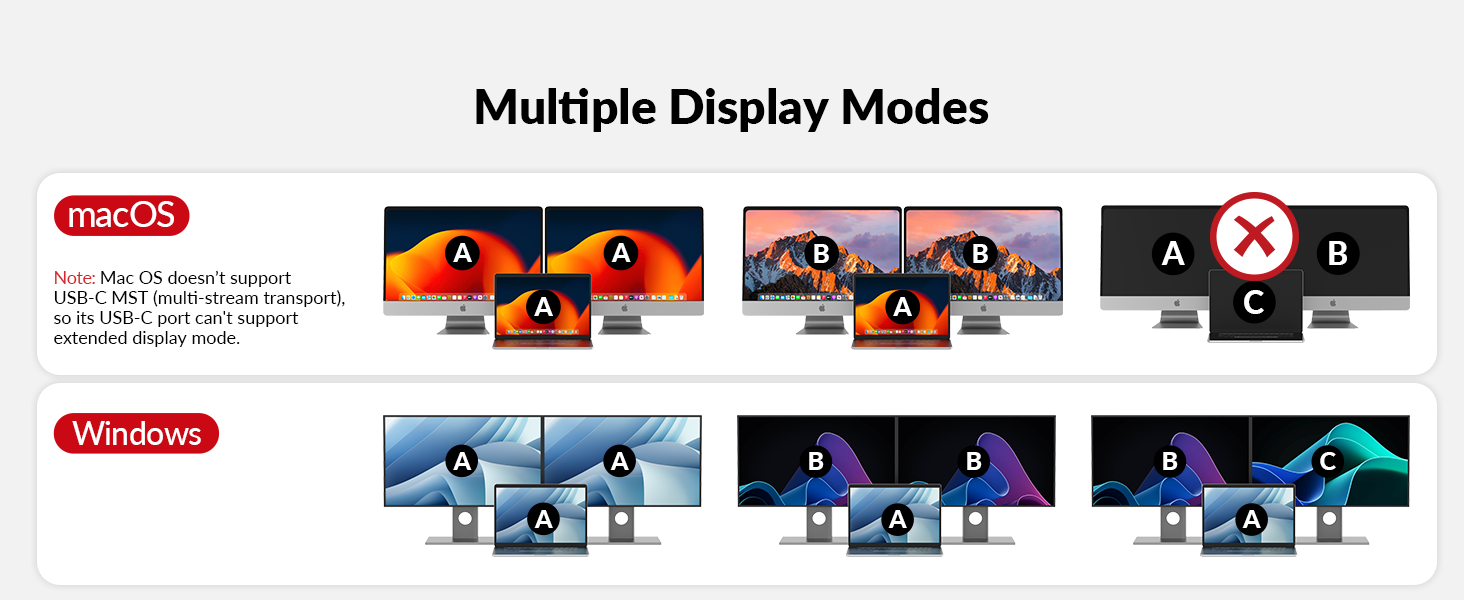
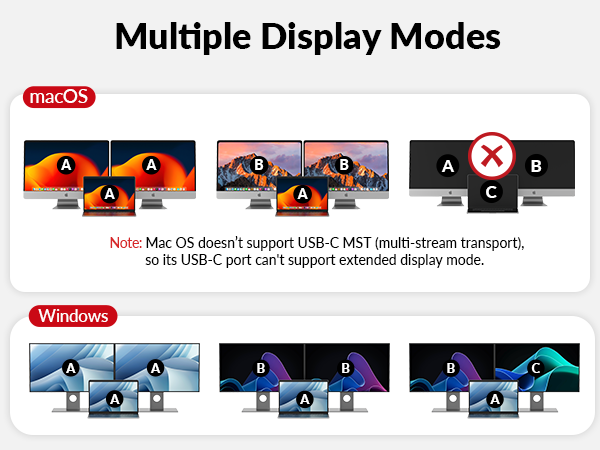
Yes, but with limitations. macOS supports mirrored display mode onlyon this model. If you need dual extended displays on a MacBook, please choose AV Access iDock M10.
Is this docking station suitable for home office use?
Yes. It is designed for home offices, remote work, and hybrid work environments, helping reduce cable clutter and making it easy to switch between work and personal computers.







iDock C10 | iDock C20 | iDock P10 | iDock B10 (8K KVM) | iDock M10 (for MacBook) | iDock D23 | iDock B30 |
|---|---|---|---|---|---|---|
| Customer Reviews | ||||||
| — | — | — | — | — | — | — |
| Price | ||||||
| — | — | — | — | — | — | — |
| Computers | ||||||
| 1 Laptop + 1 Desktop | 2 Laptops | 1 Laptop + 1 Desktop | 1 Laptop + 1 Desktop | 1 MacBook + 1 Desktop | 2 Desktop (NOT for laptop) | 1 Laptop + 2 Desktops |
| Monitors | ||||||
| Dual Monitor | Dual Monitor | Dual Monitor | Dual Monitor | Dual Monitor | Triple Monitor | Dual Monitor |
| Video Interface | ||||||
| Type-C, DP, HDMI | Type-C, HDMI | Type-C, DP, HDMI | Type-C, DP, HDMI | Type-C, DP, HDMI | DP | Type-C, HDMI |
| Control | ||||||
| Panel Button | Panel Button/Remote Button | Panel Button/Remote Button | Panel Button/Remote Controller | Panel Button/Remote Controller | Panel Button/Hotkey | Panel Button/IR Remote/Hotkey |
| Remote Switch Button | ||||||
| × | v(not included) | v(included) | v(included) | v(included) | v(not included) | × |
| Video Resolution | ||||||
| 4K@60Hz 2K@144Hz 1080P@240Hz | 4K@60Hz 2K@144Hz 1080P@240Hz | 4K@60Hz 3440x1440@60Hz | 8K@60Hz, 4K@165Hz | 4K@60Hz 2K@144Hz 1080P@240Hz | 8K@60Hz 4K@165Hz 1080P@144Hz | 4K@60Hz 2K@144Hz 1080P@240Hz |
| Power Delivery | ||||||
| v | v | v | v | v | × | v (Laptop only) |
| EDID Emulation | ||||||
| v | v | v | × | v | × | v |
| Ethernet Connection | ||||||
| v (Laptop only) | v | v (Laptop only) | v (for Laptop and Desktop) | v (for Mac and Desktop) | v | v (Laptop only) |
| USB Peripherals | ||||||
| 1*USB-C3.0,2*USB2.0,3*USB3.0 | 1*USB-C 3.0,4*USB 2.0,2*USB3.0 | 1*USB-C3.0,2*USB2.0,2*USB3.0 | 1*USB-C3.2,2*USB 3.0,3*USB 3.2 | 1*USB-C3.2, 2*USB3.0, 2*USB3.2 | 1*USB1.1,1*USB2.0,4*USB3.0 | 1*USB 1.1,1*USB 2.0,3*USB 3.0 |
| SD Card | ||||||
| v | v | v | v | v | v | × |
| Cables included | ||||||
| 1*USB B-A,1*DP,1*HDMI,1* USB-C | 2*USB-C | USB-A to C, USB-C | USB-A,USB-C 3.2,HDMI 2.1,DP1.4 | USB-A to C,Dual-USB-C ,HDMI,DP | 2*USB B-A,6*DP | 2*USB B-A,2*HDMI,1* Type-C |
Can both computers share the same keyboard, mouse, webcam, and USB devices?
Yes. All connected USB devices—including keyboard, mouse, webcam, USB storage, printer, and headset—can be shared and automatically switch with the selected computer.
Will my monitors flicker or rearrange windows when switching computers?
No. The built-in EDID emulation keeps your monitors continuously recognized, preventing screen flicker, black screens, or window rearrangement during switching.
Can this docking station charge my laptop while connected?
Yes. The USB-C input provides up to 60W power delivery, allowing your laptop to charge while using monitors, USB devices, and Ethernet.
Does this work with MacBooks?
Yes, but with limitations. macOS supports mirrored display mode onlyon this model. If you need dual extended displays on a MacBook, please choose AV Access iDock M10.
Is this docking station suitable for home office use?
Yes. It is designed for home offices, remote work, and hybrid work environments, helping reduce cable clutter and making it easy to switch between work and personal computers.


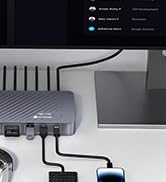

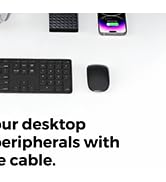
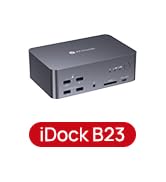
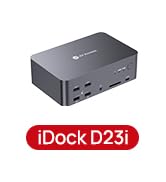
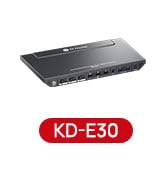
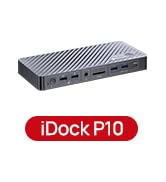
Package Contents
Before you start the installation of the product, please check the package contents:
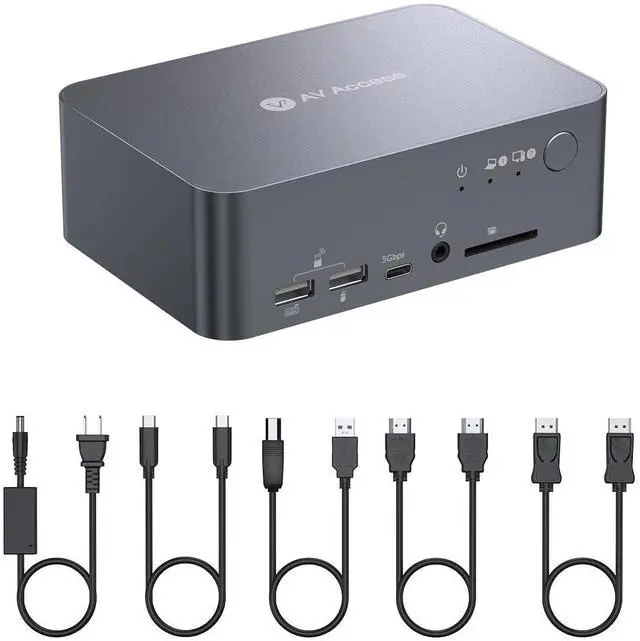
Switch Docking x 1
Power Adapter (20V/6A) x 1
USB-C to USB-C cable (USB 3.2 Gen 2, 1m) x 1
USB-A to USB-B cable (USB 3.0, 1.5 m) x 1
HDMI 2.0 cable ( 1.5 m) x 1
DP 1.2 a cable ( 1.5 m) x 1
User Manual x 1
Features
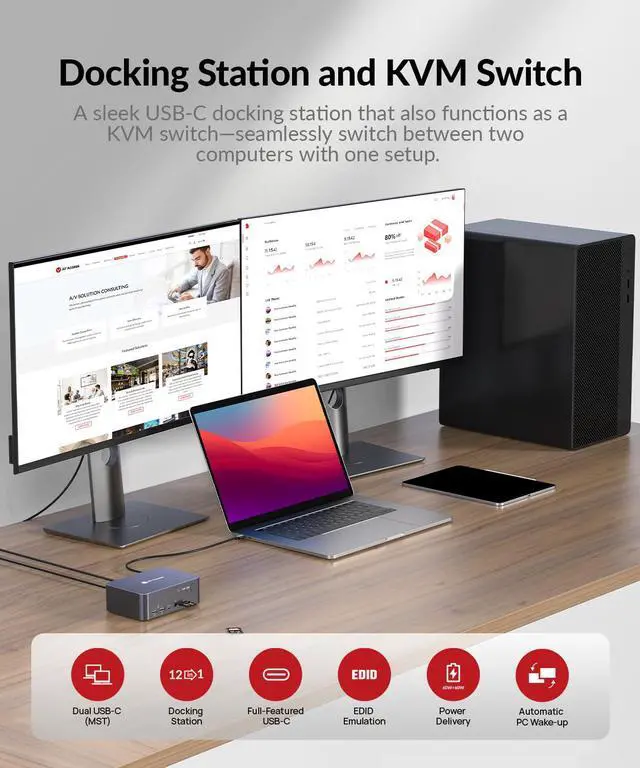
2x1 KVM Switch Docking Station with Dual Monitor.
Two 4K@60Hz outputs for dual monitors KVM application.
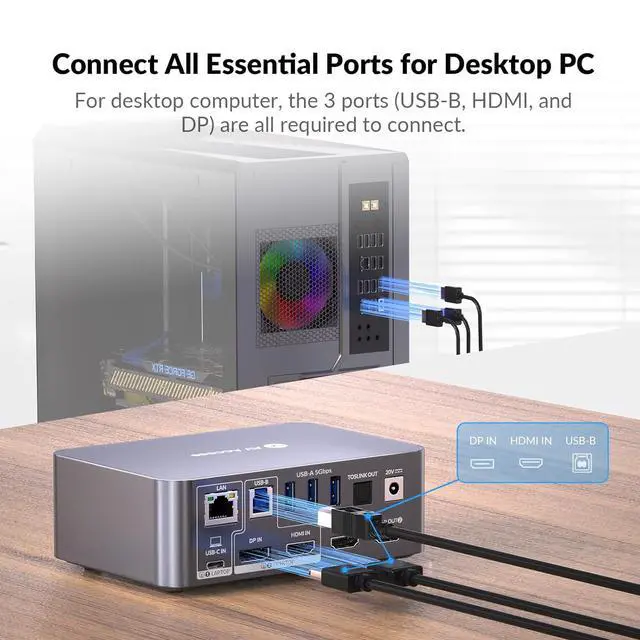
2x1 Switch with one USB-C for the laptop and one combined HDMI+DP+USB 3.0 for the desktop.
One full-featured USB-C input supports 4K@60Hz video transmission, USB 3.0 data, and 60W charging.
USB-C input supports DP MST mode with dual 4K@60Hz outputs.
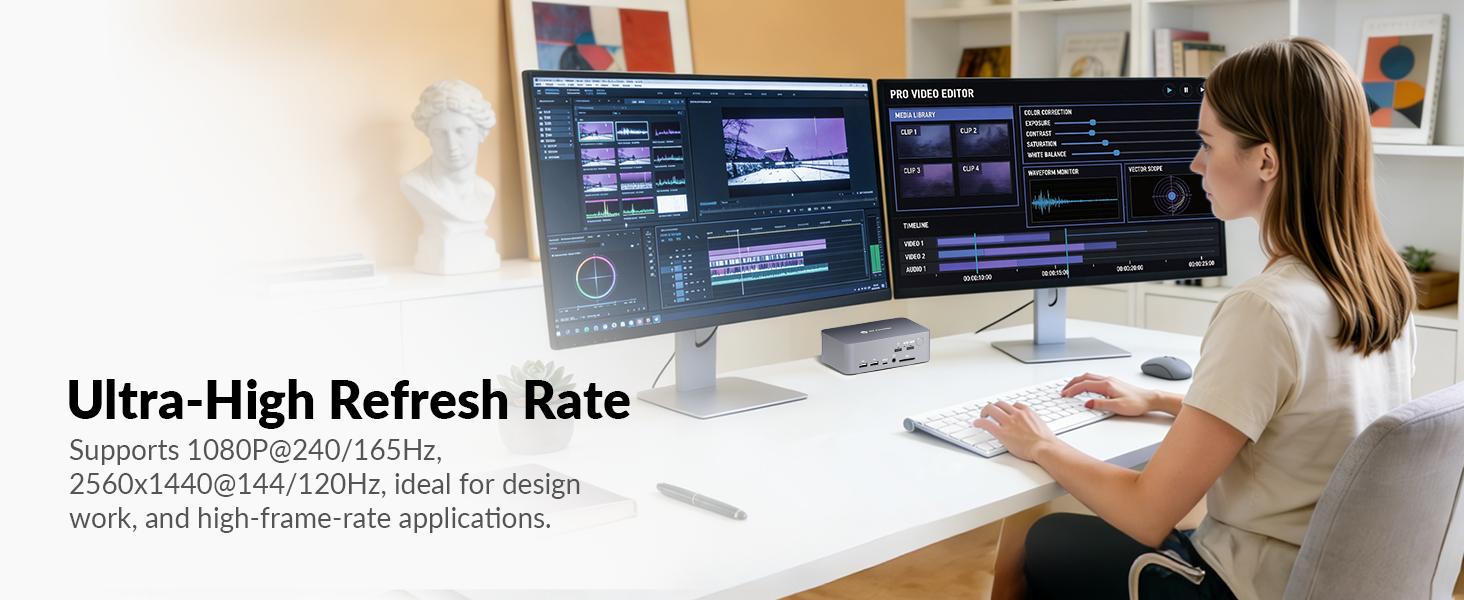
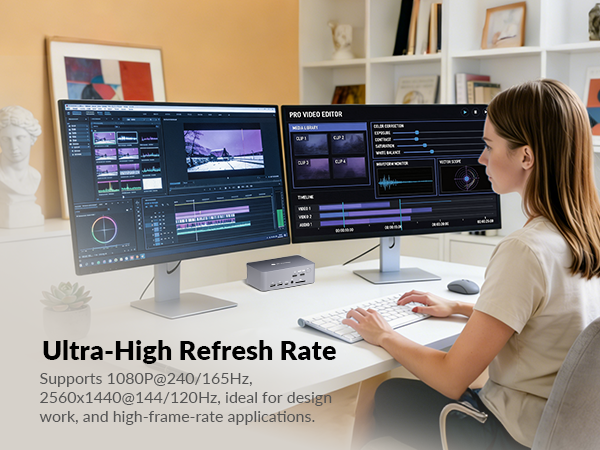
Supports high refresh rates such as 240Hz, 165Hz, and 144Hz.
Support1080P@240Hz/165Hz/144Hz/60Hz, 2560x1440@144Hz/120Hz/60Hz, 4K@60Hz and other resolutions.
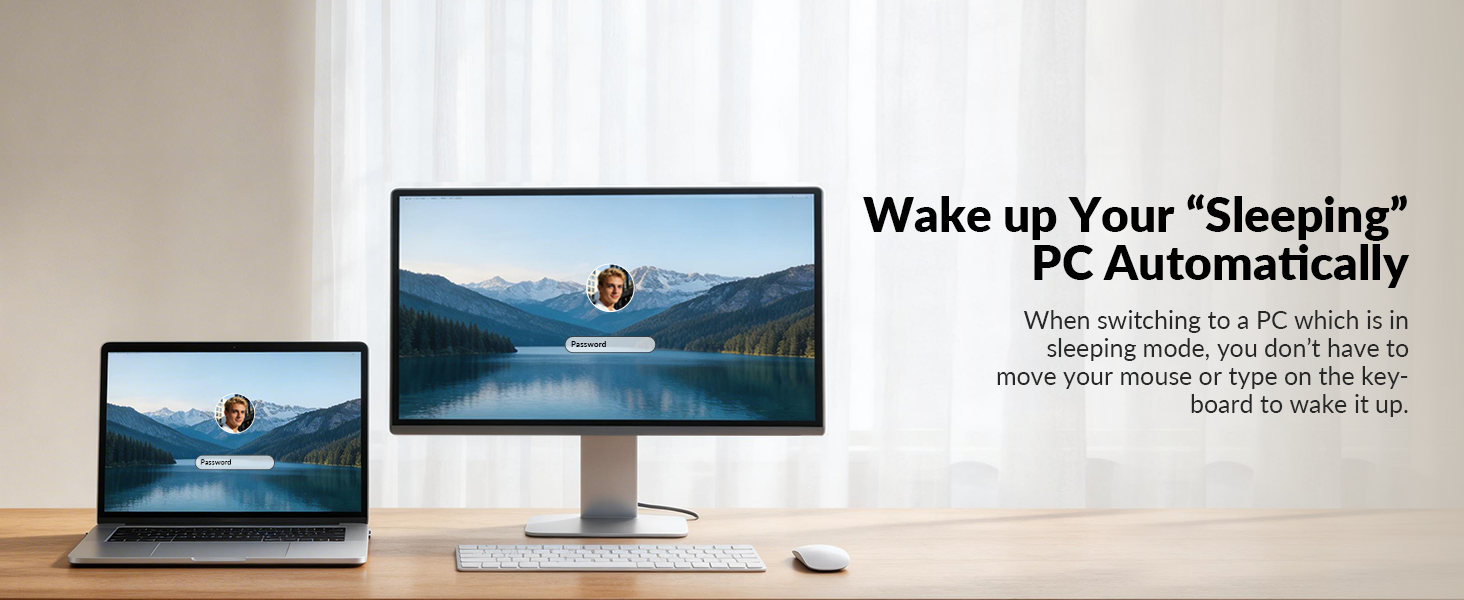
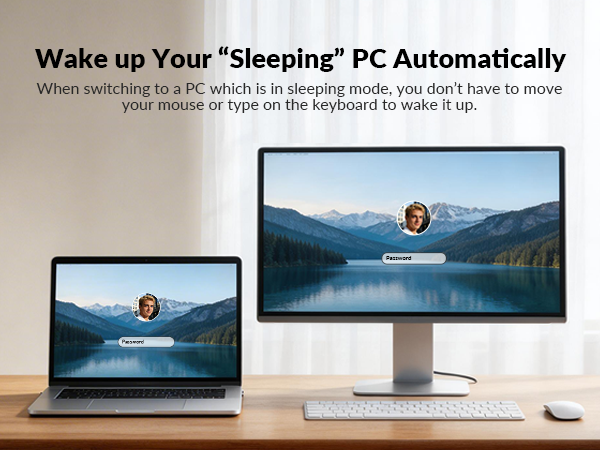
Support automatic wake-up function, which automatically wakes up the standby computer when switching.
Supports multiple peripheral ports,including:
One USB-C port, support for USB-C (up to 5Gb/s, 1.5A power output).
Three USB 3.0 ports, support for USB-A (up to 5Gb/s, 1A power output).
Two USB 2.0 ports, support for USB-A (up to 480Mb/s).
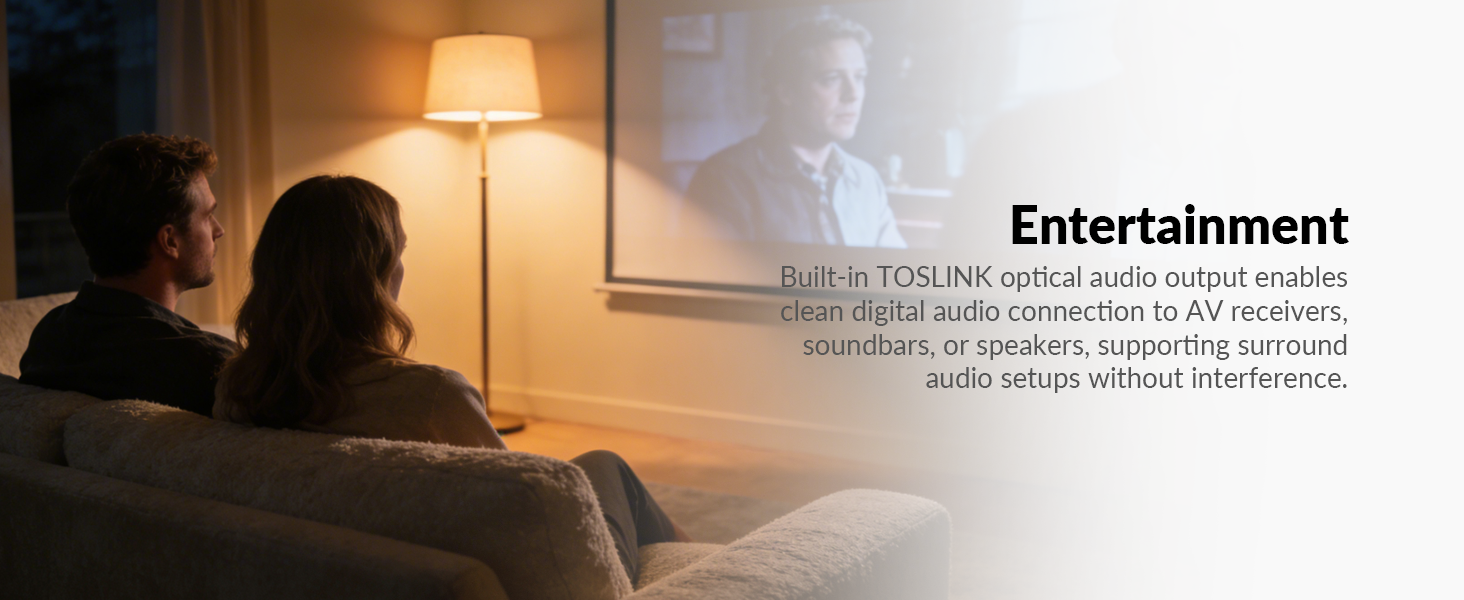
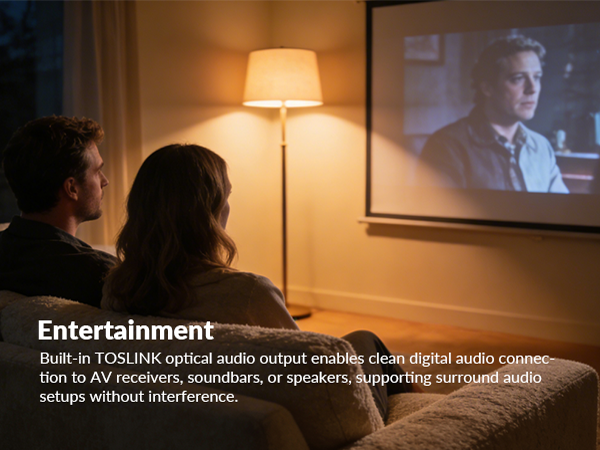
One TOSLINK port, support 5.1 ch audio de-embedding.
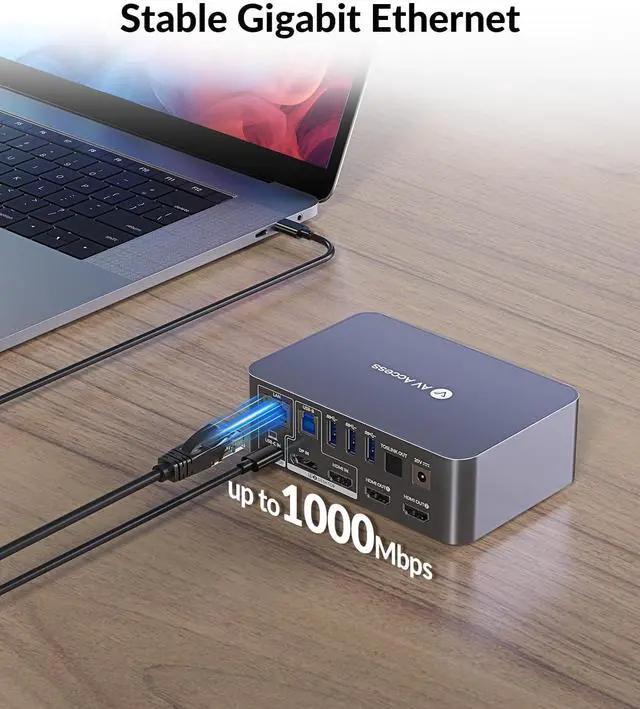
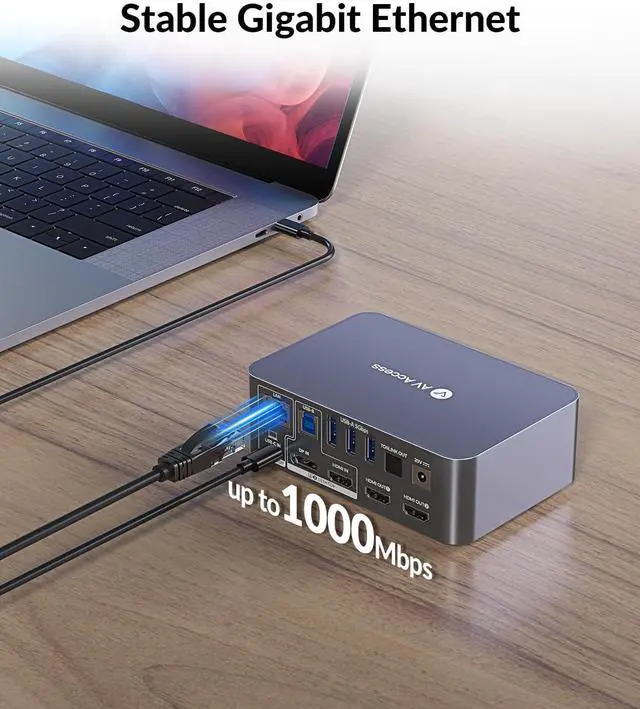
One LAN port, support for 1Gb Ethernet performance (For USB-C Laptop only).
One SDXC card slot.
One 3.5 mm headphone jack.
No driver is required, plug and play.