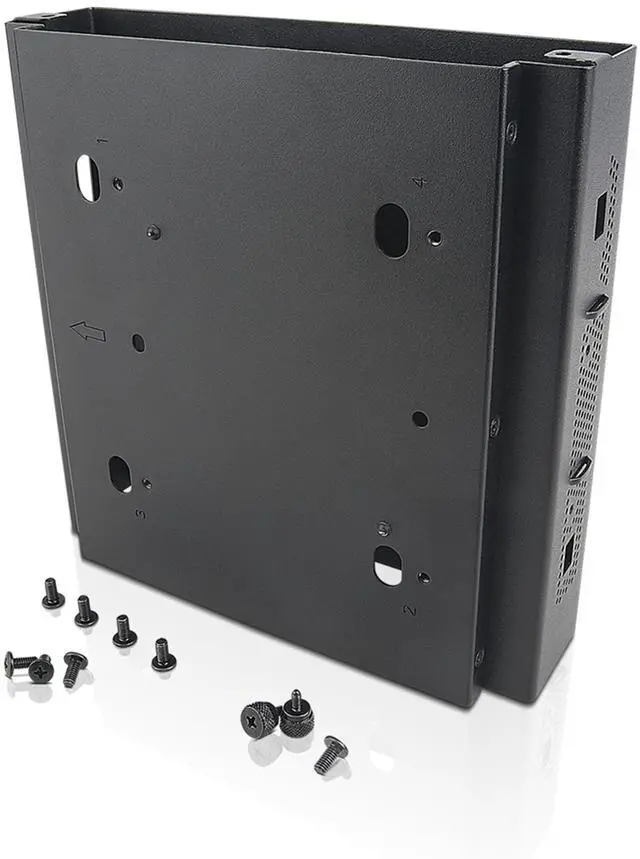
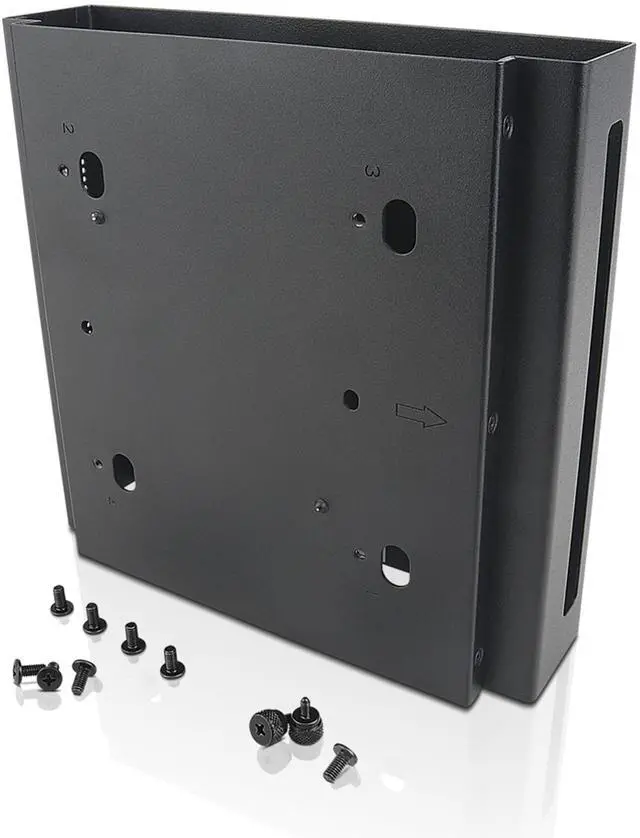
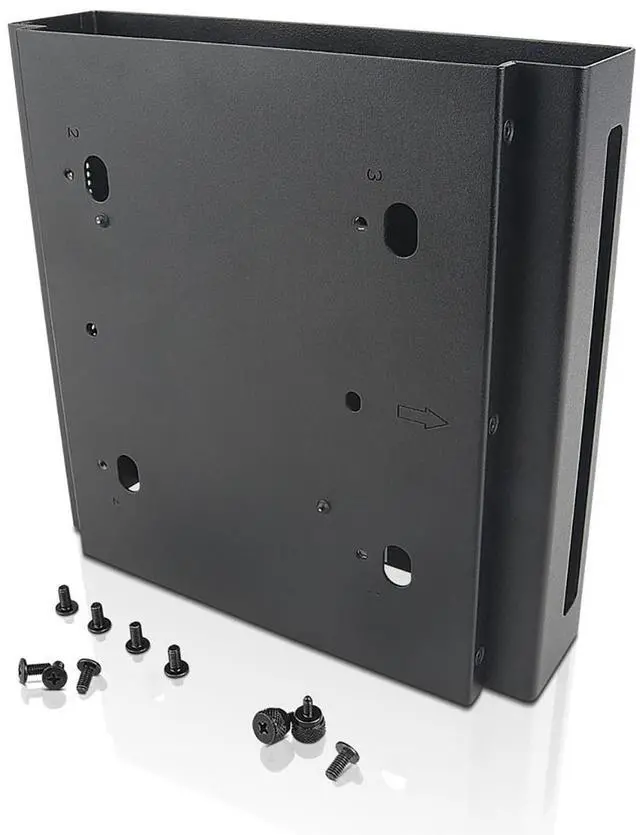
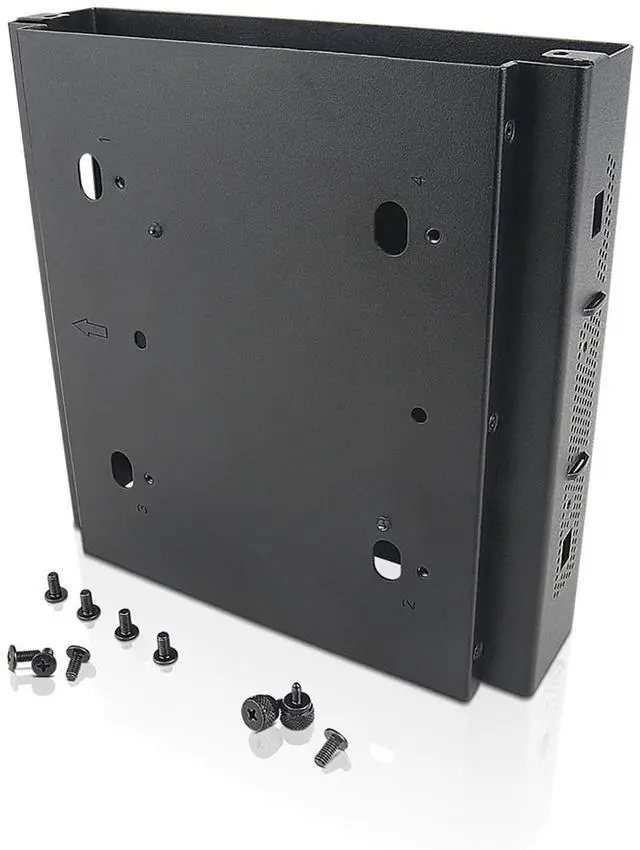
The Lenovo ThinkCentre Tiny Sandwich Kit II is a high-grade steel bracket that mounts a ThinkCentre Tiny PC between a monitor and ThinkCentre Extend Arm, making it suitable for users who want to save desk and floor space while keeping ports and controls accessible.
Recommended For
- ThinkCentre Tiny owners building a compact desk setup: the bracket mounts the PC between a compatible monitor and Lenovo Extend Arm, freeing desktop space.
- Office or workstation installers who want to secure a compatible Tiny PC behind the monitor rather than leave it on the desk or floor.
- Users whose compatible ThinkCentre Tiny needs to remain reachable for connecting cables or using its controls; Lenovo describes the bracket’s open design as allowing access to ports and buttons.
Real-World Use Scenarios
- In an office with limited desk space, mount a compatible ThinkCentre Tiny PC between the monitor and a ThinkCentre Extend Arm to free the desk surface for everyday work items.
- For a tidier workstation, attach the Tiny PC to the monitor-arm setup instead of leaving it loose on the desk; the bracket holds it in place while keeping it with the display.
- At a shared workstation, mount the Tiny PC behind the monitor assembly to keep the computer secured and out of the main work area between uses.
- When you need to reach the Tiny PC’s ports or control buttons, use the open bracket layout to access them without removing the PC from the mount.
- When setting up a monitor-arm workstation, use the kit to place a compatible Tiny PC between the display and Lenovo Extend Arm; check system and arm compatibility before assembly.




 here!

 Hot Seller