




Craig
Founded in 1963, Craig has been a value conscious consumer electronics brand for over 50 years. Our mission is simple - to always come to the market with on-trend affordable products. Our history in consumer electronics is testament that we care about our products and our customers.
Compact DVD Player HDMI
CVD401A-BLS
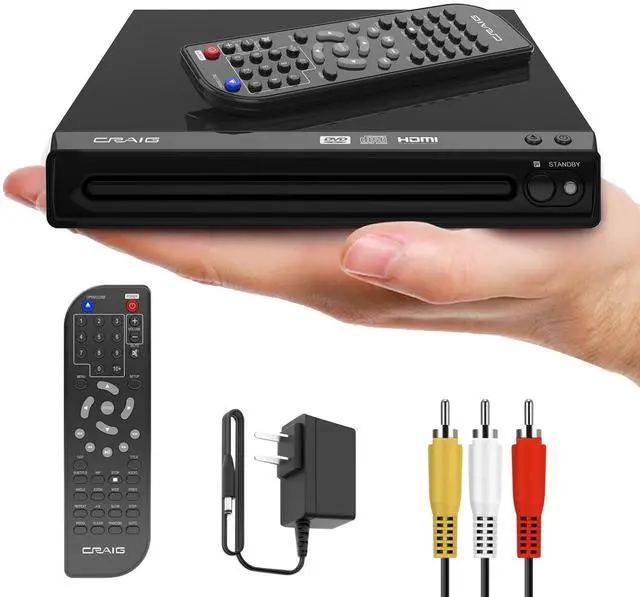
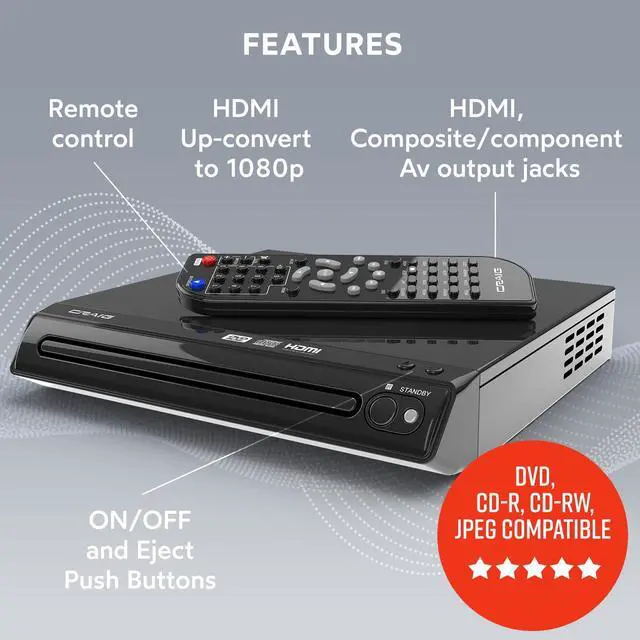
- This compact DVD/CD player is DVD-R, DVD-RW, JPEG, CD-R, and CD-RW compatible
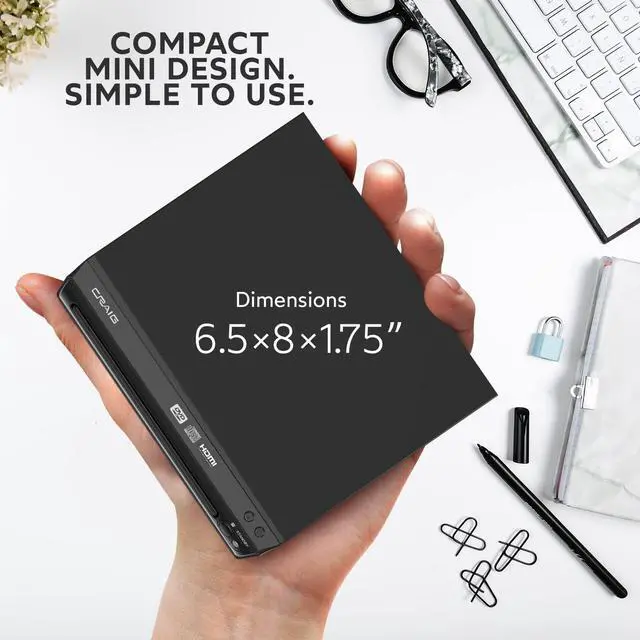
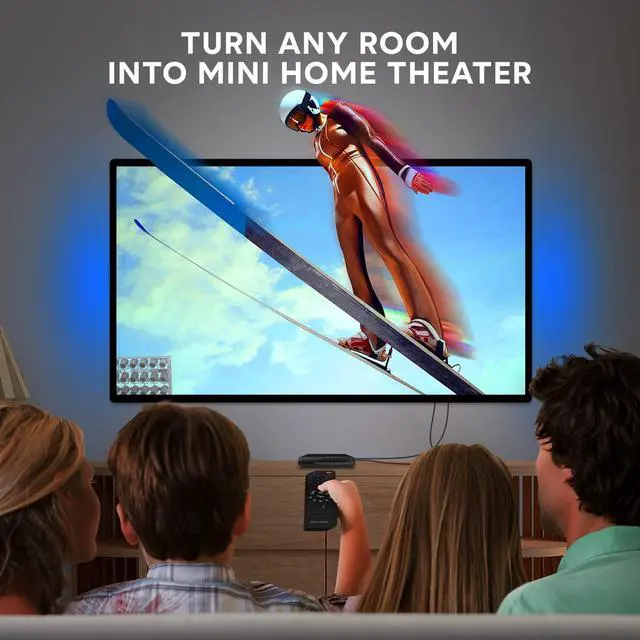
- This HDMI compact DVD remote control player makes watching a movie, playing music and viewing pictures from your favorite CD fun, turning any room into a mini home theater
- Features zoom and progressive scan
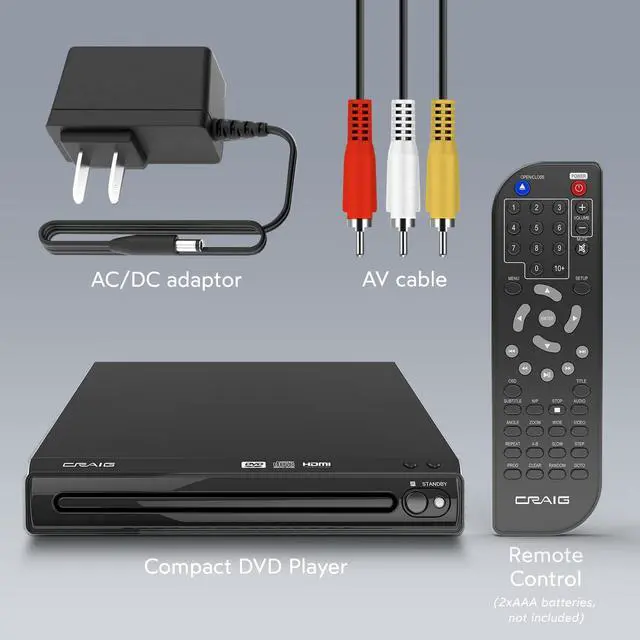
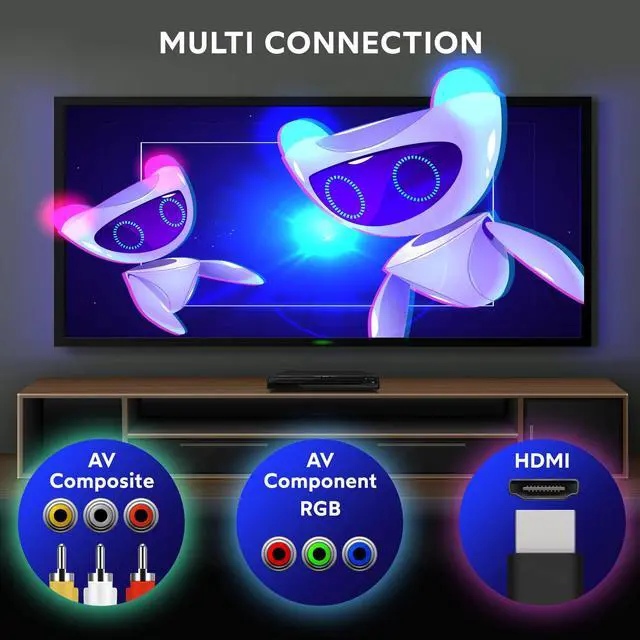
- HDMI converts up to 1080p. Includes AV cableand a remote control (2 AAA batteries not included).
- Zoom operation
- Progressive scan
Additional Features

Innovative Products
Our mission is simple – to always come to the market with modern technologies and trendy affordable products.

Trusted Performance
Craig continues to provide on-trend technology products, so that our consumers and their families can enjoy the quality and performance that they expect.

Great Options for Gift Giving
Craig has a large catalog of products, which are great for everyone. From movie projectors, to CD/cassette players, and even to the accessories you may need like headphones and HDMI cables. Craig has what you need and has great options for gift giving.

We Stand Behind our Products
We at Craig are committed to providing high caliber products that meets the needs of our customers. All of our products are built with quality materials for long-lasting use.

Compact DVD Player HDMI
Craig
Founded in 1963, Craig has been a value conscious consumer electronics brand for over 50 years. Our mission is simple - to always come to the market with on-trend affordable products. Our history in consumer electronics is testament that we care about our products and our customers.
CVD401A-BLS
- This compact DVD/CD player is DVD-R, DVD-RW, JPEG, CD-R, and CD-RW compatible
- This HDMI compact DVD remote control player makes watching a movie, playing music and viewing pictures from your favorite CD fun, turning any room into a mini home theater
- Features zoom and progressive scan
- HDMI converts up to 1080p. Includes AV cableand a remote control (2 AAA batteries not included).
- Zoom operation
- Progressive scan
Additional Features
Innovative Products
Our mission is simple – to always come to the market with modern technologies and trendy affordable products.
Trusted Performance
Craig continues to provide on-trend technology products, so that our consumers and their families can enjoy the quality and performance that they expect.
Great Options for Gift Giving
Craig has a large catalog of products, which are great for everyone. From movie projectors, to CD/cassette players, and even to the accessories you may need like headphones and HDMI cables. Craig has what you need and has great options for gift giving.
We Stand Behind our Products
We at Craig are committed to providing high caliber products that meets the needs of our customers. All of our products are built with quality materials for long-lasting use.