




 here!
here!
I’m your shopping assistant for PC builds, upgrades, and everything tech.
Got questions? Ask away!
Start a conversation
here!
I’m your shopping assistant for PC builds, upgrades, and everything tech.
Got questions? Ask away!
Start a conversation




Any questions? Ask CelesteSM will help you find out quickly.


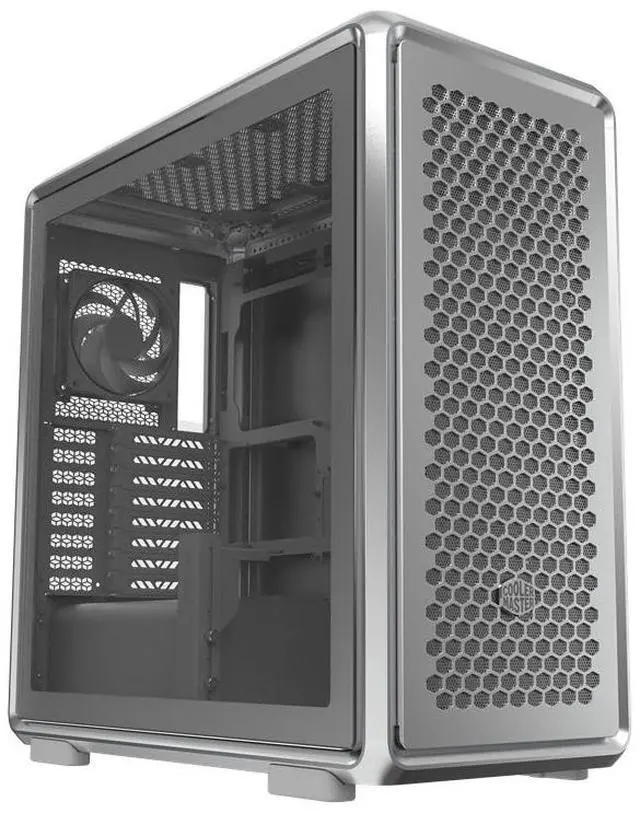
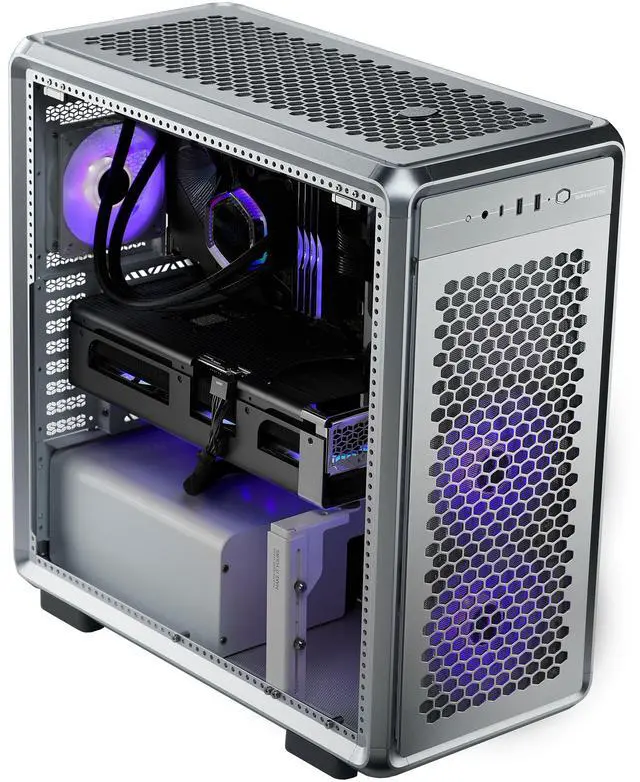
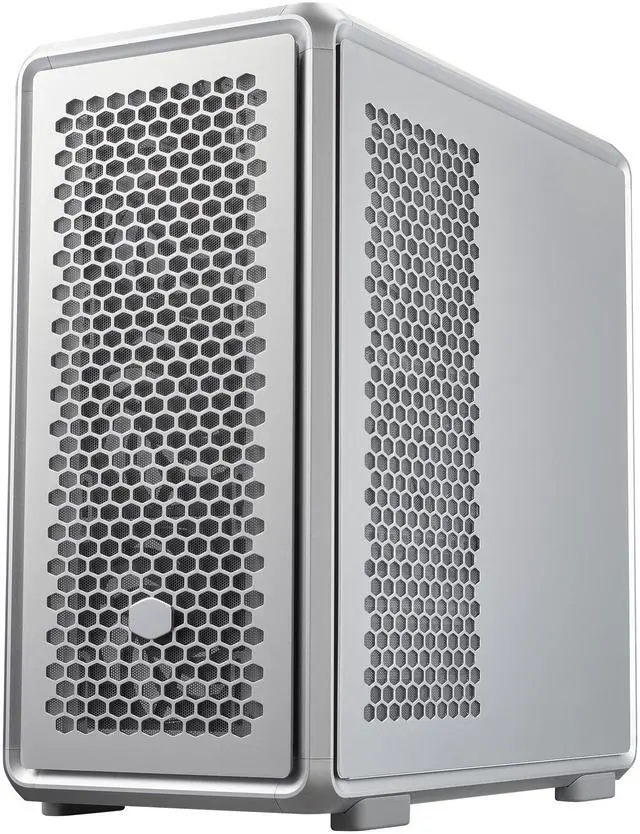
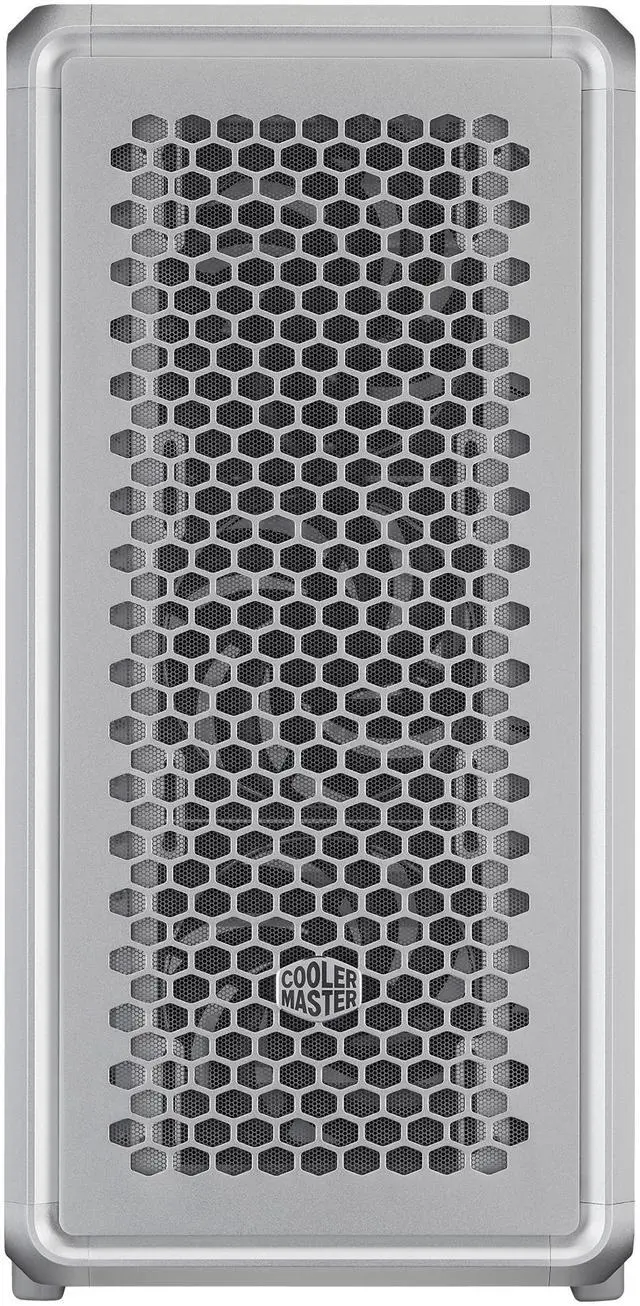
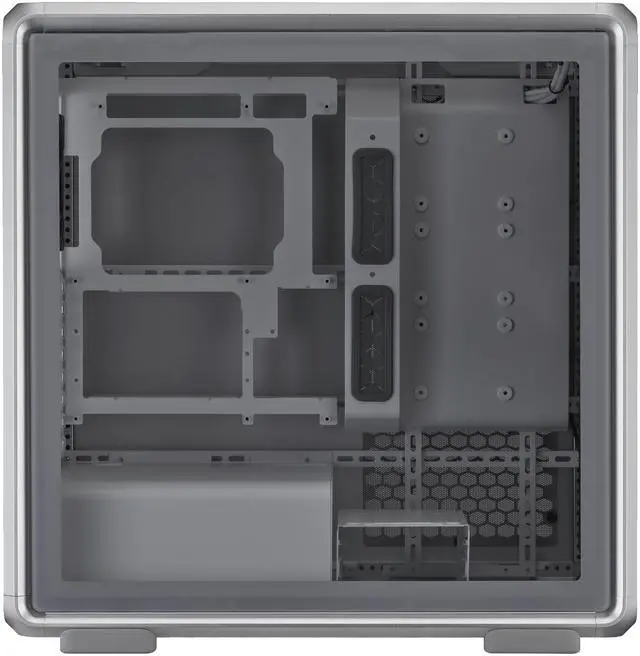
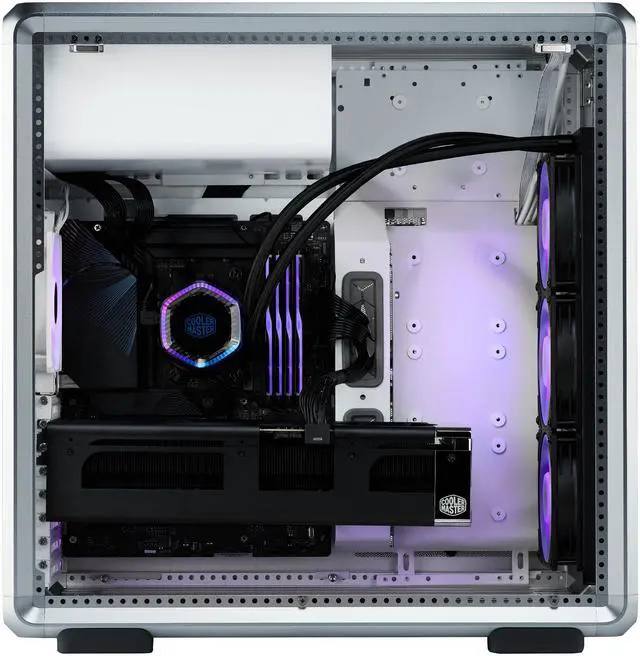
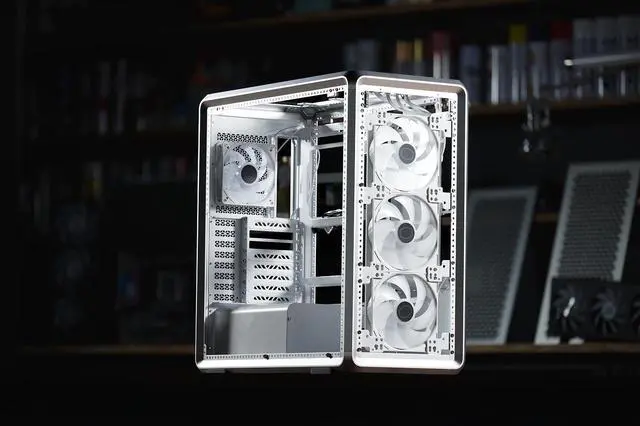
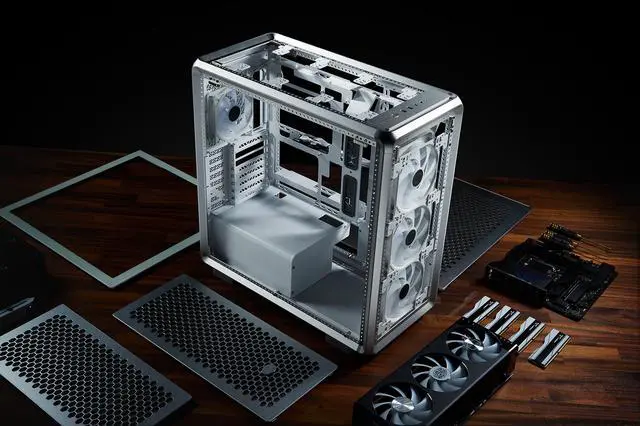
The Cooler Master MasterFrame 600 is a modular ATX mid-tower PC case built for high-airflow gaming and enthusiast builds, best for users who want flexible layout options, premium aluminum construction, support for large GPUs, and room for extensive liquid or air cooling.
| Attribute | Value |
|---|---|
| Best For | Customizable mid-tower gaming and desktop builds that need flexible cooling layouts and long GPU clearance, suitable for ATX/ITX motherboard configurations and modular, tool-accessible builds |
| Chassis And Materials | Aluminum chassis with tempered glass panels, magnetic side panels and dust filter(s) for a lightweight, modular enclosure |
| Motherboard And Expansion | Supports ATX and ITX motherboards and provides 8 expansion slots |
| Cooling Support | Multiple fan and radiator mounting positions (front: up to 3×120mm or 3×140mm; rear: 1×120mm installed; top: configurable 120/140/200mm layouts), supports up to 7 fans and AIO coolers up to 360mm |
| Drive Bays And Storage | Supports 2 × 3.5" drives and 5 × 2.5" drives |
| Graphics And Clearance | Supports graphics cards up to 485 mm in length |
| CPU Cooler And PSU | CPU cooler clearance 190 mm and PSU length limit 235 mm with bottom-mount PSU placement |
| I/O And Front Panel | One USB 3.0 port total on the case I/O |
| Dimensions And Weight | Item weight 26.45 Pounds; package weight 14.969 Kilograms; package dimensions 35.56 L × 63.5 W × 64.77 H centimeters |
| Features And Accessibility | Modular internal layout and customizable frame with magnetic side panels for easy access and reconfiguration |
| Model Identifiers | Cooler Master MF600-SGNN-S00 (Model Name: MasterFrame 600 / Style Name: MF 600), Manufacturer: Cooler Master, Color: Silver |
Q: Should I buy the Cooler Master MasterFrame 600 or Cooler Master MasterBox 600 for a high-airflow ATX build?
A: Choose the MasterFrame 600 if you want a more modular chassis, premium aluminum construction, and broader layout flexibility for custom cooling or showcase builds. Cooler Master positions it as an open-frame, FreeForm 2.0 platform with support for ATX to E-ATX boards, up to 420 mm radiators, and a highly reconfigurable interior. Choose the MasterBox 600 if you want a more conventional airflow case with back-connect motherboard support, simpler setup, and a more mainstream front-mesh layout. In short: MasterFrame 600 fits customization-first builds, while MasterBox 600 fits value-oriented, straightforward airflow builds.
Q: Is the MasterFrame 600 better than a Lian Li O11 Dynamic EVO for custom water cooling?
A: The better choice depends on the type of custom build. Pick the MasterFrame 600 if you want an open, modular layout with easier physical access and more freedom to experiment with component placement. Pick the O11 Dynamic EVO if you want a proven dual-chamber platform with strong ecosystem support, triple-360 radiator planning, and more established community build guidance. The MasterFrame 600 is more builder-driven and layout-flexible, while the O11 Dynamic EVO is more standardized for showcase water-cooling builds.
Q: Should I choose the MasterFrame 600 or Fractal North XL for a powerful but living-room-friendly PC?
A: Choose the Fractal North XL if you want a performance case that blends more easily into a home or office space. Its design focuses on airflow with a more furniture-like exterior, while still supporting up to a 420 mm front radiator and GPUs up to 413 mm. Choose the MasterFrame 600 if you prefer a more industrial, exposed-frame look and want stronger modularity for enthusiast customization. The trade-off is style direction: North XL is easier to place in shared spaces, while MasterFrame 600 is better suited to performance-first showcase builds.
Q: Is the MasterFrame 600 worth choosing over a standard mid-tower if I plan to keep upgrading GPUs and cooling over time?
A: Yes, if long-term flexibility is a priority. The MasterFrame 600 is a stronger fit for iterative upgrades because its modular frame, large GPU clearance, and broad radiator support leave more room for future hardware changes and layout adjustments. Community discussion and reviews consistently frame it as a case for builders who want a blank canvas rather than a fixed layout. A standard mid-tower is usually the better fit when you want a simpler, more settled build with fewer layout decisions.
Q: Is the MasterFrame 600 a good choice for a high-end gaming build with a long GPU and large AIO cooler?
A: Yes. The MasterFrame 600 is well suited for high-end gaming builds because it supports very large components, including up to a 420mm radiator and a long GPU. That makes it a stronger fit than many mainstream mid-towers when you want more clearance for newer graphics cards and bigger liquid-cooling setups. The main trade-off is that its larger, more modular layout is more than some builders need for a simpler build.
Q: Who is the MasterFrame 600 best for?
A: It is best for enthusiasts who care about airflow, hardware flexibility, and upgrade room. Buyers who frequently swap parts, want room for large GPUs or multiple radiators, or prefer a more configurable chassis are the best match. It is less ideal for someone who just wants a compact, low-cost case for a basic build.
Q: Is the MasterFrame 600 better than a typical airflow mid-tower like the NZXT H7 Flow or Corsair 4000D Airflow?
A: It is better if your priority is maximum build flexibility and top-end component clearance. Compared with common airflow mid-towers, the MasterFrame 600 offers a more modular chassis, includes four PWM airflow fans, and is aimed at larger GPUs and 420mm-class cooling. A typical airflow mid-tower can still be the better buy if you want a simpler, more conventional case and do not need the extra space or modularity.
Q: Does the MasterFrame 600 make sense for air cooling, or is it mainly for liquid cooling?
A: It works for both, but it is especially attractive for builders who want strong cooling flexibility. The included high-airflow PWM fans make it viable for an air-cooled build, while the large radiator support makes it more expandable for liquid cooling than many standard cases. If you know you will only run a modest air-cooled system, a simpler case may offer better value.
Q: What is the main trade-off of choosing the MasterFrame 600 over a more standard mid-tower case?
A: The main trade-off is that you are choosing flexibility and clearance over simplicity. The MasterFrame 600 is designed for modular layouts, larger cooling setups, and bigger hardware, which is useful for advanced or upgrade-heavy builds. For a straightforward mainstream PC, that extra capacity may add cost and size without adding much practical benefit.
Q: Is the Cooler Master MasterFrame 600 worth buying for a custom or modded PC build?
A: Yes, if your priority is a modular frame you can modify, reconfigure, or personalize. Reddit and YouTube discussions repeatedly treat the MasterFrame 600 as a case for builders who want layout flexibility, open mounting options, and premium materials rather than the simplest stock build experience. It is a weaker fit if you want a conventional case with a more polished out-of-box layout.
Q: Who is the MasterFrame 600 best suited for?
A: It is best suited for enthusiasts building an ATX or ITX system who want large-component clearance and room to experiment with cooling or layout changes. Based on the product data, it supports up to 485 mm GPU length, 190 mm CPU cooler height, 235 mm PSU length, and multiple fan and radiator positions. Community discussion especially points to modders and showcase builders as the most natural audience.
Q: What are the main trade-offs of choosing the MasterFrame 600?
A: The main trade-off is flexibility versus convenience. The case offers a modular aluminum chassis, magnetic panels, and broad cooling compatibility, but community discussion repeatedly flags that the stock internal layout is less straightforward than a more conventional mid-tower. Buyers who want easy cable routing and a highly refined default interior may find it less convenient than mainstream alternatives.
Q: Is the MasterFrame 600 a good choice for high-end GPU and liquid-cooling builds?
A: Yes, it is a strong fit on paper for large, high-power builds. The provided specifications list support for GPUs up to 485 mm, CPU coolers up to 190 mm, and several fan and radiator mounting positions, including support for multiple radiators. Discussions around the case also center on airflow, showcase layouts, and custom cooling potential rather than tight-clearance concerns.
Q: Should you buy the MasterFrame 600 if desk space is tight?
A: Probably not unless you have measured carefully. Reddit discussion specifically raises confusion around the case's size with and without protrusions, and the provided product data describes it as an ATX mid-tower with a large internal capacity. It makes more sense for buyers who prioritize hardware clearance and modularity over a compact footprint.


