




 here!
here!
I’m your shopping assistant for PC builds, upgrades, and everything tech.
Got questions? Ask away!
Start a conversation
here!
I’m your shopping assistant for PC builds, upgrades, and everything tech.
Got questions? Ask away!
Start a conversation
Make informed decisions with expert advice. Learn More




Combo Up Savings Up To $860+
The more you add, the more you'll save!
Any questions? Ask CelesteSM will help you find out quickly.
We want to ensure your holiday shopping this year is hassle-free. That’s why we’re automatically extending our return policies on almost every product! For purchases placed between November 1st, 2025 and December 31, 2025 you will have until January 31, 2026 to return your product.
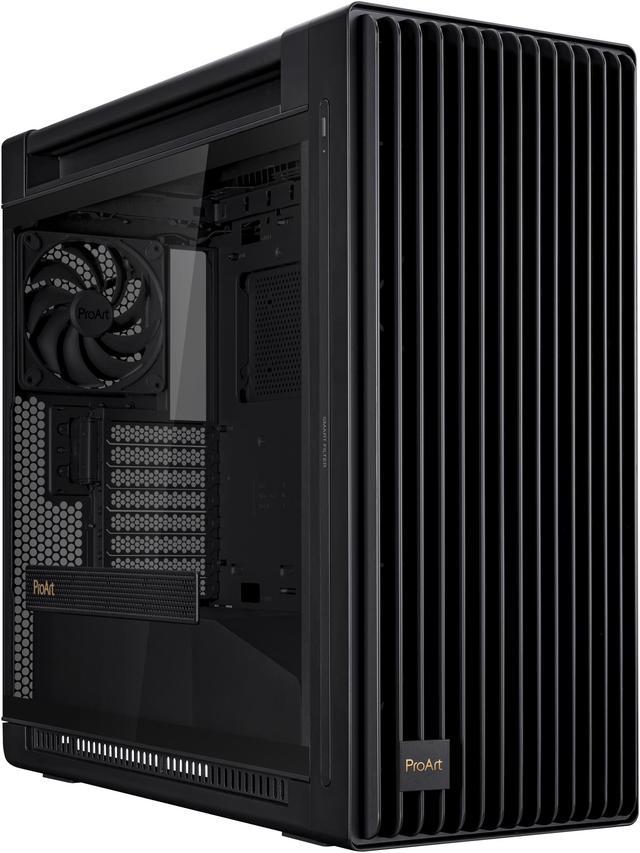
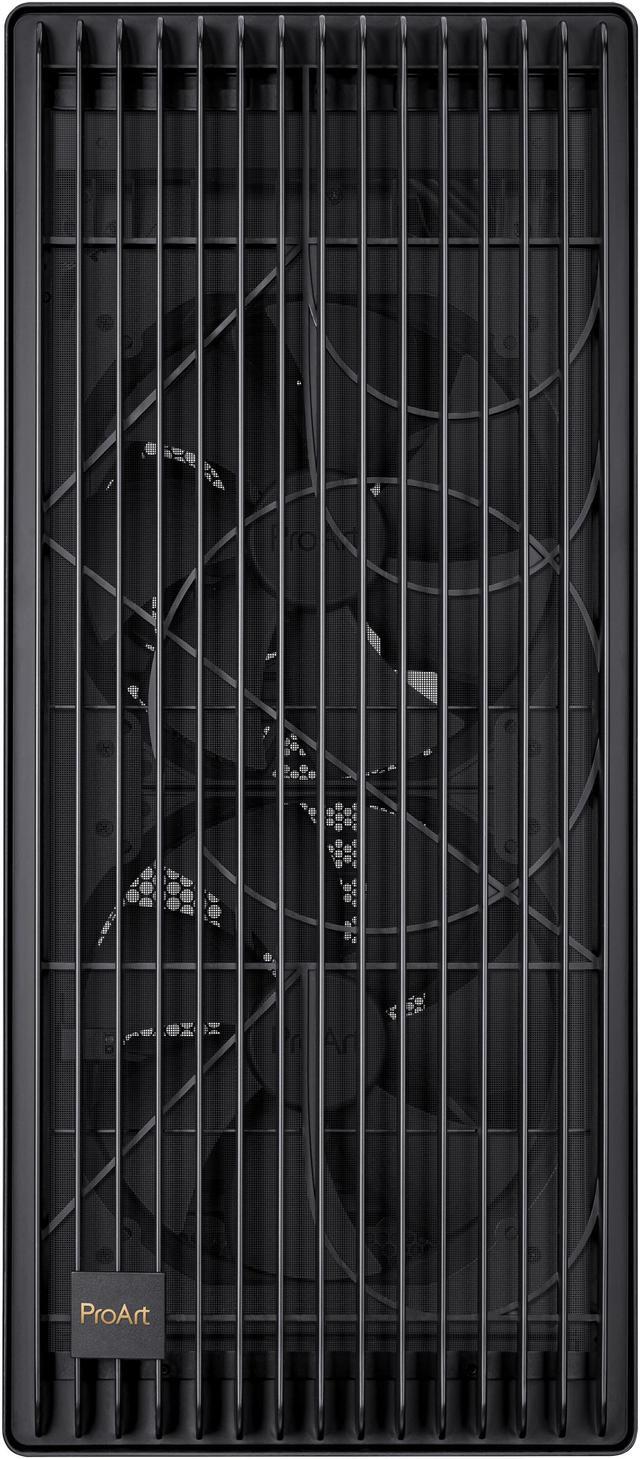
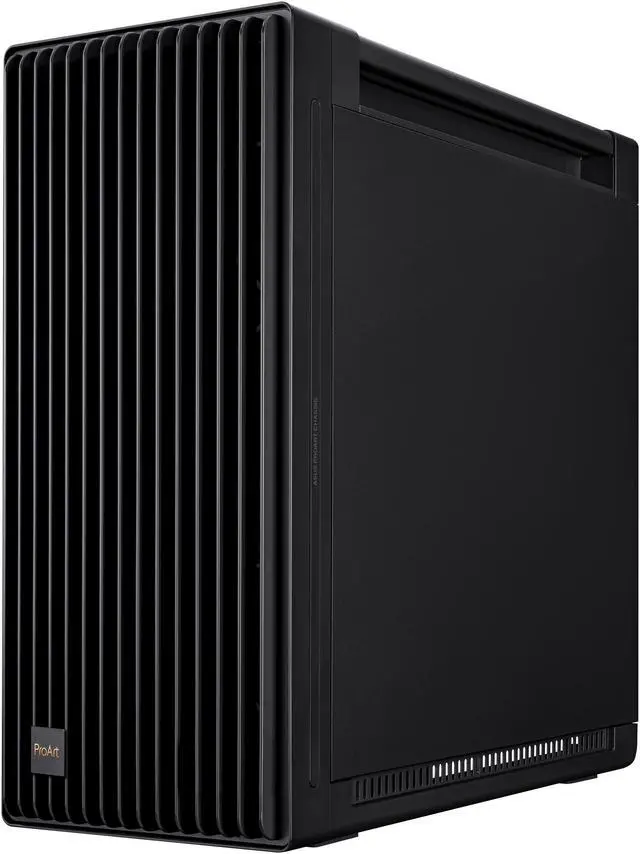
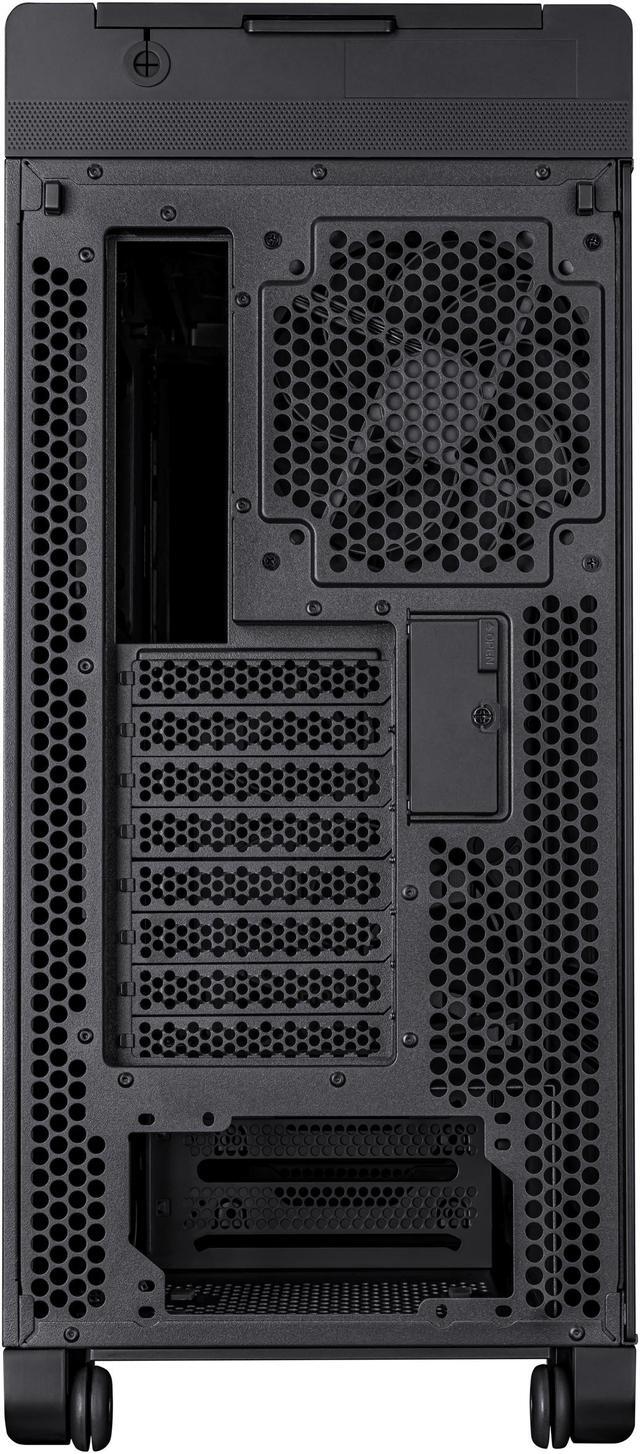
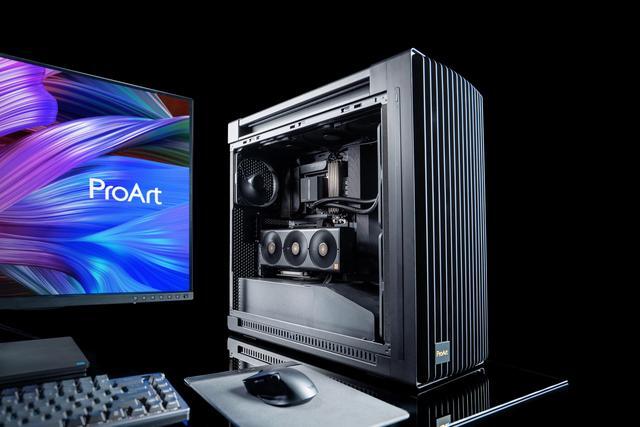
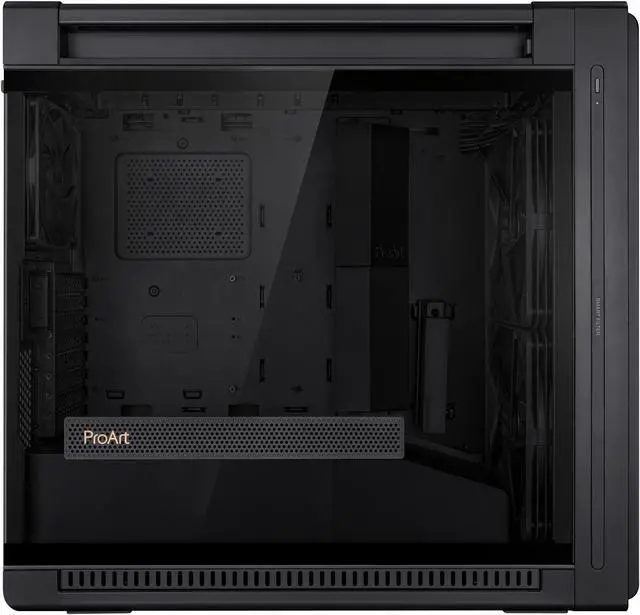
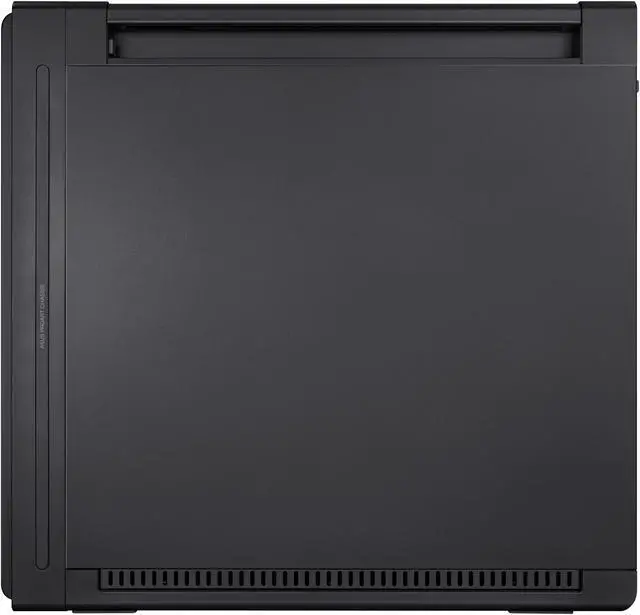
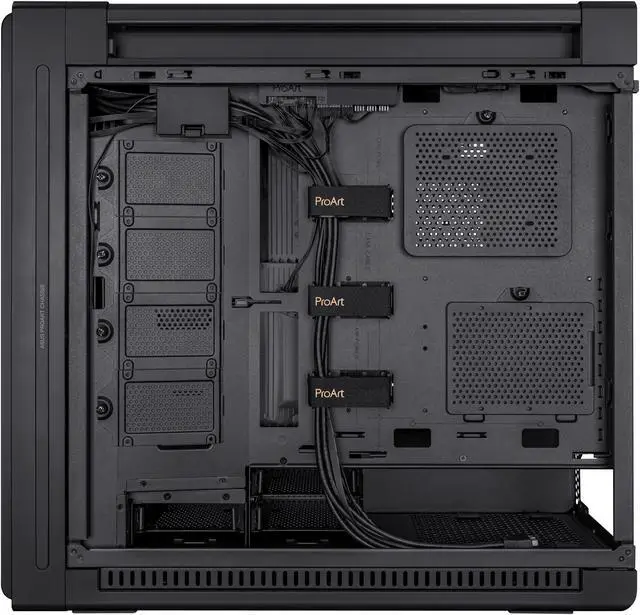
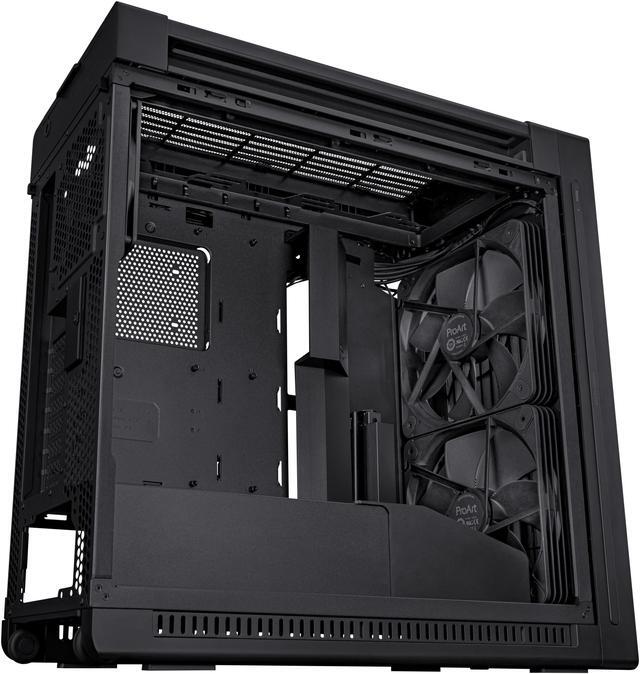
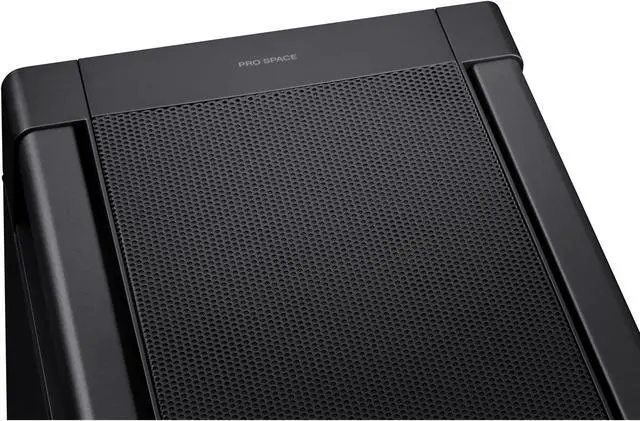
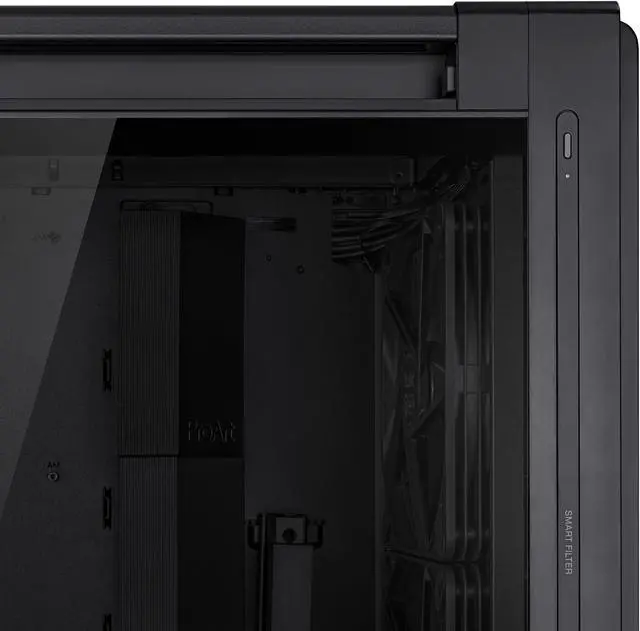
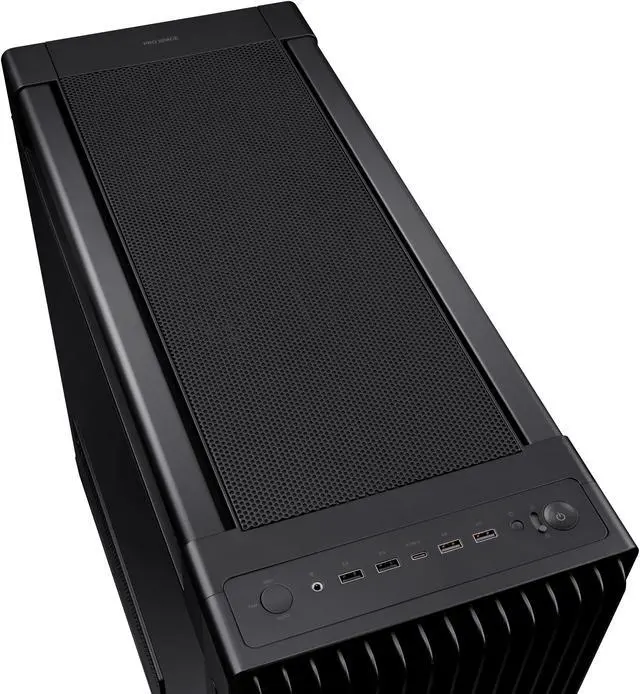
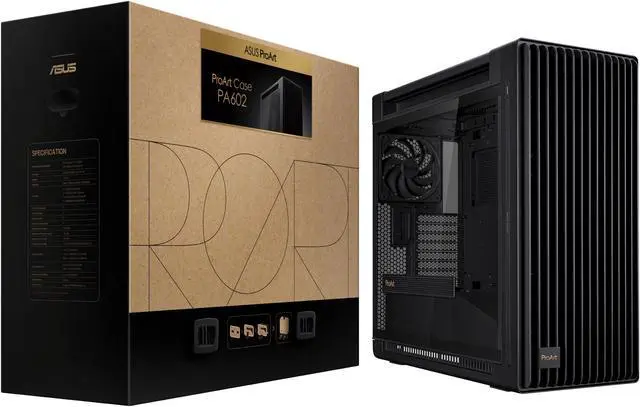
The ASUS ProArt PA602 is a black E-ATX mid-tower computer case built for workstation and creator PCs, with dual 200 mm front fans, a 140 mm rear fan, support for up to a 420 mm top radiator, and room for graphics cards up to 450 mm. It suits users building high-performance systems that need strong airflow and extensive component space.
| Attribute | Value |
|---|---|
| Best For | Mid-tower workstation and creator desktop builds using EATX, ATX, Micro-ATX, or Mini-ITX motherboards |
| Case Design And Compatibility | Black case made from ABS, steel, and tempered glass, with support for graphics cards up to 450 mm and CPU coolers up to 190 mm tall |
| Cooling And Radiator Support | Air-cooled configuration with two 200 mm front PWM fans and one 140 mm rear PWM fan; supports additional front, top, and rear fans plus top radiators from 120 mm to 420 mm |
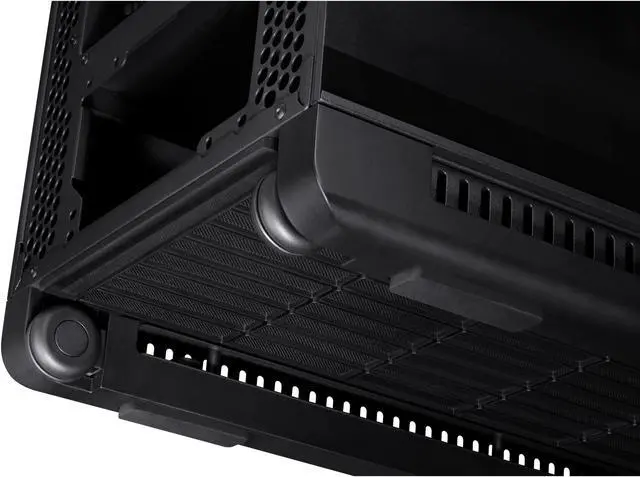
| Dust Management | Bottom, front, and top dust filters support routine airflow maintenance |
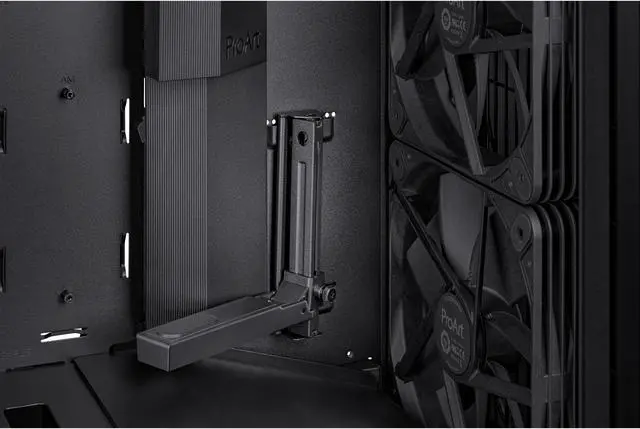
| Storage And Expansion | Four internal 3.5-inch bays, four internal 2.5-inch bays, and eight expansion slots with support for three vertical slots |
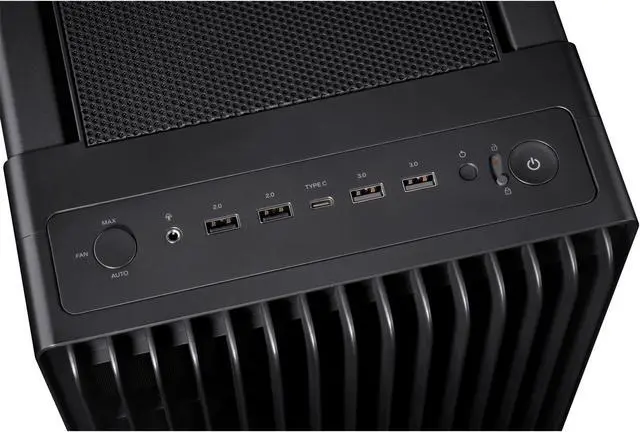
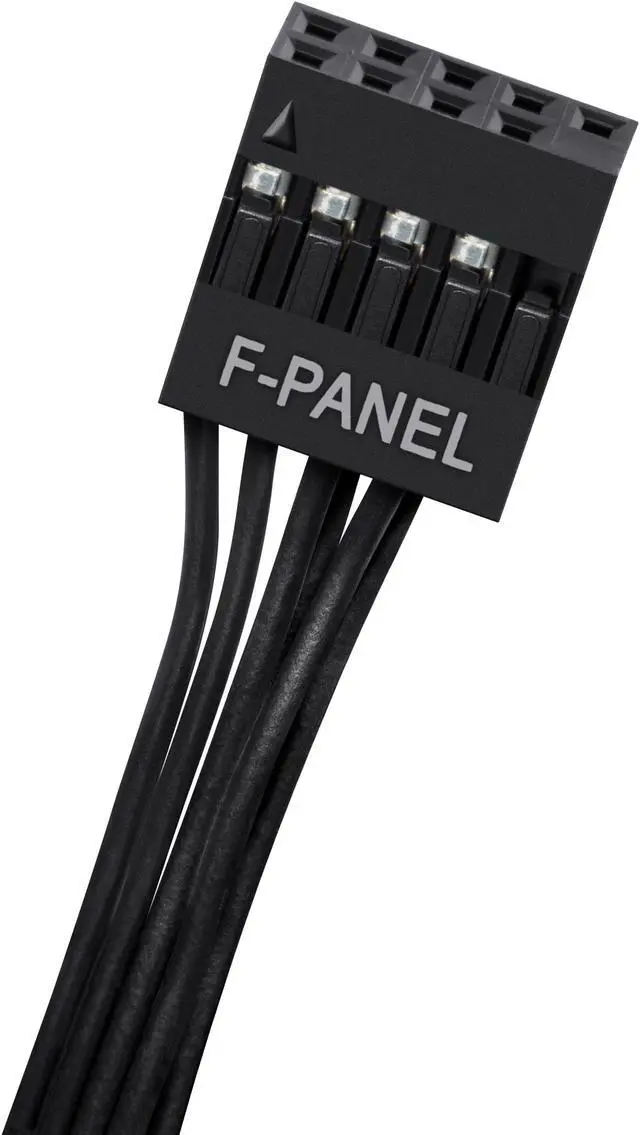
| Front Panel I O | Front connectivity includes two USB 3.2 Gen 1 Type-A ports, one USB 3.2 Gen 2x2 Type-C port, two USB 2.0 Type-A ports, and a combined headphone and microphone jack |
| Power Supply Support | Power supply is not included; the case uses a bottom-mounted power supply position and supports power supplies up to 190 mm long |
| Physical Specifications | Measures 23.3 x 9.6 x 22.0 inches and weighs 34.83 pounds |
| Model Identifiers | ASUS ProArt PA602/BLK/TG// |
Q: Is the ASUS ProArt PA602 better than the ProArt PA401 for a high-end workstation build?
A: Choose the PA602 for E-ATX motherboards, larger graphics cards, and more demanding cooling setups. It supports GPUs up to 440 mm, CPU coolers up to 185 mm, and top radiators up to 420 mm, while the smaller PA401 supports ATX boards, GPUs up to 315 mm, and top radiators up to 240 mm. Choose the PA401 when a lighter, more compact case is more important than expansion and cooling capacity.
Q: Should I buy the ASUS ProArt PA602 or the Corsair 7000D Airflow for a large workstation PC?
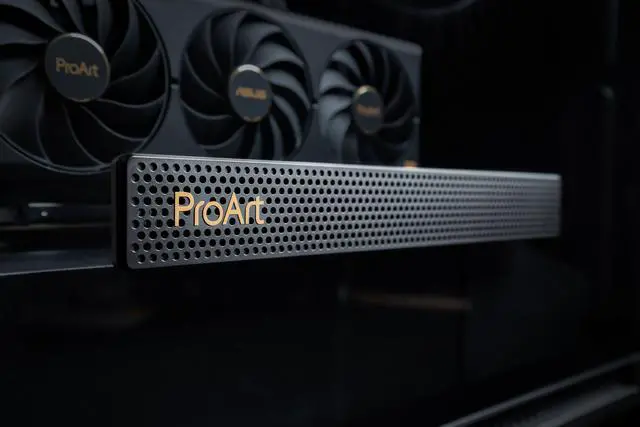
A: The PA602 is the more practical choice when you want strong stock airflow, a top-mounted 420 mm radiator, front-panel fan controls, a 20Gbps USB-C port, and features such as the GPU holder and dust indicator. The Corsair 7000D Airflow is better suited to very large custom-loop or storage-heavy builds because it is a full tower with support for up to 480 mm radiators, six 3.5-inch drives, and a 225 mm power supply. Both cases support graphics cards up to about 450 mm, so GPU size alone does not separate them.
Q: Is the ASUS ProArt PA602 better than the Fractal Design North XL for a 420 mm AIO build?
A: Choose the PA602 if you prefer mounting a 420 mm radiator at the top and want more graphics-card clearance with a top radiator. Choose the North XL if you prefer a wood-accented design, a mesh-focused layout, or more included fan positions. The North XL supports up to a 420 mm front radiator and a 360 mm top radiator, while the PA602 supports a 420 mm top radiator and includes two 200 mm front fans plus a 140 mm rear fan.
Q: Is the ASUS ProArt PA602 a good choice for quiet operation?
A: The PA602 can run quietly with a tuned fan curve, but it is primarily designed for high airflow rather than minimum noise. Professional testing found good thermal performance, while maximum fan mode can become clearly audible. It is a better choice for performance-first builds with powerful CPUs or GPUs; a sound-dampened case is more appropriate when low noise is the main priority.
Q: Is the ASUS ProArt PA602 worth choosing over a smaller ATX case for creator workloads?
A: The PA602 is the better choice when a creator PC needs E-ATX support, multiple large components, four 3.5-inch bays, four 2.5-inch bays, vertical or horizontal GPU mounting, and room for a 420 mm radiator. A smaller ATX case is more suitable for standard gaming or office builds that use one graphics card, a conventional air cooler, and fewer drives. The PA602 adds useful workstation capacity, but its 15.8 kg weight and large 593 x 560 x 245 mm chassis make it less convenient to relocate frequently.
Q: Will this case fit an E-ATX motherboard and a large graphics card?
A: Yes. The PA602 supports E-ATX, ATX, Micro-ATX, and Mini-ITX motherboards, with up to 450 mm of GPU clearance. Actual fit can still depend on the graphics card thickness, radiator placement, and power-cable routing. ([bestbuy.com](https://www.bestbuy.com/site/questions/nzxt-h5-elite-atx-mid-tower-pc-case-black/6522036?utm_source=openai))
Q: Does the case come with fans, and is it suitable for an airflow-focused build?
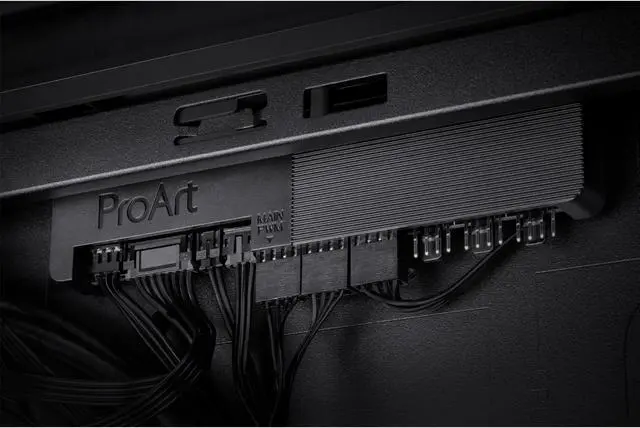
A: Yes. It includes two 200 mm PWM front fans and one 140 mm PWM rear fan, plus a built-in fan hub and airflow deflectors. This makes it suitable for workstation or high-performance builds, although final temperatures and noise depend on the installed components and fan settings. ([bestbuy.com](https://www.bestbuy.com/site/questions/corsair-carbide-series-100r-atx-mid-tower-case-black/6198945?utm_source=openai))
Q: Can I install a 420 mm liquid-cooling radiator in this case?
A: Yes. The PA602 supports a radiator up to 420 mm at the top for an AIO cooler or a custom liquid-cooling loop. Before buying a specific radiator, verify its total thickness and clearance with the motherboard, memory, and other components. ([bestbuy.com](https://www.bestbuy.com/site/questions/nzxt-h5-elite-atx-mid-tower-pc-case-black/6522036?utm_source=openai))
Q: Does the case include a power supply or the other parts needed to build a PC?
A: No. The PA602 is an enclosure only and does not include a power supply, motherboard, processor, memory, graphics card, storage, or CPU cooler. It includes the listed case fans and mounting features, but the remaining components must be purchased separately. ([bestbuy.com](https://www.bestbuy.com/site/questions/nzxt-h5-elite-atx-mid-tower-pc-case-black/6522036?utm_source=openai))
Q: Is the ASUS ProArt PA602 worth buying for a gaming PC?
A: It can be a good choice for gaming if you need strong airflow, support for large GPUs, multiple hard drives, or a 420 mm radiator. It is less compelling if you have a smaller build, already have adequate cooling, or prioritize a compact and lower-cost case.
Q: Who is the ASUS ProArt PA602 best suited for?
A: It is best suited for high-performance gaming PCs, creator or workstation builds, and users installing large graphics cards, E-ATX motherboards, multiple drives, or substantial air or liquid cooling. Its size and weight make it less suitable for compact setups or frequent relocation.
Q: What are the main trade-offs of the ASUS ProArt PA602?
A: The main trade-offs are its large, heavy chassis and reliance on unusually large 200 mm front fans. Those fans provide substantial airflow, but replacement options can be less convenient than standard 120 or 140 mm fans. Some users also report fan-noise or long-term replacement concerns.
Q: Is the ASUS ProArt PA602 suitable for a 420 mm AIO or custom water-cooling build?
A: The case supports a 420 mm radiator at the top, but user discussions indicate that some 420 mm radiator and custom-loop configurations can be tight or require careful component placement. It is more straightforward for a conventional AIO build than for complex custom water cooling.
Q: Can the ASUS ProArt PA602 provide adequate cooling with air cooling instead of an AIO?
A: Yes. The PA602 includes two 200 mm front PWM fans and a 140 mm rear PWM fan, and its listed CPU-cooler clearance is 190 mm. Community discussions describe air-cooling layouts as workable, although additional top fans may not always improve CPU temperatures unless they are used with a radiator.


