
Your Browsing History
- In Stock
- Sold by Newegg
- AI Ready
- Make an Offer
- New

Any questions? Our AI beta will help you find out quickly.
Try me now
Quick View
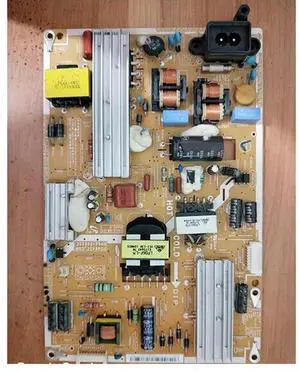
for BN44-00502E/A PD46A1-CSM Power Board UA40ES5500R
- Model #: 2512ADD8C3957
- $95.83 –
- Free Shipping

Quick View
UESWILL Case for MacBook Air (15 inch, M2/M3/M4, 2023/2024/ 2025) Model A2941 A3114 A3241 with Touch ID, Matte Hard Shell Cover + Microfiber Cloth, Midnight Green
- Model #: 404669099113
- $57.99 –
- $5.99 Shipping
Quick View
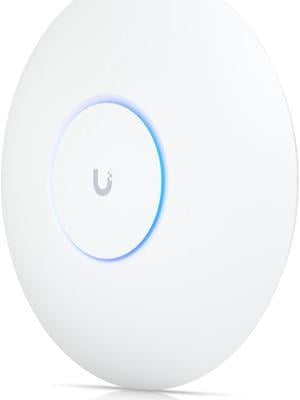
Ubiquiti Networks U6 Pro, Ceiling-mounted WiFi 6 Access Point (U6-Pro)
- WiFi Generation: Wi-Fi 6
- Wireless Data Rates: 802.11a 6, 9, 12, 18, 24, 36, 48, 54 Mbps 802.11b 1, 2, 5.5, 11 Mbps 802.11g 6, 9, 12, 18, 24, 36, 48, 54 Mbps 802.11n 6.5 Mbps to 600 Mbps (MCS0 - MCS31, HT 20/40) 802.11ac 6.5 Mbps to 3.4 Gbps (MCS0 - MCS9 NSS1/2/3/4, VHT 20/40/80/160) 802.11ax (WiFi 6) 7.3 Mbps to 4.8 Gbps (MCS0 - MCS11 NSS1/2/3/4, HE 20/40/80/160)
- Frequency Band: 5 GHz
- Interface: (1) GbE RJ45 port
- Model #: U6-PRO
- $159.99 –
- More options from $154.00 - $221.02
- Free Shipping
Quick View
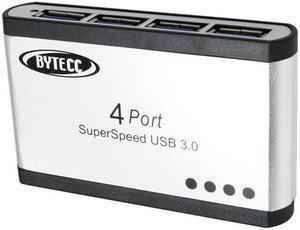
SA BT-UH340 Super-speed USB 3.0 4-Ports Aluminum HUB
- Type: USB
- Standards: USB 3.0
- Ports: 4 x USB 3.0
- Transfer Rate: 1.5/12/480Mbps,5Gbps
- Model #: YBL978-X
- $70.11 –
- Free Shipping
Quick View
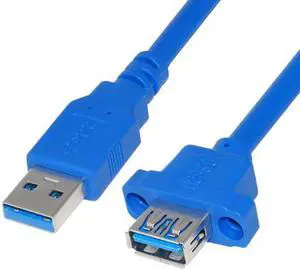
U3-046 USB 3.0 A Type Male to Female Extension Cable with Panel Mount Screws Holes
Limited time offer, ends 01/15
- Model #: C32P.120111
- $14.98 –
- Free Shipping
Quick View
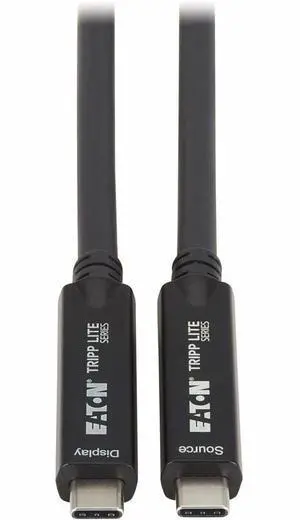
Eaton Tripp Lite Series USB-C to USB-C Full-Function Fiber Active Optical Cable AOC USB 3.2 Gen 2 10 Gbps 8K HDR 4:4:4 40W PD Charging M/M Black 15 m 49 ft. (U420F-15M)
- Cable Length: 15M
- Brand: Eaton
- Model: U420F-15M
- Type: Fiber
- Model #: U420F-15M
- $334.24 –
- More options from $319.99 - $499.08
Quick View
- $279.99 –
- Free Shipping

Quick View

- $66.31 –
- More options from $66.31 - $96.99
- Free Shipping
Quick View
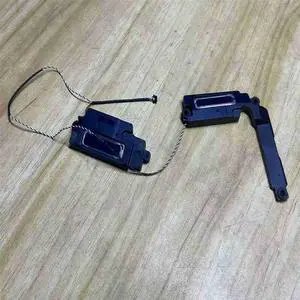
14 UX425 UX425UA UX425J X425JA U4700J Laptop speakers HQ20330701000
- Model #: WD-F10274
- $23.95 –
- Free Shipping
Quick View
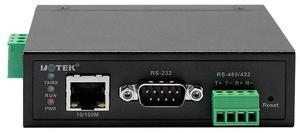
UOTEK RS232 to 100M Ethernet Device Server RS85 RS422 TCPIP 10/100M TCP/IP to 1 Port RS-232/485/422 Serial Device Server UT-6801A(DIN-Rail Mounted)
- Model #: 9158154840001
- $117.99 –
- $5.99 Shipping
Quick View

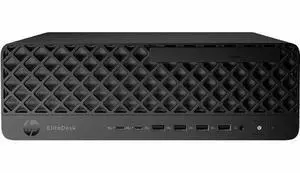
- Type: Desktop PC
- Brand: HP
- Usage: Business / Mainstream / Work / Business
- Monitor: Monitor not included
- Model #:
- $1,677.99 –
- More options from $1,677.99 - $2,206.99
- Free Shipping
Quick View
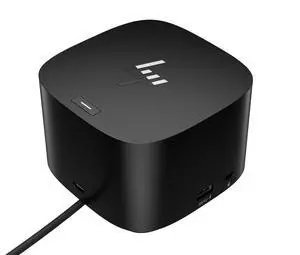
- Brand: HP
- Part Number: 4J0A2AA#ABA
- Dimension: 3.9 x 3.9 x 2.7 in
- Weight: 1.6800 lb
- Model #: 4J0A2AAABA
- $213.99
- $173.99 –
- Save: $40.00 (18%)
- More options from $173.99 - $626.81
- Free Shipping
Quick View
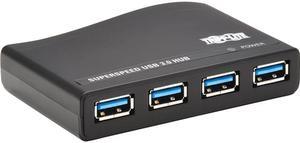
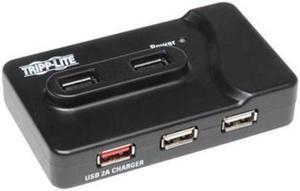
Tripp Lite 4-Port USB-A Mini Hub - USB 3.2 Gen 1, International Plug Adapters for UK, EU, & Australia (U360-004-R-INT)
- Type: USB
- Standards: USB 3.0
- Ports: 4 x USB 3.0
- Dimensions: 3.40" x 2.23" x 0.88"
- Model #: U360-004-R-INT
- $127.87 –
- More options from $87.99 - $127.87
- Free Shipping
Quick View
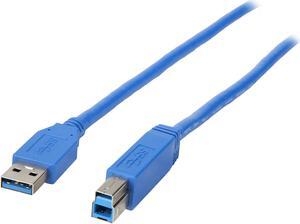
Tripp Lite U322-015 Blue Cable
- Type: USB 3.0
- Connector Type: USB A to USB B
- Connector Number: 2
- Terminal Gender: Male to Male
- Model #: U322-015
- $15.12 –
- More options from $15.12 - $58.99
- Free Shipping
Quick View
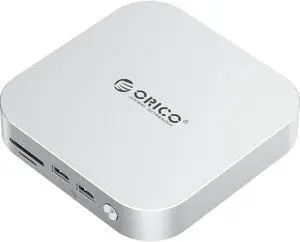
ORICO MiniLink 9-in-1 USB Hub for Mac Mini M4/M2/M1 - Aluminum Docking Station with M.2 SSD Enclosure (NVMe/SATA), 10Gbps USB-A Ports, SD/TF Card Reader 3.0, 3.5mm Audio Jack, Thunderbolt Compatible

Limited time offer, ends 01/18
- Model #: M49P-US-SV-BP

Quick View
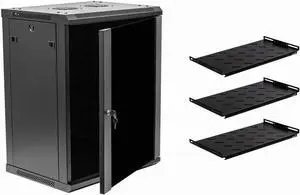
NavePoint 15U Deluxe IT Wallmount Cabinet Enclosure 19-Inch Server Network Rack with Locking Glass Door 16-Inches Deep Black with Shelves
- Type: See Description
- Model #: TauR886225268421
Quick View
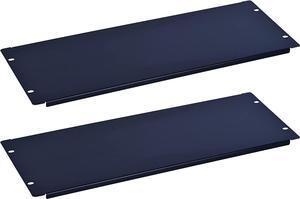
4U Blank Rack Mount Panel Spacer for 19in Server Rack Enclosure or Network Cabinet 2 Pack
- Type: See Description
- Model #: TauR886225266328
Quick View
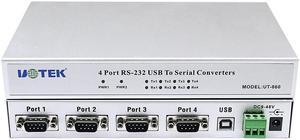
UOTEK USB to RS-232 4 Ports Converter RS232 Conversion Adapter Industrail Grade USB 2.0 Serial 9-Pin COM DB9 Connector ESD Protection WinXP/Vista/7/8/8.1/10/CE/Mac/Linux UT-860
- Type: Converter
- Connector A: USB-B
- Connector B: DB9 Male
- Model #: UT-860
Quick View
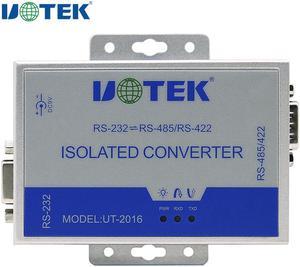
UOTEK Industrial RS232 to RS485 RS422 Optoelectronic Isolated Converter Adapter with Lightning Surge Protection DB9 Connector UT-2016
- Type: Isolated Converter
- Specifications: ● Standards: RS-232C EIA/TIA, RS-485/422 ● RS-232 DB9 female connector, RS-485/422 DB9 male connector ● Protection: RS-422/485 each wire 600W lightning surge protection ● Isolation: isolated voltage 2500Vrms 500DC continuous ● Operating mode: asynchronous full-duplex or half-duplex ● Indication: PWR, TXD, RXD ● Transmission Media: Twisted-pair or shielded cable ● Baud rate: 115.2kbps to 300m 38.4kbps to
- Connector A: db9 male & female port
- Connector B: rj45 port
- Model #: UT-2016
Quick View
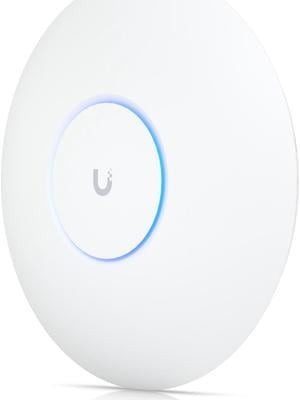
Ubiquiti Networks U6 Pro (U6-Pro)
- Model #: U6-Pro-US
- $199.90 –
- More options from $178.57 - $199.90
- Free Shipping
Quick View
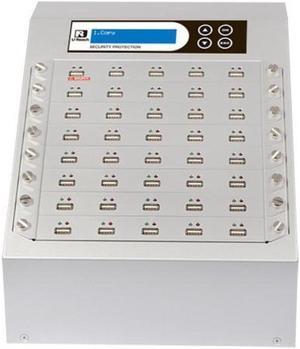
Ureach 1:39 USB Duplicator 2GB/Min - Standalone Flash Drive Copier/Eraser - Clones Thumb Drives Up To 33MB/Sec - Intelligent 9 Silver Series (UB940S)
- Data Transfer Rate: 2GB/min
- Model #: UB940S
- $4,000.00 –
- Free Shipping
Quick View
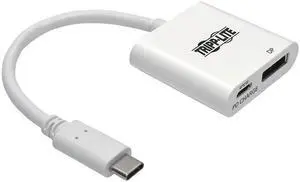
Tripp Lite USB C to DisplayPort Adapter w/ PD Charging USB Type C to DP 6in (U444-06N-DP-C)
- Color: White
- Changer Type: USB 3.1 Type-C to DisplayPort
- Specifications: Operating Temperature Range: 32 to 113 F (0 to 45 C) Storage Temperature Range: 14 to 158 F (-10 to 70 C) Power Consumption (Watts): 60W (20V/3A) Operating Humidity Range: 10% to 85% RH, NON-CONDENSING Storage Humidity Range: 5% to 90% RH, NON-CONDENSING Max Supported Video Resolution: 3840 X 2160 (4KX2K) @60HZ Displayport Specification: 1.2 HDCP Specification: 1.3 USB Specification: USB 3.1 Gen 1 (up to 5 Gbps)
- Thunderbolt 3: Yes
- Model #: U444-06N-DP-C
- $25.21
- $18.35 –
- Save: $6.86 (27%)
- More options from $18.35 - $63.06
- Free Shipping
Quick View
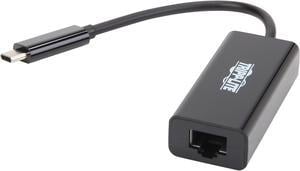
Tripp Lite USB C to Gigabit Ethernet Adapter USB Type C to Gbe 10/100/1000 (U436-06N-GB)
- Color: Black
- Changer Type: USB-C to Gigabit Network
- Specifications: Connects a USB-C or Thunderbolt 3 PC, laptop or tablet to a wired Ethernet network Provides instant access to Gigabit speeds without an internal Ethernet card Simplified connections with a reversible Type-C connector that plugs into your device’s port in any direction Easy to install with plug-and-play operation - no software or drivers required Ultra-compact design for easy transport
- Thunderbolt 3: Yes
- Model #: U436-06N-GB
- $30.00 –
- More options from $23.00 - $112.99
- Free Shipping
![WAVLINK USB 3.0 to SATA I/II/III Dual Bay External Hard Drive Docking Station for 2.5/3.5 Inch HDD/SSD with UASP (6Gbps), Support Offline Clone Duplicator Function [Max 16TB X2 ]](https://c1.neweggimages.com/productimage/nb300/0VN-0069-00014-S02.jpg "WAVLINK USB 3.0 to SATA I/II/III Dual Bay External Hard Drive Docking Station for 2.5/3.5 Inch HDD/SSD with UASP (6Gbps), Support Offline Clone Duplicator Function [Max 16TB X2 ]")
Quick View
WAVLINK USB 3.0 to SATA I/II/III Dual Bay External Hard Drive Docking Station for 2.5/3.5 Inch HDD/SSD with UASP (6Gbps), Support Offline Clone Duplicator Function [Max 16TB X2 ]

Limited time offer, ends 01/18
- Material: Classic Plastic
- Dimensions: 5.51" x 4.72" x 2.95"
- Type: Dock
- HDD Count Supported: Dual HDD
- Model #: WL-ST334U-Red-US

Quick View
WAVLINK USB C 4K Laptop Docking Station Triple Display With 100W PD3.0 Charging (65W for PC), Dual HDMI, 1 Displayport, 4xUSB-A 3.0 , Gigabit Ethernet, SD&TF Card Slot Audio Jack For Windows, Mac
Limited time offer, ends 01/18
- Compatibility: Installation Before using this dock, please make sure that the latest PC/laptop drivers are installed (including USB, graphics card etc) because the network port needs specific drivers. For Windows 10, the system detects and automatically installs them after the dock is connected to the network. If drivers cannot be automatically installed, the network port can’t perform properly. Please install them manually. For MAC OS system, you need to install the network port driver manually, please visit www.wavlink.com > Support > Driver > PC peripherals > USB Docking. 1. The dock is driver free, therefore you don’t need to install any driver before using it. 2. Plug the power adapter of the dock in a power outlet. 3. Connect the USB-C connector of the dock to your host laptop/PC, the LED light on the dock will turn blue. 4. Connect your monitor(s) to video ports of ...
- Model #: WL-UMD05