




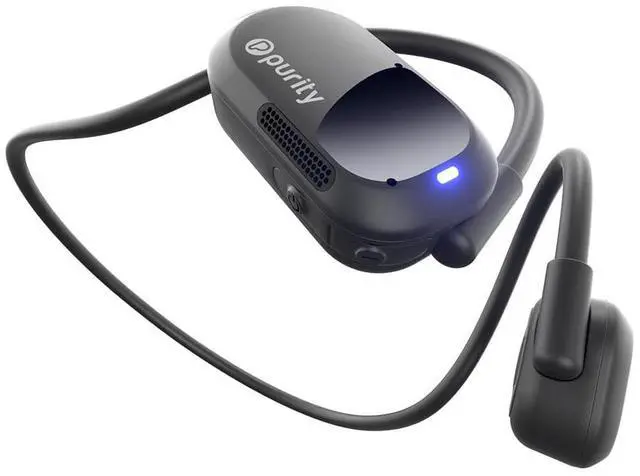
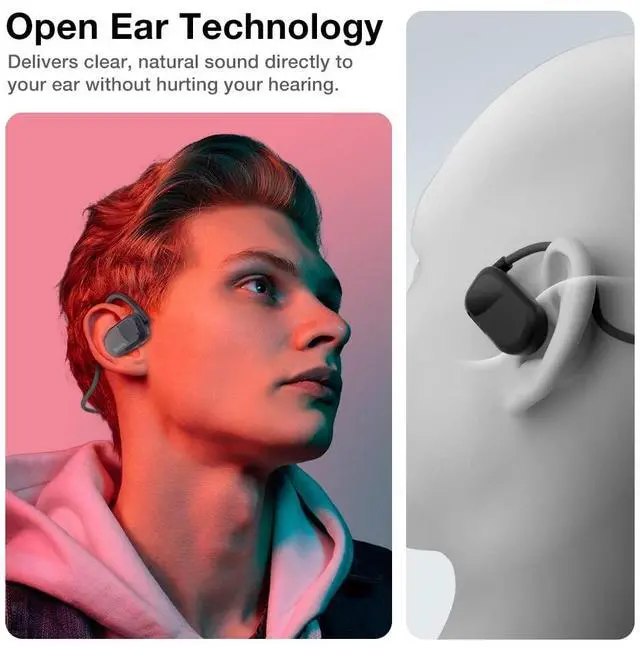

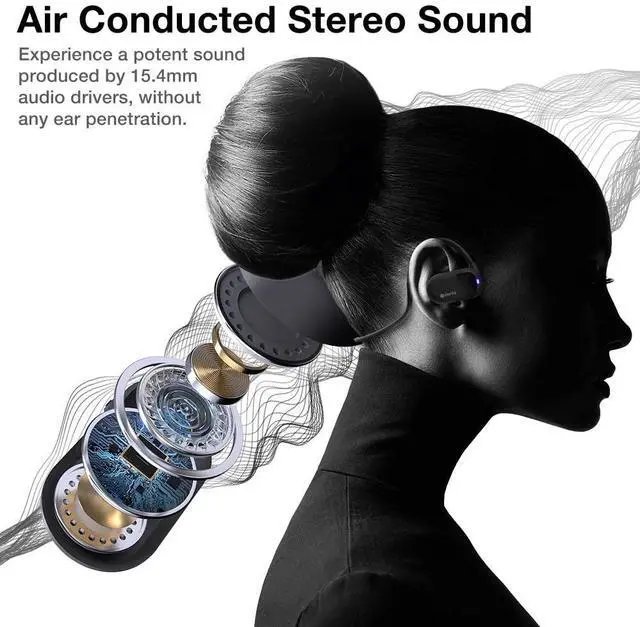




HOW TO WEAR: Hang the headphones behind your neck with both speakers clinging to your ears. Gently push the speakers into the center of your ears. Adjust the headphones until you feel comfortable.
How to Turn On/Pair/Off?
-Press &hold the power button for 5 sec to Turn ON the headphones
-To pair the headphones, go to your Bluetooth Settings in your device and select “ P Air K7”
-To Turn Off, press & hold the power button for 5 second until you hear “Power off”
How to Reset?
-Turn off the Headphone first.
-Then Press and hold both “Power” and “Volume Down” buttons simultaneously for 5 seconds or more until you see the LED light starts flashing blue and red.
How to Charge the Purity Air?
-Connect the magnetic charging cable to the charging points located on the R speaker.
- Ensure the pins and terminal are in contacts. The LED indicator will be solid red when it is charging; it will becomes solid blue when it is fully charged.
How to clean your headphones? (Part1)
- Wipe the headphones with a lint-free cloth
- For stubborn exterior stains, use a cotton swab with a bit of isopropyl alcohol to clean
- For stubborn dirt or wax in the speaker area, use compressed air to blow out the speaker grills in short bursts
How to clean your headphones? (Part2)
- Use a soft brush (such as a new or dedicated toothbrush) to gently brush across one of the speaker grilles. Hold the speaker downward so any material removed will either stick to the brush bristles or fall down.

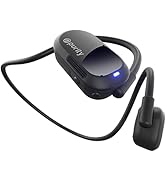
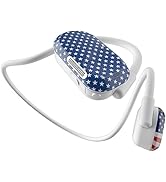

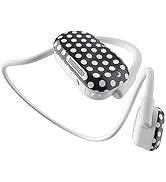
Purity Air - Pattern Deisgns

Introducing Purity - where style meets sound. Our aim is to reflect your unique personality through our innovative, stylish, and comfortable headphones. With our commitment to both comfort and sound quality, we use the latest technology and superior drivers to deliver the best possible audio experience. Choose Purity to reflect your style and enjoy the ultimate sound experience.

Stylish Design
Elevate your life with Purity Air, available in vibrant colors and patterns to add a splash of vibrancy and showcase your unique style.
Ultimate Comfort
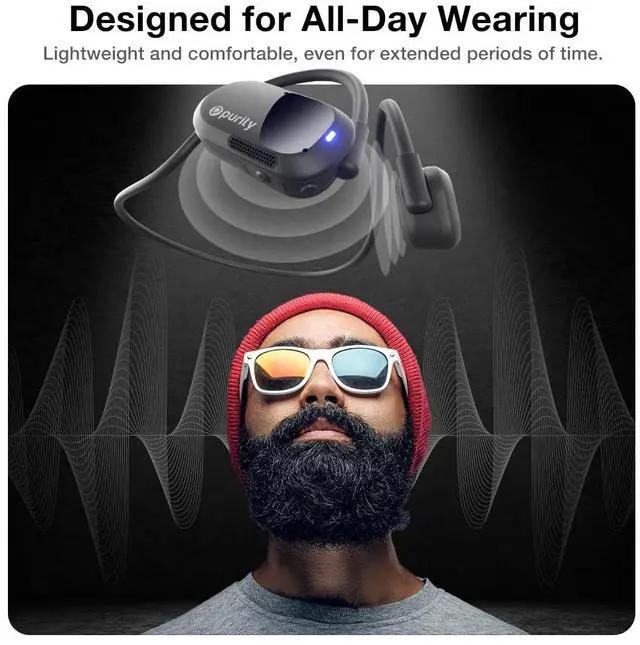
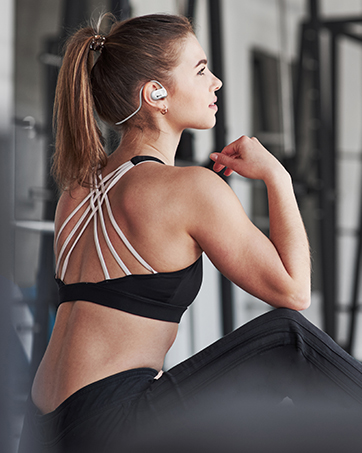
Our priority is your comfort, which is why we design headphones that you can wear for hours without feeling any discomfort.
Everyday Use
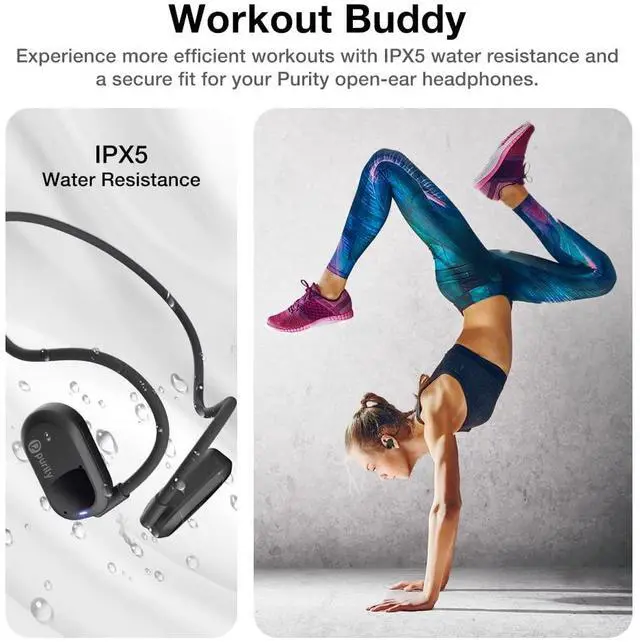
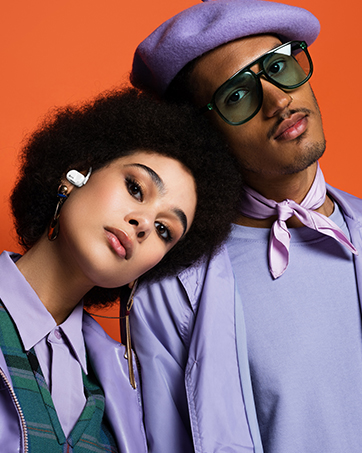
Our headphones are perfect for any activity, from video calls to runs, workouts. We've got you covered no matter what you do.
Powerful Sound
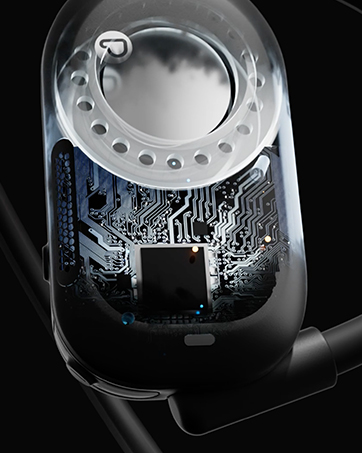
Experience the best sound with our headphones' powerful drivers, top-notch chips, and long-lasting batteries. Hear it to believe it!


HOW TO WEAR: Hang the headphones behind your neck with both speakers clinging to your ears. Gently push the speakers into the center of your ears. Adjust the headphones until you feel comfortable.
How to Turn On/Pair/Off?
-Press &hold the power button for 5 sec to Turn ON the headphones
-To pair the headphones, go to your Bluetooth Settings in your device and select “ P Air K7”
-To Turn Off, press & hold the power button for 5 second until you hear “Power off”
How to Reset?
-Turn off the Headphone first.
-Then Press and hold both “Power” and “Volume Down” buttons simultaneously for 5 seconds or more until you see the LED light starts flashing blue and red.
How to Charge the Purity Air?
-Connect the magnetic charging cable to the charging points located on the R speaker.
- Ensure the pins and terminal are in contacts. The LED indicator will be solid red when it is charging; it will becomes solid blue when it is fully charged.
How to clean your headphones? (Part1)
- Wipe the headphones with a lint-free cloth
- For stubborn exterior stains, use a cotton swab with a bit of isopropyl alcohol to clean
- For stubborn dirt or wax in the speaker area, use compressed air to blow out the speaker grills in short bursts
How to clean your headphones? (Part2)
- Use a soft brush (such as a new or dedicated toothbrush) to gently brush across one of the speaker grilles. Hold the speaker downward so any material removed will either stick to the brush bristles or fall down.
Purity Air - Pattern Deisgns
Introducing Purity - where style meets sound. Our aim is to reflect your unique personality through our innovative, stylish, and comfortable headphones. With our commitment to both comfort and sound quality, we use the latest technology and superior drivers to deliver the best possible audio experience. Choose Purity to reflect your style and enjoy the ultimate sound experience.
Stylish Design
Elevate your life with Purity Air, available in vibrant colors and patterns to add a splash of vibrancy and showcase your unique style.
Ultimate Comfort
Our priority is your comfort, which is why we design headphones that you can wear for hours without feeling any discomfort.
Everyday Use
Our headphones are perfect for any activity, from video calls to runs, workouts. We've got you covered no matter what you do.
Powerful Sound
Experience the best sound with our headphones' powerful drivers, top-notch chips, and long-lasting batteries. Hear it to believe it!