





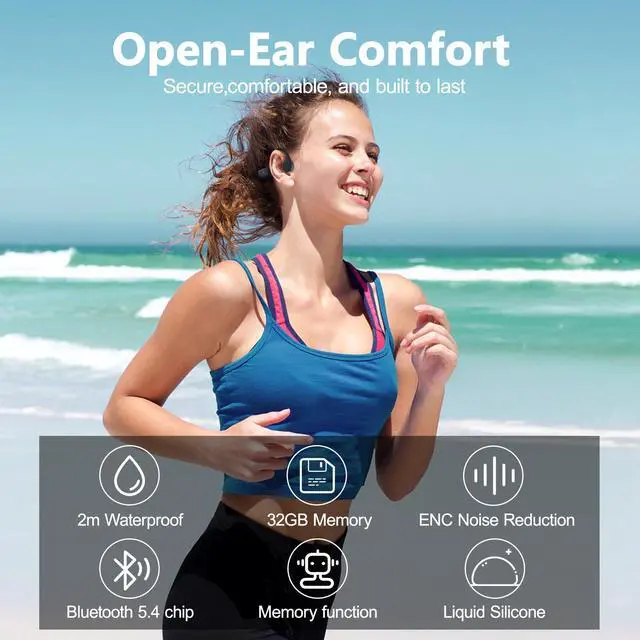
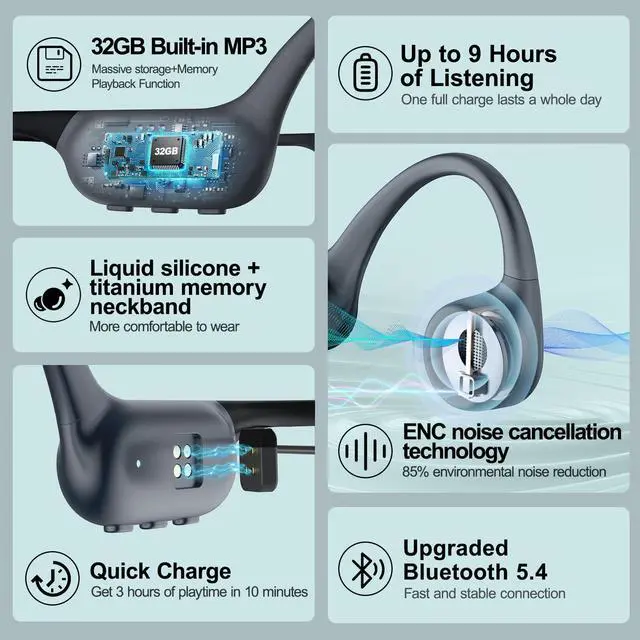


Why is the sound cutting out or not working when swimming underwater?
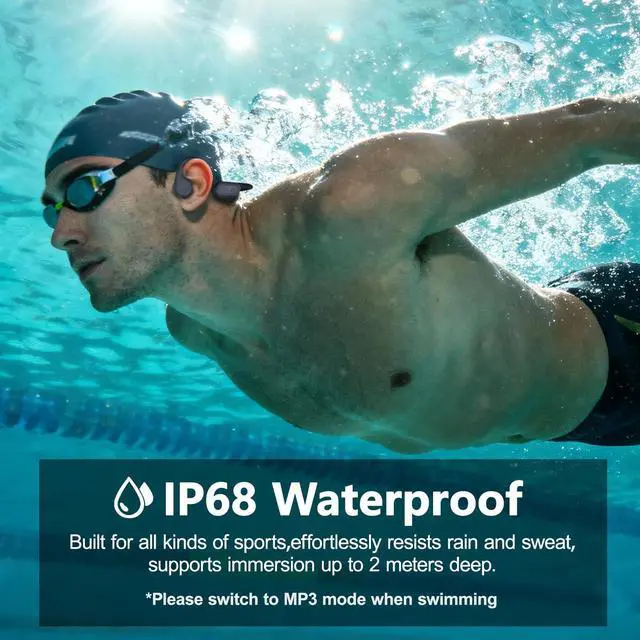
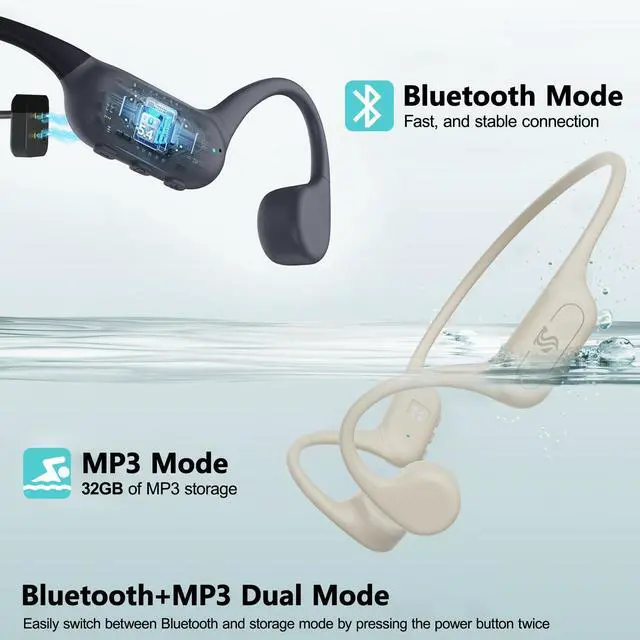
Bluetooth signals cannot transmit underwater. Before swimming, switch the headphones to MP3 mode.
How do I switch to MP3 mode?
When powered on, the headphones default to Bluetooth mode. Double-press the power button to switch between MP3 mode and Bluetooth mode.
Why does it switch back to Bluetooth immediately after entering MP3 mode?
a. Make sure MP3 files are stored on the headphones, then double-press the power button to switch to MP3 mode.
b. If it still won’t switch, reset the headphones (hold the power button for 10 seconds) and try again.
Why can’t downloaded music play in MP3 mode?
a. Check that the music files are in one of the following formats: MP3, WMA, FLAC, APE, or WAV.
b. Reset the headphones to factory settings, format the internal storage, and then re-download the music files to the headphone storage.
How do I enable shuffle mode?
a. Download MP3 music files to your computer.
b. With the headphones powered on, double-press the power button to switch to MP3 mode.
c. In MP3 mode, triple-press the power button to toggle between sequential playback and shuffle mode.


Roujune epitomizes the perfect harmony between style and utility. Our journey is one of relentless pursuit for excellence and innovation. From meticulous design to cutting-edge technology, we craft accessories that seamlessly integrate into your lifestyle, redefining elegance with every detail. Welcome to Roujune, where style meets functionality.
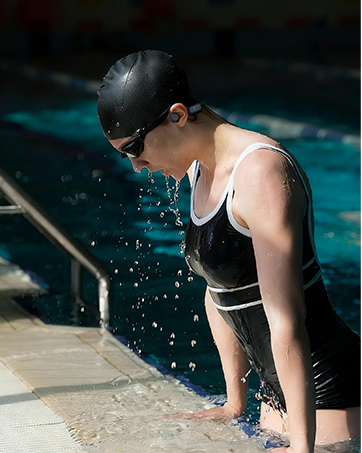
Swimming
Built for water, powered by sound—enjoy uninterrupted music beneath every stroke
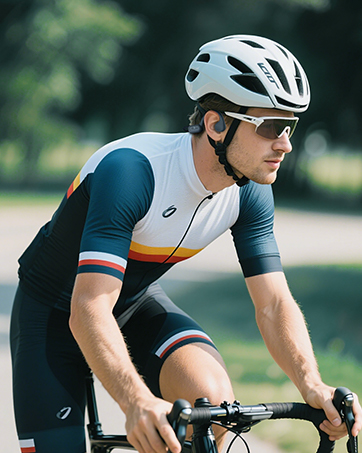
Cycling
Stay aware of the road while your music keeps you moving forward

Hiking
Open ears, open paths—sound that follows you wherever the trail leads
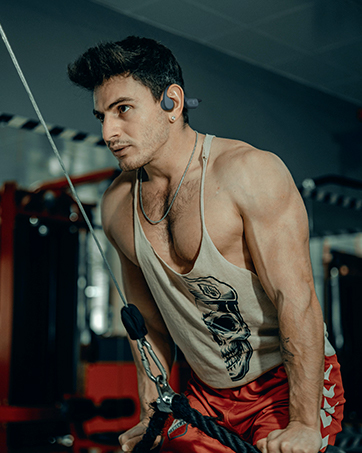
Fitness
Lightweight, secure, and motivating—engineered to move with your workout

Skiing
Cold-proof comfort and stable sound for every run down the mountain


Why is the sound cutting out or not working when swimming underwater?
Bluetooth signals cannot transmit underwater. Before swimming, switch the headphones to MP3 mode.
How do I switch to MP3 mode?
When powered on, the headphones default to Bluetooth mode. Double-press the power button to switch between MP3 mode and Bluetooth mode.
Why does it switch back to Bluetooth immediately after entering MP3 mode?
a. Make sure MP3 files are stored on the headphones, then double-press the power button to switch to MP3 mode.
b. If it still won’t switch, reset the headphones (hold the power button for 10 seconds) and try again.
Why can’t downloaded music play in MP3 mode?
a. Check that the music files are in one of the following formats: MP3, WMA, FLAC, APE, or WAV.
b. Reset the headphones to factory settings, format the internal storage, and then re-download the music files to the headphone storage.
How do I enable shuffle mode?
a. Download MP3 music files to your computer.
b. With the headphones powered on, double-press the power button to switch to MP3 mode.
c. In MP3 mode, triple-press the power button to toggle between sequential playback and shuffle mode.
Roujune epitomizes the perfect harmony between style and utility. Our journey is one of relentless pursuit for excellence and innovation. From meticulous design to cutting-edge technology, we craft accessories that seamlessly integrate into your lifestyle, redefining elegance with every detail. Welcome to Roujune, where style meets functionality.
Swimming
Built for water, powered by sound—enjoy uninterrupted music beneath every stroke
Cycling
Stay aware of the road while your music keeps you moving forward
Hiking
Open ears, open paths—sound that follows you wherever the trail leads
Fitness
Lightweight, secure, and motivating—engineered to move with your workout
Skiing
Cold-proof comfort and stable sound for every run down the mountain