










What should I do if the headphones don't charge?
If your headphones isn't charging, please check the following:
Use the provided USB Type-C cable to connect the headset to a power source.
During charging, a red indicator light will be visible.
When charging is complete, the light will turn blue.
How can I troubleshoot if the headphones isn't working?
If your headphone is unresponsive, try these steps:
Ensure the headset is fully charged first. Press and hold the MFB button for 2 seconds until the red and blue lights flash.
Make sure Bluetooth is enabled on your phone and select "X12" to connect.


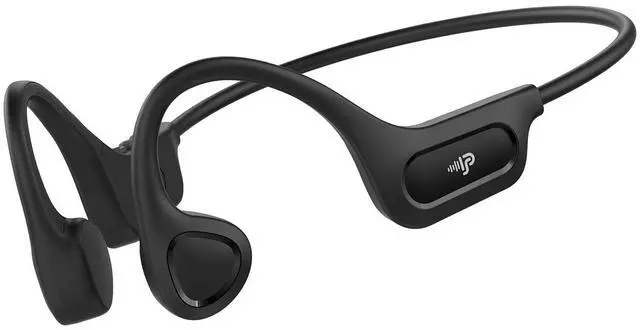
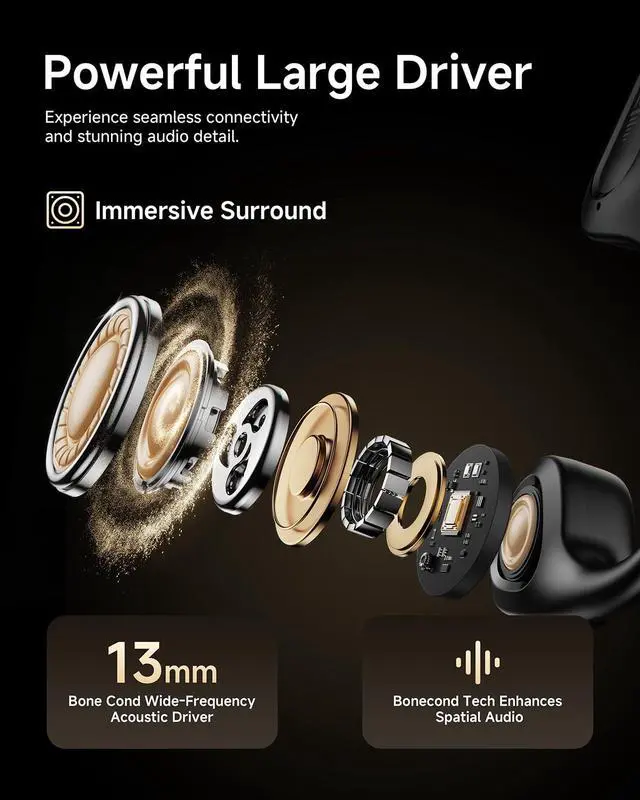
Psier's bluetooth earbuds are carefully adjusted and designed by professional tuners, which aims to bring the superb treble back to life and powerful deep bass.
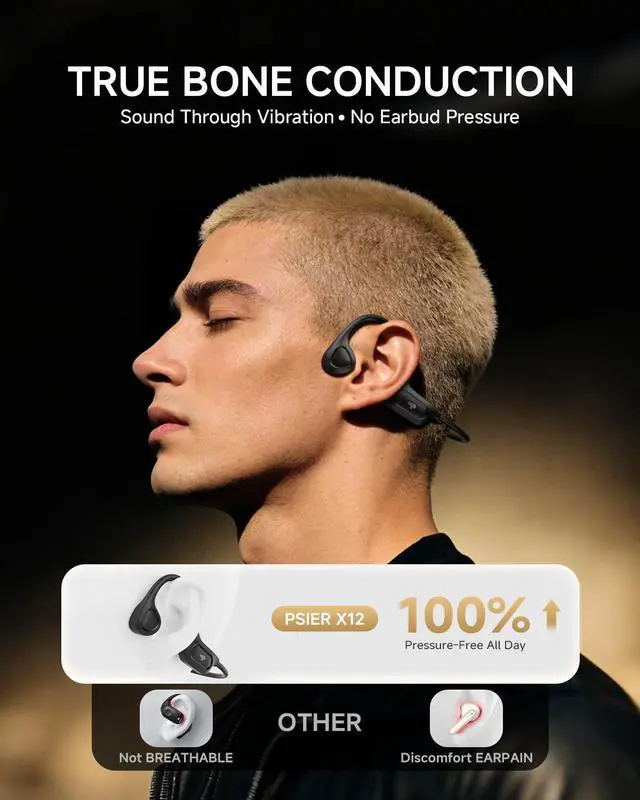
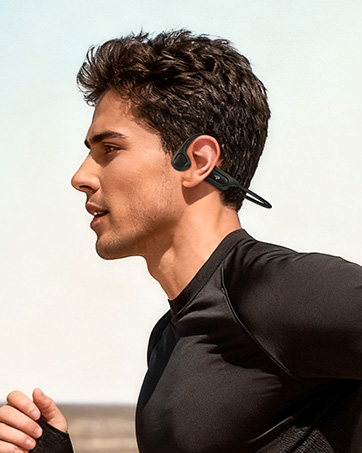
We hope to provide multi-function earbuds to meet your different needs and give you immersive listening experience in different scenarios such as sports, work and leisure.
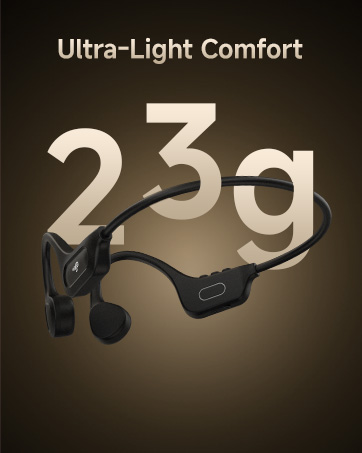
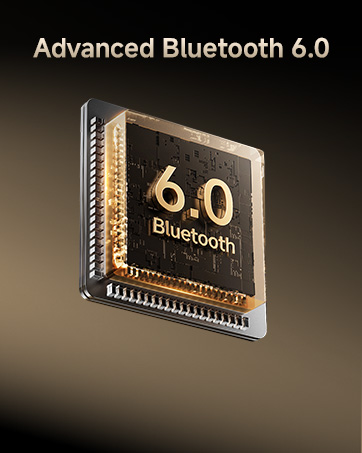
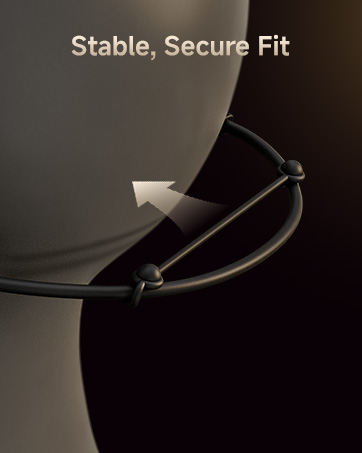
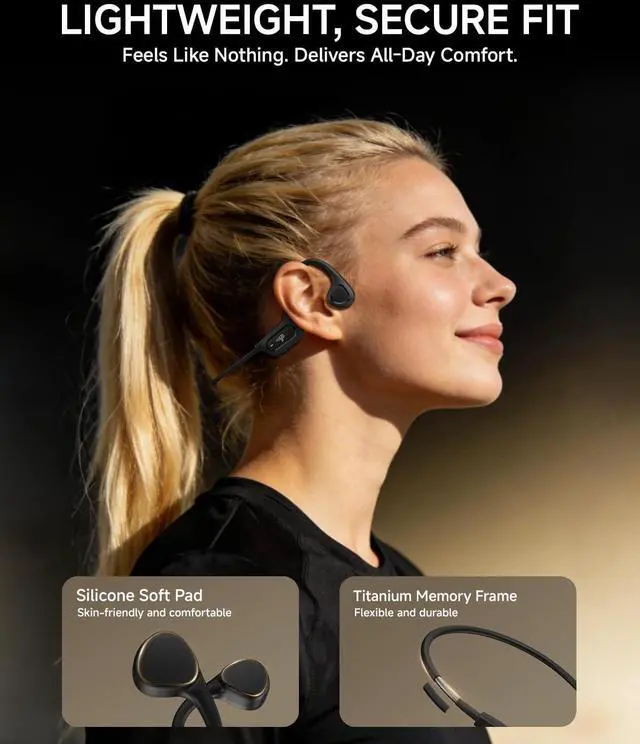
Tips: Adjust the straps for a secure and comfortable fit that matches your head size.
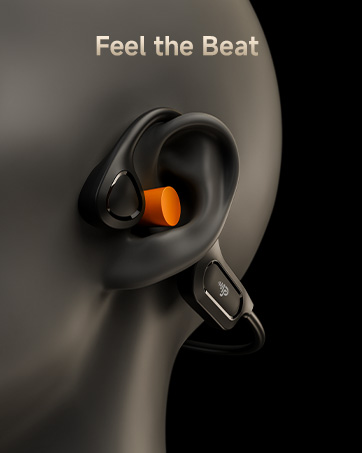
Tips: Insert the included earbuds to block out surroundings and immerse in your sound.



What should I do if the headphones don't charge?
If your headphones isn't charging, please check the following:
Use the provided USB Type-C cable to connect the headset to a power source.
During charging, a red indicator light will be visible.
When charging is complete, the light will turn blue.
How can I troubleshoot if the headphones isn't working?
If your headphone is unresponsive, try these steps:
Ensure the headset is fully charged first. Press and hold the MFB button for 2 seconds until the red and blue lights flash.
Make sure Bluetooth is enabled on your phone and select "X12" to connect.
Psier's bluetooth earbuds are carefully adjusted and designed by professional tuners, which aims to bring the superb treble back to life and powerful deep bass.
We hope to provide multi-function earbuds to meet your different needs and give you immersive listening experience in different scenarios such as sports, work and leisure.
Tips: Adjust the straps for a secure and comfortable fit that matches your head size.
Tips: Insert the included earbuds to block out surroundings and immerse in your sound.