




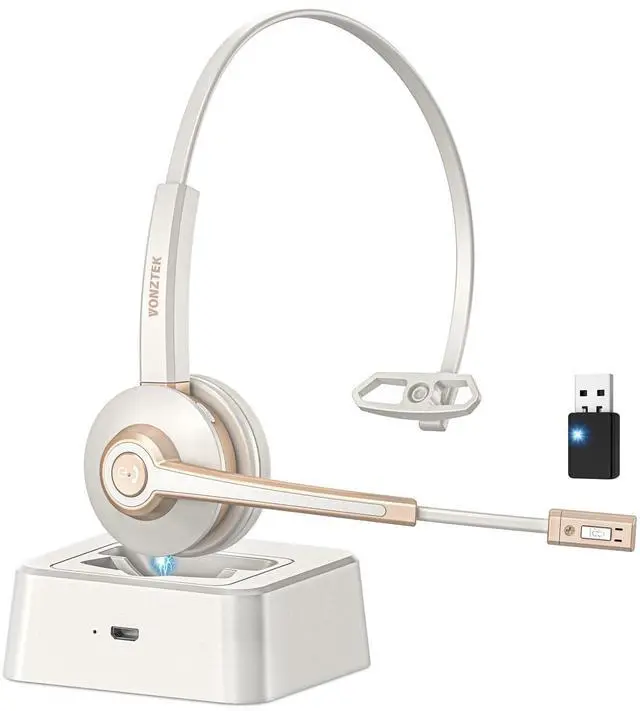



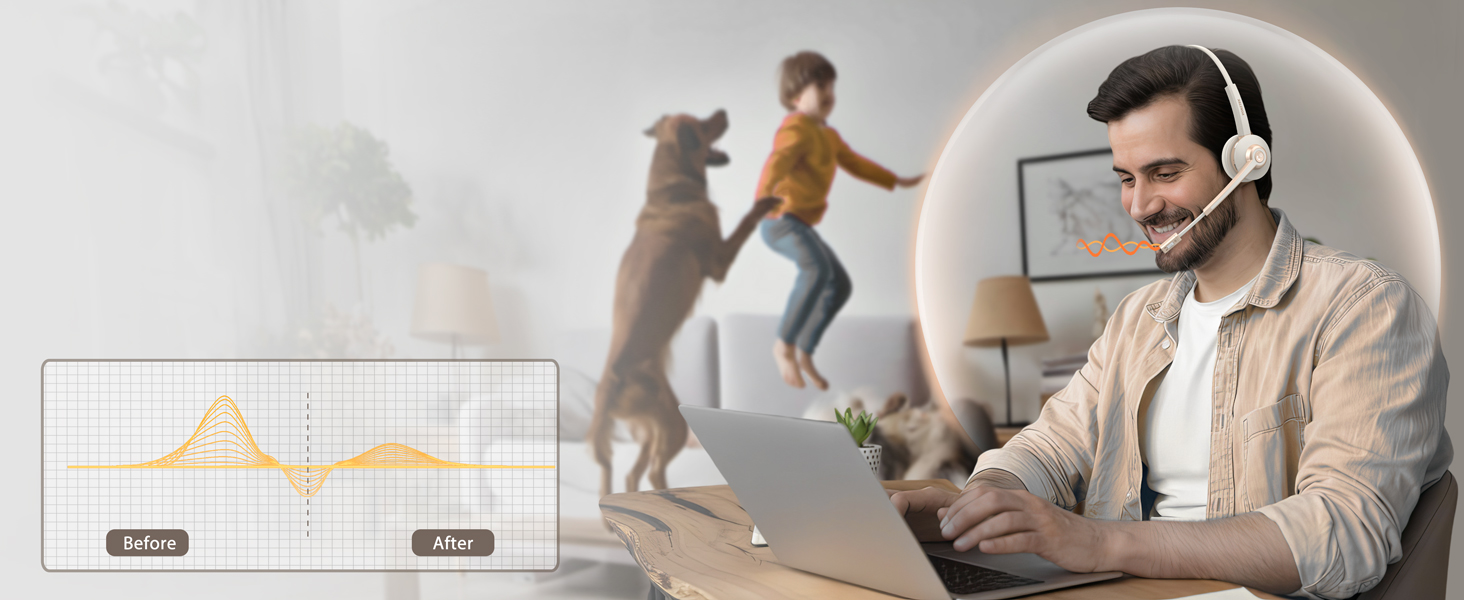
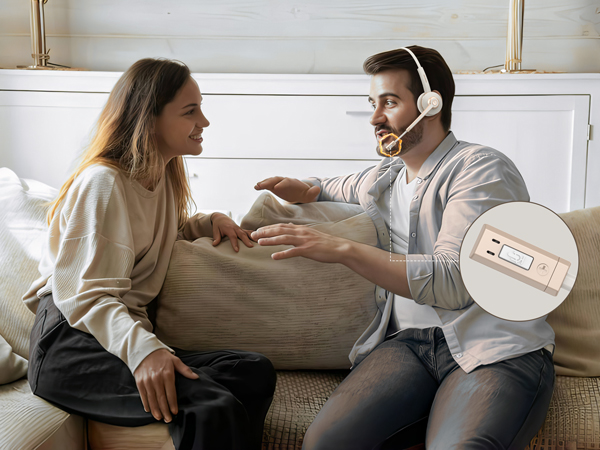
Your Voice, Professional & Clear
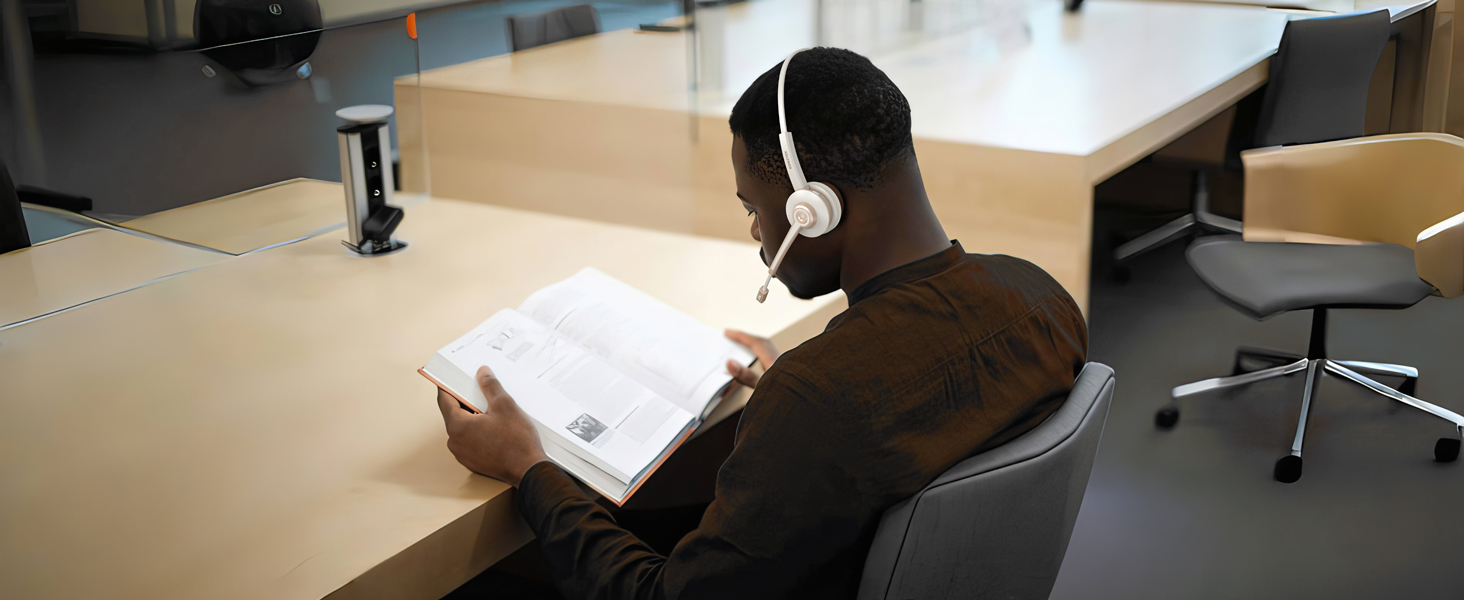
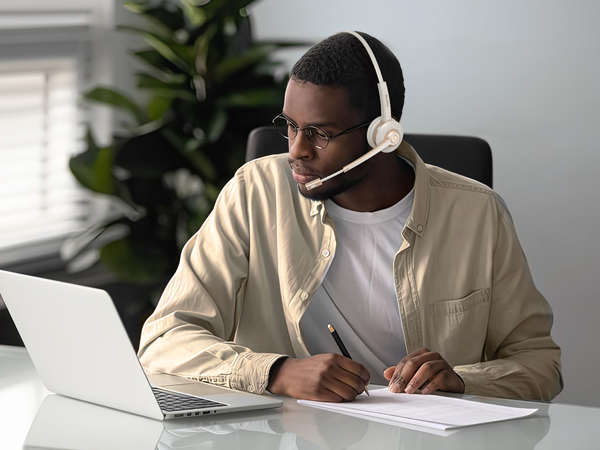
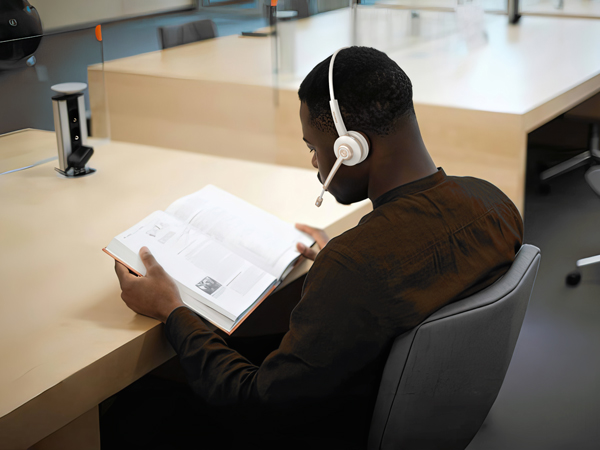
Same space, different tasks—our wireless headset with microphone keep you both immersed
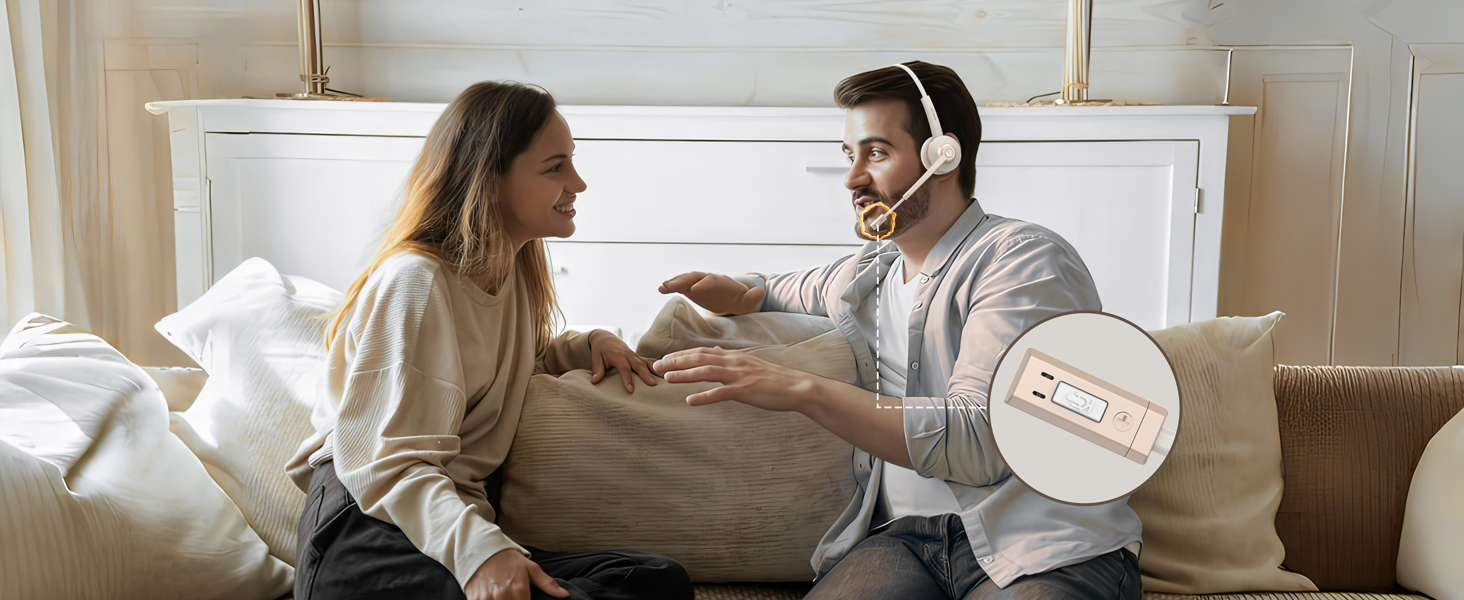
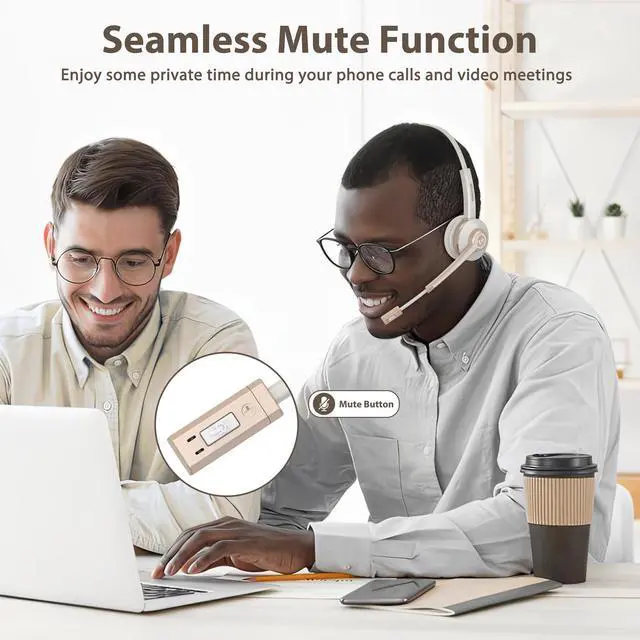
Separate Dedicated Mute Button
Simply click the mute button to toggle the microphone on or off, ensuring your privacy during calls
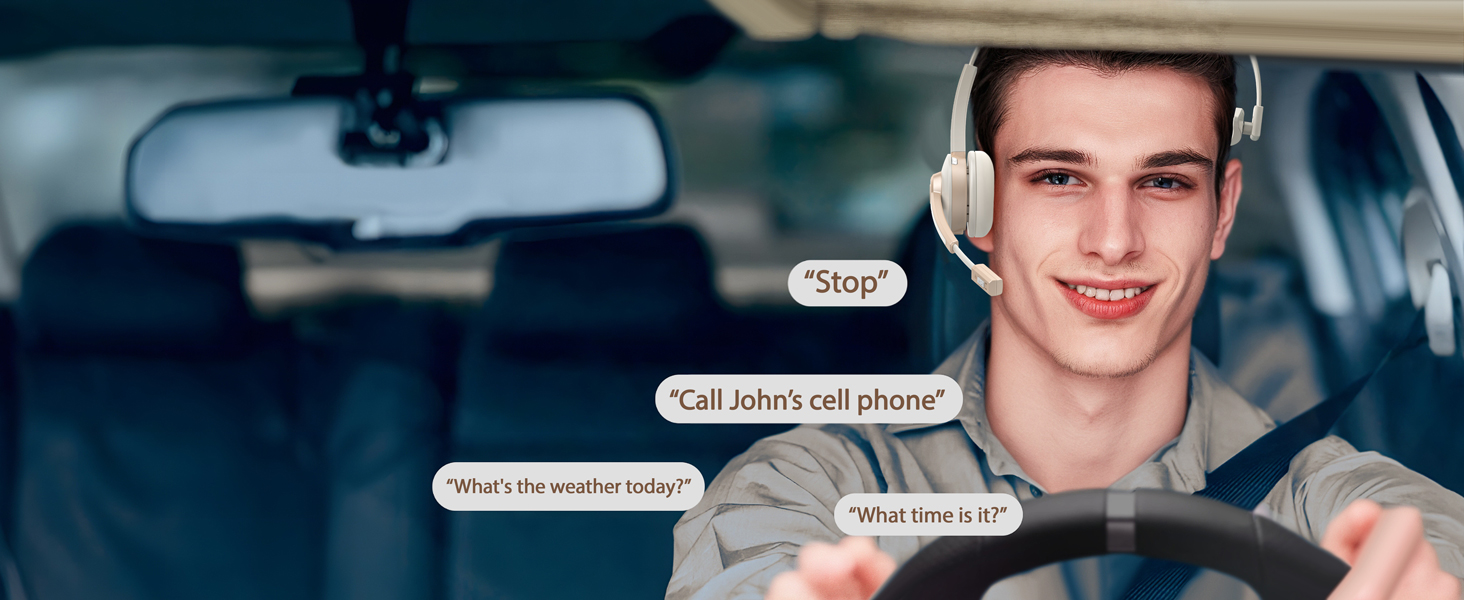
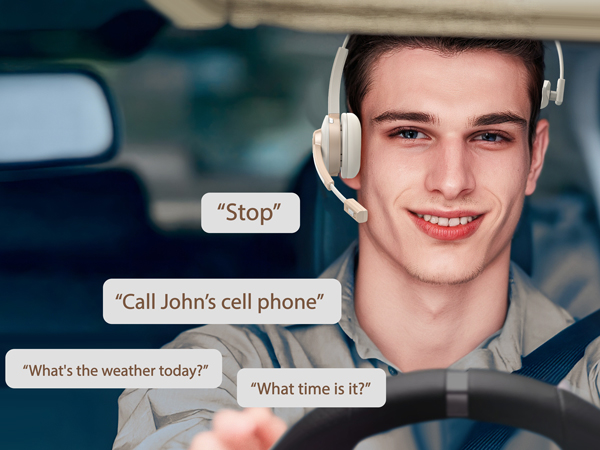
Hands-Free, Worry-Less
You can press the MFB button to activate the voice assistant, or just activate it with your voice
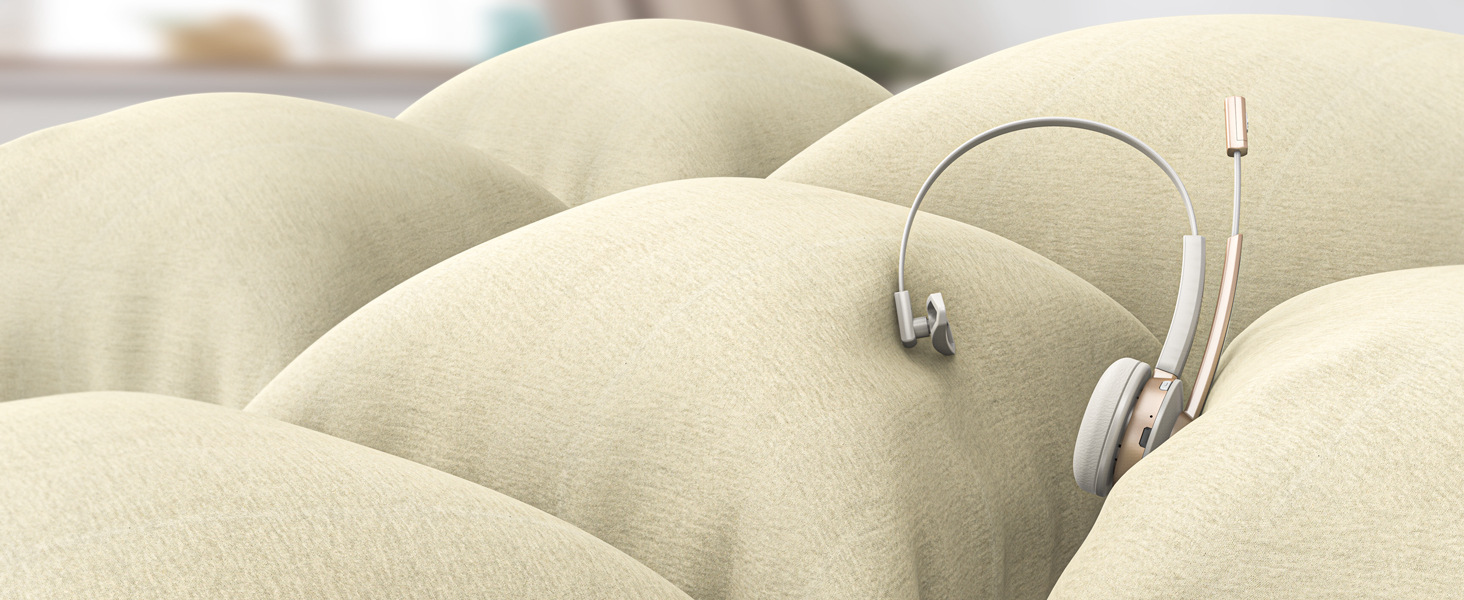
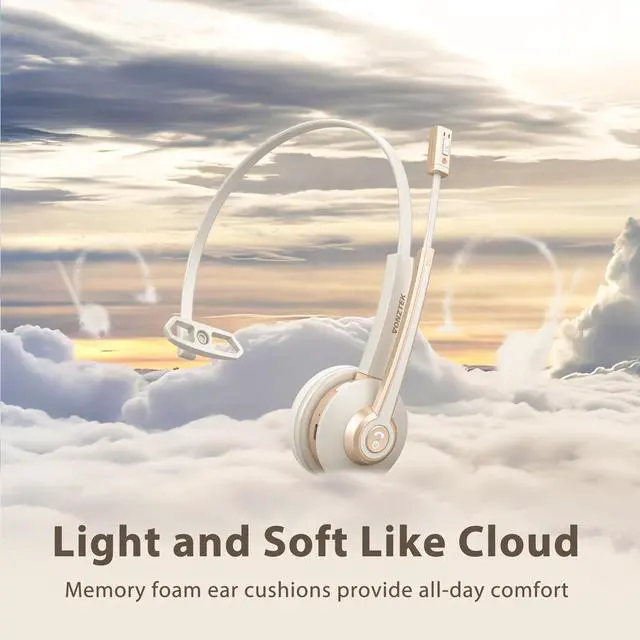
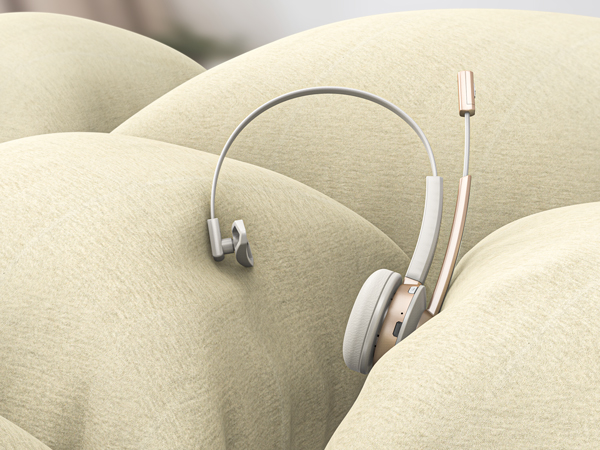
Pillow-Soft Memory Protein Earpad
With protein memory foam, the earmuffs provide delightful comfort even after a full day of work
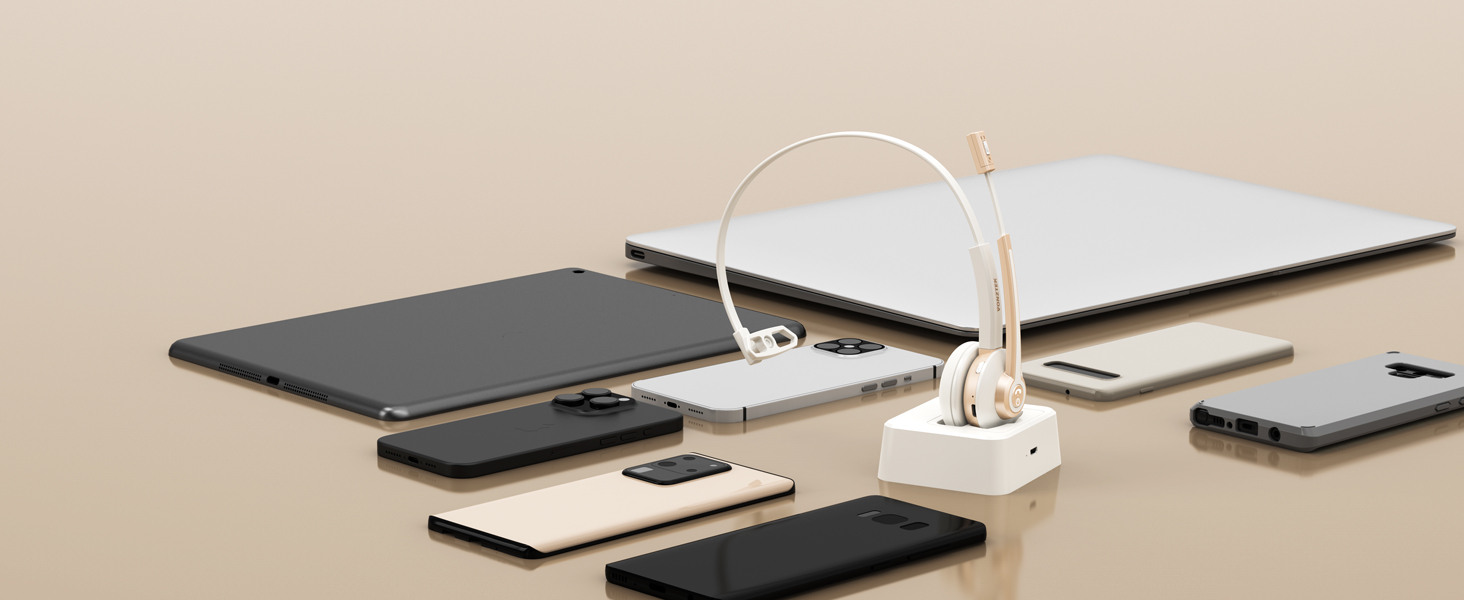
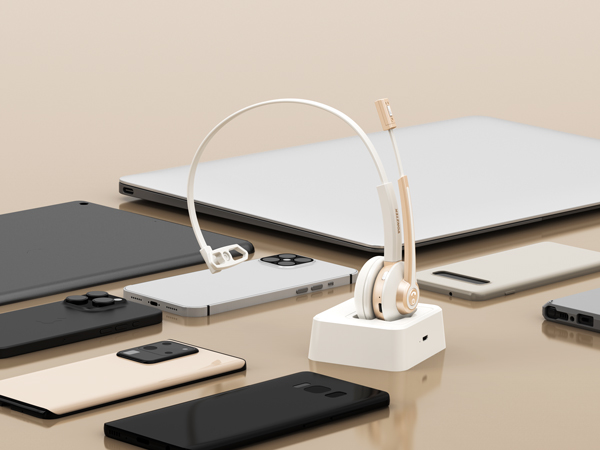
One for All
Our headset compatible with Mainstream Platforms like cell phones, iPads, tablets, laptops, etc.
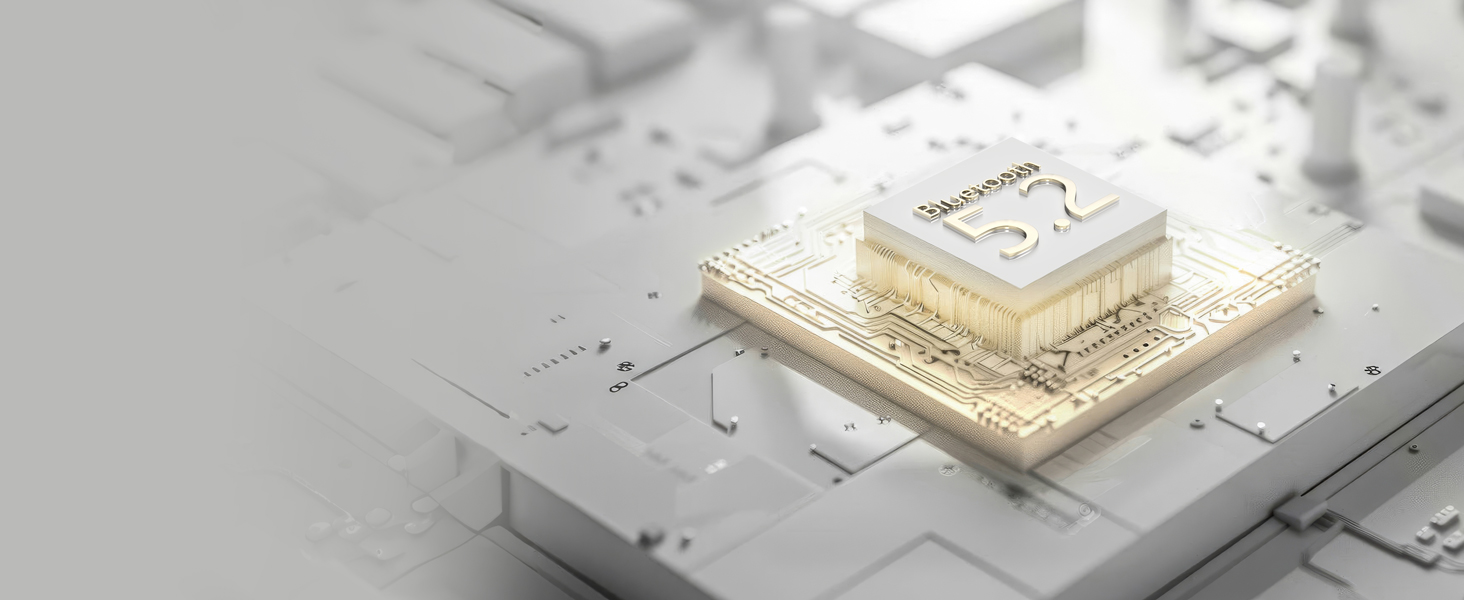
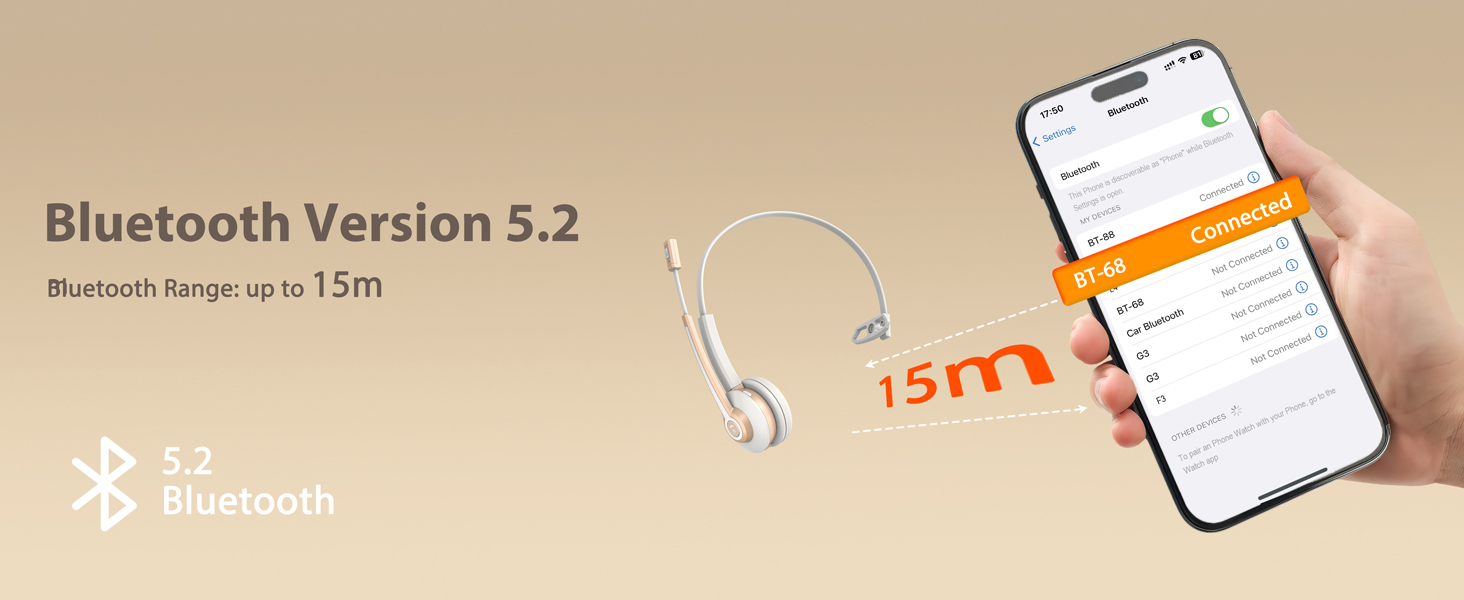
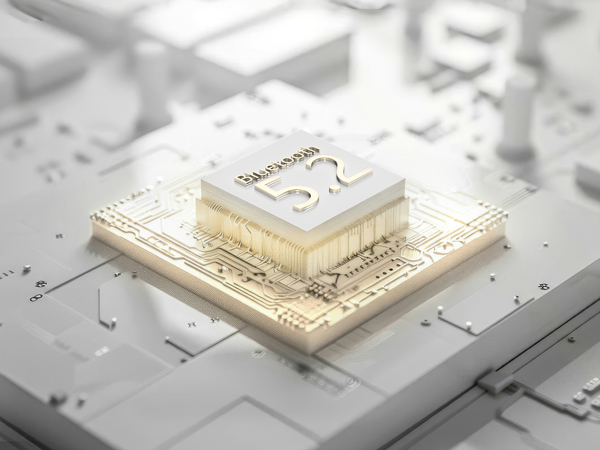
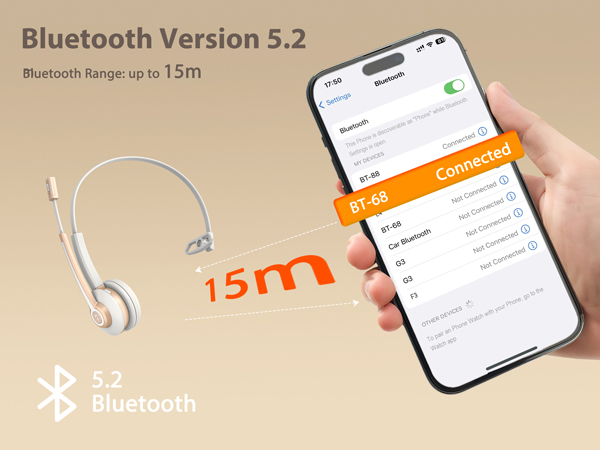
Featuring The Latest Upgraded Bluetooth 5.2 Chip
The wireless headset for work reduces signal delay for faster and more stable transmission
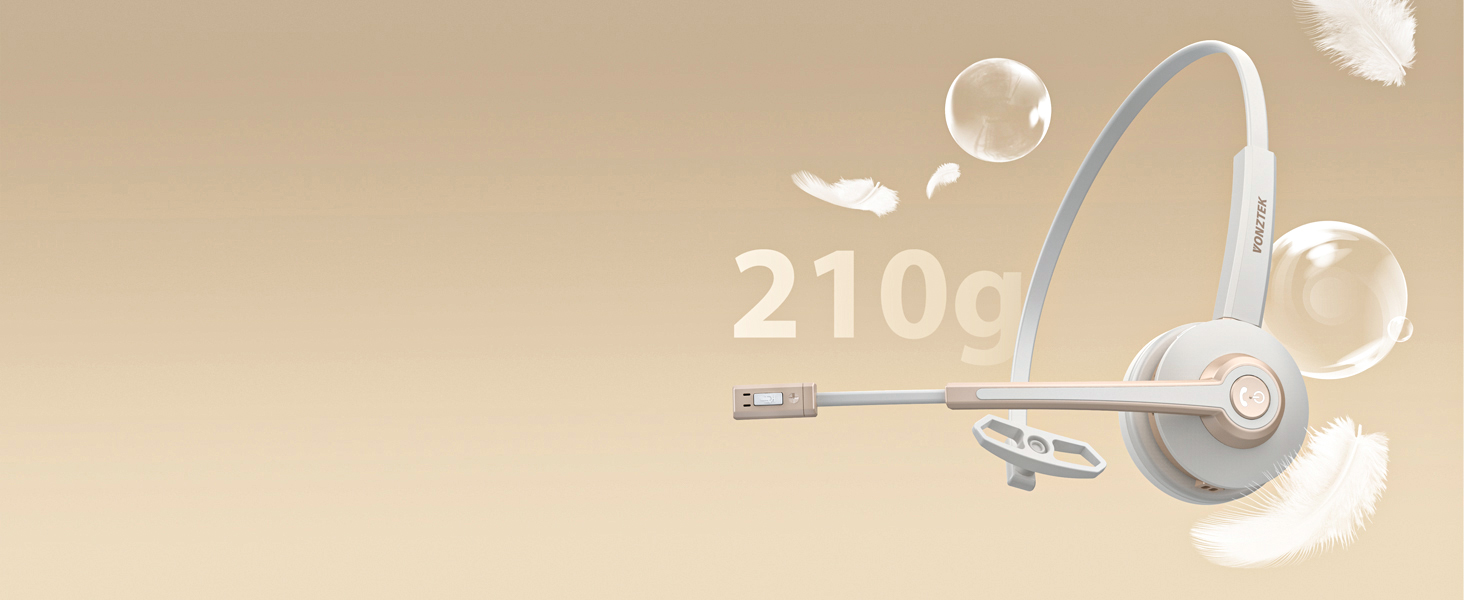
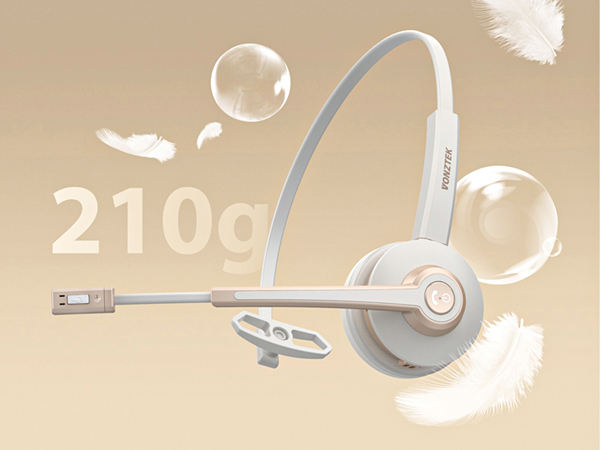
Lightness
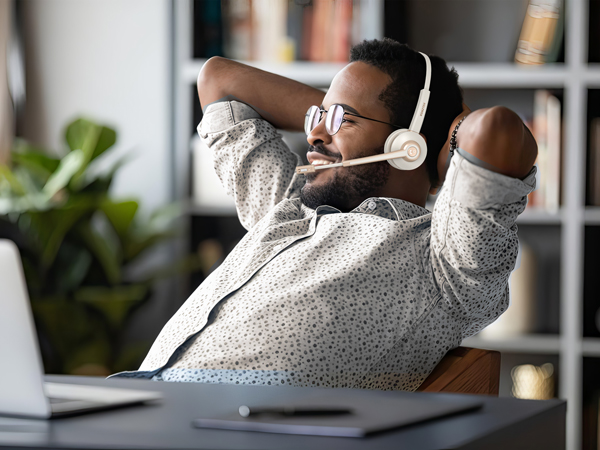
Stay comfortable and energized with this Bluetooth headset for best results.
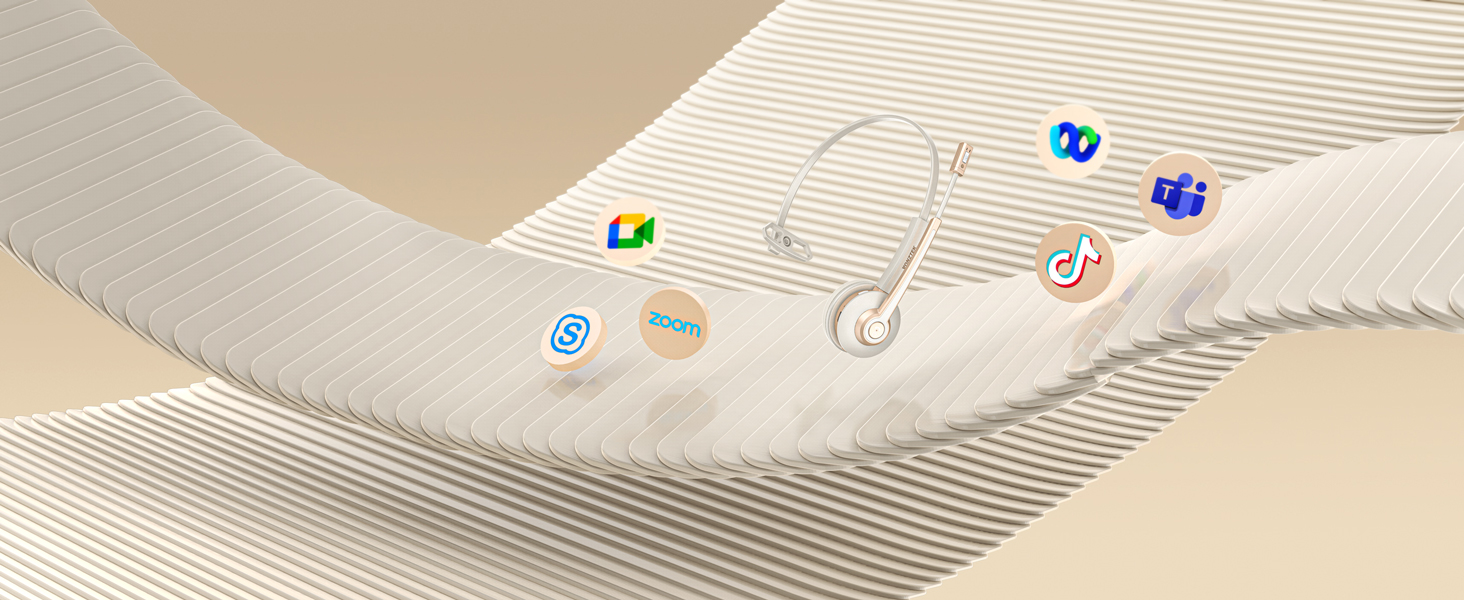
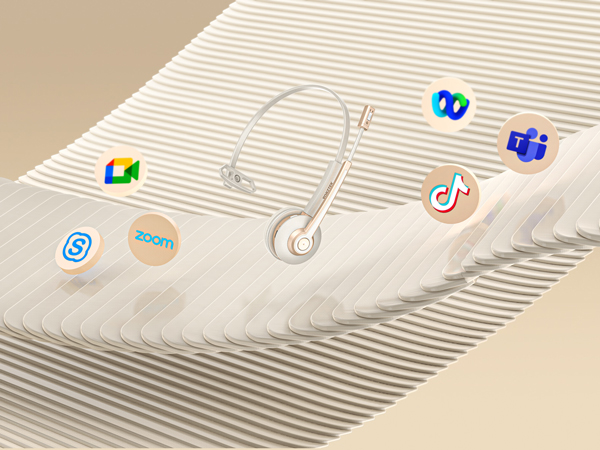
Seemless Platform Productivity
Effortless compatibility with popular UC platforms for truly seamless communication & collaboration.




Video title for hero-video
Merchant VideoDoes this trucker headset have a mute button? How do I mute it?
During a call, click on the Mute button and you will hear a "Mute On" sound, which means that the microphone is muted!
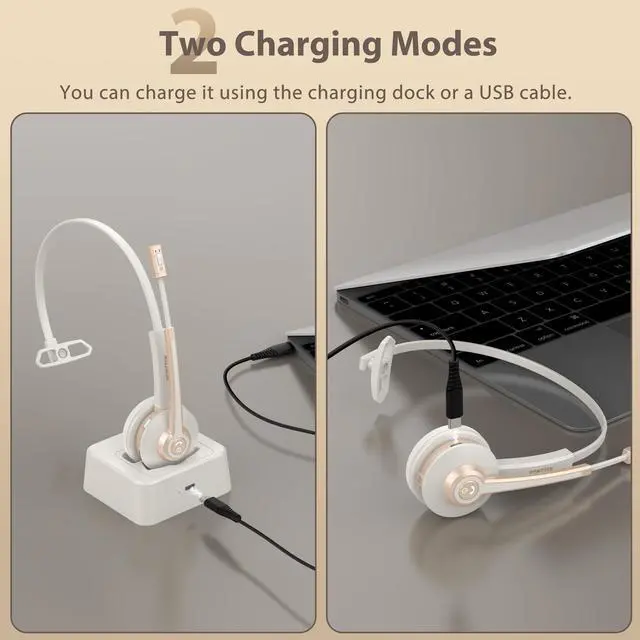
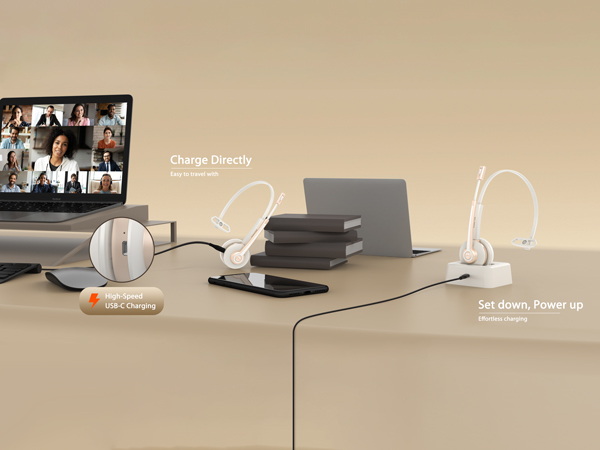
How do I charge the bluetooth headset?
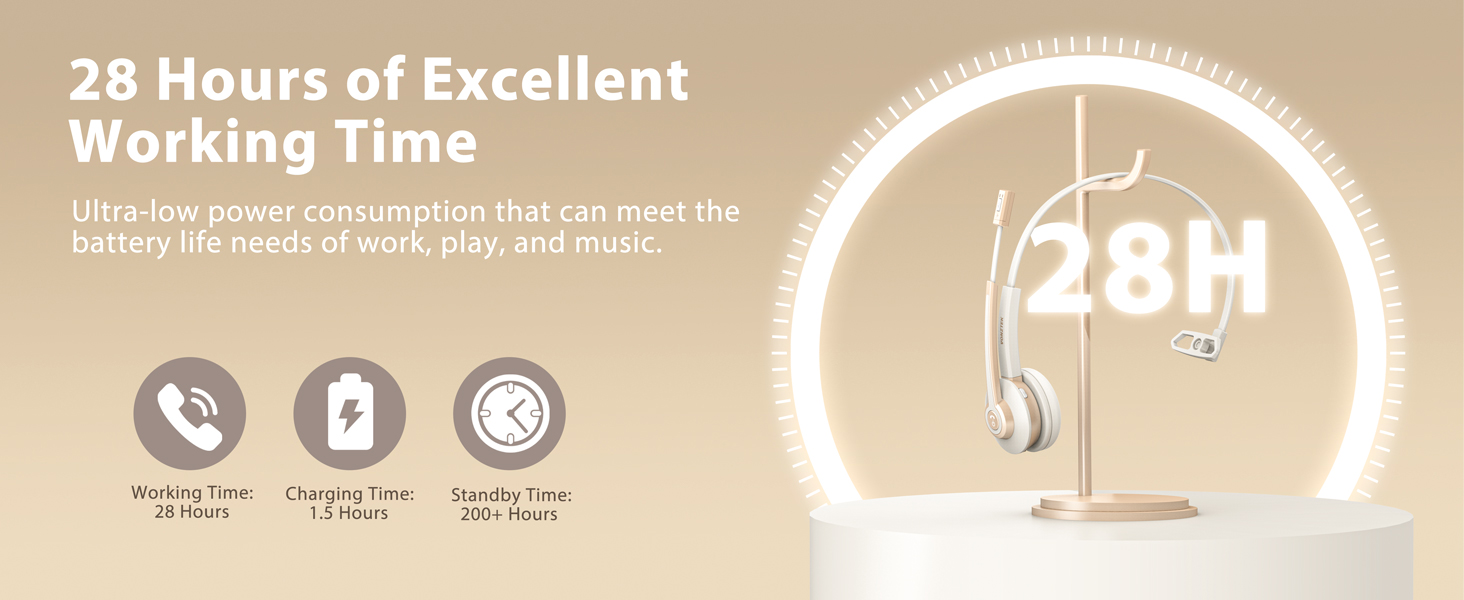
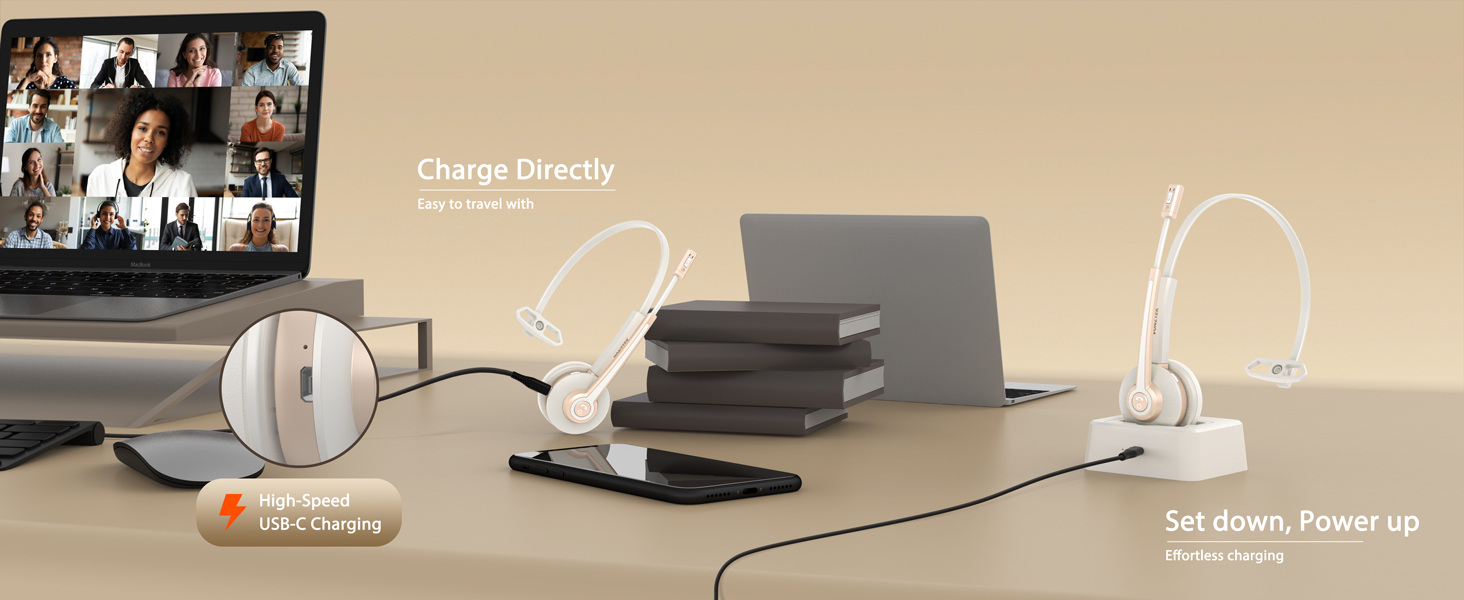
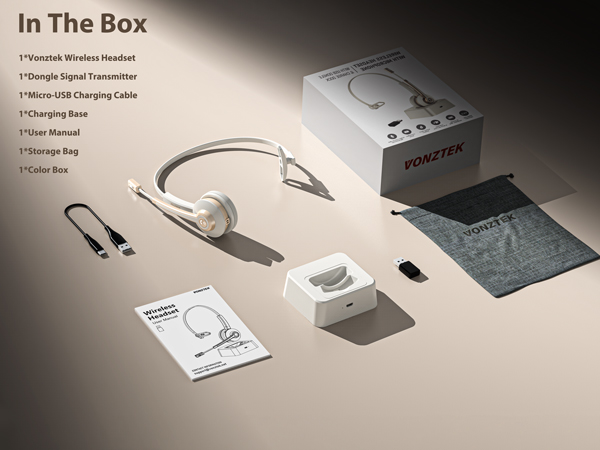
You can charge the bluetooth microphone headset via the supplied USB cable or charging dock. While charging, the indicator lights on the wireless laptop headset and the charging base will light up red.
Why is there no sound sometimes when I connect the wireless headset to the computer for a call?
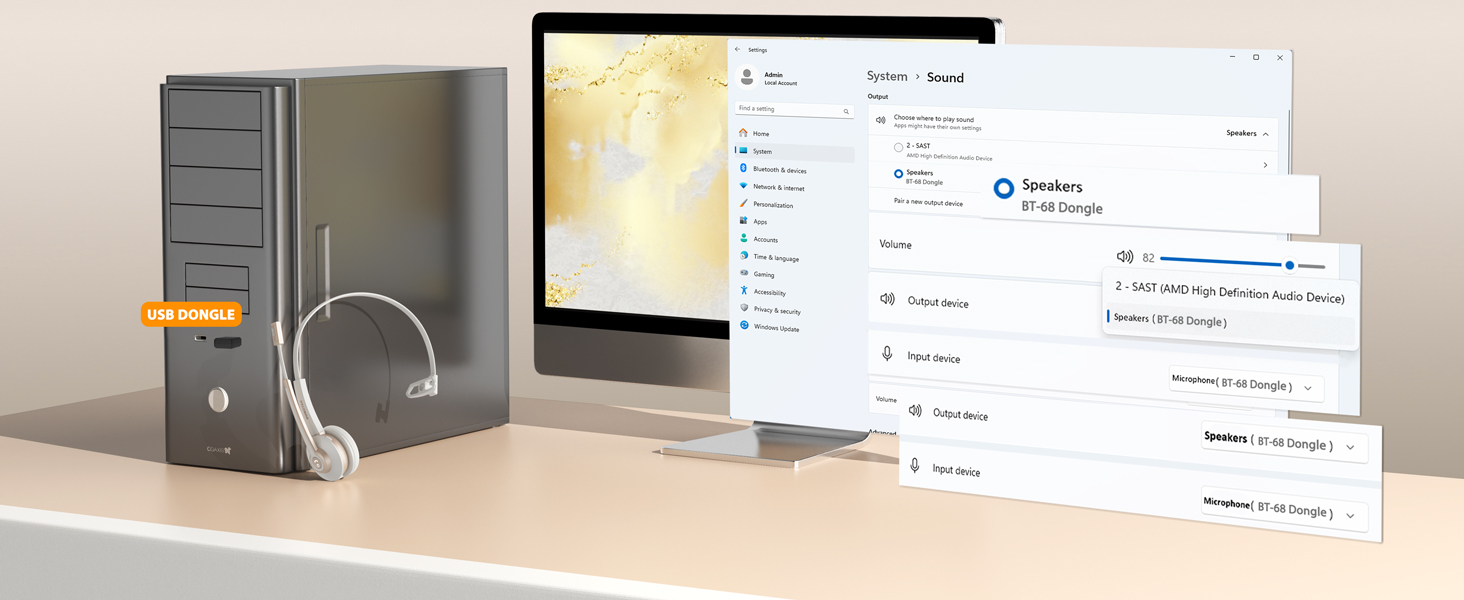
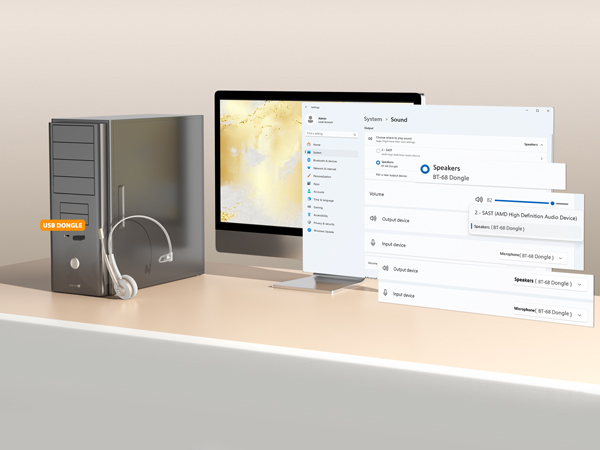
The default settings of computer will affect the bluetooth headset with microphone’s function during use. Please check whether the sound input and output of your computer is set to headset driver, if not, please change setting.
What should I do if there is no sound when the wireless usb headset is connected to the computer?
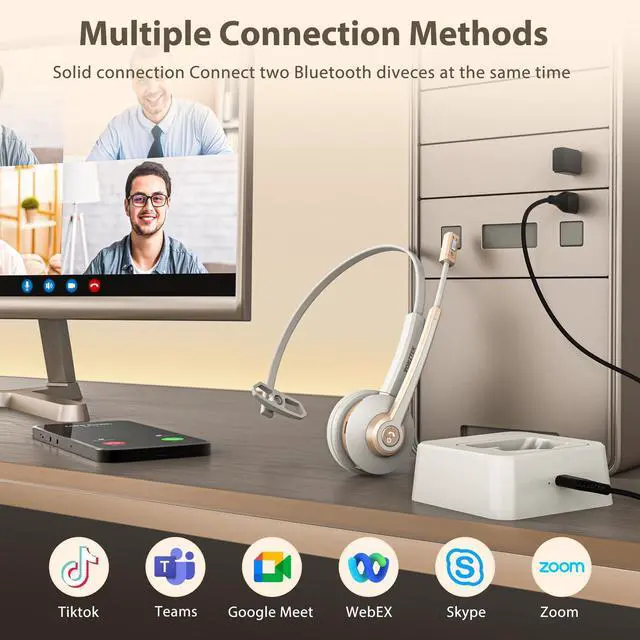
There are two ways to connect our wireless headset:
Method 1: Bluetooth Connection: Mainly used for smartphones, laptops, tablets and other devices with Bluetooth connectivity
Method 2: USB Dongle:Mainly used for devices without Bluetooth connection
Can I answer or hang up calls using the noise cancelling headset?
When connected to a smartphone, you can press the call button on the call center headset to answer or hang up calls. When connected to a laptop, you'll need to answer the call on the laptop. Bluetooth headsets are not compatible with landline phones.

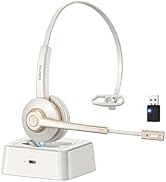
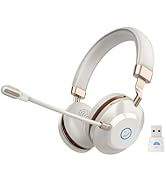
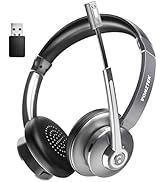
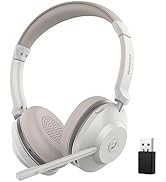
More Headsets in Vonztek Store
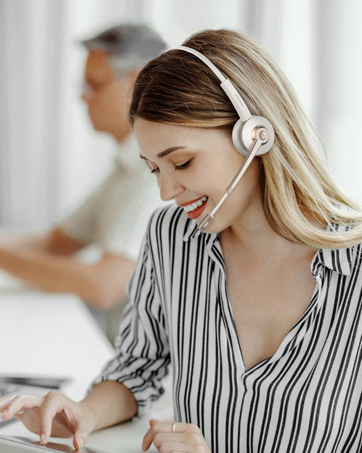
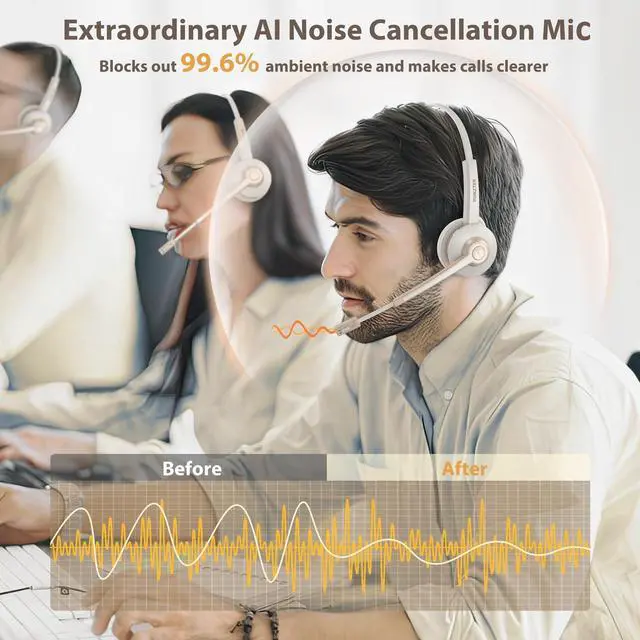
AI Noise Cancellation
Vonztek wireless headset provides excellent call clarity for crystal clear voice chat and communication

Hands-free Calls
The Bluetooth headset allows you to take calls via the MFB, which makes hands-free even easier.
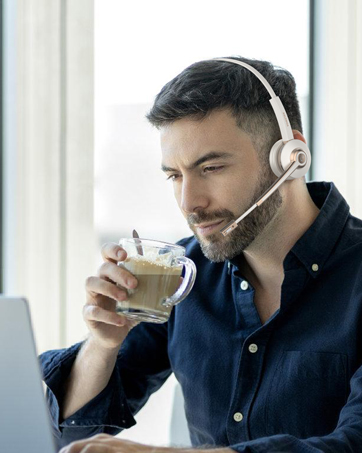
All-Day Comfort
Vonztek usb wireless headset features an adjustable headband and soft, breathable ear cushions for all-day comfort.

About us
Vonztek is devoted to researching and developing on the design and manufacture of Bluetooth headset products. We are thoughtfully designed to provide premium office wireless headphones for your work. Besides, The Vonztek team will keep on innovating and bringing out new stuff with elegant design and practical function, which to make your life and work easier.
How we get our start?
Vonztek was created by innovative entrepreneurs with the purpose of building a flexible and efficient communication system to pick up crystal clear voices. At Vonztek we explore, we innovate, and we make it happen.
Our Mission
We constantly refine and enhance our products to create a better use experience. Vonztek is always committed to provide more innovative and valuable products for you.
Why do we love what we do?
Each of our products combines Innovative technology and high-quality materials with down-to-earth practically to give you what you need.
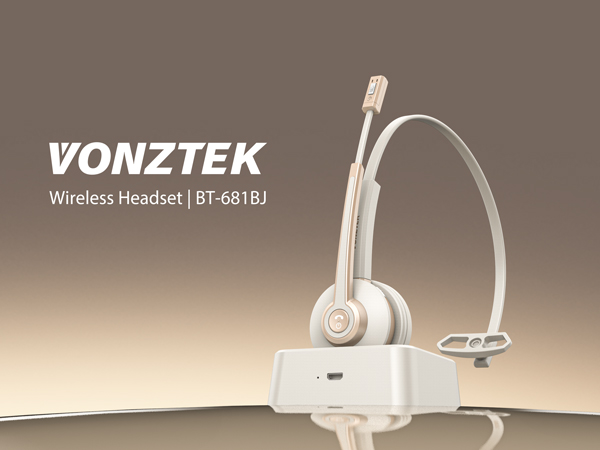
Your Voice, Professional & Clear
Same space, different tasks—our wireless headset with microphone keep you both immersed
Separate Dedicated Mute Button
Simply click the mute button to toggle the microphone on or off, ensuring your privacy during calls
Hands-Free, Worry-Less
You can press the MFB button to activate the voice assistant, or just activate it with your voice
Pillow-Soft Memory Protein Earpad
With protein memory foam, the earmuffs provide delightful comfort even after a full day of work
One for All
Our headset compatible with Mainstream Platforms like cell phones, iPads, tablets, laptops, etc.
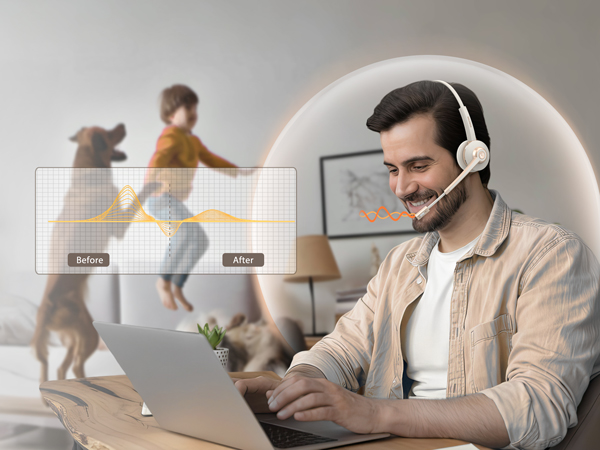
Featuring The Latest Upgraded Bluetooth 5.2 Chip
The wireless headset for work reduces signal delay for faster and more stable transmission
Lightness
Stay comfortable and energized with this Bluetooth headset for best results.
Seemless Platform Productivity
Effortless compatibility with popular UC platforms for truly seamless communication & collaboration.


Video title for hero-video
Merchant VideoDoes this trucker headset have a mute button? How do I mute it?
During a call, click on the Mute button and you will hear a "Mute On" sound, which means that the microphone is muted!
How do I charge the bluetooth headset?
You can charge the bluetooth microphone headset via the supplied USB cable or charging dock. While charging, the indicator lights on the wireless laptop headset and the charging base will light up red.
Why is there no sound sometimes when I connect the wireless headset to the computer for a call?
The default settings of computer will affect the bluetooth headset with microphone’s function during use. Please check whether the sound input and output of your computer is set to headset driver, if not, please change setting.
What should I do if there is no sound when the wireless usb headset is connected to the computer?
There are two ways to connect our wireless headset:
Method 1: Bluetooth Connection: Mainly used for smartphones, laptops, tablets and other devices with Bluetooth connectivity
Method 2: USB Dongle:Mainly used for devices without Bluetooth connection
Can I answer or hang up calls using the noise cancelling headset?
When connected to a smartphone, you can press the call button on the call center headset to answer or hang up calls. When connected to a laptop, you'll need to answer the call on the laptop. Bluetooth headsets are not compatible with landline phones.
More Headsets in Vonztek Store
AI Noise Cancellation
Vonztek wireless headset provides excellent call clarity for crystal clear voice chat and communication
Hands-free Calls
The Bluetooth headset allows you to take calls via the MFB, which makes hands-free even easier.
All-Day Comfort
Vonztek usb wireless headset features an adjustable headband and soft, breathable ear cushions for all-day comfort.
About us
Vonztek is devoted to researching and developing on the design and manufacture of Bluetooth headset products. We are thoughtfully designed to provide premium office wireless headphones for your work. Besides, The Vonztek team will keep on innovating and bringing out new stuff with elegant design and practical function, which to make your life and work easier.
How we get our start?
Vonztek was created by innovative entrepreneurs with the purpose of building a flexible and efficient communication system to pick up crystal clear voices. At Vonztek we explore, we innovate, and we make it happen.
Our Mission
We constantly refine and enhance our products to create a better use experience. Vonztek is always committed to provide more innovative and valuable products for you.
Why do we love what we do?
Each of our products combines Innovative technology and high-quality materials with down-to-earth practically to give you what you need.