











Precision Sound Tuning
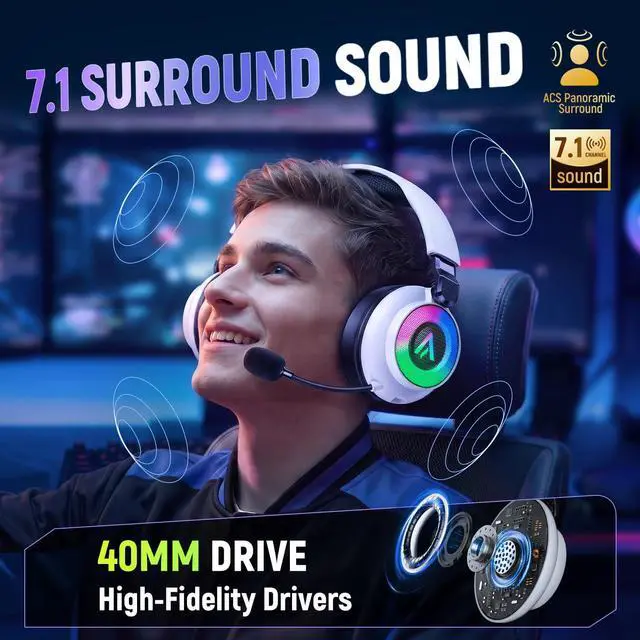
Precision-tuned by German engineers, our 50mm drivers deliver immersive, distortion-free sound for a superior gaming experience

Our Spotless Quality Facility
Every headset is built and rigorously tested in our state-of-the-art facility, guaranteeing top performance and quality

Secure Delivery Guaranteed
Military-grade, layered packaging protects your headset against shipping hazards, ensuring it arrives safely in perfect condition




How to switch between 2.4G and Bluetooth modes?
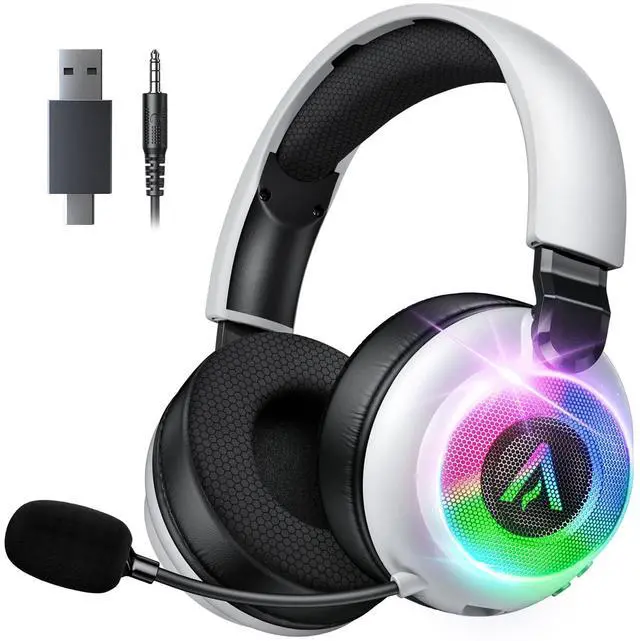
Move the 2.4G/BT switch down for 2.4G mode (green light), up for Bluetooth (blue light).
How to connect with different devices?
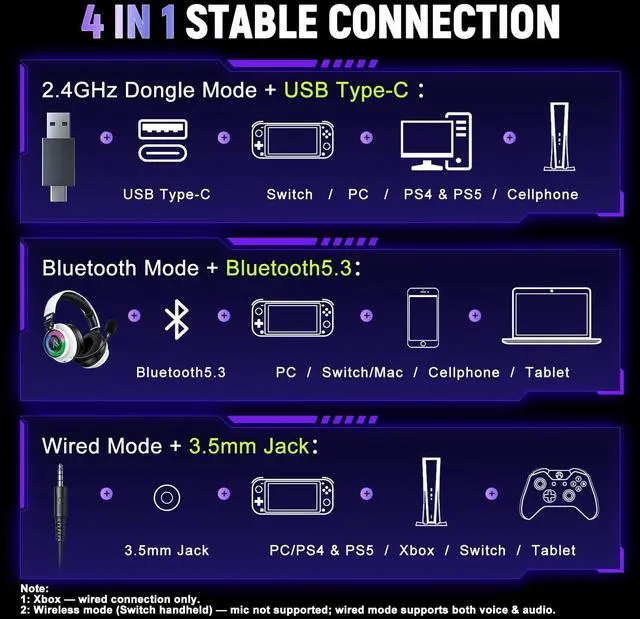
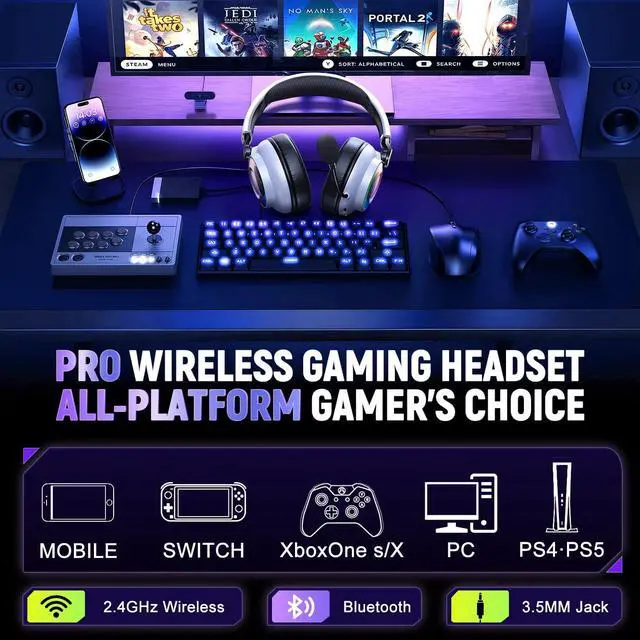
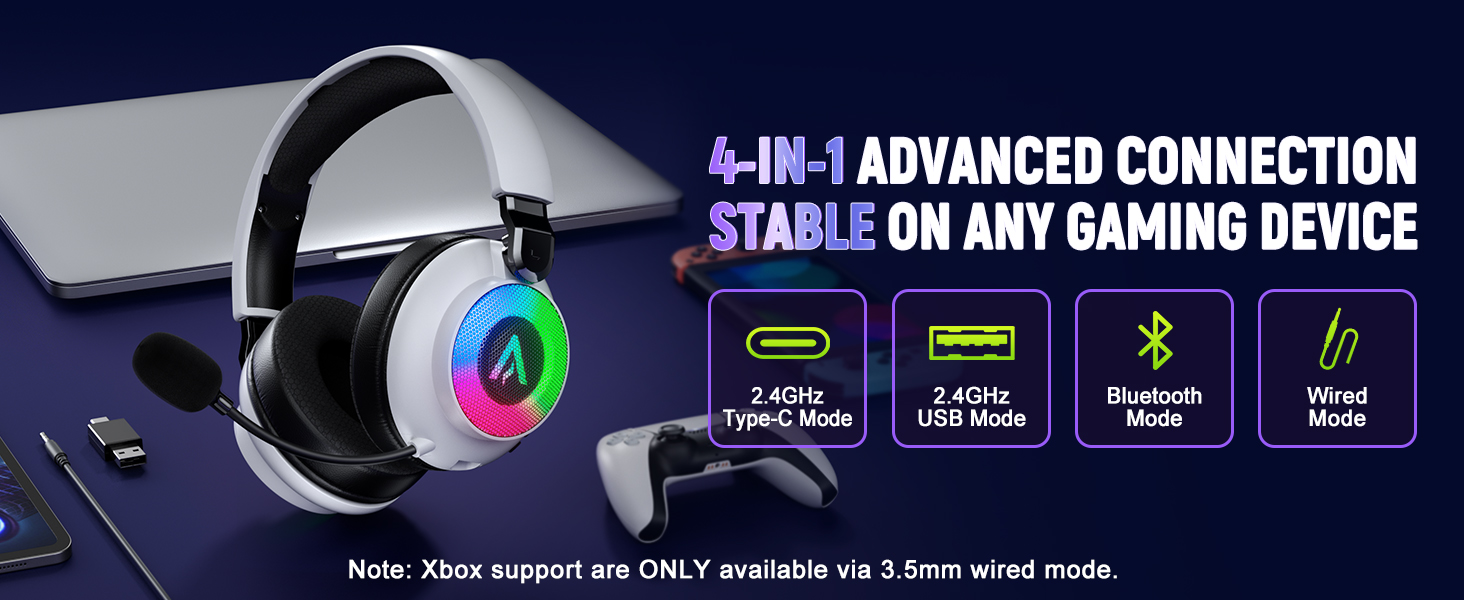
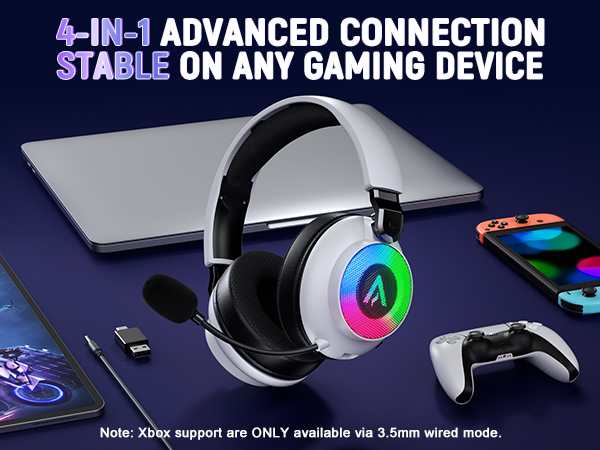
1. Wireless (PC/PS5/PS4/Switch/Mobile): Plug in the USB dongle or pair via Bluetooth.
2. Xbox: Use the 3.5mm cable (Wired mode ONLY).
3. Other devices: Connect via Bluetooth.
Do these headsets work with Xbox one?
Compatible with Xbox Series X|S, One, and 360 (Wired mode ONLY).
Can I turn the RGB lights on/off?
Yes. You have full control in wireless mode.
1. Wireless Mode: Double-click the "+" button to toggle RGB lights On/Off.
2. Wired Mode: RGB lights are disabled to ensure peak audio fidelity.
Mic quiet or no sound?
Usually a quick fix! Please check:
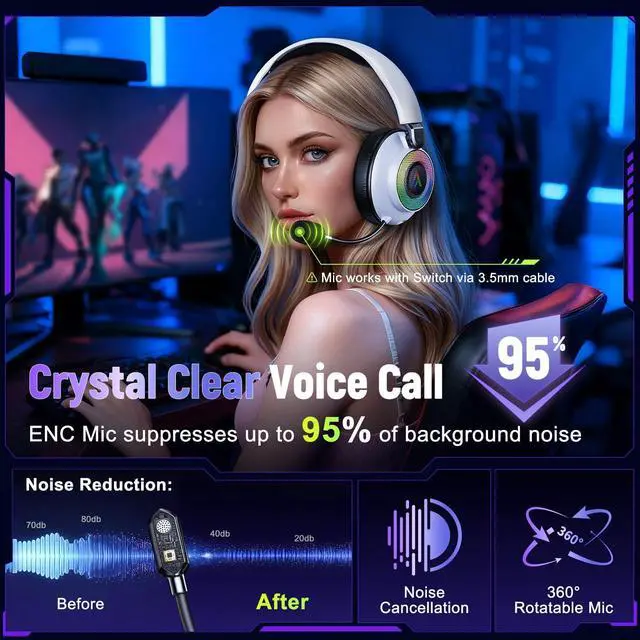
1. Unmute: Double-click “-” button (Listen for "Mic On").
2. Position: 360° mic within 1-2 inches of your mouth.
3. Settings: Set game/Discord input gain to 80-100%.




How to switch between 2.4G and Bluetooth modes?
Move the 2.4G/BT switch down for 2.4G mode (green light), up for Bluetooth (blue light).
How to connect with different devices?
1. Wireless (PC/PS5/PS4/Switch/Mobile): Plug in the USB dongle or pair via Bluetooth.
2. Xbox: Use the 3.5mm cable (Wired mode ONLY).
3. Other devices: Connect via Bluetooth.
Do these headsets work with Xbox one?
Compatible with Xbox Series X|S, One, and 360 (Wired mode ONLY).
Can I turn the RGB lights on/off?
Yes. You have full control in wireless mode.
1. Wireless Mode: Double-click the "+" button to toggle RGB lights On/Off.
2. Wired Mode: RGB lights are disabled to ensure peak audio fidelity.
Mic quiet or no sound?
Usually a quick fix! Please check:
1. Unmute: Double-click “-” button (Listen for "Mic On").
2. Position: 360° mic within 1-2 inches of your mouth.
3. Settings: Set game/Discord input gain to 80-100%.
Precision Sound Tuning
Precision-tuned by German engineers, our 50mm drivers deliver immersive, distortion-free sound for a superior gaming experience
Our Spotless Quality Facility
Every headset is built and rigorously tested in our state-of-the-art facility, guaranteeing top performance and quality
Secure Delivery Guaranteed
Military-grade, layered packaging protects your headset against shipping hazards, ensuring it arrives safely in perfect condition