




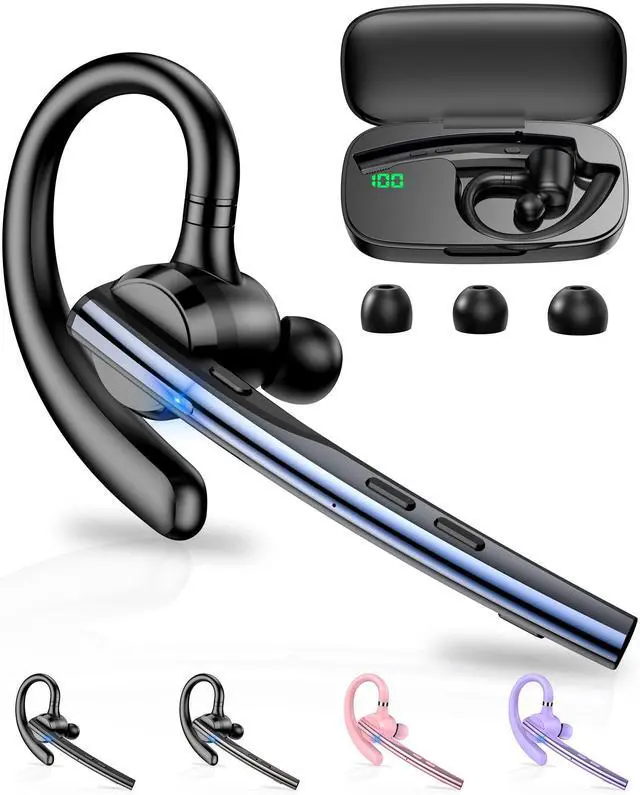





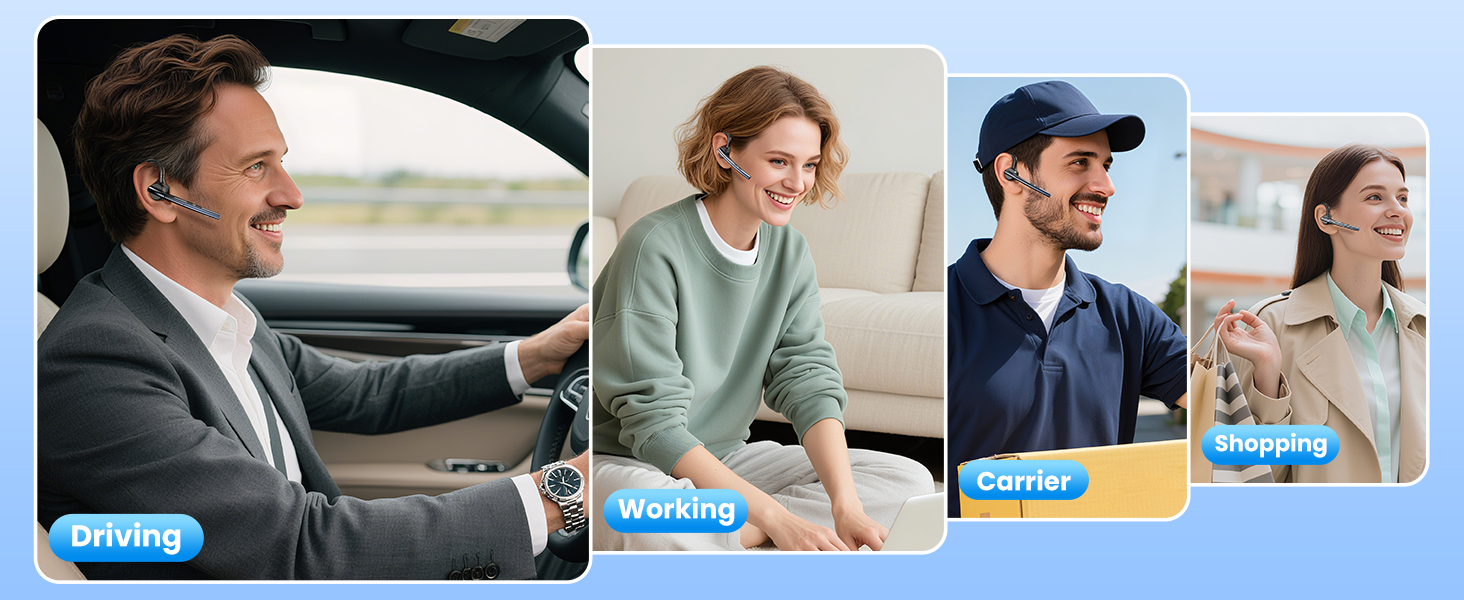
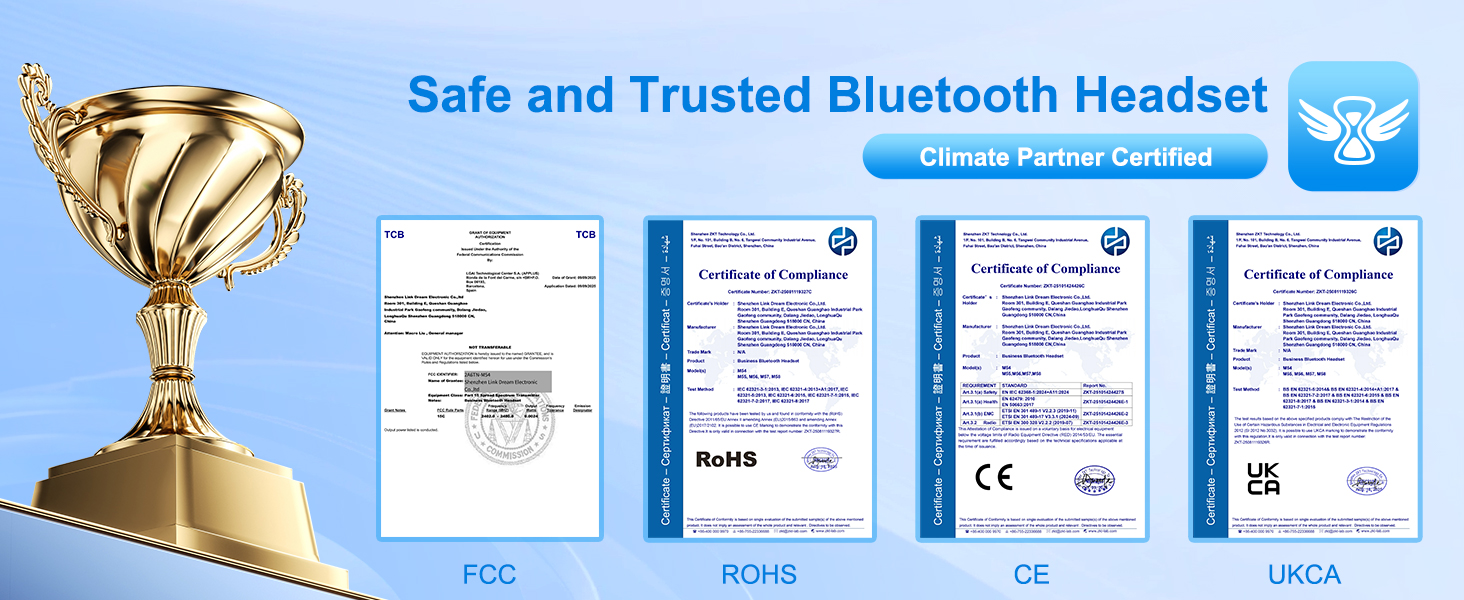
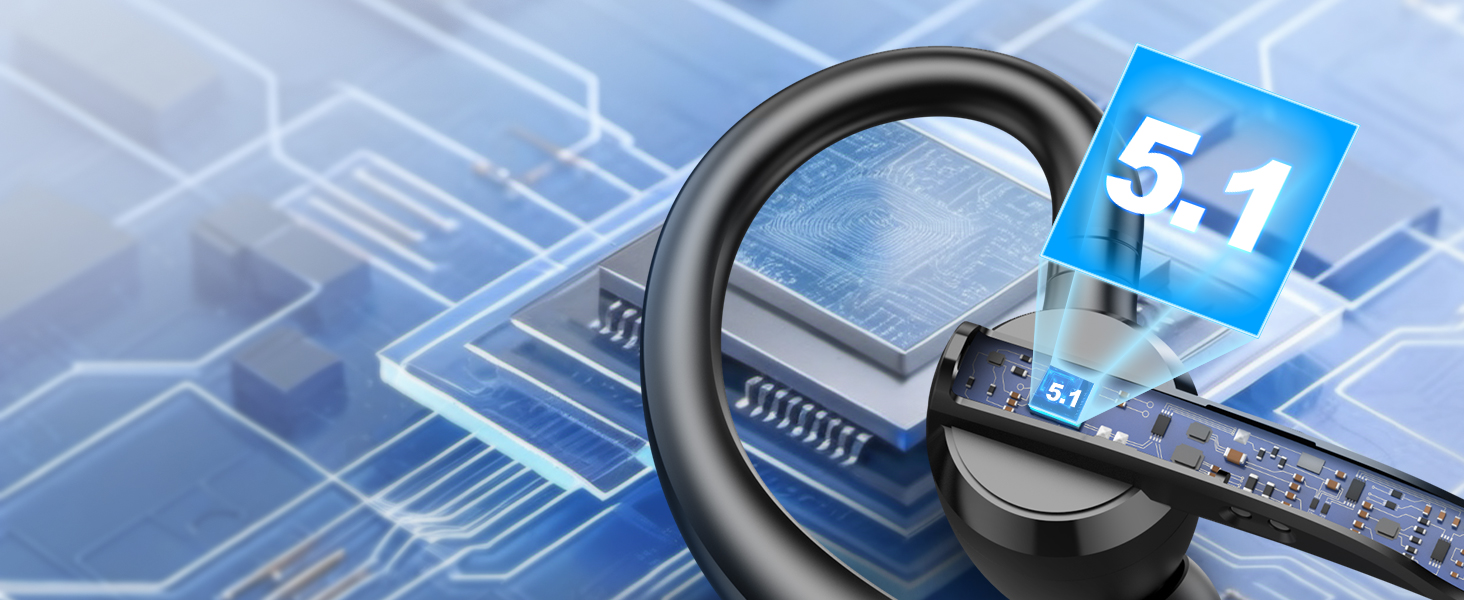
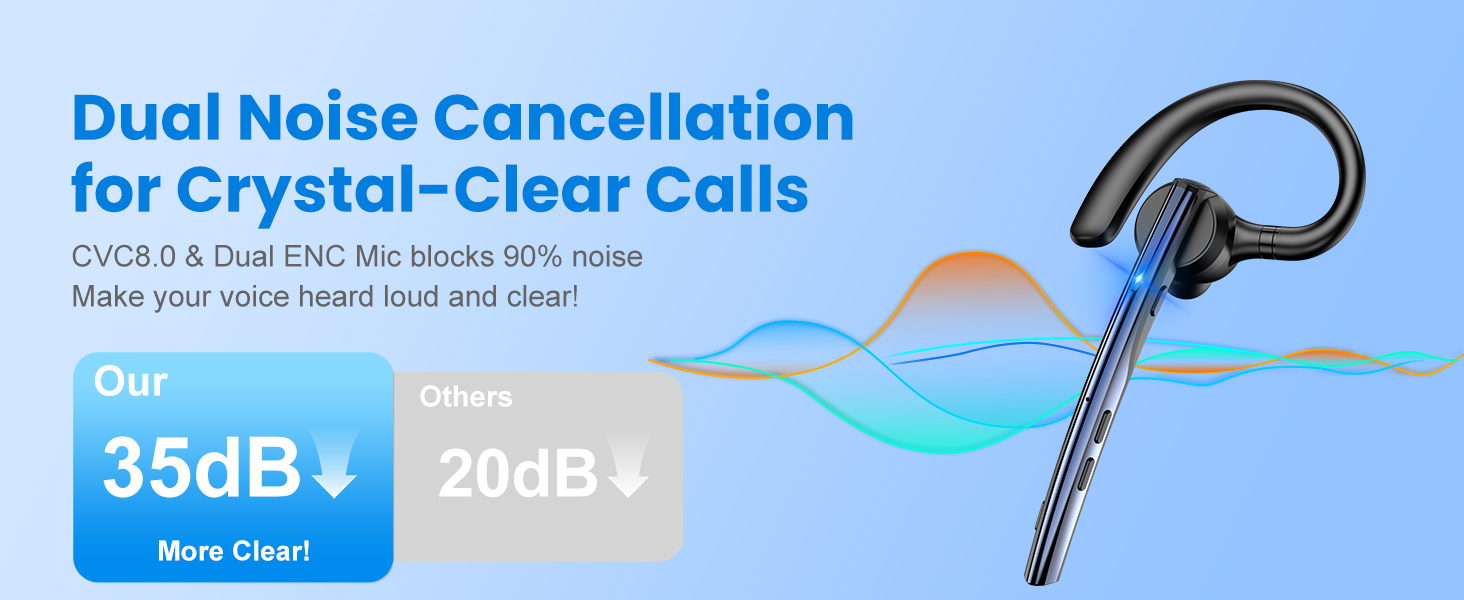
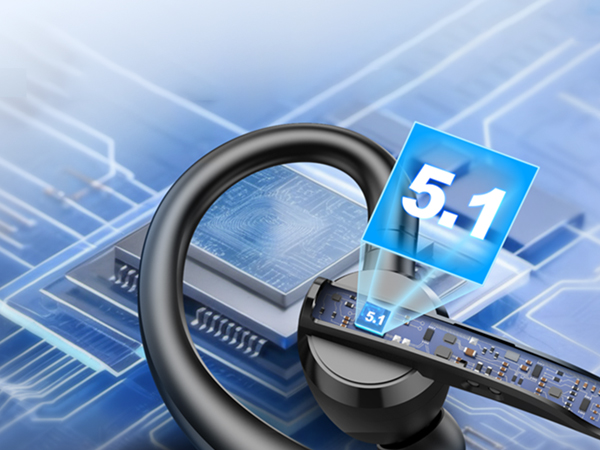
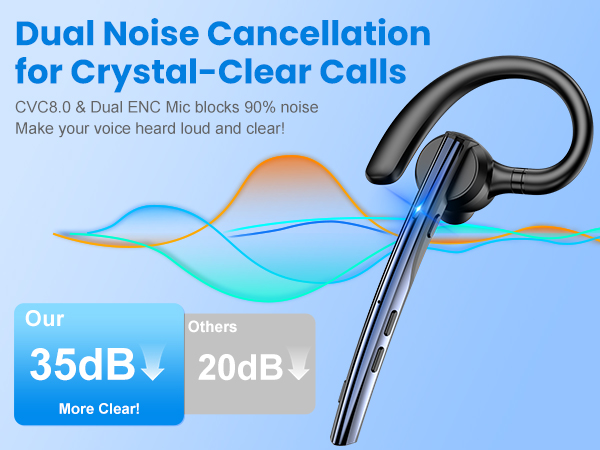
New bee Bluetooth Headset V5.1 with ENC Noise Cancelling Mic for Business Call
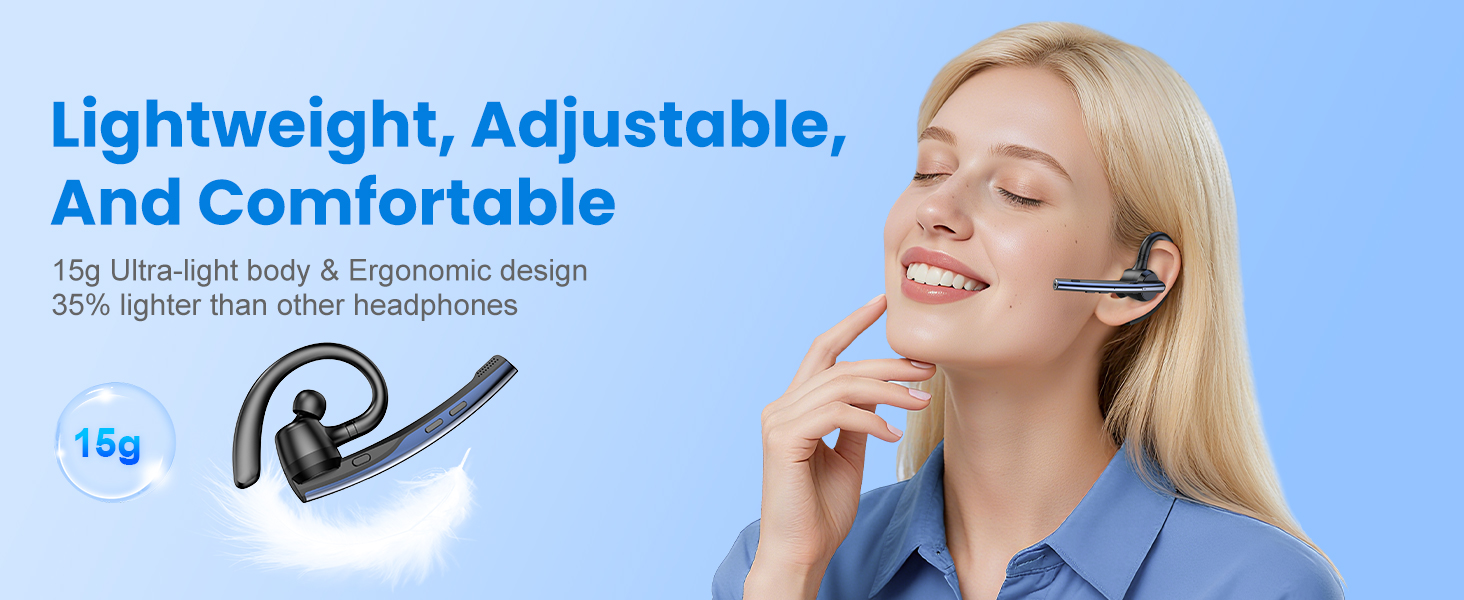
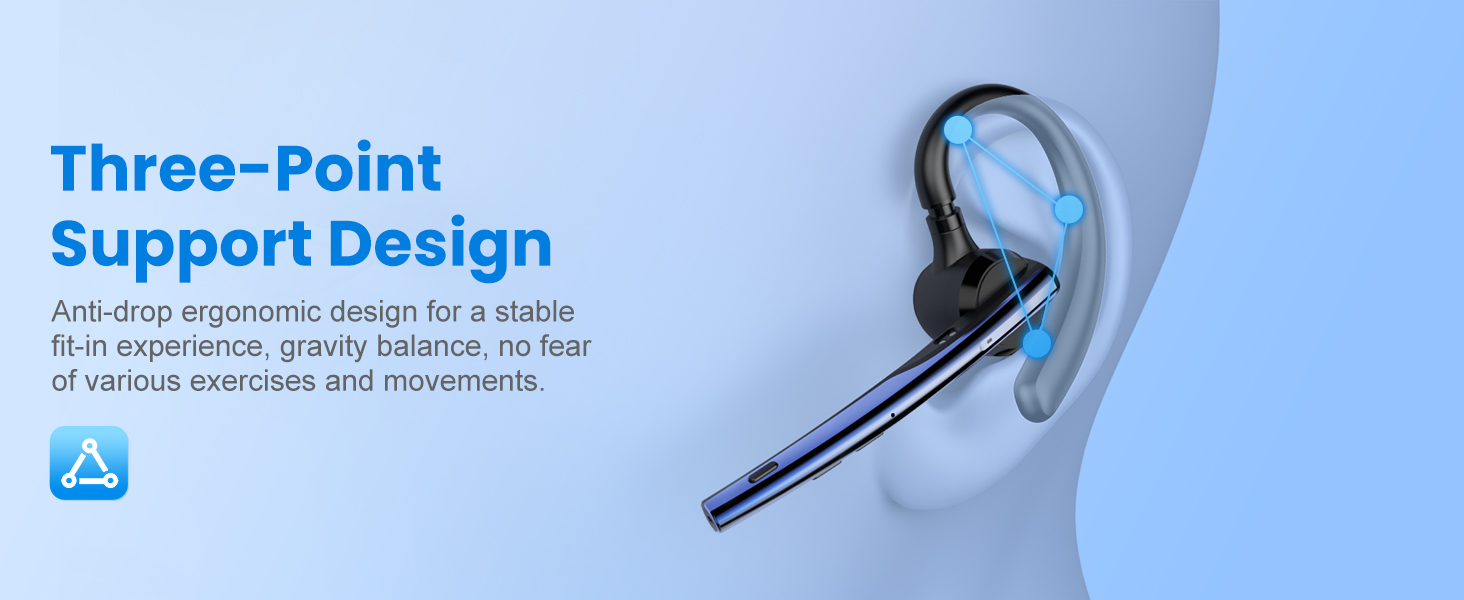
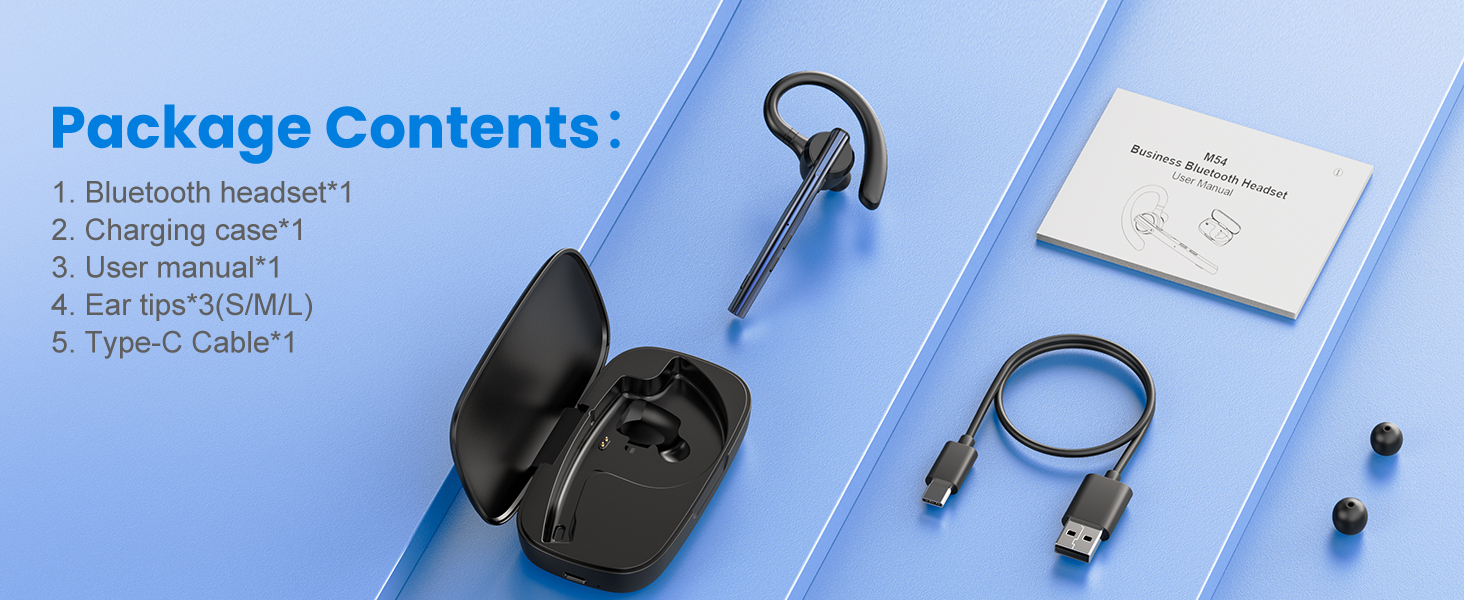
New bee Bluetooth Headset M54 for Business Call

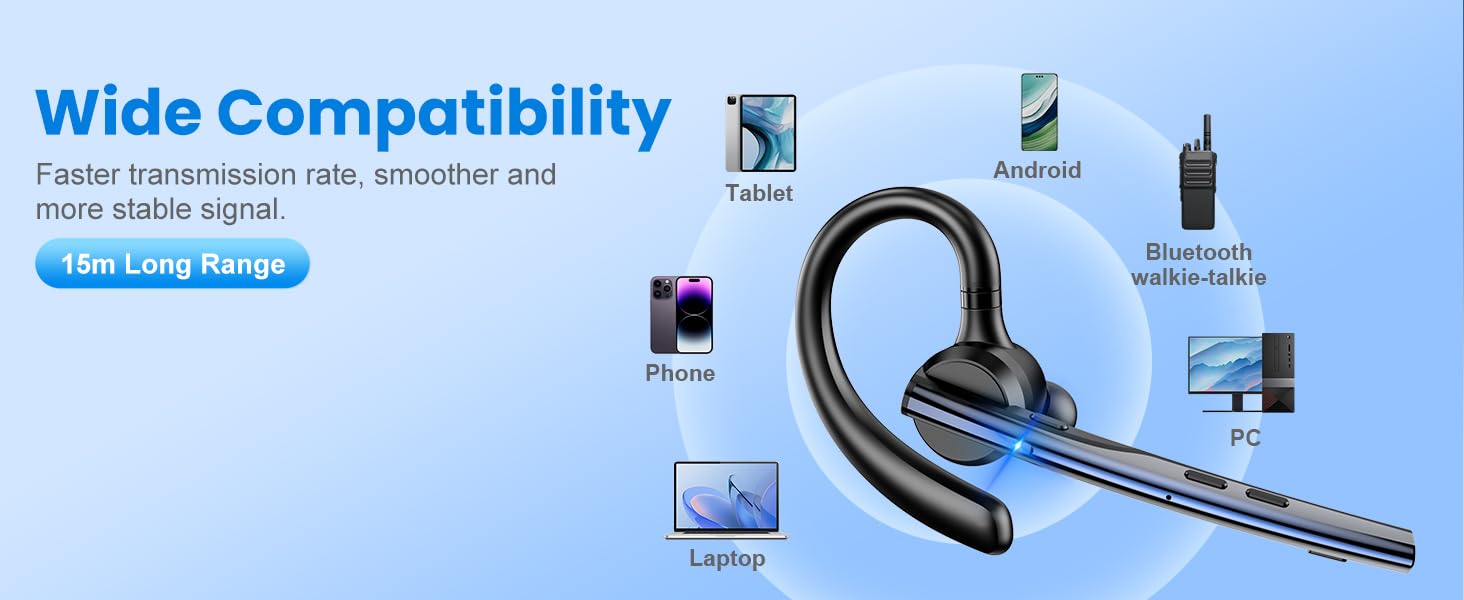
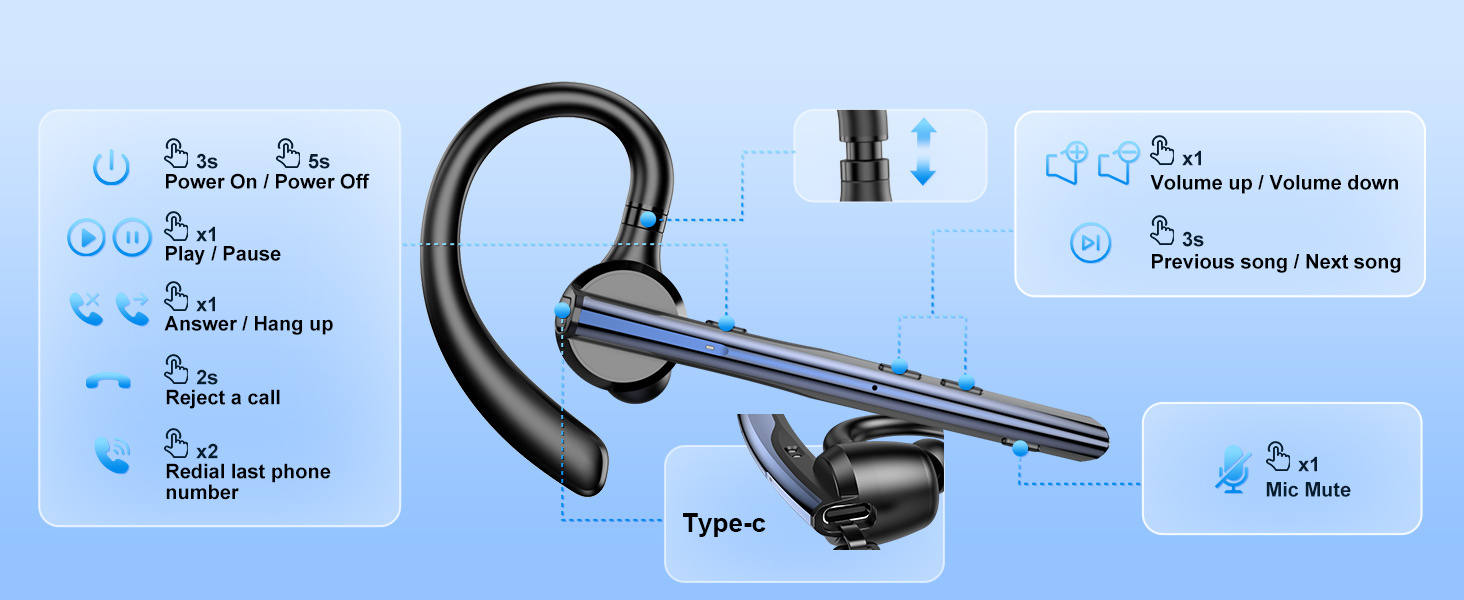
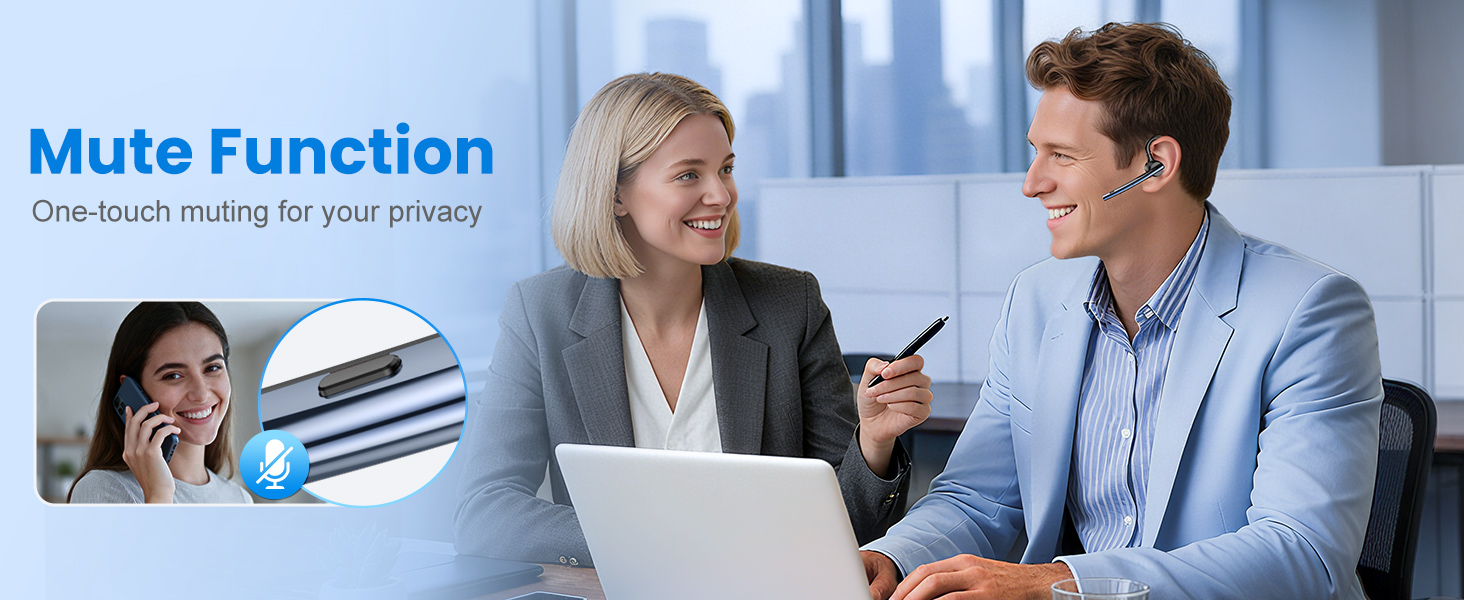
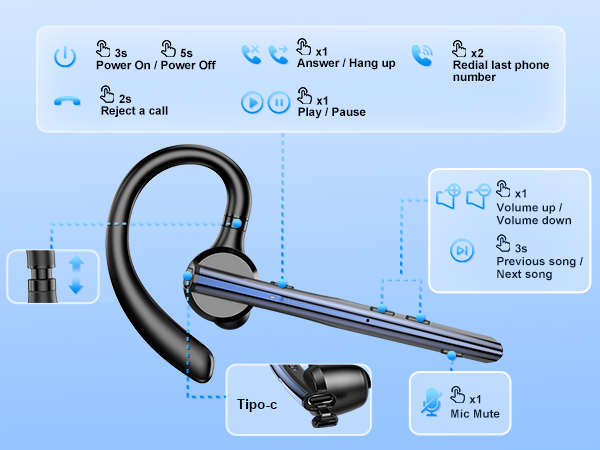
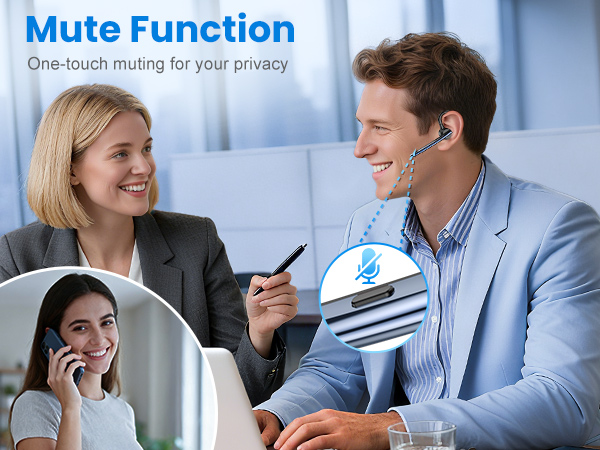
Could the headset be compatible with the Android computer or ipad? Could the headset support mute function?
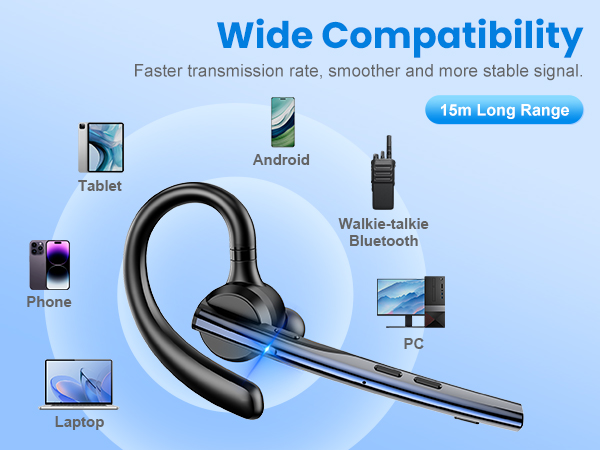
Sure. Compatible with devices that have Bluetooth functionality.
But The headset does not support answering calls,mute and redial last number by computer or ipad.
- Mute,answering calls and redial the last number are only supported by mobilephone.
What is the biggest advantage of the New Bee M54 bluetooth headsets?
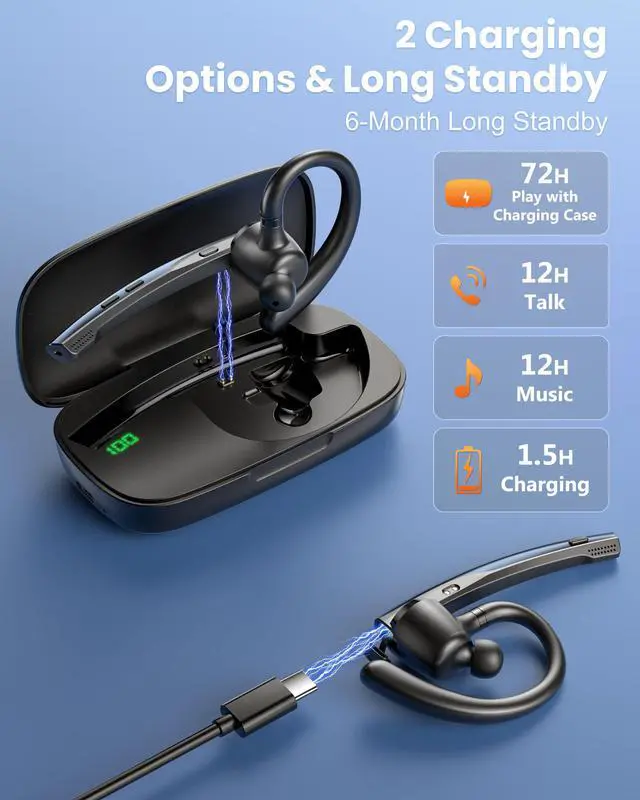
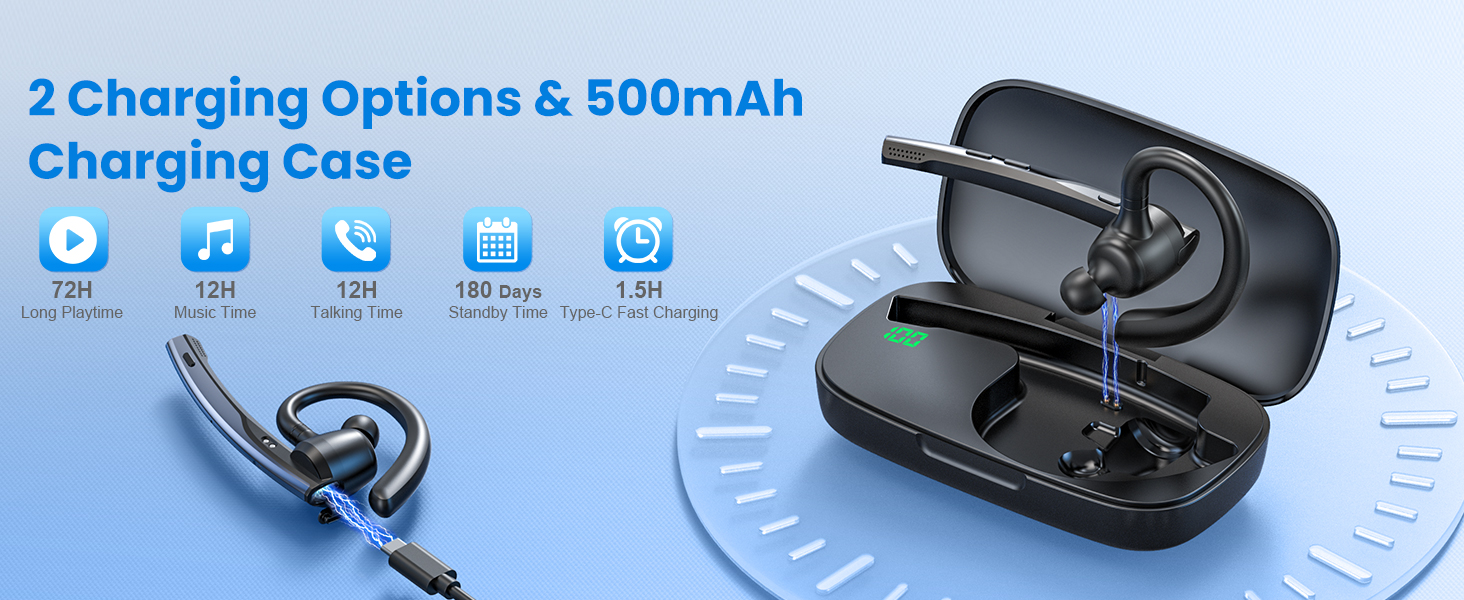
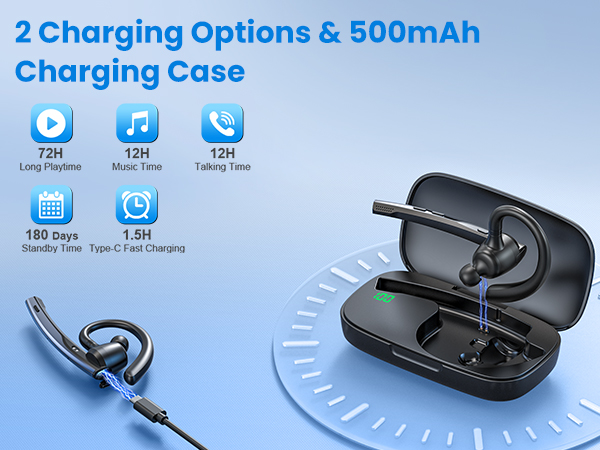
They can be charged in two ways. If you forget to bring the charging case, it's no problem. The headset feature a dedicated Type-C charging port for direct charging.
Alternatively, you can charge the earpiece using the charging case.
Why can't I hear any sound during calls?
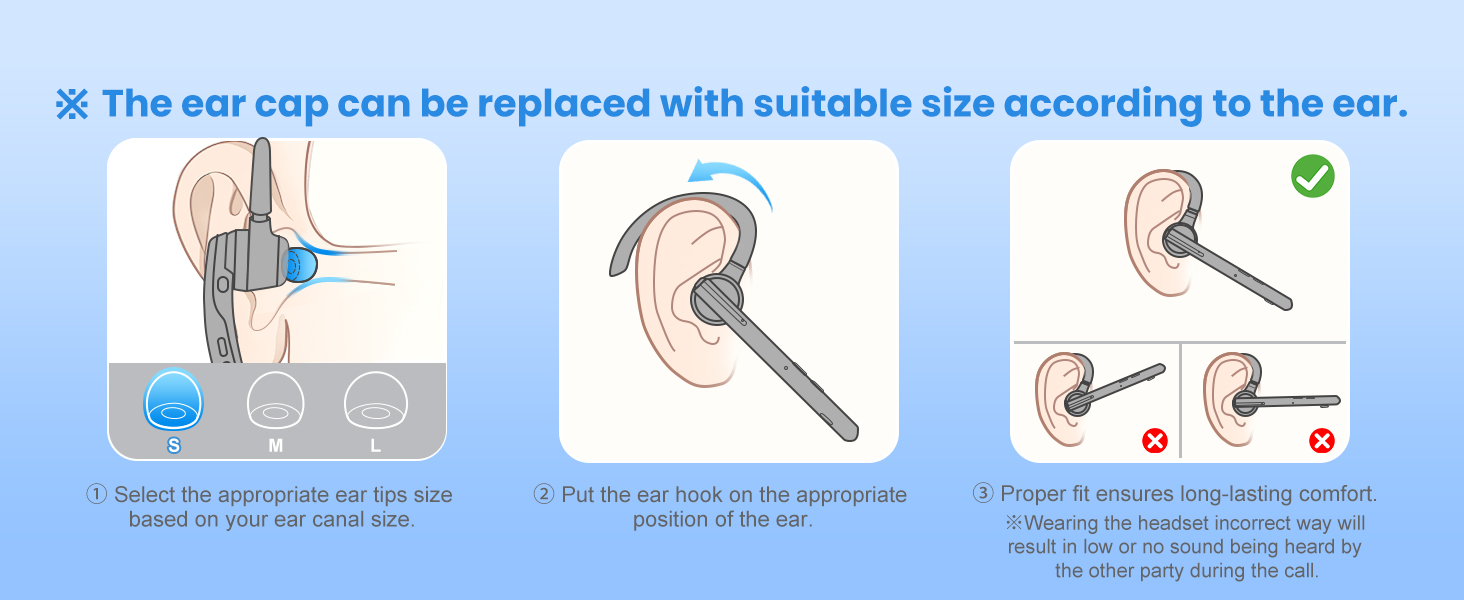
Please try resetting the headphones. Make sure you choose the M54 for audio input/output when in a call, but not the speaker on your cellphone.
How to reset the New Bee M54 bluetooth headset?
In power-on state, press the multifunctional button and volume up button at the same time for 6 seconds. When hearing the voice prompt of "power on, pairing", the bluetooth headset has been restored to factory settings.
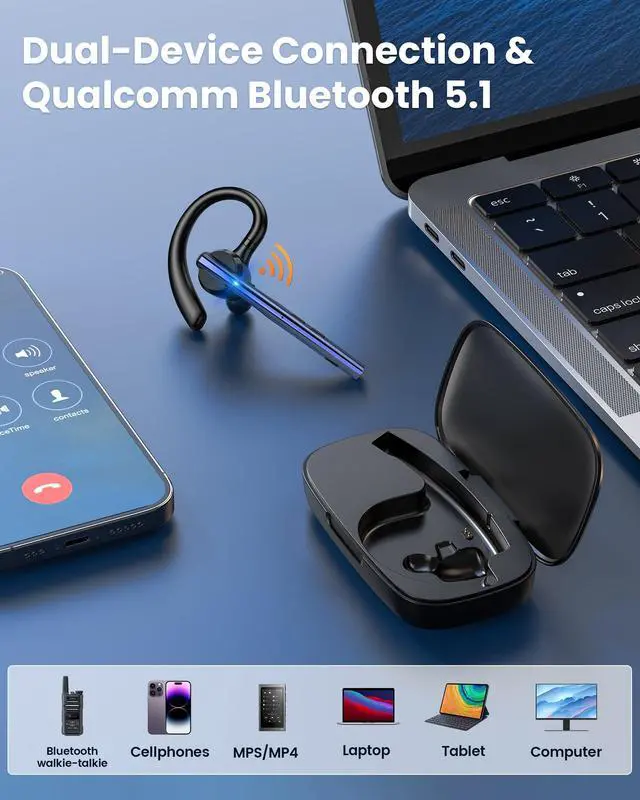
How do I connect the handsfree headset to Bluetooth walkie-talkie?
Step 1: Turn on the headset.
Step 2: Turn on the walkie-talkie,Then Search and click for "M54" in Bluetooth settings.
Step 3: Headset prompt "connected". Click the multifunctional button, the headset indicator goes out and then start to use.
New bee Bluetooth Headset V5.1 with ENC Noise Cancelling Mic for Business Call
New bee Bluetooth Headset M54 for Business Call
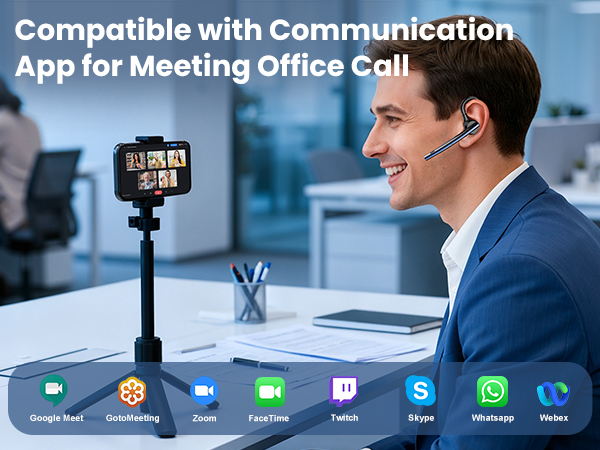



Could the headset be compatible with the Android computer or ipad? Could the headset support mute function?
Sure. Compatible with devices that have Bluetooth functionality.
But The headset does not support answering calls,mute and redial last number by computer or ipad.
- Mute,answering calls and redial the last number are only supported by mobilephone.
What is the biggest advantage of the New Bee M54 bluetooth headsets?
They can be charged in two ways. If you forget to bring the charging case, it's no problem. The headset feature a dedicated Type-C charging port for direct charging.
Alternatively, you can charge the earpiece using the charging case.
Why can't I hear any sound during calls?
Please try resetting the headphones. Make sure you choose the M54 for audio input/output when in a call, but not the speaker on your cellphone.
How to reset the New Bee M54 bluetooth headset?
In power-on state, press the multifunctional button and volume up button at the same time for 6 seconds. When hearing the voice prompt of "power on, pairing", the bluetooth headset has been restored to factory settings.
How do I connect the handsfree headset to Bluetooth walkie-talkie?
Step 1: Turn on the headset.
Step 2: Turn on the walkie-talkie,Then Search and click for "M54" in Bluetooth settings.
Step 3: Headset prompt "connected". Click the multifunctional button, the headset indicator goes out and then start to use.