




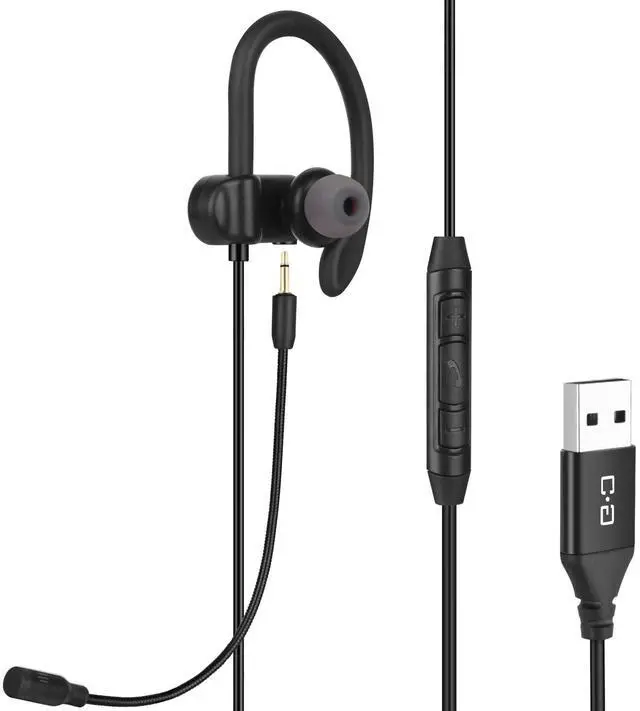


Single Earbud with Quality Boom Mic for Clear Call

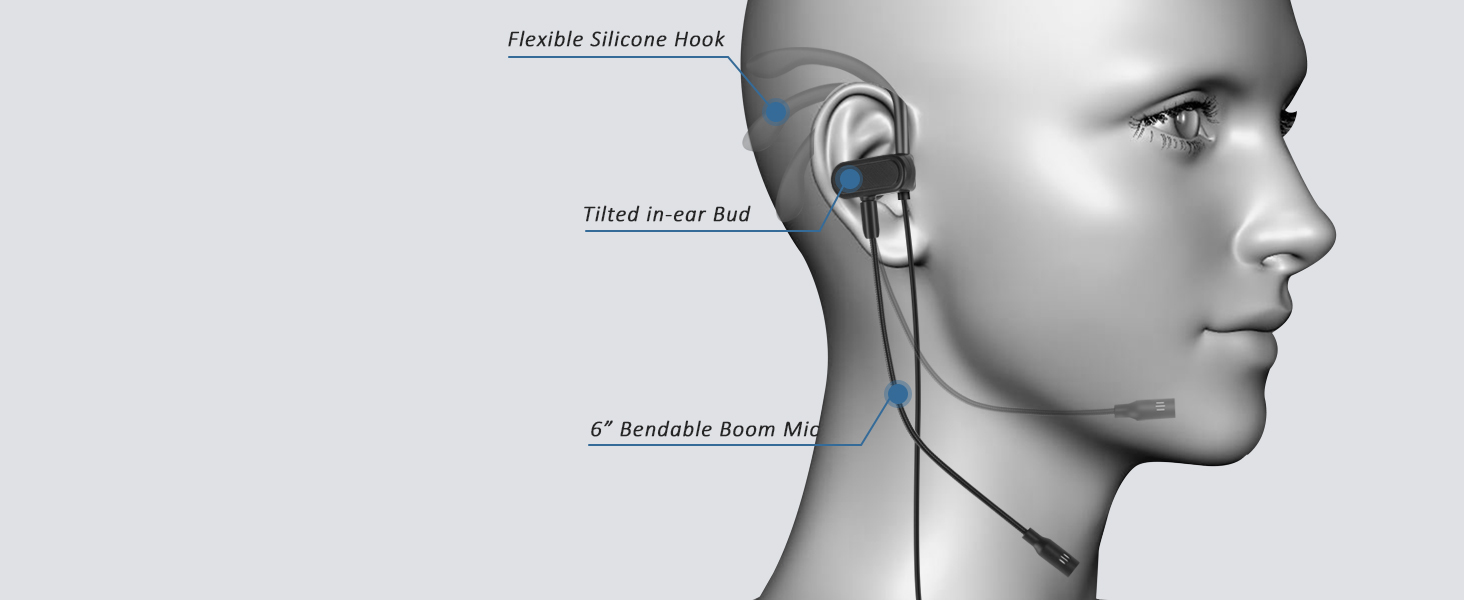
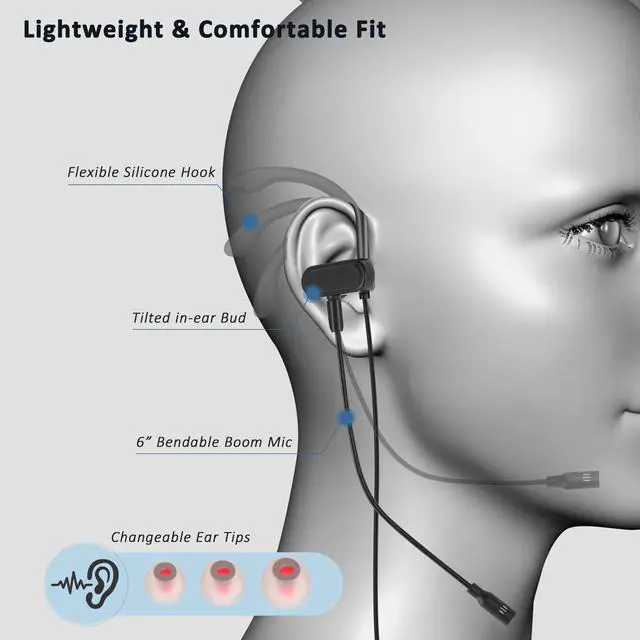
Secure & Comfortable Fit
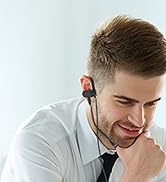
Single earbud with wrap-around hook. For right-ear wearing only.
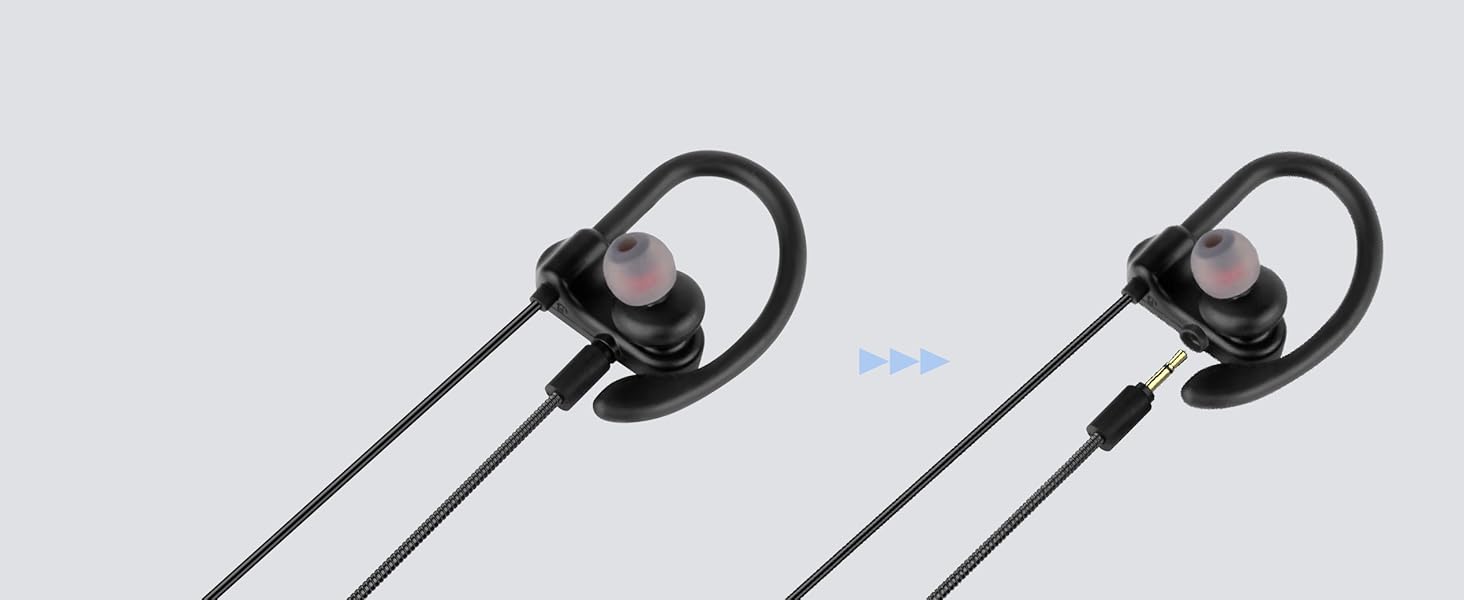
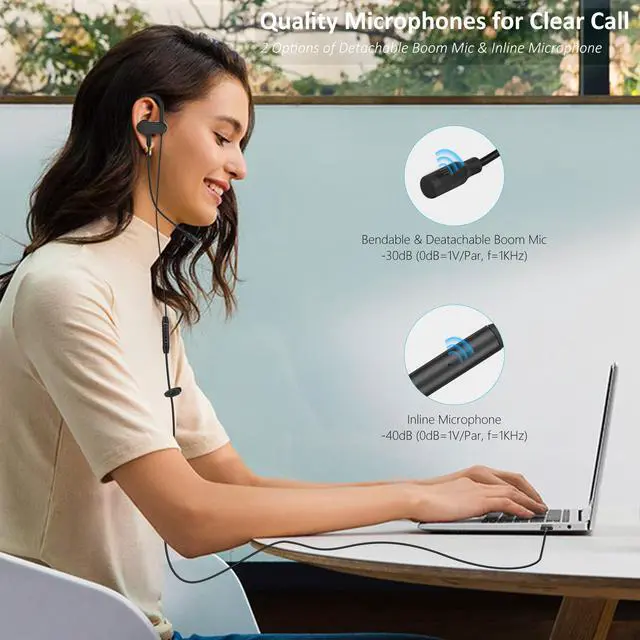
Detachable Boom Mic
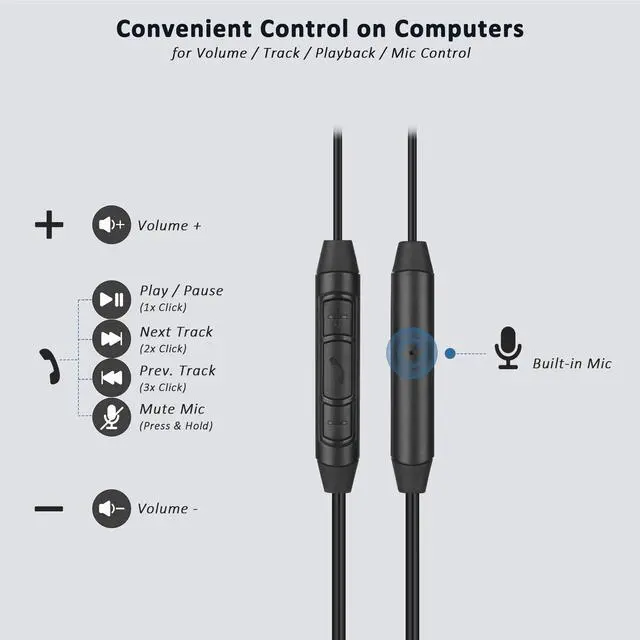
Unplug the boom mic to activate the inline mic. Both are high sensitivity for clear call.
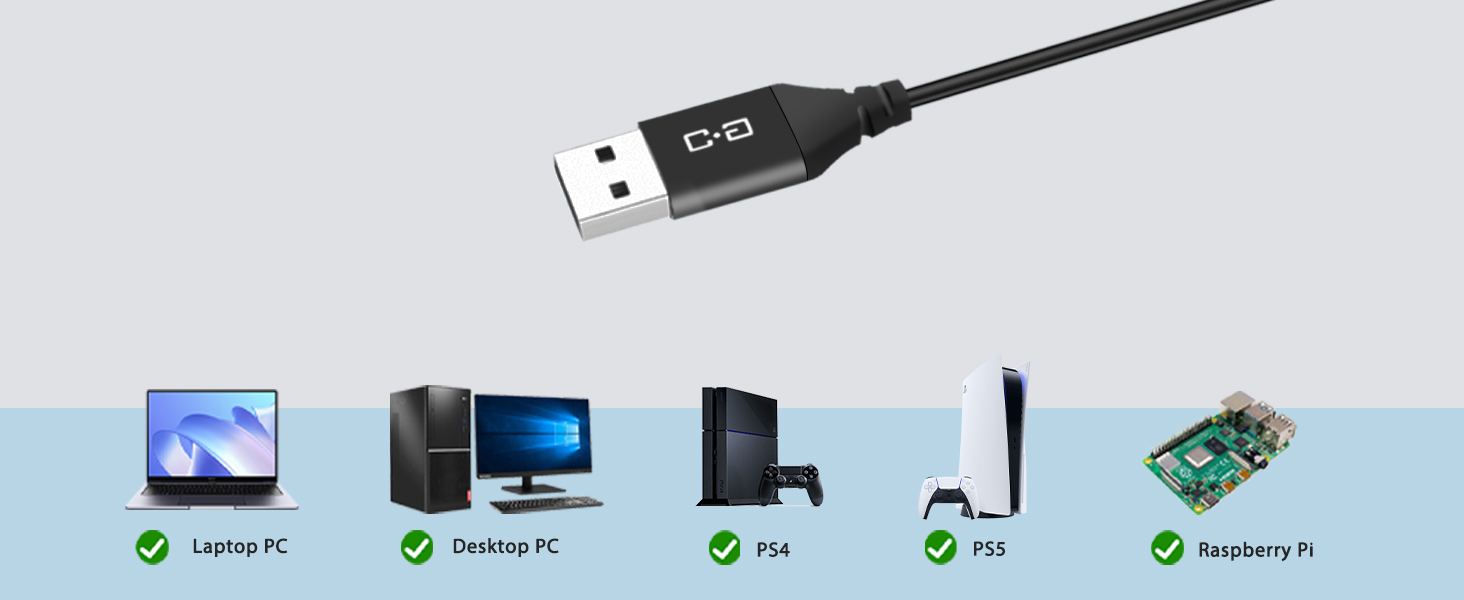
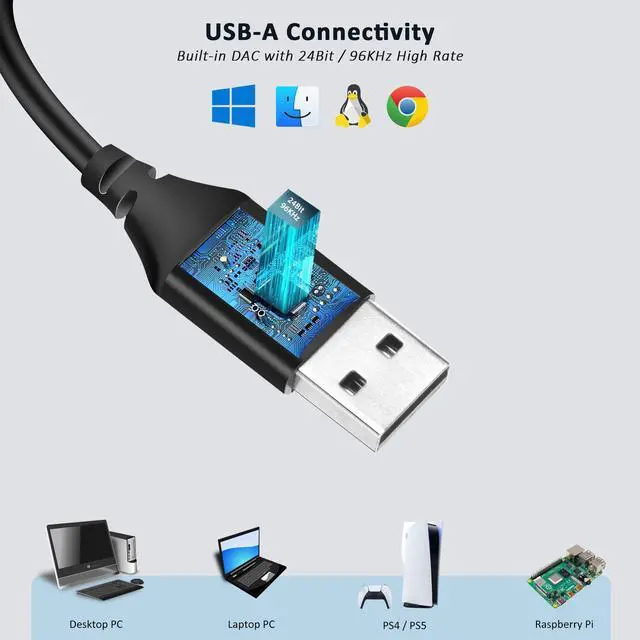
USB-A Compatibility
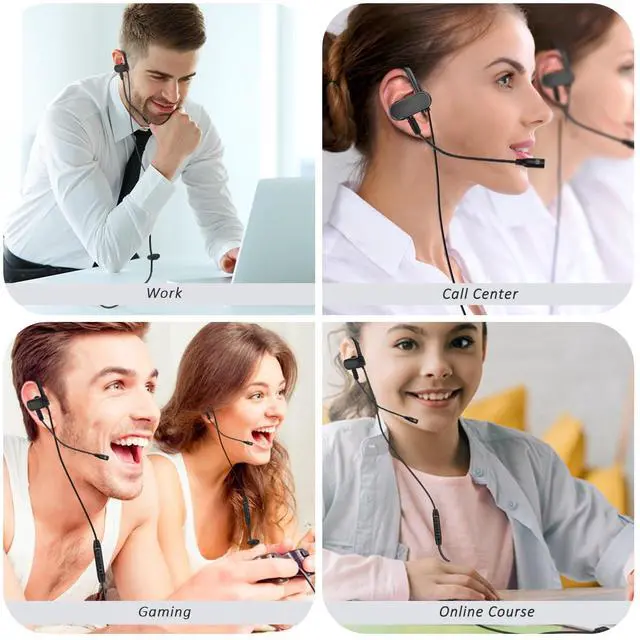
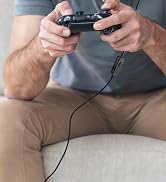
Plug & Play. For computers, PS4, PS5, Nintendo Switch Dock and more.
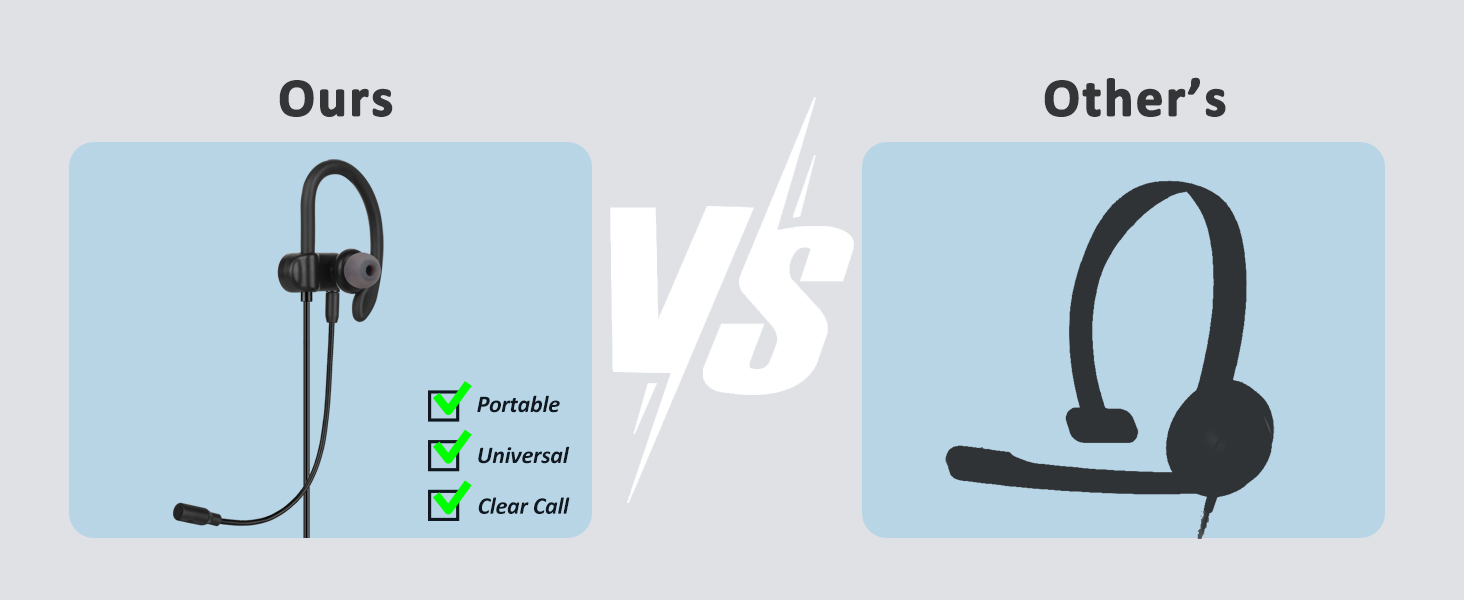
An Ideal Replacement for Your Bulky Headset.
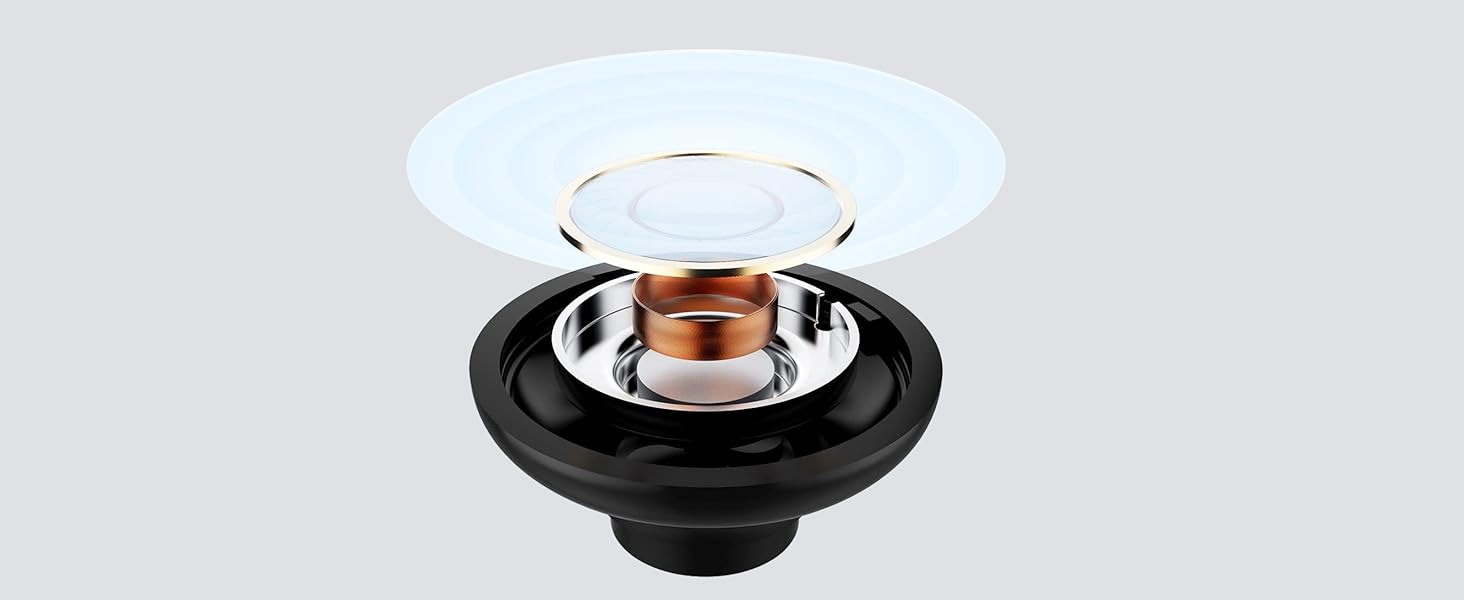
10mm Dynamic Speaker
Featuring a premium 10mm dynamic driver for superior sound.
Organized Storage Kit

Cloth Bag
for protection & carrying

Velcro Tie
Adjust the cord length and store neatly

Cable Clip
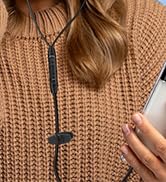
Clip the cord to your clothing to prevent the cable from swaying

Ear Hook
Keep the earbud properly positioned


Can I put it on left ear?
No. Due to its directional design, this single earbud is intended for right-ear use only.
If the boom mic is unplugged, what will happen?
Another microphone is placed on the in-line control, which will work when the boom mic is unplugged.
Can I mute the microphone?
lf you want to mute the microphones, please press and hold the central button on the inline control.
What should l do if people cannot hear me on PC?
lf people cannot hear you well through the microphone, please check if the USB Audio is selected as input devices, and then check the microphone volume in SYSTEM SETTINGS. You can read the User Guide or ask us for help.
Choose the Right Earbuds from DungzDuz
 1-side USB Earbud |  USB-C Earbuds |  3.5mm Earbuds |  USB Earbuds | |
|---|---|---|---|---|
Customer Reviews | — | — | — | — |
Price | — | — | — | — |
Connections | USB-A | USB-C, USB-A | 3.5MM (1/8") | USB-A |
Compatible with | PC, Mac, PS5 / 4, Call Center | Smartphones, Tablet, PC, Mac | Smartphones, Tablet, PC, Mac | PC, Mac, PS5 / 4, Call Center |
Type | In-ear with Wrap-around Hooks | In-ear with Wrap-around Hooks | In-ear with Wrap-around Hooks | In-ear |
with Detachable Boom Mic | ? | ? | ? | ? |
with Built-in inline Mic | ? | ? | ? | ? |
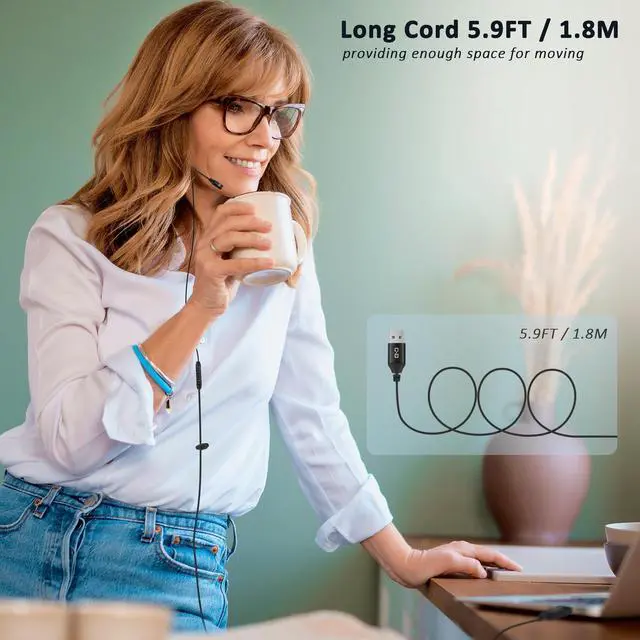
Cord Length | 5.9FT / 1.8M | 5.9FT / 1.8M | 4.2FT / 1.2M | 5.9FT / 1.8M |


Our Story
We offer a range of high-quality microphones, headphones, and earbuds. Committed to our product and service improvement, we aim to deliver gear that satisfies users, boosts work efficiency, and enhances communication. At the same time, we create warm, enjoyable listening experiences for watching, gaming, and calling.
We value the feedback from every user—if you have any questions, suggestions, or feedback, please feel free to reach us.



USB One-Side Earbud with Mic


USB-C & USB-A Earbuds with Mic




Long Cord Headphone for TV

USB Microphone for Laptop
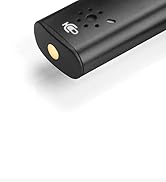
USB Microphone with Mute


USB C Mic for Mac Mini M4




Lavalier Mic & Cable Boom Mic

Cable Boom Mic for Headsets



2 Pack Lav Mic for DJI/RODE
Dual Mode Mini Speaker
Single Earbud with Quality Boom Mic for Clear Call

Secure & Comfortable Fit
Single earbud with wrap-around hook. For right-ear wearing only.
Detachable Boom Mic
Unplug the boom mic to activate the inline mic. Both are high sensitivity for clear call.
USB-A Compatibility
Plug & Play. For computers, PS4, PS5, Nintendo Switch Dock and more.
An Ideal Replacement for Your Bulky Headset.
10mm Dynamic Speaker
Featuring a premium 10mm dynamic driver for superior sound.


Organized Storage Kit
Cloth Bag
for protection & carrying
Velcro Tie
Adjust the cord length and store neatly
Cable Clip
Clip the cord to your clothing to prevent the cable from swaying
Ear Hook
Keep the earbud properly positioned


Can I put it on left ear?
No. Due to its directional design, this single earbud is intended for right-ear use only.
If the boom mic is unplugged, what will happen?
Another microphone is placed on the in-line control, which will work when the boom mic is unplugged.
Can I mute the microphone?
lf you want to mute the microphones, please press and hold the central button on the inline control.
What should l do if people cannot hear me on PC?
lf people cannot hear you well through the microphone, please check if the USB Audio is selected as input devices, and then check the microphone volume in SYSTEM SETTINGS. You can read the User Guide or ask us for help.
Choose the Right Earbuds from DungzDuz
 1-side USB Earbud | USB-C Earbuds | 3.5mm Earbuds | USB Earbuds |
|---|---|---|---|
| Customer Reviews | |||
| — | — | — | — |
| Price | |||
| — | — | — | — |
| Connections | |||
| USB-A | USB-C, USB-A | 3.5MM (1/8") | USB-A |
| Compatible with | |||
| PC, Mac, PS5 / 4, Call Center | Smartphones, Tablet, PC, Mac | Smartphones, Tablet, PC, Mac | PC, Mac, PS5 / 4, Call Center |
| Type | |||
| In-ear with Wrap-around Hooks | In-ear with Wrap-around Hooks | In-ear with Wrap-around Hooks | In-ear |
| with Detachable Boom Mic | |||
| ? | ? | ? | ? |
| with Built-in inline Mic | |||
| ? | ? | ? | ? |
| Cord Length | |||
| 5.9FT / 1.8M | 5.9FT / 1.8M | 4.2FT / 1.2M | 5.9FT / 1.8M |
Our Story
We offer a range of high-quality microphones, headphones, and earbuds. Committed to our product and service improvement, we aim to deliver gear that satisfies users, boosts work efficiency, and enhances communication. At the same time, we create warm, enjoyable listening experiences for watching, gaming, and calling.
We value the feedback from every user—if you have any questions, suggestions, or feedback, please feel free to reach us.
USB One-Side Earbud with Mic
USB-C & USB-A Earbuds with Mic
Long Cord Headphone for TV
USB Microphone for Laptop
USB Microphone with Mute
USB C Mic for Mac Mini M4
Lavalier Mic & Cable Boom Mic
Cable Boom Mic for Headsets
2 Pack Lav Mic for DJI/RODE
Dual Mode Mini Speaker
