








Choose APETOO
Listen Easier and Happier!
About US
APETOO has beed strived to research, develop and produce the high quality earbuds & headphones for years, these products have been popular around the world.
We listen to our customers, see things from their perspective, and develop products they truly love.
How did we get our start?
Broken earbuds sparked our obsession. Tore them apart. Learned. Built our own. Failed. Tried again. Now we craft headphones to make music breathe.
What makes our products unique?
Customer's voices drive our innovation - we design and manufacture products from your standpoint, creating what you genuinely want.
Why do we love what we do?
After years of successful developing, production and selling of the earbuds, we feel happy and rewarding. Life is not easy but beautiful once we enjoy it, so we hope to bring a more active lifesyle to people via our products.
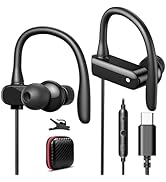
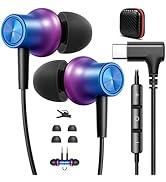
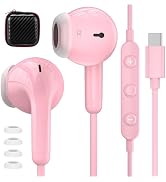
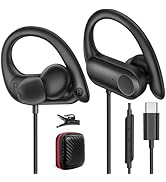
New Released
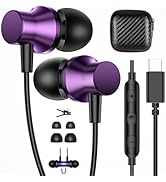
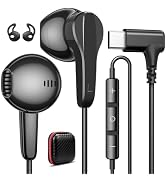
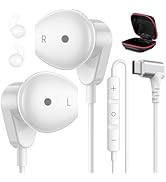
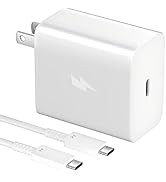
New Released
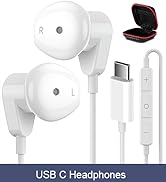
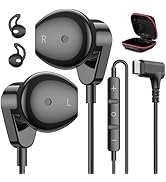
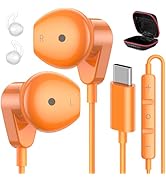
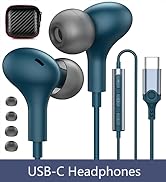
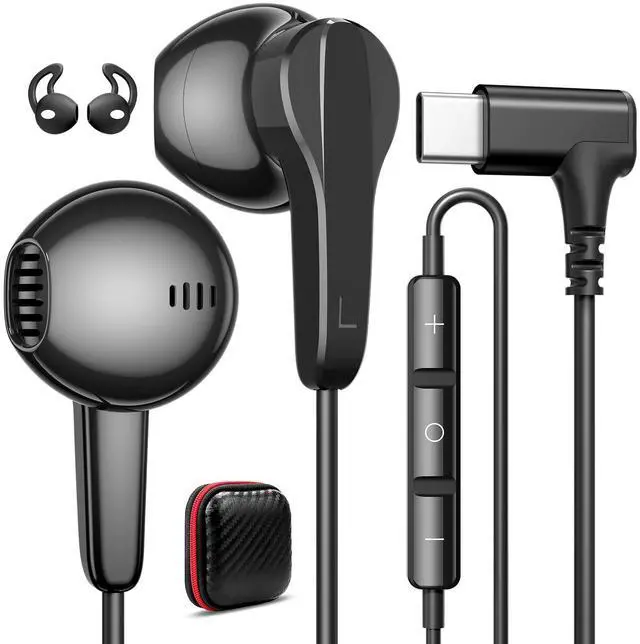
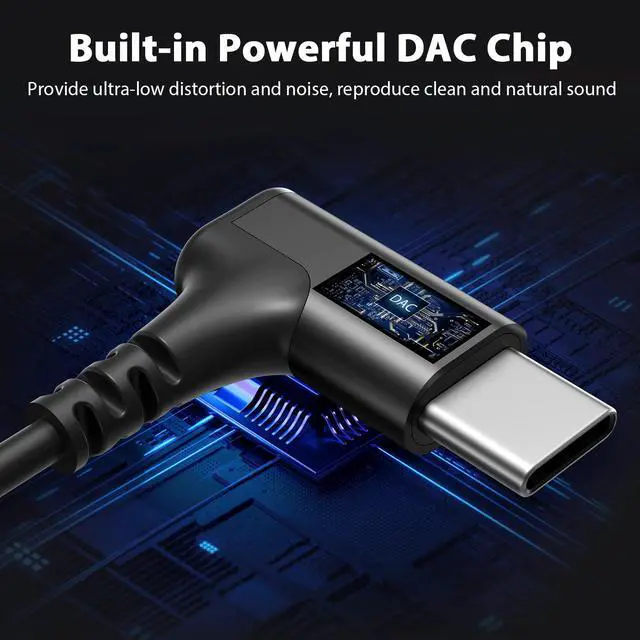
USB C Headphones
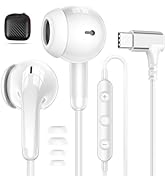
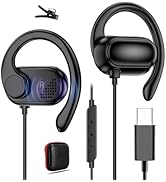
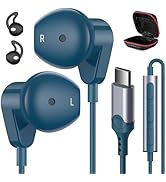
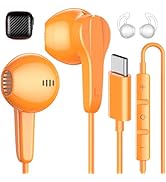
USB C Headphones
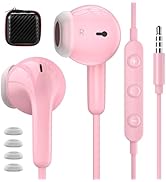
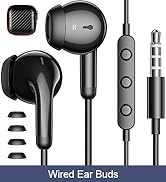
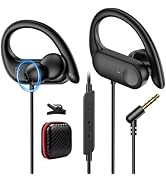
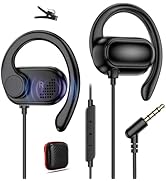
3.5mm Headphones
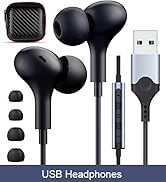
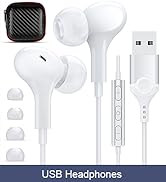
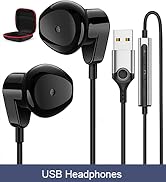
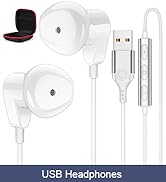
USB Headset


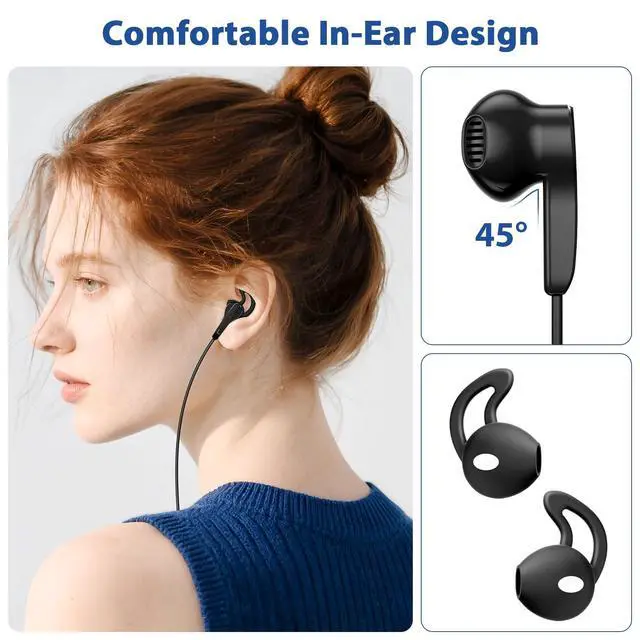
Comfortable and Lightweight
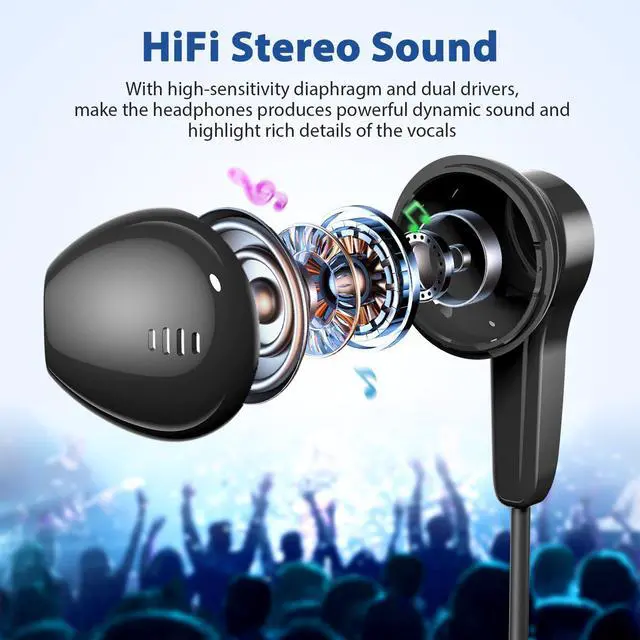
Ergonomic In-ear design, specially designed for the human ear canal, to maximize the comfort
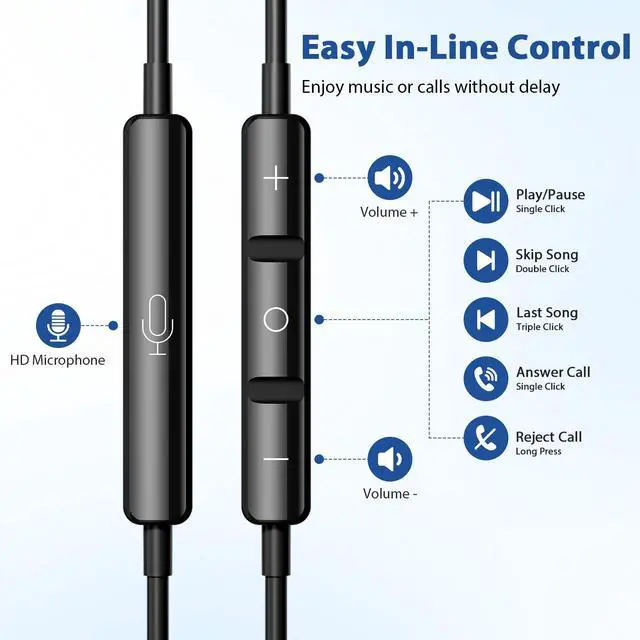
In-line Volume Control & Microphone
Free your hands and enjoy music or calls without delay


Compitable List (Not Full List)
| for Apple | for iPhone 17 16 15 Pro Max/15 16 17 Pro/16 15 Plus/16e/Air; for iPad 10th/A16, for iPad Pro/Air/Mini, for iPad Pro 6th/5th/4th/3rd gen 12.9-inch, for iPad Pro 4th/3rd/2nd/1st Gen 11-inch, for iPad Air 6th/5th/4th Gen, for iPad mini (A17 Pro)/6th Gen; for Macbook Air/Pro |
|---|---|
| for Samsung | for Samsung Galaxy S26 Ultra/S26+/S25 Ultra/S25+/S25 Edge, S24 Ultra/S24+/S24 FE/S24, S23 Ultra/S23+/S23 FE/S23, S22 Ultra/S22/S22, S21 Ultra/S21 FE/S21/S21 Plus, S20 FE/S20/ S20+/S20 Ultra, Note 20 Ultra/Note 20/ Note 10 Plus/Note 10, Galaxy A17/A16/A54/A53/A33/A34/A60/A80/A90, Galaxy Z Flip7/6/5/4/3/2, Z Fold5/4/3/2, Galaxy Tablet A9+/S9 FE/S9/S8+/S8/S7+/S7/S6/S5e |
| for Google | for Google Pixel 10a/10/ 9/ 8/ 8 Pro/ 7/ 7 Pro/ 7a/ 6a/ 6/ 6 Pro/ 5/ 5a/ 4a/ 4/ 4XL/ 3a/ 3XL/ 3/ 2 XL |
| for OnePlus | for OnePlus 15/15R/13R/12/12 R/Open 11 5G/10T 5G/10 Pro 5G/9 Pro/9/Nord/8T/8 Pro/8/7T Pro/7T/7 Pro/7/6T |
| for More Devices | for Huawei P40 Pro/P30 Pro/P30/P20 Pro/P20/Mate 60 Pro/ Mate 60/ Mate 50 Pro/ Mate 40 Pro/Mate 30 Pro/Mate 20 Pro/Mate 20/Mate 20 X/Mate 20 RS |
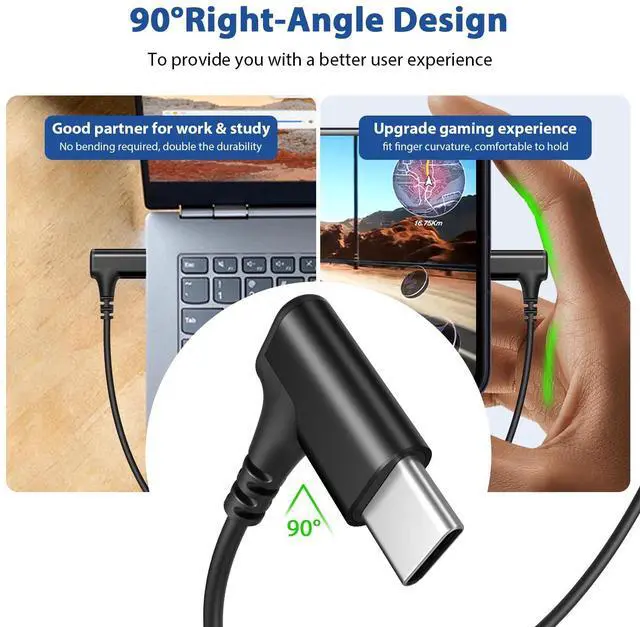
| for More Devices | for TCL TAB PRO 5G/ TAB 10 5G/ TAB 10S; LG V40/V30/V20/G7/G6/G7/G8; for Nokia X6; for Motorola thinkphone/edge+(2023&2022)/edge(2022&2021)/edge 30 Pro/edge 30/MOTO G200 5G; for Sony Xperia XZ2/XZ3/1 and other usb-c devices including smartphones/laptop/tablets without 3.5mm jack port |
| Warm Tip1 | For Some laptops/for macbook air pro, their auido input/output default setting is speaker, if there is no sound when you directly use our usb-c headphones, pls Go to Settings--Sound--Input(Output)--Select a Device for Sound Input(Output), then choose USB, to make the earbuds work |
| Warm Tip2 | If the oneside of the earbuds doesn't work, please firstly check whether the plug is all plugged in, then check wether there is dust and clean it up, finally pls make sure your phone's "mono audio setting" or "Disable USB audio routing" is closed |

Choose APETOO
Listen Easier and Happier!
About US
APETOO has beed strived to research, develop and produce the high quality earbuds & headphones for years, these products have been popular around the world.
We listen to our customers, see things from their perspective, and develop products they truly love.
How did we get our start?
Broken earbuds sparked our obsession. Tore them apart. Learned. Built our own. Failed. Tried again. Now we craft headphones to make music breathe.
What makes our products unique?
Customer's voices drive our innovation - we design and manufacture products from your standpoint, creating what you genuinely want.
Why do we love what we do?
After years of successful developing, production and selling of the earbuds, we feel happy and rewarding. Life is not easy but beautiful once we enjoy it, so we hope to bring a more active lifesyle to people via our products.
New Released
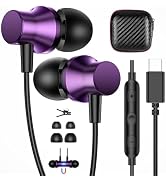
New Released
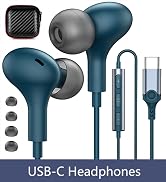
USB C Headphones
USB C Headphones
3.5mm Headphones
USB Headset
