








Magnetic Design
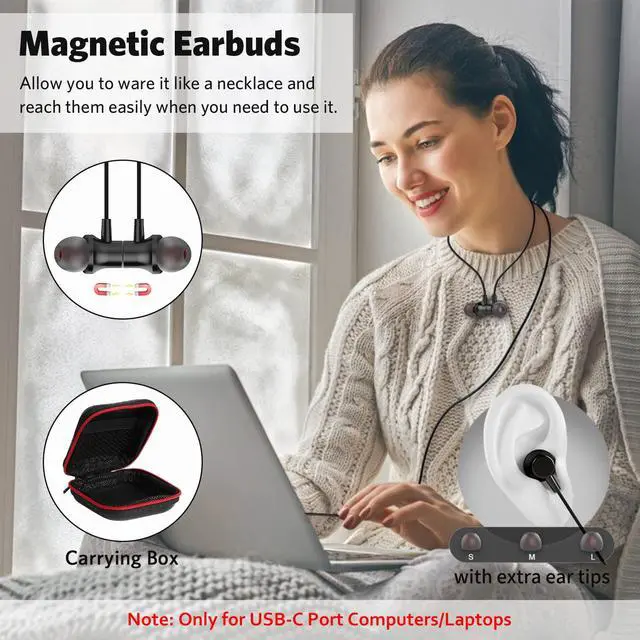
Magnetic Head design enables this headphones conveniently clasp together, easy to hang it around your neck or storage in earphones carry pouch without tangle.

Latest DAC Chip
Built-in powerful DAC chip provide ultra-low distortion and noise, reproduce clean and natural sound.

HiFi Stereo Sound
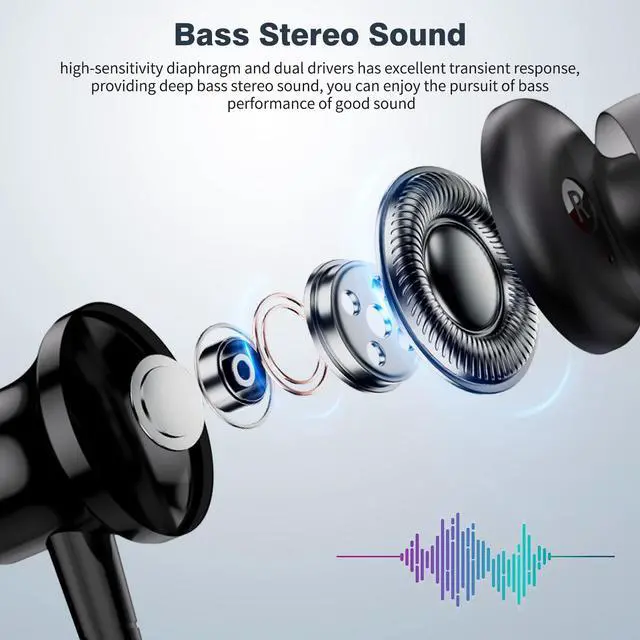
With high-sensitivity diaphragm and dual drivers, make the headphones produces powerful dynamic sound and highlight rich details of the vocals.

Package List
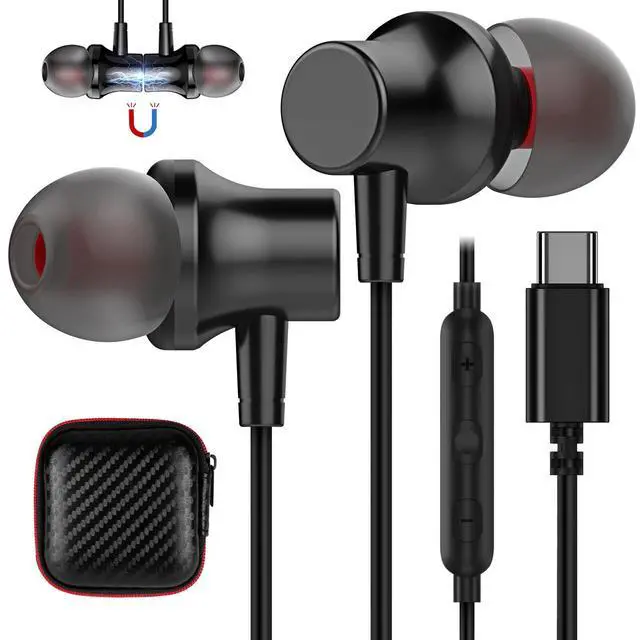
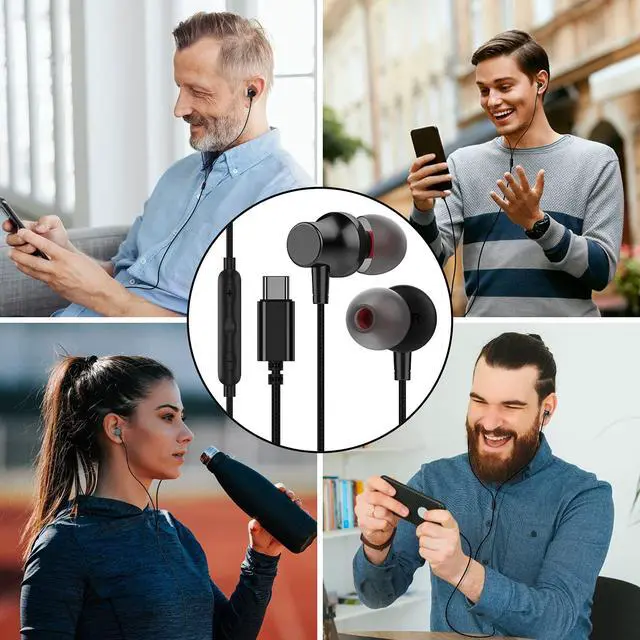
This usb c headphones comes with portable headphones carrying case and portable to storage anywhere you go. Ideal for Gym or outdoor Activities.


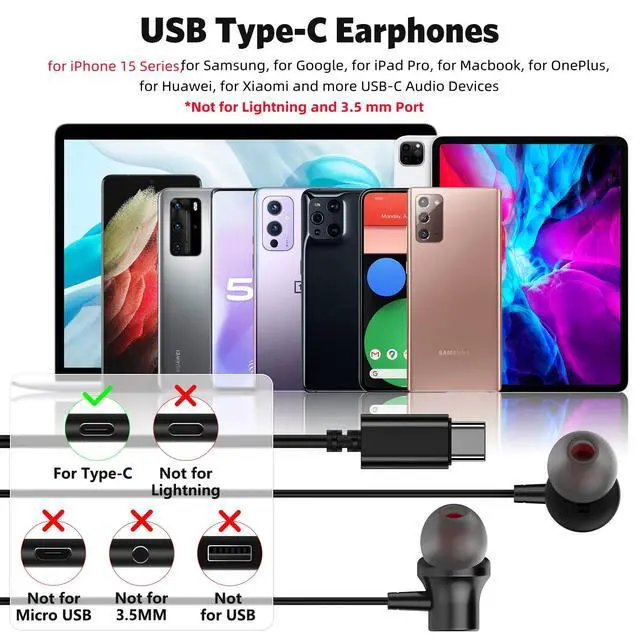
Wide Compatibility Wired Magnetic USB Type C Earphones
- for iPhone 16 Pro Max/16 Pro/16 Plus/16/15 Pro Max/15 Pro/15 Plus/15; for iPad Pro M4 2024/2022/ 2021/ 2020/ 2018;
- for Samsung Galaxy S25/S23/ S23+/ S23 Ultra/ S22/ S22+/ S22 Ultra/ S21 FE/ S21/ S21+/ S21 Ultra/ S20/ S20+/ S20 Ultra/A16/A26/A36/A56/A35/A53/A54/ Z Flip/ Z Fold 6 5 4/ Note 20 Ultra/Note 10/ Galaxy Tab S8+ 5G/S5e
- for OnePlus 13/12/12R/Open/11/10T/10 Pro/ 9/ 9 Pro/ 8 Pro/ 8/ 7T Pro/ 7T/ 7 Pro/ 7/ 6T/ OnePlus Nord 2T; for Google Pixel 9 Pro XL/8a/8 Pro/7/ 7 Pro/ 7a/ 6a/ 6 Pro/ 6/ 5/4 XL/ 4/ 3 XL/ 3/ 2 XL/ Tablet/ Fold
- for iPad Air M2/4th/5th, for iPad Mini 7th 6th, for iPad 10, 11(A16); for MacBook, for MacBook Pro, for MacBook Air; for Essential Phone/ Essential PH-1, for Huawei P40 Pro/ P30 Pro/ P20 Pro/ P20, More.
- for thinkphone by Motorola; for Motorola edge+ (2023)/edge 30 fusion - 2022/edge+ (2022)/edge (2022)/edge 30 Pro/edge 30/edge (2021); for MOTO Razr 40 Ultra 2023/Razr 40 2023/Razr+/Razr 2 5G(2nd gen 2021)/Razr 5G/G200 5G; for Tab P11 Pro Gen 2/Yoga Tab 11/Tab P11 Plus/Chromebook Duet 5 (13”); for TCL TAB MAX 10.4/TAB PRO 5G/TAB 10 5G/TAB 10S
Headphones in the Use of Common Issues and Solutions
1)If the headphone connected to the phone does not work properly, please check the headphone jack is connected well or not. Try to unplug and re-plug again and check to ensure that's correctly plugged to make it normal.
2)Phone port dust accumulation will lead to poor contact and make the headset can not work properly, please clean up the dust first and then reconnecting the headset;3)The phone is running multiple applications at the same time, which causes the phone to lag and affects the sound quality of the headphones, there will be continuous, static sound, etc. It is recommended to close applications that are not in use to make the phone run smoothly;4)Some of the phone's built-in sound effects will make the headphone sound quality worse, resulting in bottom noise or static sound. You need to turn off the built-in sound effects in the phone settings, clean up the memory, and restart the phone to make it back to normal.
Issues & Solutions of the Headset’s Mic
1)Please check there is any dust blocked in the Mic or not and clean the Mic with a needle or sharp object to make the normal work;2)The microphone does not work during the call. Please check the volume of the receiver is set to the minimum or not. If no sound heard, please try to turn up the volume to make sound back;3) When the phone signal of both sides or one side is poor, the voice may be continuous, inaudible, even if not use headphones to talk. It's not a microphone problem. You need to check the network and switch to a strong network or an environment with strong signal reception to avoid bad call experience.
More USB Type C Headphones from COOYA
 Magnetic USB C Earphones |  Sports USB C Headphones |  USB Type C Wired Earbuds |  In-Ear USB C Headphones |  Magnetic USB C Headphones |  Magnetic USB C Earbuds |  USB C Wired Headphones | |
|---|---|---|---|---|---|---|---|
Customer Reviews | — | — | — | — | — | — | — |
Price | — | — | — | — | — | — | — |
USB C Connector | Yes | Yes | Yes | Yes | Yes | Yes | Yes |
With DAC Chip | ? | ? | ? | ? | ? | ? | ? |
With Microphone | Yes | Yes | Yes | Yes | Yes | Yes | Yes |
With Carry Case | ? | ? | ? | ? | ? | ? | ? |
Compatible with | All USB C audio port devices | All USB C audio port devices | All USB C audio port devices | All USB C audio port devices | All USB C audio port devices | All USB C audio port devices | All USB C audio port devices |

Case for iPhone 17 16 Series
COOYA New Releases
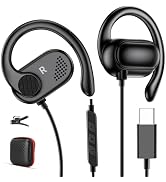
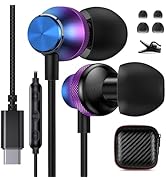
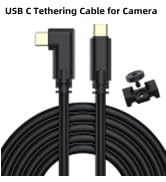
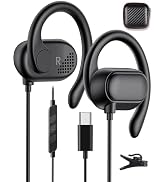
COOYA New Releases
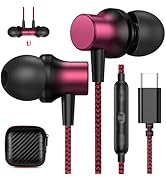
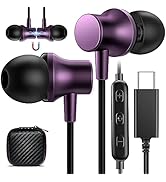
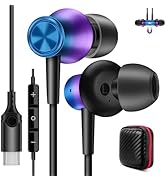
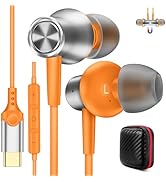
COOYA New Releases
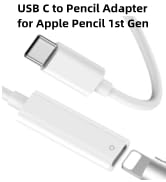
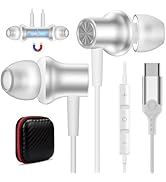
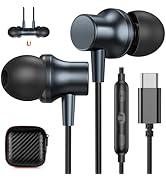
COOYA New Releases
Case for Samsung Galaxy Series
Case for Moto Series
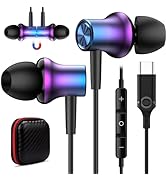
COOYA USB C Headphones
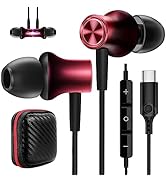
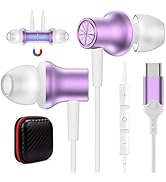
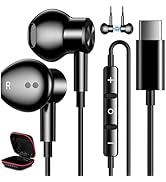
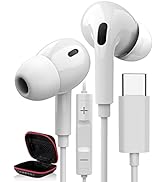
COOYA USB C Headphones
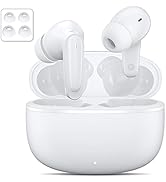
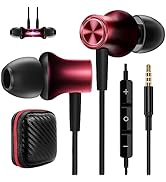
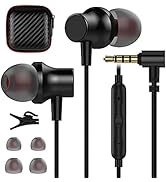
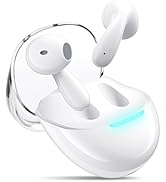
3.5mm/Wireless Earbuds
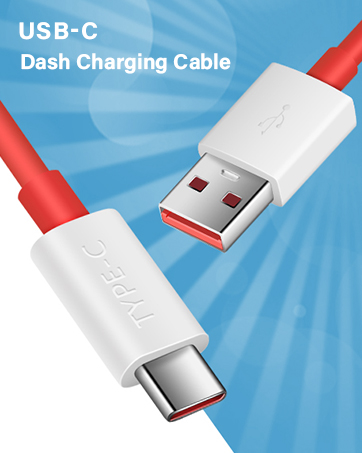
USB to C/ C to C Cables
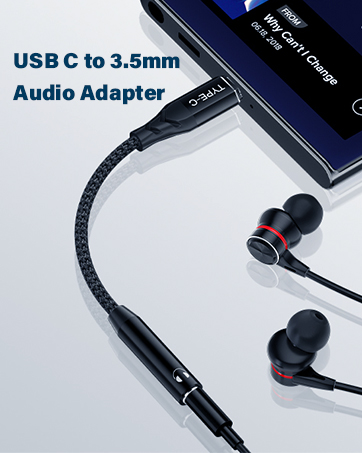
USB C to 3.5mm Audio Adapters
USB Headsets / Adapter
Other Accessories

Magnetic Design
Magnetic Head design enables this headphones conveniently clasp together, easy to hang it around your neck or storage in earphones carry pouch without tangle.
Latest DAC Chip
Built-in powerful DAC chip provide ultra-low distortion and noise, reproduce clean and natural sound.
HiFi Stereo Sound
With high-sensitivity diaphragm and dual drivers, make the headphones produces powerful dynamic sound and highlight rich details of the vocals.
Package List
This usb c headphones comes with portable headphones carrying case and portable to storage anywhere you go. Ideal for Gym or outdoor Activities.


Wide Compatibility Wired Magnetic USB Type C Earphones
- for iPhone 16 Pro Max/16 Pro/16 Plus/16/15 Pro Max/15 Pro/15 Plus/15; for iPad Pro M4 2024/2022/ 2021/ 2020/ 2018;
- for Samsung Galaxy S25/S23/ S23+/ S23 Ultra/ S22/ S22+/ S22 Ultra/ S21 FE/ S21/ S21+/ S21 Ultra/ S20/ S20+/ S20 Ultra/A16/A26/A36/A56/A35/A53/A54/ Z Flip/ Z Fold 6 5 4/ Note 20 Ultra/Note 10/ Galaxy Tab S8+ 5G/S5e
- for OnePlus 13/12/12R/Open/11/10T/10 Pro/ 9/ 9 Pro/ 8 Pro/ 8/ 7T Pro/ 7T/ 7 Pro/ 7/ 6T/ OnePlus Nord 2T; for Google Pixel 9 Pro XL/8a/8 Pro/7/ 7 Pro/ 7a/ 6a/ 6 Pro/ 6/ 5/4 XL/ 4/ 3 XL/ 3/ 2 XL/ Tablet/ Fold
- for iPad Air M2/4th/5th, for iPad Mini 7th 6th, for iPad 10, 11(A16); for MacBook, for MacBook Pro, for MacBook Air; for Essential Phone/ Essential PH-1, for Huawei P40 Pro/ P30 Pro/ P20 Pro/ P20, More.
- for thinkphone by Motorola; for Motorola edge+ (2023)/edge 30 fusion - 2022/edge+ (2022)/edge (2022)/edge 30 Pro/edge 30/edge (2021); for MOTO Razr 40 Ultra 2023/Razr 40 2023/Razr+/Razr 2 5G(2nd gen 2021)/Razr 5G/G200 5G; for Tab P11 Pro Gen 2/Yoga Tab 11/Tab P11 Plus/Chromebook Duet 5 (13”); for TCL TAB MAX 10.4/TAB PRO 5G/TAB 10 5G/TAB 10S
Headphones in the Use of Common Issues and Solutions
1)If the headphone connected to the phone does not work properly, please check the headphone jack is connected well or not. Try to unplug and re-plug again and check to ensure that's correctly plugged to make it normal.
2)Phone port dust accumulation will lead to poor contact and make the headset can not work properly, please clean up the dust first and then reconnecting the headset;3)The phone is running multiple applications at the same time, which causes the phone to lag and affects the sound quality of the headphones, there will be continuous, static sound, etc. It is recommended to close applications that are not in use to make the phone run smoothly;4)Some of the phone's built-in sound effects will make the headphone sound quality worse, resulting in bottom noise or static sound. You need to turn off the built-in sound effects in the phone settings, clean up the memory, and restart the phone to make it back to normal.
Issues & Solutions of the Headset’s Mic
1)Please check there is any dust blocked in the Mic or not and clean the Mic with a needle or sharp object to make the normal work;2)The microphone does not work during the call. Please check the volume of the receiver is set to the minimum or not. If no sound heard, please try to turn up the volume to make sound back;3) When the phone signal of both sides or one side is poor, the voice may be continuous, inaudible, even if not use headphones to talk. It's not a microphone problem. You need to check the network and switch to a strong network or an environment with strong signal reception to avoid bad call experience.
More USB Type C Headphones from COOYA
Magnetic USB C Earphones | Sports USB C Headphones | USB Type C Wired Earbuds | In-Ear USB C Headphones | Magnetic USB C Headphones | Magnetic USB C Earbuds | USB C Wired Headphones |
|---|---|---|---|---|---|---|
| Customer Reviews | ||||||
| — | — | — | — | — | — | — |
| Price | ||||||
| — | — | — | — | — | — | — |
| USB C Connector | ||||||
| Yes | Yes | Yes | Yes | Yes | Yes | Yes |
| With DAC Chip | ||||||
| ? | ? | ? | ? | ? | ? | ? |
| With Microphone | ||||||
| Yes | Yes | Yes | Yes | Yes | Yes | Yes |
| With Carry Case | ||||||
| ? | ? | ? | ? | ? | ? | ? |
| Compatible with | ||||||
| All USB C audio port devices | All USB C audio port devices | All USB C audio port devices | All USB C audio port devices | All USB C audio port devices | All USB C audio port devices | All USB C audio port devices |
Case for iPhone 17 16 Series
COOYA New Releases
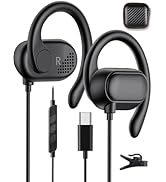
COOYA New Releases
COOYA New Releases
COOYA New Releases
Case for Samsung Galaxy Series
Case for Moto Series
COOYA USB C Headphones
COOYA USB C Headphones
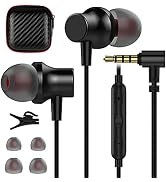
3.5mm/Wireless Earbuds
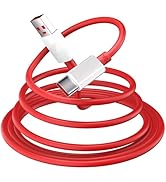
USB to C/ C to C Cables
USB C to 3.5mm Audio Adapters
USB Headsets / Adapter
Other Accessories
