




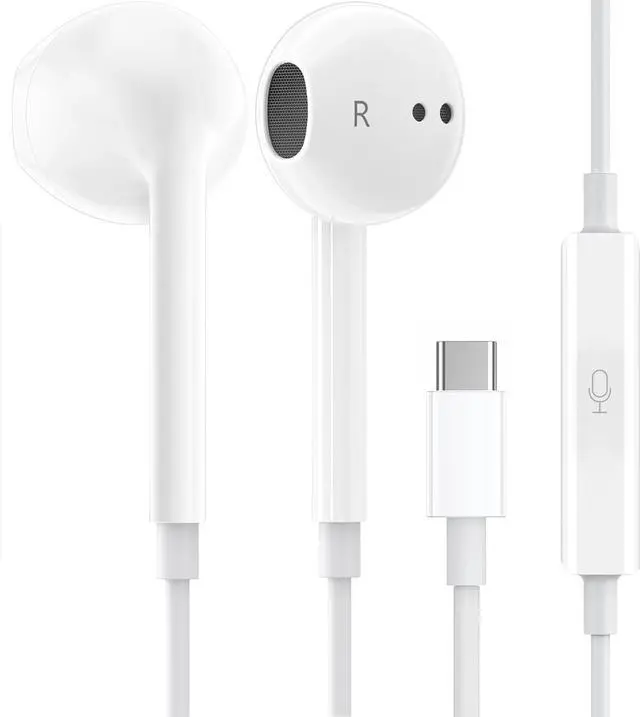
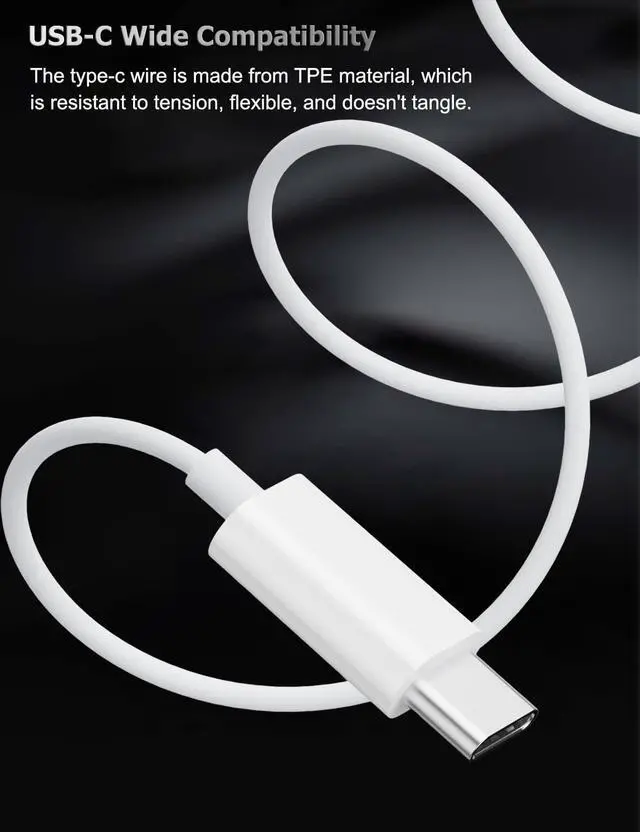




Compatible with Most USB Type C connector devices:
- for iPhone 15 Pro Max/15 Pro/15 Plus/15/17 Pro Max/17Pro/17 Air/17/16 Pro Max/16 Pro/16 Plus/16/16e
- for Galaxy S25 Ultra/S25+/S25/S25 Edge/S24 FE/S24 Ultra/S24+/S24/S23 Ultra/S23+/S23/S22 Ultra/S22+/S22/S21 Ultra/S21+/S21/S20 Ultra/S20+/S20/S20 FE/Note 20 Ultra/Note 10 | Z Fold 7/6/5/4/3 | Z Flip 7/6/5/4/3/ A56/A55/A54/A53/A36/A35/A34/A33/A16 5G | Tab S9/S8/S6 Lite
- for Google Pixel 10 Pro XL, 10 Pro, 10, 10 Pro Fold, 9a/9 Pro/9/9 Pro XL/9 Pro Fold/8a/8/8 Pro/7a/7/7 Pro/6a/6/6 Pro/5/5a/4a/4
- for iPad Pro 13" (2024)/12.9" (6th-3rd gen)/11" (5th-1st gen)/ iPad Air 6th/5th/4th | iPad Mini 6 | iPad 10th gen
- for Motorola Razr 5G/Edge | LG W41 Pro/W31+ | And all USB-C devices without 3.5mm jack
Warm Tips:
- 1. The headphones wired usb c is compatible with most of the type c devices without 3.5mm jack audio port.
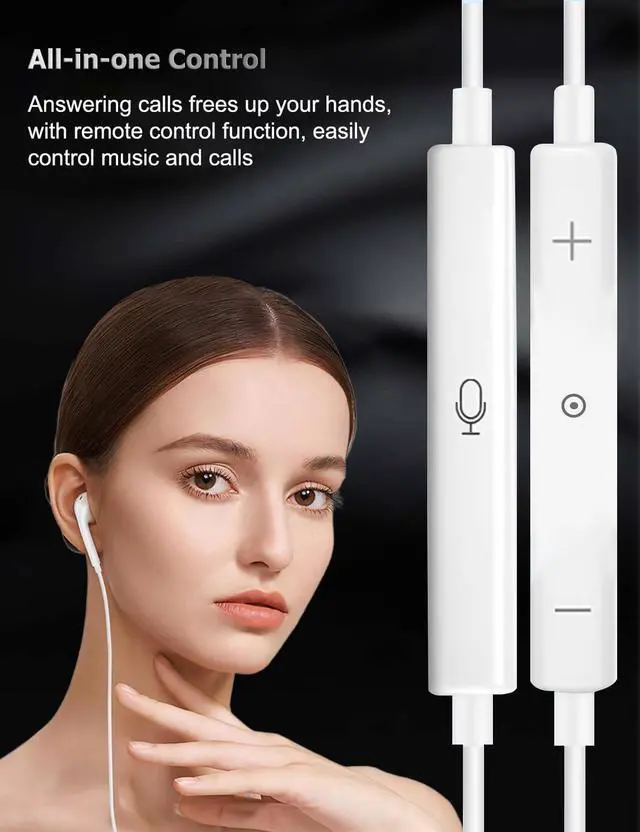
- 2. If you experience no sound, please adjust the volume by sliding the switch up or try plugging the headphones into another port.
- 3. If the earbuds has No Sound when using for Samsung phones, goto Setting-Developer Options, find Disable SB audio routing, Closethis option, then replug the earbuds to try again.
- 4. For iPhone with USB C port, choose Headphone when there's a popout window, if there's no sound, go to Setting - click Sound's & Hapics,click Headphone safety, Open Reduce Lound Audio, then try again.

What's the most important?
Noted: To protect your hearing from damage, it is recommended to keep headphone volume below 60 decibels.
Compatible with Most USB Type C connector devices:
- for iPhone 15 Pro Max/15 Pro/15 Plus/15/17 Pro Max/17Pro/17 Air/17/16 Pro Max/16 Pro/16 Plus/16/16e
- for Galaxy S25 Ultra/S25+/S25/S25 Edge/S24 FE/S24 Ultra/S24+/S24/S23 Ultra/S23+/S23/S22 Ultra/S22+/S22/S21 Ultra/S21+/S21/S20 Ultra/S20+/S20/S20 FE/Note 20 Ultra/Note 10 | Z Fold 7/6/5/4/3 | Z Flip 7/6/5/4/3/ A56/A55/A54/A53/A36/A35/A34/A33/A16 5G | Tab S9/S8/S6 Lite
- for Google Pixel 10 Pro XL, 10 Pro, 10, 10 Pro Fold, 9a/9 Pro/9/9 Pro XL/9 Pro Fold/8a/8/8 Pro/7a/7/7 Pro/6a/6/6 Pro/5/5a/4a/4
- for iPad Pro 13" (2024)/12.9" (6th-3rd gen)/11" (5th-1st gen)/ iPad Air 6th/5th/4th | iPad Mini 6 | iPad 10th gen
- for Motorola Razr 5G/Edge | LG W41 Pro/W31+ | And all USB-C devices without 3.5mm jack
Warm Tips:
- 1. The headphones wired usb c is compatible with most of the type c devices without 3.5mm jack audio port.
- 2. If you experience no sound, please adjust the volume by sliding the switch up or try plugging the headphones into another port.
- 3. If the earbuds has No Sound when using for Samsung phones, goto Setting-Developer Options, find Disable SB audio routing, Closethis option, then replug the earbuds to try again.
- 4. For iPhone with USB C port, choose Headphone when there's a popout window, if there's no sound, go to Setting - click Sound's & Hapics,click Headphone safety, Open Reduce Lound Audio, then try again.
What's the most important?
Noted: To protect your hearing from damage, it is recommended to keep headphone volume below 60 decibels.