




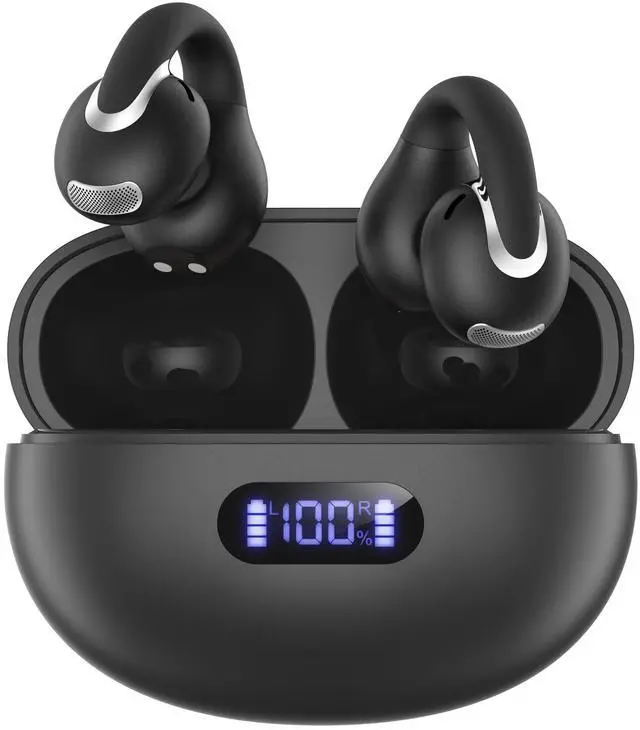

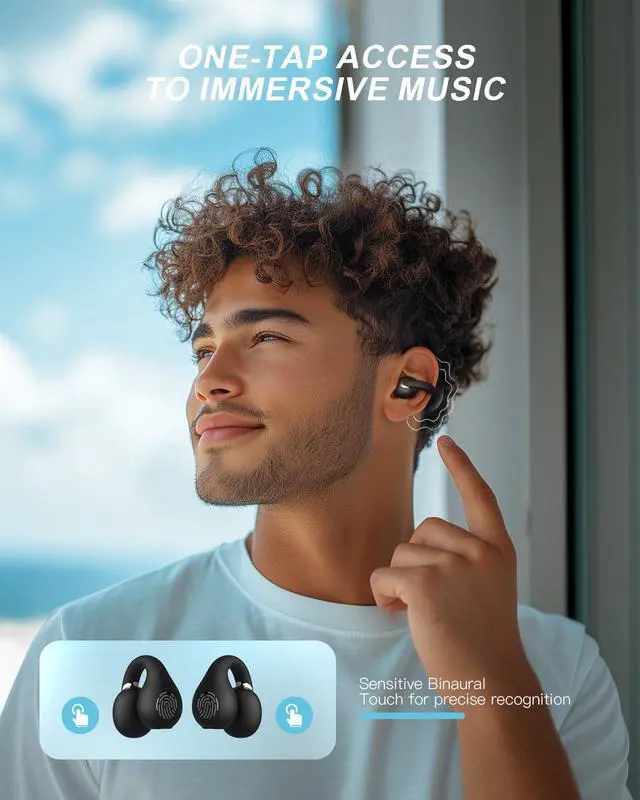



How do I turn on my Jzones Open Earbuds?
1. The earphones automatically turn on when you open the charging case.
2. In the shut down status and when the earphones are not in the charging case , simultaneously press and hold the MFB of both earbuds for 2 seconds to power on.
How do I turn off my Jzones Open Earbuds?
1. Put the earphones back in the charging case and close the case to turn them off.
2. If the earbuds are not in the charging case, just press and hold the MFB of both earbuds for 5 seconds to power them off.
How do I connect my Jzones Open Earbuds to my Bluetooth device?
1. Ensure Bluetooth is enabled on your device firstly.
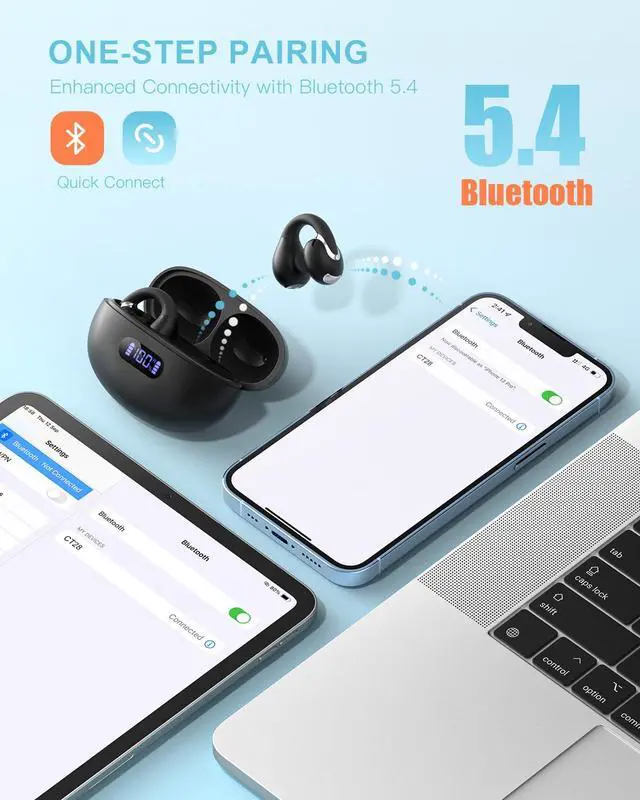
2. Open the charging case, they will automatically enter pair mode, the LED light alternating slow flashing.
3. Select the earbuds from the list of available devices.
Do they stay secure during workouts/runs?
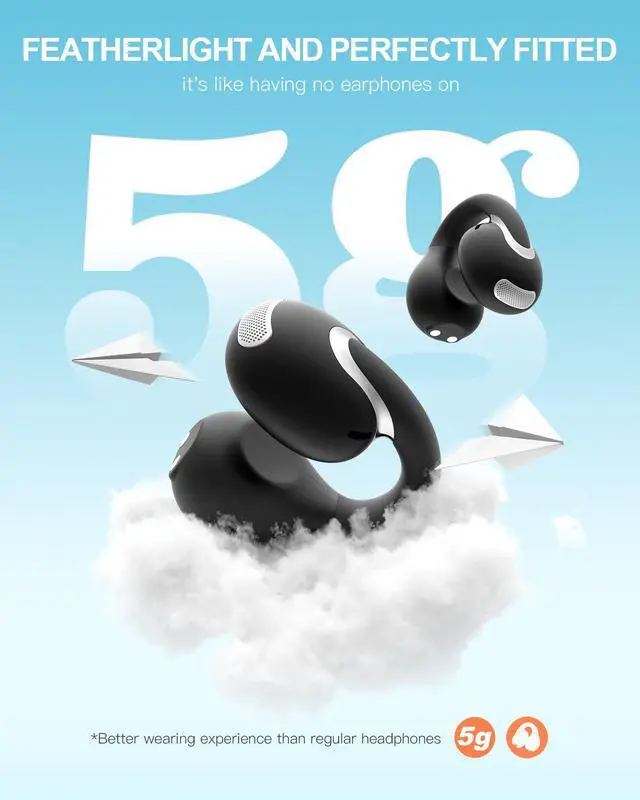
The CT28 wireless earbuds adopt a completely open design, allowing you to hear all of what’s around you while enjoying private sound. Maintain auditory awareness of your surroundings, allows you to respond quickly to emergencies.
Are they compatible with voice assistants like Siri?
The CT28 earbuds are compatible with voice assistants like Siri. Tap the MFB button three times to connect to the voice assistants.


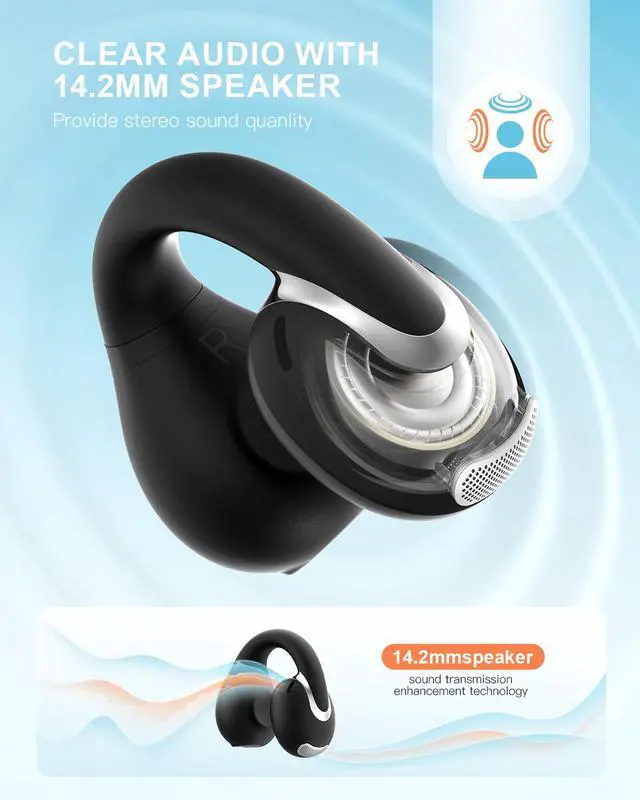
Jzones provide high quality product to meet most people needs for the modern life. All works in concert with built-in driver and amplifier to deliver epic and vivid sound. We offers extended battery life lets you listen, watch, and talk longer.
Simple life and enhance effectiveness. Anytime, anywhere, let you immerse yourself in the world of music.






How do I turn on my Jzones Open Earbuds?
1. The earphones automatically turn on when you open the charging case.
2. In the shut down status and when the earphones are not in the charging case , simultaneously press and hold the MFB of both earbuds for 2 seconds to power on.
How do I turn off my Jzones Open Earbuds?
1. Put the earphones back in the charging case and close the case to turn them off.
2. If the earbuds are not in the charging case, just press and hold the MFB of both earbuds for 5 seconds to power them off.
How do I connect my Jzones Open Earbuds to my Bluetooth device?
1. Ensure Bluetooth is enabled on your device firstly.
2. Open the charging case, they will automatically enter pair mode, the LED light alternating slow flashing.
3. Select the earbuds from the list of available devices.
Do they stay secure during workouts/runs?
The CT28 wireless earbuds adopt a completely open design, allowing you to hear all of what’s around you while enjoying private sound. Maintain auditory awareness of your surroundings, allows you to respond quickly to emergencies.
Are they compatible with voice assistants like Siri?
The CT28 earbuds are compatible with voice assistants like Siri. Tap the MFB button three times to connect to the voice assistants.
Jzones provide high quality product to meet most people needs for the modern life. All works in concert with built-in driver and amplifier to deliver epic and vivid sound. We offers extended battery life lets you listen, watch, and talk longer.
Simple life and enhance effectiveness. Anytime, anywhere, let you immerse yourself in the world of music.