

Your Browsing History


Meet Your Seller

Sponsored Products
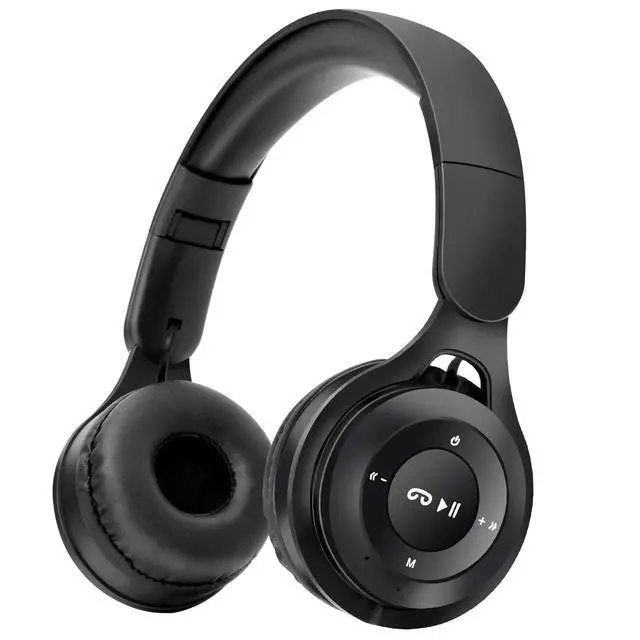


Kids Bluetooth Headphones, Over Ear Children's Wireless Bluetooth 5.3 Headsets, Built-in Mic, Comfortable Wear & HD Sound, Kids Headphones for Boys Girls School Travel iPad Tablet (Black)
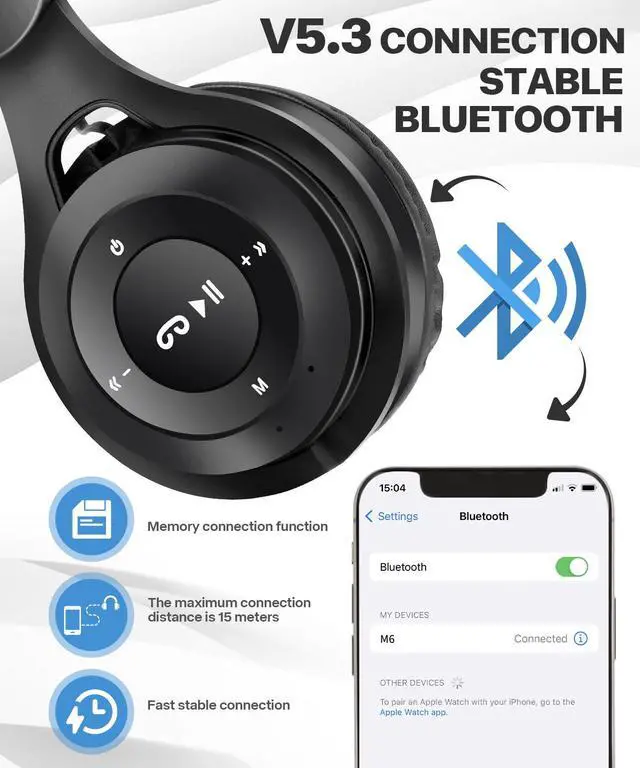
- [ Bluetooth 5.3 ] Kids wireless headphones feature upgraded Bluetooth 5.3 connectivity technology for faster and more stable connections. At the same time, with 40MM large coil speaker and built-in microphone, children can easily enjoy HD sound quality and call.
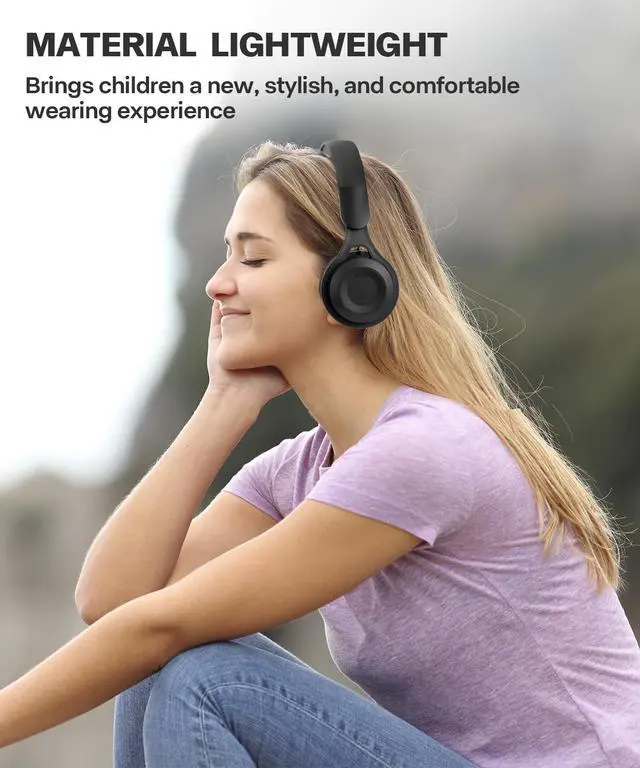
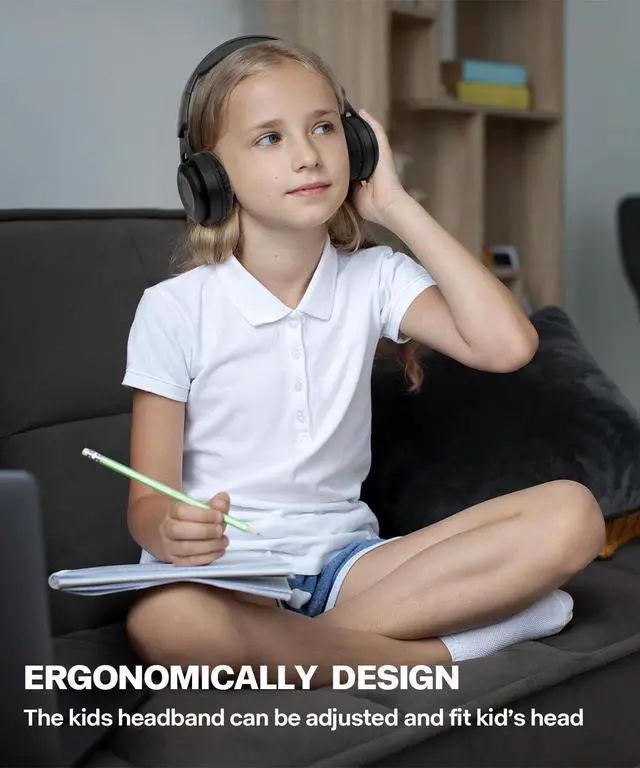
- [ Comfortable to Wear ] Ergonomic and adjustable design, the result is Kids Bluetooth headsets will achieve a perfect fit. In addition, add soft ear muffs and headwear pads to keep your child comfortable for long-term wear.
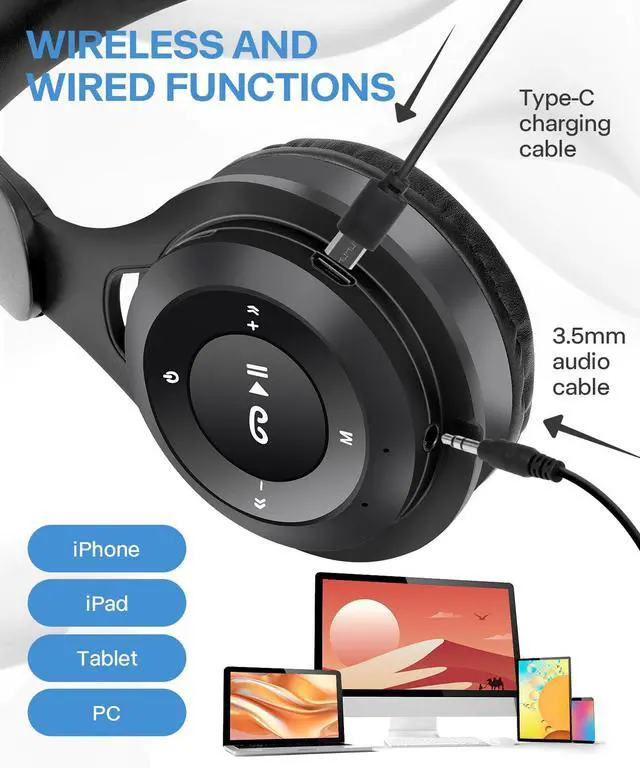
- [ Wireless & Wired 2 in 1 ] Equipped with Bluetooth wireless mode and wired mode, parents don't have to decide whether to buy wireless headphones or wired headphones? A 2-in-1 kids headsets for boys girls is a good choice. (Tips: The product is equipped with 3.5mm audio cable.)
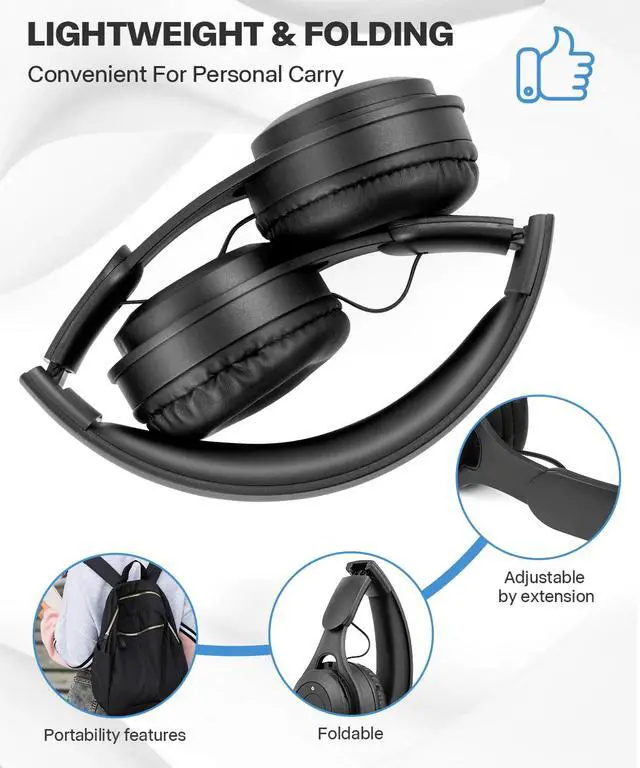
- [ Foldable & Adjustable ] Collapsible and adjustable design, suitable for children or teenagers over 3 years old. Can be adjusted with 5 sections of expansion and contraction, the ear cup diameter is 2.76 inches. At the same time, convenient to go to school and travel storage, kids headphones will never become a burden for children.
- [ Wide Compatibility ] This Bluetooth wireless headphones for kids is widely used on iPad, iPhone, tablets, smartphones, and is suitable for PC in wired mode.
+
+
Overview
Specs
Reviews

Any questions? Our AI beta will help you find out quickly.
Try me now
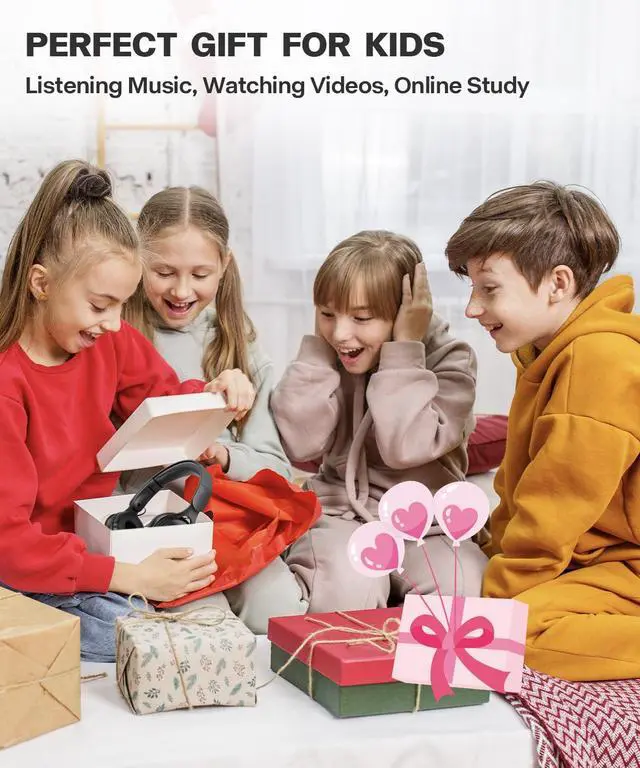
This Bluetooth headsets for kids will bring you: 1. Give your child a good partner, wear the headset, let the child immersed in the world of learning and entertainment; 2. Support wireless/wired modes to meet more requirements; 3. A quieter environment at home or on the road, where parents don't have to put up with the noise of their children playing with their iPad or iPhone; 4. It is a good gifts for Children's Day, Thanksgiving and Christmas. How to connect: Turn on the Bluetooth function of the device - long press the start button for 3 seconds - search for available devices in the Bluetooth menu of the device - the device prompts whether to connect a headphone named M6- click (note: the above steps are required for the first connection, and automatic connection can be achieved again). Unable to connect troubleshooting: 1) Ensure there is power available. Pressing the headphone start button cannot turn it on. Please charge for 10 minutes and then turn it on; 2) Ensure that the Bluetooth device is connected to headphones with the M6 name. Open the Bluetooth list of devices, check the names of connected devices, and ensure they are M6; 3) Ensure Bluetooth wireless mode. Children's headphones have three modes: wireless/MP3/FM. Please press the M key briefly to switch to Bluetooth mode; 4) Delete all old records of previous connections in the device Bluetooth list, shut down, restart the device, and reconnect.
Warranty & Returns
Warranty, Returns, And Additional Information
Warranty
- Please contact the Seller directly for warranty information. Warranty information may also be found on the Manufacturer's website.
- CONTACT
Return Policies
- Return for refund within: 30 days
- Return for replacement within: 30 days
- This item is covered by Eirtinkylle Return Policy
Manufacturer Contact Info
- For a directory of all our manufacturers, please click below.
- Manufacturers Directory
LOADING...