You’re seeing this ad based on the product’s relevance to your search query. If you are a seller and want to participate in this program click here to learn more.
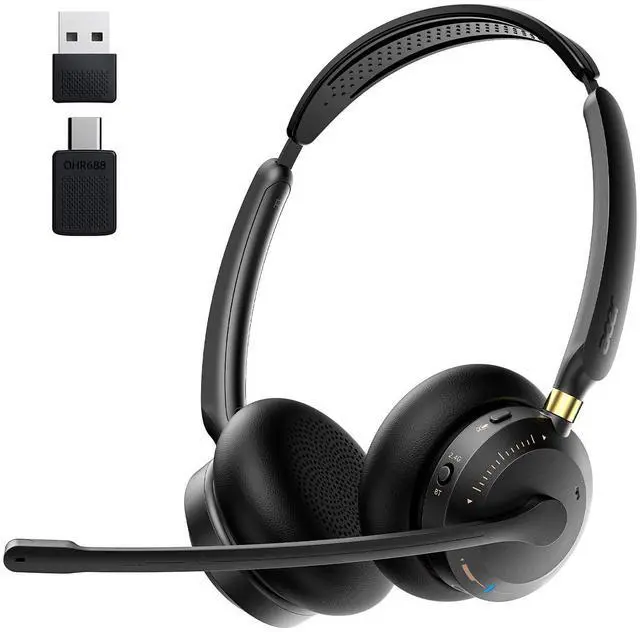
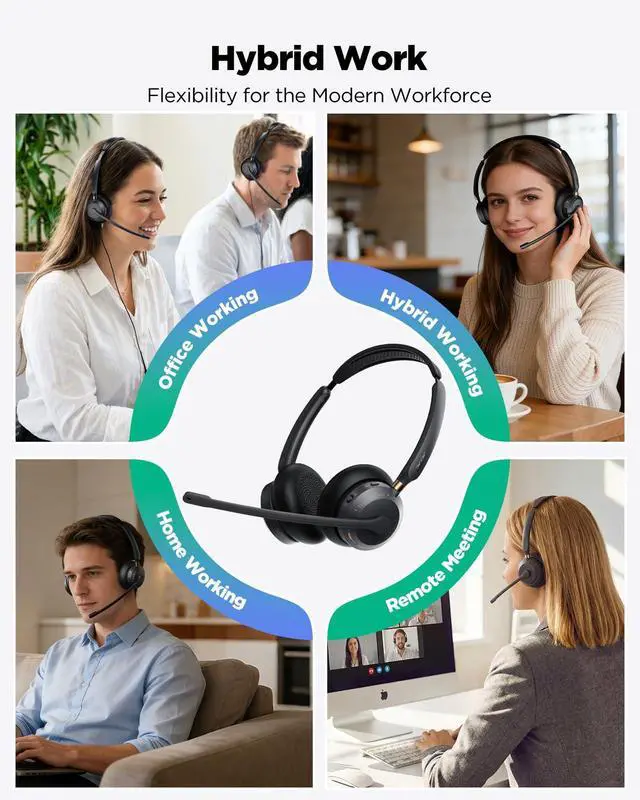
Wireless Headset with Mic for Work, Crystal Clear Audio for Calls & Meetings, Bluetooth 5.3 & USB Dongle for Laptop, PC, iPhone & Android, Office & Call Center Headset for Remote Hybrid Worker
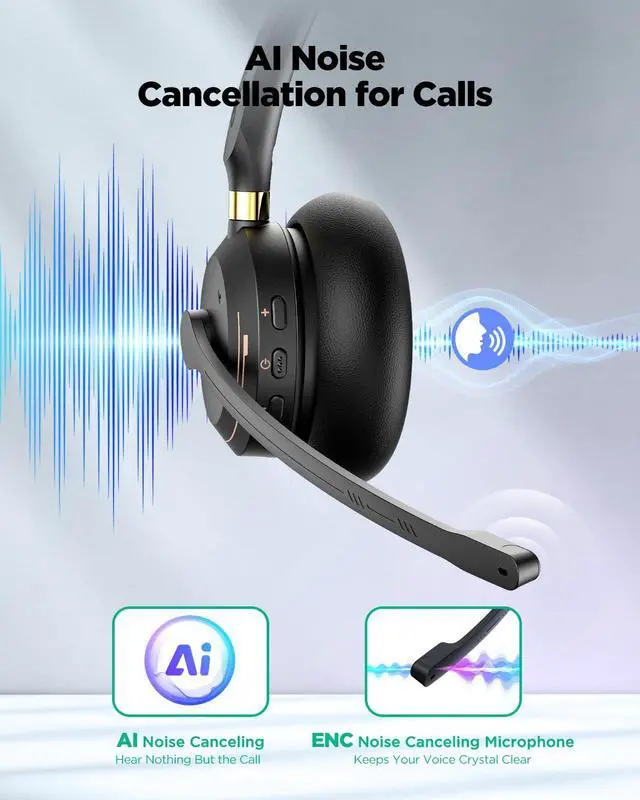
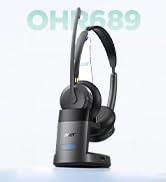
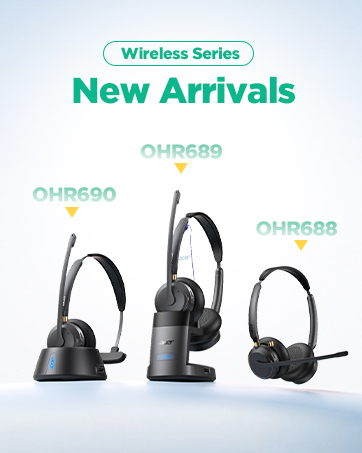
CRYSTAL CLEAR CALLS Acer OHR688 headset delivers natural, lifelike audio for every conversation. Whether you're on Microsoft Teams, Zoom, Skype, Cisco, or Google Meet, your voice comes through crisp, steady, and professional so you always sound clear without effort.
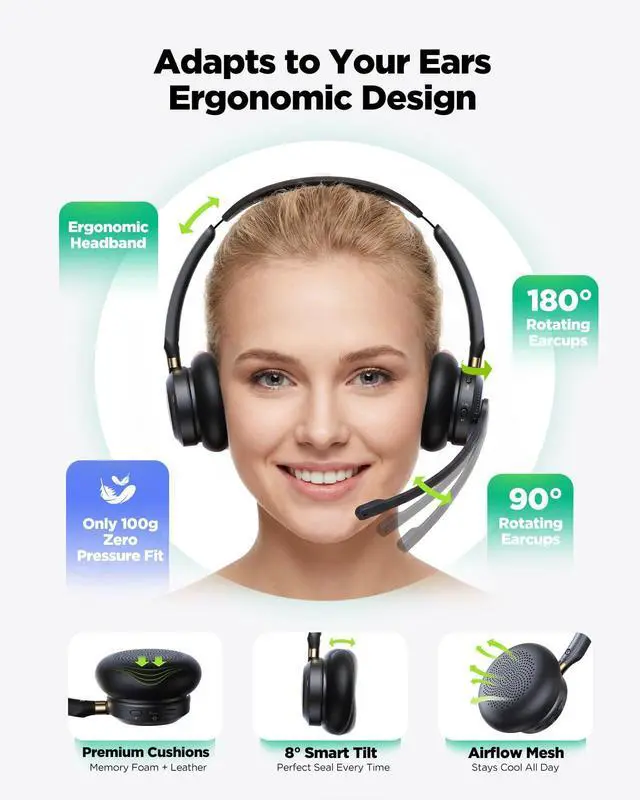
ALL-DAY WEARING COMFORTAcer work headset Featuring ultra-soft protein memory foam ear pads, an adjustable headband, and an ultra-lightweight 3.53 oz design that prevents ear pressure. The ear cups also have an ±8° Smart Tilt design that adapts naturally to your ear shape, making it the ideal choice for long shifts, customer service agents, back-to-back virtual consultations, and remote workers who wear headsets all day.
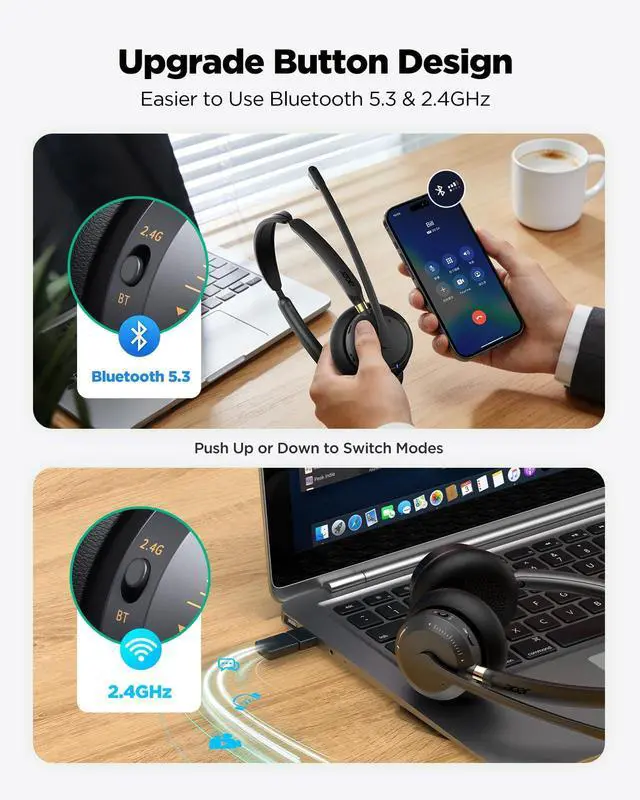
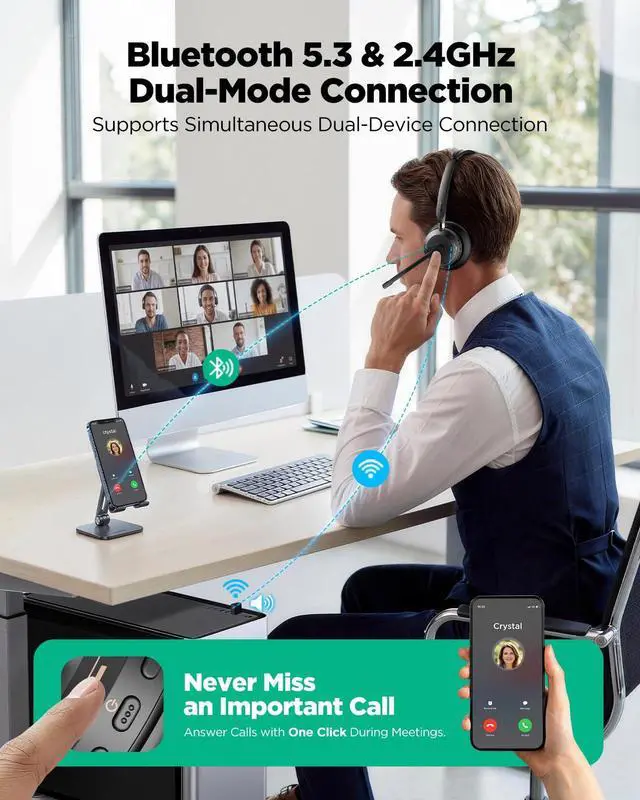
STABLE DUAL CONNECTIVITYAcer Bluetooth headset Advanced Bluetooth 5.3 technology ensures a skip-free range of up to 49 feet (15m)far more flexible than standard 33ft headsets. Supporting multipoint connection and a 2-in-1 plug-and-play USB transmitter, you can seamlessly switch from a webinar on your PC to an incoming call on your smartphone with one button, never missing a beat.
EXTENDED 45-HOUR BATTERY PERFORMANCEHybrid work headset Power through your entire work week with up to 45 hours of talk time on a single charge (fully recharges in just 2 hours). This eliminates the common pain point of mid-call battery death, providing reliable all-day use for busy professionals who travel or work remotelyoutperforming headsets with shorter 40-hour battery life.
+
+
Overview
Specs
Reviews
Any questions? Our AI mode will help you find out quickly.
This video shows how to connect your headset via Bluetooth and USB dongle, switch between modes, and complete basic setup steps after connection for stable audio during calls and meetings.
How to Connect via Bluetooth and USB Dongle Modes
Resolve Mic Issues on Windows 10 & 11
This video shows how to fix common microphone issues on Windows 10 and 11, including input settings, device selection, and basic troubleshooting steps to restore clear voice during calls and meetings.
Resolve Mic Issues on Windows 10 & 11
Resolve Mic Issues on macOS
This video shows how to fix common microphone issues on macOS, including checking input settings, selecting the correct device, and basic troubleshooting steps to restore clear audio for calls and meetings.
Resolve Mic Issues on macOS
About Shutdown Caused by Sleep Mode
This video explains how sleep mode may cause your device to shut down and shows basic steps to prevent or recover from it for stable headset performance.
About Shutdown Caused by Sleep Mode
How to Use Your Headset for Meetings
This video shows how to set up and use your headset for online meetings, including connecting to your device, selecting the correct audio settings, and ensuring clear sound for calls.
How to Use Your Headset for Meetings
Connected via Bluetooth but No Sound
This video shows how to fix the issue when your headset is connected via Bluetooth but there is no sound, including checking audio output settings and basic troubleshooting steps.
Connected via Bluetooth but No Sound
Wireless Series
Wireless Headset with Mic for Work
How to Connect via Bluetooth and USB Dongle Modes
Resolve Mic Issues on Windows 10 & 11
Resolve Mic Issues on macOS
About Shutdown Caused by Sleep Mode
How to Use Your Headset for Meetings
Connected via Bluetooth but No Sound
How to Connect via Bluetooth and USB Dongle Modes
This video shows how to connect your headset via Bluetooth and USB dongle, switch between modes, and complete basic setup steps after connection for stable audio during calls and meetings.
Resolve Mic Issues on Windows 10 & 11
This video shows how to fix common microphone issues on Windows 10 and 11, including input settings, device selection, and basic troubleshooting steps to restore clear voice during calls and meetings.
Resolve Mic Issues on macOS
This video shows how to fix common microphone issues on macOS, including checking input settings, selecting the correct device, and basic troubleshooting steps to restore clear audio for calls and meetings.
About Shutdown Caused by Sleep Mode
This video explains how sleep mode may cause your device to shut down and shows basic steps to prevent or recover from it for stable headset performance.
How to Use Your Headset for Meetings
This video shows how to set up and use your headset for online meetings, including connecting to your device, selecting the correct audio settings, and ensuring clear sound for calls.
Connected via Bluetooth but No Sound
This video shows how to fix the issue when your headset is connected via Bluetooth but there is no sound, including checking audio output settings and basic troubleshooting steps.
Wireless Series
Wireless Headset with Mic for Work, Crystal Clear Audio for Calls & Meetings, Bluetooth 5.3 & USB Dongle for Laptop, PC, iPhone & Android, Office & Call Center Headset for Remote Hybrid Worker
Learn more about the Generic Brand WFL900/H
Model
Brand
PHILIPS
Model
WFL900/H
Details
Type
On-Ear
Color
White
THD
On Ear
Power Supply
battery, true
Connector
3.5mm
Ear Coupling
Earbud
Cord Length
5.1 feet - 7.9 feet
Noise Cancelling
Passive
Wireless Type
Bluetooth
Distance
32.81 ft
Features
Compatibility
Universal
Features
none, 5.3, 45 hours, Button Control, Wireless, On Ear, 15 feet, 1* Wireless Headset with Mic for Work
Windows Vista
Certified for Windows Vista
Package Contents
Package Contents
1* Wireless Headset with Mic for Work, 1* USB A/C Dongle, User Manual
Additional Information
First Listed on Newegg
July 04, 2026
Customer Reviews of the Generic Brand WFL900/H
There are no reviews yet.
Do you own this product?
Warranty & Returns
Warranty, Returns, And Additional Information
Warranty
Please contact the Seller directly for warranty information. Warranty information may also be found on the Manufacturer's website.