












Founded in 2008, AGPTEK has consistently strived to design, develop, manufacture, and promote our own products to assure customers of reliable, cost-effective but the high quality products possible.
Our Products - We are professional in air pump , party suuply, office &home product, music instrument.
Our Mission - At AGPTEK, we believe that true innovation is all about changing, renewing or creating more effective products that make life simpler.



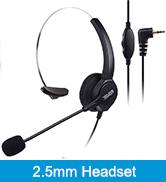
Shop Telephone Headset
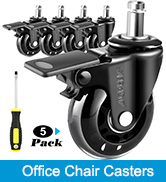
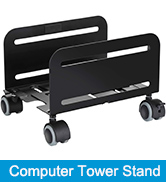

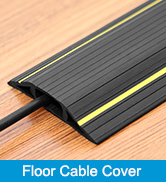
Shop Office Products

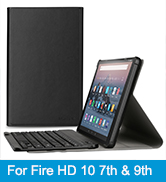
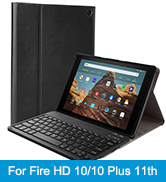
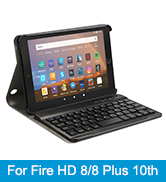
Shop Tablet Keyboard Case

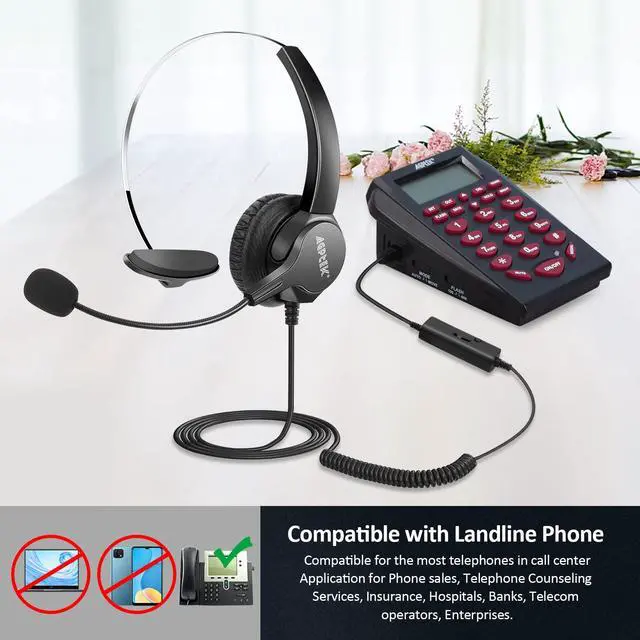
Compatible with the Following Phones:

- Cisco 7902, 7905, 7905G, 7906G, 7910, 7910+SW 7911, 7912 IP Phones AltiGen IP805
- Grandstream GXP14XX, GXP1400 GXP1405 GXP1450 Huawei ET325,ET525
- CortelcoFanvil C58, C58P C62, C66 Snom 300, 320,360,370,710, 720,760, 820, 821, 870
- Avaya 1608, 1616, 9620, 9630, 9640, 9640G and 9650 IP Phones
Compatible with the Following Phones:
- Panasonic KX-T Series phones such as: KX-T2260, KX-T2310, KX-T2315, KX-T2365, KX-T2368, KX-T7220, KX-T7230, KX-T7330, KX-T7433, KX-T7625, KX-T7630, KX-T7633, KX-T7636, KX-T7665, KX-T7720, KX-T7730, KX-T7740 and KX-T7750
- Yealink SIP-T19P T20P, T21P, T22P, T26P, T28P, T32G, T41P, T38G, T42G, T46G, T48G GXP2124,
- GXP2120, GXP2140 GXP2140 GXP2160 GXP2110, GXP2100, GXP2020, GXP2010, GXP1200, GXP280, GXP285, GXV3005, GXV3006, GXV3240 GXV3275 IP Phones


- Connect the Male RJ9 of the Headset Adapter to the Headset Port of your Telephone
- Plug RJ9 Headset into the Female RJ9/RJ11 of the Headset Adapter
- Then you could Adjust to the Circuit Line of the 8 Circuit Lines until the headset could works well with the Phone by Connecting to the Headset Adapter

Similar Items
 RJ9 Monaural Headset |  RJ9 Binaural Headset |  Headset with Dial Pad |  Headset with Dial Pad |  Headset with Dial Pad |  2.5mm Monaural Headset |  USB Monaural Headset | |
|---|---|---|---|---|---|---|---|
Customer Reviews | — | — | — | — | — | — | — |
Price | — | — | — | — | — | — | — |
With Landline Phone | No | No | v | v | v | No | No |
Binaural | No | v | No | No | v | No | No |
Monaural | v | No | v | v | No | v | v |
Style | Corded | Corded | Corded | Corded | Corded | Corded | Corded |
Port | RJ9 Jack | RJ9 Jack | RJ9 Jack | RJ9 Jack | RJ9 Jack | 2.5mm | USB |
USER INSTRUCTIONS
1?How to plug
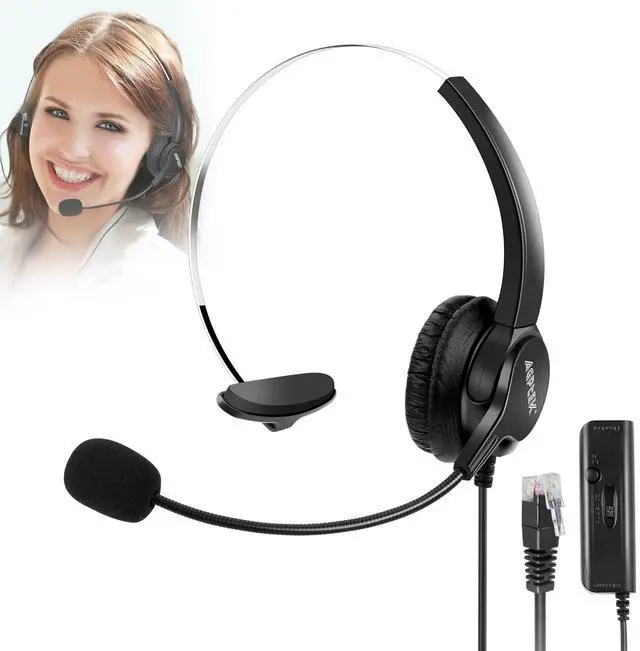
Plug the headset's adapter (that comes along with the headset) into thephone's RJ9port, then plug the headset into the adapter.
2?Switch to adjust adapter
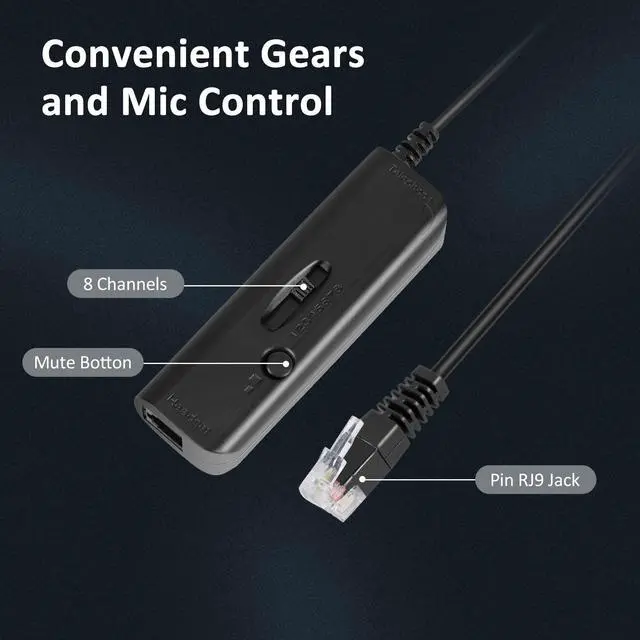
(1)Locate the line sequence switch that is present on the adapter(having numbers from 1 - 8).
(2)Try each of the 8 "channels" until you find one with clear communicationbetween the caller and the receiver.
3?Headset speaker volume knob
You can adjust the volume of the headset by adjusting the button on the headset adapter and the telephone.
4?The microphone Mute Button
Mute Button: During the call, press this button to prohibit the microphone's communication functionality, Repress the button to resume function once more.

Compatible with the Following Phones:

- Cisco 7902, 7905, 7905G, 7906G, 7910, 7910+SW 7911, 7912 IP Phones AltiGen IP805
- Grandstream GXP14XX, GXP1400 GXP1405 GXP1450 Huawei ET325,ET525
- CortelcoFanvil C58, C58P C62, C66 Snom 300, 320,360,370,710, 720,760, 820, 821, 870
- Avaya 1608, 1616, 9620, 9630, 9640, 9640G and 9650 IP Phones
Compatible with the Following Phones:
- Panasonic KX-T Series phones such as: KX-T2260, KX-T2310, KX-T2315, KX-T2365, KX-T2368, KX-T7220, KX-T7230, KX-T7330, KX-T7433, KX-T7625, KX-T7630, KX-T7633, KX-T7636, KX-T7665, KX-T7720, KX-T7730, KX-T7740 and KX-T7750
- Yealink SIP-T19P T20P, T21P, T22P, T26P, T28P, T32G, T41P, T38G, T42G, T46G, T48G GXP2124,
- GXP2120, GXP2140 GXP2140 GXP2160 GXP2110, GXP2100, GXP2020, GXP2010, GXP1200, GXP280, GXP285, GXV3005, GXV3006, GXV3240 GXV3275 IP Phones

- Connect the Male RJ9 of the Headset Adapter to the Headset Port of your Telephone
- Plug RJ9 Headset into the Female RJ9/RJ11 of the Headset Adapter
- Then you could Adjust to the Circuit Line of the 8 Circuit Lines until the headset could works well with the Phone by Connecting to the Headset Adapter

Similar Items
RJ9 Monaural Headset | RJ9 Binaural Headset | Headset with Dial Pad | Headset with Dial Pad | Headset with Dial Pad | 2.5mm Monaural Headset | USB Monaural Headset |
|---|---|---|---|---|---|---|
| Customer Reviews | ||||||
| — | — | — | — | — | — | — |
| Price | ||||||
| — | — | — | — | — | — | — |
| With Landline Phone | ||||||
| No | No | v | v | v | No | No |
| Binaural | ||||||
| No | v | No | No | v | No | No |
| Monaural | ||||||
| v | No | v | v | No | v | v |
| Style | ||||||
| Corded | Corded | Corded | Corded | Corded | Corded | Corded |
| Port | ||||||
| RJ9 Jack | RJ9 Jack | RJ9 Jack | RJ9 Jack | RJ9 Jack | 2.5mm | USB |
USER INSTRUCTIONS
1?How to plug
Plug the headset's adapter (that comes along with the headset) into thephone's RJ9port, then plug the headset into the adapter.
2?Switch to adjust adapter
(1)Locate the line sequence switch that is present on the adapter(having numbers from 1 - 8).
(2)Try each of the 8 "channels" until you find one with clear communicationbetween the caller and the receiver.
3?Headset speaker volume knob
You can adjust the volume of the headset by adjusting the button on the headset adapter and the telephone.
4?The microphone Mute Button
Mute Button: During the call, press this button to prohibit the microphone's communication functionality, Repress the button to resume function once more.
Founded in 2008, AGPTEK has consistently strived to design, develop, manufacture, and promote our own products to assure customers of reliable, cost-effective but the high quality products possible.
Our Products - We are professional in air pump , party suuply, office &home product, music instrument.
Our Mission - At AGPTEK, we believe that true innovation is all about changing, renewing or creating more effective products that make life simpler.
Shop Telephone Headset
Shop Office Products
Shop Tablet Keyboard Case