




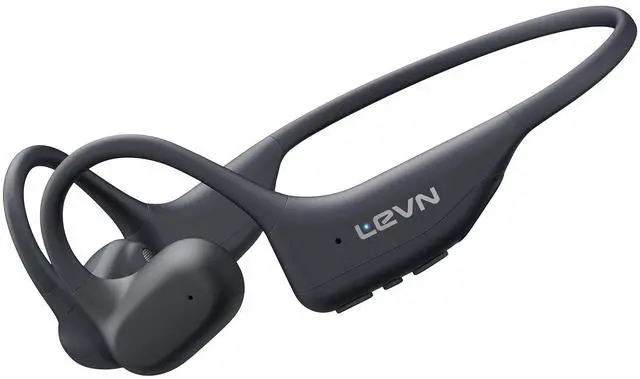






LEVN Open Ear Headphones


LEVN Sports Headphones
Let us sweat and enjoy the joy of sports!
Let's enjoy sports with LEVN open ear headphones!


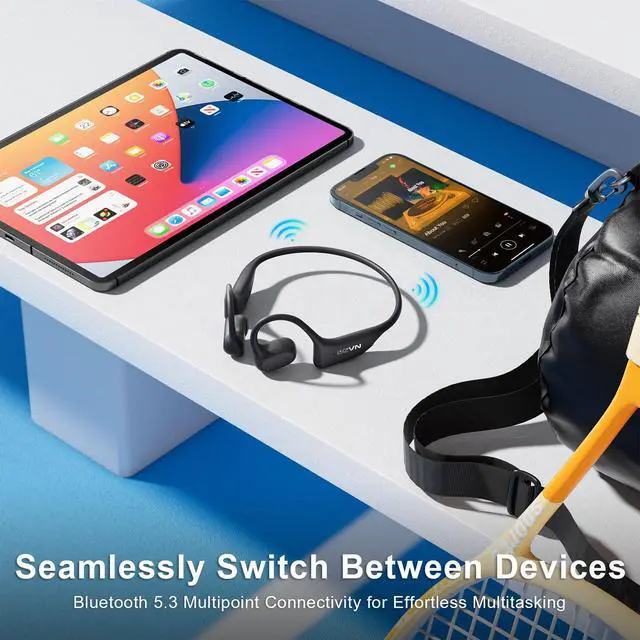
How to pair LEVN LE-HS031 with 2 devices simultaneously via Bluetooth?
1. Press and hold MFB button for 3-5s to enter pairing mode, the LED indicator light will flash blue and red alternately, and you could hear "Pairing".
2. Turn on the Bluetooth function of device A, search and connect [LEVN LE-HS031] in the Bluetooth device list. When you hear "connected" and the LED indicator turns blue and flashes slowly every 5s, it means the headset is connected to device A.
3. Turn off the Bluetooth function of device A, when you hear "Disconnected", the LED indicator light will flash blue and red alternately, [LEVN LE-HS031] will re-enter the pairing mode.
4. Turn on the Bluetooth function of device B, search and connect [LEVN LE-HS031] in the Bluetooth device list, when you hear "connected" and the LED indicator turns blue and flashes slowly every 5s, it means the headset B-device connected to device B.
5. Turn on the Bluetooth function of device A, and click "Connect" [LEVN LE-HS031] in the Bluetooth device list. When you hear "connected" again, it means that the headset has been successfully connected to device A and device B at the same time.
Note:
When you listen to music on device A, and device B has an incoming call, just click the MFB button to answer the call (please check the manual for more details).
When making a call with conference software, please check the sound settings of both the computer and the software to make sure [LEVN LE-HS031] is selected as the default output and input device (speaker/microphone)

LEVN Open Ear Headphones
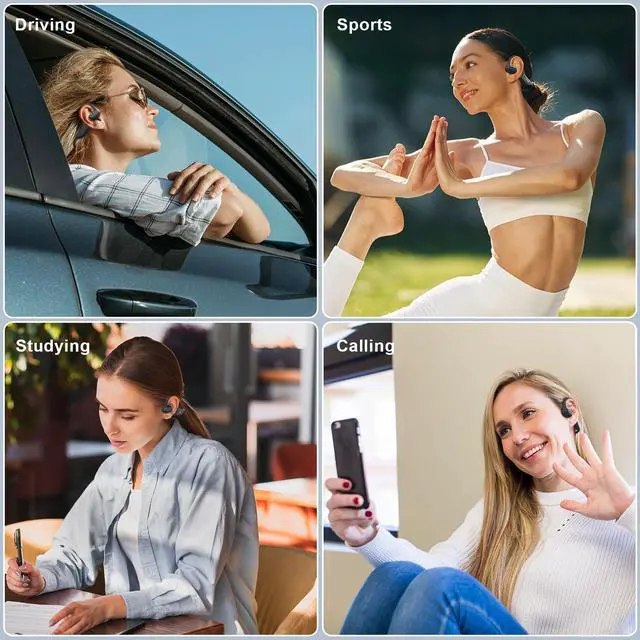
Ultra-light design, more comfortable to wear
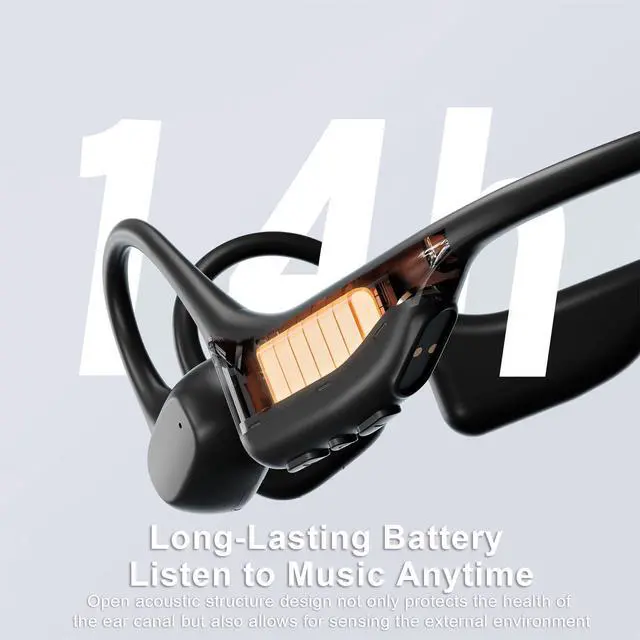
Open ear headphones protect your health and safety


Ergonomically designed, it stays in place even with large movements
You can also sense the surrounding environment while riding and stay alert at all times

Let us sweat and enjoy the joy of sports!
Let's enjoy sports with LEVN open ear headphones!

14 hours of music
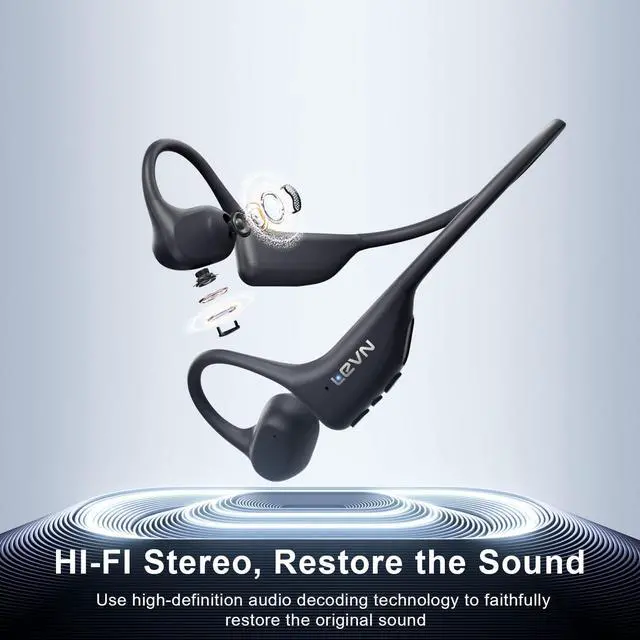
HD stereo sound, enjoy every song
Dual device connectivity


Enjoy the music marathon
15mm speaker drivers capture every beautiful moment
EVN Bluetooth headsets let you never miss music or phone calls
How to pair LEVN LE-HS031 with 2 devices simultaneously via Bluetooth?
1. Press and hold MFB button for 3-5s to enter pairing mode, the LED indicator light will flash blue and red alternately, and you could hear "Pairing".
2. Turn on the Bluetooth function of device A, search and connect [LEVN LE-HS031] in the Bluetooth device list. When you hear "connected" and the LED indicator turns blue and flashes slowly every 5s, it means the headset is connected to device A.
3. Turn off the Bluetooth function of device A, when you hear "Disconnected", the LED indicator light will flash blue and red alternately, [LEVN LE-HS031] will re-enter the pairing mode.
4. Turn on the Bluetooth function of device B, search and connect [LEVN LE-HS031] in the Bluetooth device list, when you hear "connected" and the LED indicator turns blue and flashes slowly every 5s, it means the headset B-device connected to device B.
5. Turn on the Bluetooth function of device A, and click "Connect" [LEVN LE-HS031] in the Bluetooth device list. When you hear "connected" again, it means that the headset has been successfully connected to device A and device B at the same time.
Note:
When you listen to music on device A, and device B has an incoming call, just click the MFB button to answer the call (please check the manual for more details).
When making a call with conference software, please check the sound settings of both the computer and the software to make sure [LEVN LE-HS031] is selected as the default output and input device (speaker/microphone)