




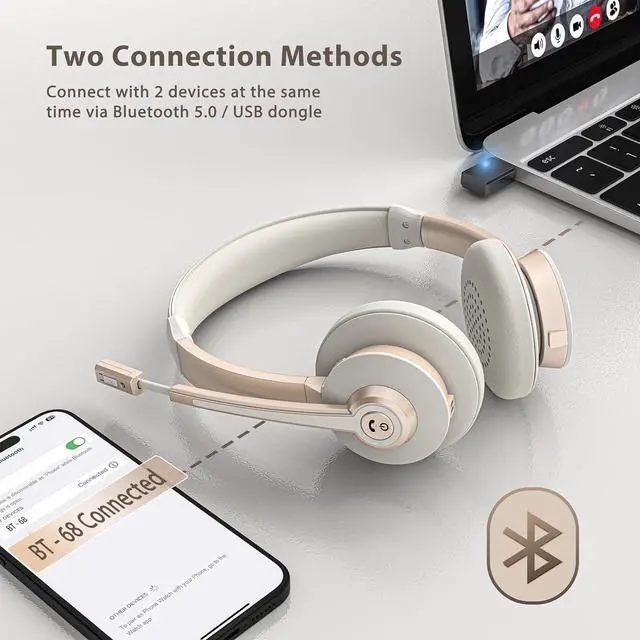



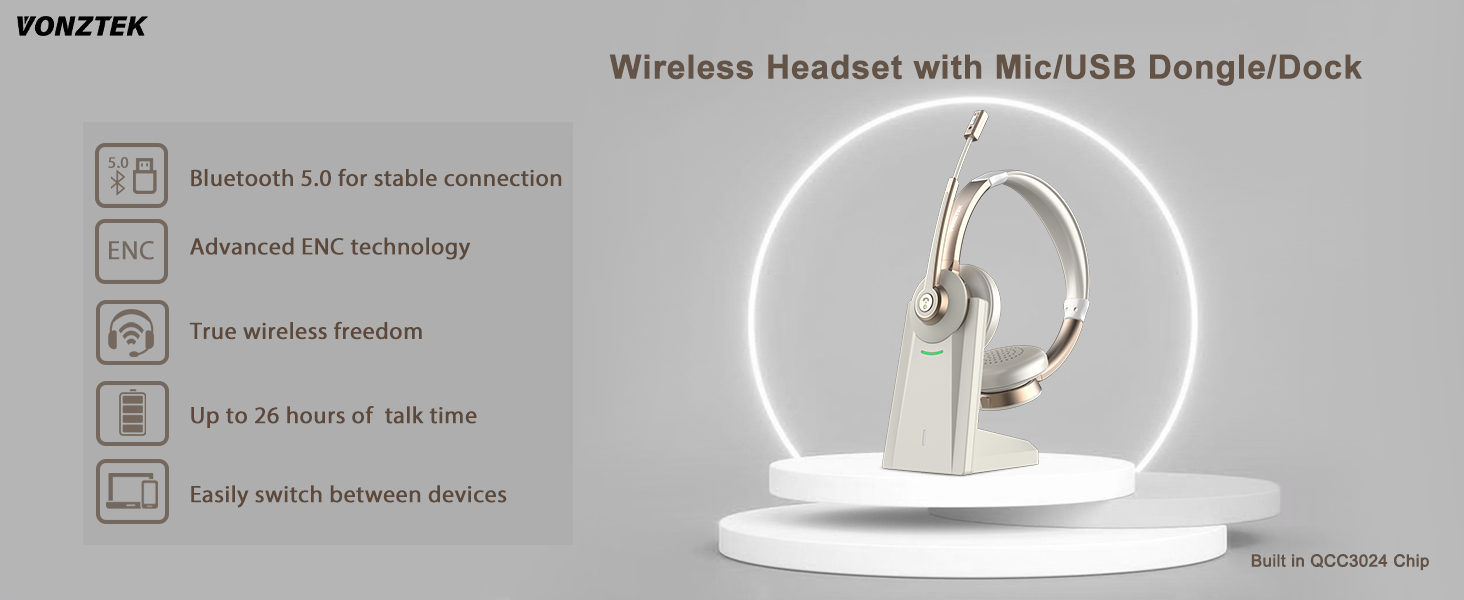
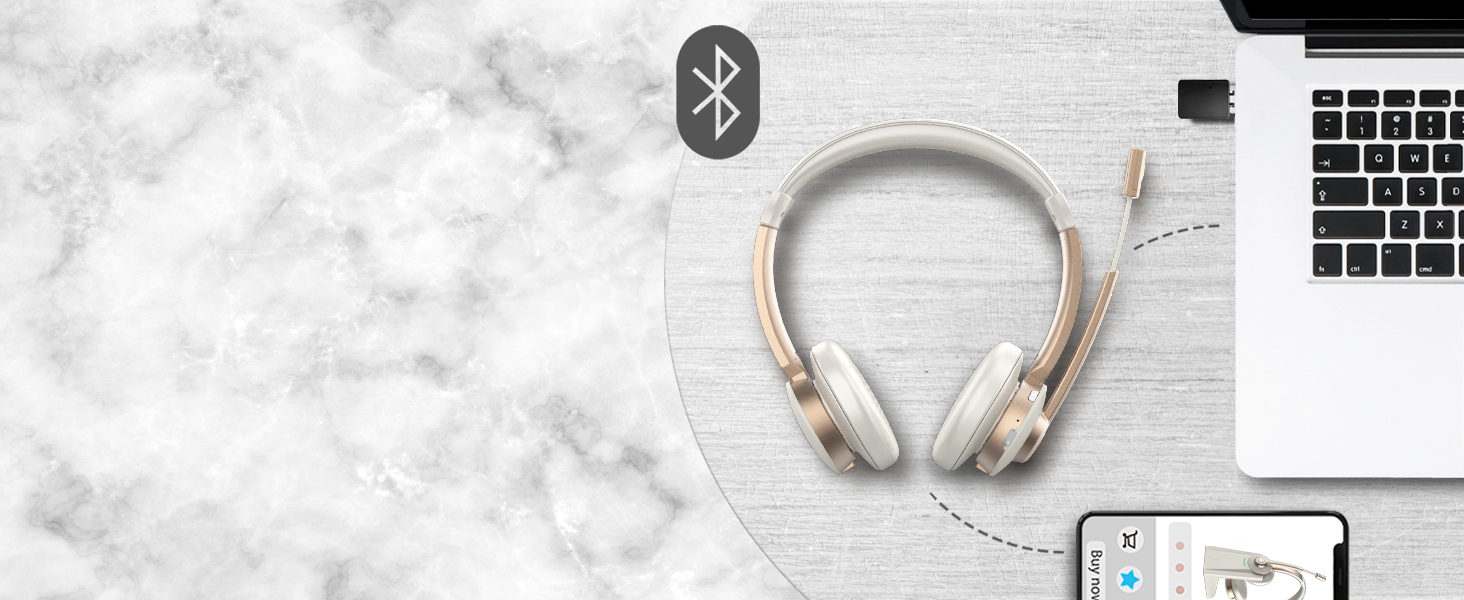
Dual Connection
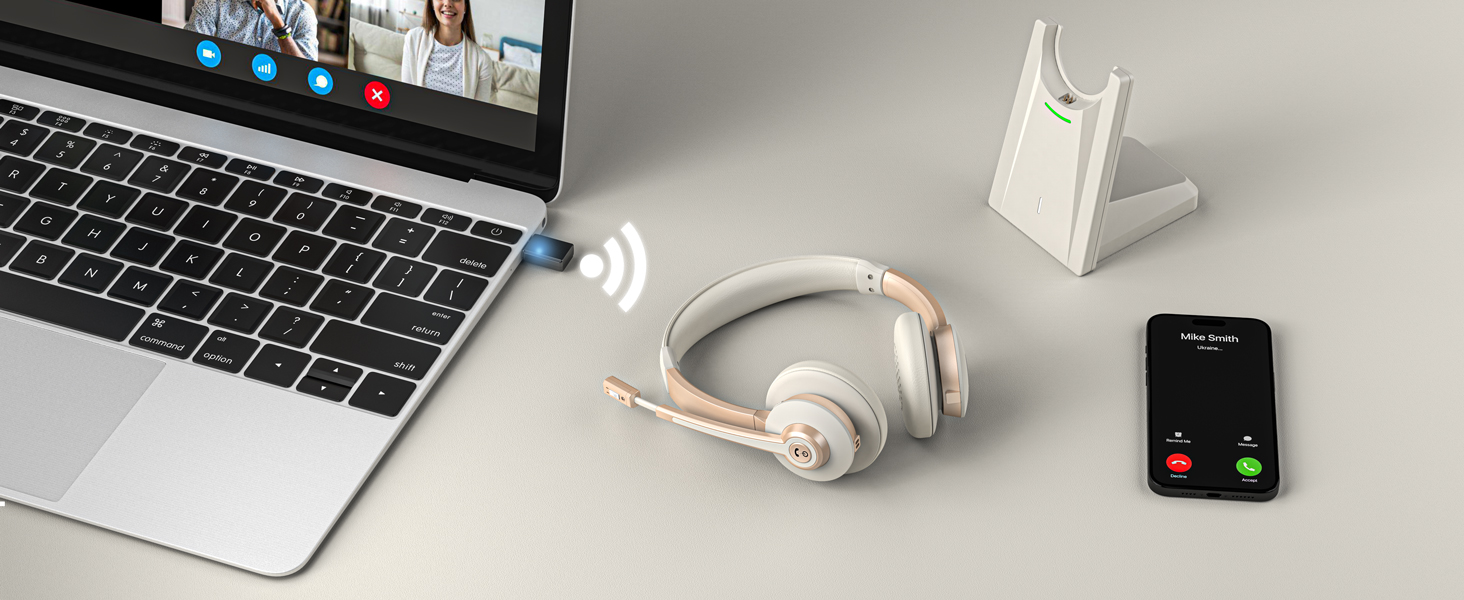
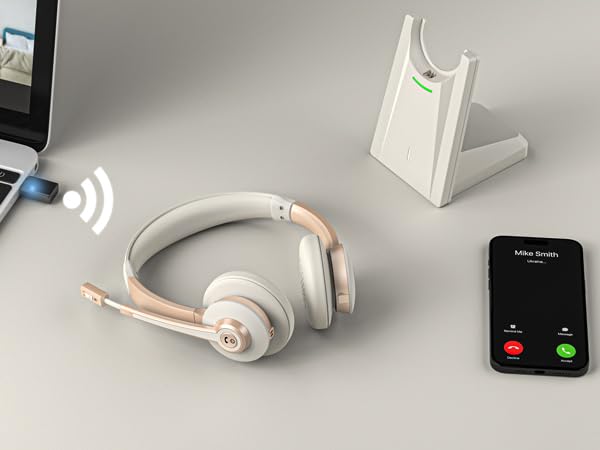
Connect two Bluetooth devices simultaneously and easily switch between your PC and phone.
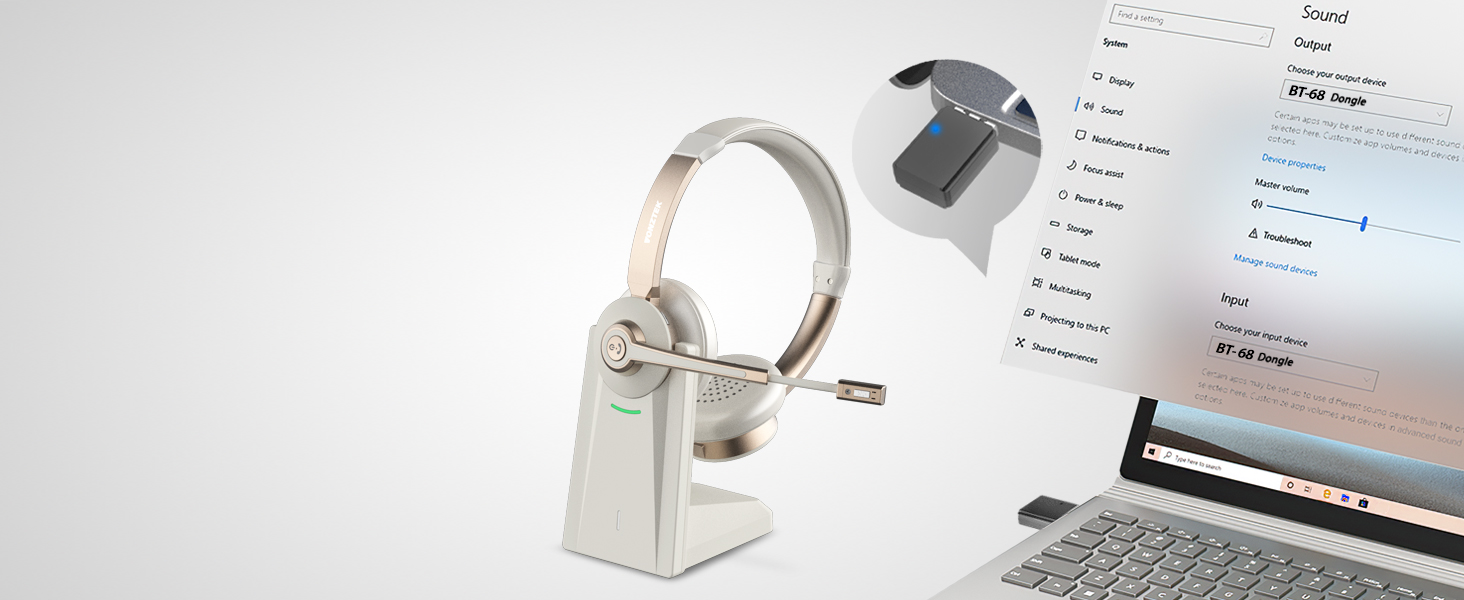
Plug & Play Even Without Bluetooth
Plug and play via USB adapter — perfect for computers without Bluetooth.
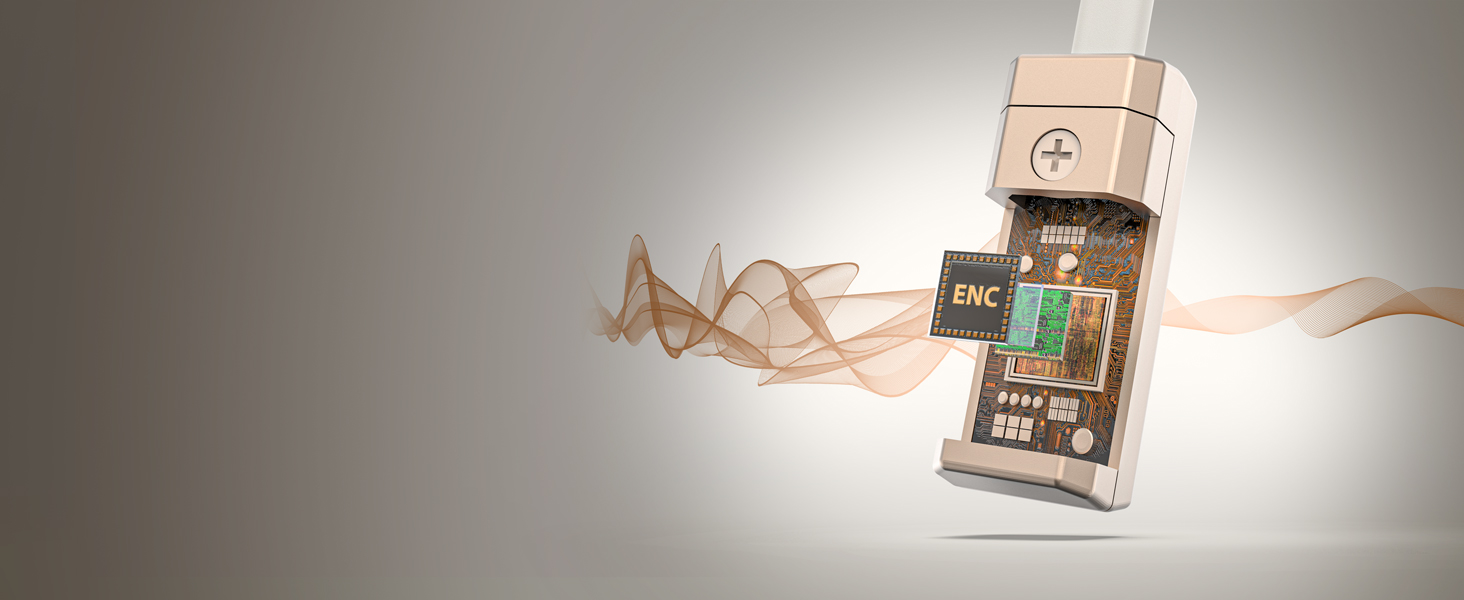
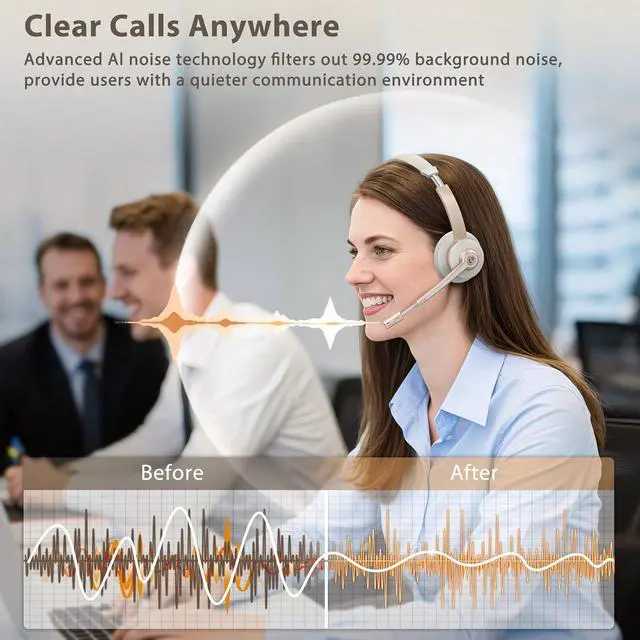
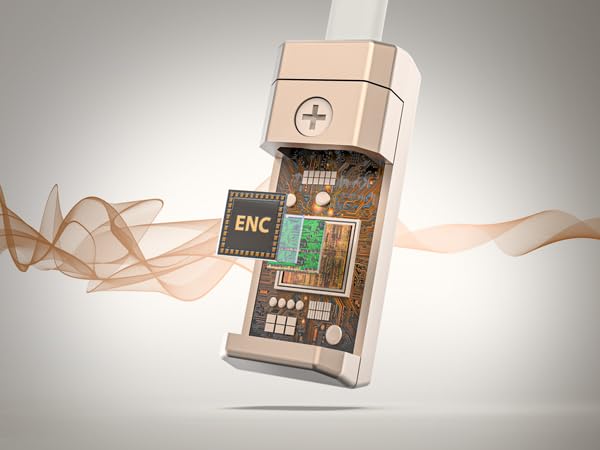
ENC Tech with Qualcomm Chip
The computer headset with mic equipped with ENC, cancel up to most ambient noise during your calls.
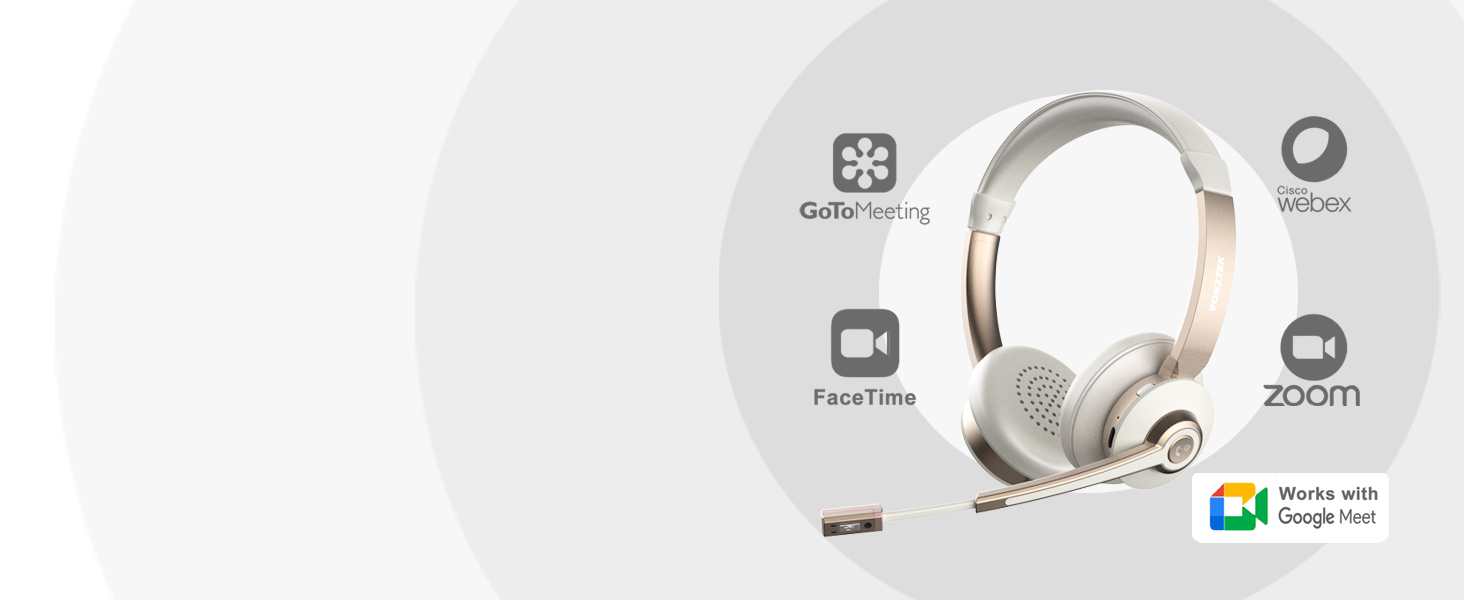
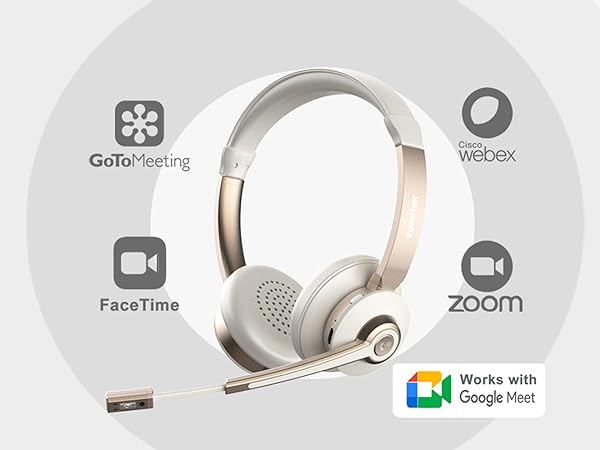
Focus on Online Calls
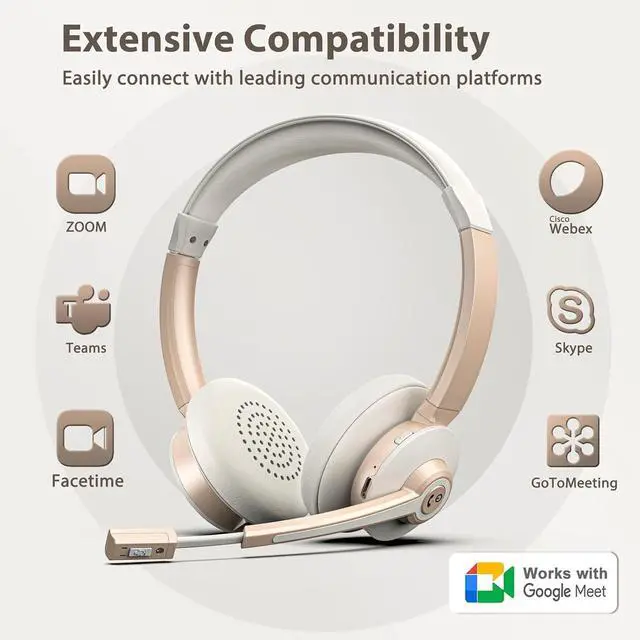
The headsets with microphone compatible with apps like Zoom, Ms teams, Google meet, Skype, etc.
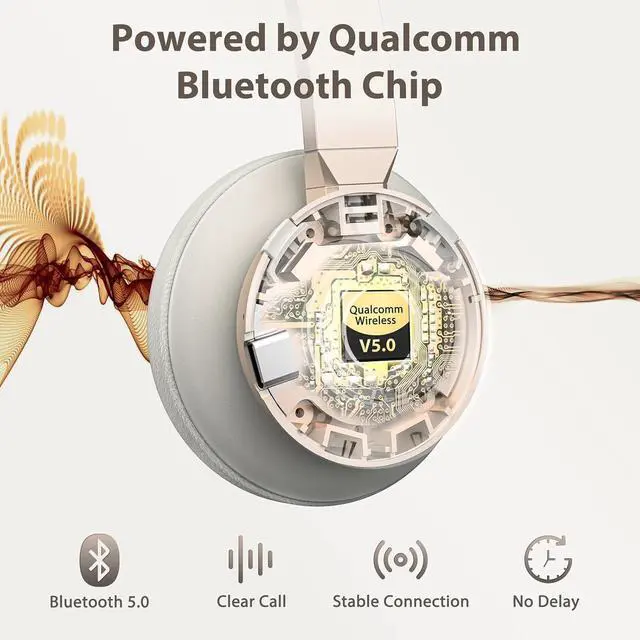
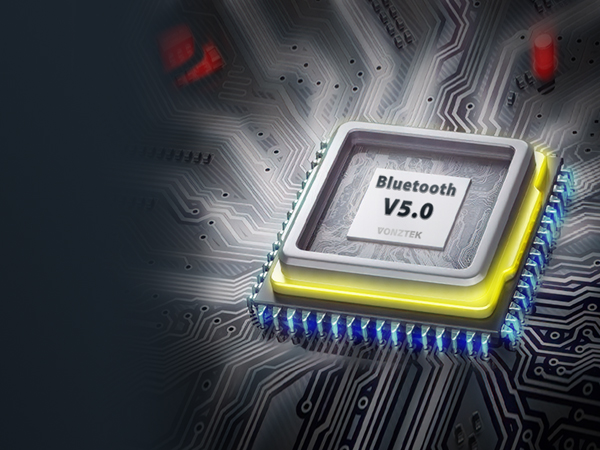
Qualcomm V5.0 Bluetooth Chip
A quicker and more stable connection, enabled by the Qualcomm chip in this bluetooth headphone.


How to hear my own voice during my use on computer?
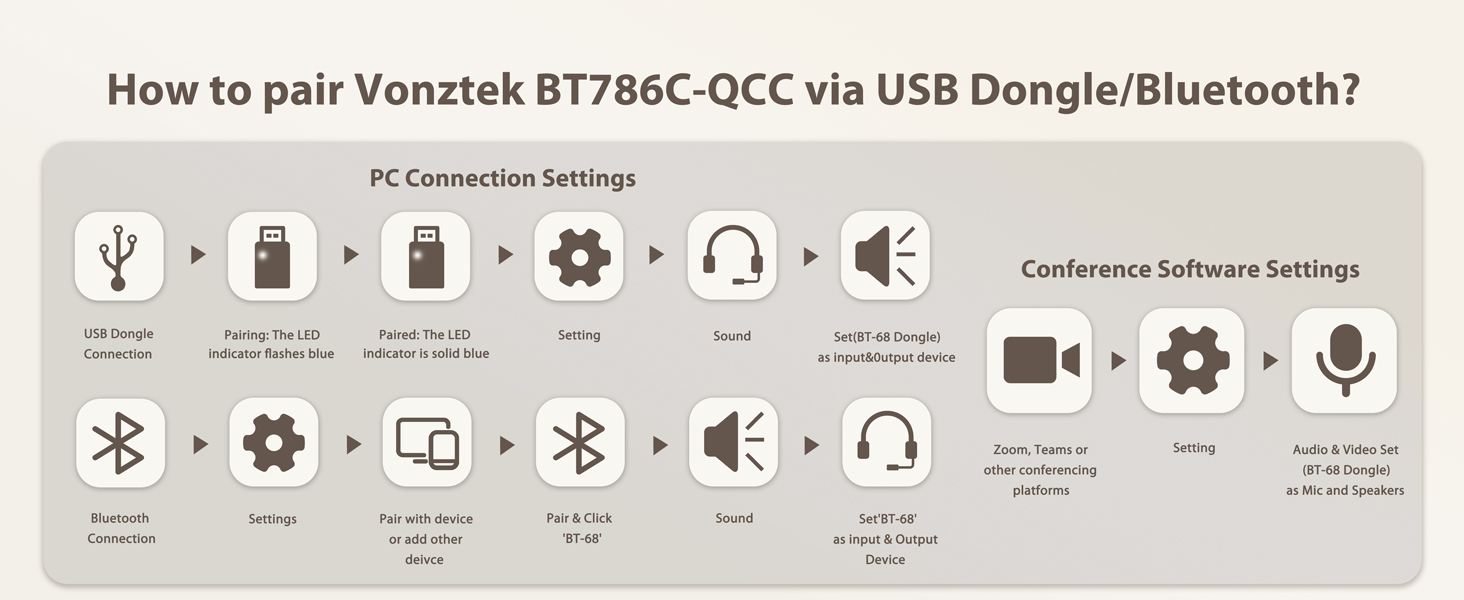
Please enter the sound/audio setting, choose record, double click the 'BT-68 Handsfree AG Audio', click 'listen to yourself', then you can hear your own voice.
How to use the headset when i am using conference apps on PC ?
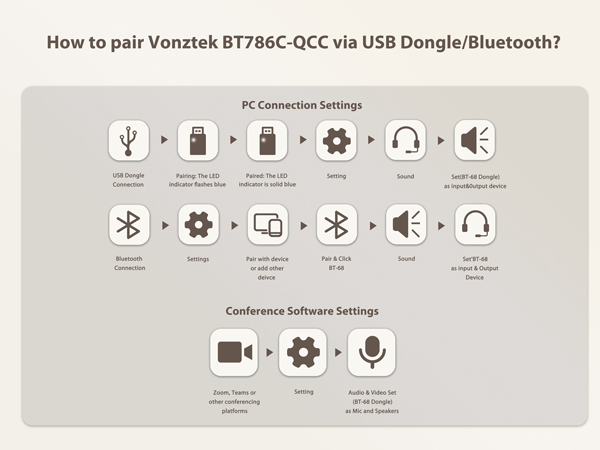
Choose the speaker and microphone as 'BT-68 Handsfree AG Audio' (without Dongle) or 'BT-68 Dongle' on PC Sound settings.
How to connect the Vonztek bluetooth headset with some software at the PC end?
Device Settings > Audio Settings > Speaker and Microphone Settings> Select [BT-68 Dongle] as your output device (speaker) & Select [BT-68 Dongle] as your input device (Microphone). Make sure [BT-68 Dongle] has been selected as the output & input.
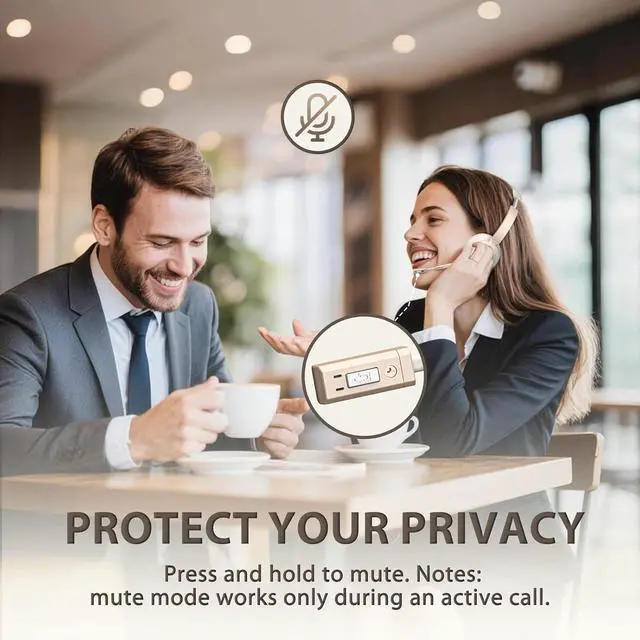
Is the headset has the microphone mute function?
Yes, you can short click the mute button on the top of the mic, the indicator shows red light, click one more time the mute will off.
How do i answer calls with the headphones?
Click the MFB button for Answer/Hang up, Turn on/off, Play/Pause. (Note: When using apps like ms teams, answer the incoming call on the connected device(apps), not on the headset.
Dual Connection
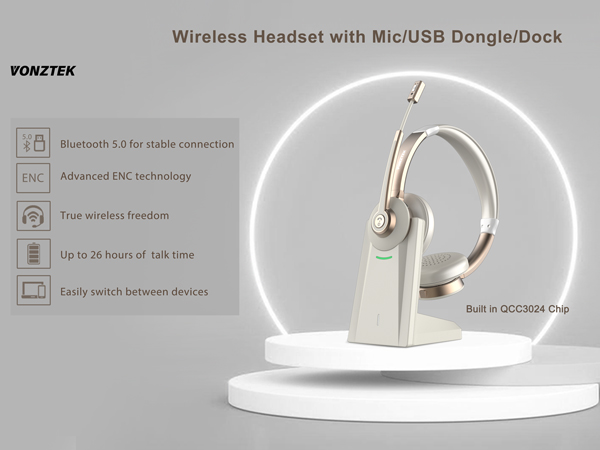
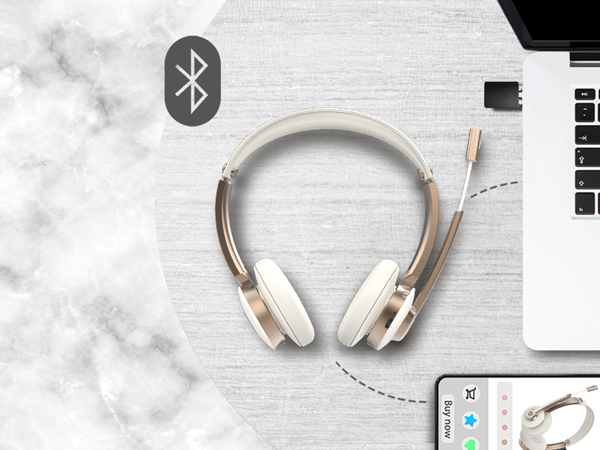
Connect two Bluetooth devices simultaneously and easily switch between your PC and phone.
Plug & Play Even Without Bluetooth
Plug and play via USB adapter — perfect for computers without Bluetooth.
ENC Tech with Qualcomm Chip
The computer headset with mic equipped with ENC, cancel up to most ambient noise during your calls.
Focus on Online Calls
The headsets with microphone compatible with apps like Zoom, Ms teams, Google meet, Skype, etc.
Qualcomm V5.0 Bluetooth Chip
A quicker and more stable connection, enabled by the Qualcomm chip in this bluetooth headphone.
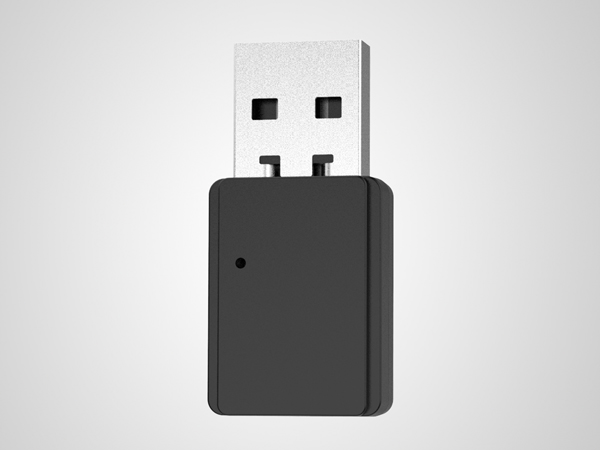
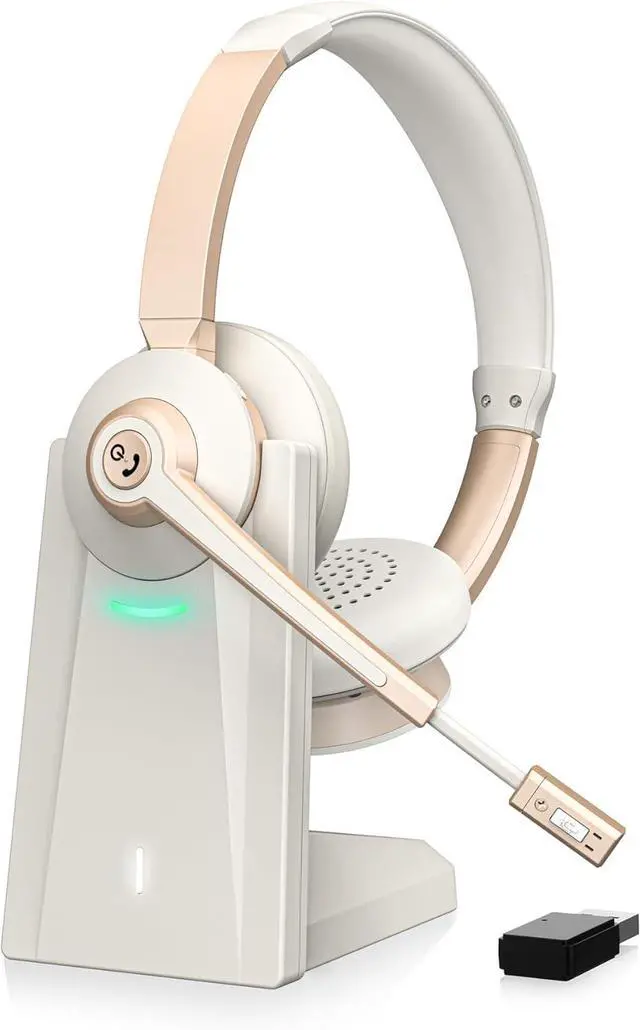
USB Dongle
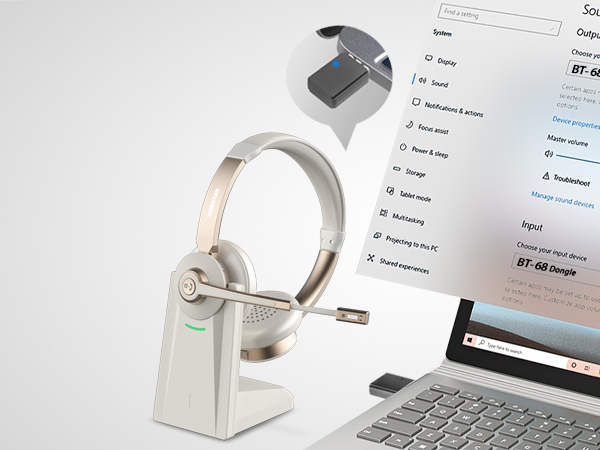
Plug the dongle in, the headset and dongle will connect automatically.
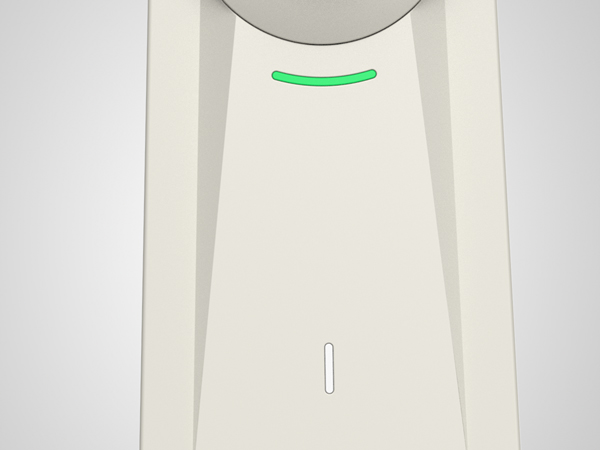
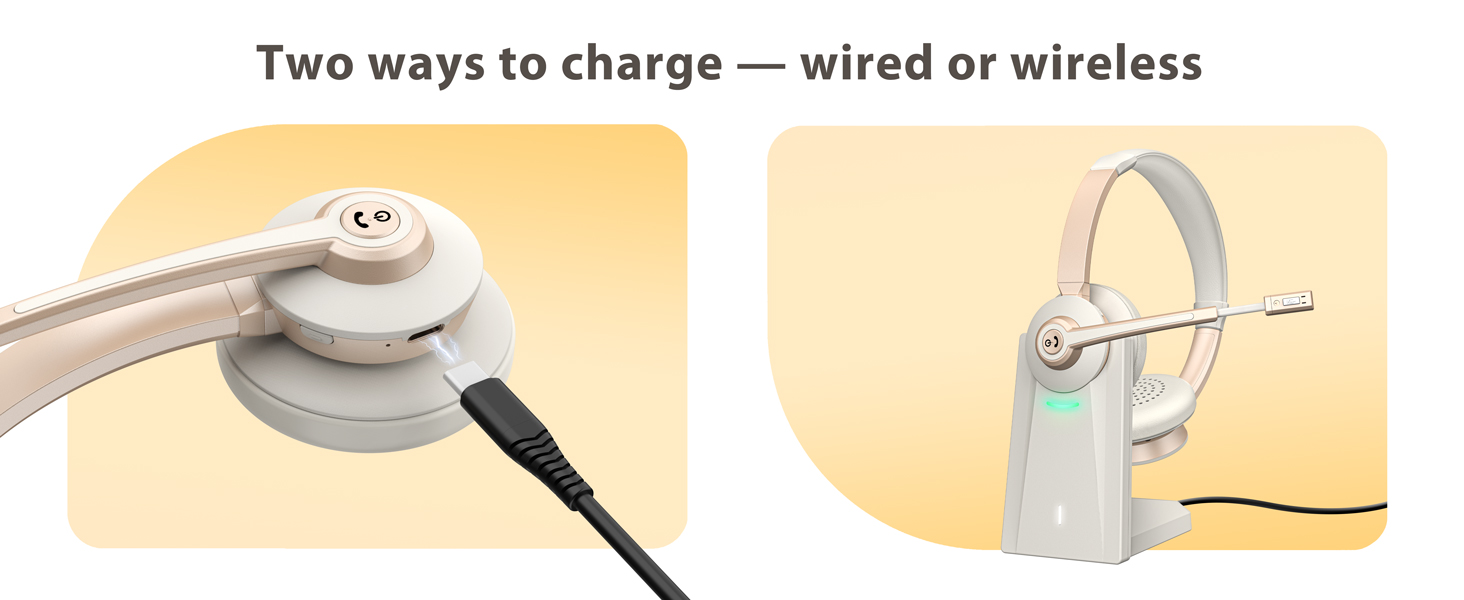
Charge Dock
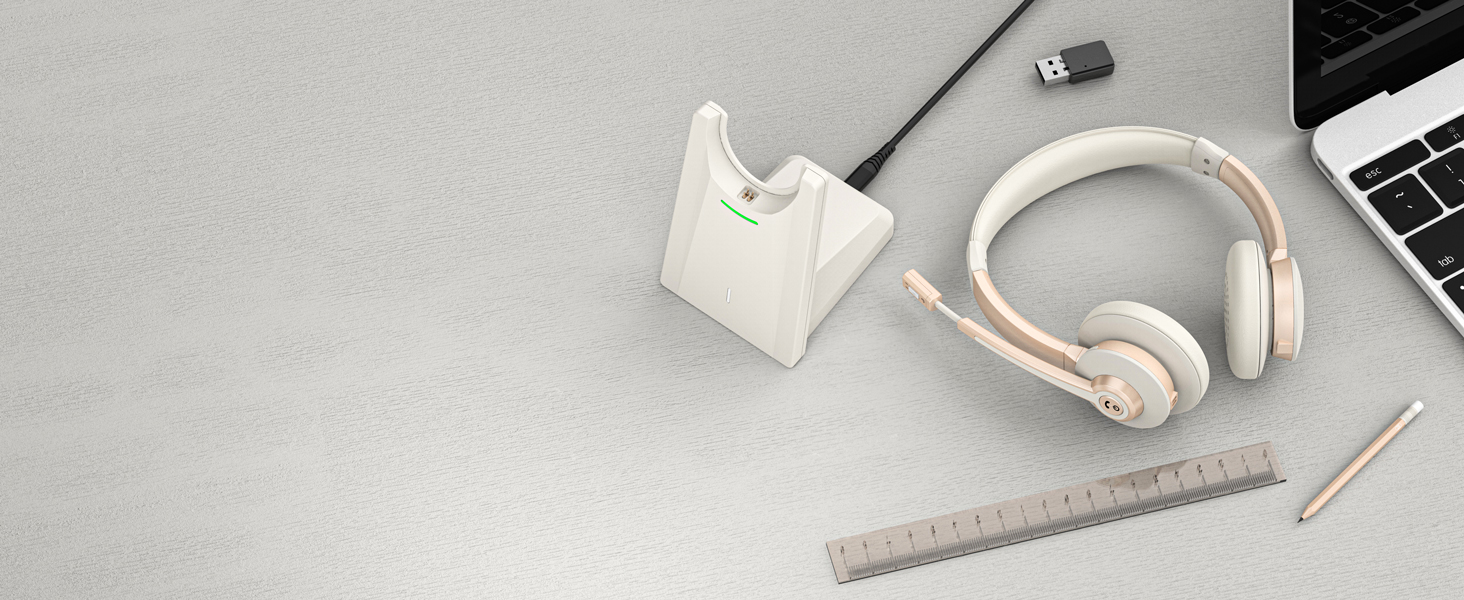
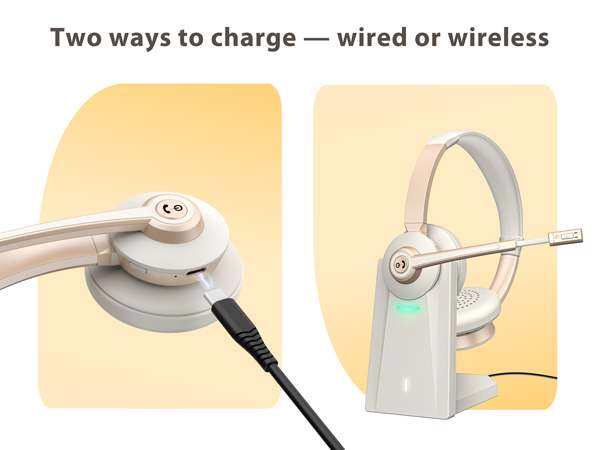
With magnetic metal contact, simply put the headset on the dock for daily charge, headset stay connect.
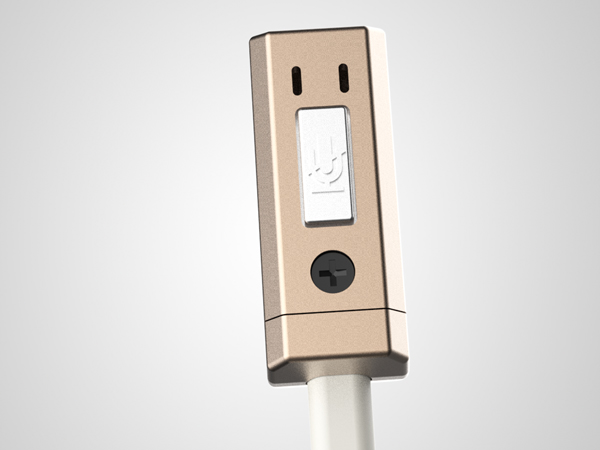
Silicon Mic
With noise reduction tec, provide clearer voice to the other end of chat.
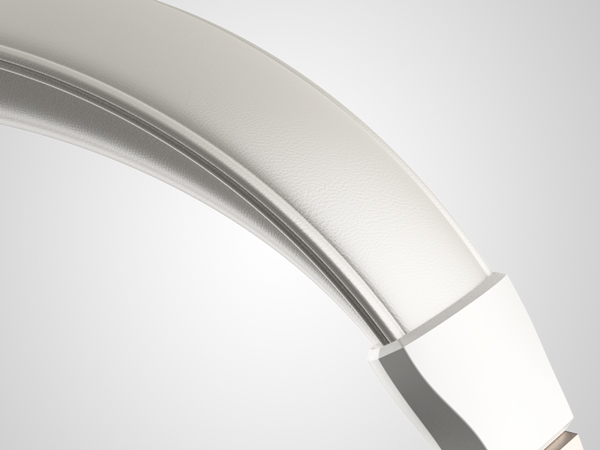
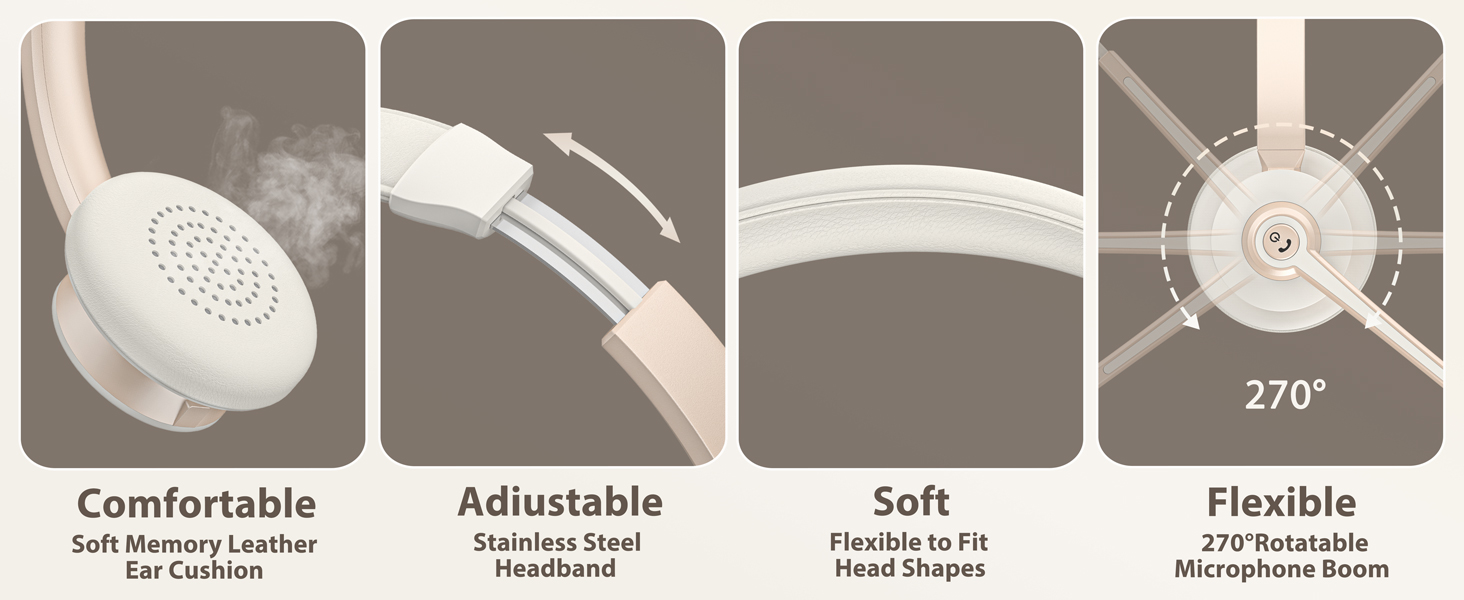
Soft Leather Headband
With ergonomics design, the headband can be adjusted to suit different headsizes, comfort wearing whole day.
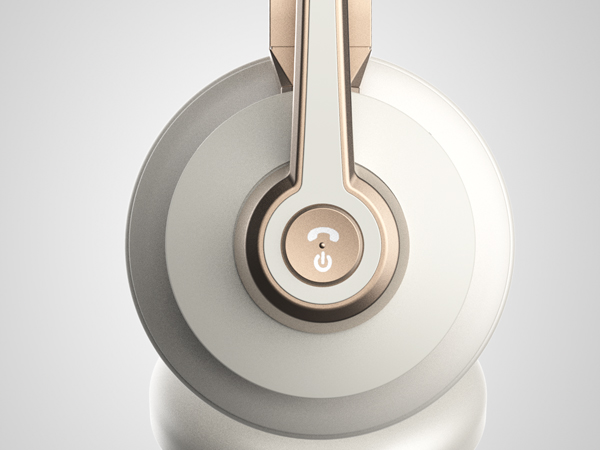
MFB Button
Click for Answer/Hang up, Turn on/off, Play/Pause. (Note: When using apps like ms teams, answer the incoming call on the connected device(apps), not on the over-ear headphones.
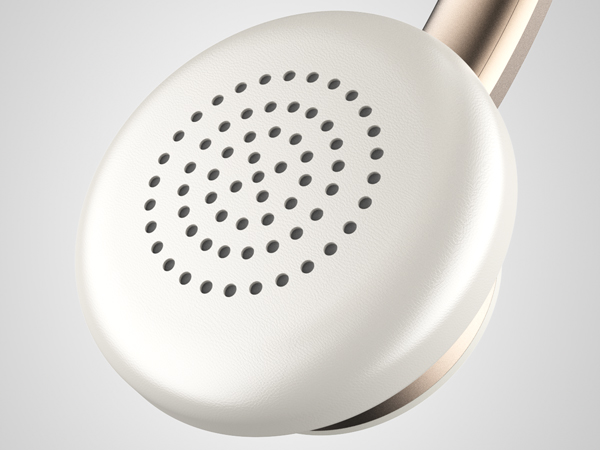
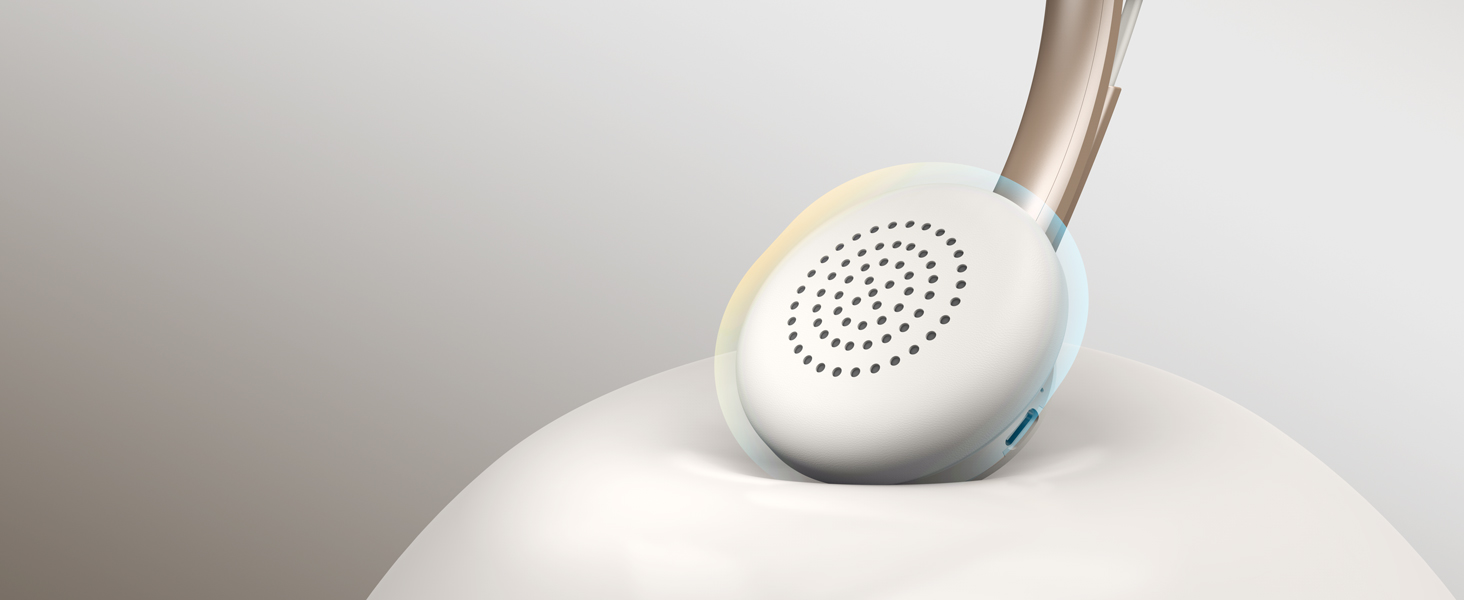
Protein leather Earpads
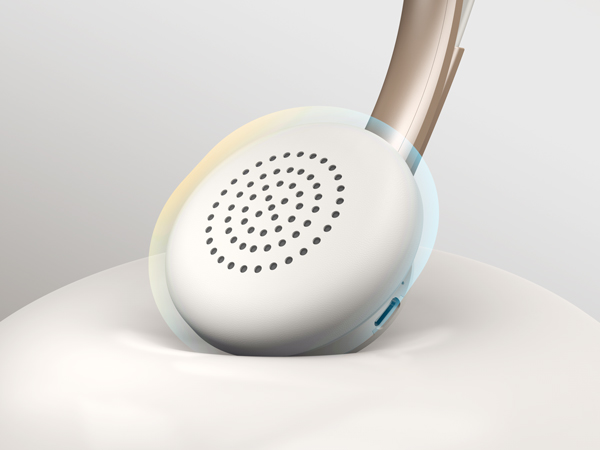
Breathable leather material, ensure your wearing comfort during daily work/class.
One-touch mute
The headphones for work is with mute button, freely control when your voice is heard during calls.
2 Devices Simultaneously
Easily connect wireless headset for computer via Bluetooth or USB dongle for lag-free transmission.

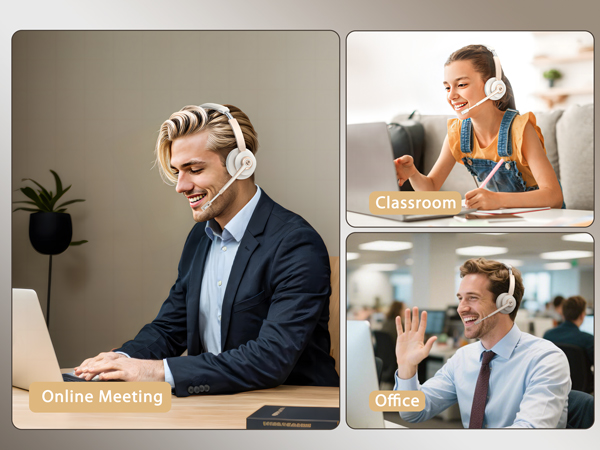
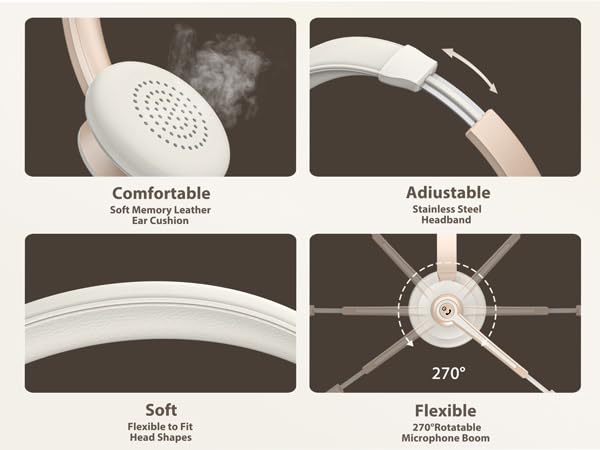
Breathable & skin-friendly materials
Experience wearing comfort with this lightweight wireless headset with mic for work.
Packing List
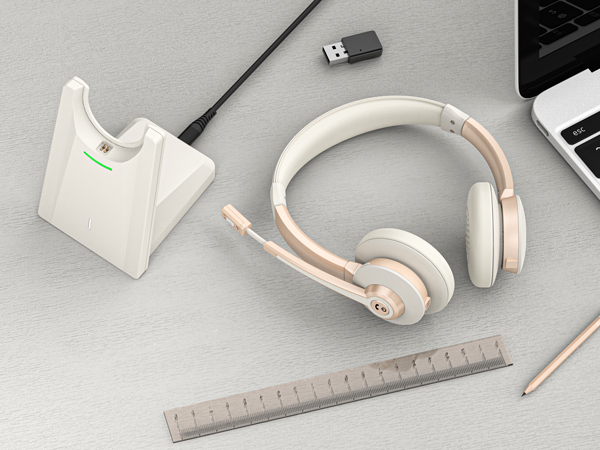
Comes with Type-C cable, charge dock, usb dongle, headset and user manual.
How to hear my own voice during my use on computer?
Please enter the sound/audio setting, choose record, double click the 'BT-68 Handsfree AG Audio', click 'listen to yourself', then you can hear your own voice.
How to use the headset when i am using conference apps on PC ?
Choose the speaker and microphone as 'BT-68 Handsfree AG Audio' (without Dongle) or 'BT-68 Dongle' on PC Sound settings.
How to connect the Vonztek bluetooth headset with some software at the PC end?
Device Settings > Audio Settings > Speaker and Microphone Settings> Select [BT-68 Dongle] as your output device (speaker) & Select [BT-68 Dongle] as your input device (Microphone). Make sure [BT-68 Dongle] has been selected as the output & input.
Is the headset has the microphone mute function?
Yes, you can short click the mute button on the top of the mic, the indicator shows red light, click one more time the mute will off.
How do i answer calls with the headphones?
Click the MFB button for Answer/Hang up, Turn on/off, Play/Pause. (Note: When using apps like ms teams, answer the incoming call on the connected device(apps), not on the headset.