








Business Meeting
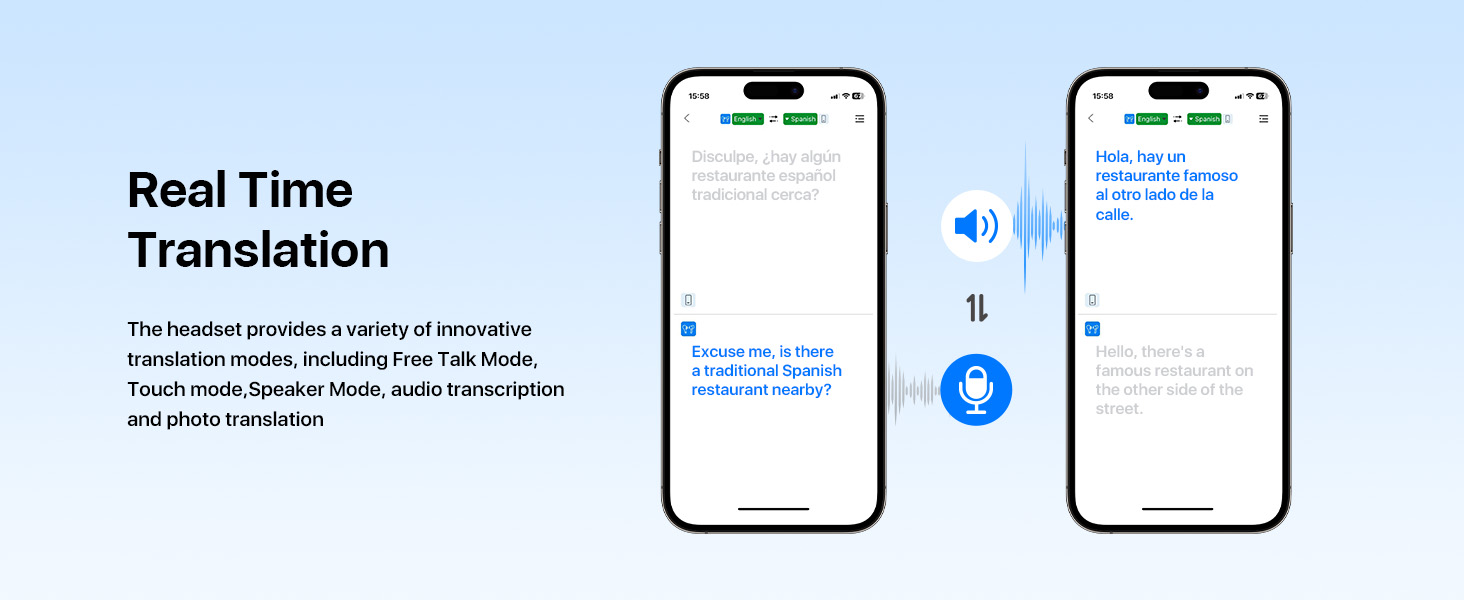
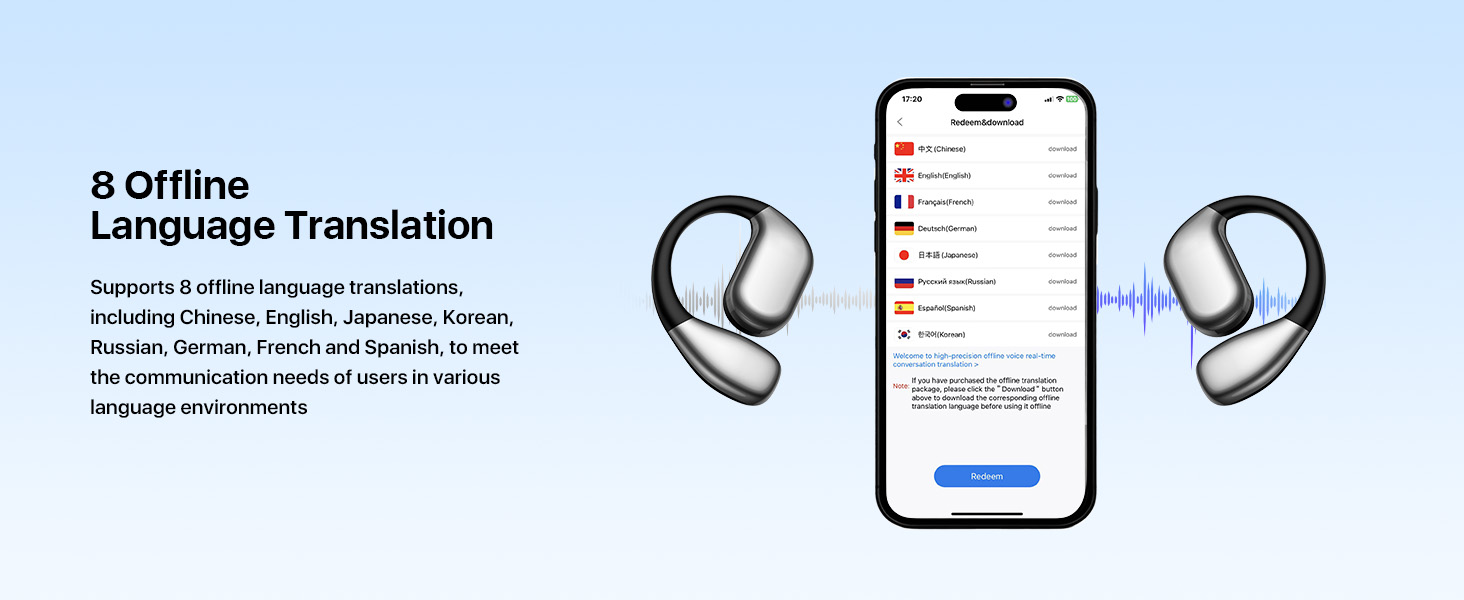
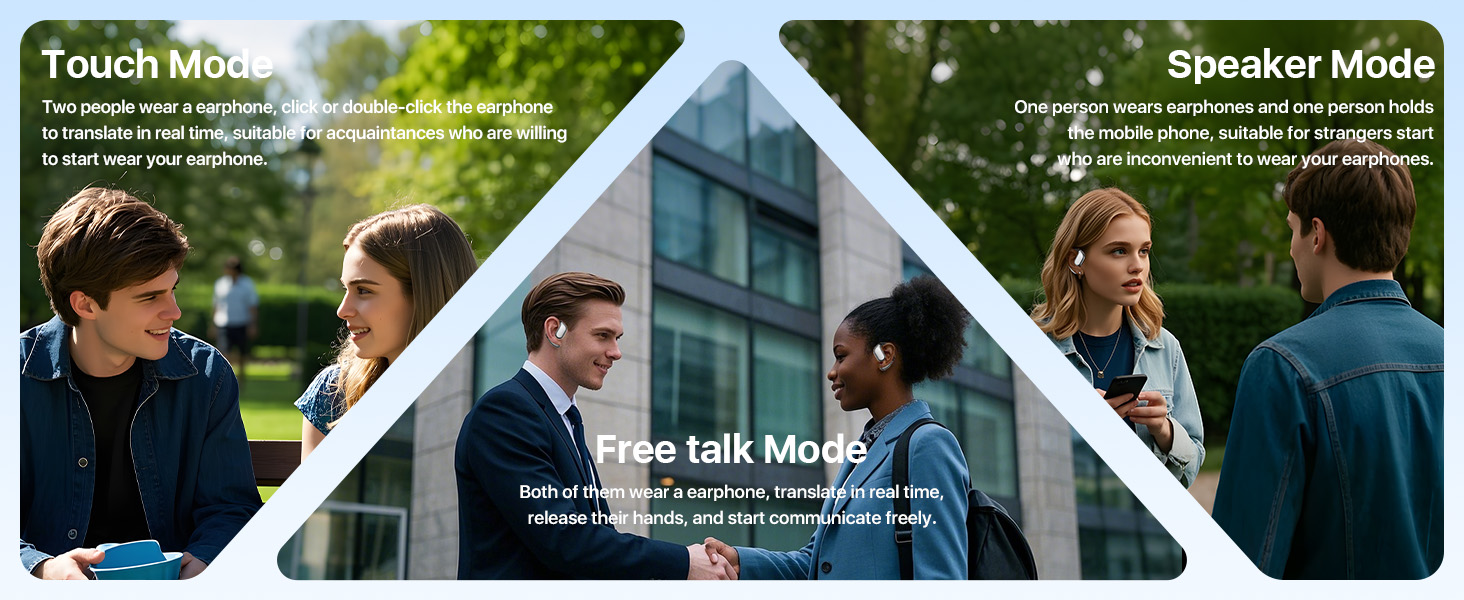
In international business meetings, M75 can translate multiple languages in real time, helping participants from different language backgrounds to better understand and communicate.

International Travel
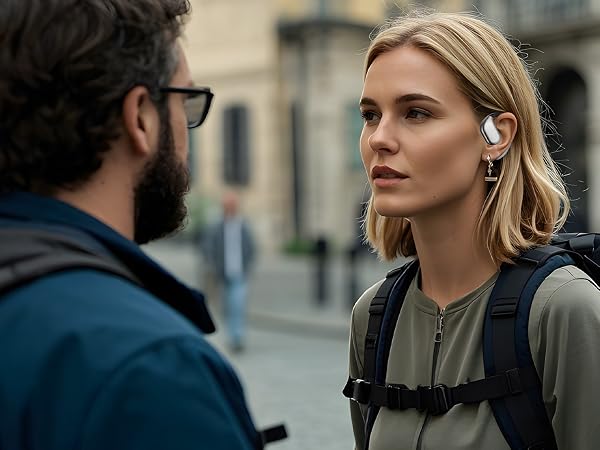
When you're traveling abroad, M75 can help you communicate easily, whether it's at a hotel, restaurant or local attraction.

Learning & Training
During classroom learning or training sessions, M75 can provide instant language translation to help learners better understand the content.
How do I connect the translator earbuds to the phone? It is a code needed?
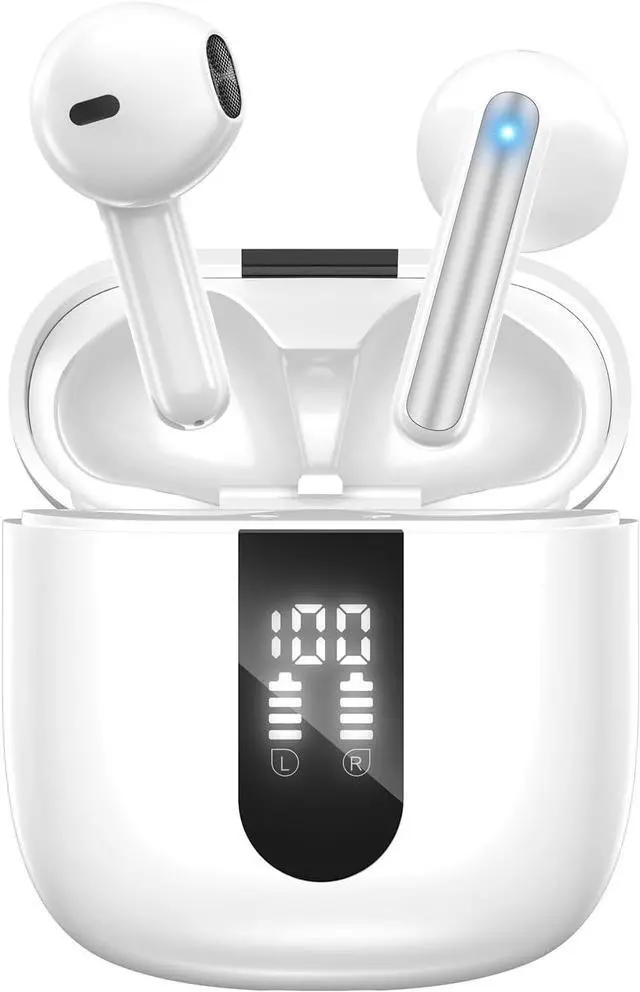
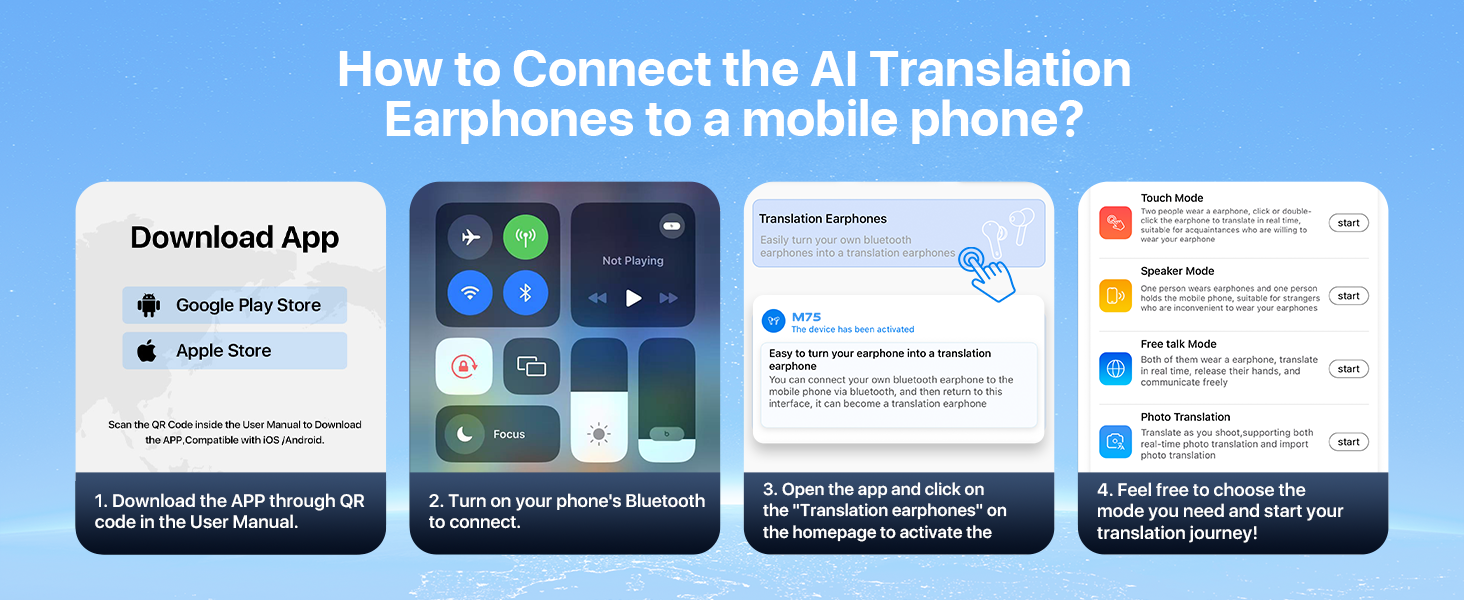
No code required. Connect in just 3 seconds: Simply remove the earphones from the charging case to power them on automatically, then enable Bluetooth on your phone, find "M75" in the list, and tap to connect.
What do I need to download to start using the AI translation earbuds?
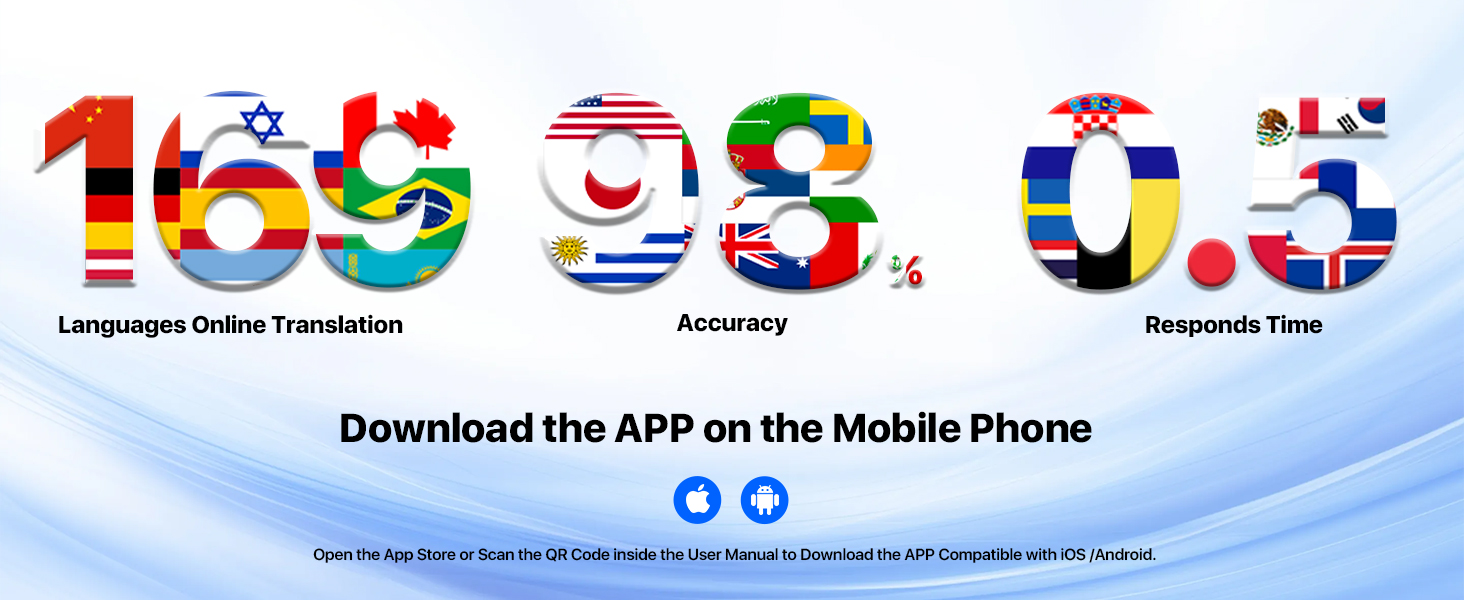
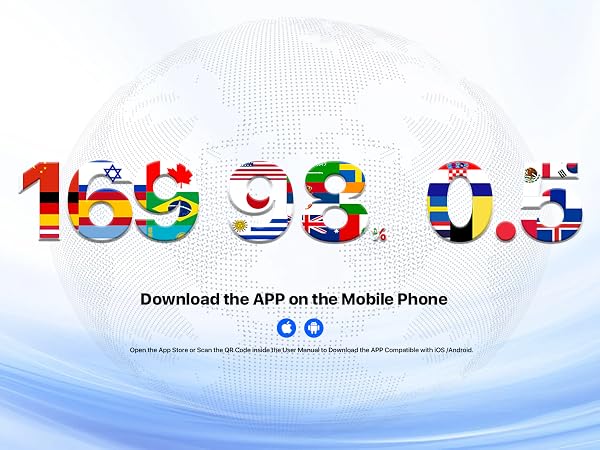
Simply scan the code in the user manual or search for "WOOASK" in your app store to get started.
Why can't I use the translation function after pairing?
Make sure you have allowed the app to use Bluetooth and microphone permissions in your phone settings. Without permissions, the translation feature will not work.
What should I do if I have any problems with the translation earbuds?
If you experience any issues with the AI translator earbuds, feel free to reach out to us anytime. We are always here to assist you and will respond quickly to resolve any concerns.




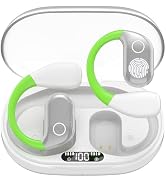
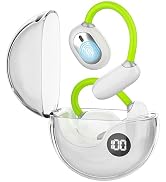
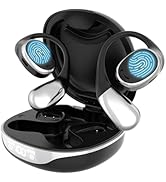
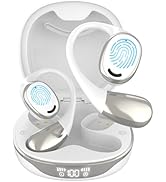
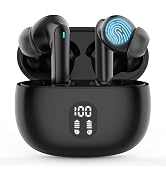
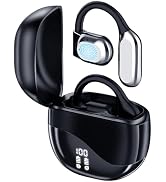
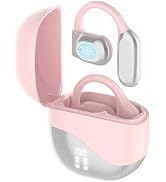
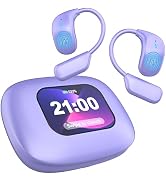
Business Meeting
International Travel
Learning & Training
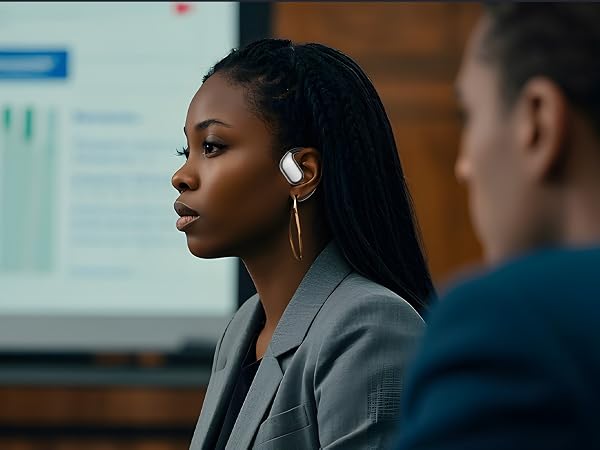
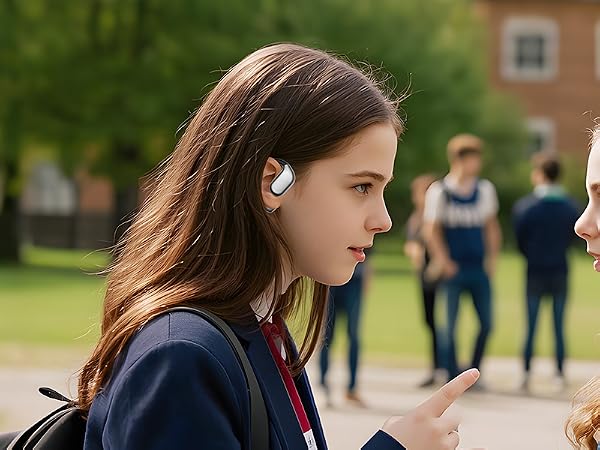
In international business meetings, M75 can translate multiple languages in real time, helping participants from different language backgrounds to better understand and communicate.
When you're traveling abroad, M75 can help you communicate easily, whether it's at a hotel, restaurant or local attraction.
During classroom learning or training sessions, M75 can provide instant language translation to help learners better understand the content.
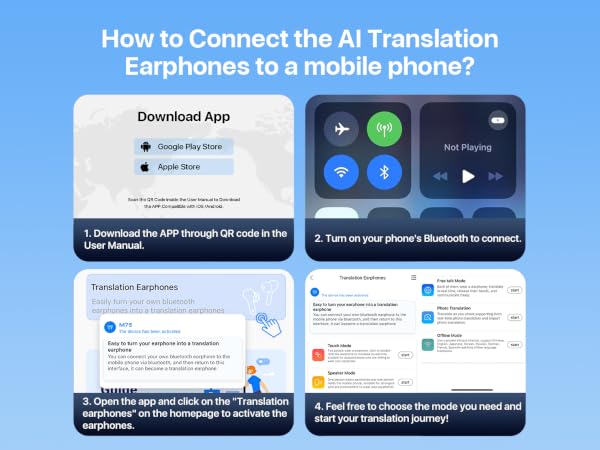
How do I connect the translator earbuds to the phone? It is a code needed?
No code required. Connect in just 3 seconds: Simply remove the earphones from the charging case to power them on automatically, then enable Bluetooth on your phone, find "M75" in the list, and tap to connect.
What do I need to download to start using the AI translation earbuds?
Simply scan the code in the user manual or search for "WOOASK" in your app store to get started.
Why can't I use the translation function after pairing?
Make sure you have allowed the app to use Bluetooth and microphone permissions in your phone settings. Without permissions, the translation feature will not work.
What should I do if I have any problems with the translation earbuds?
If you experience any issues with the AI translator earbuds, feel free to reach out to us anytime. We are always here to assist you and will respond quickly to resolve any concerns.
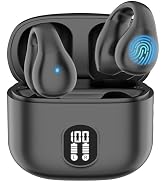
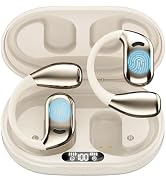
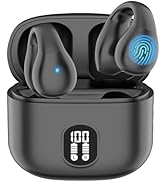
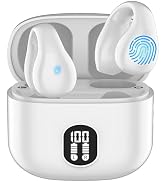
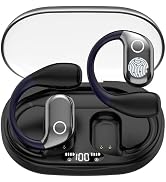
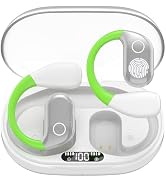
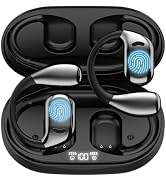
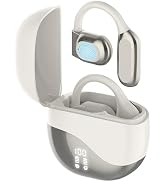
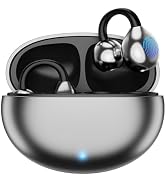
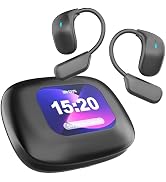
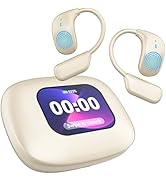
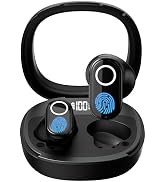
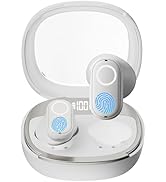
Translation Earbuds Family
Translation Earbuds Family
Translation Earbuds Family
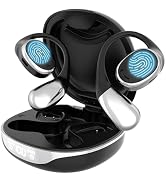
Translation Earbuds Family
Translation Earbuds Family
Translation Earbuds Family
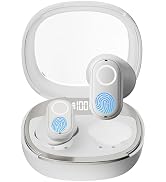
Translation Earbuds Family
