






Corner Wall Mount Compatible with Ring Pan-Tilt Indoor Cam (2024 Release)
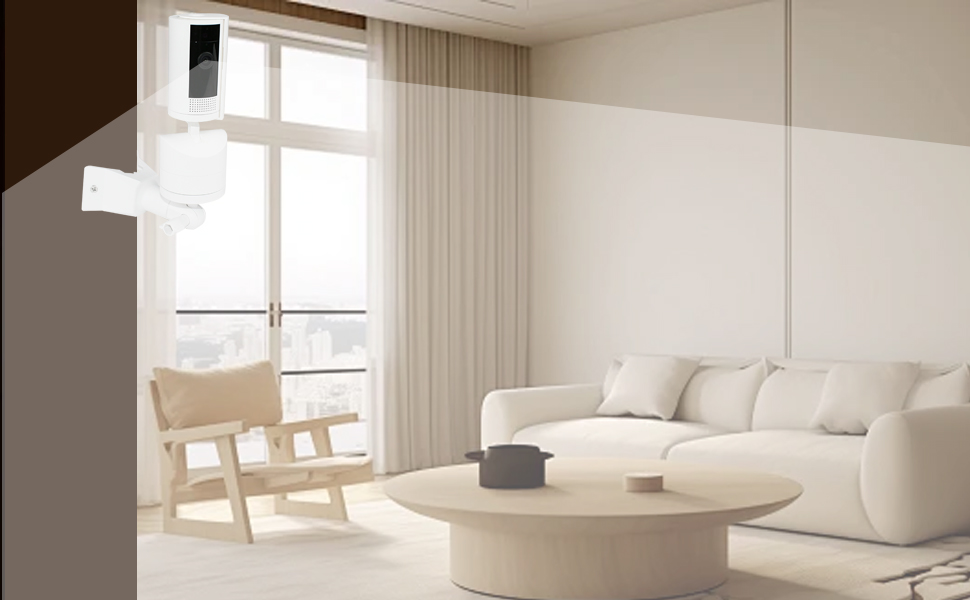
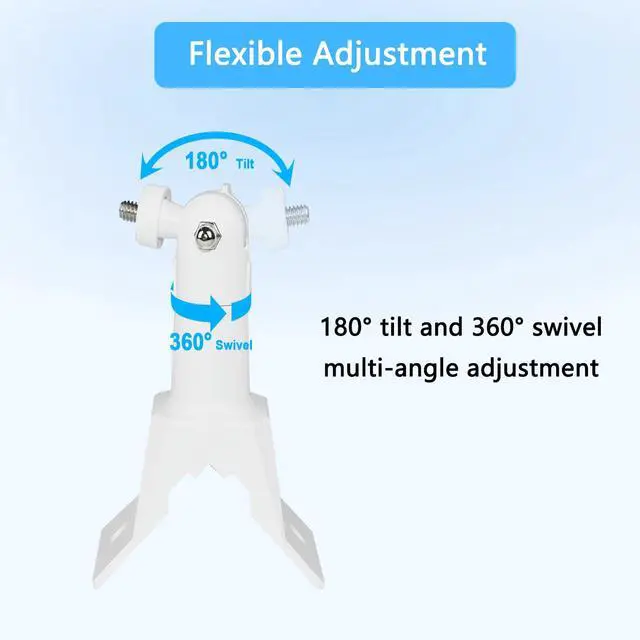
Adjustable camera holder 180 degree rotation
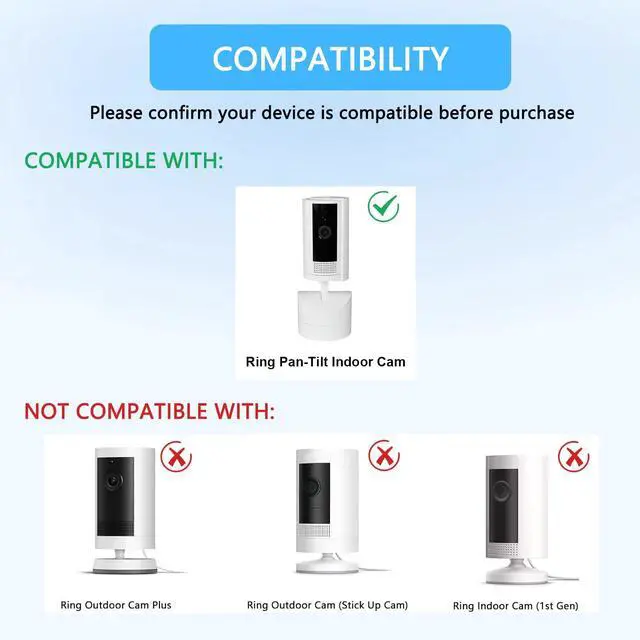
Please confirm your device is compatible before purchase
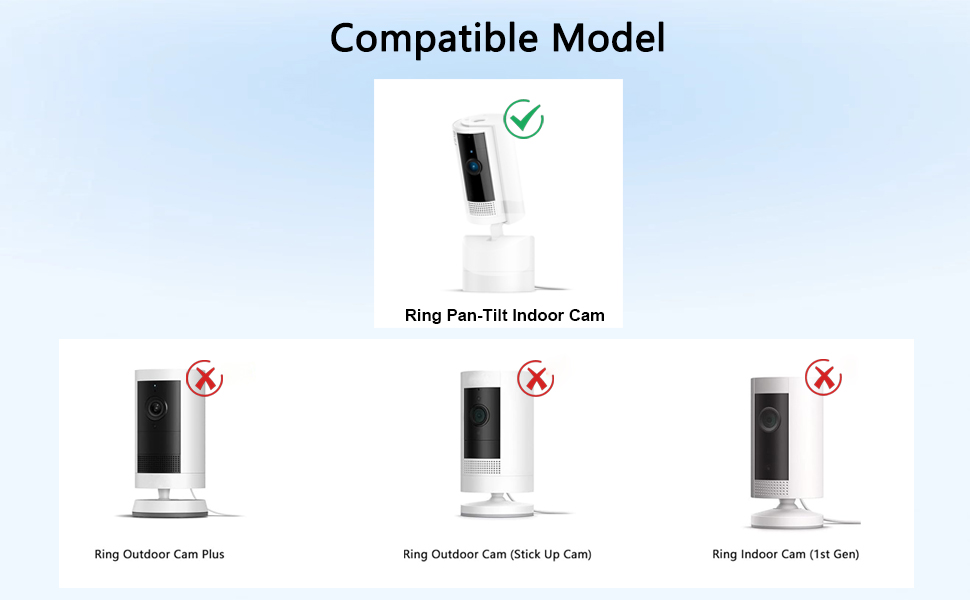
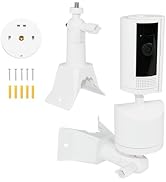
The security camera mount is only compatible with Ring Pan-Tilt Indoor Cam (2024 Release)
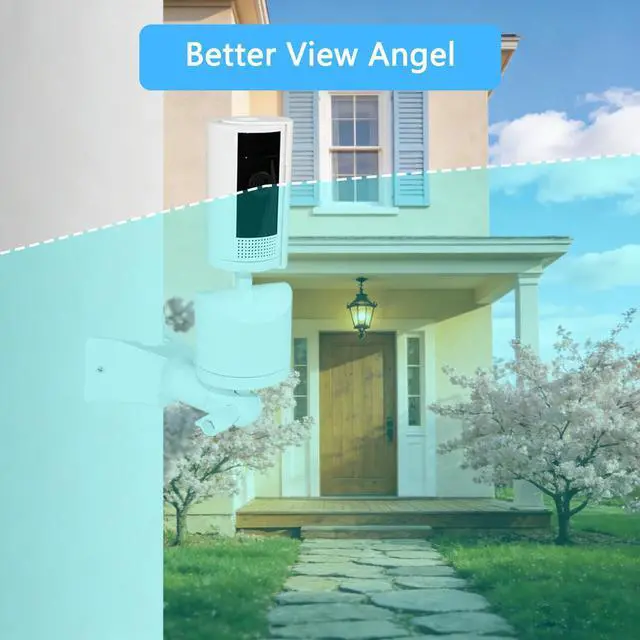
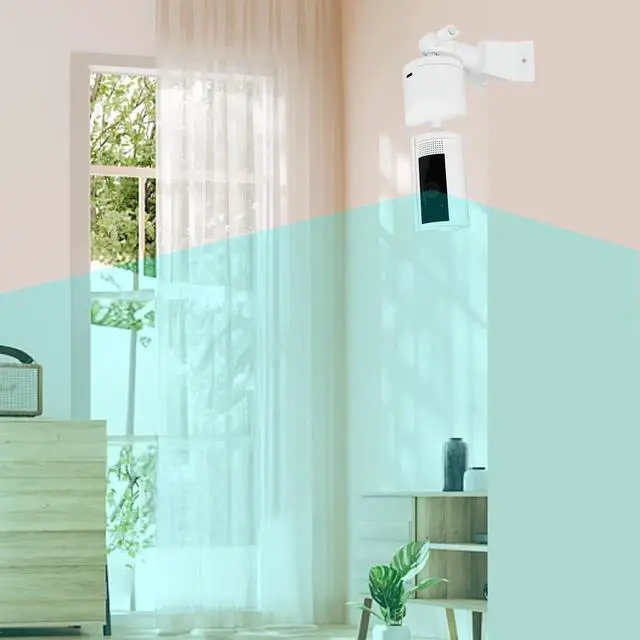
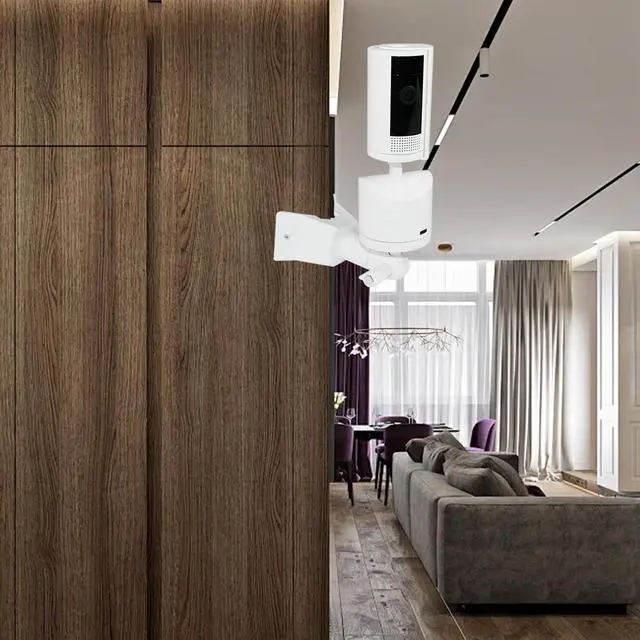
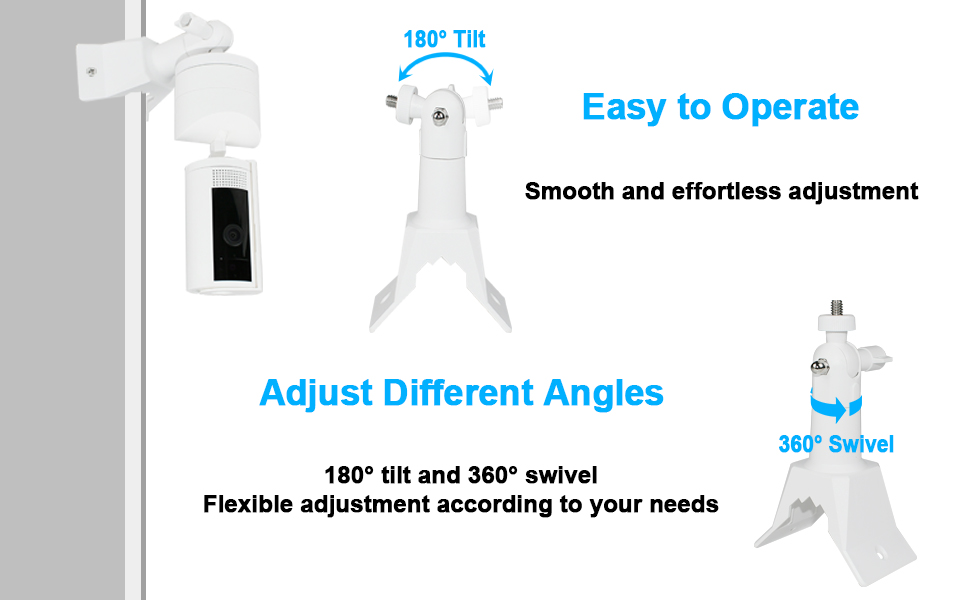
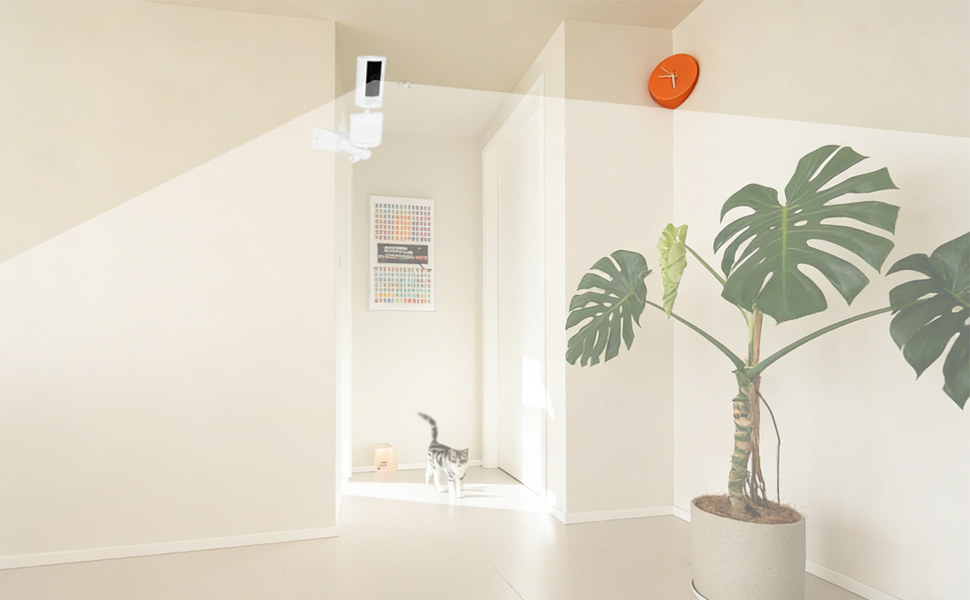
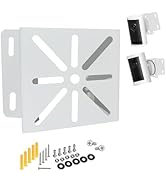
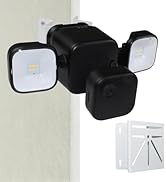
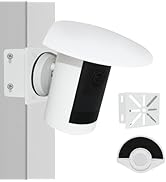
This wall-mounted corner bracket will not affect the use of your camera, and it can also provide a wider angle of view and say goodbye to blind spots
- This white corner wall mount bracket is made of high-quality plastic material, which is stronger and more durable
- Easy to install, just drill holes, insert rubber plugs and screws to fix the camera corner bracket, then attach the camera
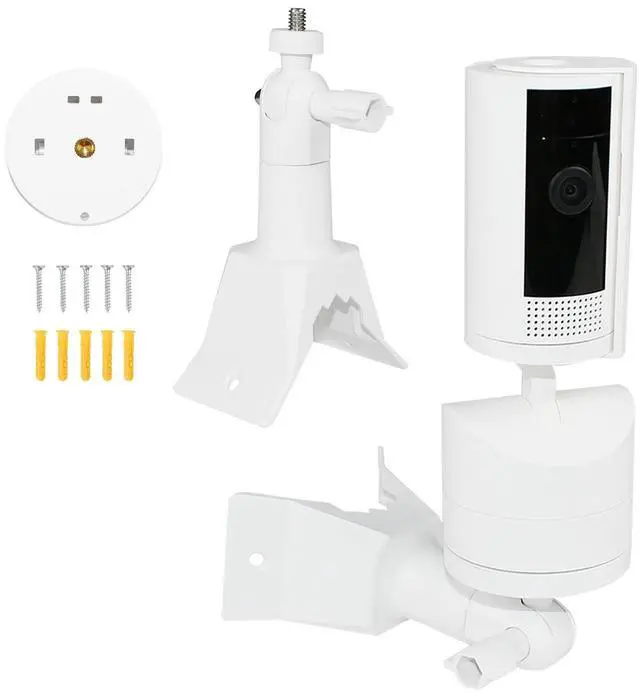
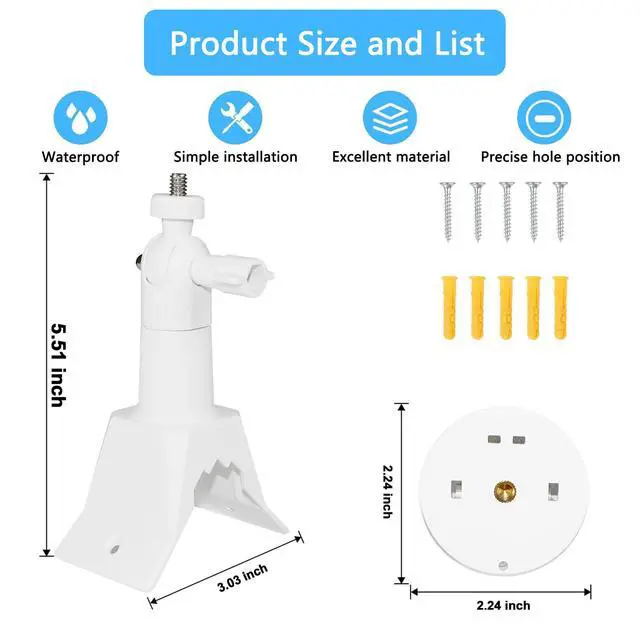
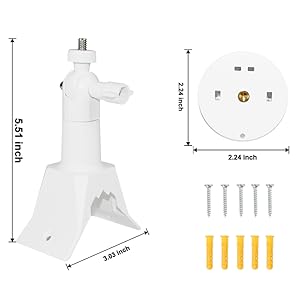
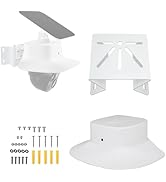
- You can get 1 x corner wall bracket & 1 x pan-tilt mount adapter base and the screws required for installation (Camera not included)
Adjustable Wall Mount Installation Steps
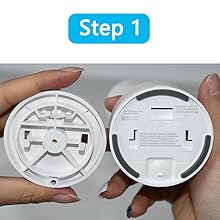
Bracket attach camera head base
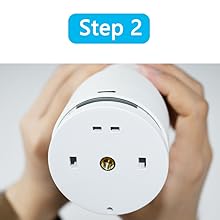
Install bracket base and rotate to lock up
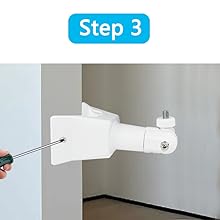
Mount the bracket to the wall and screw the screws into the bracket holes
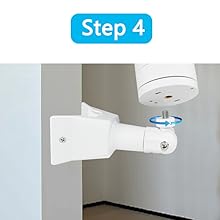
Align the screws on the top of the bracket with the camera base and screw them in

GOOSEEN Brackets & Mounts
Professional supply of various accessories for cameras and doorbells

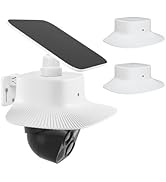
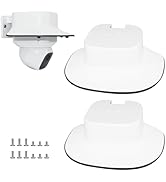
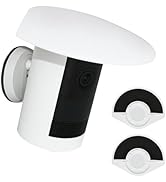
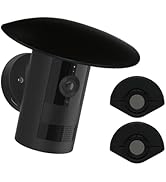

GOOSEEN Brackets & Mounts
Professional supply of various accessories for cameras and doorbells
Welcome to GOOSEEN Store
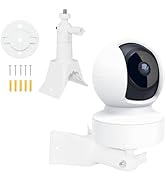
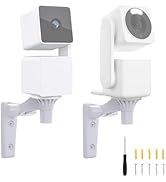
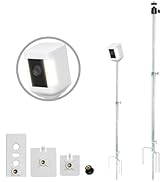
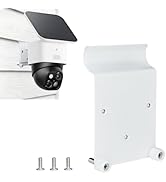
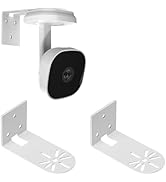
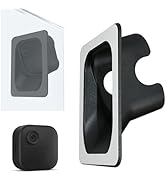
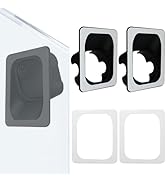
The safety camera bracket is made of durable materials, easy to install, and suitable for various scenarios
Camera Rain Cover
Camera Corner Mount
Adjustable Camera Mount
Specific Scene Bracket
Corner Wall Mount Compatible with Ring Pan-Tilt Indoor Cam (2024 Release)
Adjustable camera holder 180 degree rotation
Please confirm your device is compatible before purchase
The security camera mount is only compatible with Ring Pan-Tilt Indoor Cam (2024 Release)
This wall-mounted corner bracket will not affect the use of your camera, and it can also provide a wider angle of view and say goodbye to blind spots
- This white corner wall mount bracket is made of high-quality plastic material, which is stronger and more durable
- Easy to install, just drill holes, insert rubber plugs and screws to fix the camera corner bracket, then attach the camera
- You can get 1 x corner wall bracket & 1 x pan-tilt mount adapter base and the screws required for installation (Camera not included)
Adjustable Wall Mount Installation Steps
Bracket attach camera head base
Install bracket base and rotate to lock up
Mount the bracket to the wall and screw the screws into the bracket holes
Align the screws on the top of the bracket with the camera base and screw them in