here!
here!
I’m your shopping assistant for PC builds, upgrades, and everything tech.
Got questions? Ask away!
Start a conversation
here!
I’m your shopping assistant for PC builds, upgrades, and everything tech.
Got questions? Ask away!
Start a conversation



Any questions? Ask CelesteSM will help you find out quickly.
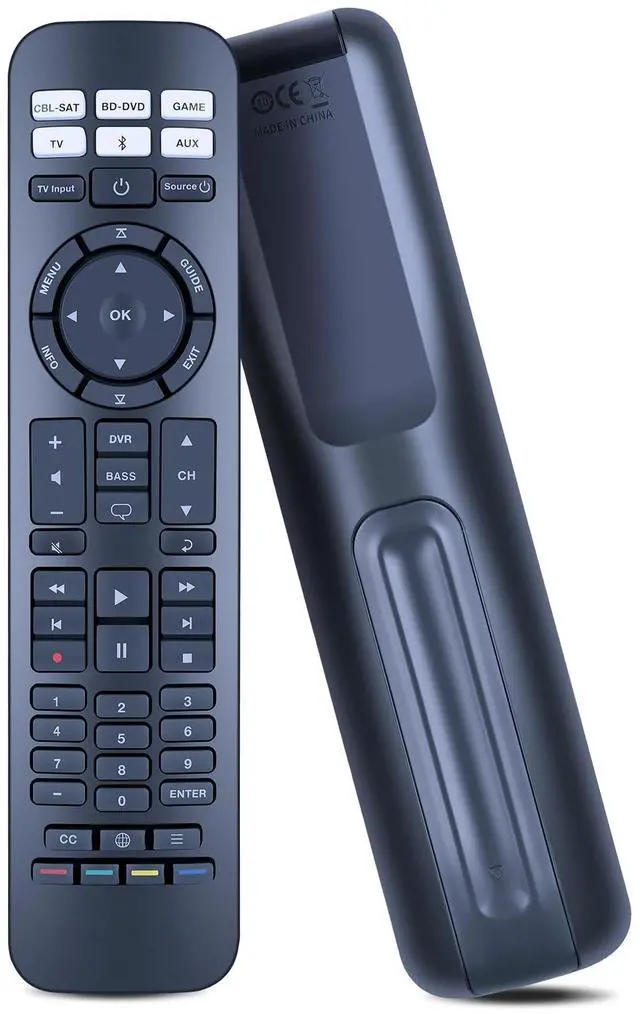
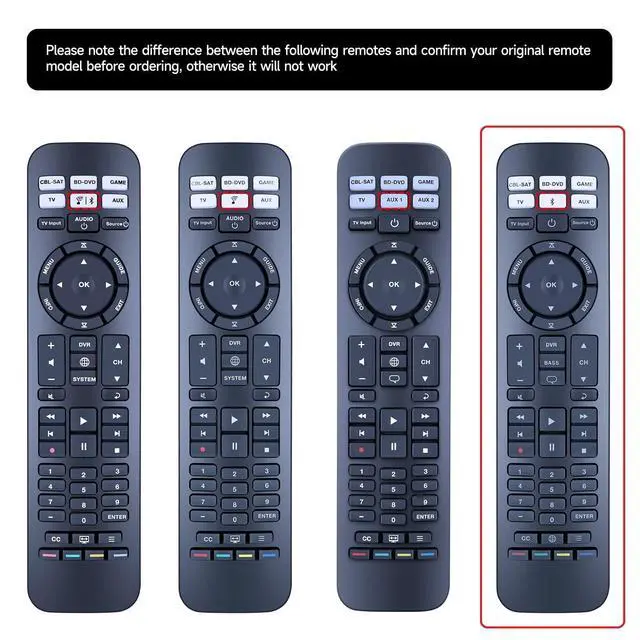
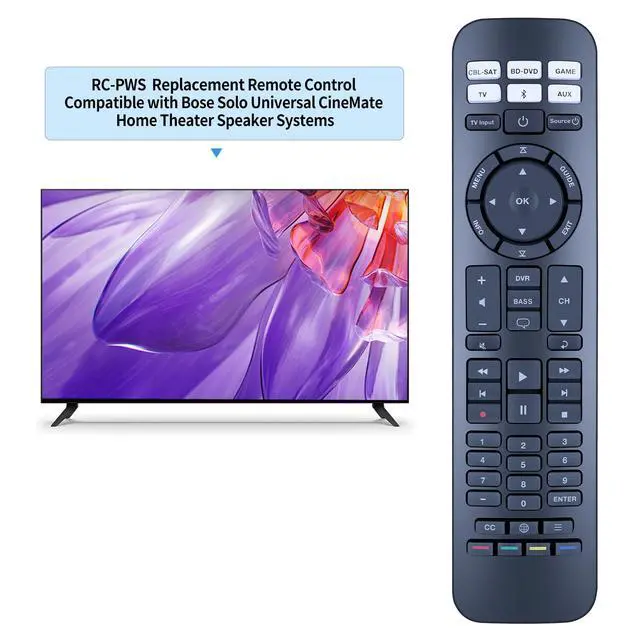
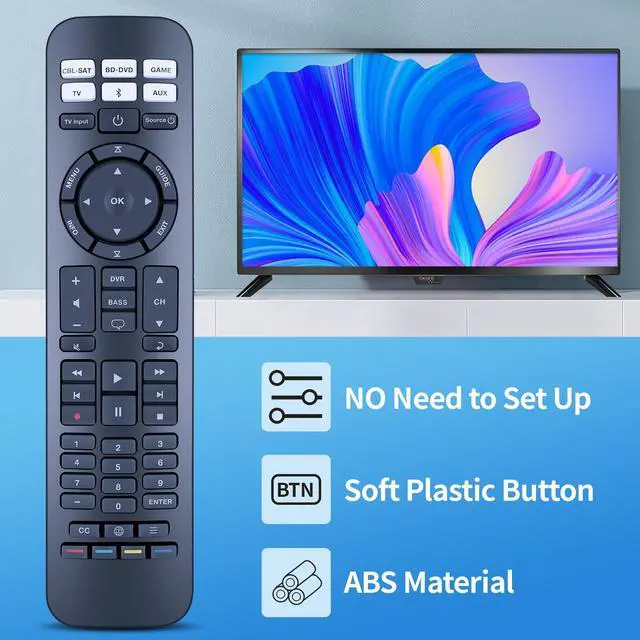
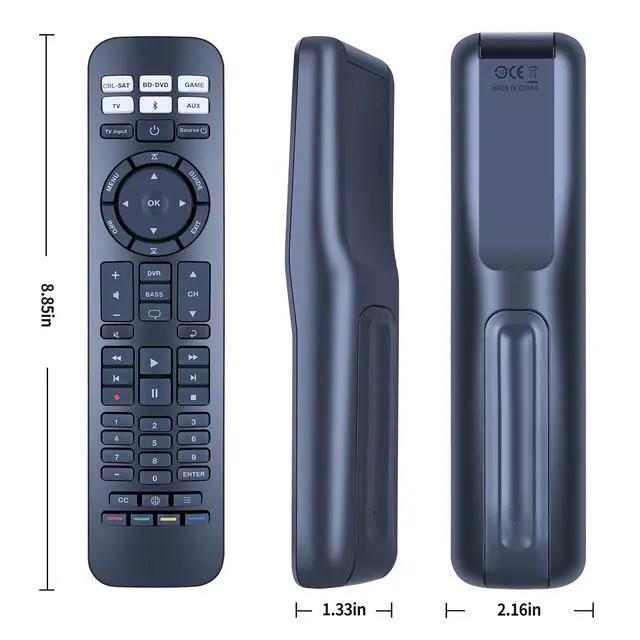
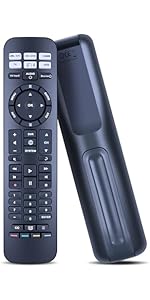 PZL Replacement Remote for Bose URC-15s CineMate 520, 220, 130 & 120 SoundTouch | 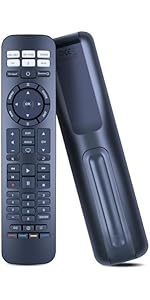 PZL Replaced Remote for Bose RC-PWS III Universal for Bose Cinemate I IIGS 1SR | 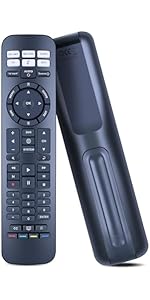 PZL New Replaced URC-15S Remote for Bose CineMate SoundTouch 520, 220, 130, 120 | 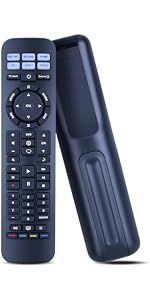 PZL New Replaced RC-PWS IR Remote for Bose Solo Cinemate Serie II GS Series II | |
|---|---|---|---|---|
| Price | — | — | — | — |
| Model | URC-15s | RC-PWS III | URC-15S | RC-PWS |
| Compatibility | for 520, 220, 130, 120 SoundTouch | for Cinemate I IIGS 1SR Solo5 Solo 10 & 15 Solo TV Sound | for CineMate SoundTouch 520, 220, 130, 120 | for Solo Cinemate Serie II GS Series II |
Pairing Method:
1) Power on your source.
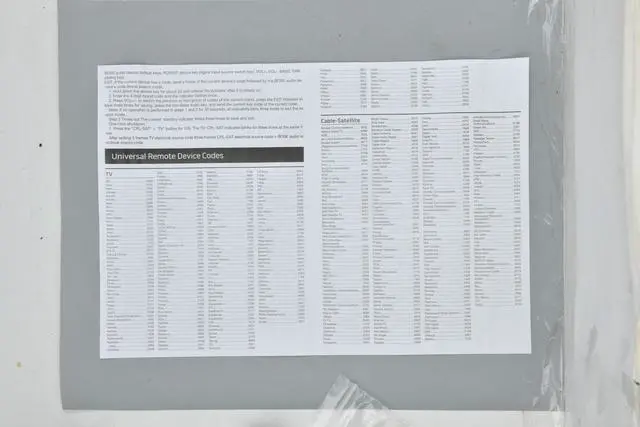
2) Find the appropriate code for your source brand (No additional setup code is required for bose).
3) On the remote control, press the appropriate source button until the 6 sources are illuminated, then release it.
4) Input your code (Note: If all six buttons flash three times, it means you have input the code is invalid. Repeat steps 3 and 4.)
5) Press + on the volume button
6) Test the basic functions
TV: Press the channel button, press the menu button
Cable/satellite box, DVD or Blu-ray Disc player: Press the Guide button.
Game system: press left or right to navigate the menu
7) If your source responds to the basic functions, press exit to save the settings.
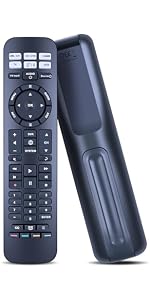 PZL Replacement Remote for Bose URC-15s CineMate 520, 220, 130 & 120 SoundTouch | PZL Replaced Remote for Bose RC-PWS III Universal for Bose Cinemate I IIGS 1SR | PZL New Replaced URC-15S Remote for Bose CineMate SoundTouch 520, 220, 130, 120 | 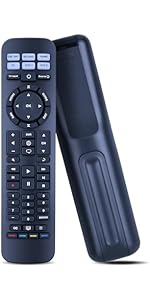 PZL New Replaced RC-PWS IR Remote for Bose Solo Cinemate Serie II GS Series II | |
|---|---|---|---|---|
| Price | — | — | — | — |
| Model | URC-15s | RC-PWS III | URC-15S | RC-PWS |
| Compatibility | for 520, 220, 130, 120 SoundTouch | for Cinemate I IIGS 1SR Solo5 Solo 10 & 15 Solo TV Sound | for CineMate SoundTouch 520, 220, 130, 120 | for Solo Cinemate Serie II GS Series II |
Pairing Method:
1) Power on your source.
2) Find the appropriate code for your source brand (No additional setup code is required for bose).
3) On the remote control, press the appropriate source button until the 6 sources are illuminated, then release it.
4) Input your code (Note: If all six buttons flash three times, it means you have input the code is invalid. Repeat steps 3 and 4.)
5) Press + on the volume button
6) Test the basic functions
TV: Press the channel button, press the menu button
Cable/satellite box, DVD or Blu-ray Disc player: Press the Guide button.
Game system: press left or right to navigate the menu
7) If your source responds to the basic functions, press exit to save the settings.