



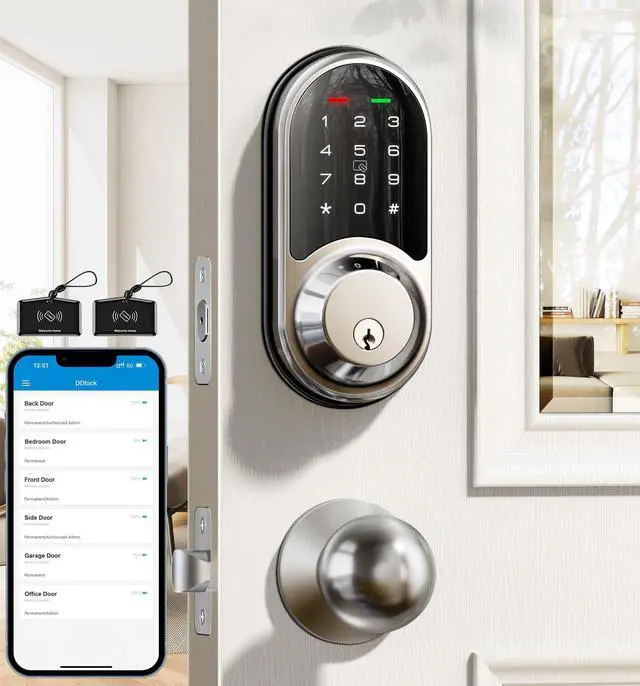


Slide to view >>>
Trust Veise, Secure Your Home.


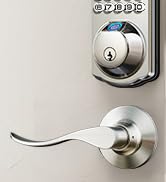
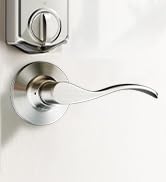
Veise Wi-Fi Lock with Levers
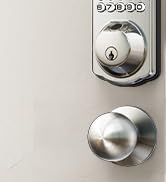
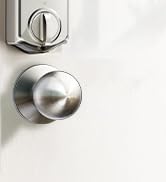
Veise WiFi Lock with Knob
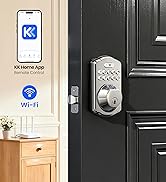
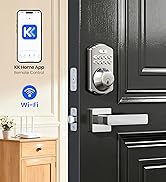
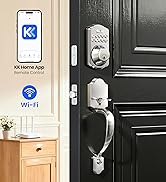
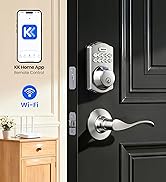
Built-in WiFi Smart Lock
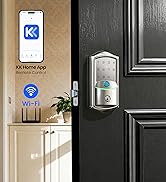
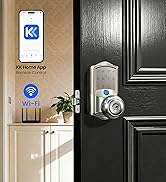
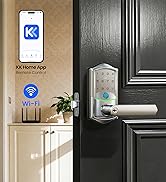
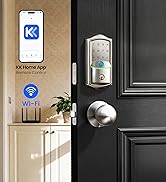
Built-in WiFi Smart Lock
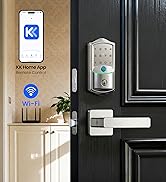
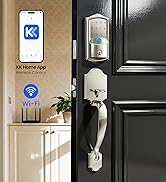
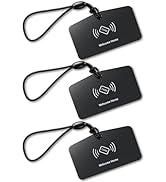
Built-in WiFi Smart Lock
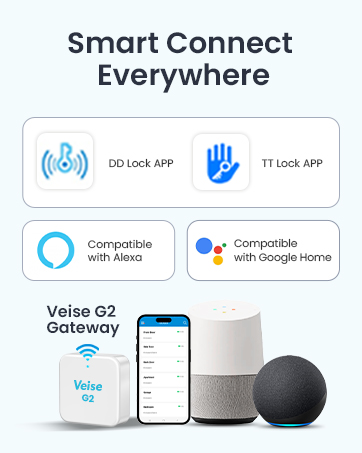
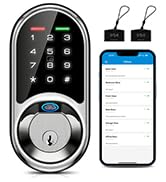
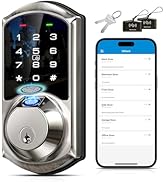
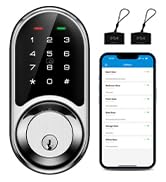
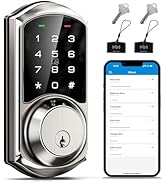
Smart Locks Work w/ G2 Gateway
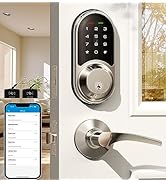
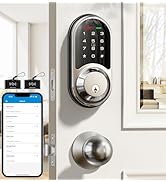
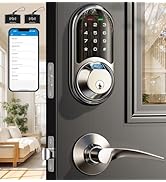
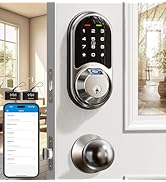
Smart Locks Work w/ G2 Gateway
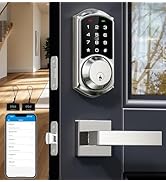
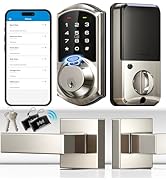
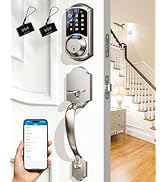
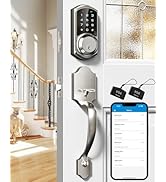
Smart Locks Work w/ G2 Gateway
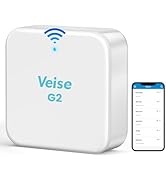
Smart Lock Accessories
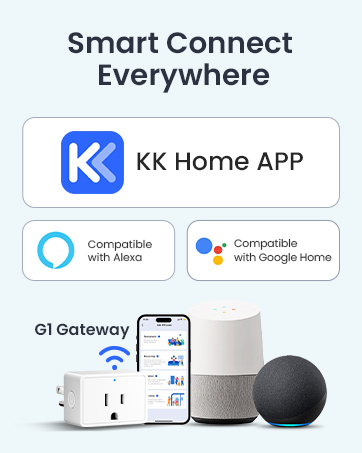
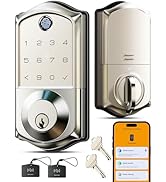
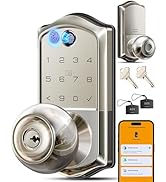
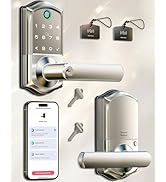
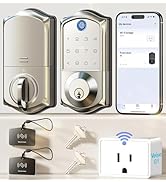
Smart Locks Work w/G1 Gateway
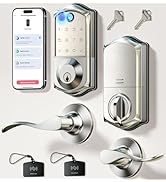
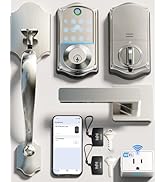
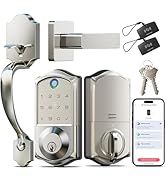
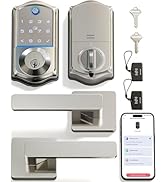
Smart Locks Work w/G1 Gateway
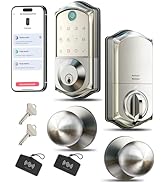
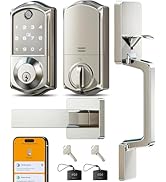
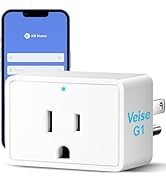
Smart Locks Work w/G1 Gateway
Veise's Lifetime Service & Free Replacement --Whatever product issues!
hero-video
Merchant Video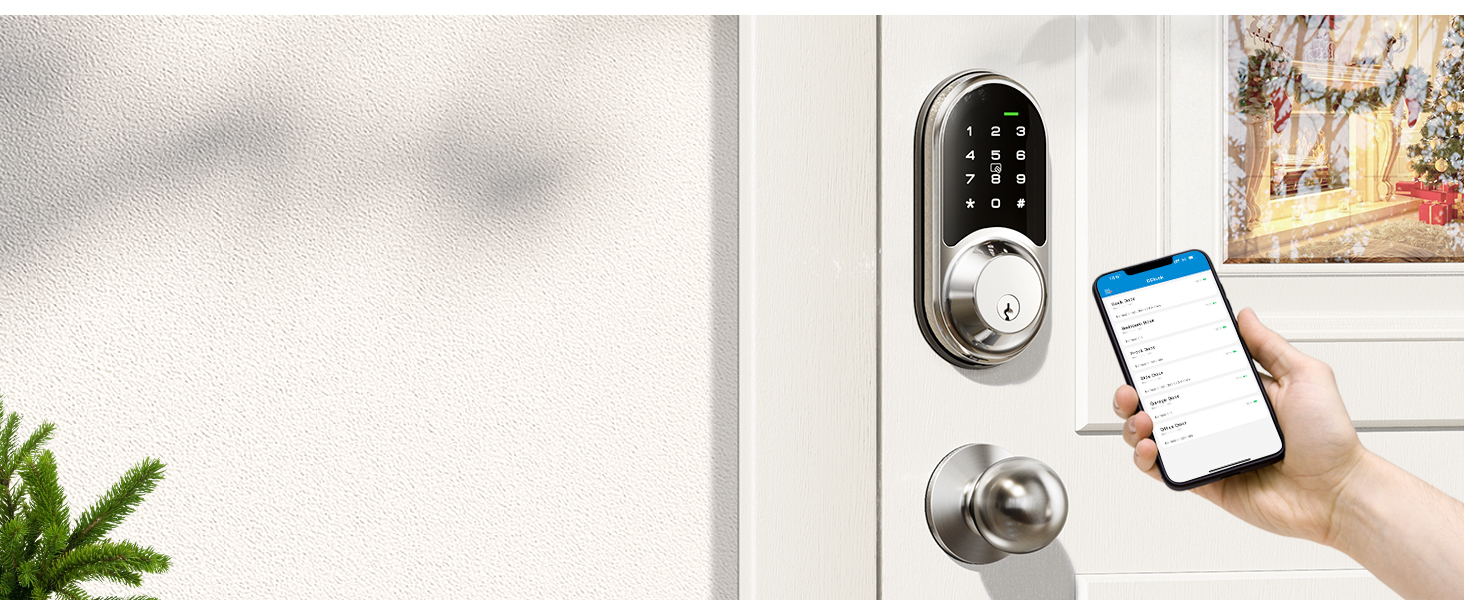
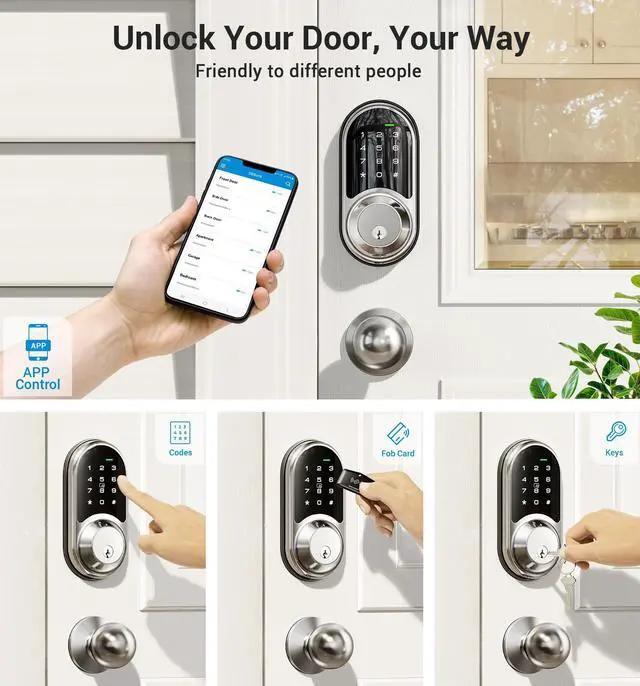
App Control
Control and access your smart lock via smartphone.
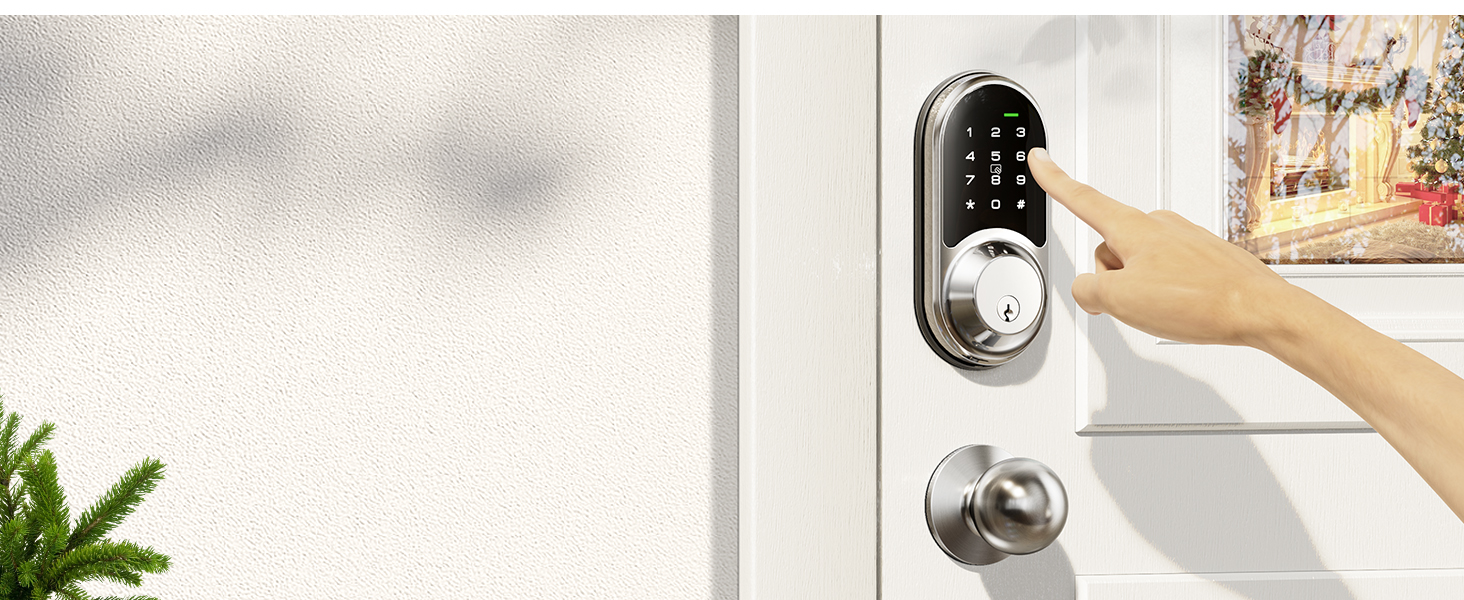
Password
Set different types of passwords for family, guests or others.
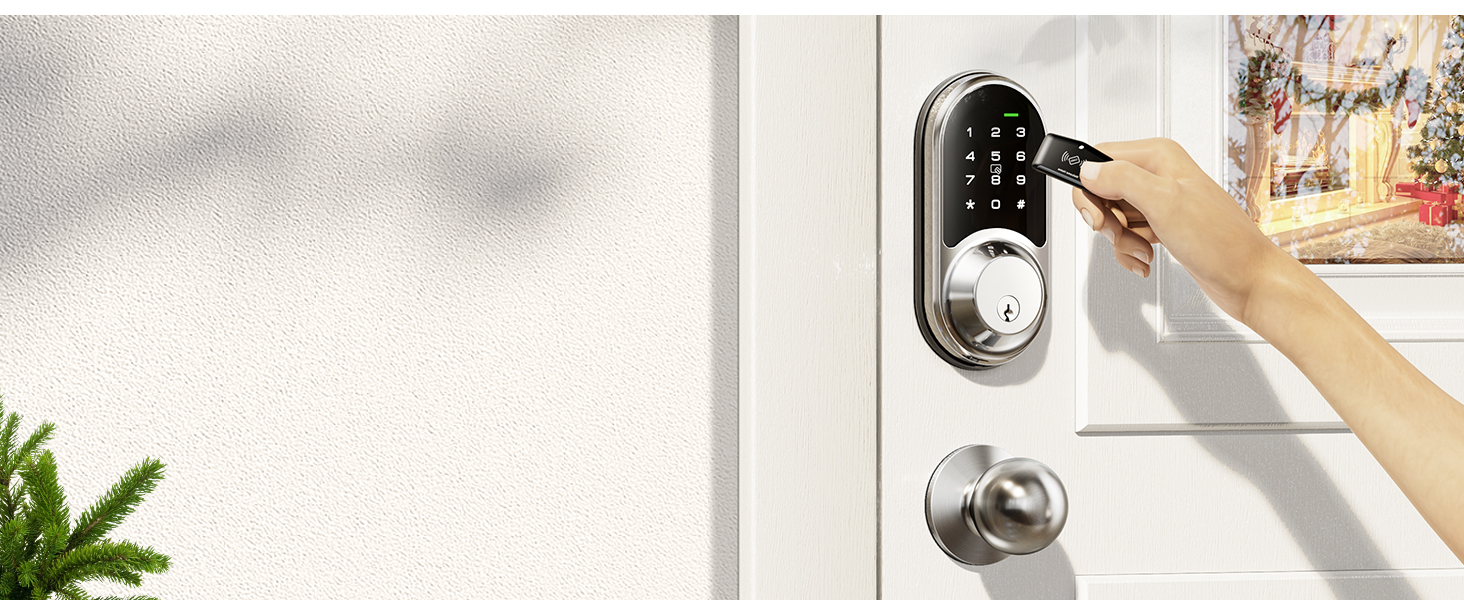
Fobs
Simply swipe your IC card to unlock your front door.
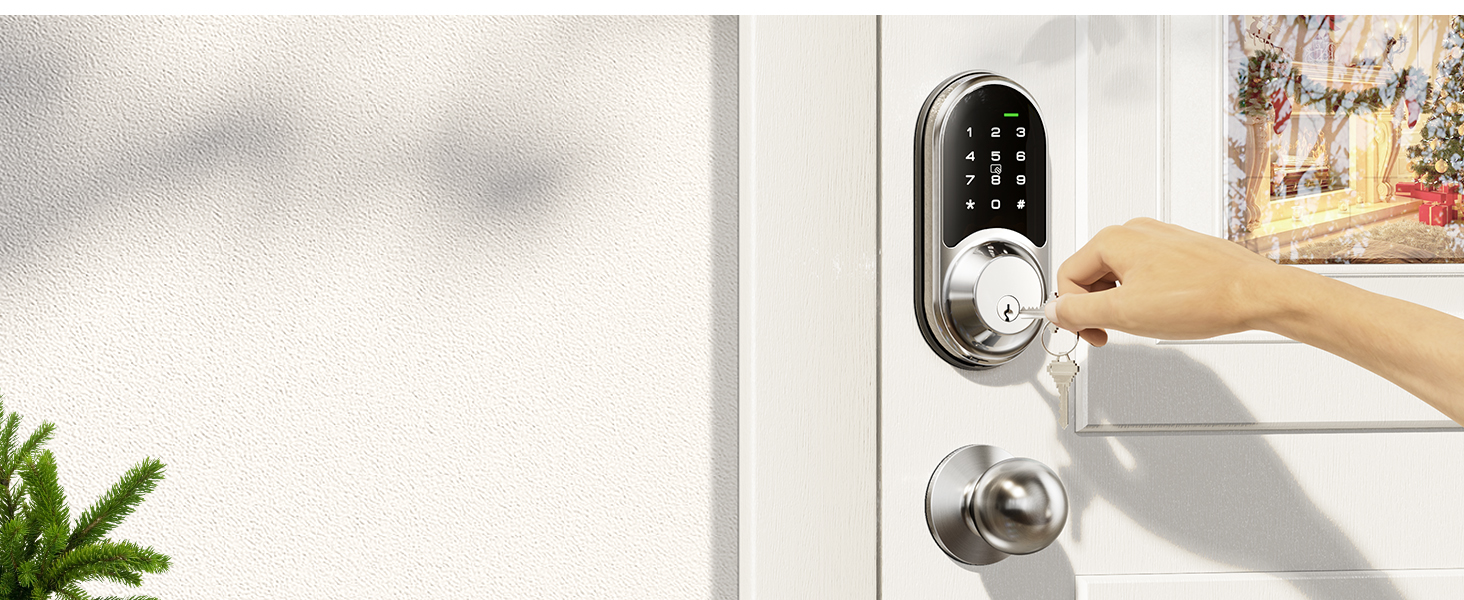
Physical Keys
Equipped with two physical keys for emergency unlocking.
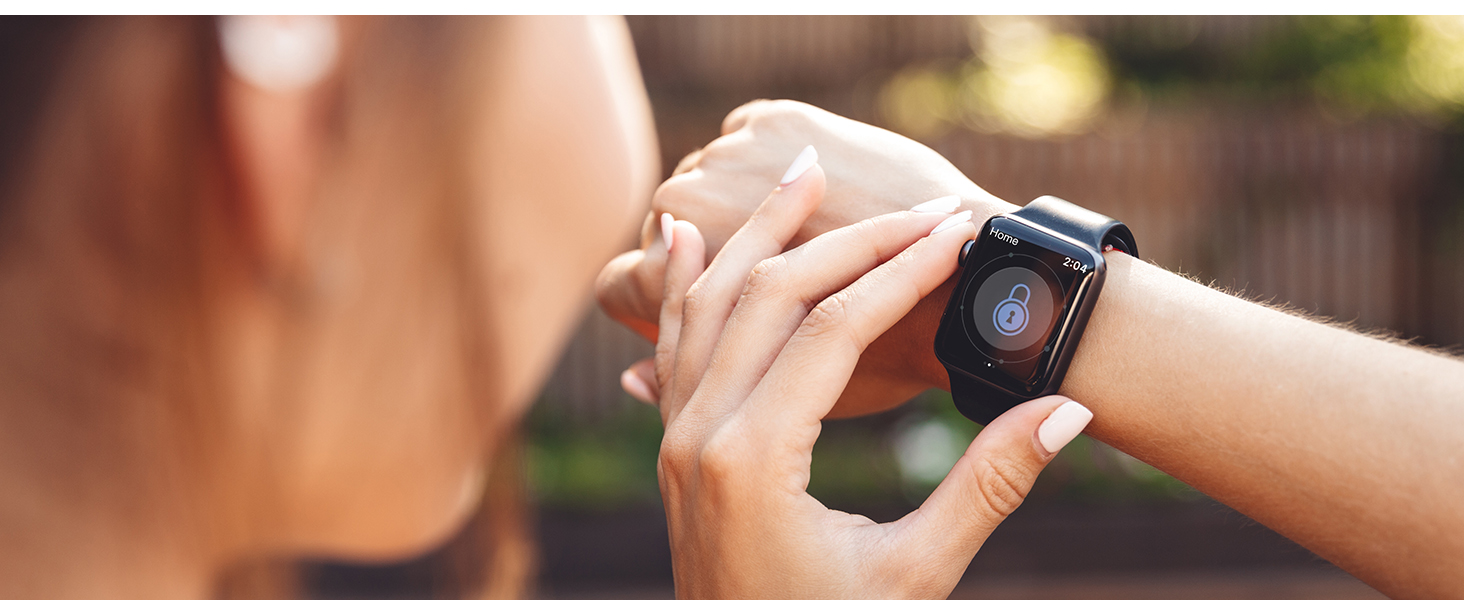
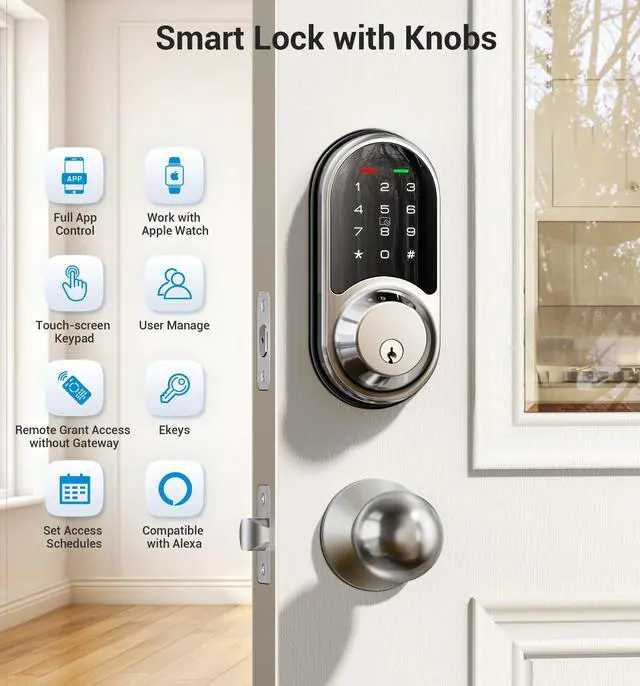
Compatible with Apple Watch
Access the smart lock with your Apple Watch within the Bluetooth range of the lock.
Tips: Apple Watch needs to download the DDLock APP separately.
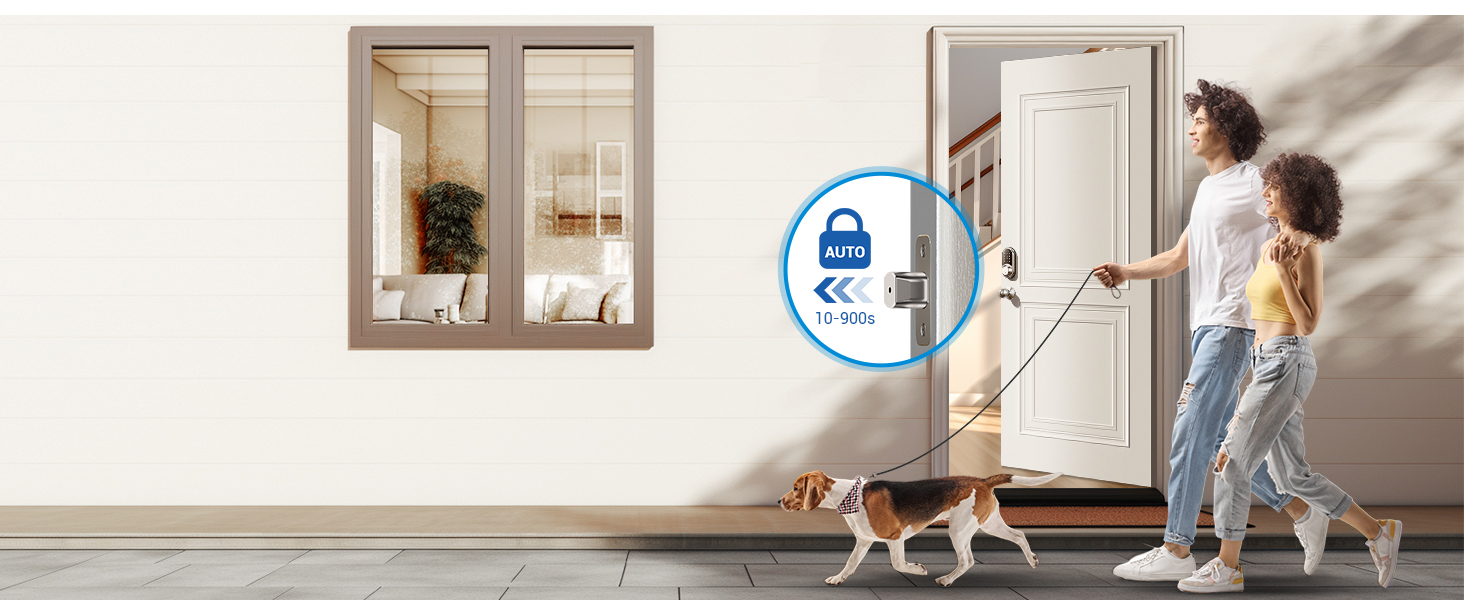
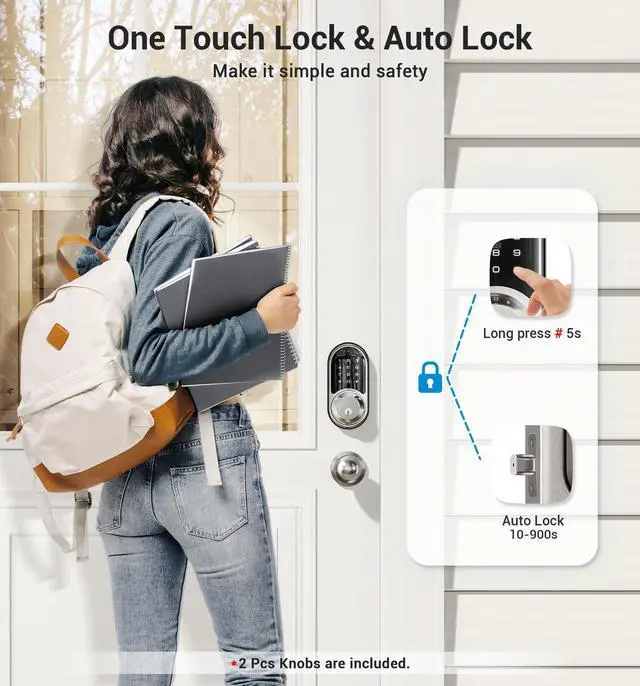
Auto Lock & One Touch Lock
Custom set auto-lock time from 10-900S or press "#" 2S to quick lock.
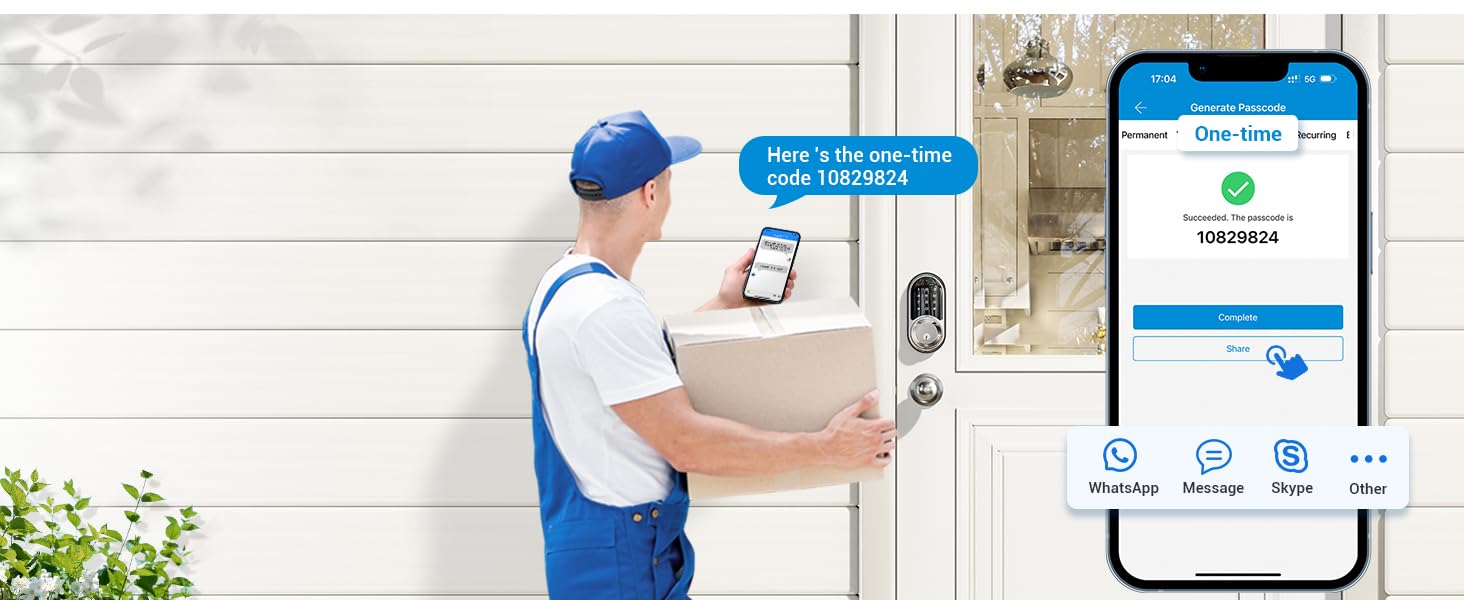
One-time Passcode
Remotely generate one-time passwords for temporary visitors such as couriers and repairmen, and automatically delete them after use.
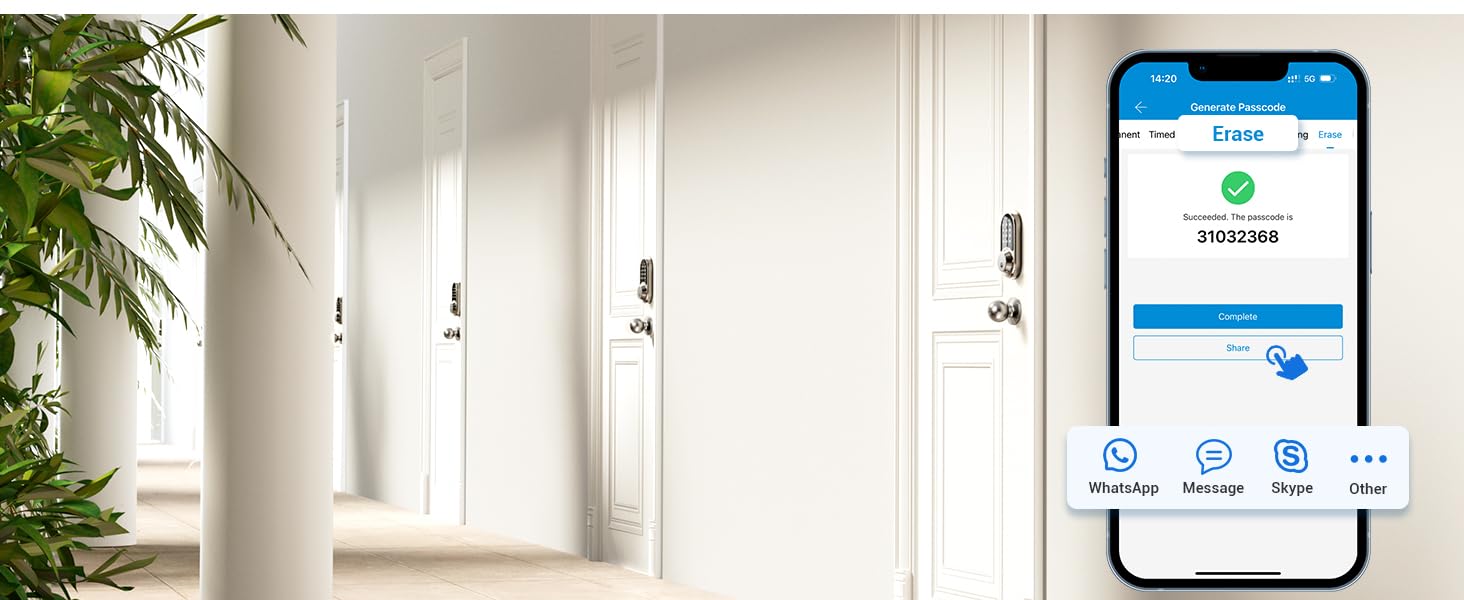
Erase Passcode
Remotely generate and share to tenants or guests who want to check out. All passcodes (except the admin password) used on this lock will be cleared when this passcode is entered.
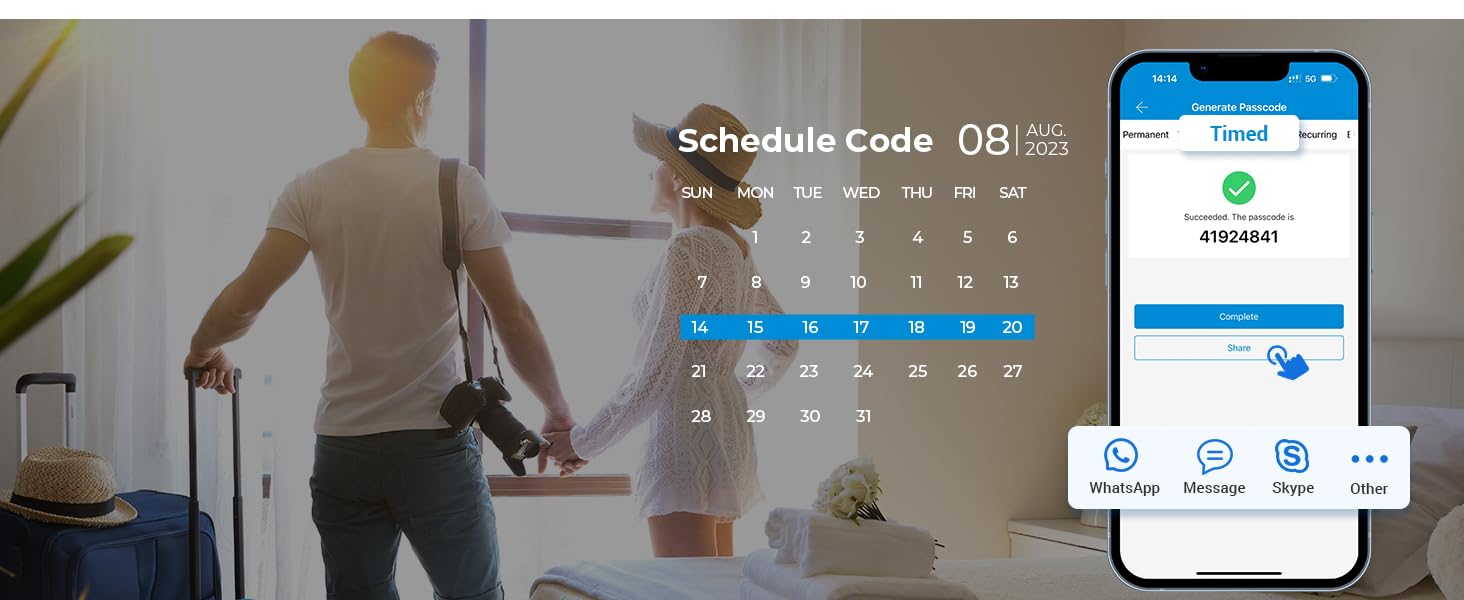
Timed Passcode
Remotely generate & share timed codes, with automatic expiration beyond the date.
Delete/edit require within the Bluetooth range of lock or remotely via the Veise G2 Gateway (sold separately).
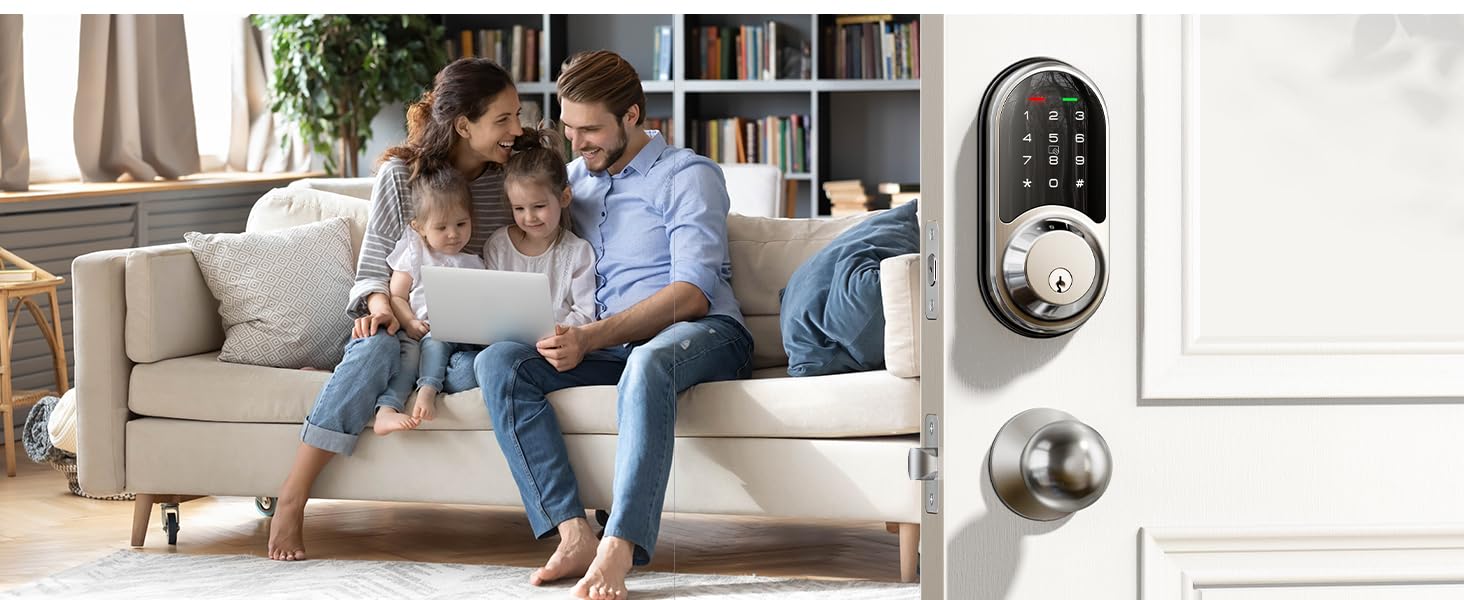
Permanent Passcode
Remotely generate permanent code for your family. The code can be used all the time.
Delete/edit require within the Bluetooth range of lock or remotely via the Veise G2 Gateway (sold separately).
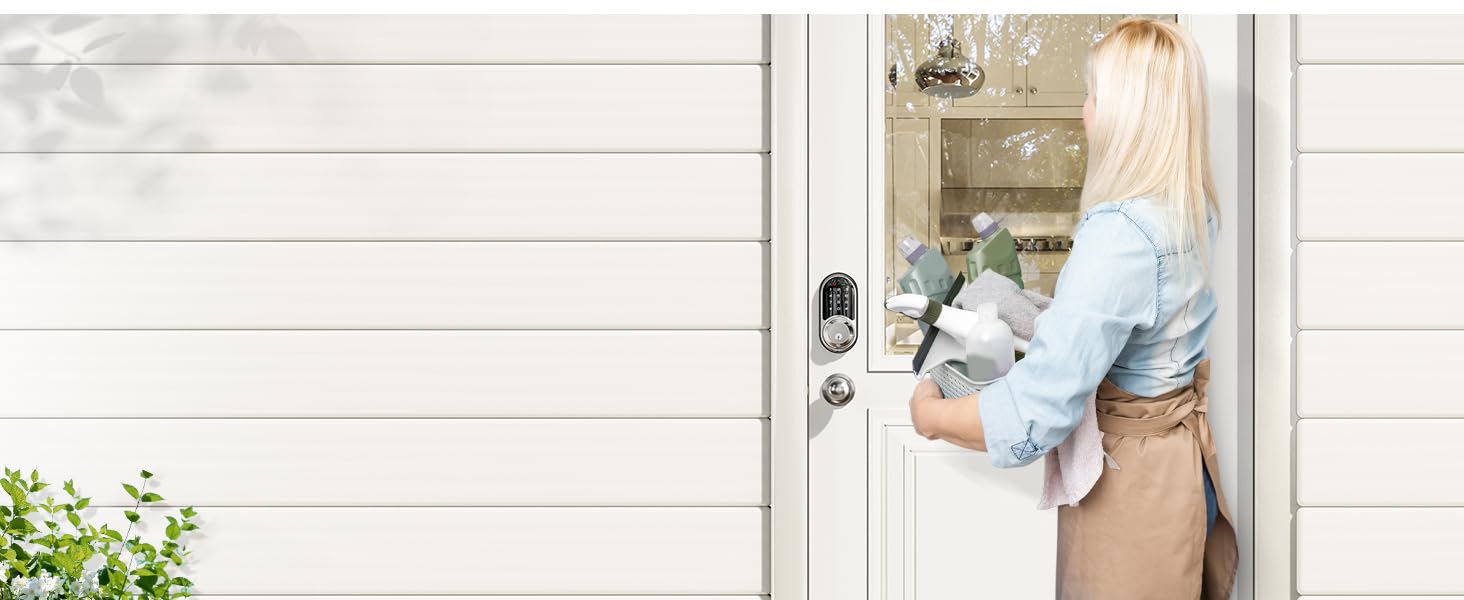
Recurring Passcode
Remotely generate recurring code for regular visitors and can be reused at specified times.
Delete/edit require within the Bluetooth range or remotely via the Veise G2 Gateway (sold separately).
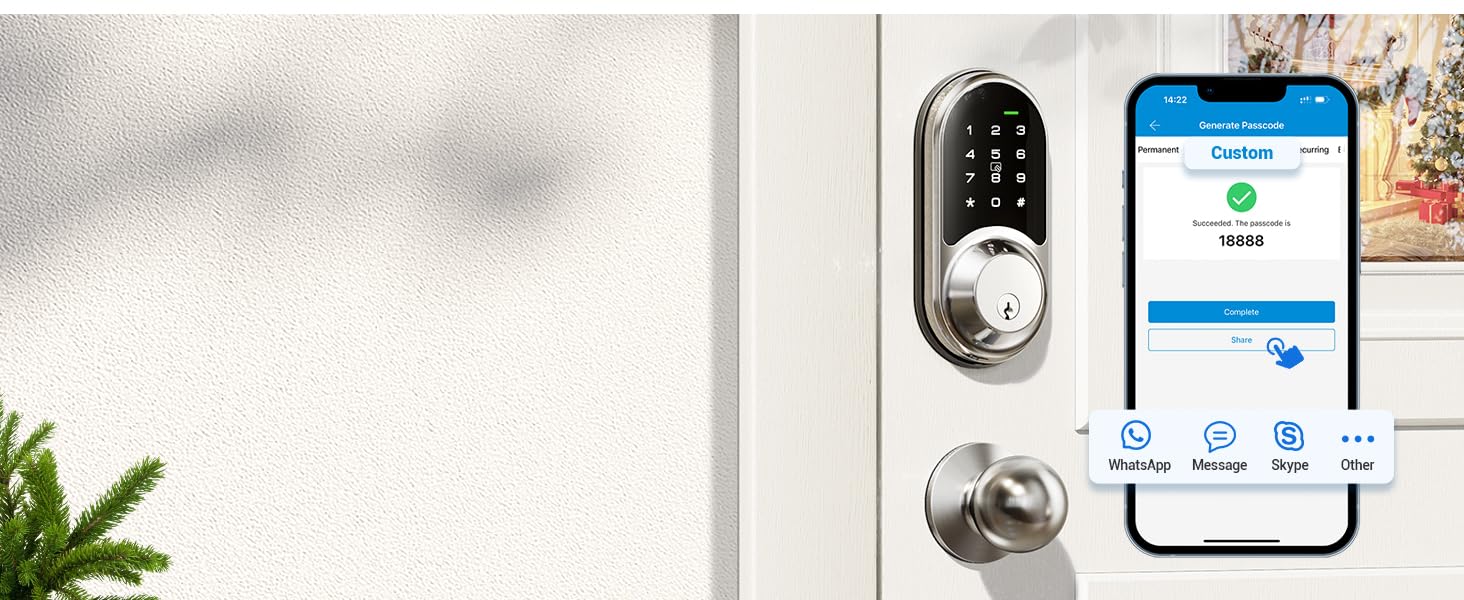
Custom Passcode
You can set a custom passcode locally within range of the lock or remotely via a connected Veise G2 Gateway (sold separately).
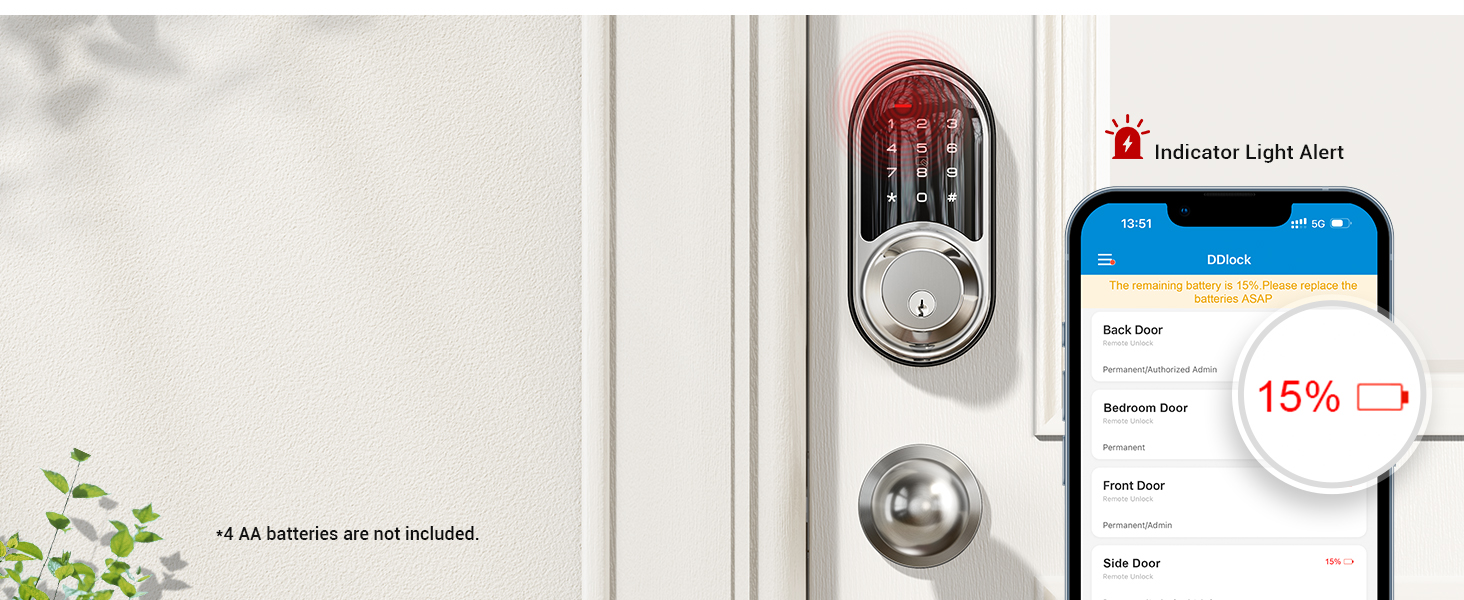
Low Battery Alert
The door lock will alert you when the battery is low, or you can use the app to check the battery level.
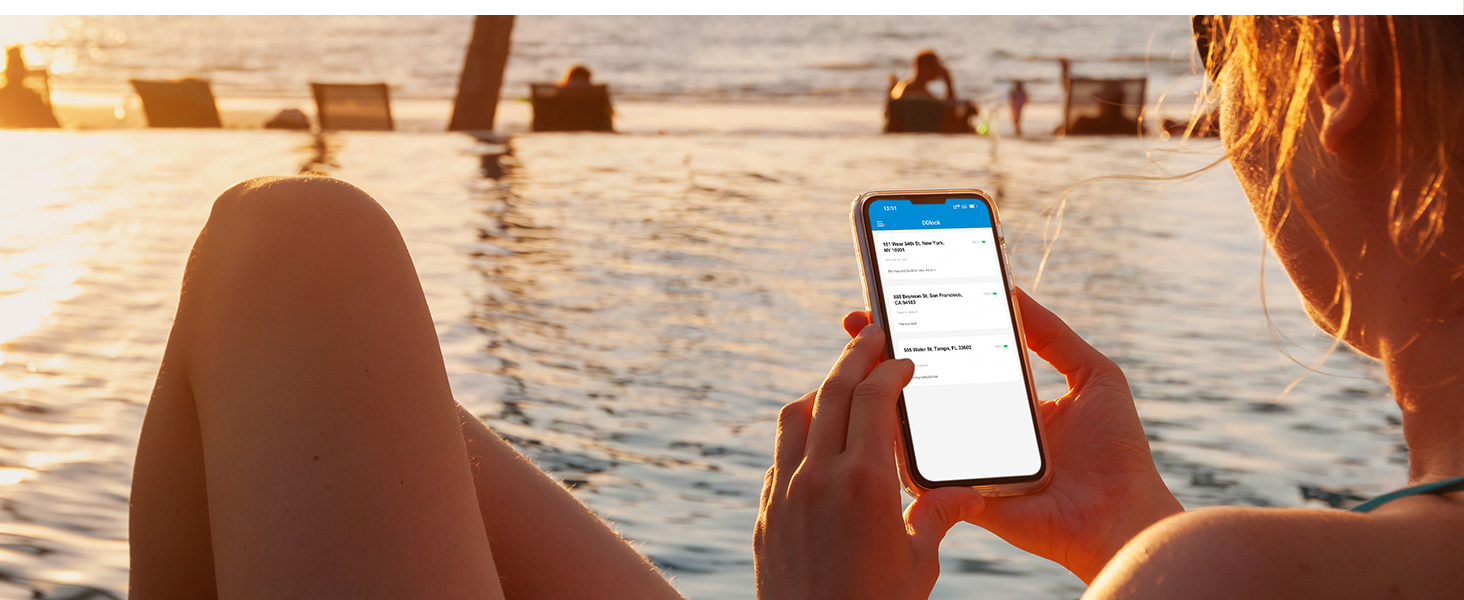
Remote Share eKeys
You can share APP access with your family by sending eKeys remotely or by authorising the administrator.
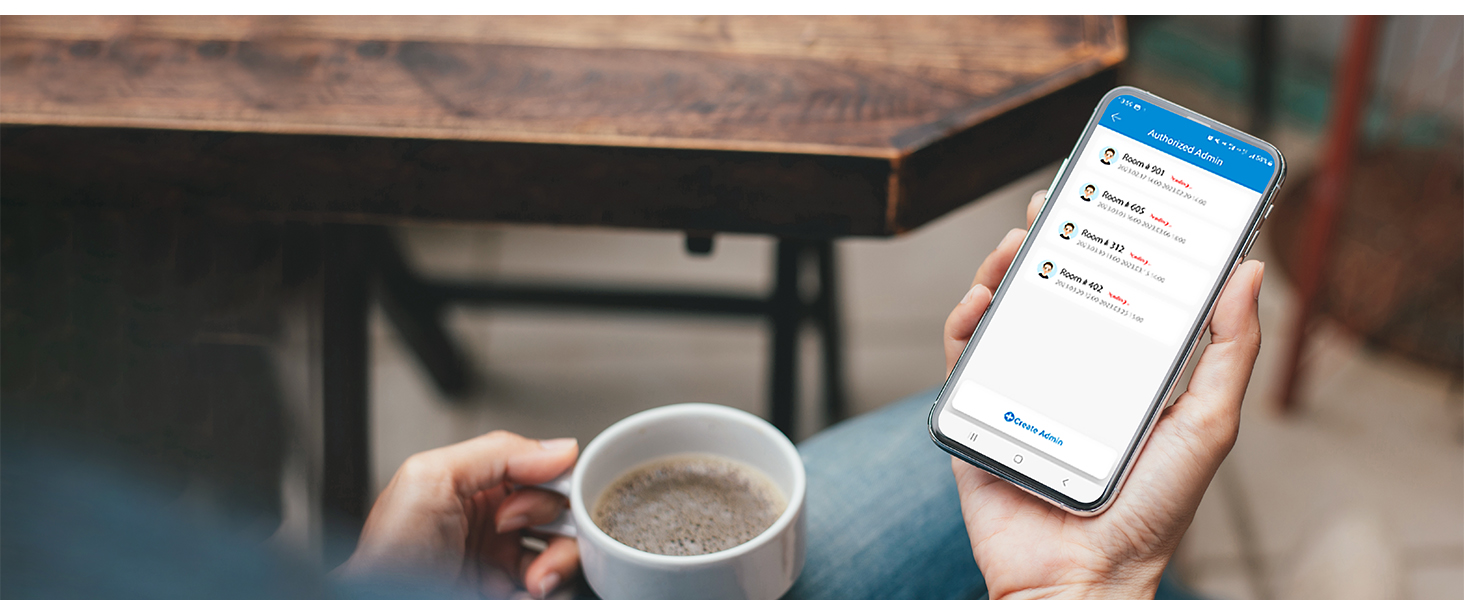
Local Event History
You can view the smart lock's daily local activity history when your phone is connected to the lock and within range of the lock.
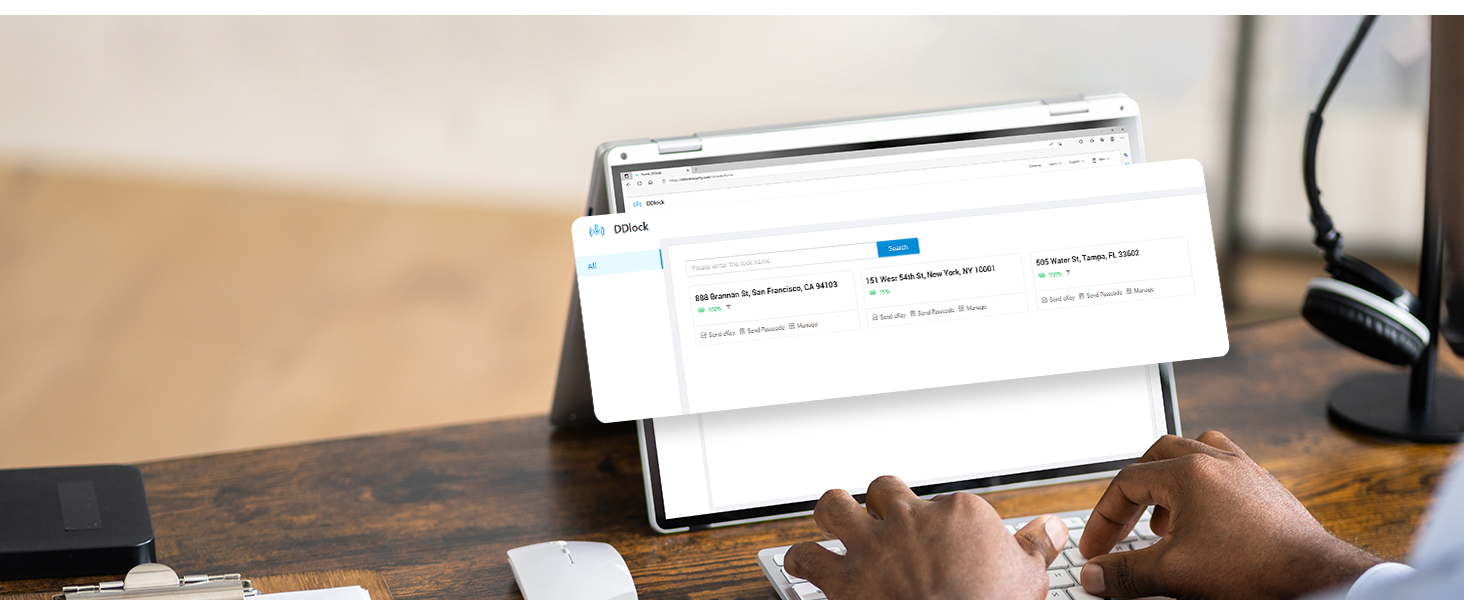
Free APP & Portal
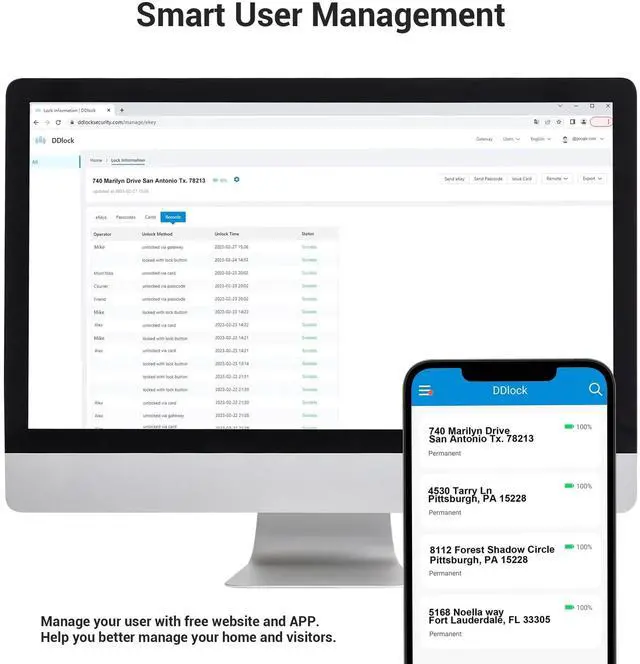
Veise provides a free lifetime web portal and APP to help you manage your smart locks and users.
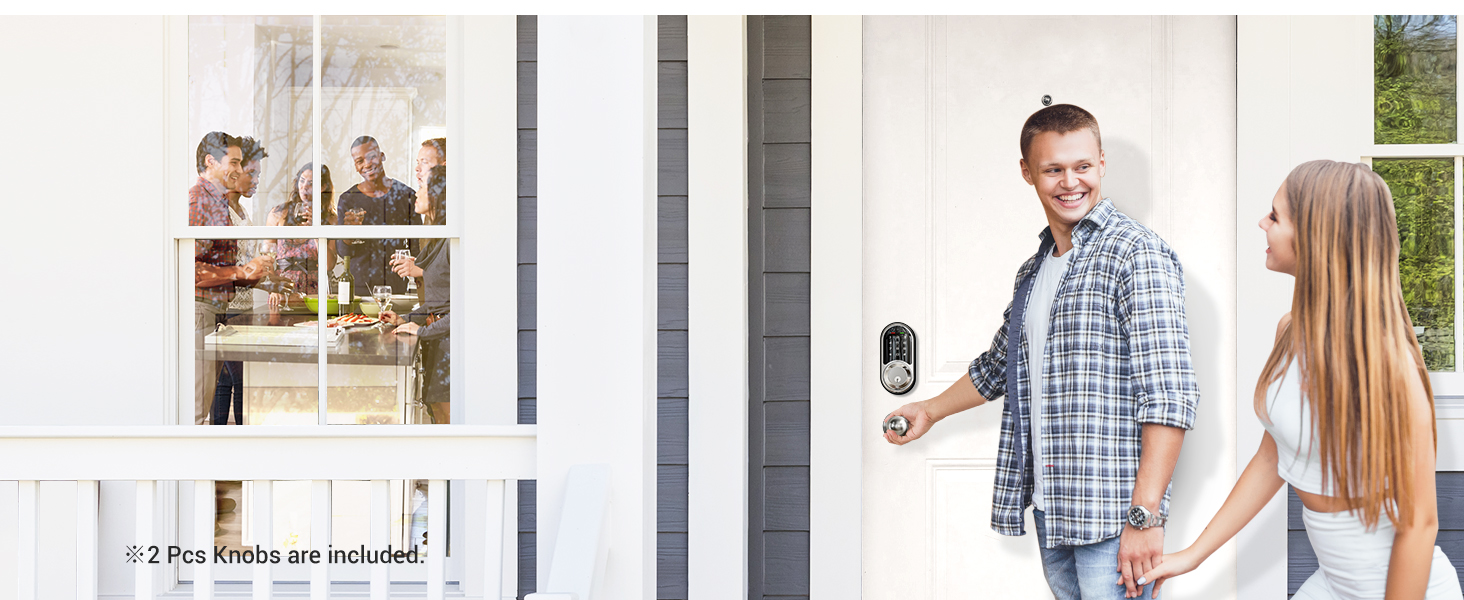
Passage Mode
Enable Passage Mode, the lock will stay unlocked until it’s locked manually.
In passage mode, auto-lock will be disabled.
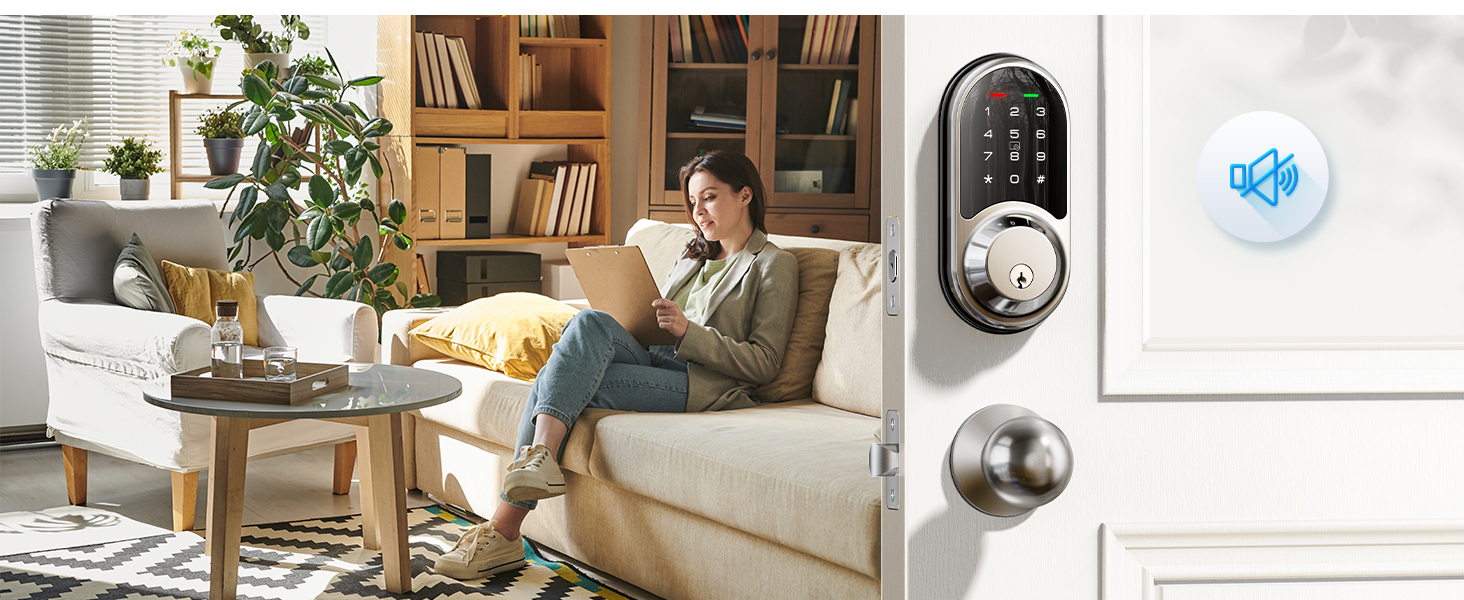
Silent Mode
Turn on the silent mode via the keypad or in the App, creating a quiet environment for your family.


Remote Control-More functions with Veise G2 Gateway
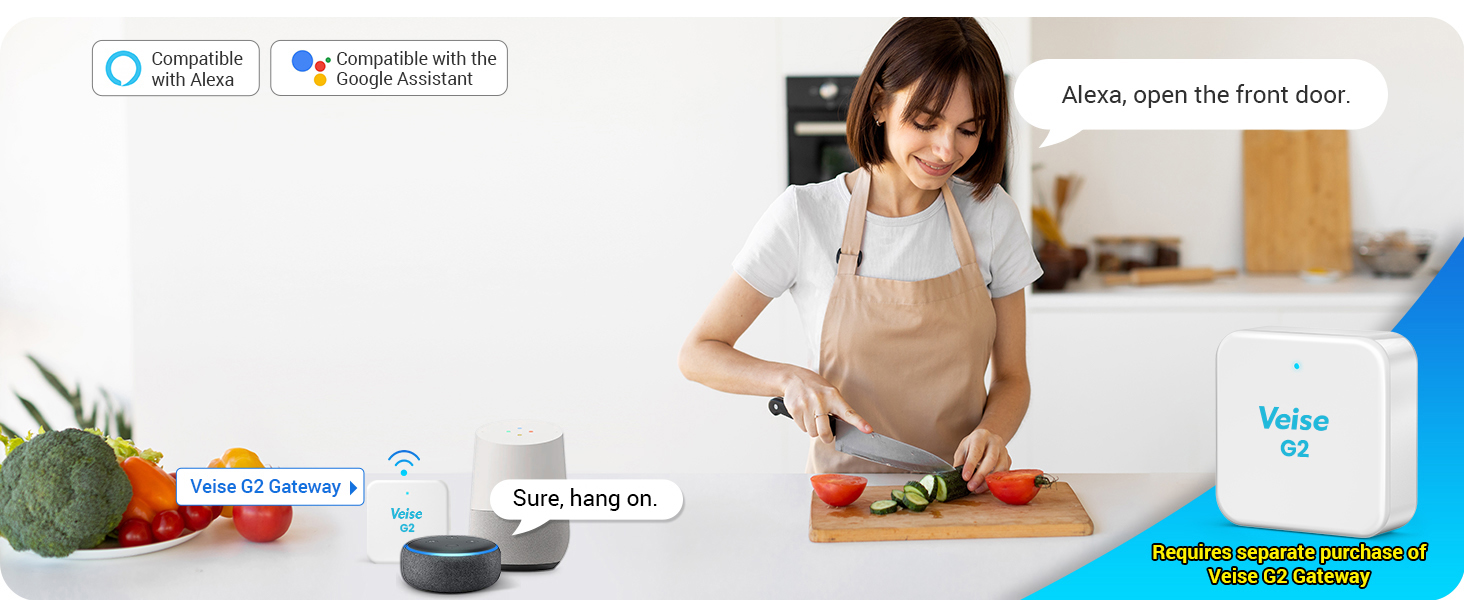
Voice Control
The Veise smart lock works with Alexa and Google assistant after connecting to the Veise gateway (sold separately).
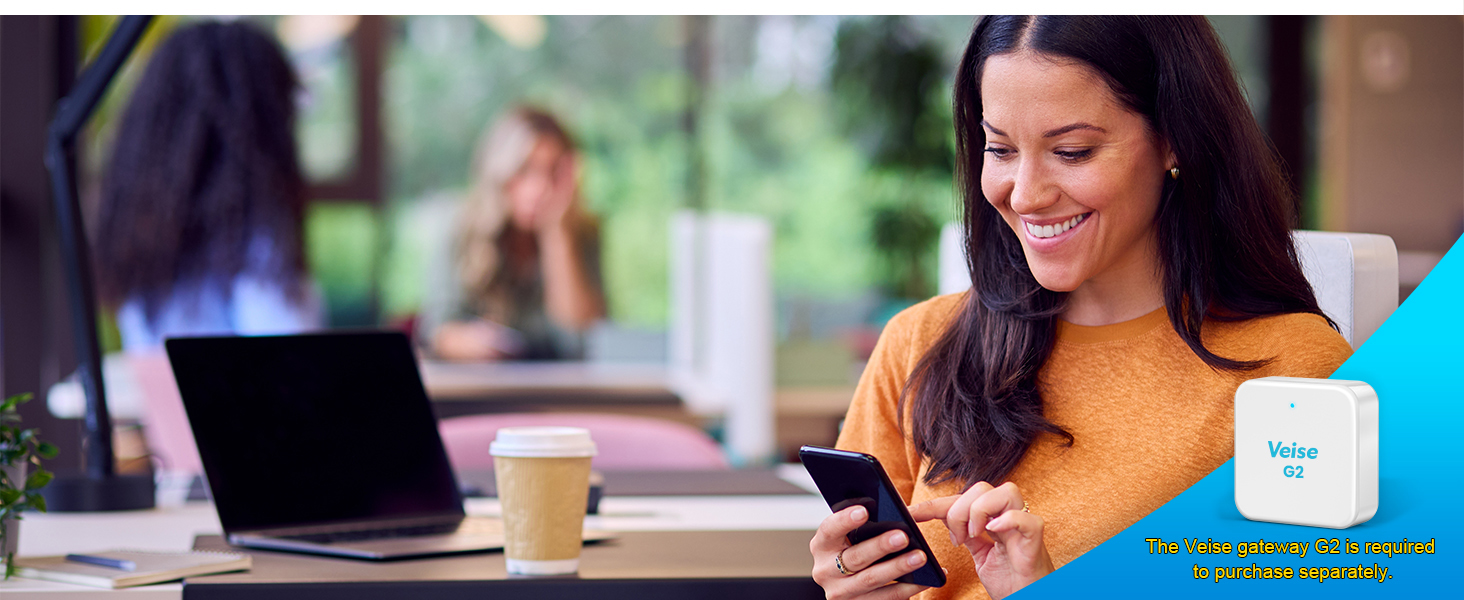
Remote Access
Remotely control your door lock at anytime and anywhere after connecting to the Veise gateway (sold separately).
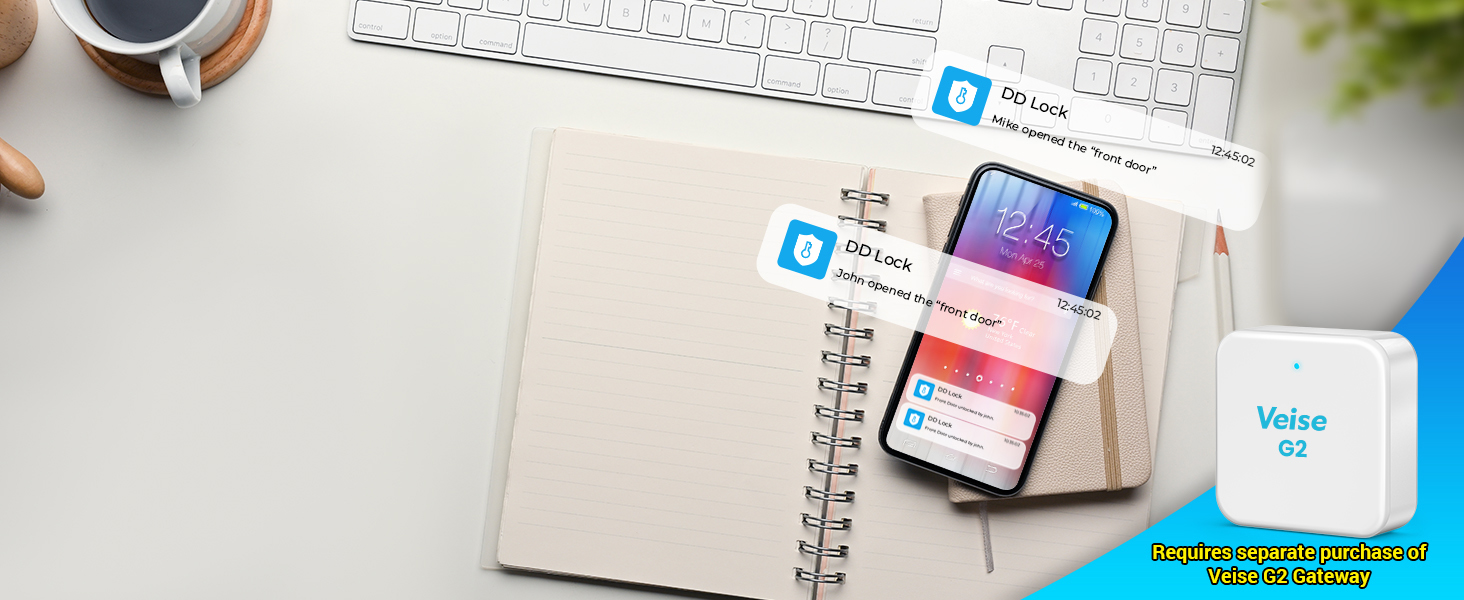
Real-time Message Push
Real-time notifications will be pushed in the App after connecting to the Veise gateway (sold separately), check the status of your door lock and ensure your home safety.
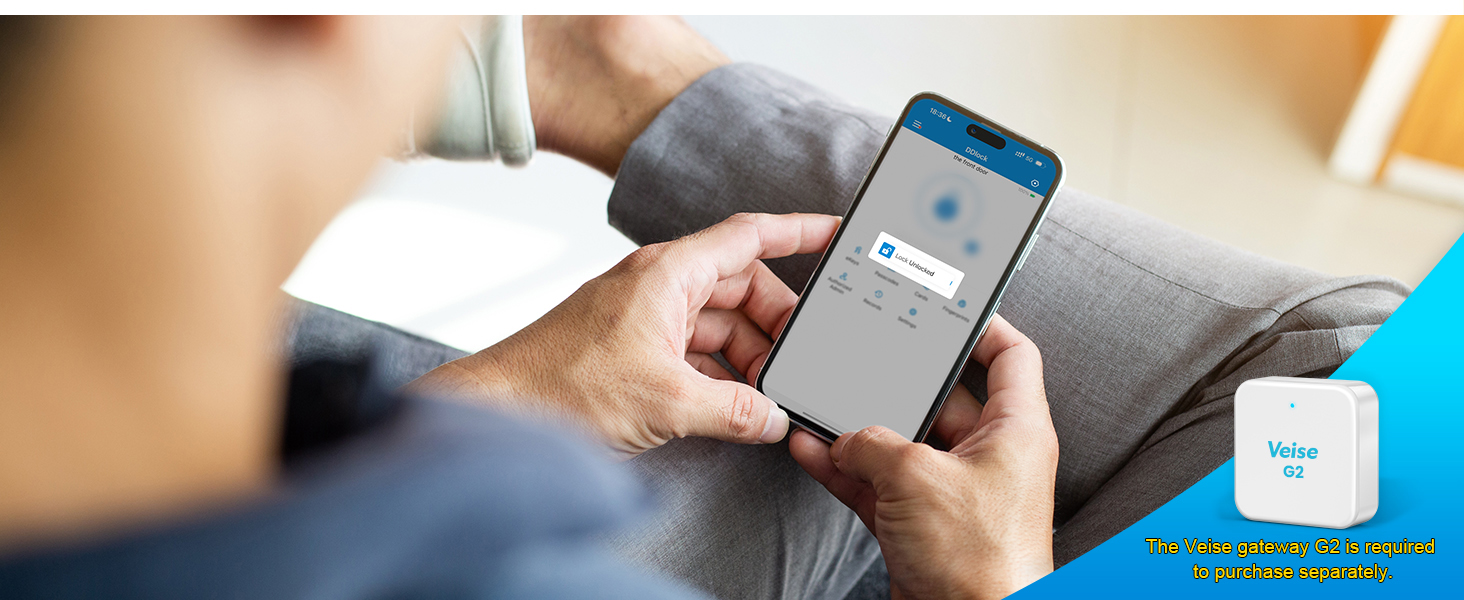
Monitoring Lock Status
With Veise G2 Gateway (Sold Separately), you can remotely monitor the unlocked/locked status of the lock at any time.
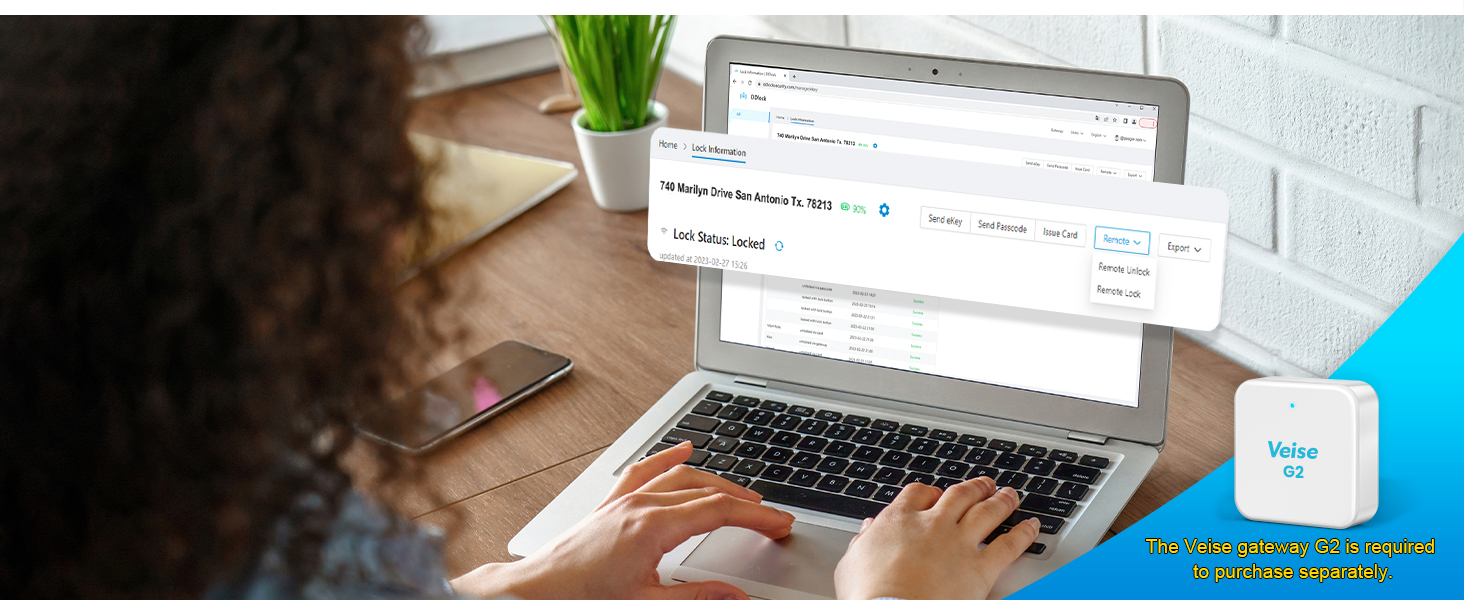
Remote Portal
Remote access, check lock status, issue cards on our web management system after connecting to the Veise gateway (sold separately), assist your business boosting.
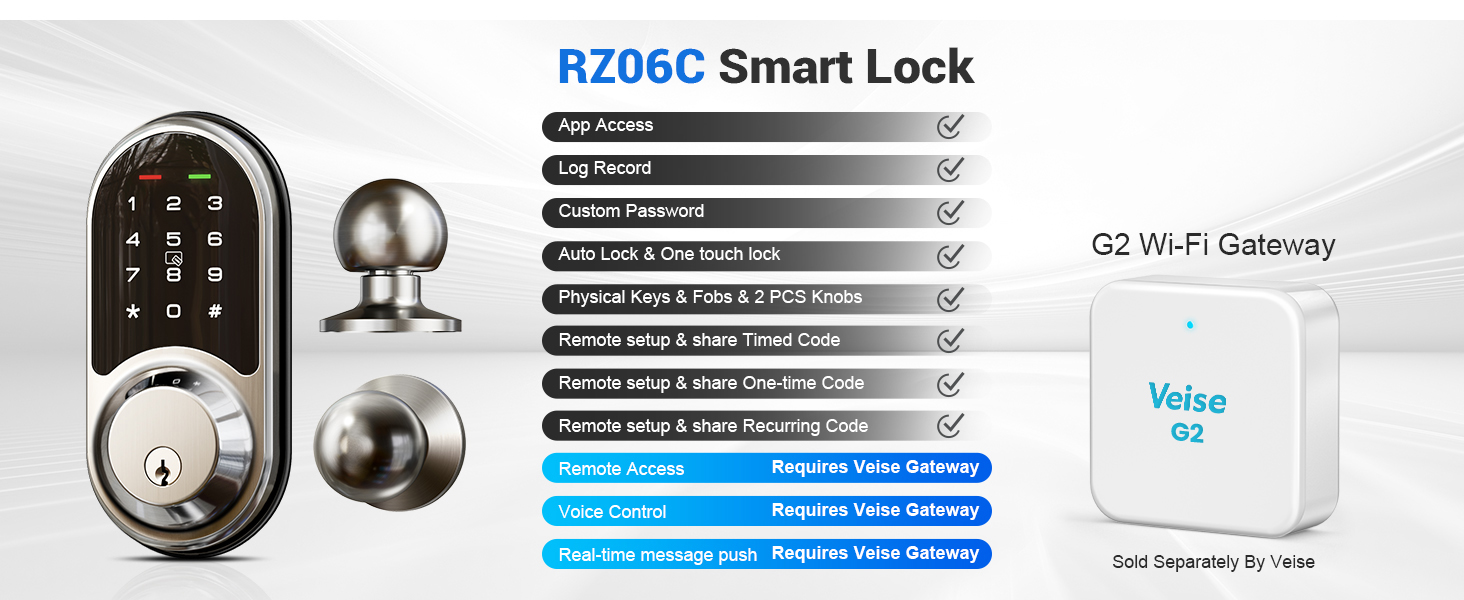
Browse Veise gateway G2 and others
 RZ06C |  G2 Gateway |  RZ06B |  RZ07B |  RZ07C |  RZ09 |  RZ06 | |
|---|---|---|---|---|---|---|---|
Customer Reviews | — | — | — | — | — | — | — |
Price | — | — | — | — | — | — | — |
APP Access | ? | — | ? | ? | ? | ? | ? |
Auto Lock | ? | — | ? | ? | ? | ? | ? |
Permanent & Timed password | ? | — | ? | ? | ? | ? | ? |
One-time Password | ? | — | ? | ? | ? | ? | ? |
Recurring Password | ? | — | ? | ? | ? | ? | ? |
Custom Password | ? | — | ? | ? | ? | ? | ? |
Anti-peep Password | ? | — | ? | ? | ? | ? | ? |
Remote Access | Require to purchase gateway G2 | ? | Require to purchase gateway G2 | Require to purchase gateway G2 | Require to purchase gateway G2 | Require to purchase gateway G2 | Require to purchase gateway G2 |
Voice Control | Require to purchase gateway G2 | ? | Require to purchase gateway G2 | Require to purchase gateway G2 | Require to purchase gateway G2 | Require to purchase gateway G2 | Require to purchase gateway G2 |
Other Remote Functions | Require to purchase gateway G2 | ? | Require to purchase gateway G2 | Require to purchase gateway G2 | Require to purchase gateway G2 | Require to purchase gateway G2 | Require to purchase gateway G2 |
Slide to view >>>
Trust Veise, Secure Your Home.
Veise Wi-Fi Lock with Levers
Veise WiFi Lock with Knob
Built-in WiFi Smart Lock
Built-in WiFi Smart Lock
Built-in WiFi Smart Lock
Smart Locks Work w/ G2 Gateway
Smart Locks Work w/ G2 Gateway
Smart Locks Work w/ G2 Gateway
Smart Lock Accessories
Smart Locks Work w/G1 Gateway
Smart Locks Work w/G1 Gateway
Smart Locks Work w/G1 Gateway
Veise's Lifetime Service & Free Replacement --Whatever product issues!
hero-video
Merchant VideoApp Control
Password
Fobs
Physical Keys
Compatible with Apple Watch
Auto Lock & One Touch Lock


Control and access your smart lock via smartphone.
Set different types of passwords for family, guests or others.
Simply swipe your IC card to unlock your front door.
Equipped with two physical keys for emergency unlocking.
Access the smart lock with your Apple Watch within the Bluetooth range of the lock.
Tips: Apple Watch needs to download the DDLock APP separately.
Custom set auto-lock time from 10-900S or press "#" 2S to quick lock.
One-time Passcode
Erase Passcode
Timed Passcode
Permanent Passcode
Recurring Passcode
Custom Passcode


Remotely generate one-time passwords for temporary visitors such as couriers and repairmen, and automatically delete them after use.
Remotely generate and share to tenants or guests who want to check out. All passcodes (except the admin password) used on this lock will be cleared when this passcode is entered.
Remotely generate & share timed codes, with automatic expiration beyond the date.
Delete/edit require within the Bluetooth range of lock or remotely via the Veise G2 Gateway (sold separately).
Remotely generate permanent code for your family. The code can be used all the time.
Delete/edit require within the Bluetooth range of lock or remotely via the Veise G2 Gateway (sold separately).
Remotely generate recurring code for regular visitors and can be reused at specified times.
Delete/edit require within the Bluetooth range or remotely via the Veise G2 Gateway (sold separately).
You can set a custom passcode locally within range of the lock or remotely via a connected Veise G2 Gateway (sold separately).
Low Battery Alert
Remote Share eKeys
Local Event History
Free APP & Portal
Passage Mode
Silent Mode


The door lock will alert you when the battery is low, or you can use the app to check the battery level.
You can share APP access with your family by sending eKeys remotely or by authorising the administrator.
You can view the smart lock's daily local activity history when your phone is connected to the lock and within range of the lock.
Veise provides a free lifetime web portal and APP to help you manage your smart locks and users.
Enable Passage Mode, the lock will stay unlocked until it’s locked manually.
In passage mode, auto-lock will be disabled.
Turn on the silent mode via the keypad or in the App, creating a quiet environment for your family.
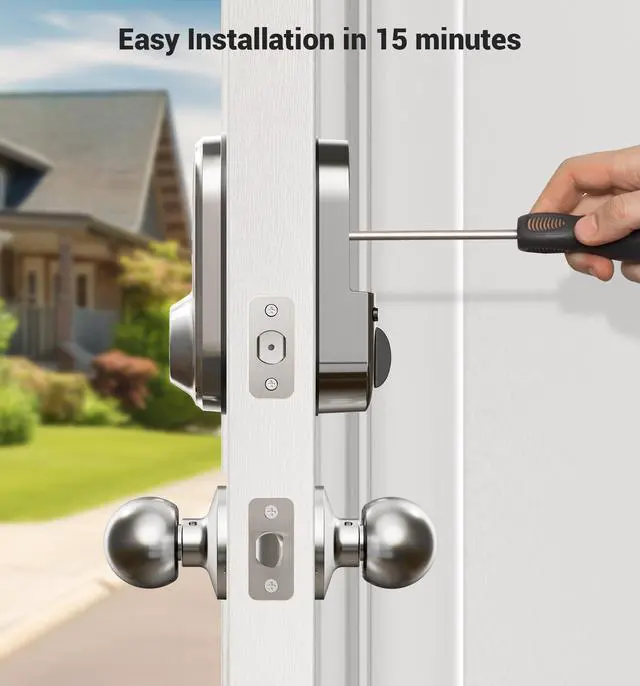
Easy installation in 15 mins
Privacy Mode


Easy installation with simple tools and no drilling needed for most doors.
In the privacy mode, the APP, key and administrator password can be unlocked, and other methods are disabled.
Remote Control-More functions with Veise G2 Gateway
Voice Control
Remote Access
Real-time Message Push
Monitoring Lock Status
Remote Portal


The Veise smart lock works with Alexa and Google assistant after connecting to the Veise gateway (sold separately).
Remotely control your door lock at anytime and anywhere after connecting to the Veise gateway (sold separately).
Real-time notifications will be pushed in the App after connecting to the Veise gateway (sold separately), check the status of your door lock and ensure your home safety.
With Veise G2 Gateway (Sold Separately), you can remotely monitor the unlocked/locked status of the lock at any time.
Remote access, check lock status, issue cards on our web management system after connecting to the Veise gateway (sold separately), assist your business boosting.
Browse Veise gateway G2 and others
RZ06C | G2 Gateway | RZ06B | RZ07B | RZ07C | RZ09 | RZ06 |
|---|---|---|---|---|---|---|
| Customer Reviews | ||||||
| — | — | — | — | — | — | — |
| Price | ||||||
| — | — | — | — | — | — | — |
| APP Access | ||||||
| ? | — | ? | ? | ? | ? | ? |
| Auto Lock | ||||||
| ? | — | ? | ? | ? | ? | ? |
| Permanent & Timed password | ||||||
| ? | — | ? | ? | ? | ? | ? |
| One-time Password | ||||||
| ? | — | ? | ? | ? | ? | ? |
| Recurring Password | ||||||
| ? | — | ? | ? | ? | ? | ? |
| Custom Password | ||||||
| ? | — | ? | ? | ? | ? | ? |
| Anti-peep Password | ||||||
| ? | — | ? | ? | ? | ? | ? |
| Remote Access | ||||||
| Require to purchase gateway G2 | ? | Require to purchase gateway G2 | Require to purchase gateway G2 | Require to purchase gateway G2 | Require to purchase gateway G2 | Require to purchase gateway G2 |
| Voice Control | ||||||
| Require to purchase gateway G2 | ? | Require to purchase gateway G2 | Require to purchase gateway G2 | Require to purchase gateway G2 | Require to purchase gateway G2 | Require to purchase gateway G2 |
| Other Remote Functions | ||||||
| Require to purchase gateway G2 | ? | Require to purchase gateway G2 | Require to purchase gateway G2 | Require to purchase gateway G2 | Require to purchase gateway G2 | Require to purchase gateway G2 |