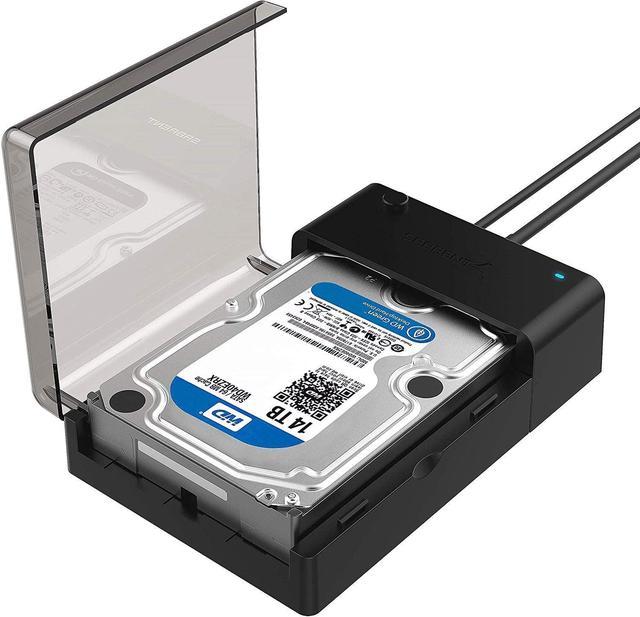
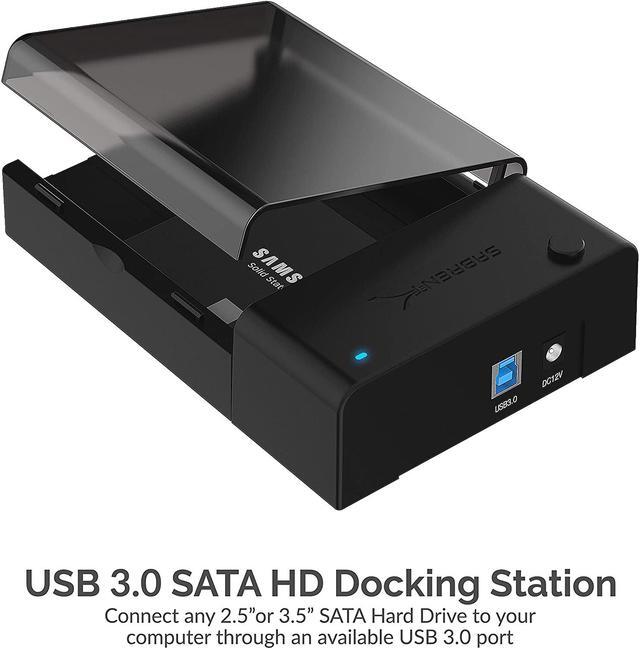
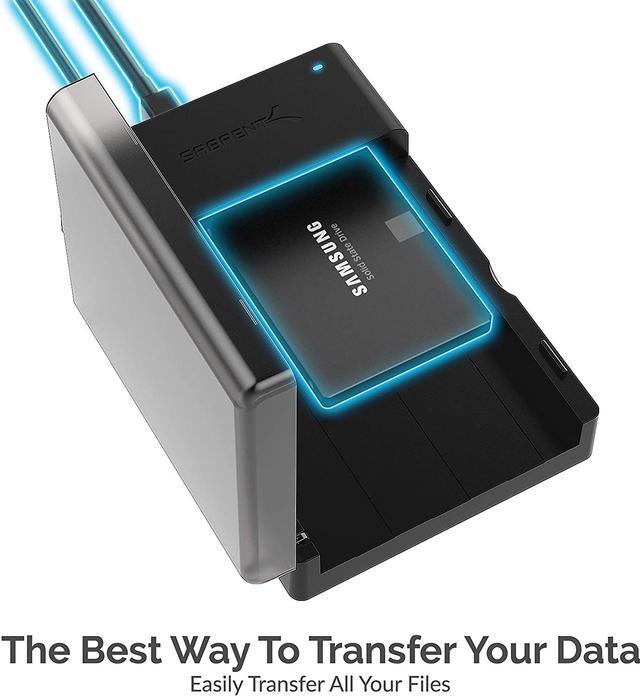
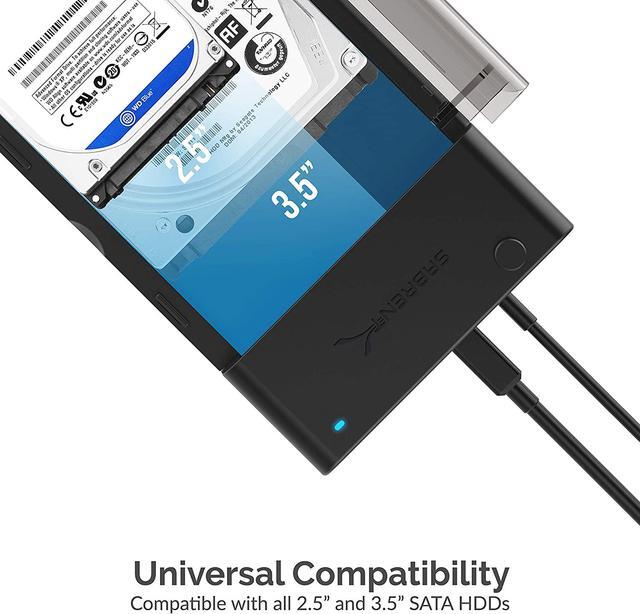
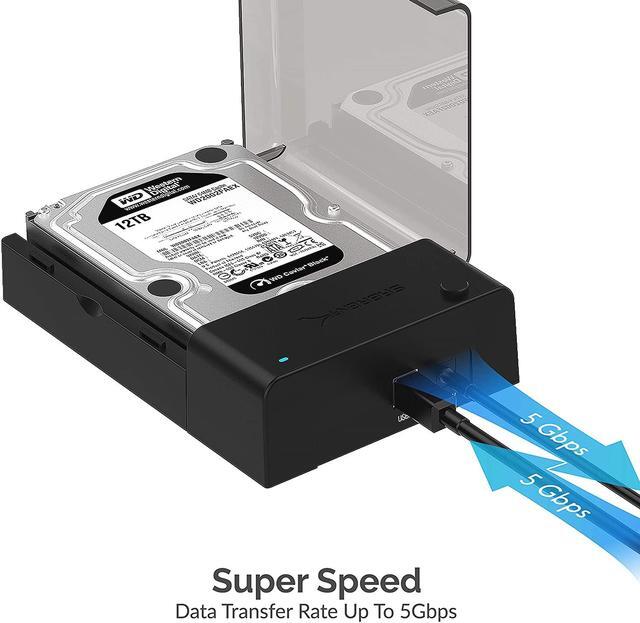
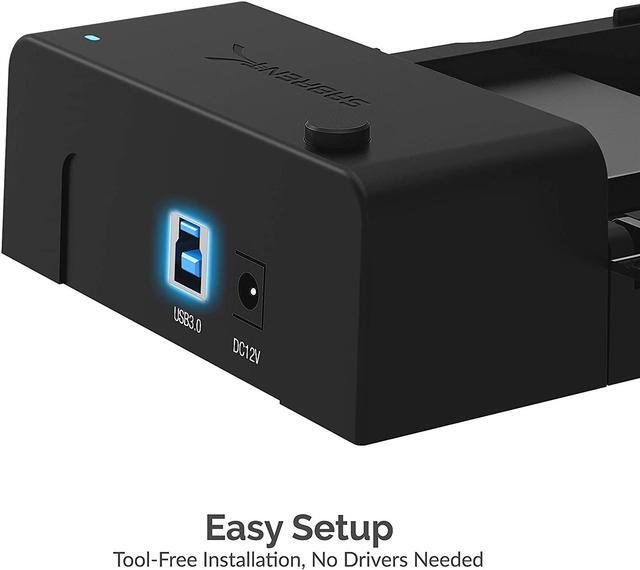
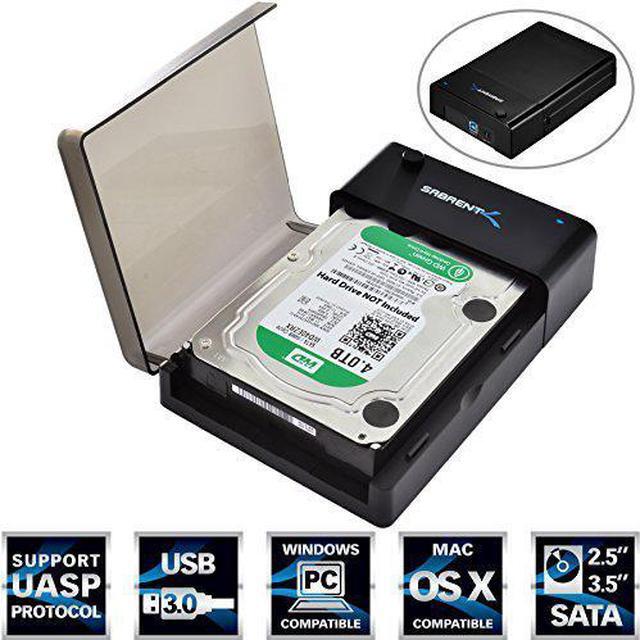
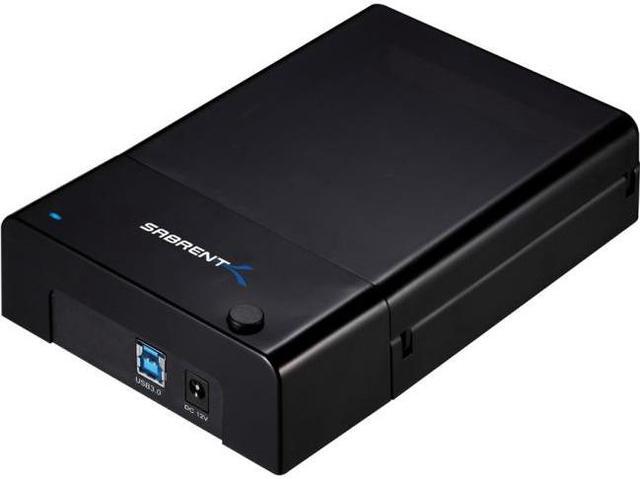
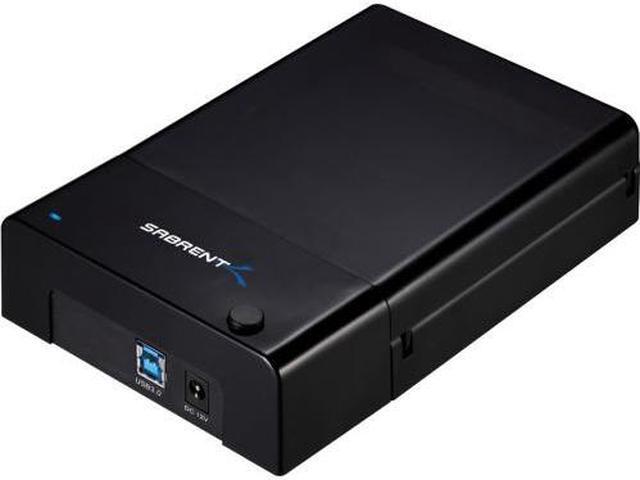
The Sabrent EC-DFLT is a USB 3.0 lay-flat SATA docking station for 2.5- and 3.5-inch HDDs and SSDs up to 8TB, suited to users who want to connect drives for file transfers or access without installing them in an enclosure.
Recommended For
- PC technicians and DIY builders who periodically connect bare 2.5- or 3.5-inch SATA drives to a computer to inspect files, test a drive, or move data without installing it inside the PC.
- People sorting through old computer drives who want to connect a bare SATA disk over USB to retrieve files or copy them to another drive.
- Desktop users who occasionally swap between spare 2.5- and 3.5-inch SATA HDDs or SSDs for file transfers, rather than keeping one drive permanently installed.
- Home users making occasional copies from an existing SATA drive who have a desktop setup with room for the dock and its external power adapter.
Real-World Use Scenarios
- When a computer is retired but its SATA drive still contains files, connect the drive to a computer through the dock to browse and copy accessible documents, photos, or videos without installing the drive internally.
- When sorting through spare SATA drives, insert them one at a time to check what data they contain; the dock makes it easy to connect and remove drives without repeatedly opening a computer case.
- When replacing a computer drive or consolidating files, use the dock to connect a SATA HDD or SSD and copy accessible data to another drive through the computer; the dock provides a simple way to handle the source drive externally.
- When a SATA drive is used only occasionally for extra storage, connect it when needed to access or transfer files, then disconnect it after safely ejecting it; the dock is intended for direct, removable drive access rather than protected long-term storage.




 here!