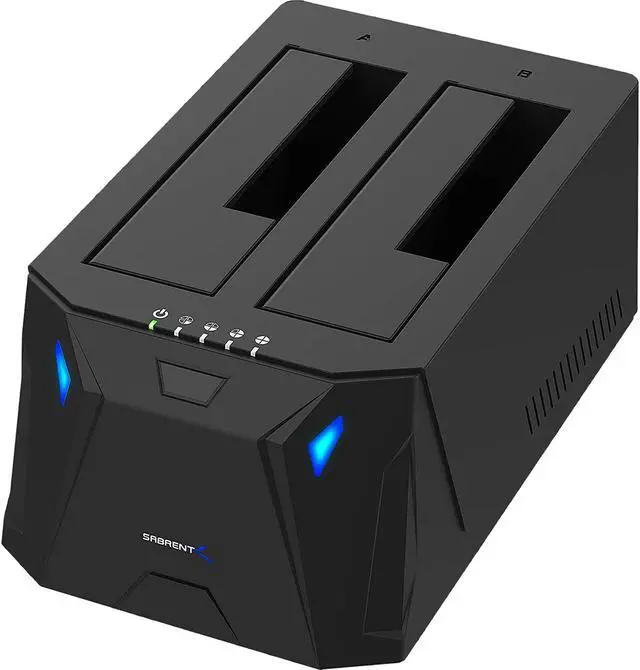
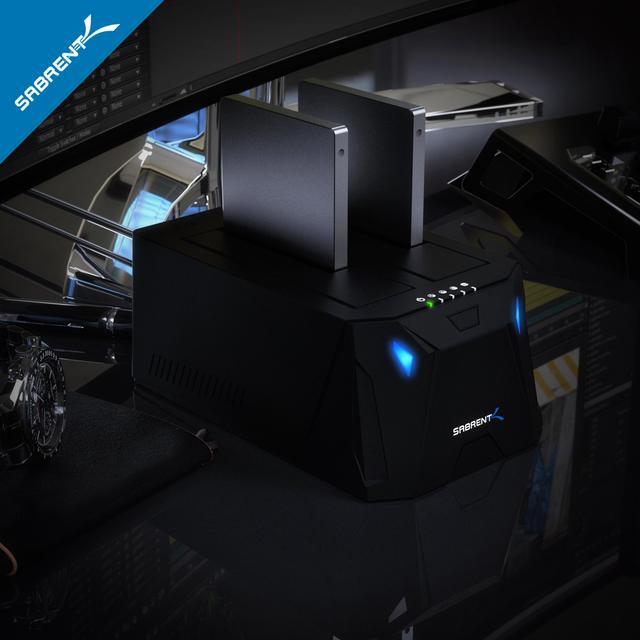
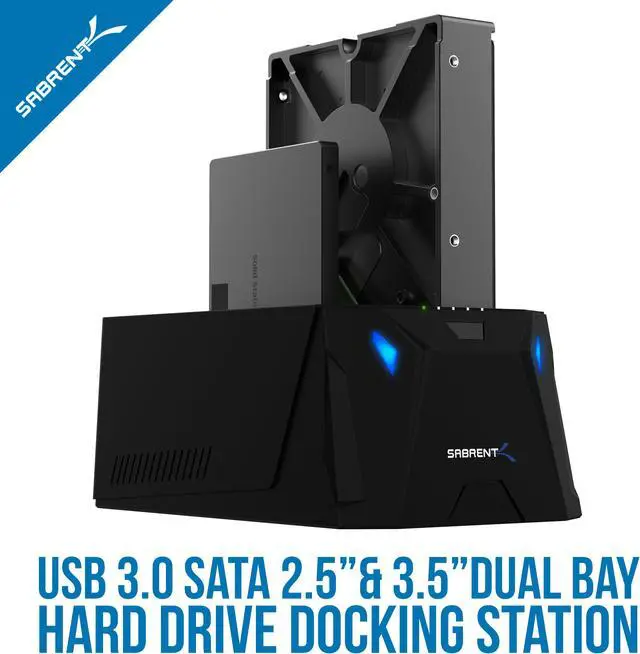
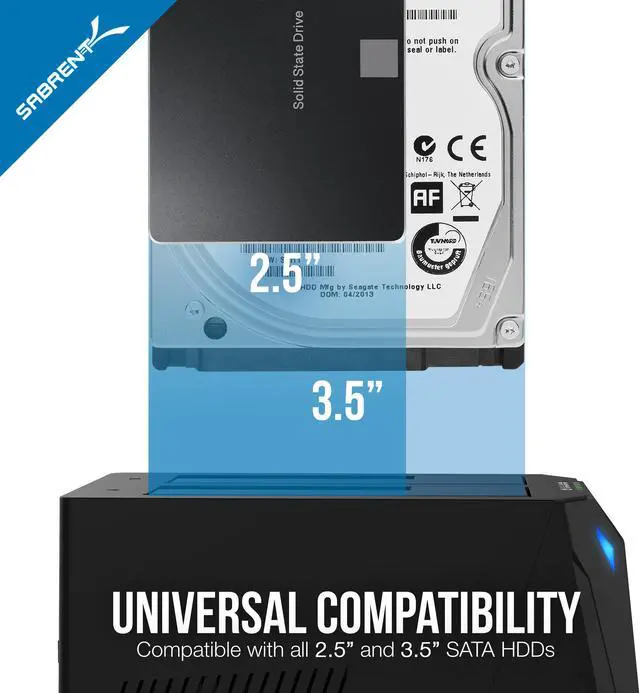
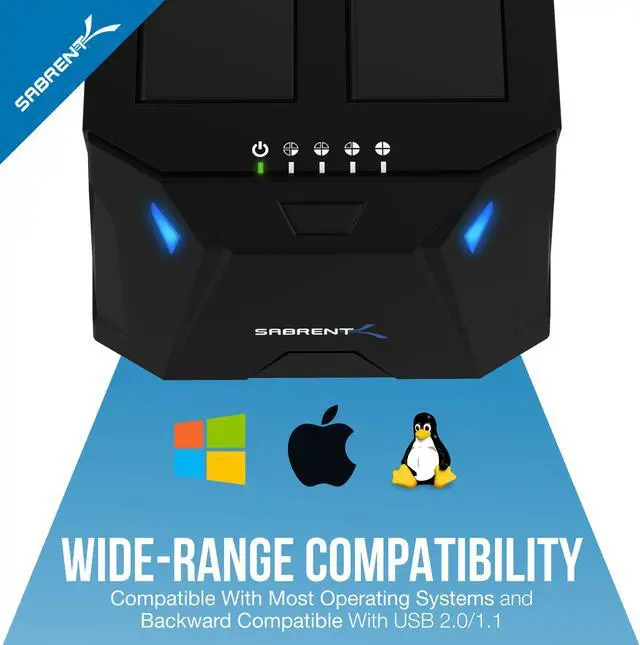
The SABRENT EC-HD2B is a dual-bay USB 3.0 docking station for 2.5- and 3.5-inch SATA HDDs and SSDs, suited to users who need convenient access to bare drives or want to clone drives offline.
Recommended For
- PC upgraders who want to copy a SATA hard drive to an equal-or-larger SATA SSD or HDD without running cloning software on a computer; the dock supports standalone, sector-by-sector cloning.
- Repair and refurbishment workers who occasionally need to clone or inspect bare 2.5-inch or 3.5-inch SATA drives without installing them inside a desktop; it provides two drive bays and can clone without a computer connected.
- Home users who rotate loose SATA drives for occasional photo, video, music, or archive backups and want to access two drives through one dock rather than install them internally.
- Desktop users who need occasional, tool-free access to spare SATA HDDs or SSDs; the dock is positioned for hot-swapping drives and plug-and-play use rather than permanent installation.
Real-World Use Scenarios
- When replacing a SATA drive, place the original in Bay A and an equal-or-larger destination in Bay B to make an offline, sector-by-sector clone without using cloning software on a computer. The destination is overwritten, and cloning may take hours or fail if the source drive has errors.
- To retrieve files from a computer that no longer works, remove its 2.5- or 3.5-inch SATA drive and connect it to the dock over USB. If the drive is healthy and its file system is accessible, its files can be opened from the connected computer.
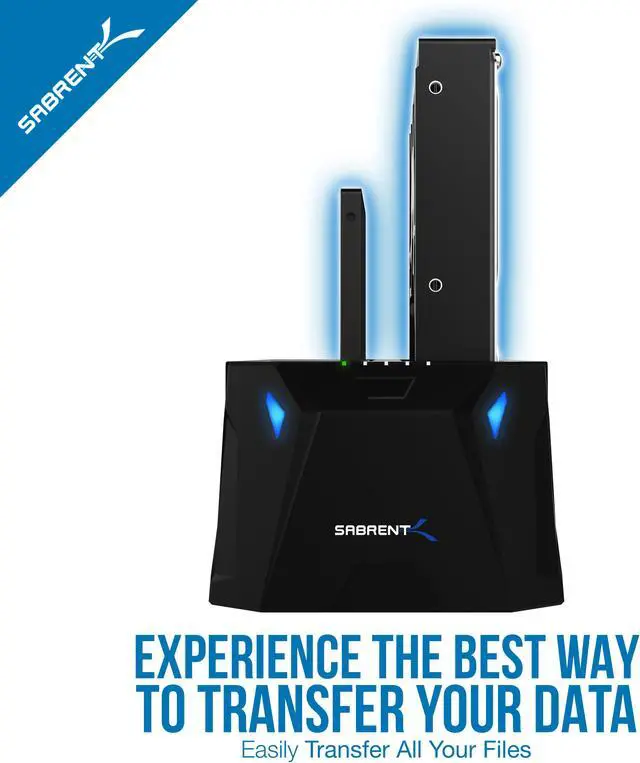
- When moving files between two bare SATA drives, connect both to the dock and use the computer to copy selected folders from one drive to the other. This is a file copy, not the dock’s offline clone; the computer and drives must remain connected during the transfer.
- For occasional access to spare SATA drives, such as checking an old archive or copying a few files, insert a drive in a bay and connect the dock to a computer instead of installing the drive internally. It is a temporary desktop connection, not a protective enclosure for transporting or permanently storing drives.
- To make a second copy of a drive without a computer, use the dock’s standalone clone function. The process copies the source drive sector by sector, so it can be slow on large drives; check the drive directions and destination capacity before starting.




 here!