here!
here!
I’m your shopping assistant for PC builds, upgrades, and everything tech.
Got questions? Ask away!
Start a conversation
here!
I’m your shopping assistant for PC builds, upgrades, and everything tech.
Got questions? Ask away!
Start a conversationShipped by Newegg
 Top Rated






Any questions? Ask CelesteSM will help you find out quickly.
Overview
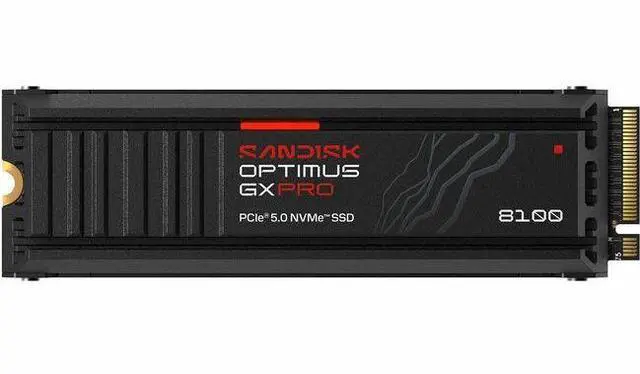
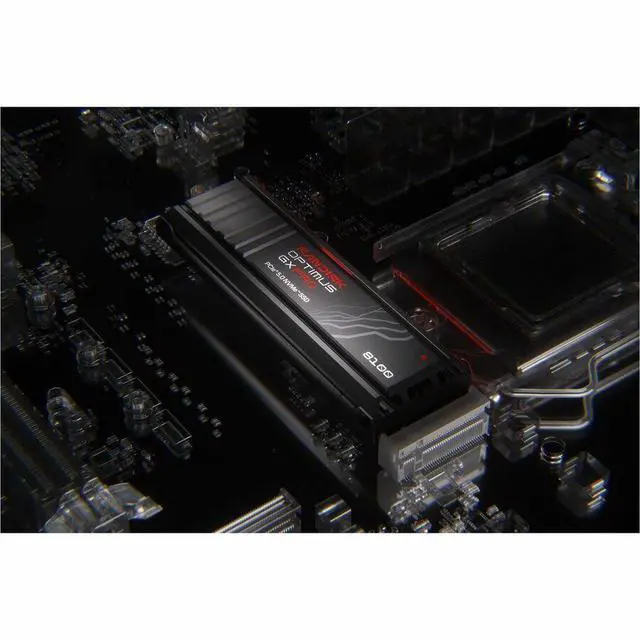
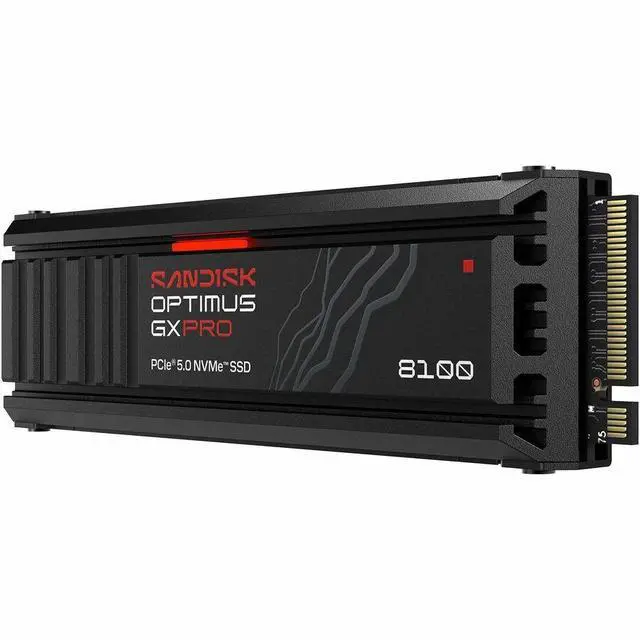
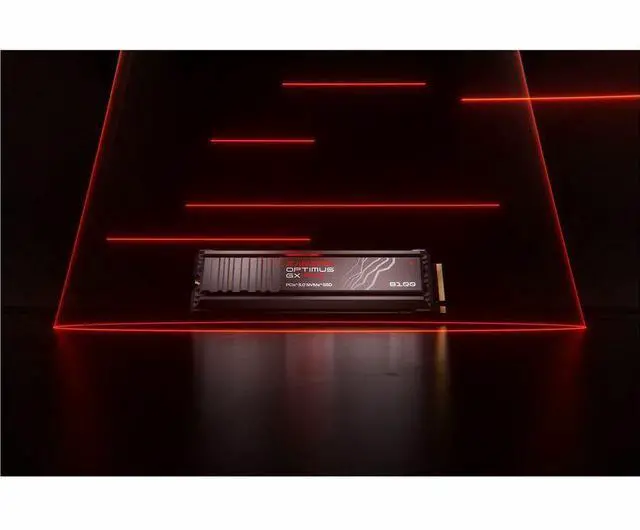
The SANDISK Optimus™ GX PRO 8100 is an 8TB internal solid state drive for gamers and professionals managing large libraries, massive projects, content creation tools, and AI-enabled video editors. Its PCIe® 5.0 x4 interface, NVMe™ 2.0 protocol, and integrated heatsink support high-performance storage in compatible systems.
Key Features
Performance
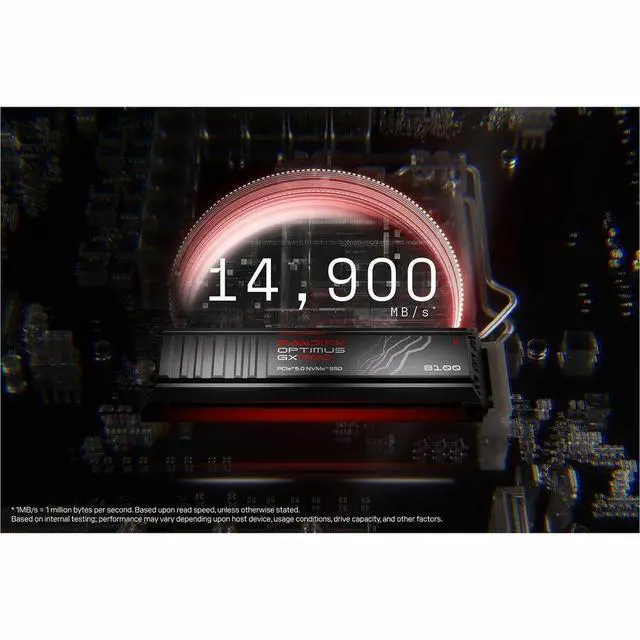
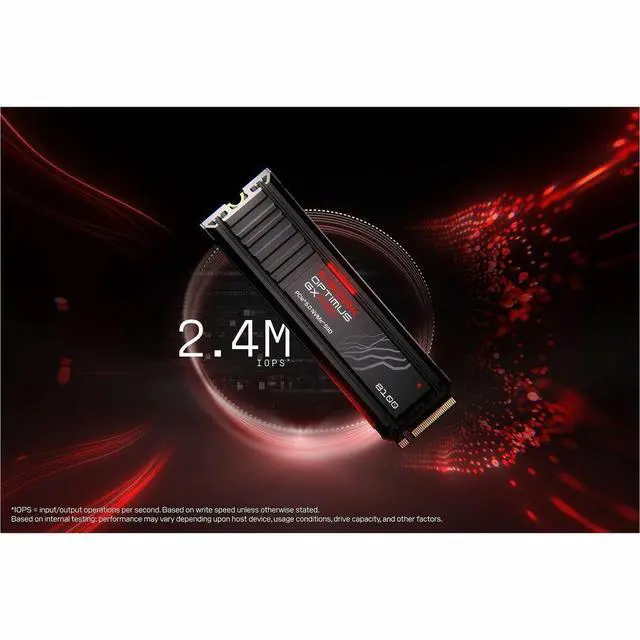
Maximum sequential performance reaches up to 14,900 MBps read and 13,200 MBps write. 4KB random performance reaches up to 2,200,000 IOPS read and 2,400,000 IOPS write. Power consumption is rated at 5 mW idle, with average active power of 7.1W for read and 7.3W for write.
Design
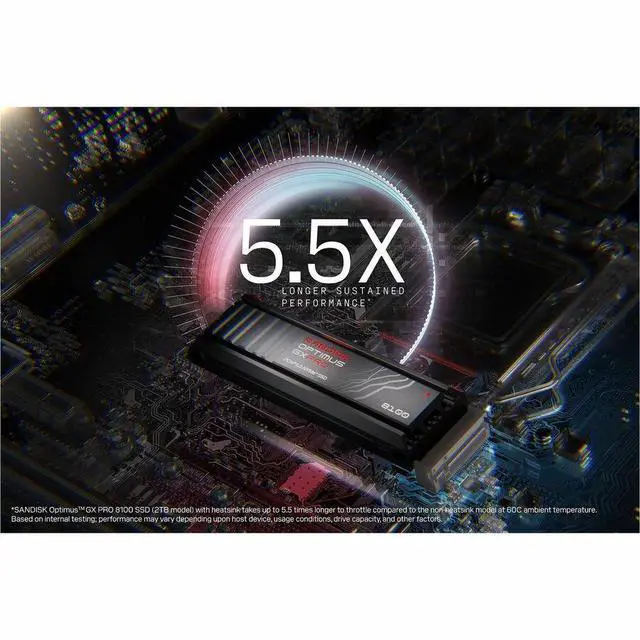
The drive uses an M.2 2280-D5-M form factor and includes a heatsink. Dimensions are 25mm wide, 80mm deep, and 11.25mm high, with a weight of 30.4g. The heatsink is made with anodized aluminum and includes an RGB LED.
Connectivity & Compatibility
The internal SSD uses a PCIe® 5.0 x4 interface and NVMe™ 2.0 protocol in an M.2 2280-D5-M form factor.
Reliability & Durability
The drive is rated for up to 4,800TBW and a 1,750,000-hour MTBF. Operating temperature is 0°C to +85°C, while storage temperature is -40°C to +85°C. Maximum shock resistance is 1,500G at 0.5 ms half-sine. Operating vibration is 5 gRMS from 10-2000 Hz across 3 axes, and non-operating vibration is 4.9 gRMS from 7-800 Hz across 3 axes.
Specifications
The SanDisk Optimus GX PRO 8100 is an 8TB PCIe 5.0 NVMe M.2 2280 SSD with a heatsink, designed for creators and professionals who need high-speed storage and room for large projects. It offers up to 14,900 MB/s sequential reads, 13,200 MB/s writes, and a 4,800 TBW endurance rating.
| Attribute | Value |
|---|---|
| Best For | High-capacity internal storage for gaming, business, or personal use in compatible desktops and laptops |
| Capacity | 8 TB |
| Interface And Form Factor | Internal M.2 2280 drive with PCIe 5.0 x4 connectivity and NVMe 2.0 protocol |
| Performance | Sequential read up to 14,900 MB/s and write up to 13,200 MB/s; 4K random read/write up to 2.2M/2.4M IOPS |
| Memory And Endurance | 3D NAND TLC flash with a 4,800 TBW endurance rating and 1,750,000-hour MTBF |
| Power And Environmental | Idle power 5 mW; average active power 7.1 W reading and 7.3 W writing. Operating temperature 0°C to 85°C; storage temperature −40°C to 85°C |
| Shock And Vibration Resistance | Shock resistance up to 1,500 G at 0.5 ms half-sine; operating vibration 5 gRMS and non-operating vibration 4.9 gRMS |
| Physical Specifications | 80 × 25 × 11.25 mm; 30.4 g; includes a heatsink |
| Model Identifiers | SanDisk Optimus GX PRO 8100, model SDSP82800TAH-000E0 |
Q: SanDisk Optimus GX Pro 8100 8TB or Samsung 9100 PRO 8TB—which should I choose?
A: Choose the Optimus GX Pro 8100 if you want an included heatsink and a reviewed 8TB PCIe 5.0 drive for sustained, demanding workloads. Choose the Samsung 9100 PRO if its slimmer, bare-drive design better fits your system or you prefer Samsung’s software and support. Their published peak sequential speeds are close; note that SanDisk’s 14,900/14,000 MB/s headline figures are specified for its 2TB and 4TB models, not the 8TB model.
Q: Is the Optimus GX Pro 8100 8TB worth upgrading to from an 8TB WD Black SN850X?
A: For a game library or everyday PC use, keep the SN850X if it already has enough space and performs well; PCIe 5.0’s higher sequential bandwidth does not by itself guarantee noticeably faster game loading. Choose the GX Pro 8100 for a new PCIe 5.0-capable build or workflows involving frequent large transfers where its higher bandwidth can be useful. Check your motherboard’s M.2 slot and cooling before upgrading.
Q: Should I buy the 4TB or 8TB Optimus GX Pro 8100?
A: Choose 8TB if you need one drive for a very large game library, media collection, or work files. Choose 4TB if that capacity is sufficient or your system needs a single-sided M.2 drive: Tom’s Hardware reports that the 8TB model is double-sided, while lower-capacity versions are single-sided. SanDisk’s published peak speed figures apply to the 2TB and 4TB models, so do not assume those exact figures for the 8TB version.
Q: How does the Optimus GX Pro 8100 compare with the WD Black SN8100?
A: They share the same high-end drive lineage and are closely related in hardware; Tom’s Hardware describes the GX Pro 8100 as the SN8100 under a new name, with the reviewed 8TB capacity as a key distinction. Choose this SanDisk version if you want the listed 8TB heatsink model. When comparing other capacities or listings, check the exact capacity, heatsink, warranty, and price rather than assuming every SKU is identical.
Q: Will this SSD work in my motherboard?
A: It requires a compatible M.2 2280 NVMe slot. A PCIe 5.0 x4 slot is needed to reach its advertised interface speeds; check the motherboard’s specifications for slot, capacity, and heatsink clearance before buying.
Q: Will the heatsink fit in my M.2 slot or enclosure?
A: Check the available clearance before installing it. This model’s heatsink version is 11.25 mm tall, and fit in a system or enclosure depends on its dimensions and layout; compatibility is not guaranteed for every enclosure.
Q: Who is this 8TB SSD best suited for?
A: It suits users who need a large internal drive for game libraries, large project files, or write-intensive creator and AI workflows. Its 8TB capacity and 4,800 TBW endurance rating are useful for substantial storage and writing needs; it may be more capacity and performance than routine office or light-use systems require.
Q: Can I use it in an external USB enclosure?
A: It is an internal M.2 NVMe SSD, so use in an external enclosure depends on the enclosure supporting the drive’s size and interface and having room for its heatsink. An external connection may also limit performance below what a PCIe 5.0 x4 slot can provide.
Q: Is this SSD worth it for a gaming PC?
A: For most gaming PCs, the 8TB capacity may be more useful than the PCIe 5.0 peak speed: Reddit discussion about this model says most gamers may not notice a difference versus a PCIe 4.0 drive. It is a better fit if you need very large storage or have workloads that benefit from faster transfers, and your system supports PCIe 5.0.
Q: Is the 8TB model worth paying a premium for?
A: It is most suitable if you specifically need 8TB in one M.2 drive. Reddit discussion about the 8TB model includes strong objections to its launch price and comparisons with cheaper storage, so the value depends on your need for capacity and the price you can find; the product’s speed alone may not justify a large premium for typical gaming.
Q: Will the heatsink version fit in my laptop or compact PC?
A: Check the device’s M.2 clearance before buying. This model includes a heatsink and is 11.25 mm high; Reddit users report that a factory heatsinked SN8100 did not fit a particular Alienware laptop’s available space. Fit depends on the device, so confirm its clearance and heatsink requirements.