• $30.99
  • Free 30-day Returns
  • Price alert
    Shop it at NeweggBusiness.

    Meet Your Seller

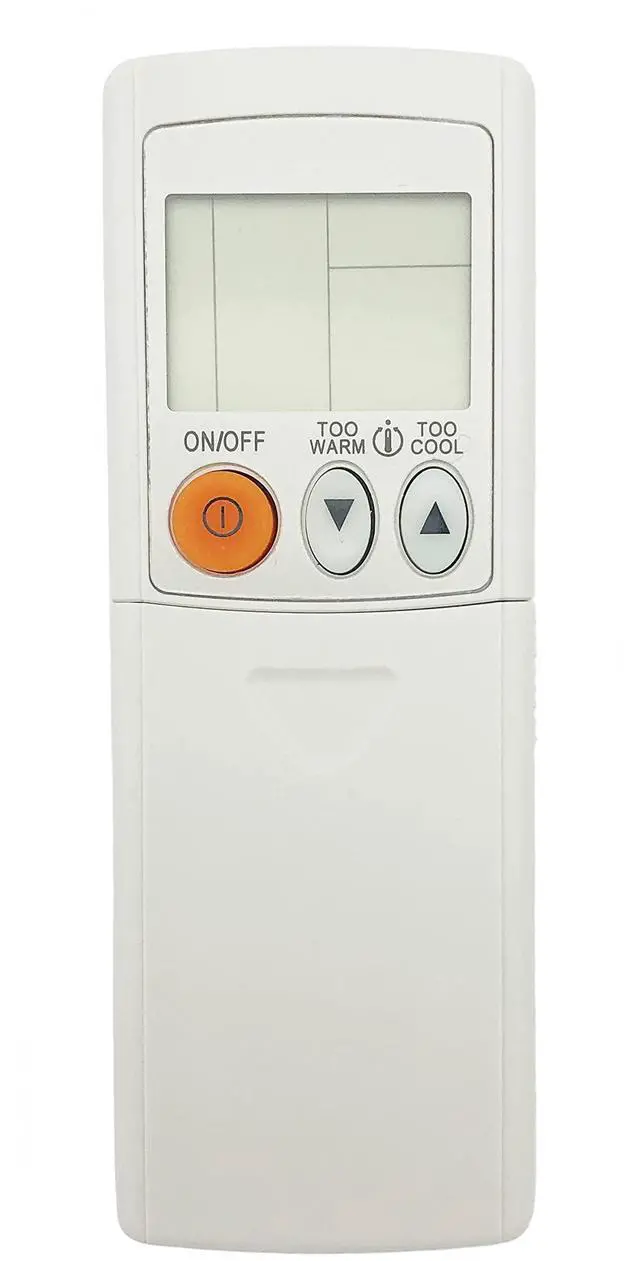
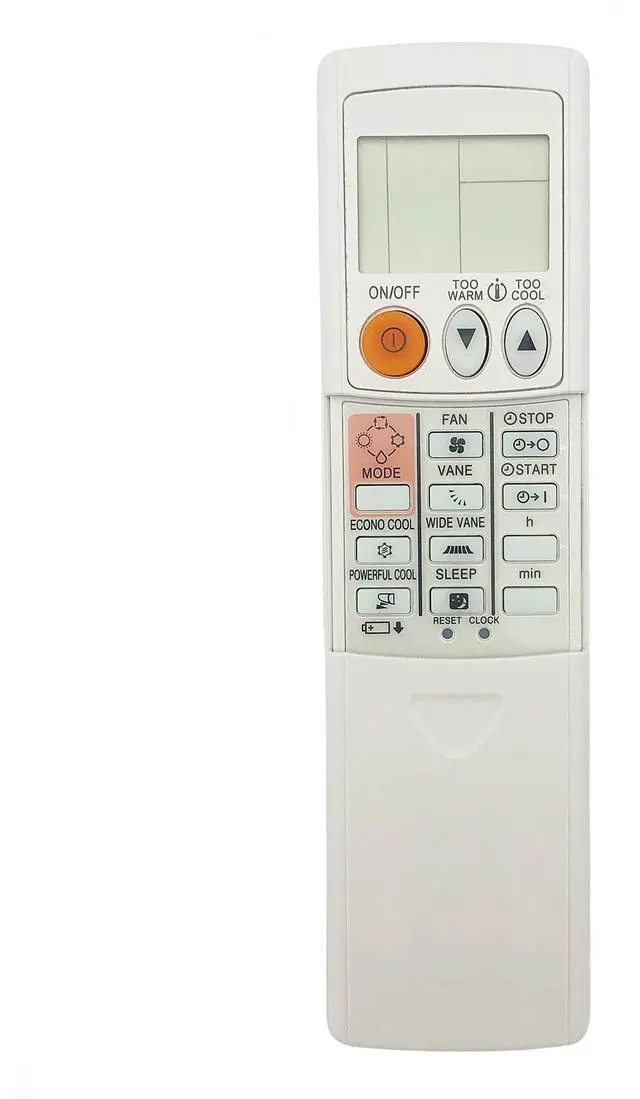
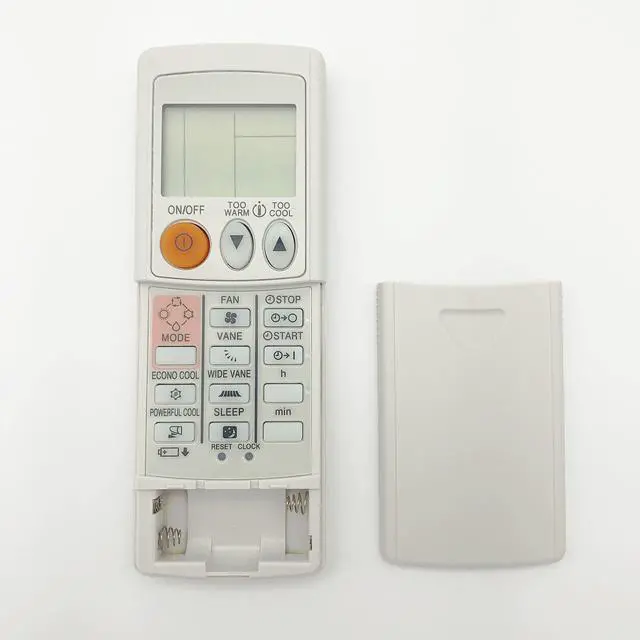
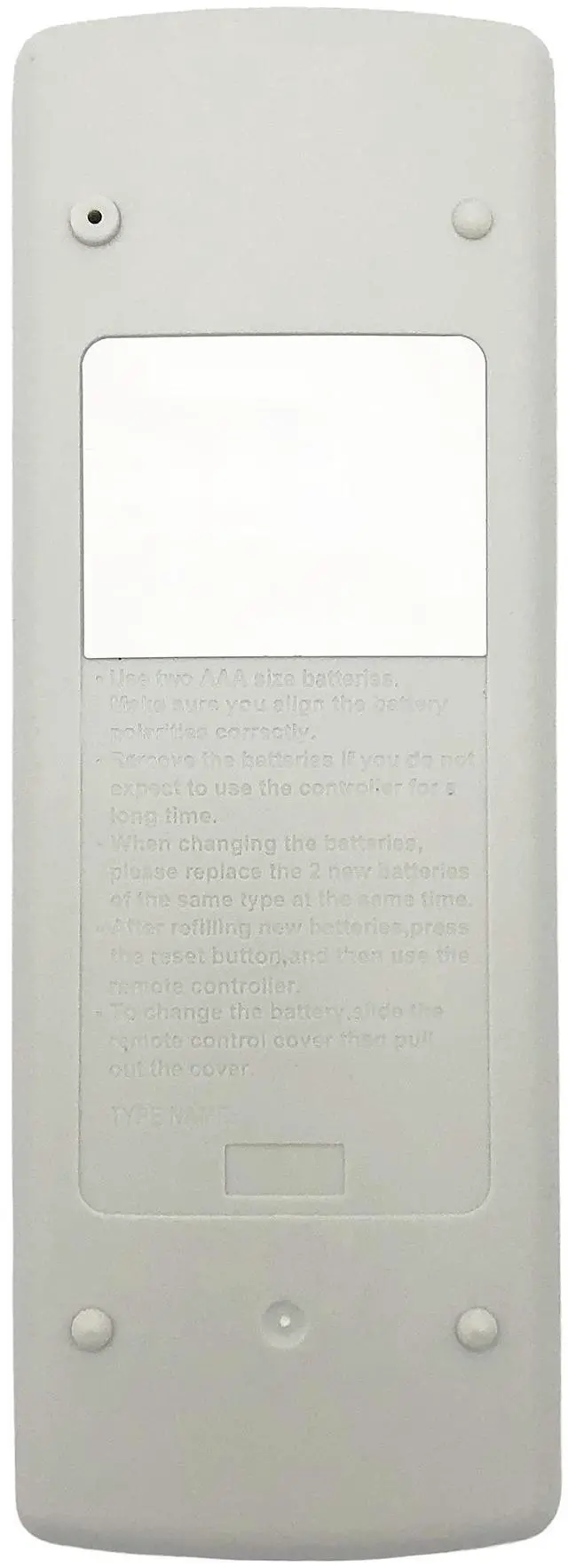
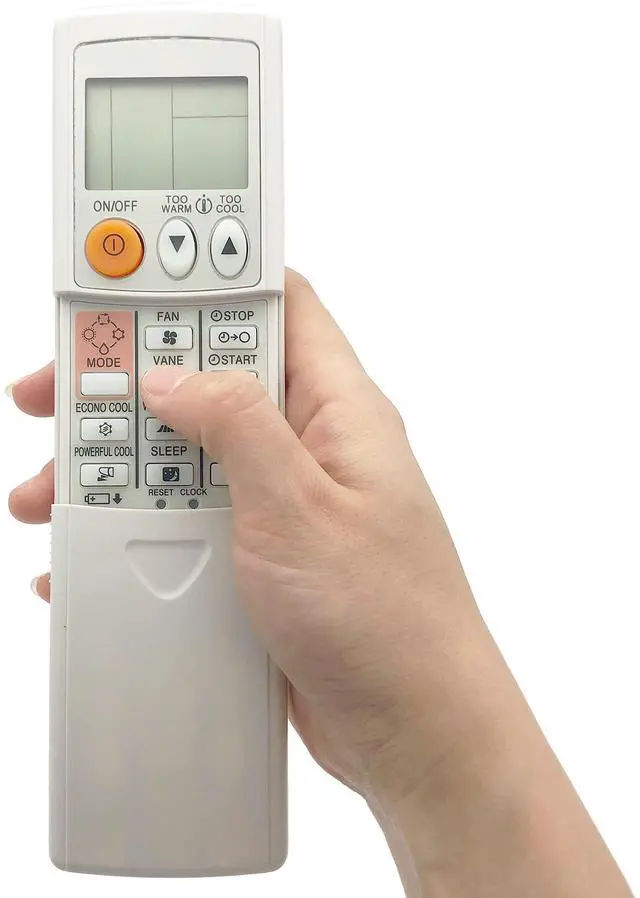
    Replacement Compatible for Mitsubishi Air Conditioner AC Universal Remote for Most Models MSZ-A12NA MSZ-GE09NA MSZ-A15NA MSZ-D30NA (Only Display in Celsius, Can't Change to Fahrenheit)

    • This is a universal air conditioner remote control for most Mitsubishi Air Conditioner AC.
    • Remote are with memory function and EP mode special for public area. Default to use directly for most models. If not, Then it just needs simple setup.
    • Work for most Mitsubishi models directly without programming. But if it can't be worked, Then just reset it follow the steps: 1, Press and hold "ON/OFF" button to start auto search for 5 seconds. 2, Release "ON/OFF" button until AC turn on or turn off. 3, When AC received the signal, press "ON/OFF" to save. If only few buttons work after setup, please try to reset it again.
    • Only Display in Celsius, Can't Change to Fahrenheit. Compatible Remote Models : MSZ-GA22VA-A1 MSY-A24NA-1 KM07J KM07K KM07L MSZ-GA22VA MSZ-GA25VA MSZ-GA35VA MSY-GE09NA MSY-GE12NA KM06F KM06G MFZ-KA25VA and more.
    • Package Included: 1 x Air Conditioner Remote Control (batteries and instructions NOT included)
    +
    +
    Overview
    Specs
    Reviews
    avatar

    Any questions? Our AI beta will help you find out quickly.

    Souldershop Universal Air Conditioner Remote Control Replacement Compatible for Mitsubishi AC Most Models (Only Display in Celsius, Can't Change to Fahrenheit)

    Compatible for most models for Mitsubishi Air Conditioner, such as:

    MSZ-D30NA MSZ-GA80VA MSZ-GA80VA-A1 MSZ-D36NA MSY-D30NA MSY-D36NA MUY-D30NA KM06A KM06B KM06C KM08A KM09B KM05A KM05B and more.

    Please Note:

    1, Remote are with memory function and EP mode special for public area. Default to use directly for most models. If not, Then it just needs simple setup.

    2, Work for most models directly without programming. But if it can't be worked, Then just reset it follow the steps:

    (1), Press and hold "ON/OFF" button to start auto search for 5 seconds.

    (2), Release "ON/OFF" button until AC turn on or turn off.

    (3), When AC received the signal, press "ON/OFF" to save.

    3, If only few buttons work after setup, please try to reset it again.

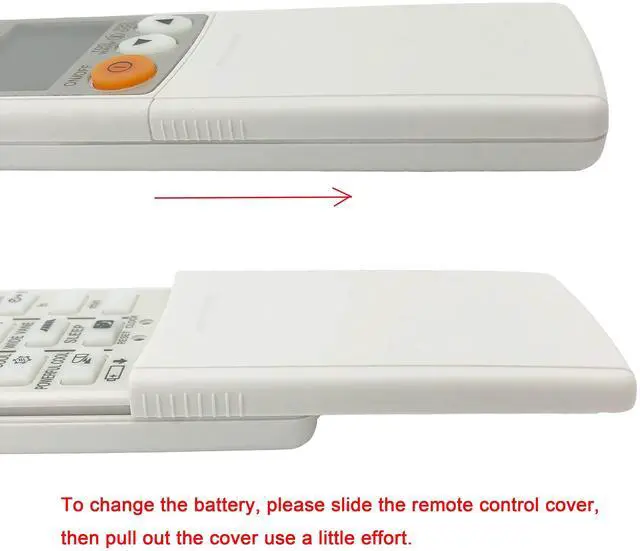
    Power Supply: 2 x 1.5V AAA batteries (Not Included)

    Package Included:

    1 x Air Conditioner Remote Control (batteries and instructions NOT included)

    Product information

    BrandSouldershop
    Special FeatureUniversal
    Colorwhite
    Max Number of Supported Devices1
    Compatible DevicesAir Conditioner
    Product Dimensions6.42 x 2.32 x 0.79 inches
    Item Weight3.84 ounces
    Item model number533e55d9-96d1-47ee-b9da-051db184aa04
    Date First AvailableNovember 1, 2021
    ManufacturerSouldershop

    Warranty & Returns

    Warranty, Returns, And Additional Information

    Warranty

    • Please contact the Seller directly for warranty information. Warranty information may also be found on the Manufacturer's website.
    • CONTACT

    Return Policies

    Manufacturer Contact Info

    LOADING...