
















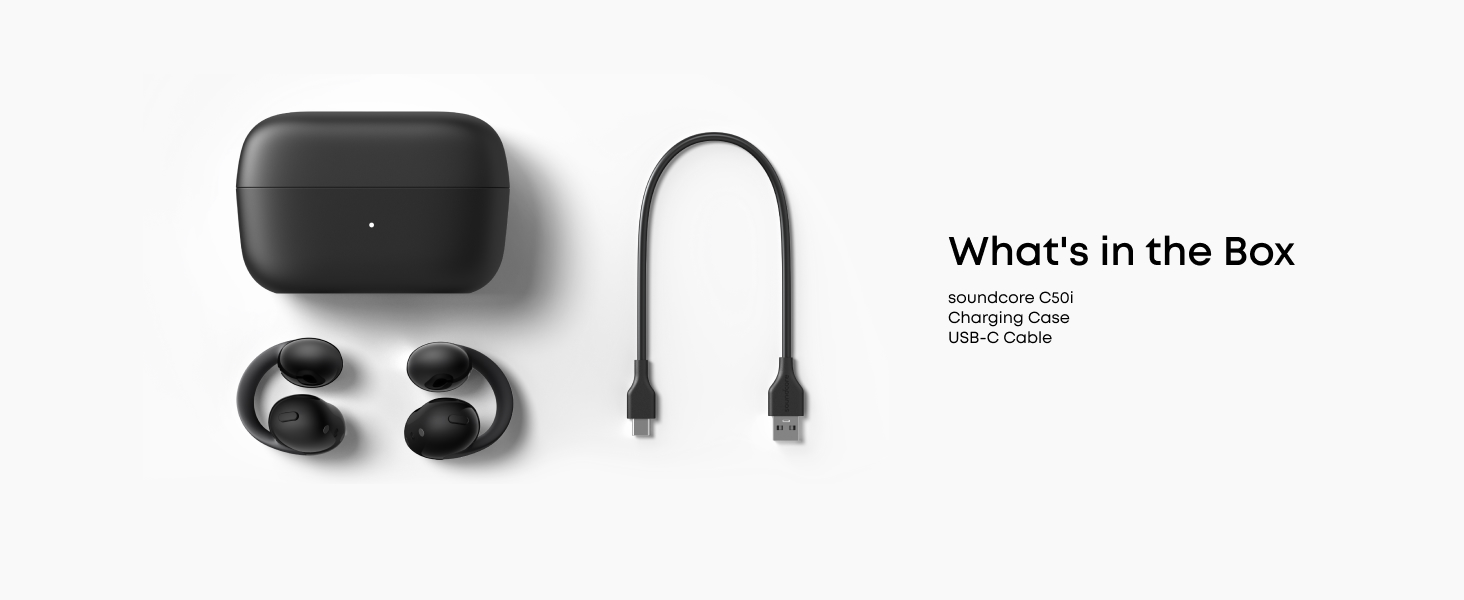
How do I connect soundcore C50i via Bluetooth?
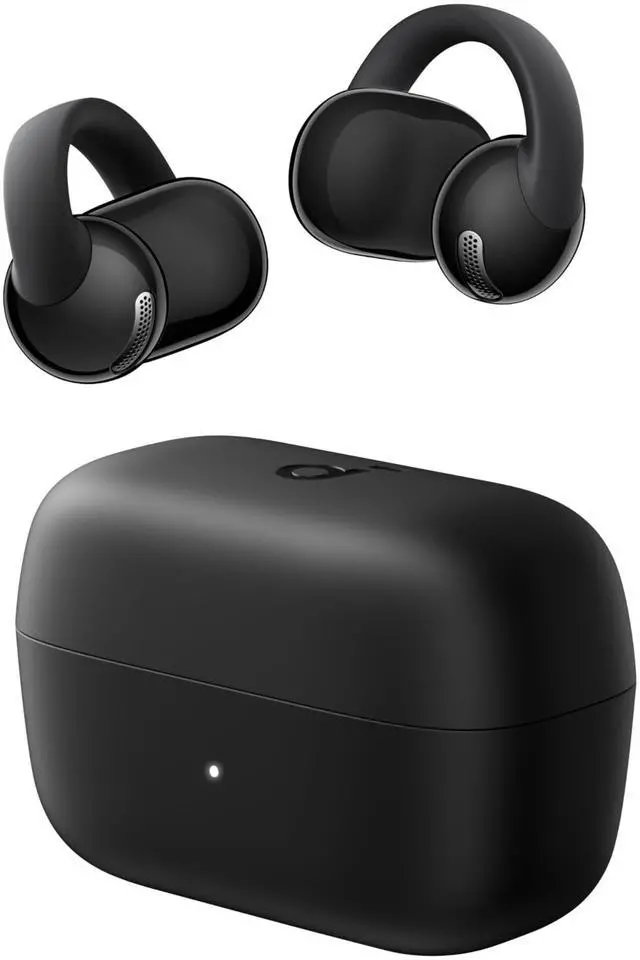
Open the charging case, remove the protective film, then place the earbuds back into the case. The next time you remove the earbuds, they will enter pairing mode by default. You will hear a tone to indicate they are in pairing mode.
How do I connect soundcore C50i to the soundcore app for the first time?
If you don't have the app:
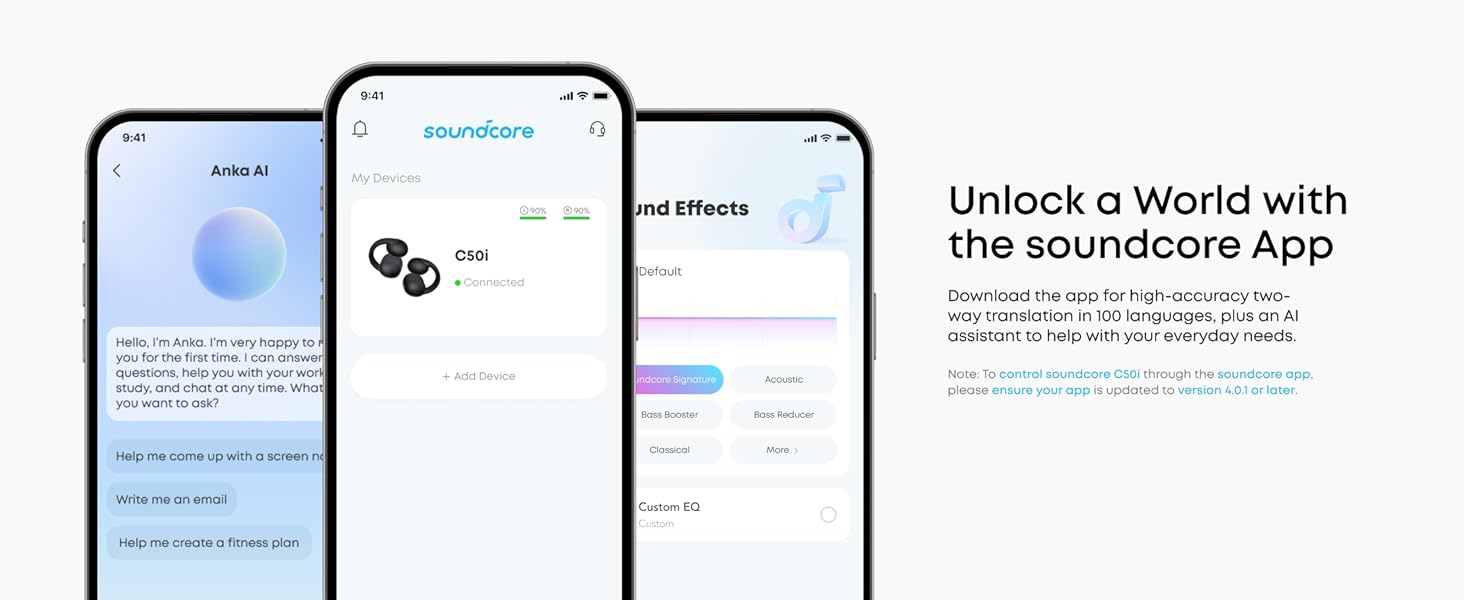
Get the soundcore app (min. v4.0.1) from App Store/Google Play, open > "Add Device" > choose "soundcore C50i."
If you have the app:
Uninstall and reinstall the app (min. v4.0.1), open > "Add Device" > "soundcore C50i."
How do I adjust the volume on soundcore C50i?
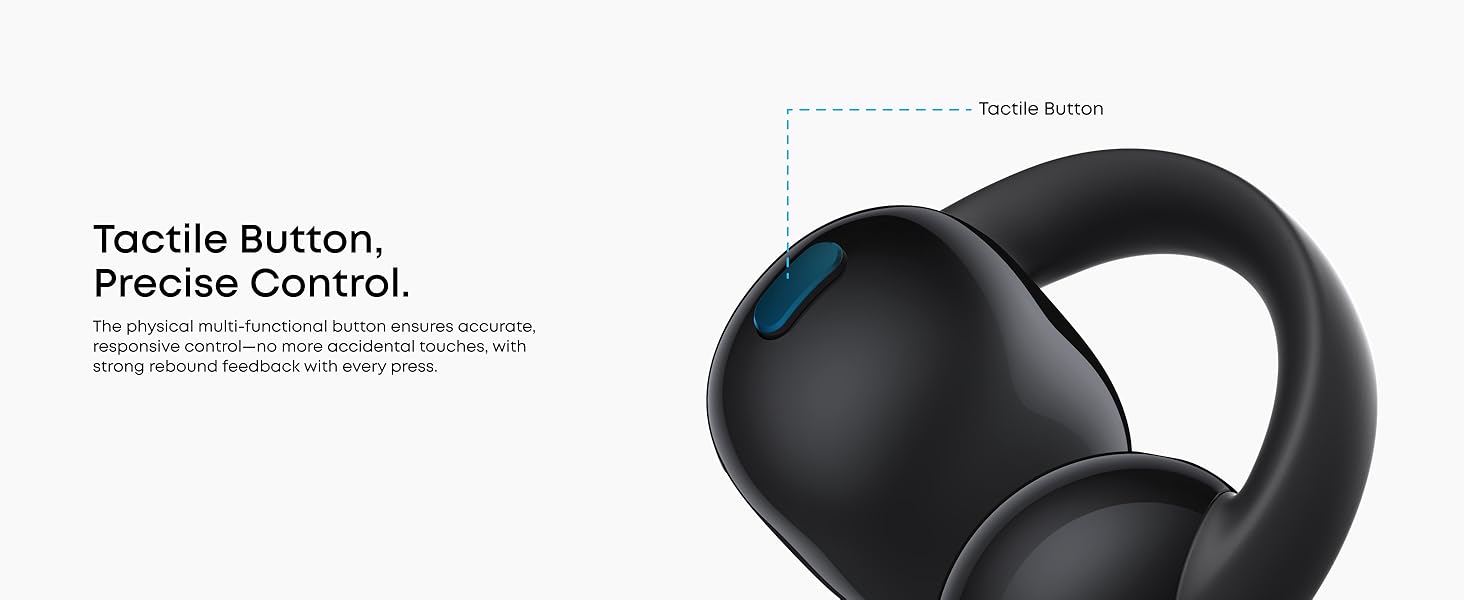
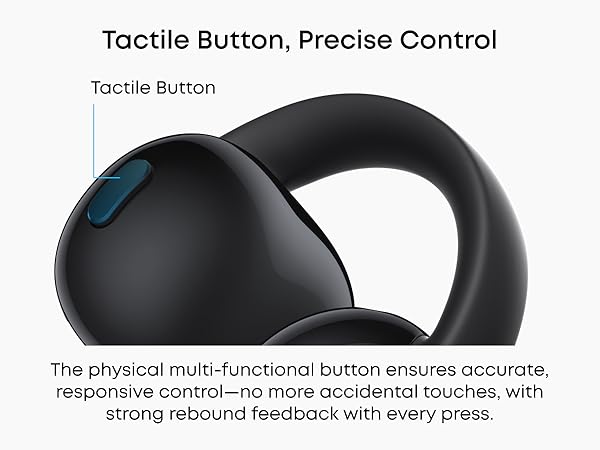
Vol. Up: Hold R button for 2+ sec; volume increases until released (prompt tones indicate changes.)
Vol. Down: Hold L button for 2+ sec; volume decreases until released.
Note: Customizable in the soundcore app.
How do I use dual connection with soundcore C50i?
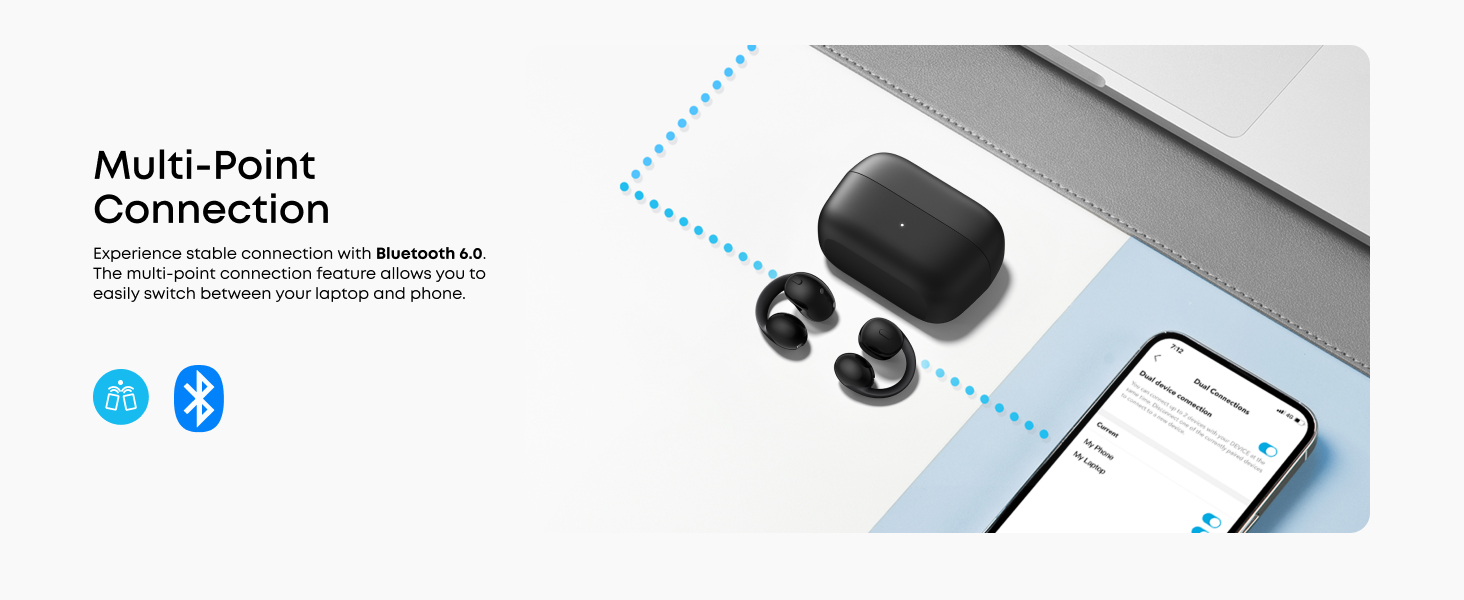
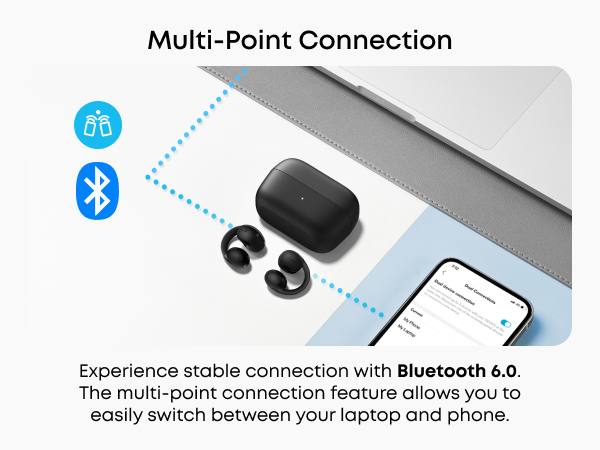
After connecting the first device, hold both L and R buttons simultaneously for 3 seconds until you hear the pairing tone. The earbuds will then be discoverable via Bluetooth. Select "soundcore C50i" from the Bluetooth device list to connect.
If C50i malfunctions, how do I reset it?
Step 1: Remove the earbuds from the charging case and simultaneously press and hold the L and R buttons for 6 sec until the earbuds power off.
Step 2: Hold the L and R buttons for 10 sec until you hear the second power-on tone.







How do I connect soundcore C50i via Bluetooth?
Open the charging case, remove the protective film, then place the earbuds back into the case. The next time you remove the earbuds, they will enter pairing mode by default. You will hear a tone to indicate they are in pairing mode.
How do I connect soundcore C50i to the soundcore app for the first time?
If you don't have the app:
Get the soundcore app (min. v4.0.1) from App Store/Google Play, open > "Add Device" > choose "soundcore C50i."
If you have the app:
Uninstall and reinstall the app (min. v4.0.1), open > "Add Device" > "soundcore C50i."
How do I adjust the volume on soundcore C50i?
Vol. Up: Hold R button for 2+ sec; volume increases until released (prompt tones indicate changes.)
Vol. Down: Hold L button for 2+ sec; volume decreases until released.
Note: Customizable in the soundcore app.
How do I use dual connection with soundcore C50i?
After connecting the first device, hold both L and R buttons simultaneously for 3 seconds until you hear the pairing tone. The earbuds will then be discoverable via Bluetooth. Select "soundcore C50i" from the Bluetooth device list to connect.
If C50i malfunctions, how do I reset it?
Step 1: Remove the earbuds from the charging case and simultaneously press and hold the L and R buttons for 6 sec until the earbuds power off.
Step 2: Hold the L and R buttons for 10 sec until you hear the second power-on tone.