Replacement FireStick Remote for All Fire Smart TV, TV Cube(1st/2nd/3rd Gen), Stick 4K Max/4K (1st/2nd Gen), Stick (2nd/3rd Gen/Lite/HD), Smart TV 3rd Gen, for Insignia-Pioneer-TCL Series TVs
Limited time offer, ends 07/06 By SiMoPiJuXiangBaoShangDian
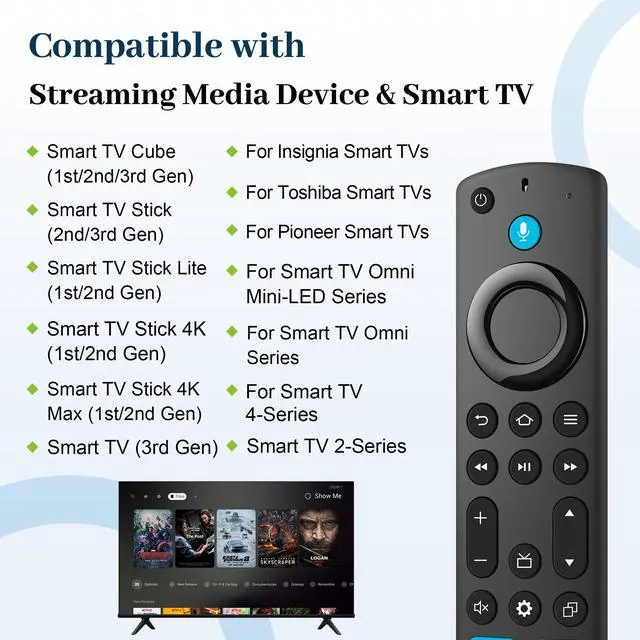
Not Compatible: Before placing an order, please make sure your device model is fit our remote, This remote control can not compatible with Smart TVs 1st Gen, Smart TVs 2nd Gen, Smart TVs Stick (1st Gen), or Smart TVs Edition smart TVs, If your product is not working or unsure if it is compatible, please send message to us, we will give you the best solution in the end .
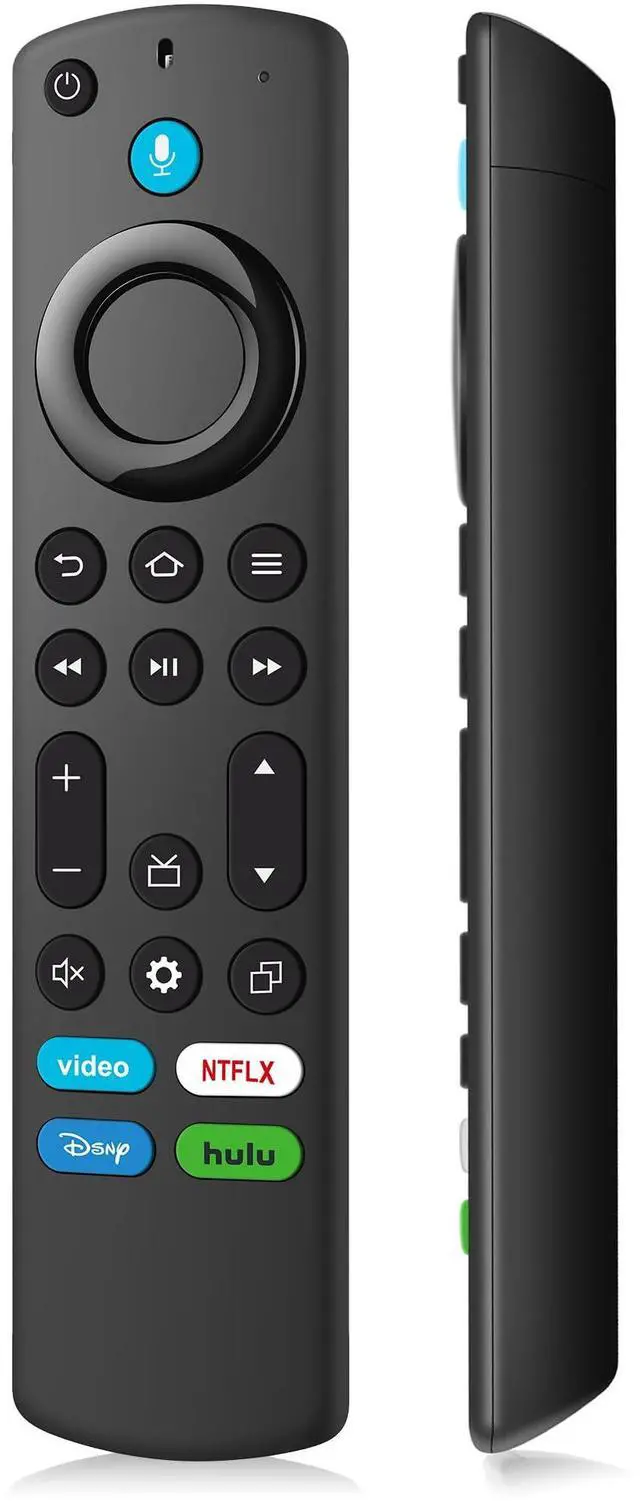
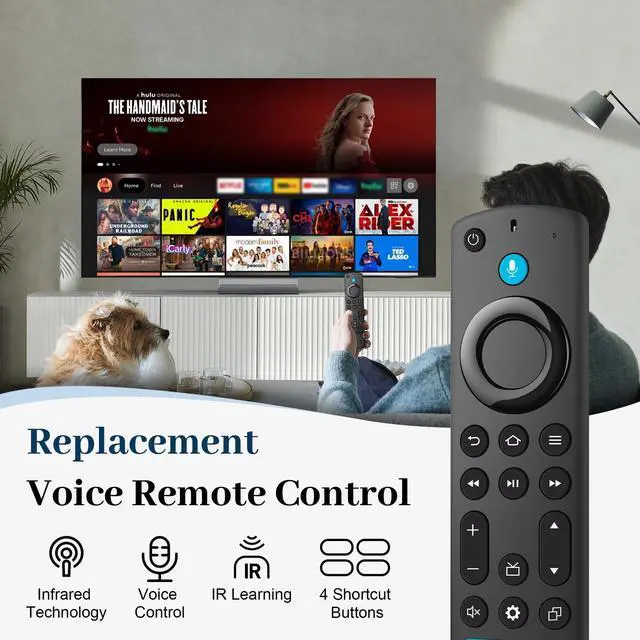
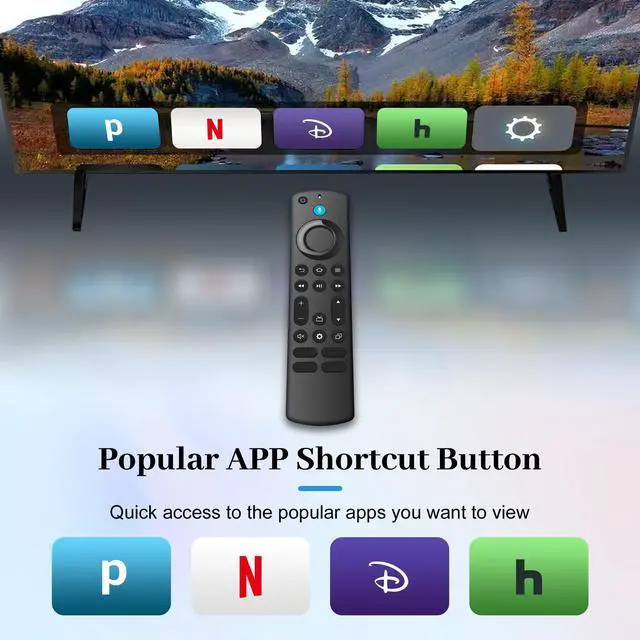
4 ONE-TOUCH SHORTCUTS: Our advanced smart remote transforms your viewing experience with four dedicated shortcut buttons, providing instant one-click access to your favorite content so you can spend less time searching and more time enjoying entertainment
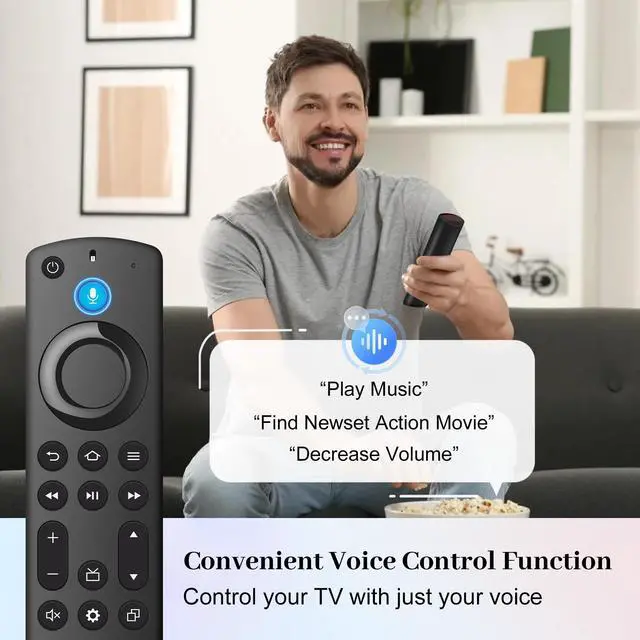
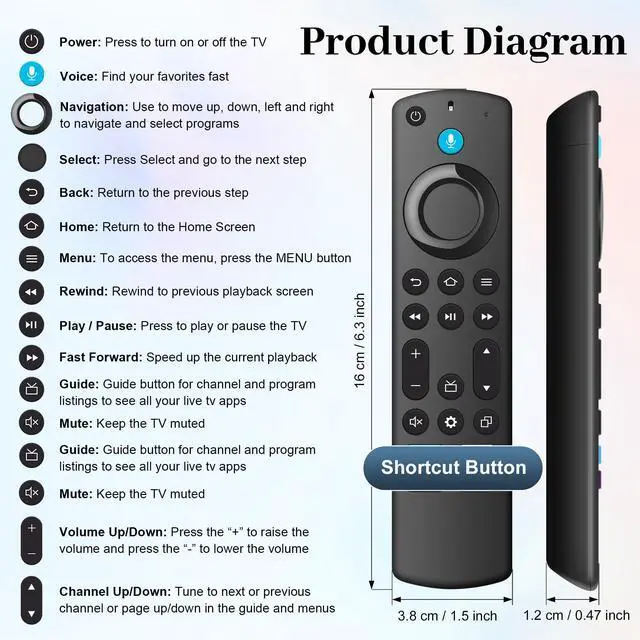
Voice Function: The remote control has voice search. Just press and hold the voice button can quickly find your favorite content, with the voice function, you can control content or switch to cable tv as you want, which is convenient and efficient
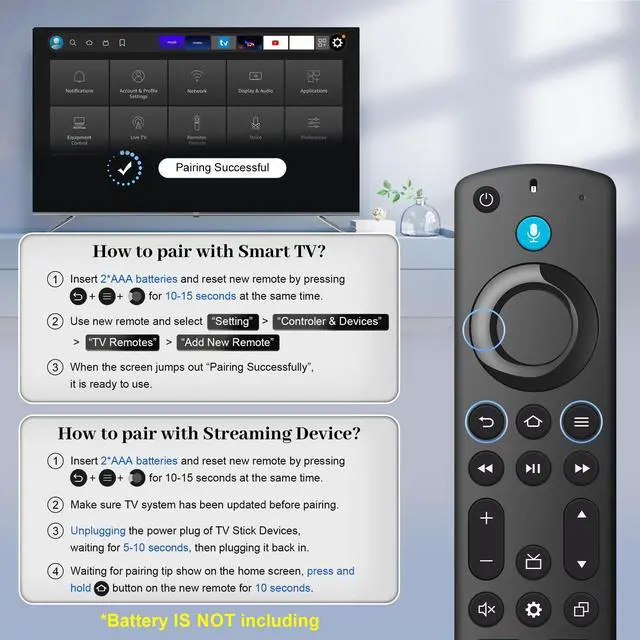
Attention: Please make sure your old remote's batteries are removed before pair, if the old remote is still pairing, the new one can not be used. If you have any question about the remote control use, feel free to contact us, we will try our best to help you
+
+
Overview
Specs
Reviews
Any questions? Our AI beta will help you find out quickly.
Try me now
Replacement FireStick Remote for All Fire Smart TV, TV Cube(1st/2nd/3rd Gen), Stick 4K Max/4K (1st/2nd Gen), Stick (2nd/3rd Gen/Lite/HD), Smart TV 3rd Gen, for Insignia-Pioneer-TCL Series TVs