




 here!
here!
I’m your shopping assistant for PC builds, upgrades, and everything tech.
Got questions? Ask away!
Start a conversation
here!
I’m your shopping assistant for PC builds, upgrades, and everything tech.
Got questions? Ask away!
Start a conversation



Any questions? Ask CelesteSM will help you find out quickly.
Features:
1. Music Sync Mode
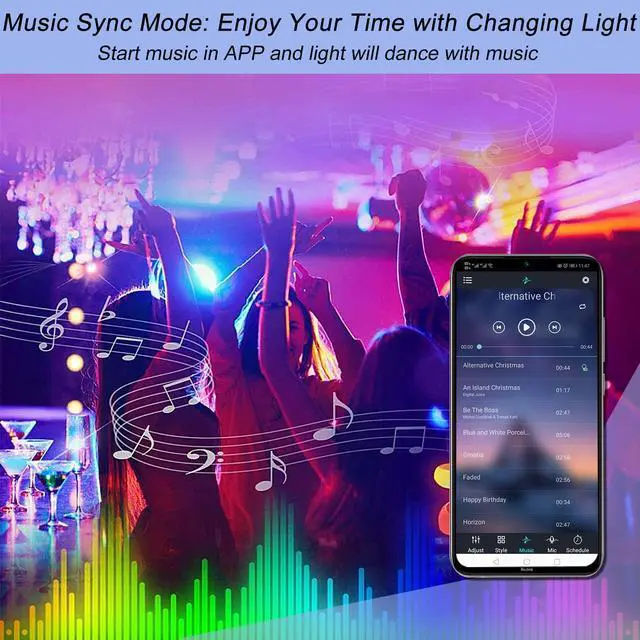
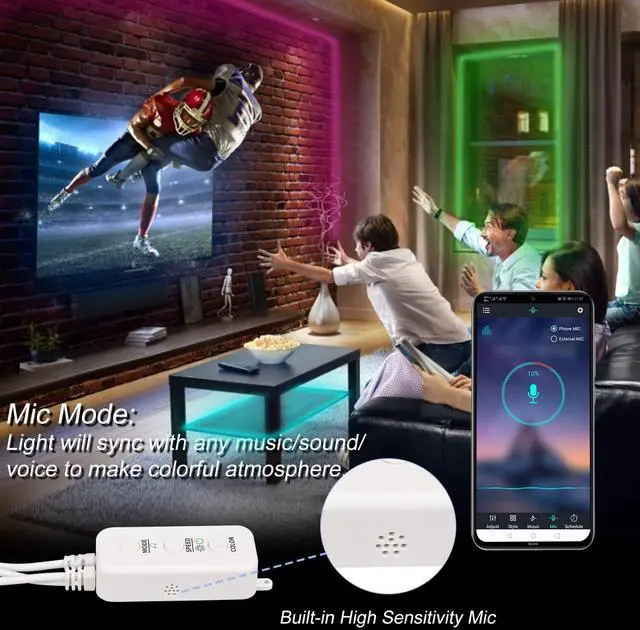
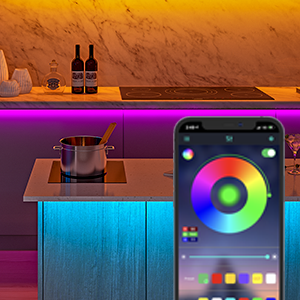
With Built-in Sensitive Mic, the led lights will sync with music under the music mode. When used with APP, the led lights can also sync with the music in your phone or through the mic of your phone.
2. APP control
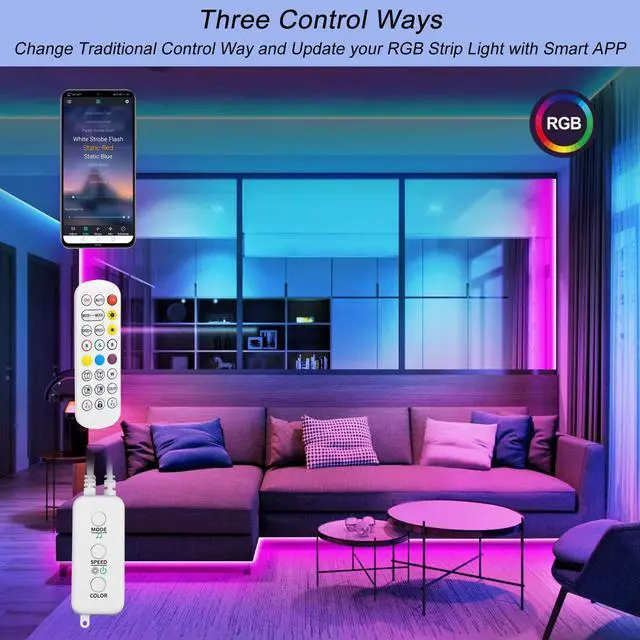
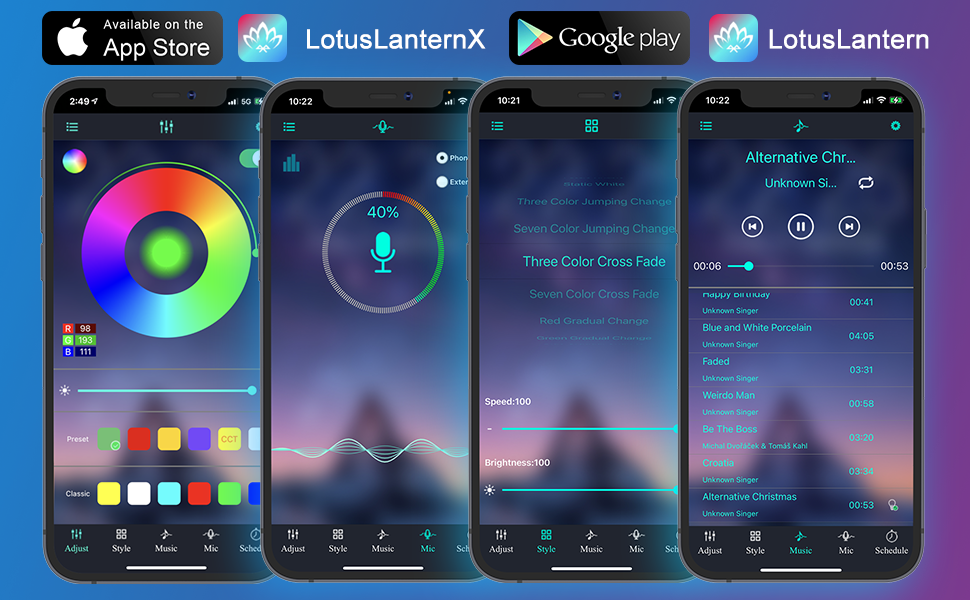
Connecting to APP through bluetooth, unlimited colors could be set. Multipe color changing modes could be set.
NOTE: APP name is not exactly the same between Apple APP Store and Google Play Store:
Apple APP Store: "LotusLanternX"
Google Play Store: "Lotus Lantern"
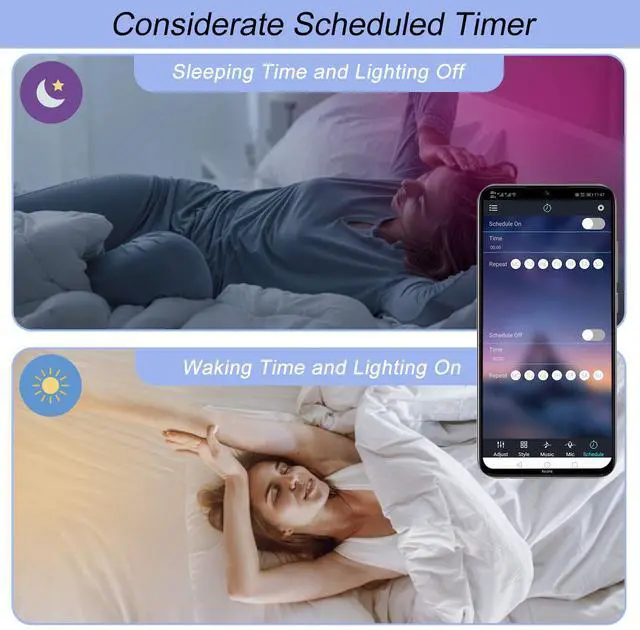
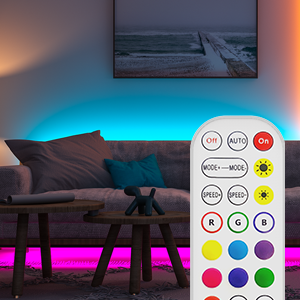
3. Schedule on/off through remote control or APP, you can set time to schedule your led strip to be on and off.
Use tips:
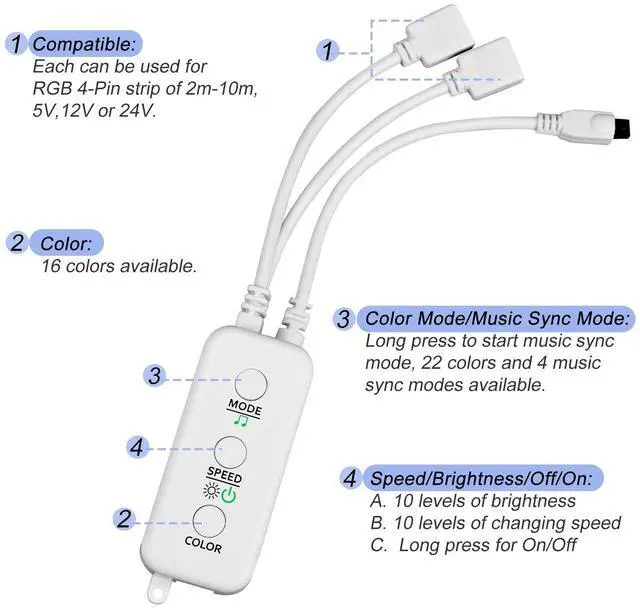
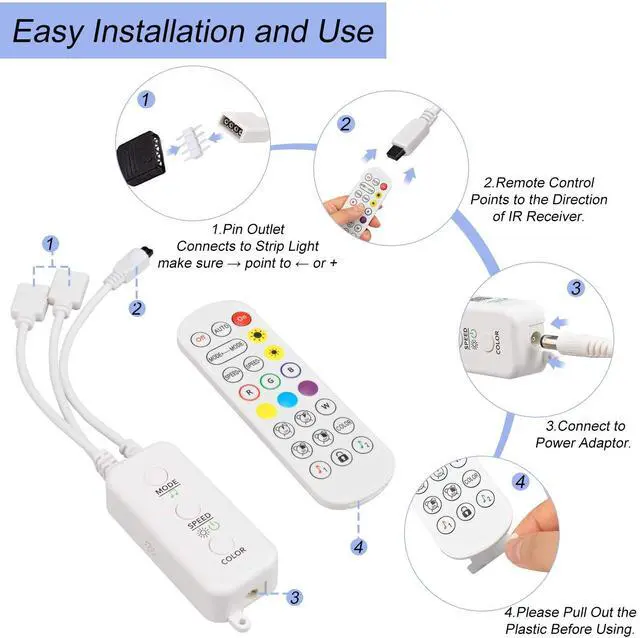
1. Make sure the “?”on the led controller end is at the same side with the“+12V”of your led strip.
2. Remote use: Please pull out the transparent plastic plate before use.
Note:
1. This led controller set is for 12V led strip. If your led strip is 24V, please go to this item: B0B3LGT6MG.
2. This led controller set is designed for 4-pin RGB led light strip, NOT compatible with 2-pin/3-pin/5-pin led strip, and NOT compatible with rgbw, rgbww, rgbic led strip.
3.Not compatible with Govee light strips and Philips hue.
PACKAGE CONTENTS:
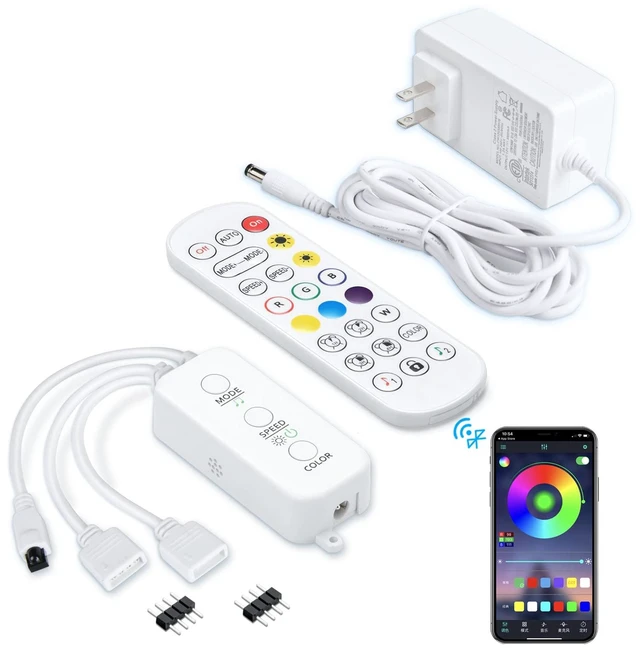
----1 * led controller box
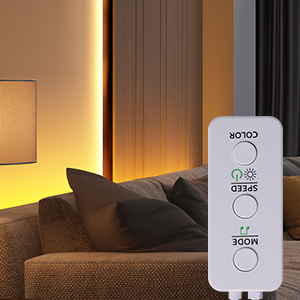
----1 * IR remote
----2 * 4-Pin male header
----1 * Adhesive tape for controller box
----1 * User Manual
----1 * 12V power supply
Below are some common problems that may occur when using our led strip controller. Please try the steps to solve the problems. Please let us know if the problem could not be solved by the troubleshooting steps.
Step 1: Make sure the arrow mark “?”on the connector of the led controller is at the same side with the“+5V/12V/24V” mark of your led strip.
Step 2: Check the voltage of your power adapter. Make sure the voltage of your power adapter is the same with your led light strip. For example, If your led strip is marked ”+24V”, please use a”+24V” power adapter.
Step 1: Press the button on the controller box or using the remote to check whether the controller box is working properly or not.
Step 2: If it works, then make sure you are using the correct APP. The correct APP is named ”Lotus Lantern” on Google Playstore and "LotusLanternX" in Apple APP Store.
Step 1: Press your remote the button”R”, “G” and “B”one by one to see which color is not correct.
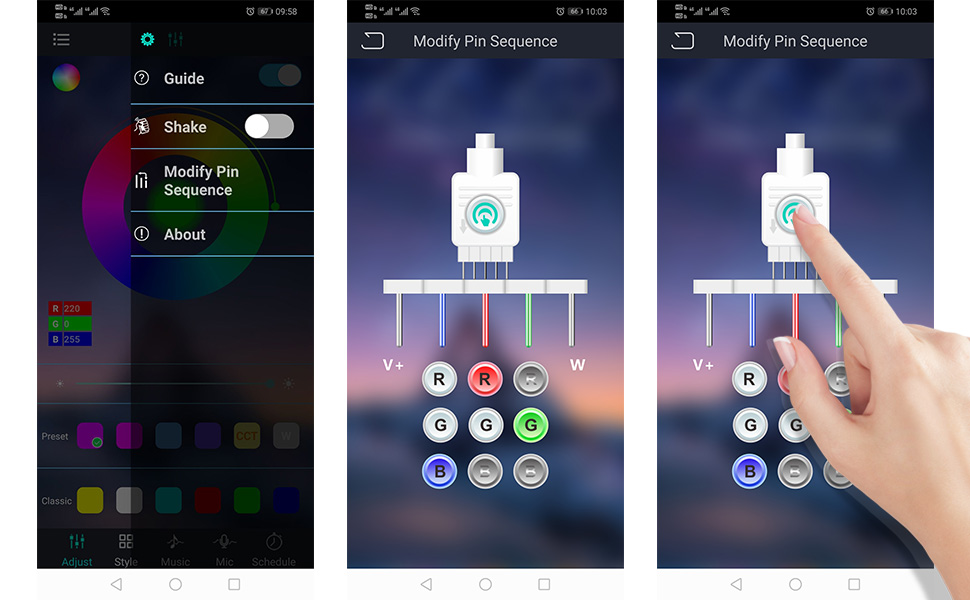
Step 2: Check the pin sequence of your led strip. The very possible cause of this issue is due to the pin-sequence difference between led strip and led controller box.
Step 3: Adjust the pin sequence of our controller box in the APP. Follow the above steps to adjust pin sequence.
Features:
1. Music Sync Mode
With Built-in Sensitive Mic, the led lights will sync with music under the music mode. When used with APP, the led lights can also sync with the music in your phone or through the mic of your phone.
2. APP control
Connecting to APP through bluetooth, unlimited colors could be set. Multipe color changing modes could be set.
NOTE: APP name is not exactly the same between Apple APP Store and Google Play Store:
Apple APP Store: "LotusLanternX"
Google Play Store: "Lotus Lantern"
3. Schedule on/off through remote control or APP, you can set time to schedule your led strip to be on and off.
Use tips:
1. Make sure the “?”on the led controller end is at the same side with the“+12V”of your led strip.
2. Remote use: Please pull out the transparent plastic plate before use.
Note:
1. This led controller set is for 12V led strip. If your led strip is 24V, please go to this item: B0B3LGT6MG.
2. This led controller set is designed for 4-pin RGB led light strip, NOT compatible with 2-pin/3-pin/5-pin led strip, and NOT compatible with rgbw, rgbww, rgbic led strip.
3.Not compatible with Govee light strips and Philips hue.
PACKAGE CONTENTS:
----1 * led controller box
----1 * IR remote
----2 * 4-Pin male header
----1 * Adhesive tape for controller box
----1 * User Manual
----1 * 12V power supply
Below are some common problems that may occur when using our led strip controller. Please try the steps to solve the problems. Please let us know if the problem could not be solved by the troubleshooting steps.
Step 1: Make sure the arrow mark “?”on the connector of the led controller is at the same side with the“+5V/12V/24V” mark of your led strip.
Step 2: Check the voltage of your power adapter. Make sure the voltage of your power adapter is the same with your led light strip. For example, If your led strip is marked ”+24V”, please use a”+24V” power adapter.
Step 1: Press the button on the controller box or using the remote to check whether the controller box is working properly or not.
Step 2: If it works, then make sure you are using the correct APP. The correct APP is named ”Lotus Lantern” on Google Playstore and "LotusLanternX" in Apple APP Store.
Step 1: Press your remote the button”R”, “G” and “B”one by one to see which color is not correct.
Step 2: Check the pin sequence of your led strip. The very possible cause of this issue is due to the pin-sequence difference between led strip and led controller box.
Step 3: Adjust the pin sequence of our controller box in the APP. Follow the above steps to adjust pin sequence.



