








How do I check low battery?
Flashing red light = low power, please charge it.
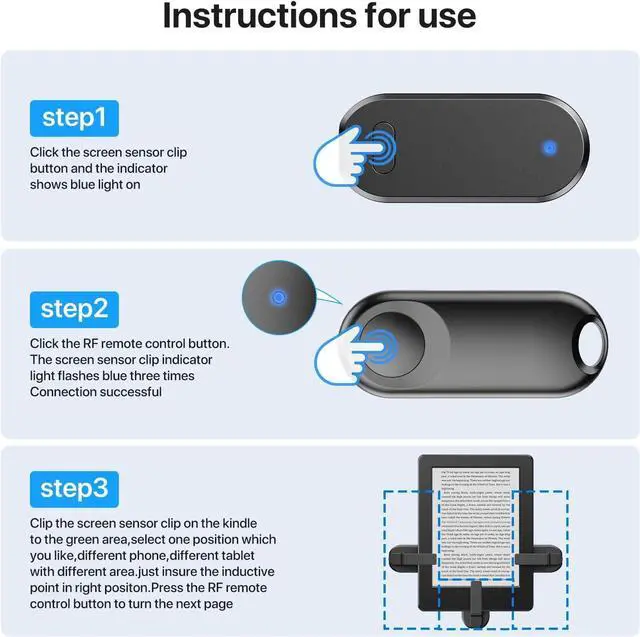
Clip covers text on my Kindle?
1. To adjust the position of the clip
2. To adjust margins & font
(1) Tap screen ? tap "Aa"
(2) Go to Layout ? choose margin (Narrow / Medium / Wide)
(3) Go to Font ? adjust size with slider
Remote stops working suddenly?
It auto-sleeps after 30 mins. Turn it on and re-pair.
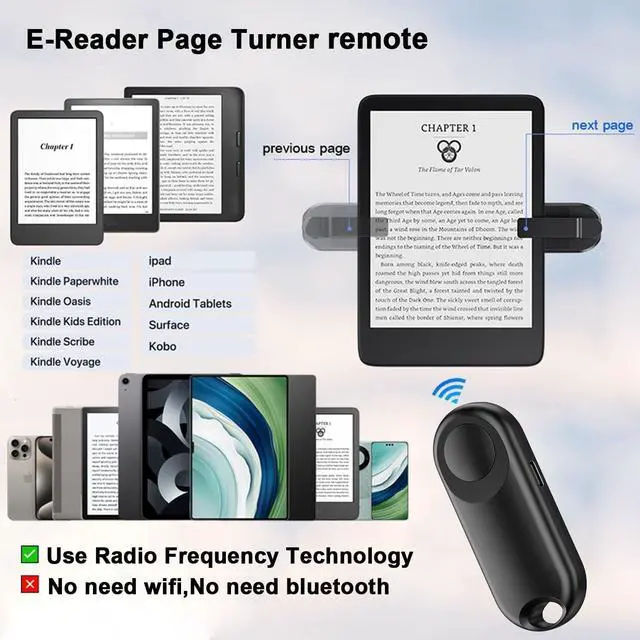
How to turn pages forward/backward?
Clip on the right ? next page
Clip on the left ? previous page
Can’t do both at once.
Unstable page-turning connection?
Re-pair the remote and clip, stay within signal range(10m).

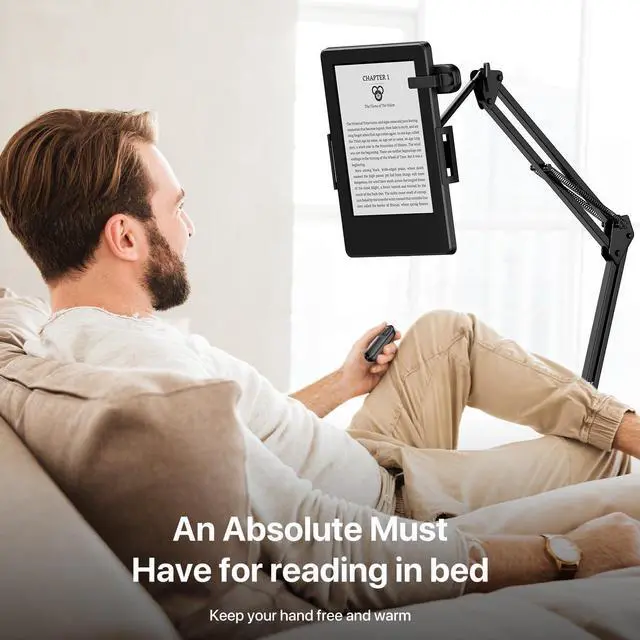
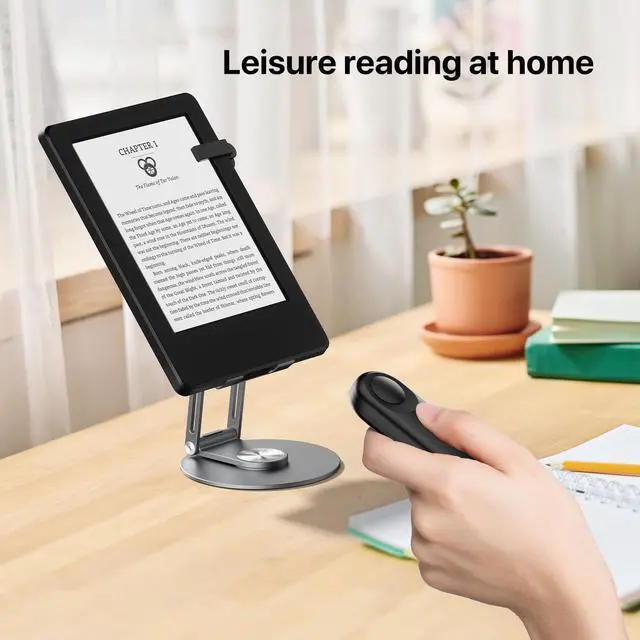
Free Your Hands
- Your E-Book reading assistant

Born for the Purity of Reading
- The story of Sycelu began with the simple desire of an immersive reading enthusiast: How could turning a page become as natural as the flow of thought, as effortless as breathing?
- So, for Kindle users, we created a page turner that practically becomes a part of your body. It's not about showmanship, but about disappearing into the experience of becoming one with the story.
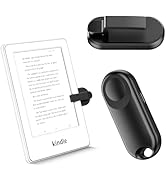


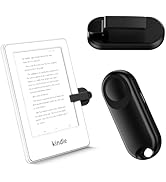
Page Turner for Kindle




How do I check low battery?
Flashing red light = low power, please charge it.
Clip covers text on my Kindle?
1. To adjust the position of the clip
2. To adjust margins & font
(1) Tap screen ? tap "Aa"
(2) Go to Layout ? choose margin (Narrow / Medium / Wide)
(3) Go to Font ? adjust size with slider
Remote stops working suddenly?
It auto-sleeps after 30 mins. Turn it on and re-pair.
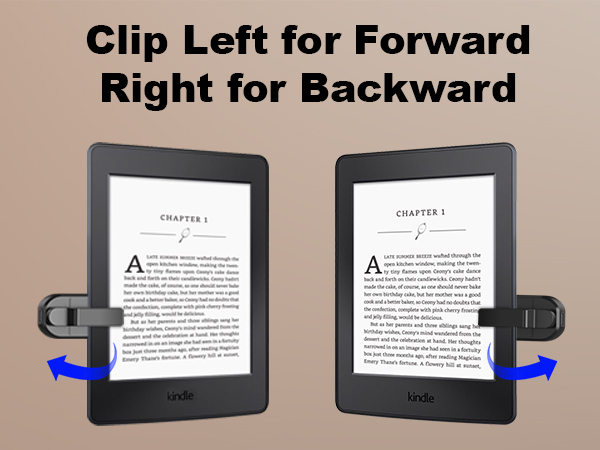
How to turn pages forward/backward?
Clip on the right ? next page
Clip on the left ? previous page
Can’t do both at once.
Unstable page-turning connection?
Re-pair the remote and clip, stay within signal range(10m).
Free Your Hands
- Your E-Book reading assistant
Born for the Purity of Reading
- The story of Sycelu began with the simple desire of an immersive reading enthusiast: How could turning a page become as natural as the flow of thought, as effortless as breathing?
- So, for Kindle users, we created a page turner that practically becomes a part of your body. It's not about showmanship, but about disappearing into the experience of becoming one with the story.
Page Turner for Kindle